
Rainy Bus Stop Memory
A comprehensive storyboard-style prompt for Seedance 2.0 creating a realistic, nostalgic scene of a young woman at a bus stop in the rain.

- Prompt included
- Model and format preset
- Free template
The prompt behind this video
Copy the exact prompt behind Rainy Bus Stop Memory, or open it in the studio and make it yours.
Main Subject Young Chinese woman, early 20s. Natural appearance. Black wavy hair loosely tied back. Slightly damp bangs. Light grey hoodie over a faded white tank top. Blue jeans. Black canvas sneakers. Consistent identity throughout. Location Small Chinese town during a light summer rain. Simple bus shelter. Wet pavement. Trees lining the road. Utility poles. Apartment buildings in the distance. Occasional scooters. Humid atmosphere. Puddles reflecting the sky. No commercial focus. Visual Style Ultra-realistic observational footage. Feels like a friend casually recording while waiting together. High image quality. Natural color reproduction. Realistic skin detail. Authentic rain behavior. No exaggerated vintage effects. No excessive degradation. No cinematic grading. The recording should feel genuine and unnoticed. Camera Treatment Good consumer digital camera from 2008–2012. Handheld but comfortable. Mostly stable framing. Small natural corrections. Occasional focus transitions. Minor exposure adjustments. Realistic motion. Clear facial detail. No heavy shake. No obvious artificial camera effects. The camera quietly documents the moment. 00:00–00:02 Standing beneath a bus shelter while light rain falls. She extends her hand beyond the roof to feel the rain. A few drops land on her sleeve. Small smile. 00:02–00:04 Sitting on the shelter bench watching the road. Rainwater drips from the shelter roof. She quietly observes passing traffic. Natural waiting behavior. 00:04–00:06 She checks the time on an old silver flip phone. The phone catches a soft reflection from the cloudy sky. She sighs slightly and puts it away. 00:06–00:08 A bus appears far down the road. She stands up instinctively. Hopeful expression. The camera follows naturally. 00:08–00:10 The bus passes without stopping. Water sprays lightly from puddles. She watches it disappear. Then laughs quietly at her own bad luck. 00:10–00:12 Rain grows slightly heavier. She adjusts her hoodie. A few wet strands of hair stick to her cheek. She sits back down. 00:12–00:15 Looking toward the road again. She notices the camera. A sheepish smile appears. She shakes her head lightly. Then looks back at the empty road waiting for the next bus. The camera stays on the scene for a moment before ending. Audio Light rain. Water dripping from the shelter. Distant scooters. Occasional traffic. Wet footsteps. Trees moving in the wind. Subtle town ambience. No music. No narration. No sound design. Generation Goal A completely ordinary rainy afternoon that feels remembered rather than filmed. Not a camera test. Not a cinematic scene. A small moment from someone's life that happened to be captured and later rediscovered.
How to use Rainy Bus Stop Memory in 3 steps
- 1
Open
The prompt is already in the box next to the preview, with the template's model and format selected.
- 2…a portrait of your subject in softgolden-hour light, 85mm…
Personalize
Edit the subject and creative details for your destination.
- 3Generate
Generate
Press Generate — your video is created in PicX Studio, so you can compare it with the original and refine one variable at a time.
More like this
Templates with the same subject, style or setup. Open one to see its prompt.
Bus Stop Flyer Mishap

Rainy Neon Tokyo Violinist

Stop-Motion Claymation Nutella Cafe
Korean Romantic Comedy Bus Scene Script
Vintage Japanese MiniDV Travel Memory
Stone Humanoid Stop Motion Animation
Backyard Bonfire Memory Montage
Cinematic Rainy Park Romantic Walk
Food Summoning POV Stop-Motion Video

Rainy Night Supernatural Reverse Comedy Video Script
Rainy Night Neon City

Rural Chinese Village Memory Documentary
Make it yours
Rainy Bus Stop Memory works as-is. These are the safest ways to change it without losing the look.
Change one field
Copy a single group, rewrite it, and generate again so you can see what that field is doing.
Keep the frame, change the subject
Hold the composition and light of Rainy Bus Stop Memory, then swap wardrobe, props or the person for a new take.
| If the result… | Why | Fix |
|---|---|---|
| The result drifts from the preview | Too many fields changed at once. | Reuse Rainy Bus Stop Memory as-is first, then change one group — subject, light, or setting. |
| The model over-stylizes the scene | The prose prompt leaves finish and camera underspecified. | Add one camera or lighting sentence and stay on Seedance 2.0. |
More Seedance 2.0 templates
Other prompts made for Seedance 2.0.

Comical Martial Arts Punch Scene

Maglev Train Action Sequence

Martial Arts Fight Sequence

Wuxia Protection and Trust Script

Vintage Korean Arcade MiniDV Vlog

Mercedes 190 SL Luxury Ad

Amazon Civilization Discovery

Futuristic South Asian City Transformation

Cozy Luxury Cafe Commercial

Cyber Ronin Nanotech Transformation Video
More video prompts
Fresh picks from across the catalog.

Lion Automaton Factory Guard
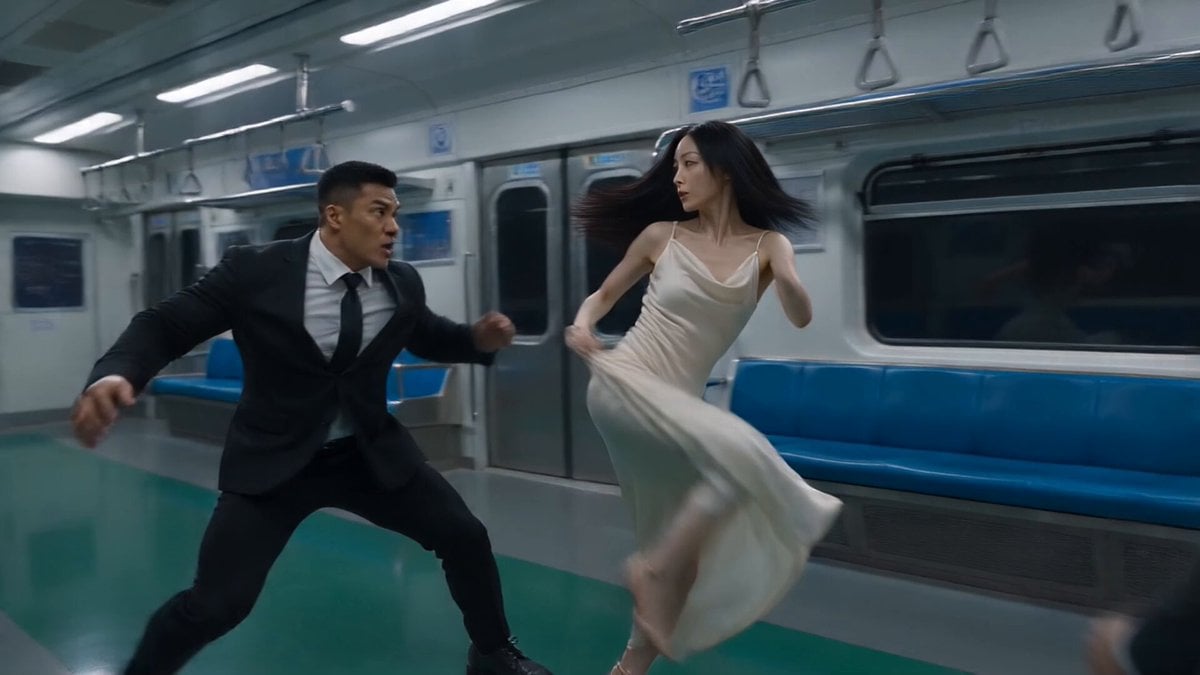
Action Movie Fight Sequence Prompt
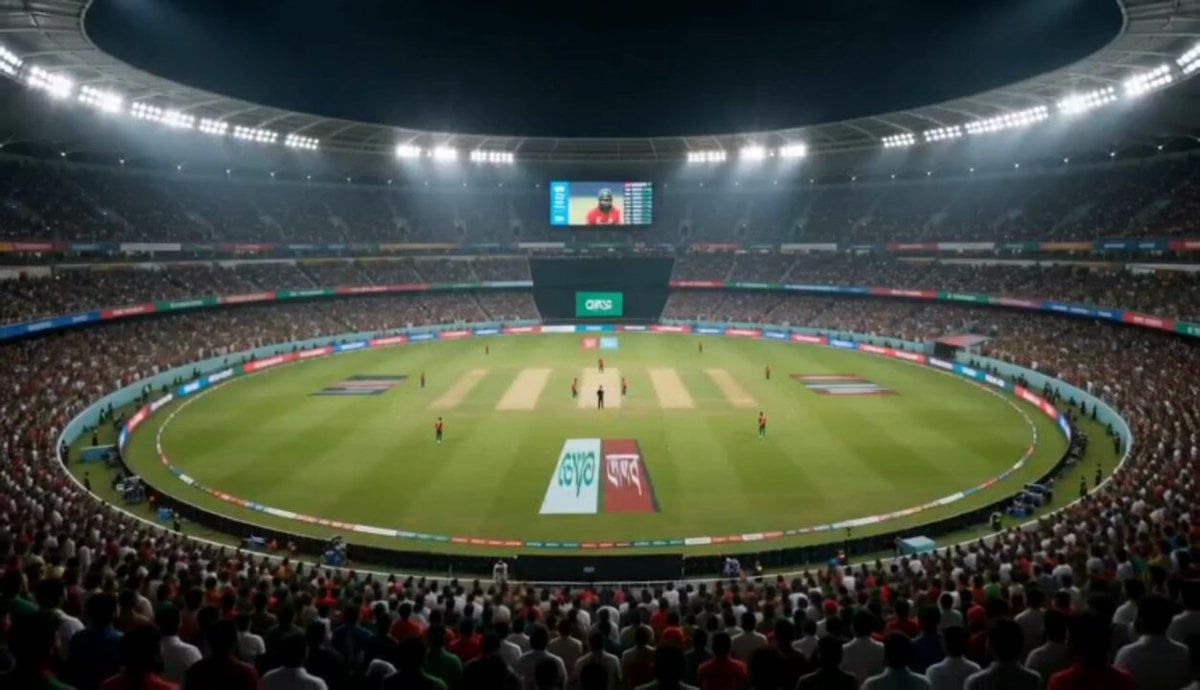
Cricket Stadium Fan Broadcast
Minimalist Tokyo Office Morning Routine
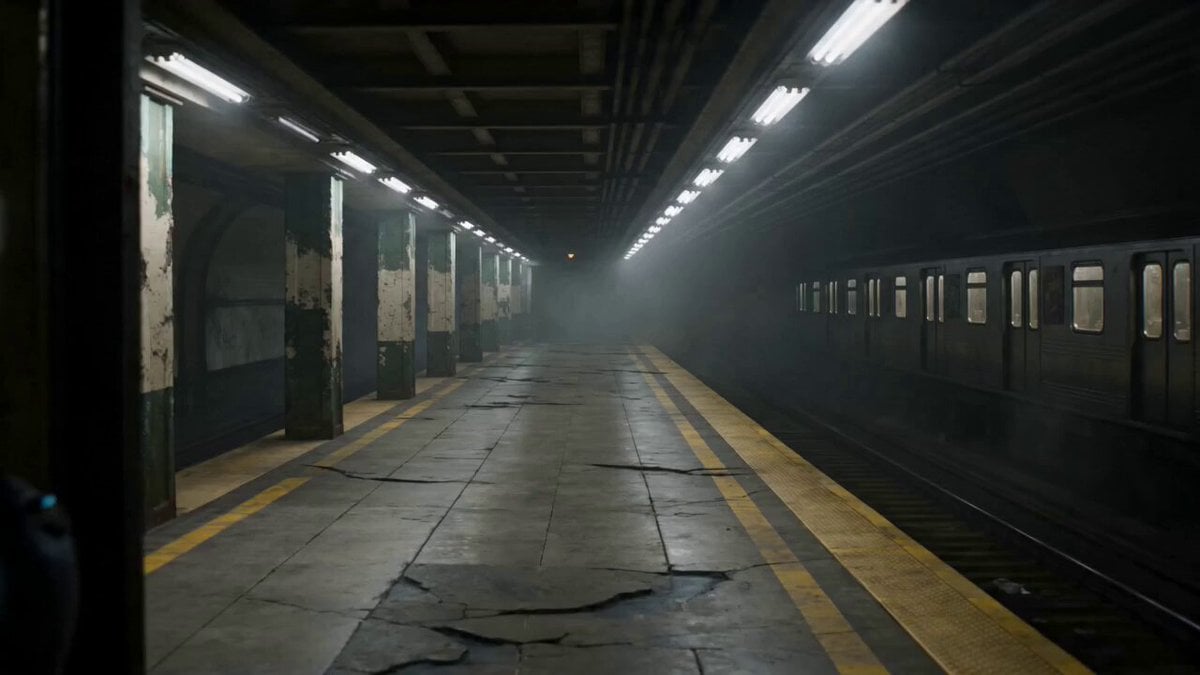
Futuristic Special Forces Subway Action Video Prompt

Japanese Anime Mapo Tofu Cooking Process
Cyborg Soldier Armor Transformation
Cyberpunk Anime Duel Action
Nostalgic 2000s Japanese Boyhood
Late Night News Reader
Browse template categories
Rainy Bus Stop Memory questions
How do I use the Rainy Bus Stop Memory template?
Add your photo if the template asks for one, edit the prompt if you like — the template's model and format are already selected — and press Generate. Your version opens in PicX Studio.
Can I customize the Rainy Bus Stop Memory template?
Yes. You can change the subject, setting, lighting, mood, format, and available model controls before creating your video.
Is the Rainy Bus Stop Memory template free?
Opening and editing this template is free. Generating uses credits, shown on the Generate button when you are signed in.
Which AI model should I use?
Start with Seedance 2.0, which is the model associated with this template. You can compare another compatible model for a different finish.
Looking for something else? Browse all templates.

Your photo, any look
Thousands of ready templates for every top image and video model, from one credit balance.