
Cinematic Rainy Park Romantic Walk
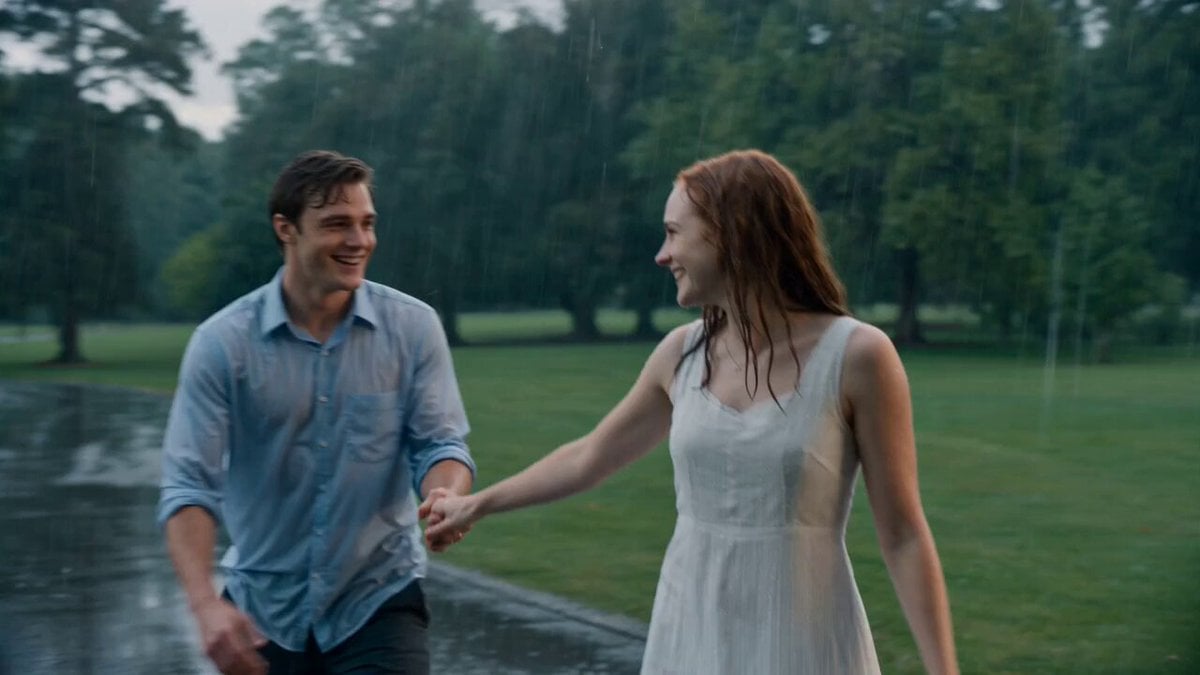
An ultra-realistic uncut 15-second cinematic video prompt of a young couple laughing and walking in a lush, rain-soaked park.
- Prompt included
- Model and format preset
- Premium template
The prompt behind this video
Copy the exact prompt behind Cinematic Rainy Park Romantic Walk, or open it in the studio and make it yours.
Create a 15-second ultra-realistic cinematic video in one continuous uncut shot with consistent character appearance. A young romantic couple in their mid-20s with natural beauty, expressive eyes, and genuine smiles walk hand-in-hand through a lush green park on a gentle rainy afternoon. They have no umbrellas and become happily soaked by the rain. The man playfully twirls the woman, and they laugh naturally while splashing through shallow puddles. As they continue walking, he gently brushes a wet strand of hair away from her face, they pause beneath a large tree that offers little shelter, look deeply into each other's eyes, smile warmly, while rain falls all around them. The camera performs a smooth cinematic tracking movement, slowly circling the couple before pulling back to reveal the rain-covered park, glistening wet pathways, vibrant green trees, soft mist, and reflections shimmering in puddles. Realistic rain physics, natural facial expressions, authentic body movements, wind gently moving their hair and clothing, shallow depth of field, soft overcast lighting with subtle golden rays breaking through the clouds near the end, emotional storytelling, photorealistic details, cinematic color grading, HDR, 4K, movie-quality realism, no cuts, no text, no watermark.
How to use Cinematic Rainy Park Romantic Walk in 3 steps
- 1
Open
The prompt is already in the box next to the preview, with the template's model and format selected.
- 2…a portrait of your subject in softgolden-hour light, 85mm…
Personalize
Edit the subject and creative details for your destination.
- 3Generate
Generate
Press Generate — your video is created in PicX Studio, so you can compare it with the original and refine one variable at a time.
More like this
Templates with the same subject, style or setup. Open one to see its prompt.

Cinematic Rainy Sidewalk Meeting
Evening Park Walk Cinematic Advertisement
Rainy Night Romantic Tension Scene
Rainy Neon City Cinematic Walk

Rainy Neon Tokyo Violinist
Realistic Korean Man Park Vlog
1950s Romantic Drama Scene
3D Cartoon Park Scene
First-Person Night Market Walkthrough
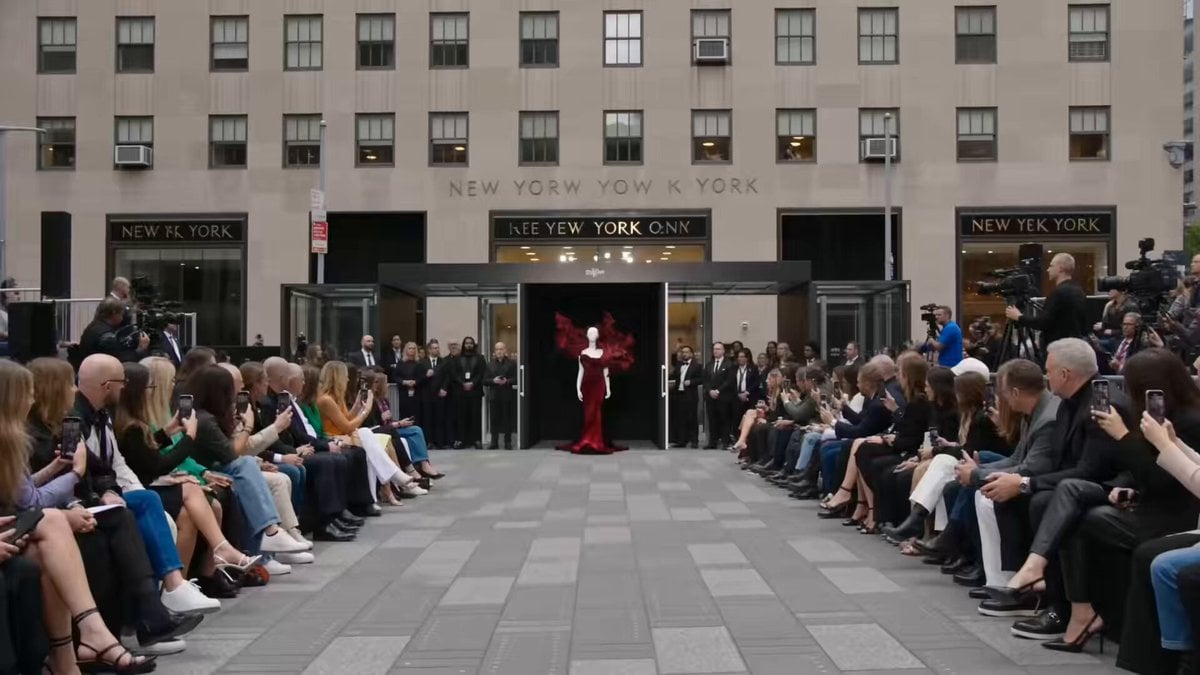
Fashion Runway Couture Walk

3D Animated Romantic Comedy Clip
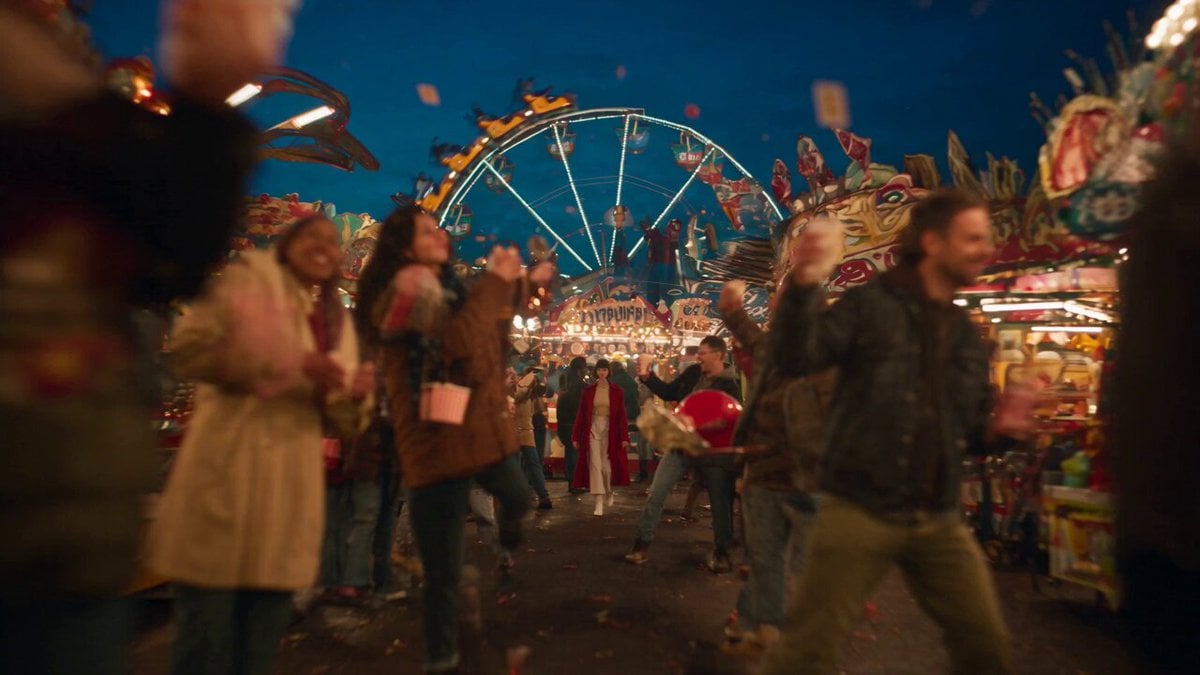
Amusement Park Time Stop Cinematic
Make it yours
Cinematic Rainy Park Romantic Walk works as-is. These are the safest ways to change it without losing the look.
Change one field
Copy a single group, rewrite it, and generate again so you can see what that field is doing.
Keep the frame, change the subject
Hold the composition and light of Cinematic Rainy Park Romantic Walk, then swap wardrobe, props or the person for a new take.
| If the result… | Why | Fix |
|---|---|---|
| The result drifts from the preview | Too many fields changed at once. | Reuse Cinematic Rainy Park Romantic Walk as-is first, then change one group — subject, light, or setting. |
| The model over-stylizes the scene | The prose prompt leaves finish and camera underspecified. | Add one camera or lighting sentence and stay on Seedance 2.0. |
More Seedance 2.0 templates
Other prompts made for Seedance 2.0.

Comical Martial Arts Punch Scene

Maglev Train Action Sequence

Martial Arts Fight Sequence

Wuxia Protection and Trust Script

Vintage Korean Arcade MiniDV Vlog

Mercedes 190 SL Luxury Ad

Amazon Civilization Discovery

Futuristic South Asian City Transformation

Cozy Luxury Cafe Commercial

Cyber Ronin Nanotech Transformation Video
More video prompts
Fresh picks from across the catalog.
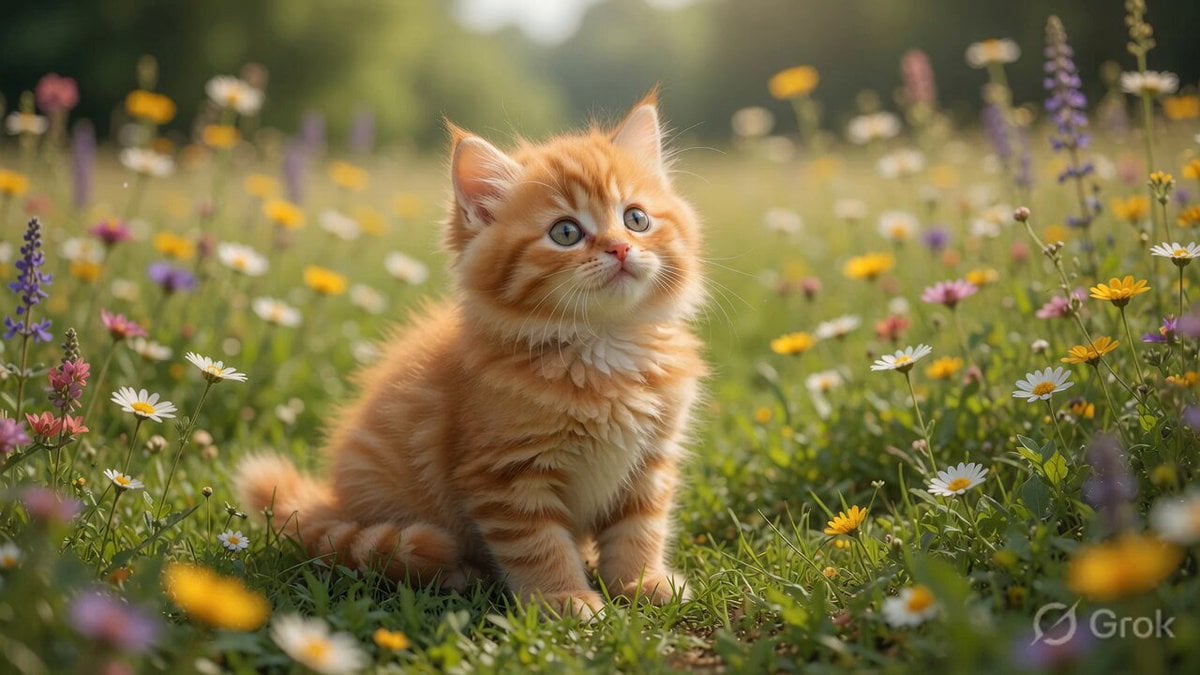
Playful Orange Tabby Kitten in Meadow
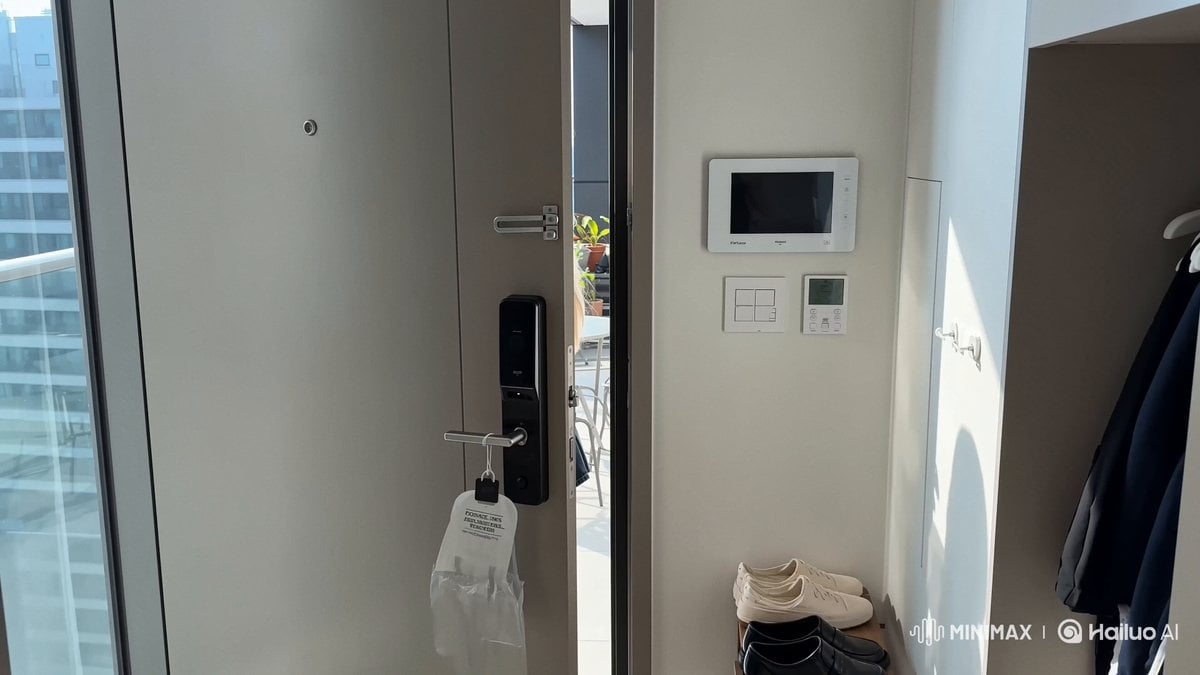
Smartphone Vlog Aesthetic Idol Video
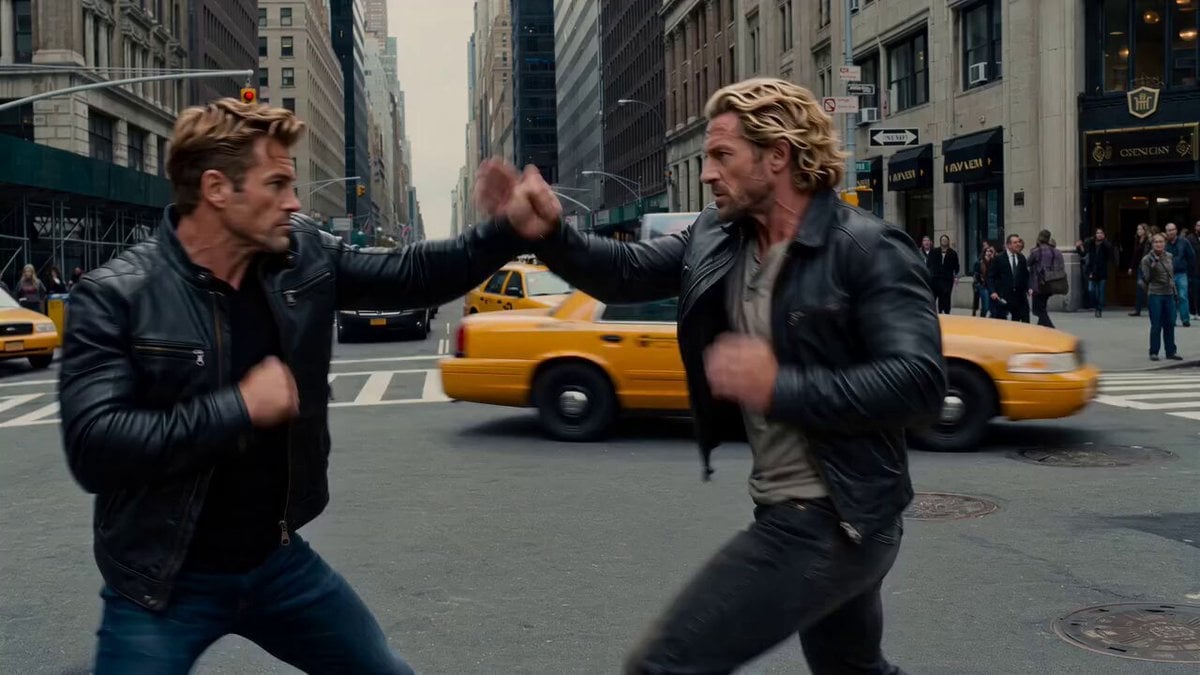
Cinematic New York City Action Battle

Cyborg woman portrait animation prompt

Cat Making Pancakes (Jianbing) - Seedance Cute Pet Series
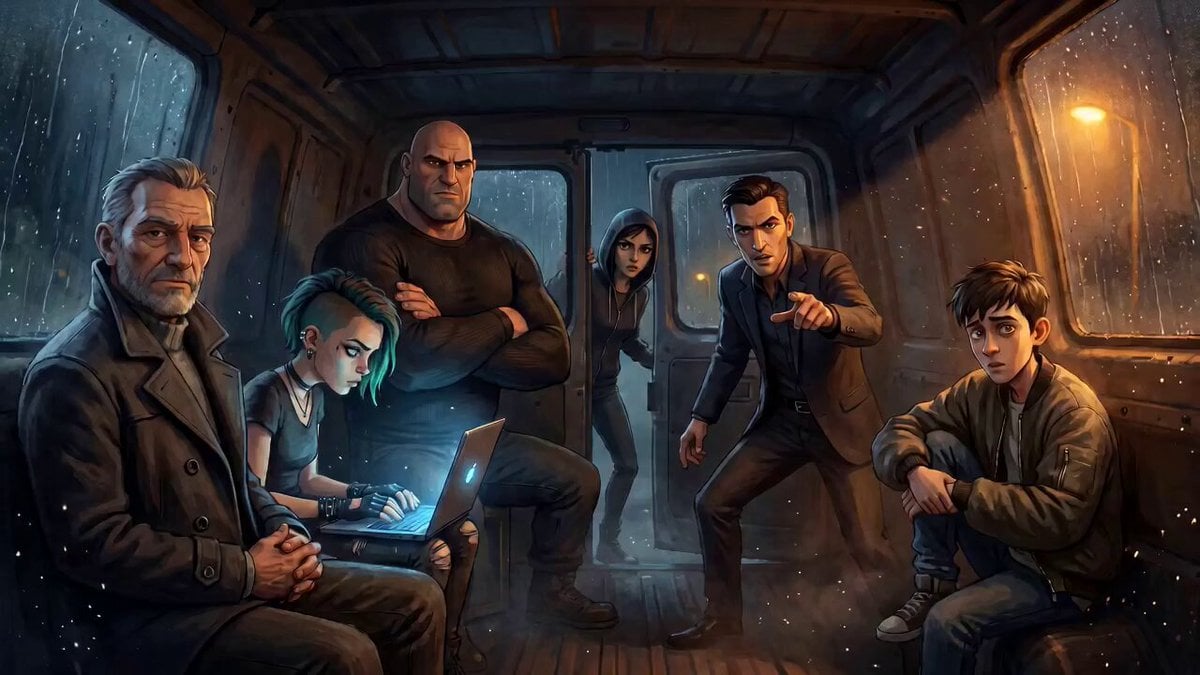
Tense Crime-Thriller Van Interior

Bedtime Story About Creators

Akshay Kumar as Neo in The Matrix
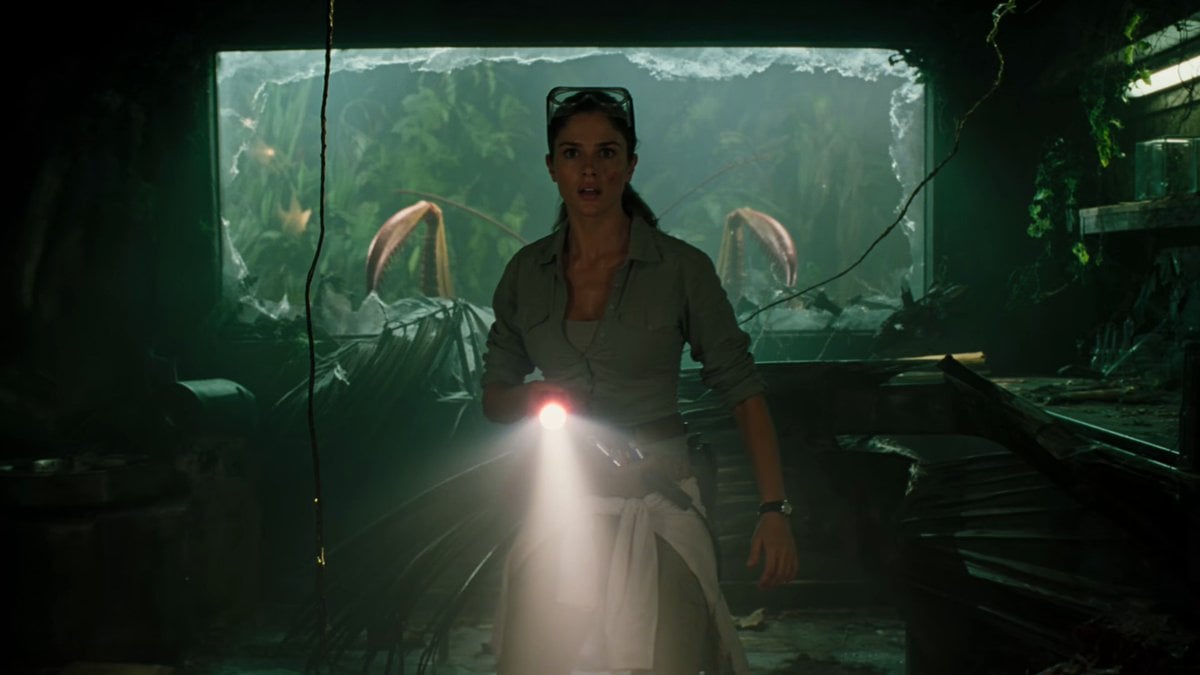
Jungle Lab Giant Mantis Thriller

Samurai Sword Slash and Noto Ritual
Browse template categories
Cinematic Rainy Park Romantic Walk questions
How do I use the Cinematic Rainy Park Romantic Walk template?
Add your photo if the template asks for one, edit the prompt if you like — the template's model and format are already selected — and press Generate. Your version opens in PicX Studio.
Can I customize the Cinematic Rainy Park Romantic Walk template?
Yes. You can change the subject, setting, lighting, mood, format, and available model controls before creating your video.
Is the Cinematic Rainy Park Romantic Walk template free?
Opening and editing this template is free. Generating uses credits, shown on the Generate button when you are signed in.
Which AI model should I use?
Start with Seedance 2.0, which is the model associated with this template. You can compare another compatible model for a different finish.
Looking for something else? Browse all templates.

Your photo, any look
Thousands of ready templates for every top image and video model, from one credit balance.