
Alchemist Elixir Transformation Horror
A dark fantasy storytelling prompt involving a magical transformation and frantic rescue in a clocktower observatory.
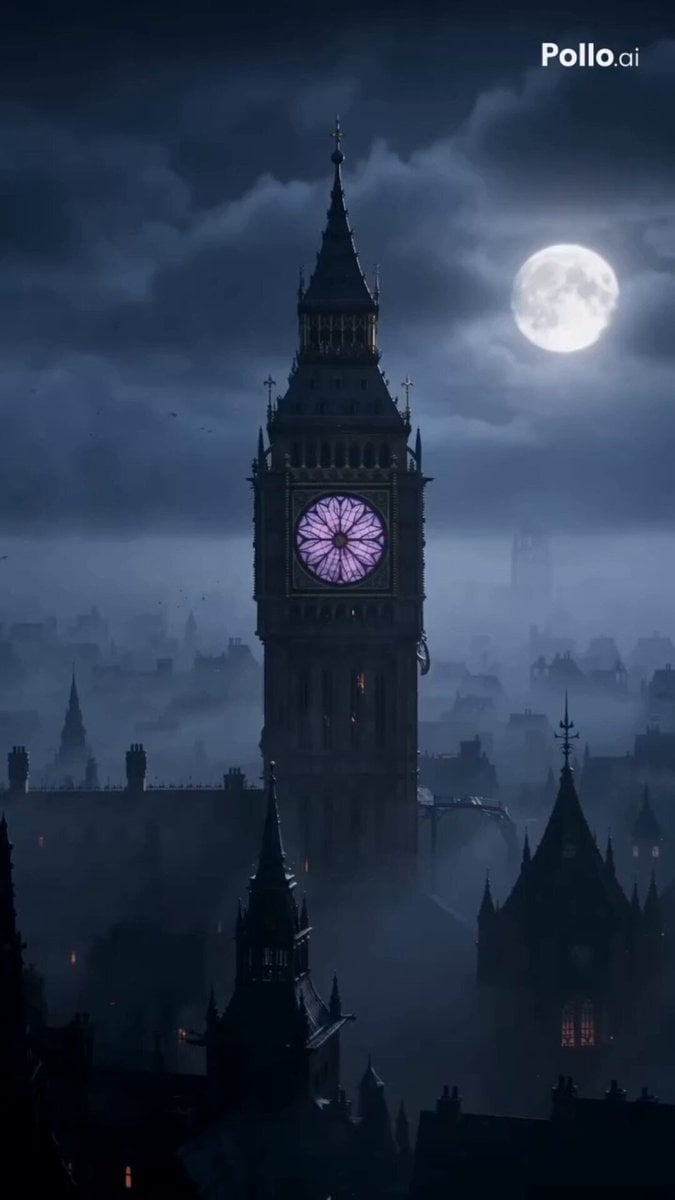
- Prompt included
- Model and format preset
- Premium template
The prompt behind this video
Copy the exact prompt behind Alchemist Elixir Transformation Horror, or open it in the studio and make it yours.
PROMPT 1 — "THE ELIXIR" (0–15 seconds) 0–3s: Exterior establishing shot — the clocktower observatory looms over a fog-drowned city skyline at midnight, its great clock face glowing violet. Wind screams past cracked windows. The camera pushes toward a glowing round window, then glides seamlessly through the glass into the observatory. Inside, gears grind, orbs of violet fire drift lazily near the ceiling, star charts flutter on their pins. 3–6s: Camera circles slowly to reveal Dr. Vex standing atop a spiral staircase platform beside a massive brass astrolabe rig. She holds up a swirling silver-violet elixir in a cracked crystal flask, admiring it like a jewel. Her silver topknot catches the firelight. Below her, Milo and Senna trade a worried glance. 6–10s: She uncorks the flask with a sharp crack — violet smoke coils upward. She lifts it toward the astrolabe as it groans and spins faster. Camera pushes into close-up on her face, calm and certain. She drinks it in one motion. The apprentices freeze, bracing. Nothing happens for a beat. She smiles, satisfied, and begins to speak. 10–15s: Her smile locks in place. Silence. Her fingers twitch, one by one. Silver-violet light spiderwebs beneath the skin of her throat and jaw. Her pupils contract to pinpricks. The astrolabe overhead lurches and sparks. Every violet flame-orb in the room flares and dims in unison. Glass instruments rattle off their shelves. Her spine arches backward with a sharp crack. Her head lolls, then rises slowly — eyes now milky white, mouth stretched into a grin too wide to be human. A low, grinding growl rolls through the tower. The apprentices stumble back against the railing. The thing that was Dr. Vex turns its head toward them. PROMPT 2 — "THE COUNTER-REAGENT" (15–30 seconds) 15–18s: The transformed Vex descends the last few stairs toward the apprentices, movements jerky and unnatural. She lunges and seizes Milo by the vest collar, hoisting him half off his feet. He kicks and yelps, goggles askew. 18–22s: Senna's eyes dart across the cluttered workbench without breaking her stare on Vex. She spots a small vial of glowing amber counter-reagent tucked among the star charts — the one Vex brewed "just in case," Senna always suspected. She edges toward it, slow, silent, one hand out.
How to use Alchemist Elixir Transformation Horror in 3 steps
- 1
Open
The prompt is already in the box next to the preview, with the template's model and format selected.
- 2…a portrait of your subject in softgolden-hour light, 85mm…
Personalize
Edit the subject and creative details for your destination.
- 3Generate
Generate
Press Generate — your video is created in PicX Studio, so you can compare it with the original and refine one variable at a time.
More like this
Templates with the same subject, style or setup. Open one to see its prompt.
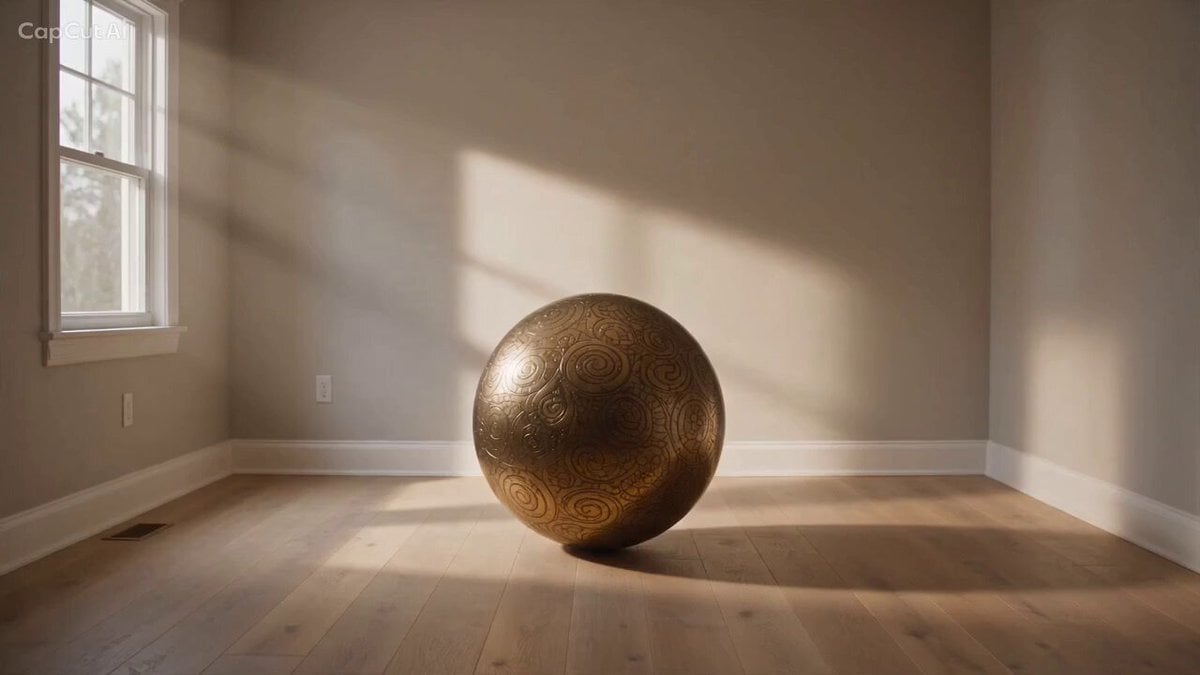
Magical Room Transformation - Seedance 2.5
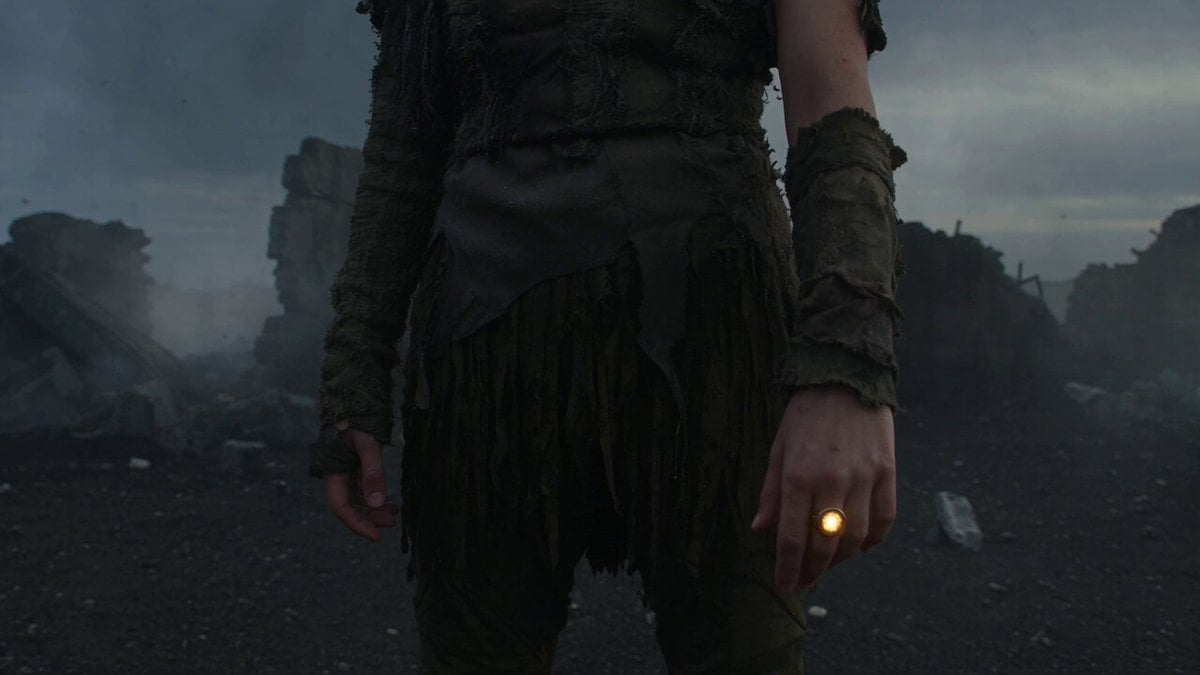
Dark Tokusatsu Transformation - Seedance 2.5
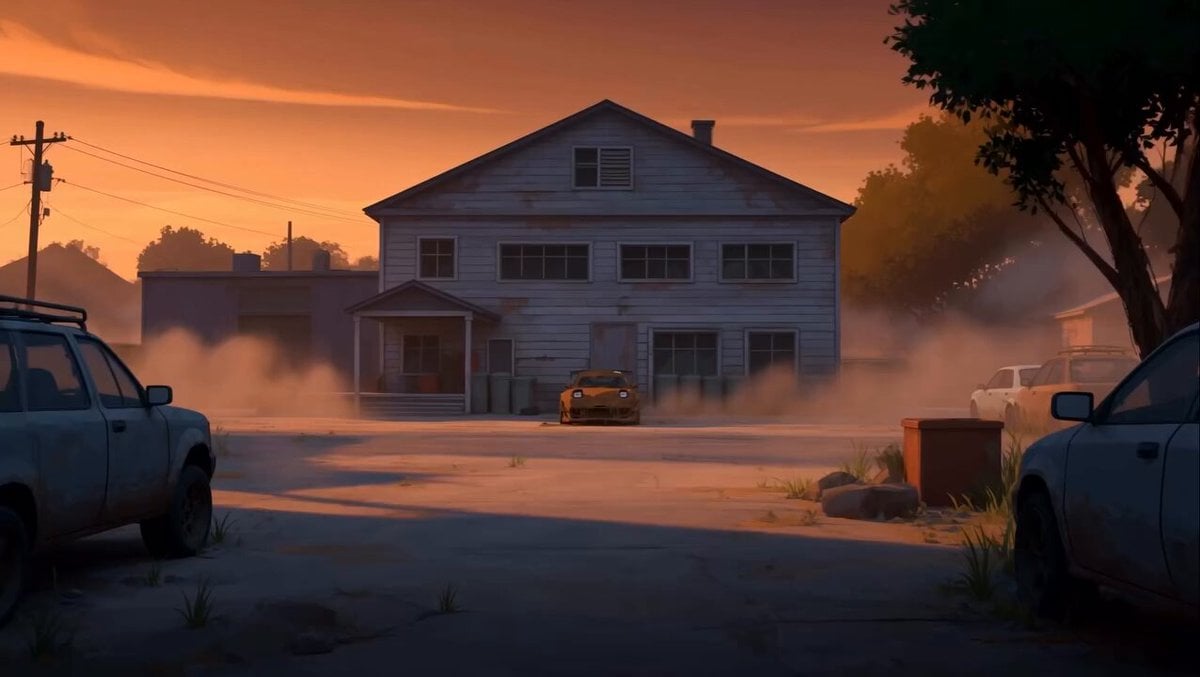
RX-7 to Mech Transformation Cyberpunk
Rainforest Thriller — Searching the Unseen
Chibi Cave Adventure — He Doesn't Know What's Coming
Civilization Timelapse — Centuries in One Shot
Mecha Transformation vs Kaiju — 4-Scene Epic
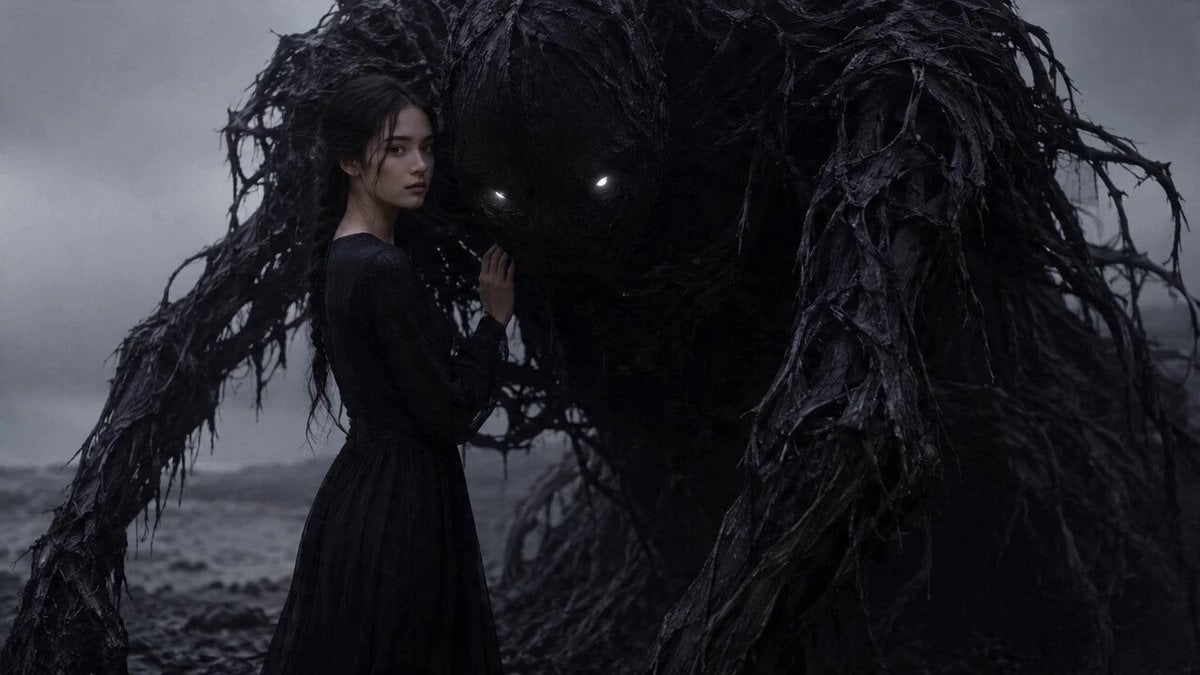
Dark Fantasy Horror Transformation
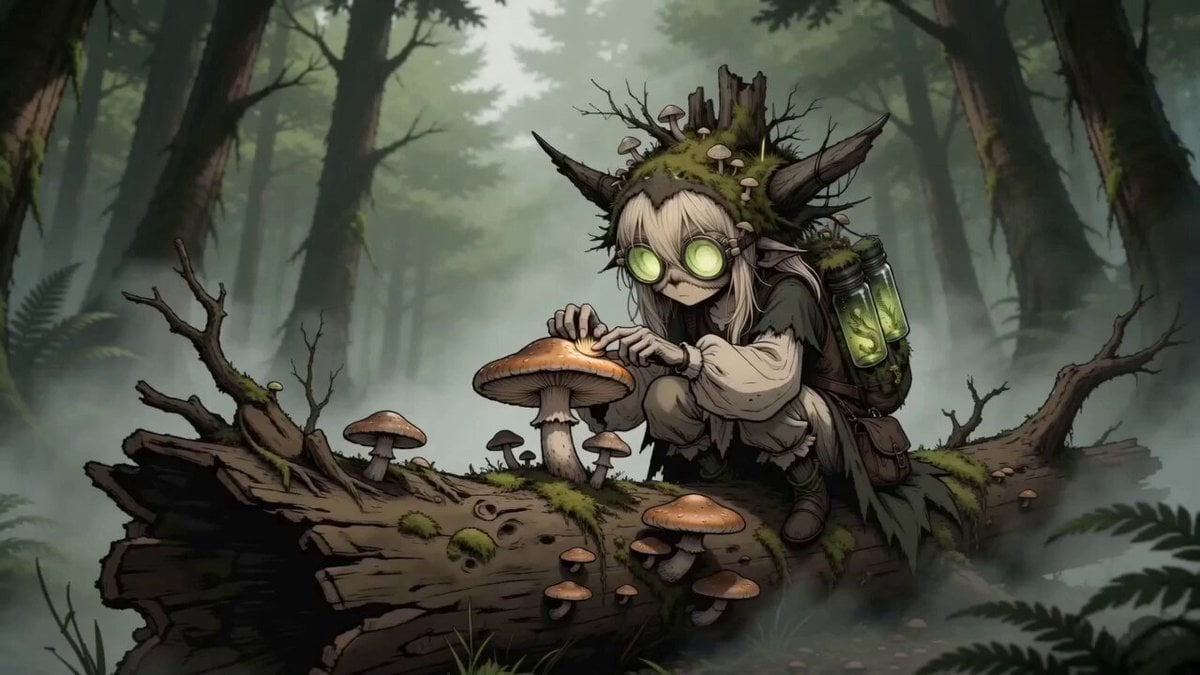
Woodland Alchemist Storyboard Scenes
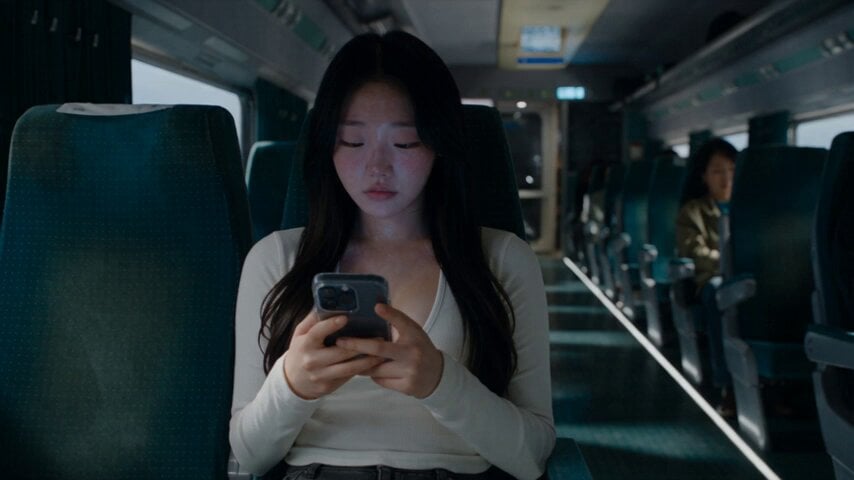
Last Ride Train Outbreak Horror
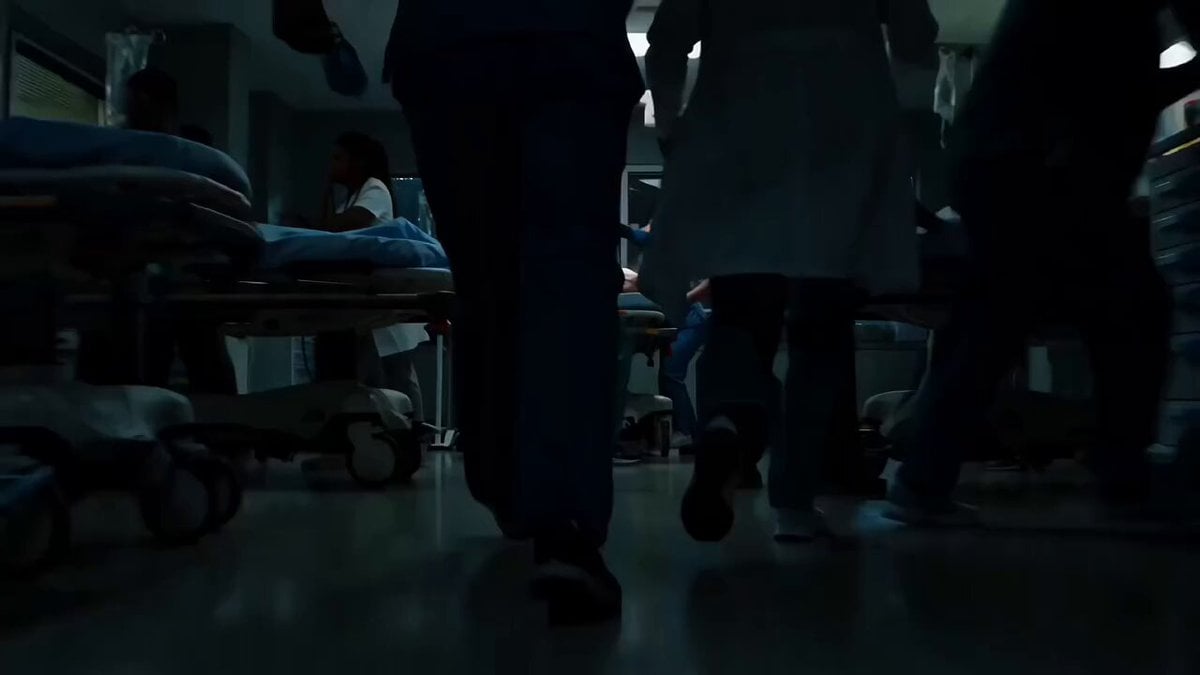
Sci-Fi Horror Hospital Alien Scene
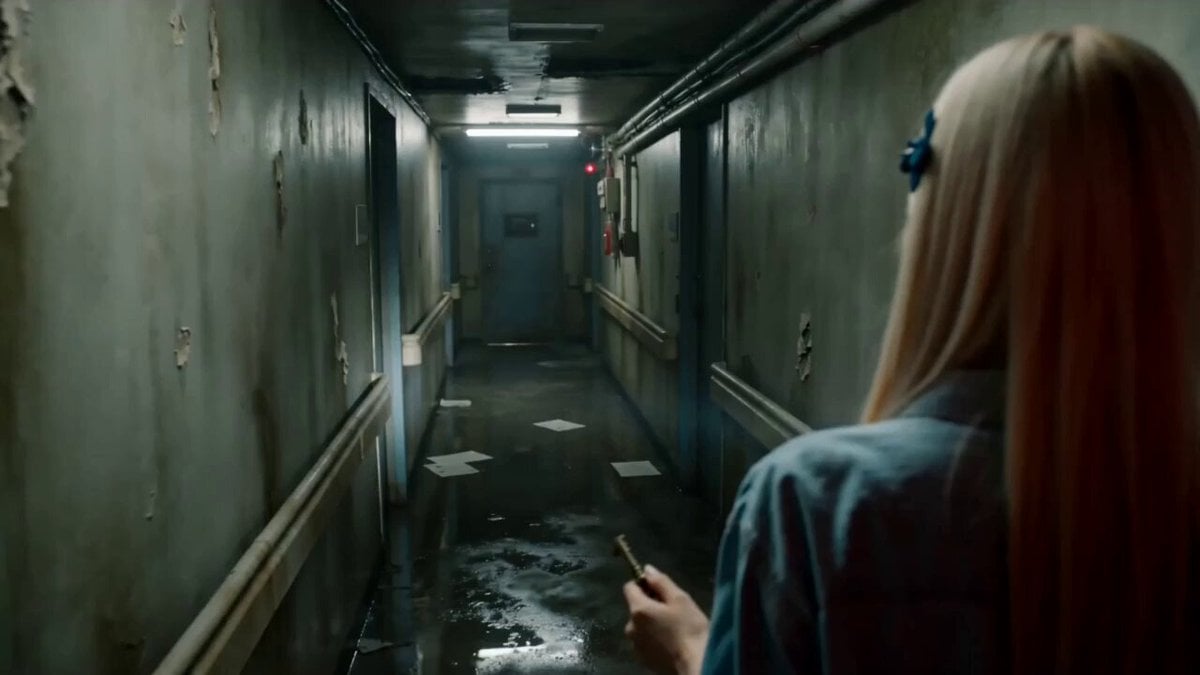
Abandoned Hospital Horror POV Film
Make it yours
Alchemist Elixir Transformation Horror works as-is. These are the safest ways to change it without losing the look.
Change one field
Copy a single group, rewrite it, and generate again so you can see what that field is doing.
Keep the frame, change the subject
Hold the composition and light of Alchemist Elixir Transformation Horror, then swap wardrobe, props or the person for a new take.
| If the result… | Why | Fix |
|---|---|---|
| The result drifts from the preview | Too many fields changed at once. | Reuse Alchemist Elixir Transformation Horror as-is first, then change one group — subject, light, or setting. |
| The model over-stylizes the scene | The prose prompt leaves finish and camera underspecified. | Add one camera or lighting sentence and stay on Seedance 2.0. |
More Seedance 2.0 templates
Other prompts made for Seedance 2.0.

Comical Martial Arts Punch Scene

Maglev Train Action Sequence

Martial Arts Fight Sequence

Wuxia Protection and Trust Script

Vintage Korean Arcade MiniDV Vlog

Mercedes 190 SL Luxury Ad

Rainy Night Supernatural Reverse Comedy Video Script

Amazon Civilization Discovery

Futuristic South Asian City Transformation

Cozy Luxury Cafe Commercial
More video prompts
Fresh picks from across the catalog.
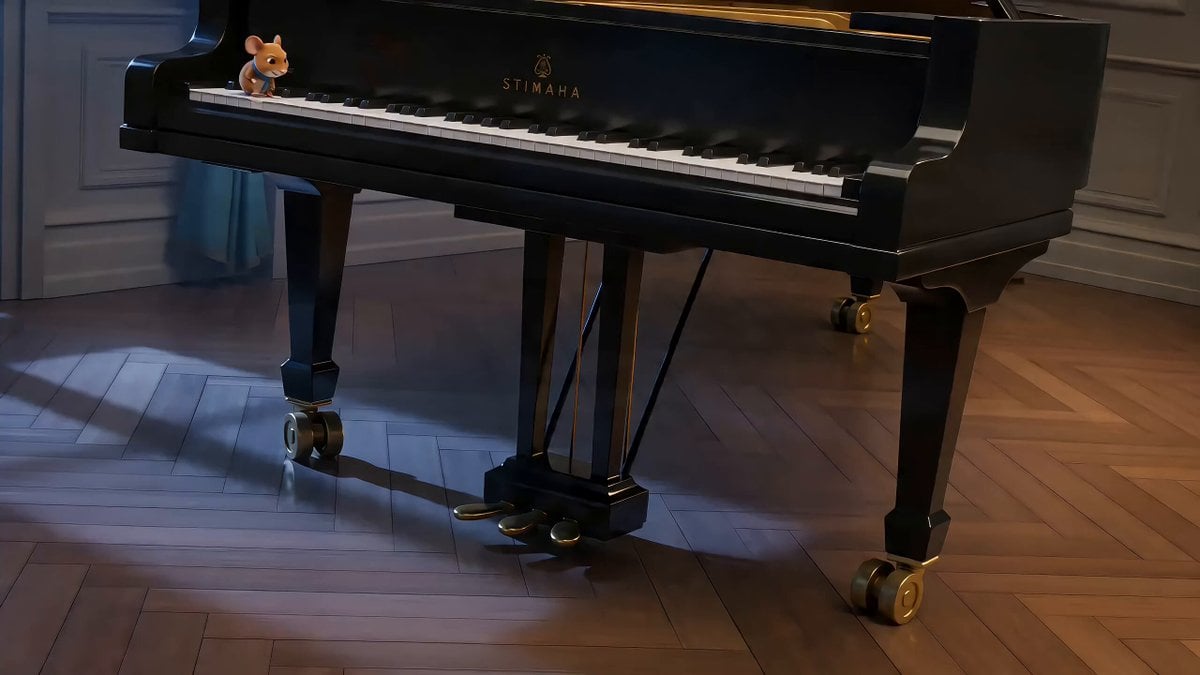
Moonlit Piano Chase Animation
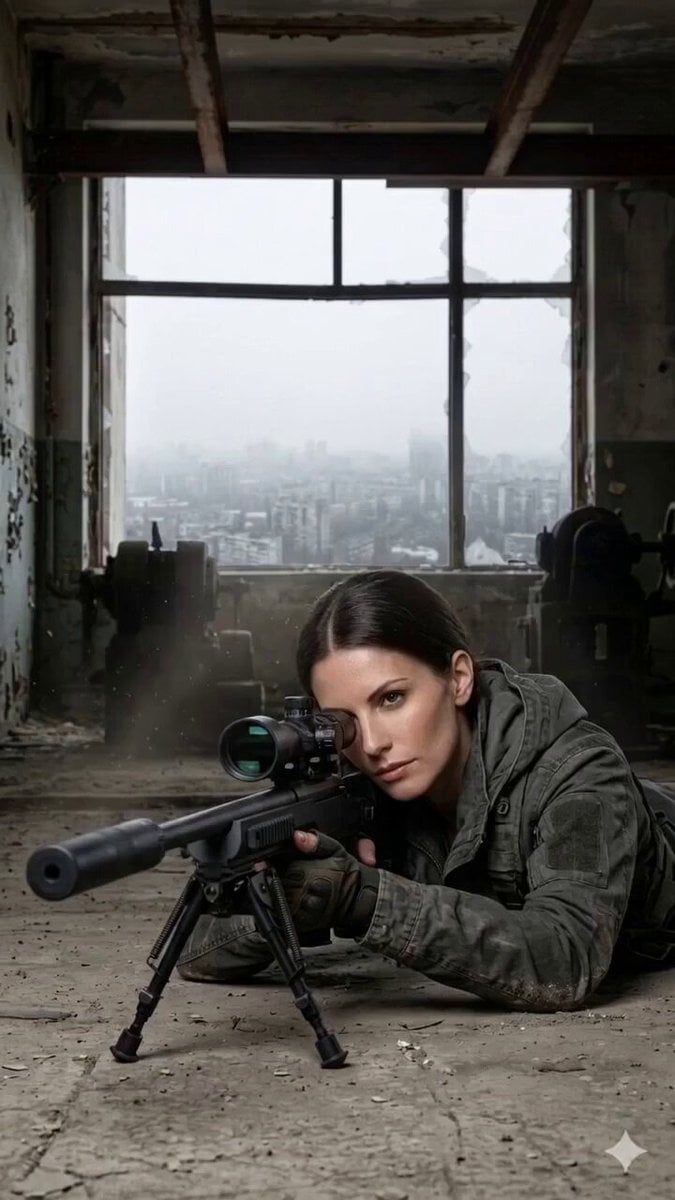
Grok Imagine Cinematic Impact Sequence Video Prompt
Cinematic Camera Movement Keywords
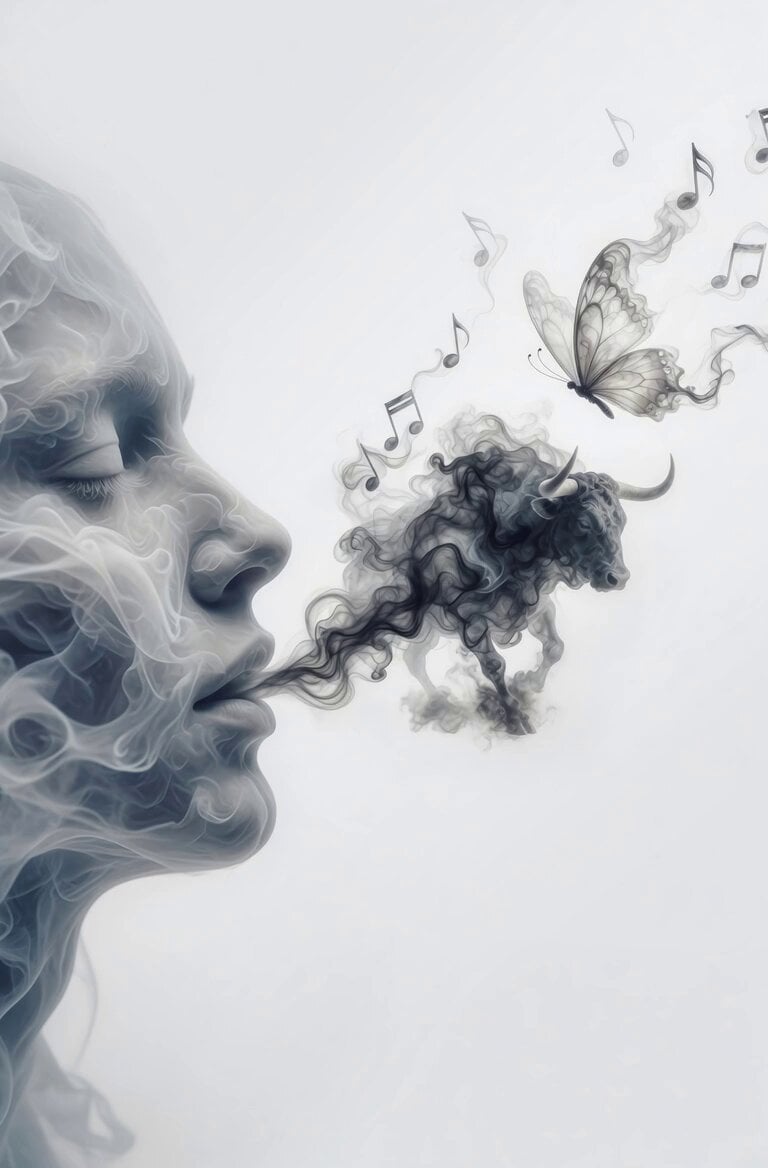
Smoky Ethereal Profile Animation
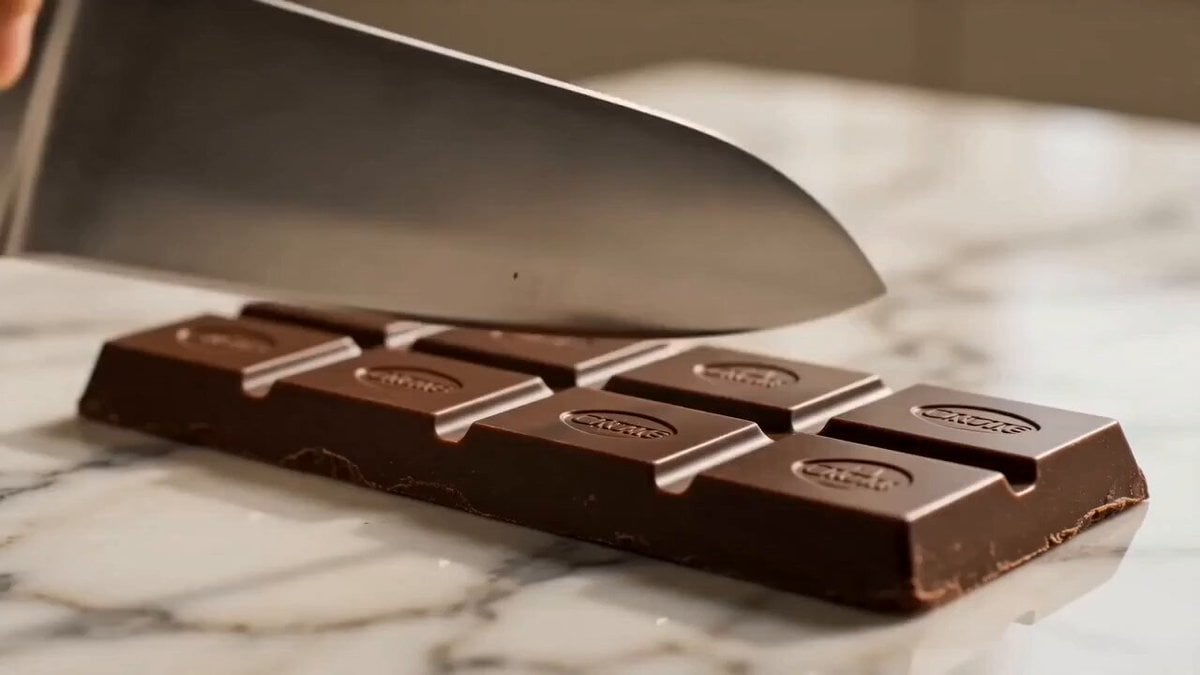
Luxury Chocolate Cake Commercial
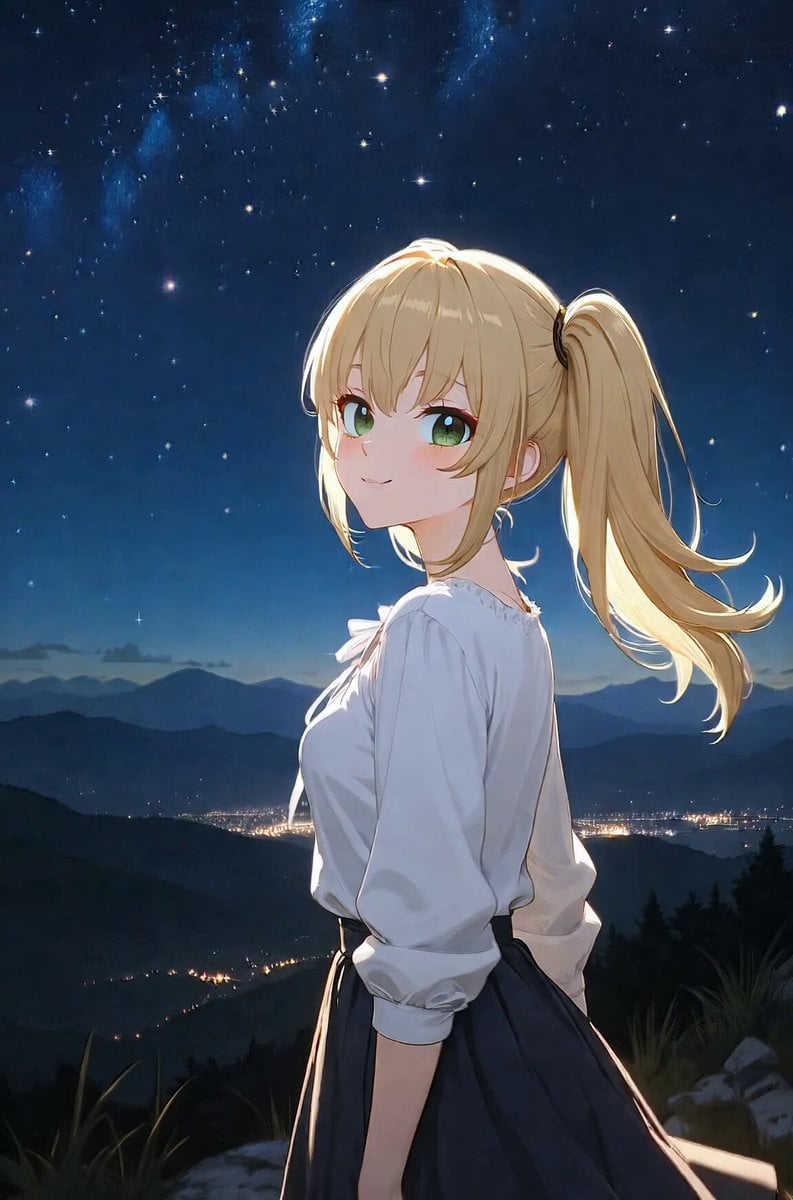
Ani Watching the Starry Night

High Budget Cel-Shaded Anime MV
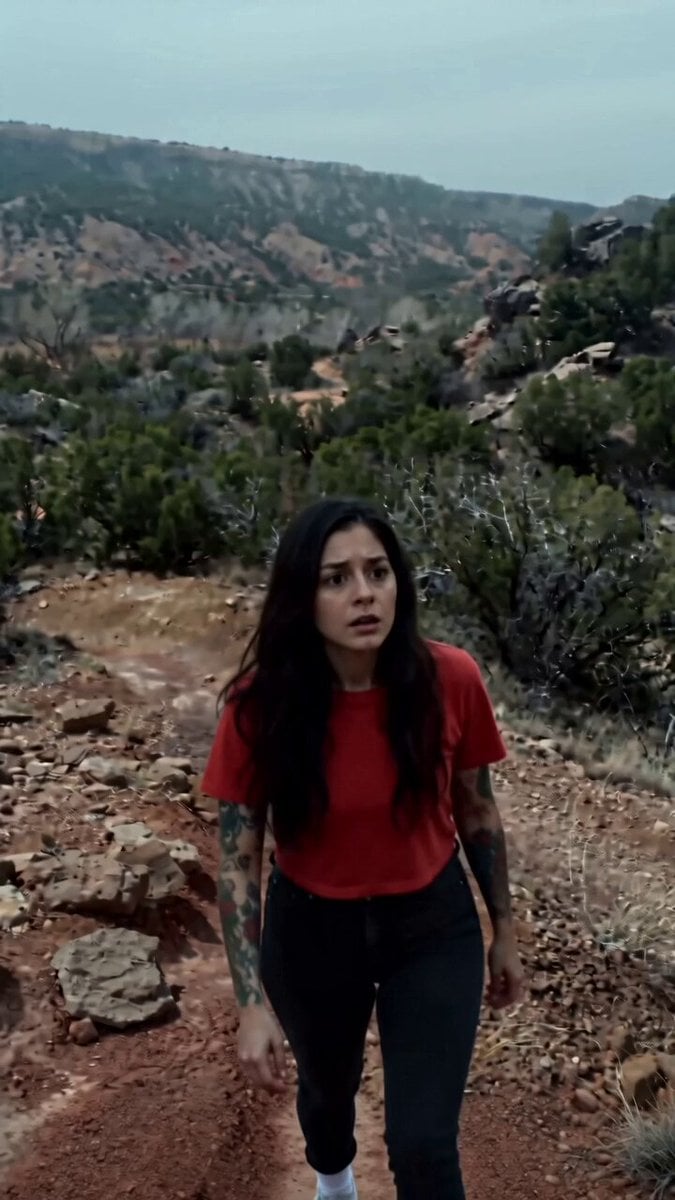
Ghostly Presence in High Desert
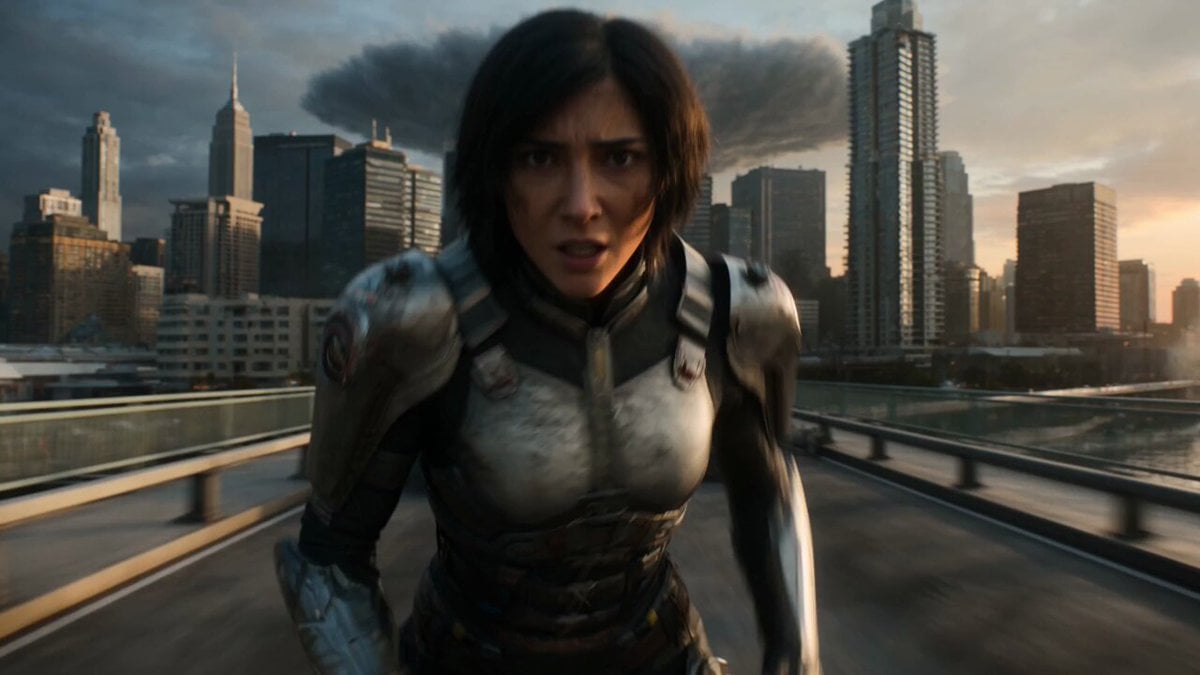
Epic Fantasy City Destruction Chase
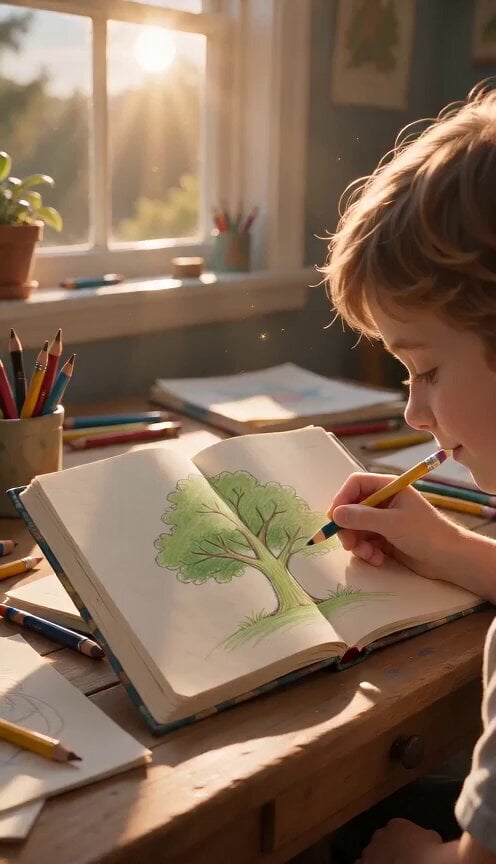
Continuous Seamless Sketchbook Fantasy World
Browse template categories
Alchemist Elixir Transformation Horror questions
How do I use the Alchemist Elixir Transformation Horror template?
Add your photo if the template asks for one, edit the prompt if you like — the template's model and format are already selected — and press Generate. Your version opens in PicX Studio.
Can I customize the Alchemist Elixir Transformation Horror template?
Yes. You can change the subject, setting, lighting, mood, format, and available model controls before creating your video.
Is the Alchemist Elixir Transformation Horror template free?
Opening and editing this template is free. Generating uses credits, shown on the Generate button when you are signed in.
Which AI model should I use?
Start with Seedance 2.0, which is the model associated with this template. You can compare another compatible model for a different finish.
Looking for something else? Browse all templates.

Your photo, any look
Thousands of ready templates for every top image and video model, from one credit balance.