
Woodland Alchemist Storyboard Scenes
A series of descriptive scene prompts for a woodland alchemist character, detailing interactions with forest elements and atmospheric lighting.
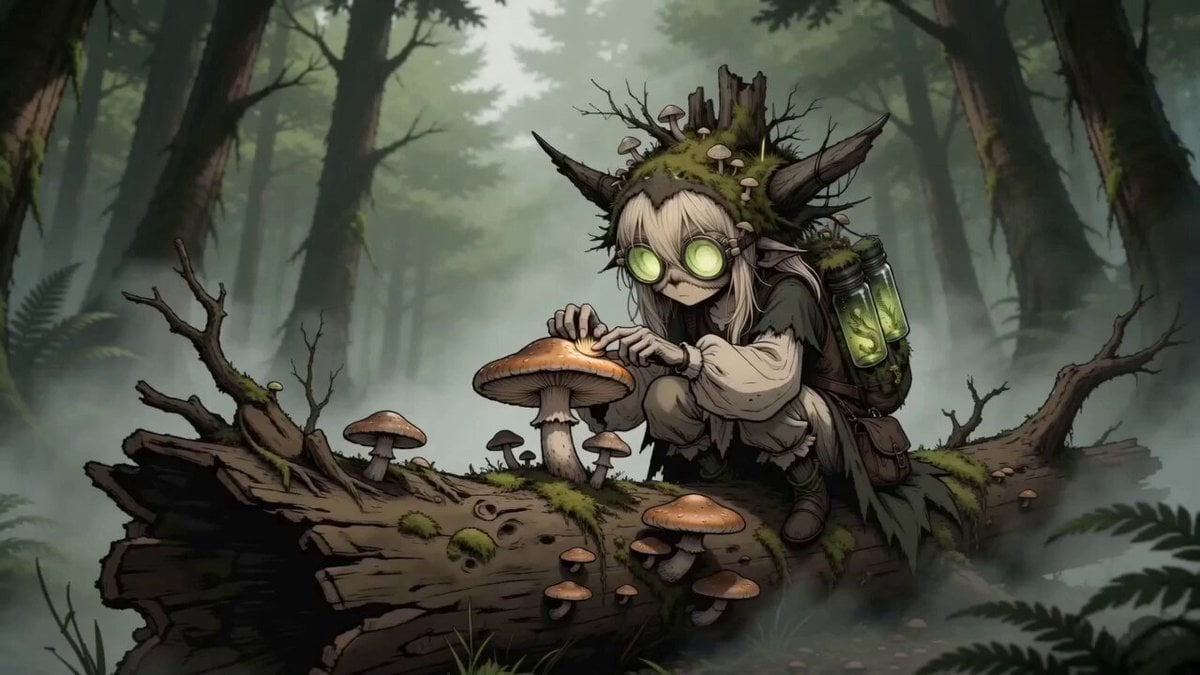
- Prompt included
- Model and format preset
- Free template
The prompt behind this video
Copy the exact prompt behind Woodland Alchemist Storyboard Scenes, or open it in the studio and make it yours.
- Dawn in a wet old-growth forest, low mist between trunks. The small woodland alchemist crouches on a fallen log crusted with shelf fungus, hood of living stump and real mushrooms on her head. She scrapes the gills with one fingertip, then leans in until her face nearly touches it; the round jar-goggles flare green against the wet bark. Cold curiosity, total absorption, no smile. (2s) - Night at a black forest stream, bioluminescent moss. Her field-assistant toad hops onto her open palm. She stops everything, turns the hand slowly to watch what the animal does, then writes it into the small notebook strapped to her specimen harness without taking her eyes off it. Working, not cuddling. (2s) - Inside a hollow stump lit only by fungal glow. She raises a glass specimen jar against the light and rotates it, a fern root inside still faintly glowing. Her face hardens with attention rather than wonder, jaw set, eyes narrowing behind the green jar-goggles. (2s) - Heavy rain hammering the forest floor. She does not run. She hunches her shoulders over the specimen jar, shields it with her whole body and keeps walking through the mud at the same unhurried pace, the mushrooms on her hood shivering under the drops. (2s) - A clearing in raking afternoon light. She stops writing, reaches out and pulls a tick off the back of a small animal with a quick unceremonious pinch, flicks it away, and goes straight back to the notebook. Gentle, not sweet; the whole gesture takes a second. (2s) - Neutral dark empty background, no environment. She is back in her signature look: living stump hood, mossy cloak, specimen harness. She walks two steps forward into the centre of frame, stops, lifts her chin and looks straight into the lens with a dry half-smile. The jar-goggles glow green, a rim light holds her silhouette and everything else falls to black. (3s)
How to use Woodland Alchemist Storyboard Scenes in 3 steps
- 1
Open
The prompt is already in the box next to the preview, with the template's model and format selected.
- 2…a portrait of your subject in softgolden-hour light, 85mm…
Personalize
Edit the subject and creative details for your destination.
- 3Generate
Generate
Press Generate — your video is created in PicX Studio, so you can compare it with the original and refine one variable at a time.
More like this
Templates with the same subject, style or setup. Open one to see its prompt.

3x3 Grid Storyboard Racing — Kling 3.0 O3 Pro
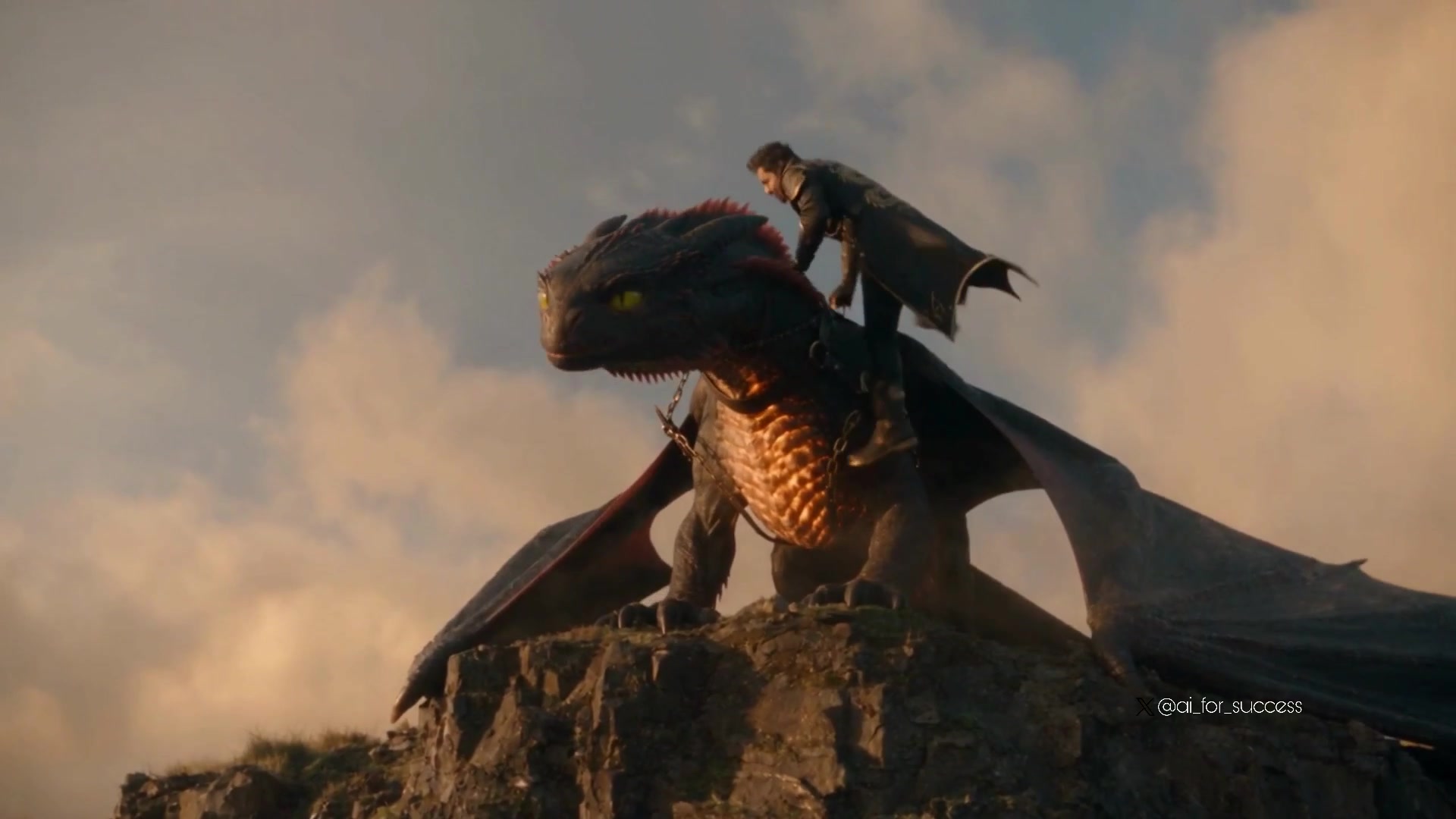
Dragon Rider Cinematic Flight — Seedance 2.5
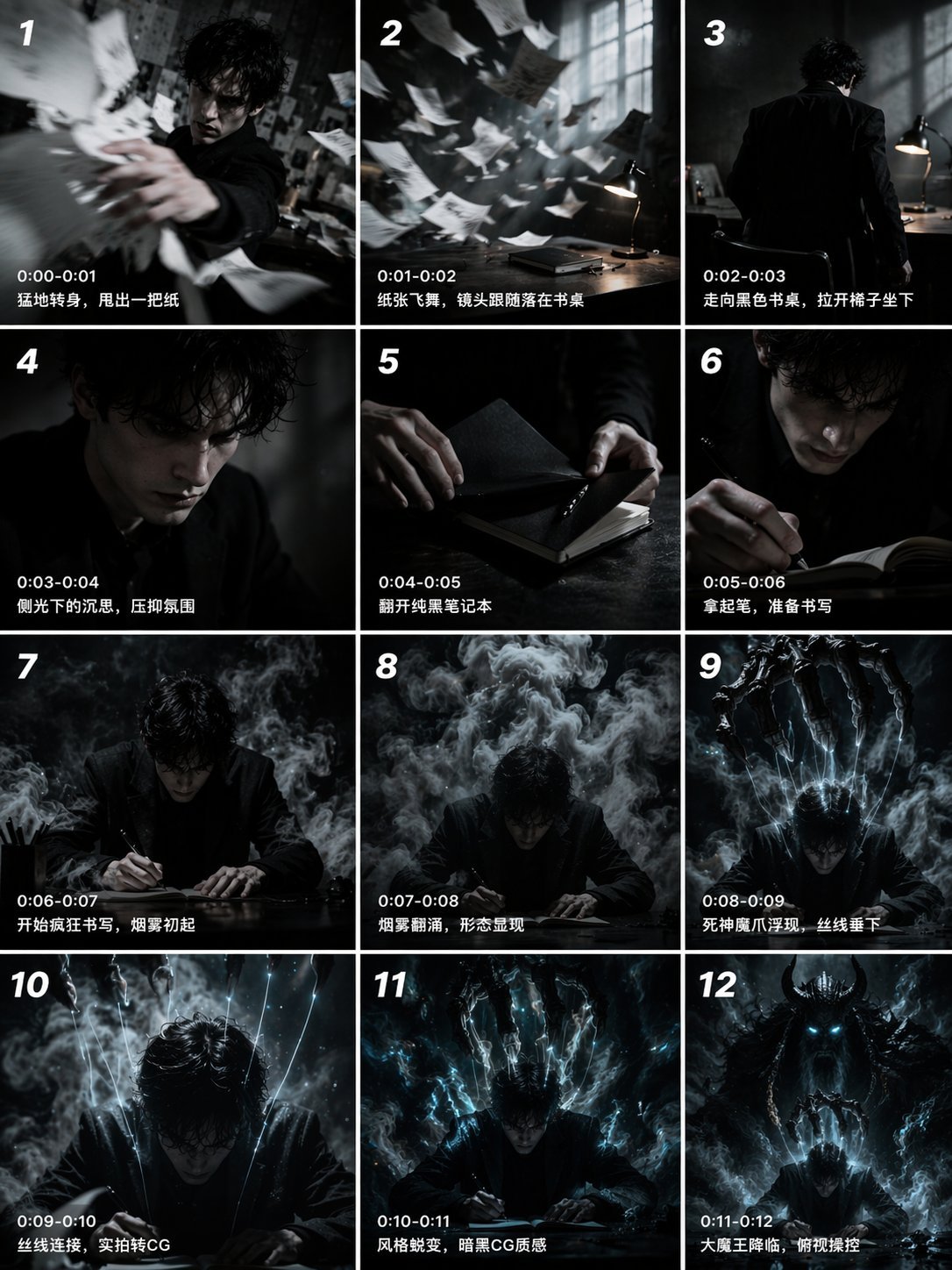
Gpt2 Gpt2 Seedance Storyboard to Video
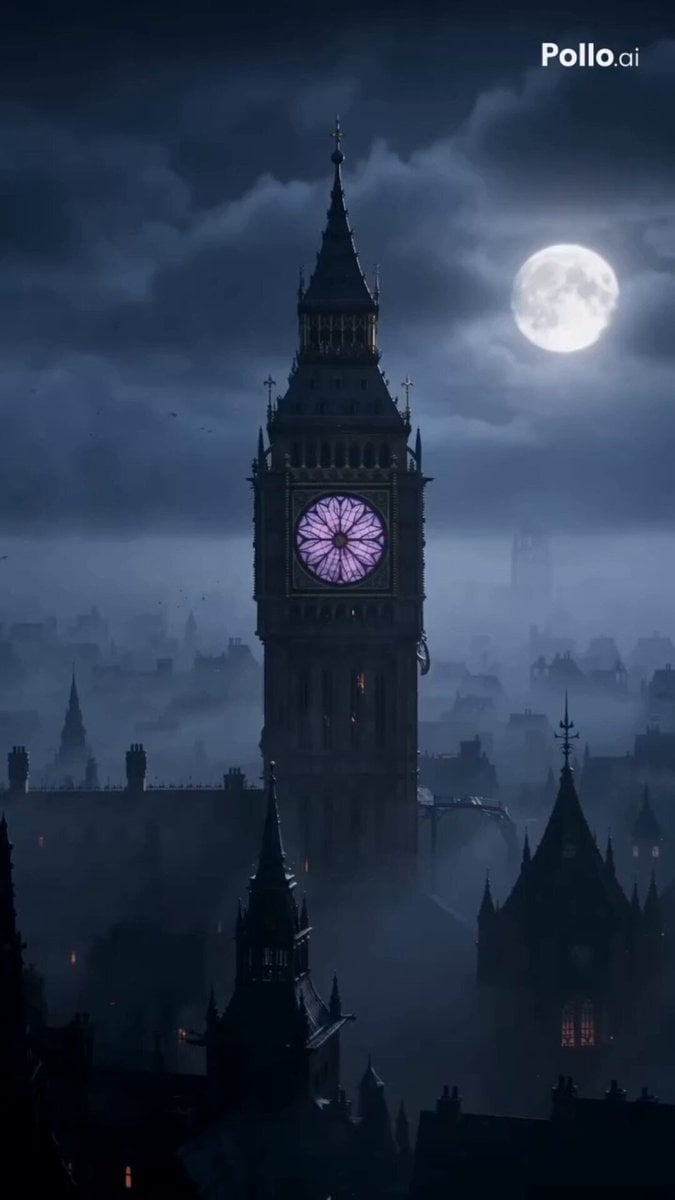
Alchemist Elixir Transformation Horror
Retro Anime Cooking Kitchen Scenes
Cyberpunk Netrunner Cinematic Scenes
Heartwarming Woodland Comedy Video Prompt

Seedance 2.0 Video Generation Prompt: Routine with Multiple Scenes and Outfits
Parametric Fight Scenes Seedance
Pigeon Nemesis Pixar Animation Storyboard
Apartment Arrival Storyboard Animation
Modern Urban Fantasy Comedy Storyboard
Make it yours
Woodland Alchemist Storyboard Scenes works as-is. These are the safest ways to change it without losing the look.
Change one field
Copy a single group, rewrite it, and generate again so you can see what that field is doing.
Keep the frame, change the subject
Hold the composition and light of Woodland Alchemist Storyboard Scenes, then swap wardrobe, props or the person for a new take.
| If the result… | Why | Fix |
|---|---|---|
| The result drifts from the preview | Too many fields changed at once. | Reuse Woodland Alchemist Storyboard Scenes as-is first, then change one group — subject, light, or setting. |
| The model over-stylizes the scene | The prose prompt leaves finish and camera underspecified. | Add one camera or lighting sentence and stay on Seedance 2.0. |
More Seedance 2.0 templates
Other prompts made for Seedance 2.0.

Comical Martial Arts Punch Scene

Maglev Train Action Sequence

Martial Arts Fight Sequence

Wuxia Protection and Trust Script

Vintage Korean Arcade MiniDV Vlog

Mercedes 190 SL Luxury Ad

Rainy Night Supernatural Reverse Comedy Video Script

Amazon Civilization Discovery

Futuristic South Asian City Transformation

Cozy Luxury Cafe Commercial
More video prompts
Fresh picks from across the catalog.
Blueprint to House Timelapse Transformation
Warrior and Wolf in Snow
Sword Master Onion Chopping Comedy
Apocalyptic Jakarta Mech Transformation
Cartoon moose hit by semi truck prompt
Exploding man and sad woman video prompt

Ancient Alexandria FPV Flight Sequence

Handheld iPhone Style Sci-Fi Aerial Battle
Cyber Transformation Subway Fight
Dragon Protecting Child Fantasy Film
Browse template categories
Woodland Alchemist Storyboard Scenes questions
How do I use the Woodland Alchemist Storyboard Scenes template?
Add your photo if the template asks for one, edit the prompt if you like — the template's model and format are already selected — and press Generate. Your version opens in PicX Studio.
Can I customize the Woodland Alchemist Storyboard Scenes template?
Yes. You can change the subject, setting, lighting, mood, format, and available model controls before creating your video.
Is the Woodland Alchemist Storyboard Scenes template free?
Opening and editing this template is free. Generating uses credits, shown on the Generate button when you are signed in.
Which AI model should I use?
Start with Seedance 2.0, which is the model associated with this template. You can compare another compatible model for a different finish.
Looking for something else? Browse all templates.

Your photo, any look
Thousands of ready templates for every top image and video model, from one credit balance.