
Retro Anime Cooking Kitchen Scenes
A highly detailed multi-scene prompt for generating 90s-style cel-shaded anime cooking sequences, focusing on hand movements and the texture of ingredients.
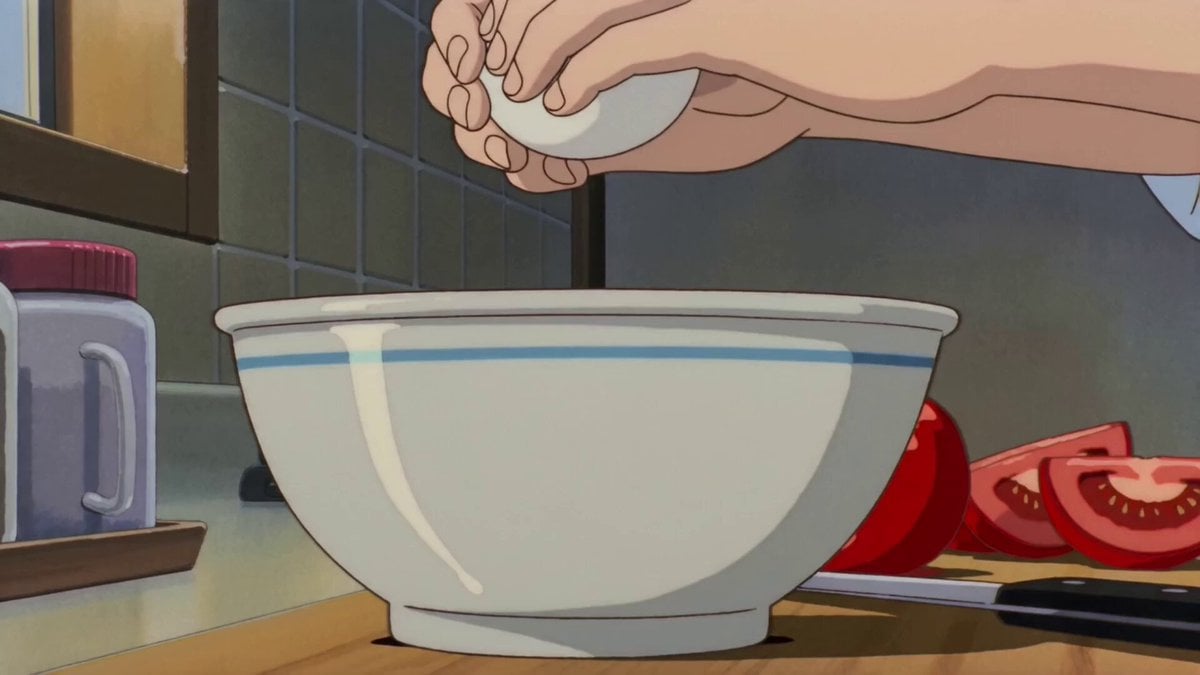
- Prompt included
- Model and format preset
- Free template
The prompt behind this video
Copy the exact prompt behind Retro Anime Cooking Kitchen Scenes, or open it in the studio and make it yours.
日本の昔のフルカラーTVアニメ風。 1990年代〜2000年代初期のセル画アニメの質感。 手描き背景、柔らかい輪郭線、少し低めの解像感、フィルム粒子、わずかな色ズレ。 懐かしい日常アニメの、台所で食事の支度をしている一連の手元シーン。 人物の顔や全身は映さず、手元、食材、包丁、まな板、フライパン、皿、湯気だけで見せる。 手の形、服の袖、調理器具、食材の見た目、キッチン小物の位置関係を全シーンで一貫させる。 料理番組風ではなく、生活アニメの自然な一場面として描く。 実写風、3D、現代的VFX、過剰なレンズフレアは禁止。 セル画らしい少しだけ揺れる画面。 カメラは落ち着いた固定ショット、ゆるやかな寄り、静かなパン中心。 テンポは早すぎず、手元の動きが心地よく見える程度。 [スタイル] 懐かしい日本の家庭アニメ。夕方の台所。窓の外は少し青く、室内は暖かい黄色の照明。 木のまな板、白い皿、家庭的な包丁、小さめのフライパン、古いキッチン。 背景は手描き水彩風、手元と食材はセル画調。 影はシンプルな2段影。光は柔らかい。 湯気、包丁の動き、卵の質感、パンくず、トマトの断面などを丁寧に描く。 全体に静かで、少しノスタルジックで、生活感がある。 [シーン] 一つの料理を完成させる流れではなく、食事の準備の中にある手仕事を5つの独立した場面として切り取る。 それぞれ違う食材や動作を見せ、生活感のある手元アニメにする。 [scene1] まな板の真上から見たショット。 手元だけが映り、赤いトマトを包丁でゆっくり切っていく。 刃が入るたびに果肉と種が見え、みずみずしい断面が現れる。 切ったトマトがまな板の上に少しずつ並んでいく。 環境音:包丁がまな板に当たる軽い音。 [scene2] 少し横からのクローズアップ。 片手で卵を持ち、ボウルの縁に軽く当ててから、両手で割る。 殻が開き、黄身と白身がとろりと落ちる。 卵の糸を引く質感と、ボウルの中の揺れを丁寧に描く。 環境音:卵が割れる小さな音、液体が落ちる音。 [scene3] 斜め前からの手元ショット。 食パンを包丁でゆっくりスライスしている。 [scene4] コンロ横の近距離ショット。 フライパンの上で溶いた卵が流し込まれ、菜箸でやさしく混ぜられる。 半熟の部分と火が入った部分がゆっくり形を変える。 湯気が立ち、暖かい光がフライパンの縁に当たる。 [scene5] テーブル近くの固定ショット。 手元だけが映り、切ったトマト、卵料理、スライスしたパンを静かに皿へ整えていく。 最後にカップがそっと置かれ、湯気が立つ。 料理完成を大げさに見せるのではなく、準備が整った静かな余韻で終わる。 環境音:皿やカップが触れる小さな音、静かな室内音。
How to use Retro Anime Cooking Kitchen Scenes in 3 steps
- 1
Open
The prompt is already in the box next to the preview, with the template's model and format selected.
- 2…a portrait of your subject in softgolden-hour light, 85mm…
Personalize
Edit the subject and creative details for your destination.
- 3Generate
Generate
Press Generate — your video is created in PicX Studio, so you can compare it with the original and refine one variable at a time.
More like this
Templates with the same subject, style or setup. Open one to see its prompt.

Studio Ghibli Dumpling Kitchen Cooking Scene
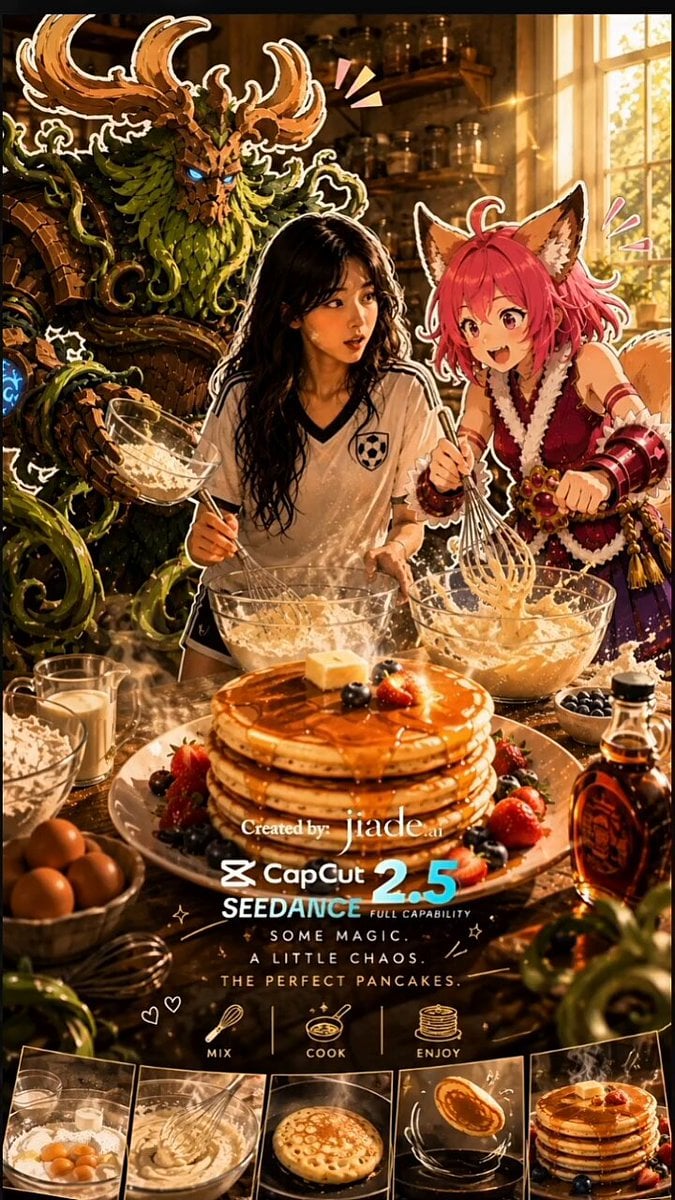
Mixed-Media Kitchen Cooking Animation
Anime Cooking Vongole Bianco Scene
Late Night Kitchen Phone Recording - Seedance 2.5
Anime Souffle Pancake Cooking Sequence

MiniMax H3 Character Introduction

Japanese Pure Love Short Film
Anime Chef Shrimp Tempura Cooking
90s Retro Anime Shell Tower Animation
Anime Pancake Cooking Montage
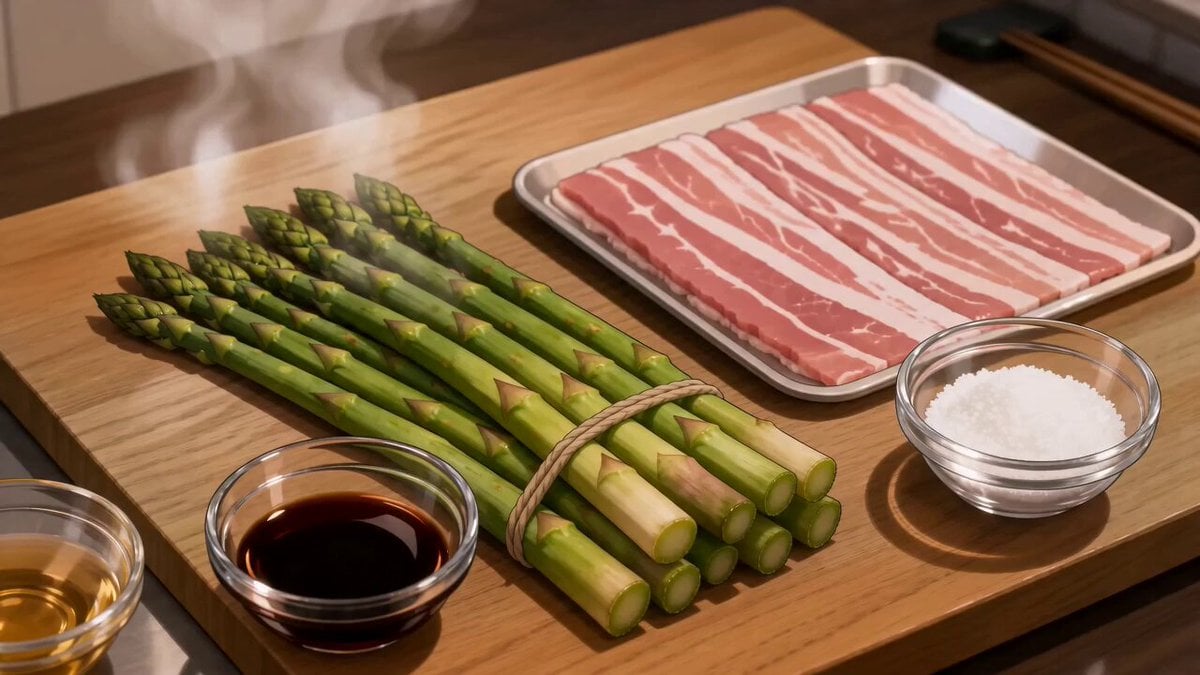
Anime Pork-Wrapped Asparagus Cooking Video
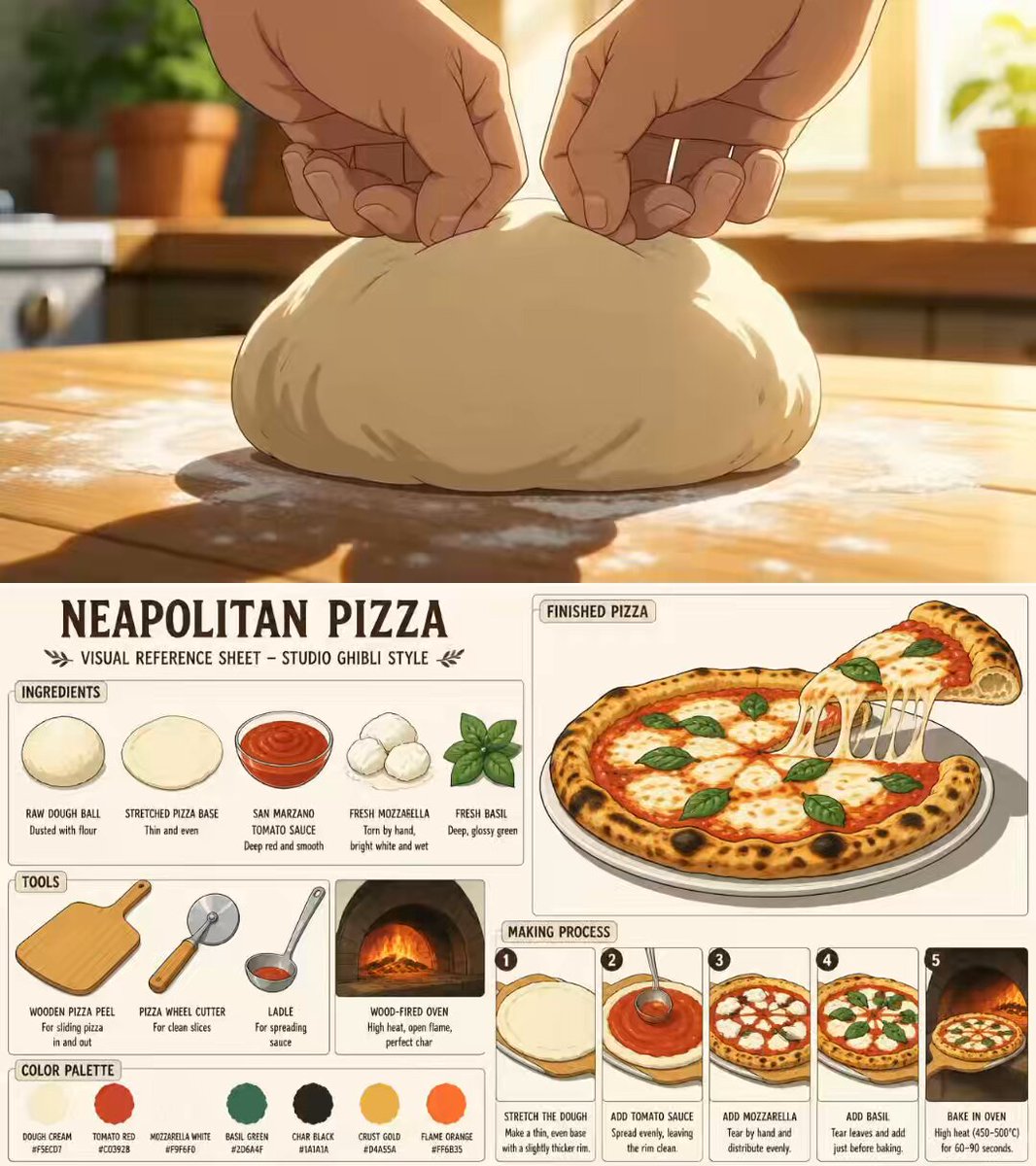
Ghibli Aesthetic Anime Cooking Video
Make it yours
Retro Anime Cooking Kitchen Scenes works as-is. These are the safest ways to change it without losing the look.
Change one field
Copy a single group, rewrite it, and generate again so you can see what that field is doing.
Keep the frame, change the subject
Hold the composition and light of Retro Anime Cooking Kitchen Scenes, then swap wardrobe, props or the person for a new take.
| If the result… | Why | Fix |
|---|---|---|
| The result drifts from the preview | Too many fields changed at once. | Reuse Retro Anime Cooking Kitchen Scenes as-is first, then change one group — subject, light, or setting. |
| The model over-stylizes the scene | The prose prompt leaves finish and camera underspecified. | Add one camera or lighting sentence and stay on Seedance 2.0. |
More Seedance 2.0 templates
Other prompts made for Seedance 2.0.

Comical Martial Arts Punch Scene

Maglev Train Action Sequence

Martial Arts Fight Sequence

Wuxia Protection and Trust Script

Vintage Korean Arcade MiniDV Vlog

Mercedes 190 SL Luxury Ad

Rainy Night Supernatural Reverse Comedy Video Script

Amazon Civilization Discovery

Futuristic South Asian City Transformation

Cozy Luxury Cafe Commercial
More video prompts
Fresh picks from across the catalog.

Heritage Garden Travel Vlog
Desert Base Alien Attack Cinematic Script
Microscopic Photograph of Iron Whiskers and Crystals
Infinite Palace Multiverse Portals
Photorealistic cinematic portrait of a young tailor

Impasto Oil Painting of a Layered City at Sunrise
Serenity Melody Ray
Miniature Fantasy Action Short Film Prompt
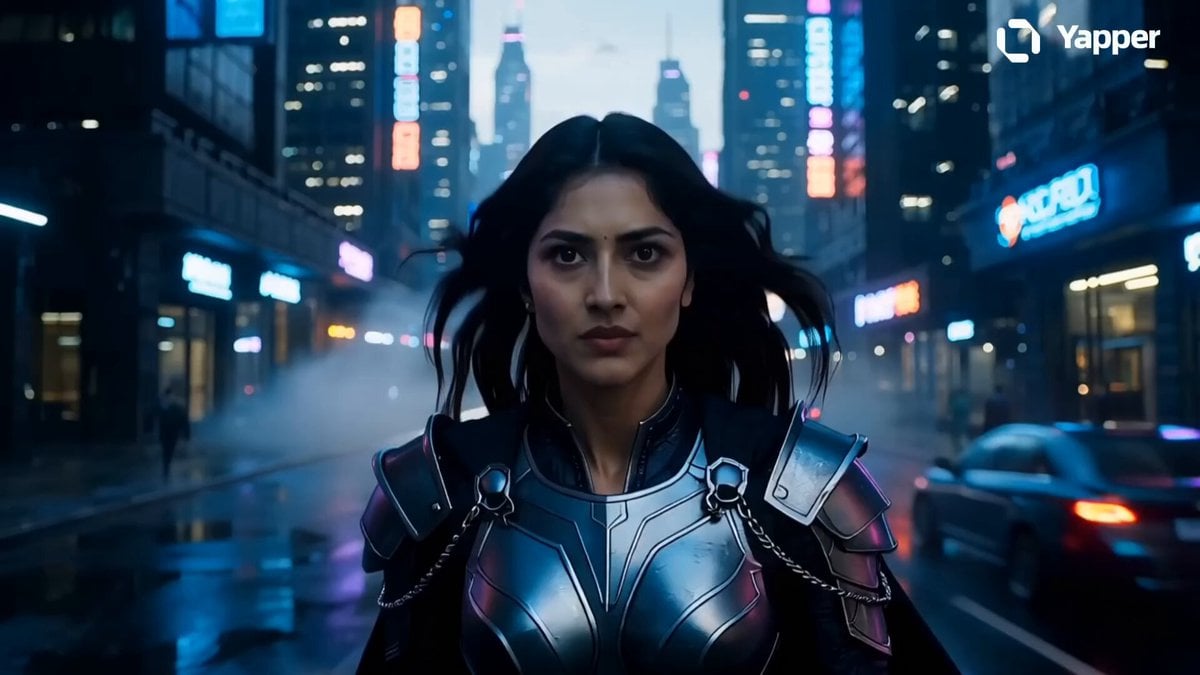
Futuristic Dubai Warrior Scene
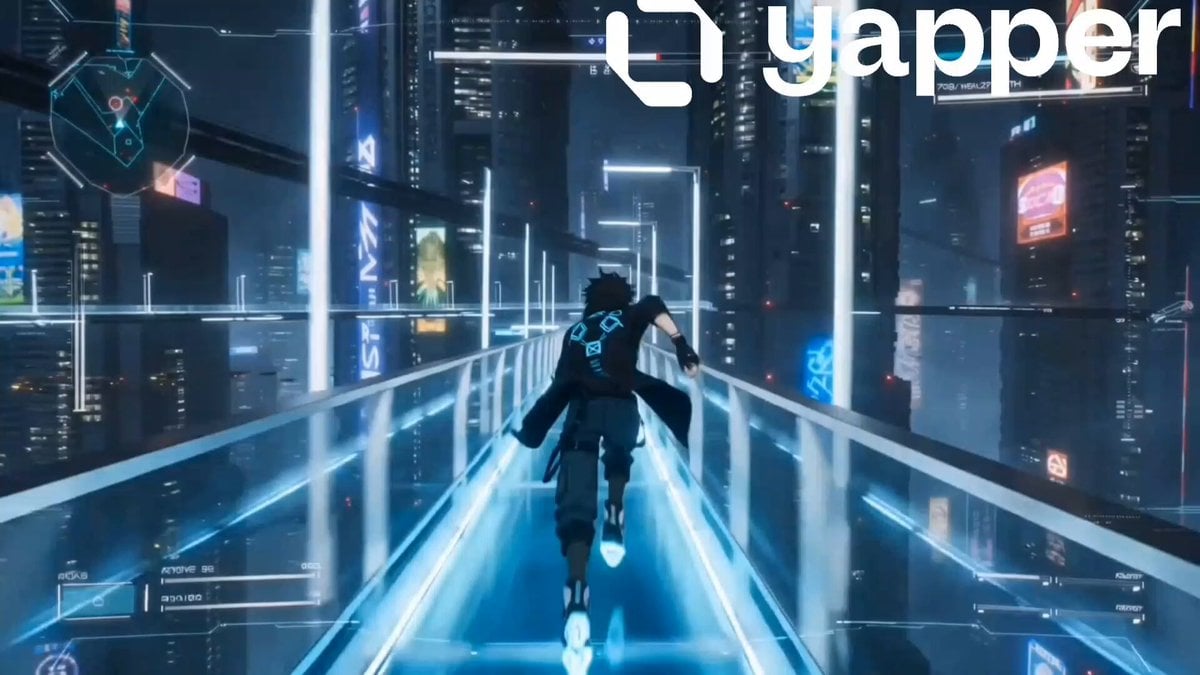
Sci-Fi Anime Floating City Cinematic
Browse template categories
Retro Anime Cooking Kitchen Scenes questions
How do I use the Retro Anime Cooking Kitchen Scenes template?
Add your photo if the template asks for one, edit the prompt if you like — the template's model and format are already selected — and press Generate. Your version opens in PicX Studio.
Can I customize the Retro Anime Cooking Kitchen Scenes template?
Yes. You can change the subject, setting, lighting, mood, format, and available model controls before creating your video.
Is the Retro Anime Cooking Kitchen Scenes template free?
Opening and editing this template is free. Generating uses credits, shown on the Generate button when you are signed in.
Which AI model should I use?
Start with Seedance 2.0, which is the model associated with this template. You can compare another compatible model for a different finish.
Looking for something else? Browse all templates.

Your photo, any look
Thousands of ready templates for every top image and video model, from one credit balance.