How do I use the Miniature Fantasy Action Short Film Prompt template?
Edit the prompt in the box under the preview — the template's model and format are already selected — and press Generate. Your version appears right on this page.
A detailed prompt for Seedance 2.0 generating a miniature fantasy action short film.
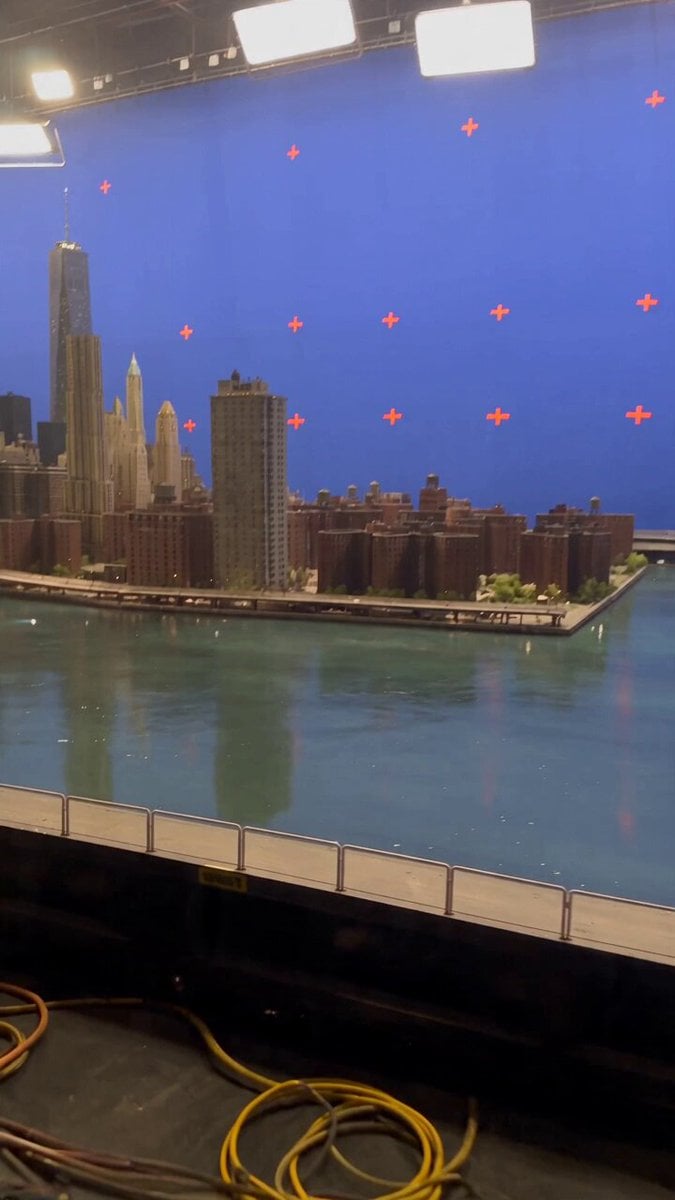
Original Miniature Fantasy Action Short Film: In a study late at night, two original combat models in the collection cabinet suddenly wake up under the moonlight. They launch an epic battle between the narrow desktop and ornaments. The camera adopts macro movie photography to highlight the huge scale contrast. Light slants in from outside the window, with dust particles clearly visible. The collision of small weapons sparks fire, making the picture both absurd and spectacular, with a compact rhythm and full of surprises. Negative Restrictions: No any existing toy brands, no well-known robot IPs, no building block brand elements, no military copyrighted shapes, no actor faces.
Original Miniature Fantasy Action Short Film: In a study late at night, two original combat models in the collection cabinet suddenly wake up under the moonlight. They launch an epic battle between the narrow desktop and ornaments. The camera adopts macro movie photography to highlight the huge scale contrast. Light slants in from outside the window, with dust particles clearly visible. The collision of small weapons sparks fire, making the picture both absurd and spectacular, with a compact rhythm and full of surprises. Negative Restrictions: No any existing toy brands, no well-known robot IPs, no building block brand elements, no military copyrighted shapes, no actor faces.
Edit the prompt in the box under the preview — the template's model and format are already selected — and press Generate. Your version appears right on this page.
Yes. You can change the subject, setting, lighting, mood, format, and available model controls before creating your video.
Opening and editing this template is free. Generating uses credits, shown on the Generate button when you are signed in.
Start with Seedance 2.0, which is the model associated with this template. You can compare another compatible model for a different finish.
Follow a topic to a crawlable collection of related PicX Studio templates.