
Awkward Palace Scene: Mistaken Identity
A detailed, 15-second vertical video prompt for Seedance 2.0, generating a first-person perspective, cinematic, high-definition ancient palace drama scene.

- Prompt included
- Model and format preset
- Premium template
The prompt behind this video
Copy the exact prompt behind Awkward Palace Scene: Mistaken Identity, or open it in the studio and make it yours.
9:16 vertical frame, first-person perspective, the look of a classical Chinese palace drama, cinematic high definition. 0-3s: The imperial garden, rockery and flowing water, peonies in full bloom, dappled sunlight. A noble consort stands beside the flowers, wearing an ornate phoenix crown with pearl hairpins, a bright yellow phoenix robe, holding a round silk fan; hearing footsteps, she turns, the fan half-covering her face, and says with a coy smile: "His Majesty has arrived, this humble consort greets you~" 4-8s: She approaches gracefully, her phoenix robe swaying, the camera backing away; as she draws closer she senses something is wrong, lowers the fan, her expression shifting from coy to puzzled, leaning in toward the camera for a closer look, and asks: "Wait... you're not His Majesty?" 9-12s: A voice from off-camera (a eunuch's shrill voice): "My lady, it's your servant, Little Guizi..." The consort's expression changes, she steps back awkwardly, quickly composes herself, clears her throat, and says: "This consort... of course this consort knew that." 13-15s: She turns her back to the camera, her shoulders visibly slumping, covering her face with the fan, muttering under her breath: "I'm so embarrassed..." The image freezes on her dejected back and the falling flower petals, with an "awkward" sound effect. Sound: footsteps, wind, the eunuch's shrill voice, an embarrassed cough, a comedic "uh-oh" sound effect. Prohibited: any text, subtitles, logos, or watermarks.
How to use Awkward Palace Scene: Mistaken Identity in 3 steps
- 1
Open
The prompt is already in the box next to the preview, with the template's model and format selected.
- 2…a portrait of your subject in softgolden-hour light, 85mm…
Personalize
Edit the subject and creative details for your destination.
- 3Generate
Generate
Press Generate — your video is created in PicX Studio, so you can compare it with the original and refine one variable at a time.
More like this
Templates with the same subject, style or setup. Open one to see its prompt.
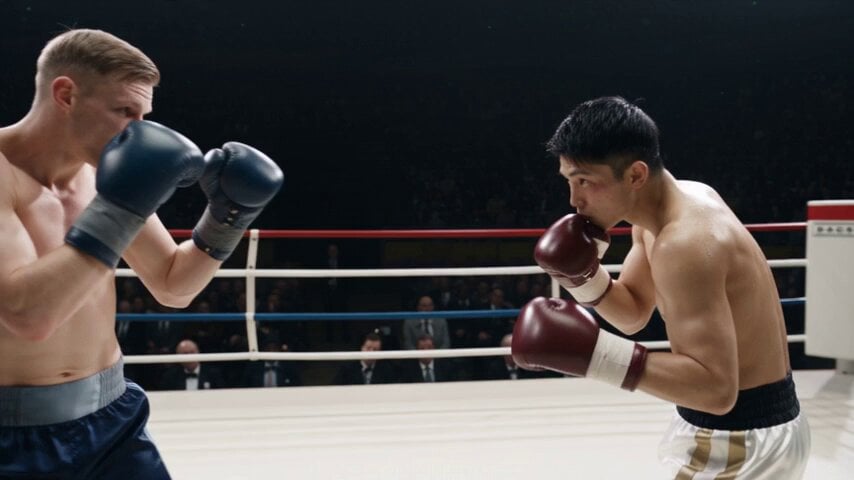
Japanese Boxer Visual Identity
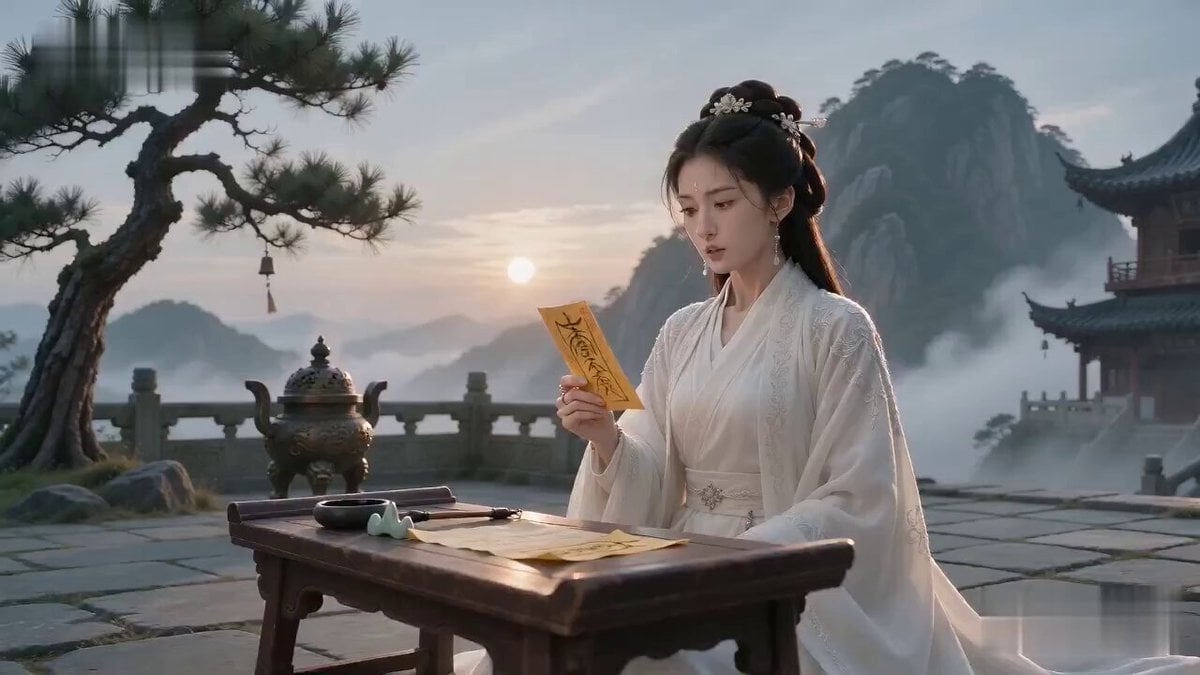
Cinematic Wuxia Identity Reversal Comedy
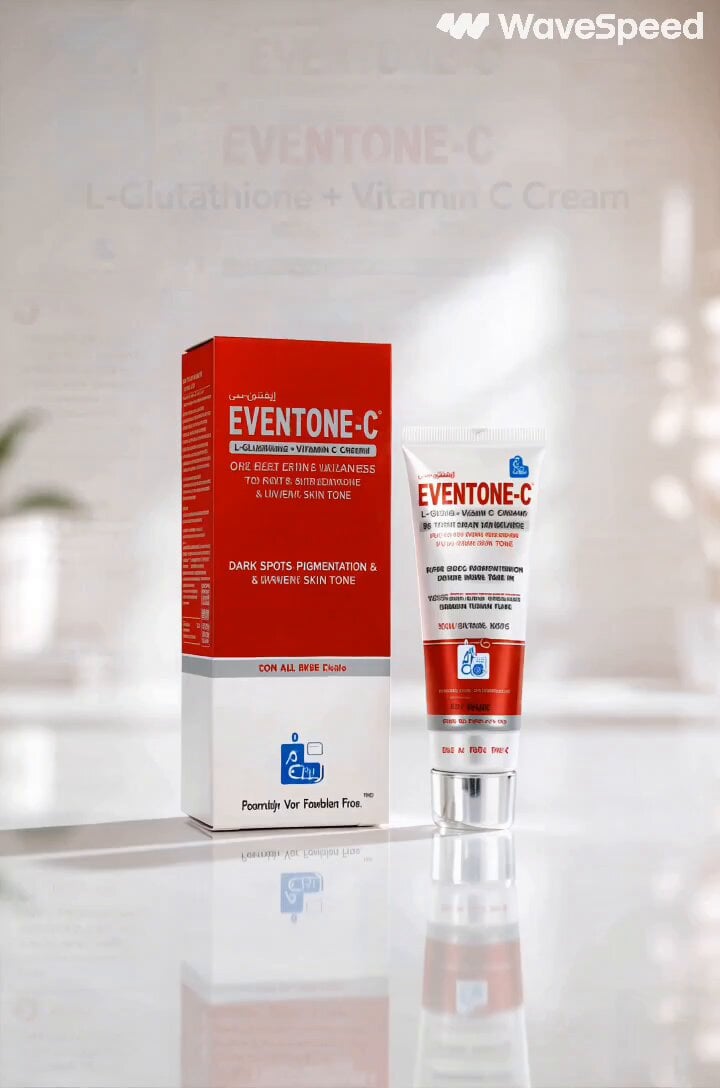
Premium Skincare Identity Commercial
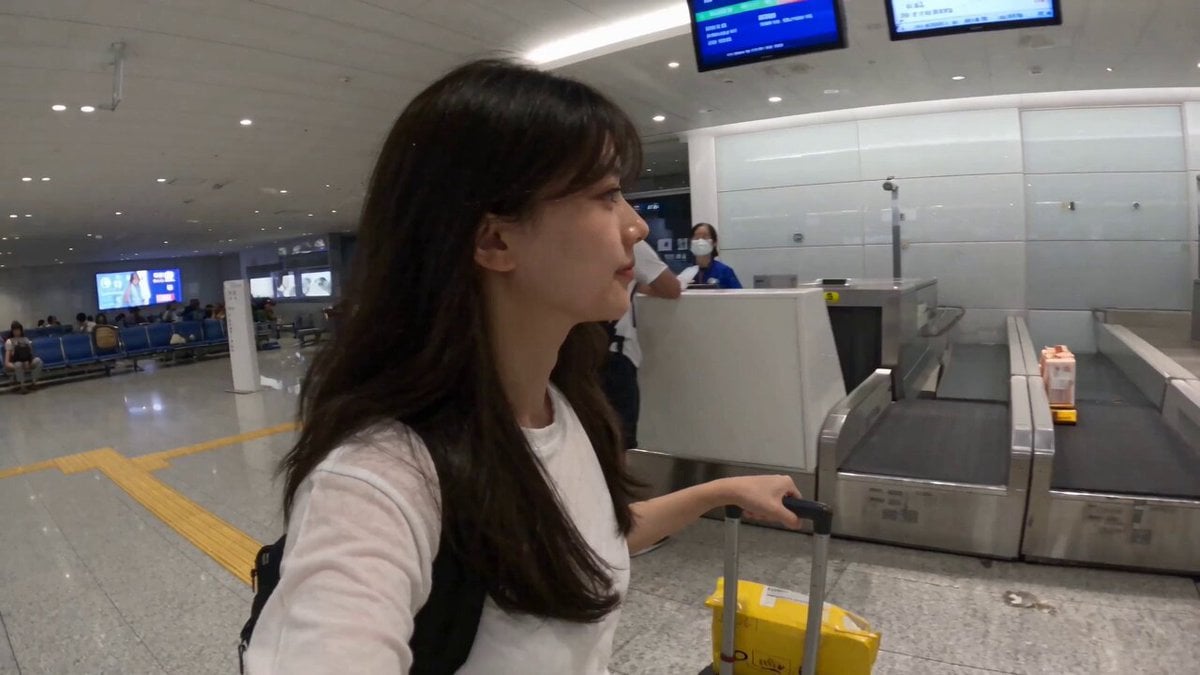
Smartphone Travel Vlog Tokyo Trip Identity Preserved
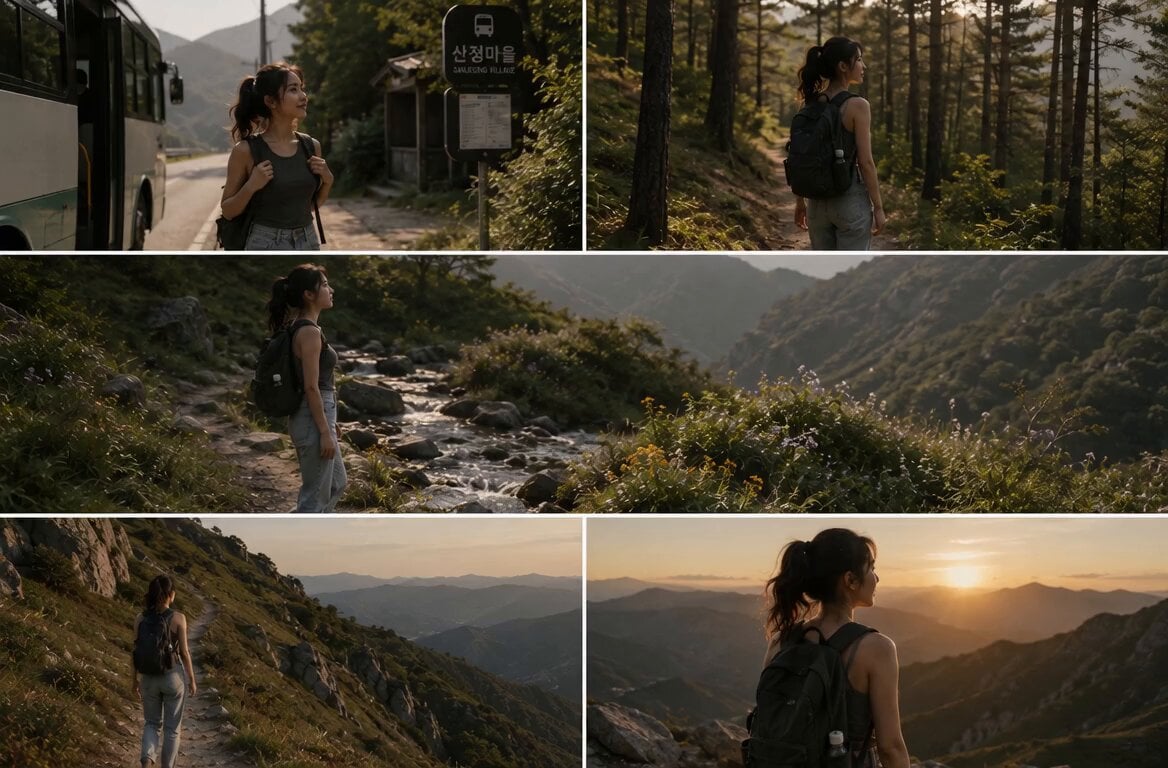
Cinematic Mountain Trekking Identity Lock
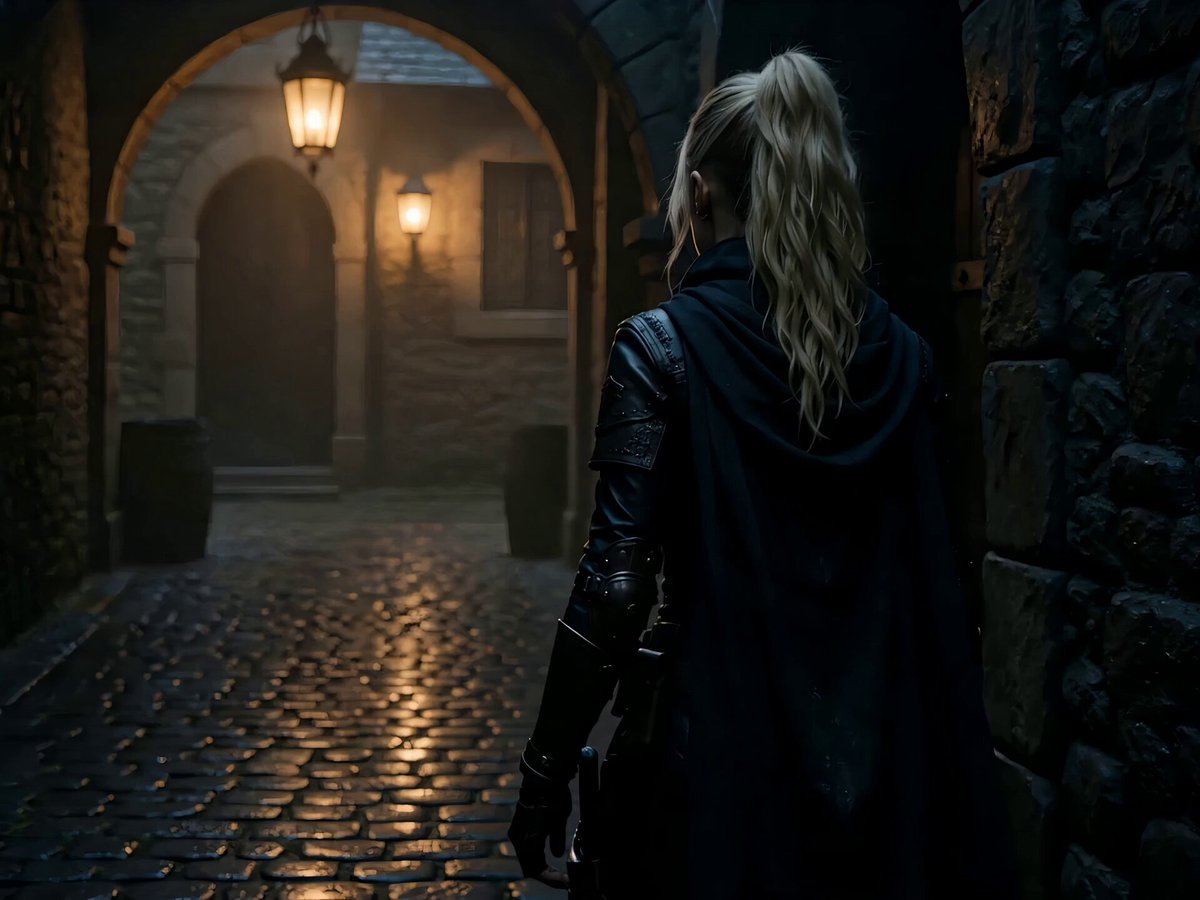
Seedance 2.0 Character Identity Action Prompt
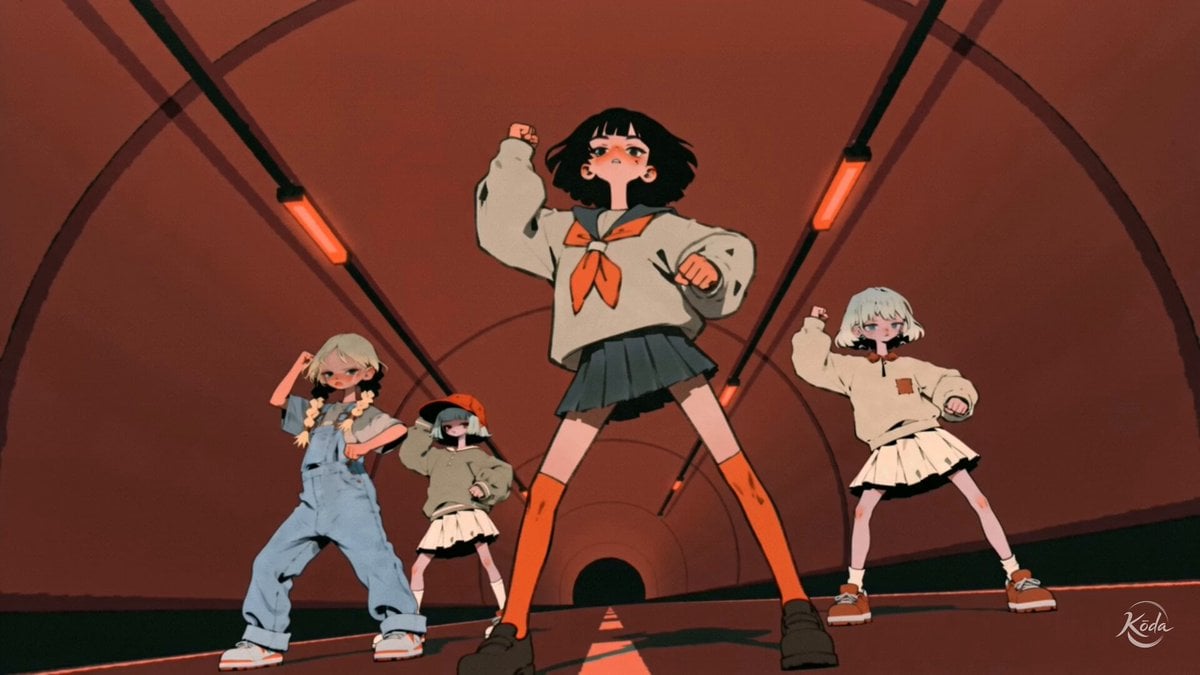
Music Video Choreography and Identity
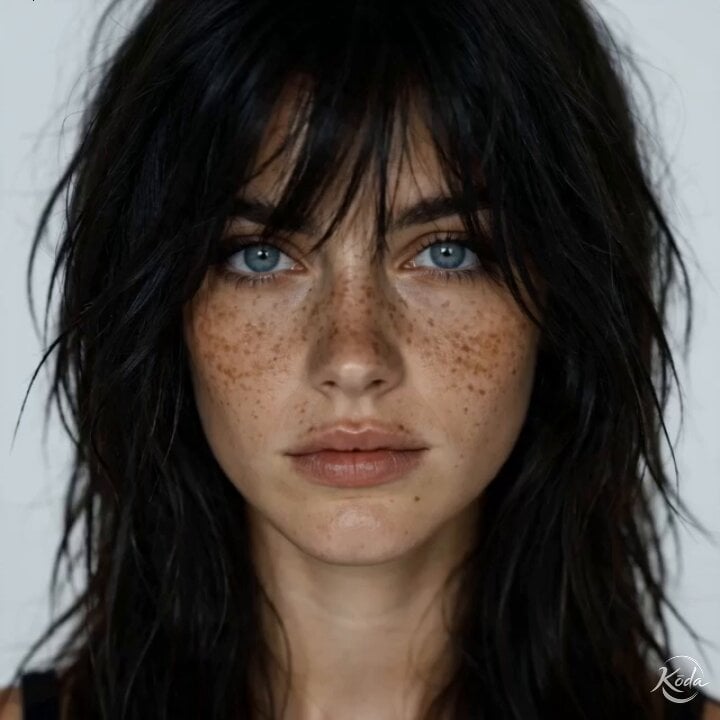
Cinematic Facial Close-up with Fixed Identity
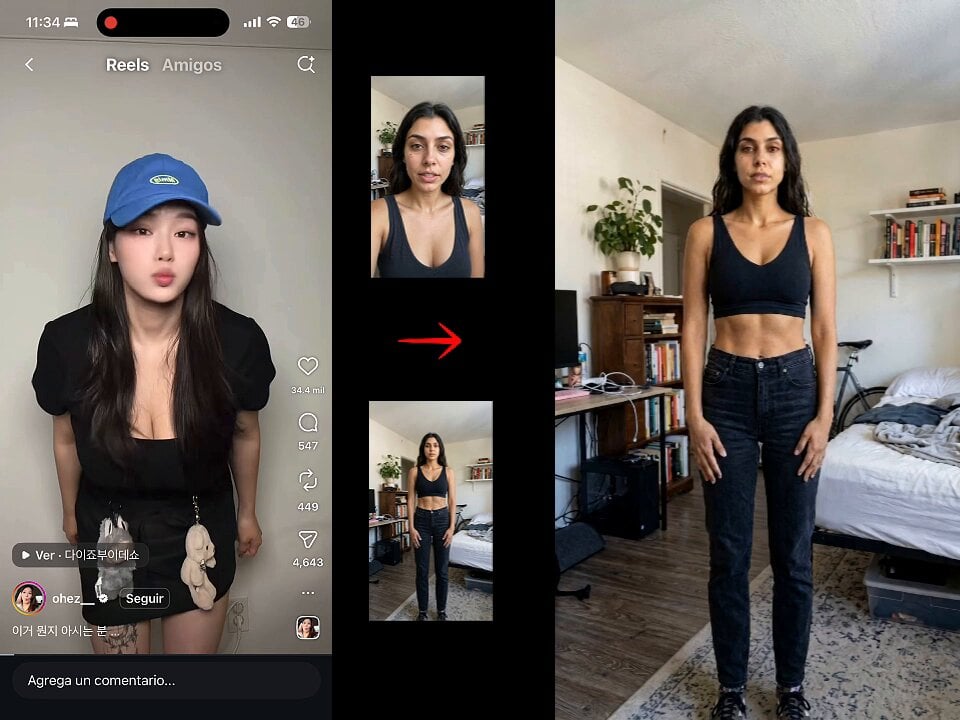
AI Video Motion Transfer for Character Identity
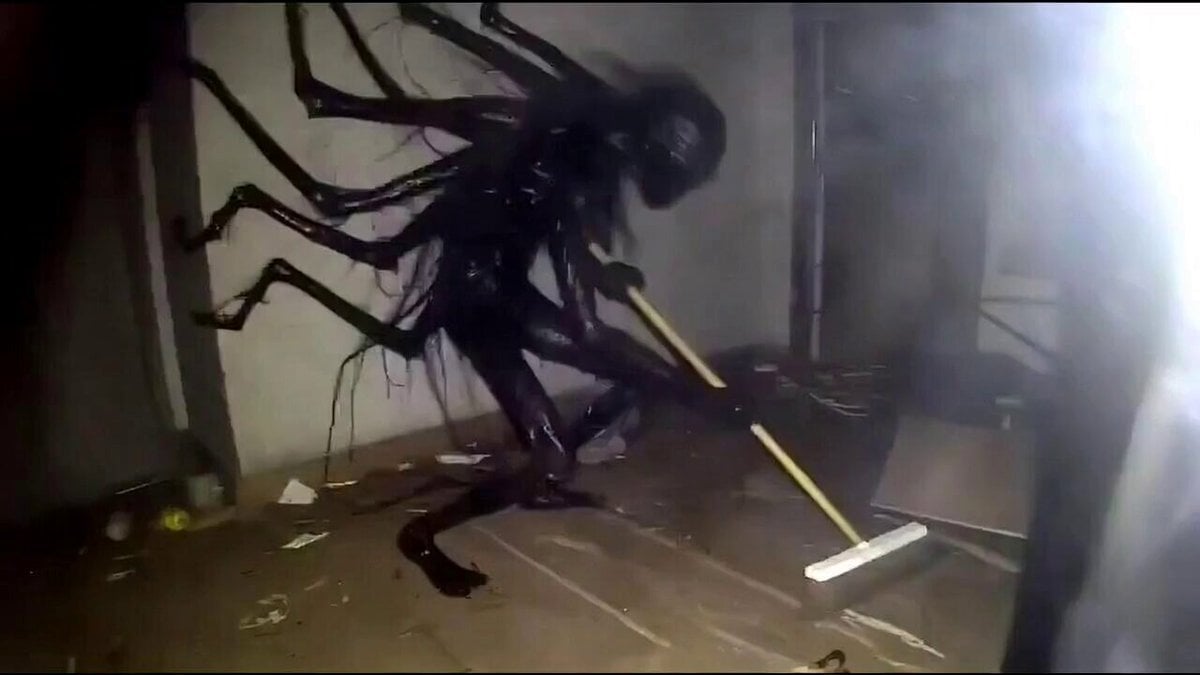
Awkward amateur meme-style cosmic entity
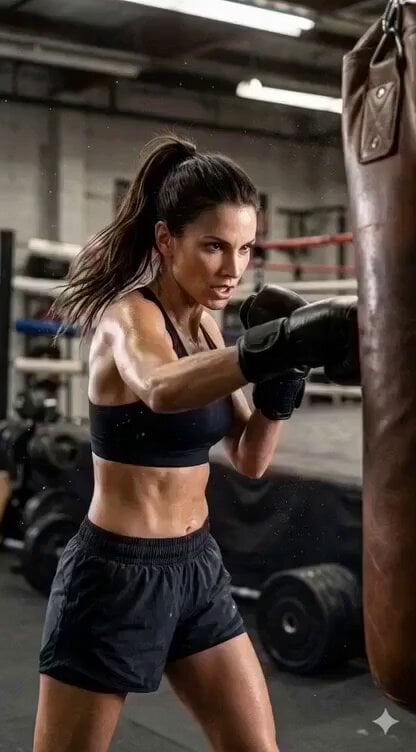
Image-to-Video Identity Lock for Athletic Expression
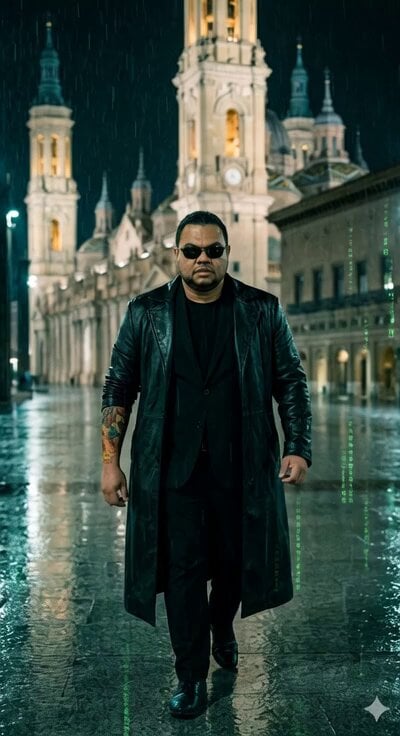
Identity Locked Image to Video
Make it yours
Awkward Palace Scene: Mistaken Identity works as-is. These are the safest ways to change it without losing the look.
Change one field
Copy a single group, rewrite it, and generate again so you can see what that field is doing.
Keep the frame, change the subject
Hold the composition and light of Awkward Palace Scene: Mistaken Identity, then swap wardrobe, props or the person for a new take.
| If the result… | Why | Fix |
|---|---|---|
| The result drifts from the preview | Too many fields changed at once. | Reuse Awkward Palace Scene: Mistaken Identity as-is first, then change one group — subject, light, or setting. |
| The model over-stylizes the scene | The prose prompt leaves finish and camera underspecified. | Add one camera or lighting sentence and stay on Seedance 2.0. |
More Seedance 2.0 templates
Other prompts made for Seedance 2.0.

Comical Martial Arts Punch Scene

Maglev Train Action Sequence

Martial Arts Fight Sequence

Wuxia Protection and Trust Script

Vintage Korean Arcade MiniDV Vlog

Mercedes 190 SL Luxury Ad

Rainy Night Supernatural Reverse Comedy Video Script

Amazon Civilization Discovery

Futuristic South Asian City Transformation

Cozy Luxury Cafe Commercial
More video prompts
Fresh picks from across the catalog.
Luxury Skincare Serum Commercial
Golden Hour Coastal Highway Drift
Floating Lights and Lantern Glow Video
Live-Action Scenery Switching Prompt (Randomized)
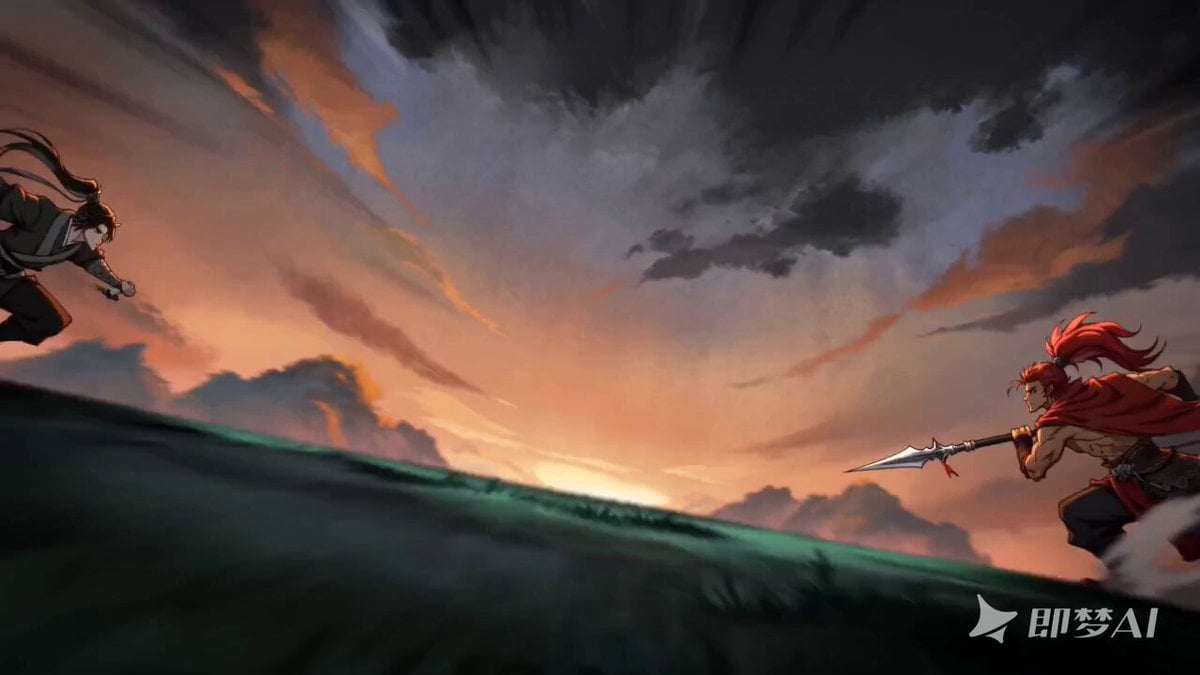
Wushan Wuxing Style High-Energy Fight Scene Prompt for Seedance 2.0
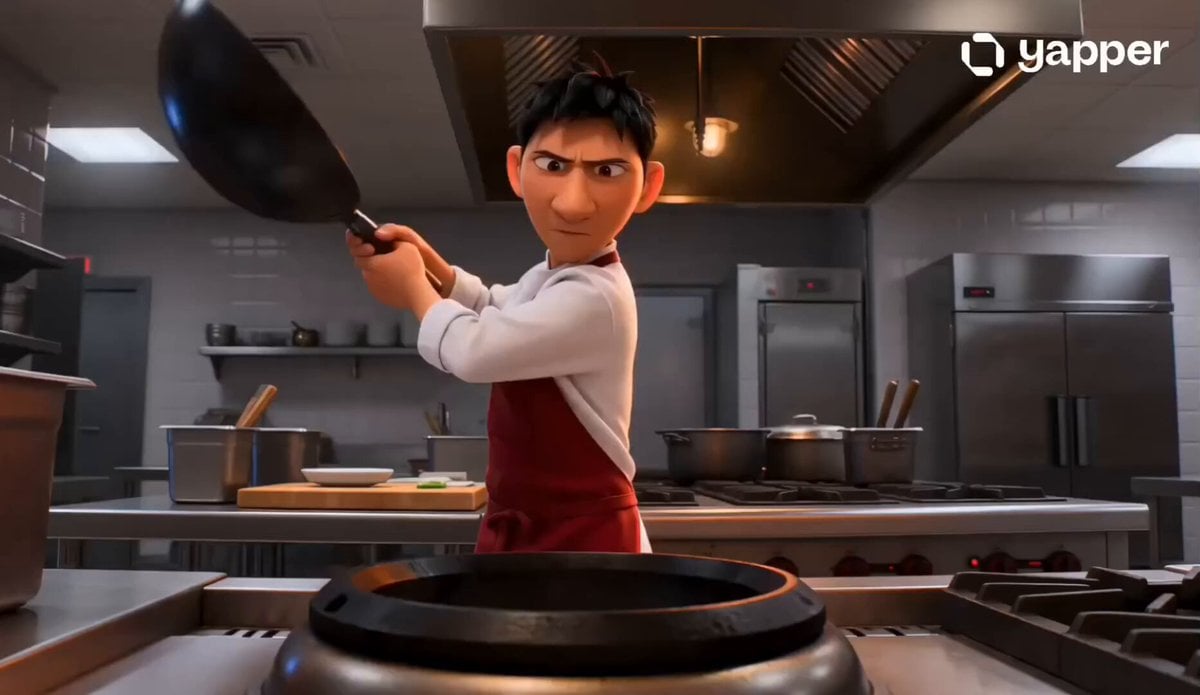
Pixar Style Wok Cooking Animation Storyboard
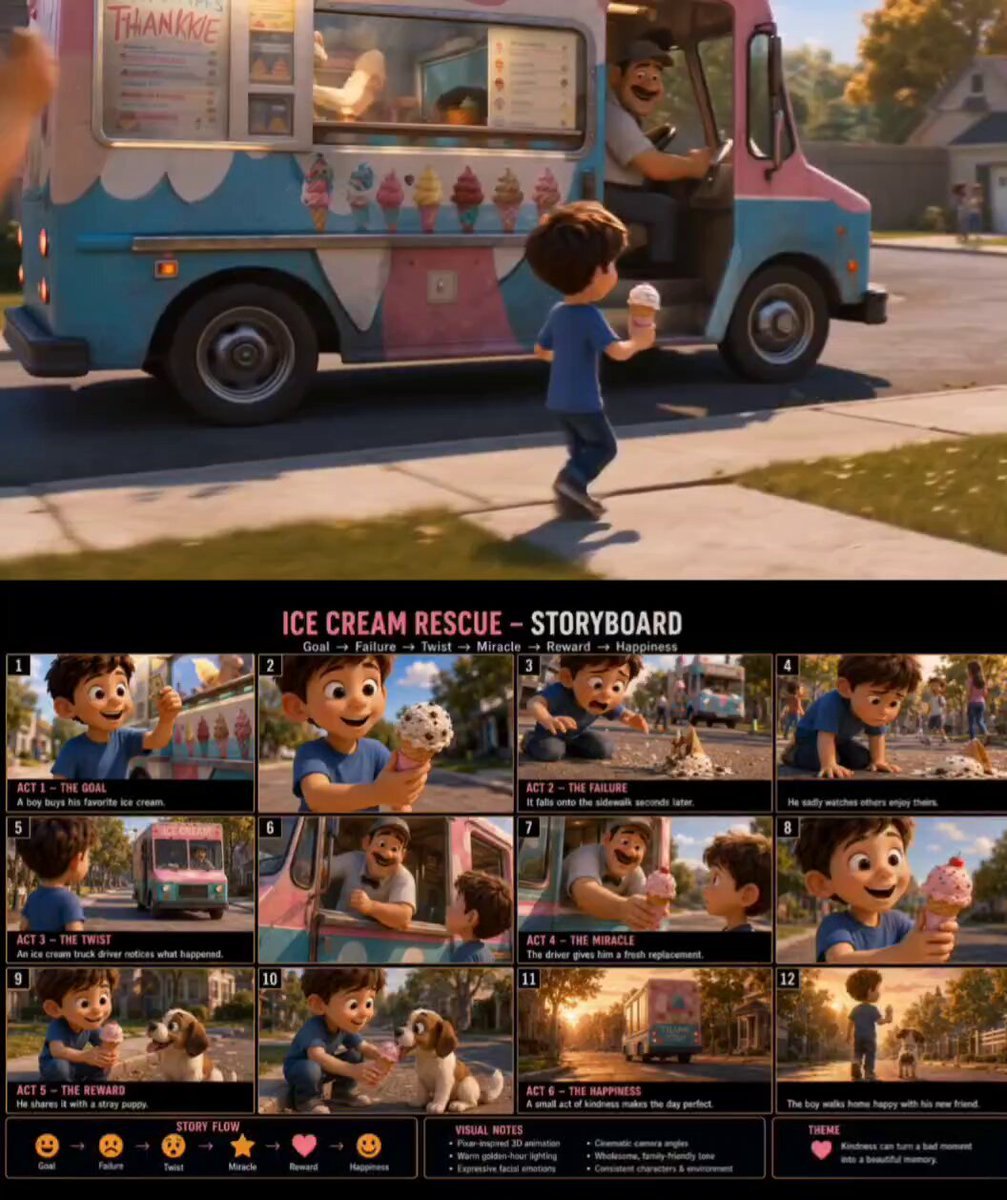
Pixar Style Ice Cream Rescue

Ultra-detailed cinematic scene of a chibi version of a person
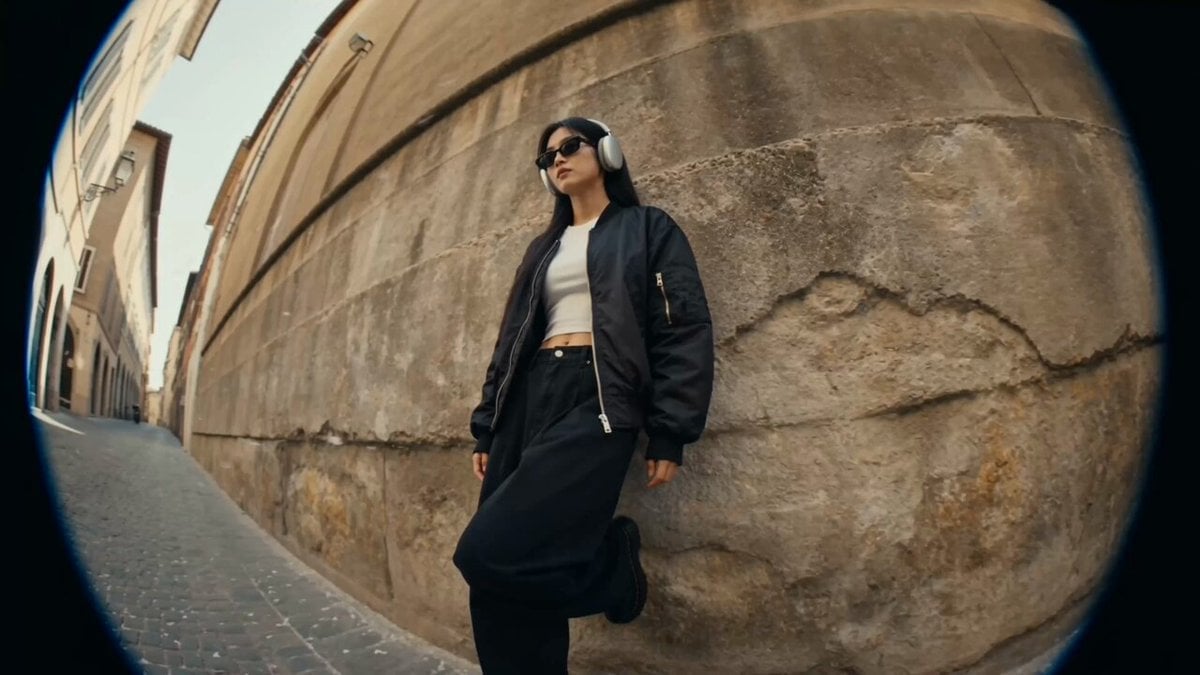
Cinematic European Street Video
Video prompt: Seamless continuation of Evangelion Unit-09
Browse template categories
Awkward Palace Scene: Mistaken Identity questions
How do I use the Awkward Palace Scene: Mistaken Identity template?
Add your photo if the template asks for one, edit the prompt if you like — the template's model and format are already selected — and press Generate. Your version opens in PicX Studio.
Can I customize the Awkward Palace Scene: Mistaken Identity template?
Yes. You can change the subject, setting, lighting, mood, format, and available model controls before creating your video.
Is the Awkward Palace Scene: Mistaken Identity template free?
Opening and editing this template is free. Generating uses credits, shown on the Generate button when you are signed in.
Which AI model should I use?
Start with Seedance 2.0, which is the model associated with this template. You can compare another compatible model for a different finish.
Looking for something else? Browse all templates.

Your photo, any look
Thousands of ready templates for every top image and video model, from one credit balance.