
Golden Hour Coastal Highway Drift
A 10-second cinematic video prompt of a vintage car driving along a coastal highway during golden hour, focusing on natural lighting and human interaction.
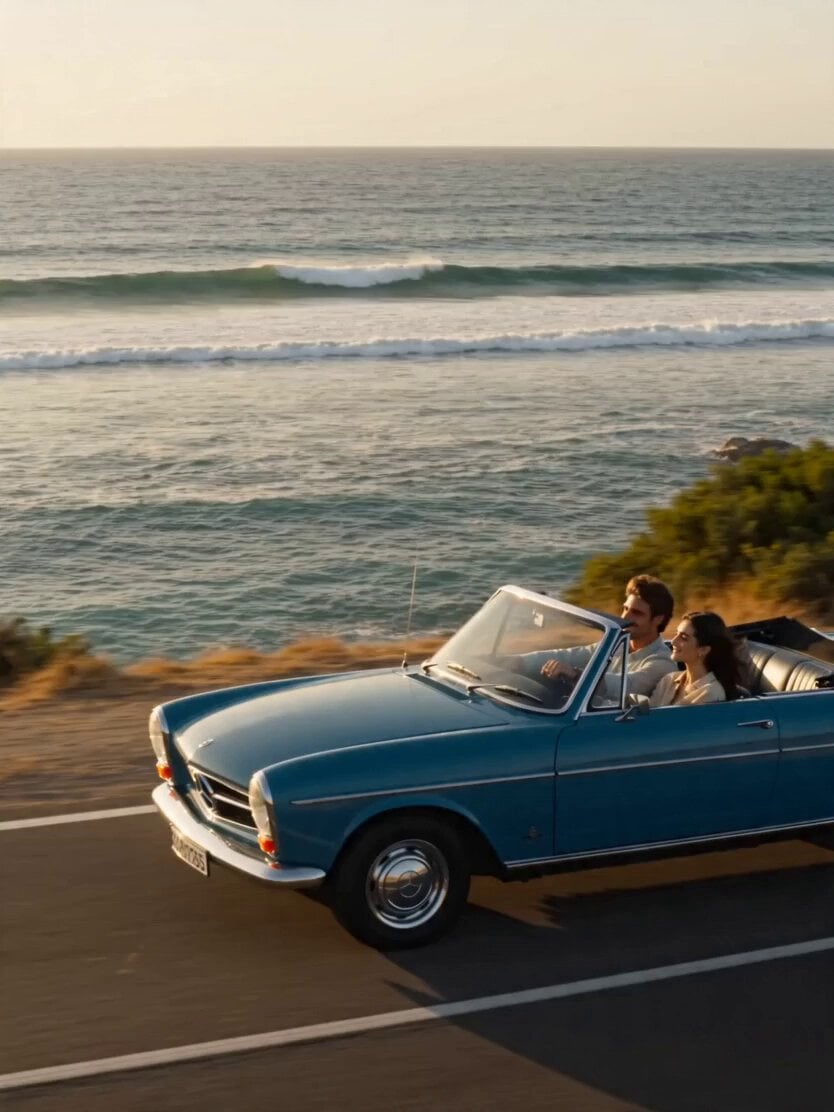
- Prompt included
- Model and format preset
- Free template
The prompt behind this video
Copy the exact prompt behind Golden Hour Coastal Highway Drift, or open it in the studio and make it yours.
10-second cinematic sequence **Camera Style:** 35mm lens look with shallow depth of field, smooth cinematic tracking shots with a subtle handheld warmth **Lighting:** Golden hour sunlight, warm color palette, soft natural highlights with gentle lens flare **Environment:** Scenic coastal highway running alongside the ocean, vintage car in motion, light sea breeze, wide open horizon **Scene & Motion Direction:** **0–2s:** Wide tracking shot of a vintage car driving along a coastal road. Ocean waves roll beside the highway, sunlight shimmering on the water. Wind subtly flows through the open car windows. **2–4s:** Interior mid shot inside the car. A couple laughs naturally, relaxed and unposed. A cassette player is visible in frame. Their hair moves slightly with the breeze as warm sunlight softly illuminates their faces. **4–6s:** Cut to a roadside stop. The couple stands near a small ice cream stall, casually sharing ice cream. Their posture is relaxed, expressions soft and genuine. The ocean remains visible in the background. **6–8s:** Close-up shot. One of them holds a Polaroid camera and takes a quick, natural photo. The shutter moment is captured with light laughter continuing in the background. **8–10s:** Final shot. A Polaroid photo slowly develops in their hand, gradually revealing the image. They stand beside the vintage car with the ocean behind them, bathed in warm golden light. The camera lingers on the developing photo as the sunlight fills the frame. **Key Realism Notes:** Natural human interaction, no exaggerated expressions, consistent golden hour lighting throughout, realistic vehicle motion and wind behavior, and smooth, seamless transitions between shots.
How to use Golden Hour Coastal Highway Drift in 3 steps
- 1
Open
The prompt is already in the box next to the preview, with the template's model and format selected.
- 2…a portrait of your subject in softgolden-hour light, 85mm…
Personalize
Edit the subject and creative details for your destination.
- 3Generate
Generate
Press Generate — your video is created in PicX Studio, so you can compare it with the original and refine one variable at a time.
More like this
Templates with the same subject, style or setup. Open one to see its prompt.
1967 Mustang Racing on Desert Highway at Golden Hour

Mediterranean Morning Coffee Run Vlog (Seedance 2.5)
Rally Car Coastal Drift Rescue
Coastal Highway Sunset Drive
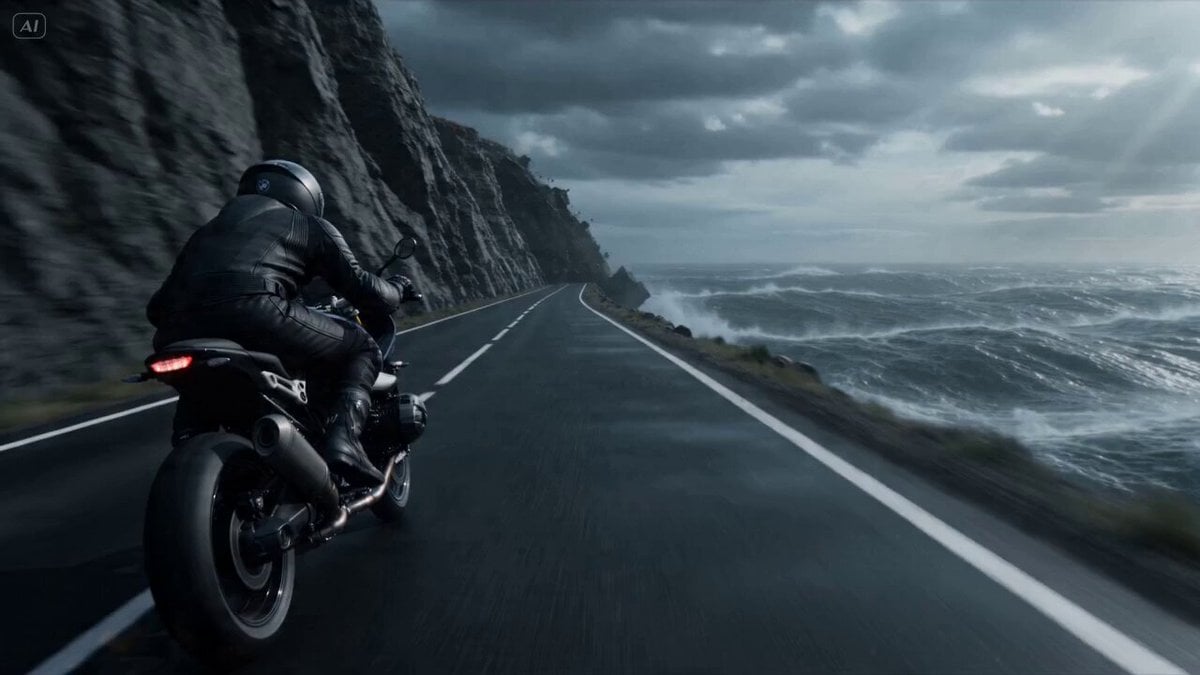
Cliffside Highway Coastal Disaster Video Prompt
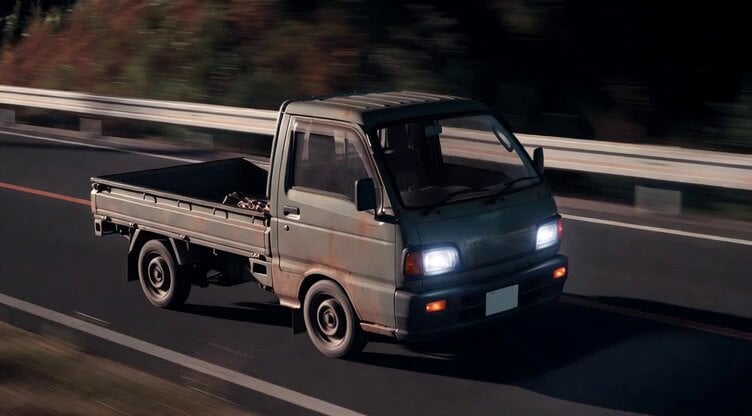
Kei Truck Street Racer Drifting on Japanese Highway
Highway Biker — Aggressive Lane Split (PixVerse C1)
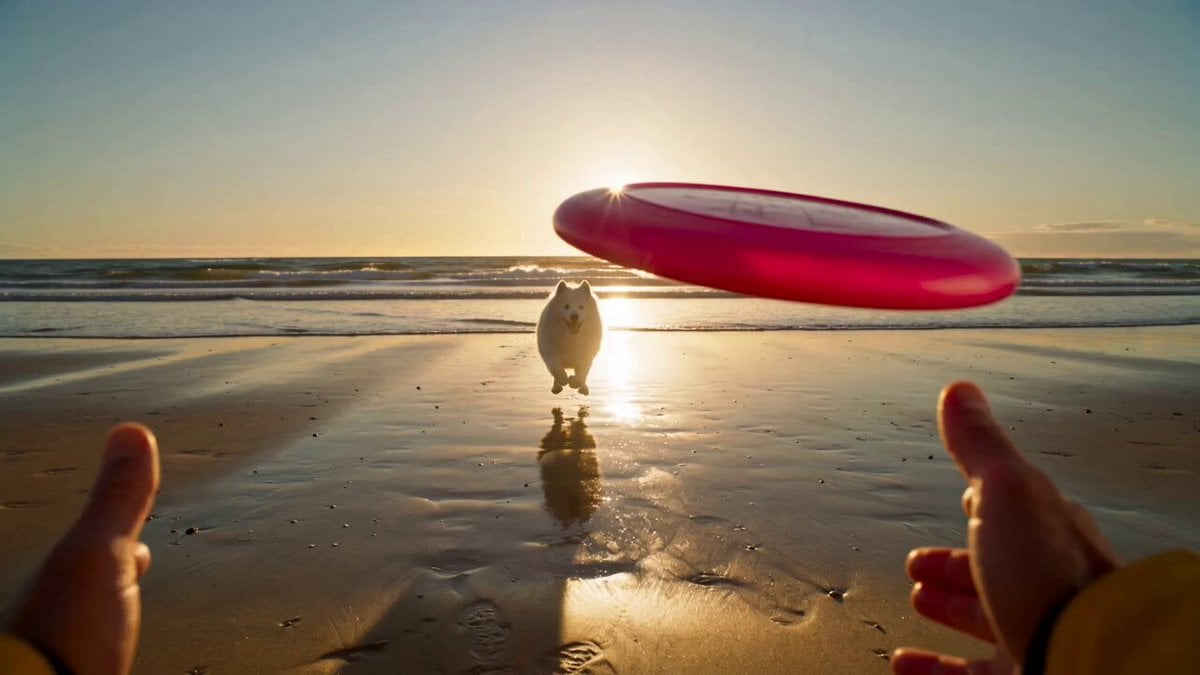
Golden Hour Beach Dog POV
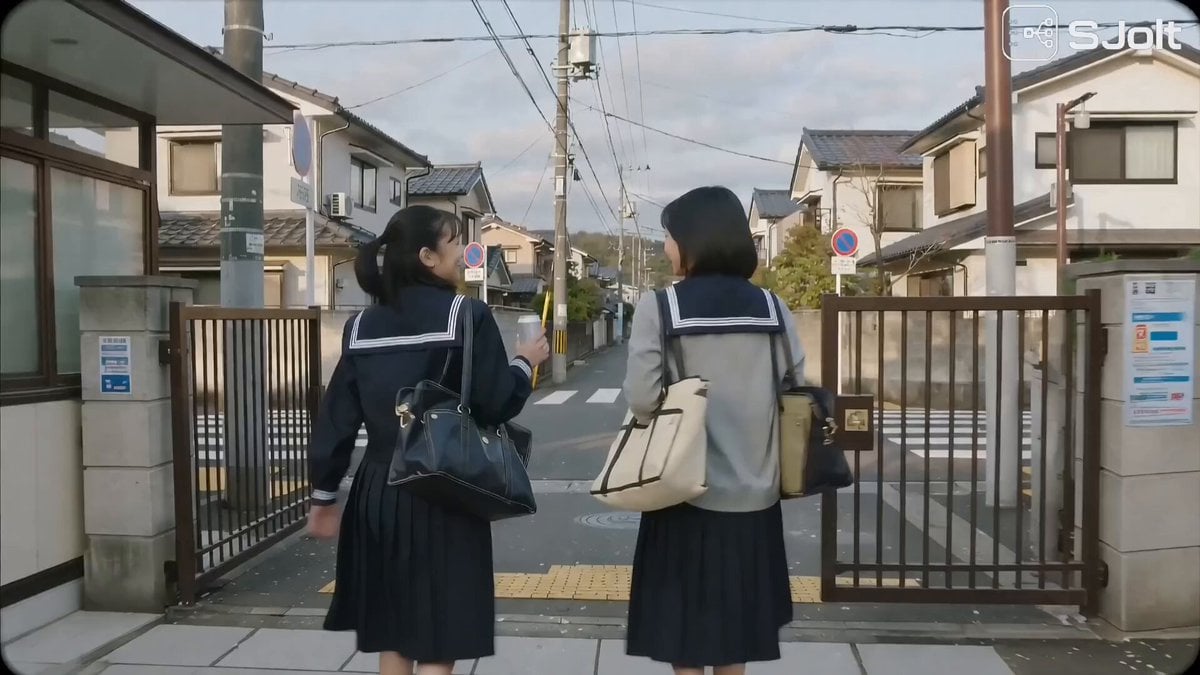
Japanese High School Golden Hour Walk
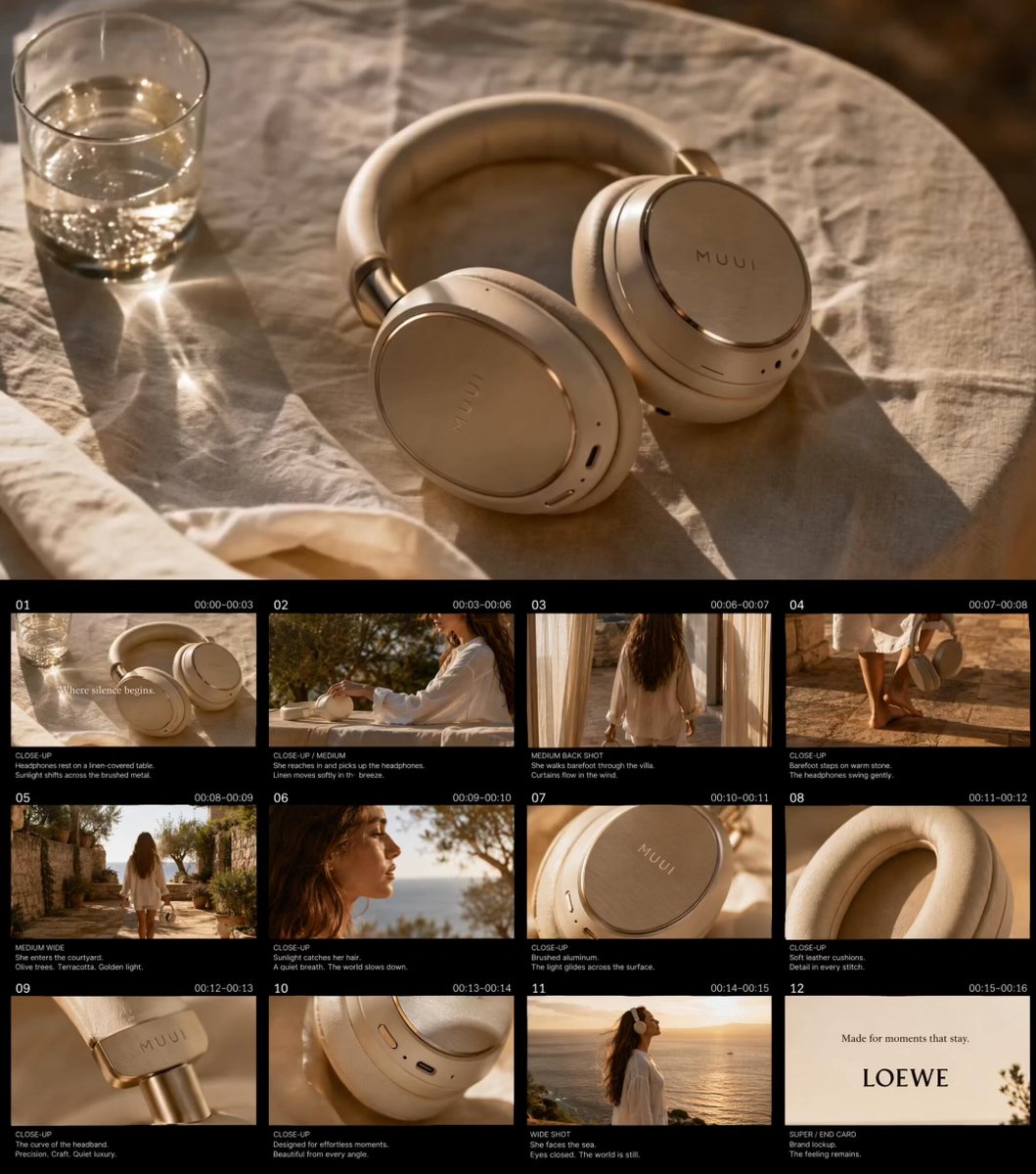
Golden Hour Luxury TVC
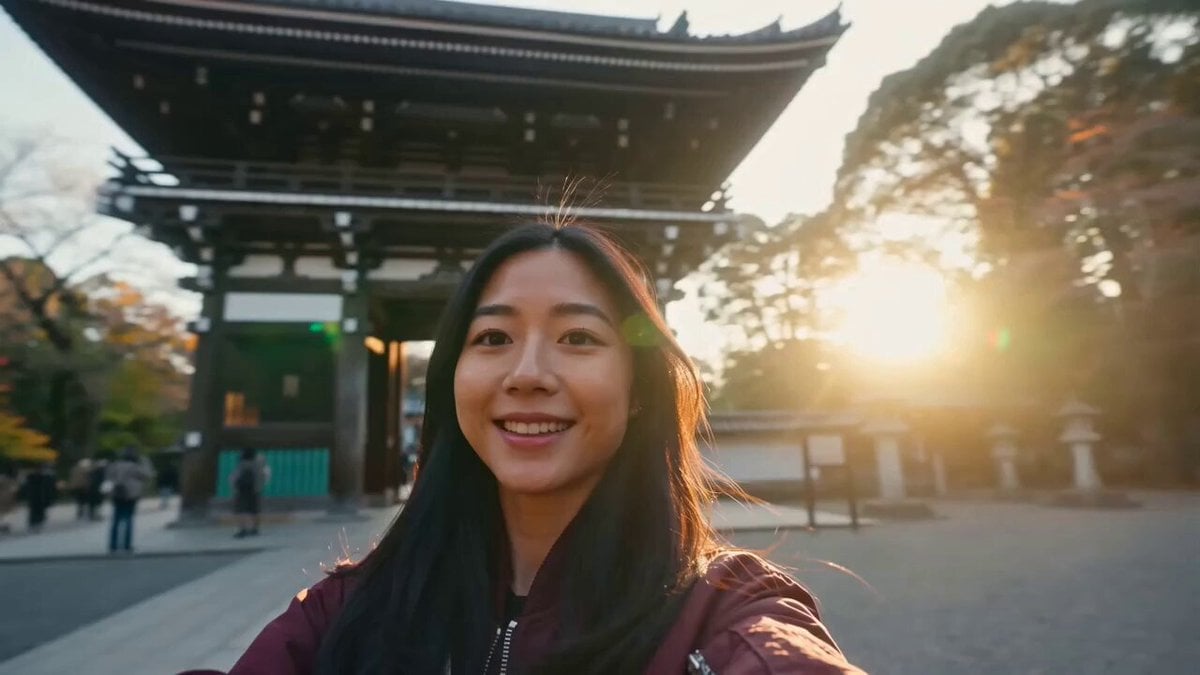
Japan Travel Vlog Golden Hour
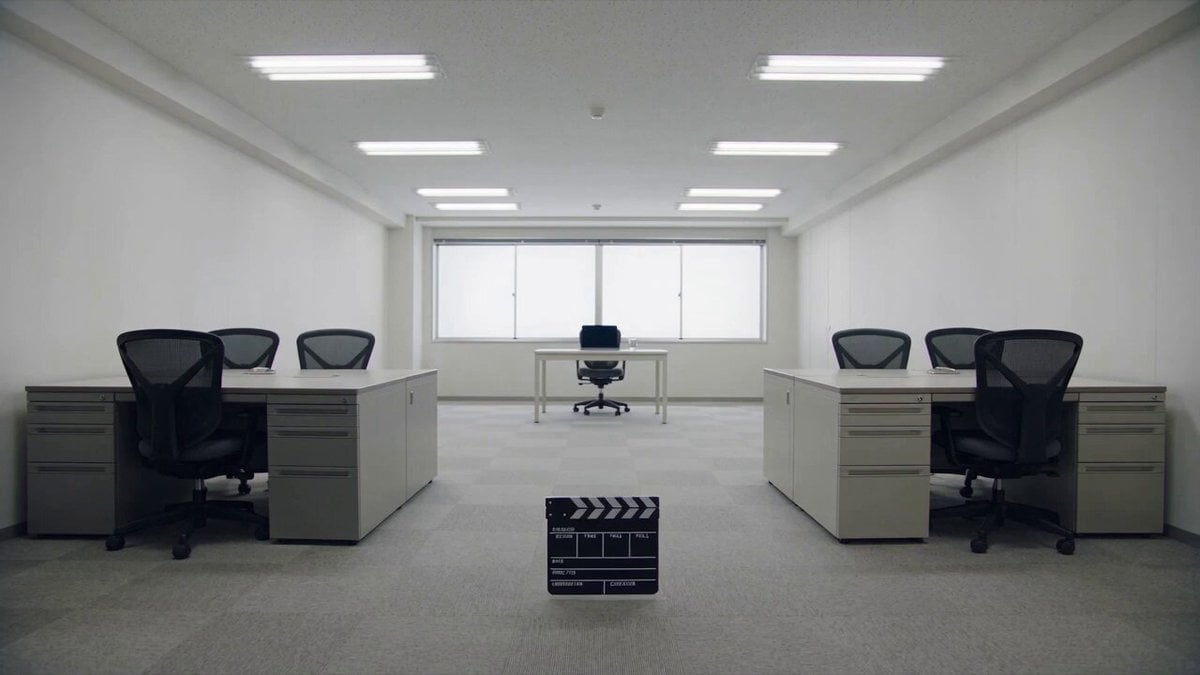
Minimalist Photography Studio Golden Hour
Make it yours
Golden Hour Coastal Highway Drift works as-is. These are the safest ways to change it without losing the look.
Change one field
Copy a single group, rewrite it, and generate again so you can see what that field is doing.
Keep the frame, change the subject
Hold the composition and light of Golden Hour Coastal Highway Drift, then swap wardrobe, props or the person for a new take.
| If the result… | Why | Fix |
|---|---|---|
| The result drifts from the preview | Too many fields changed at once. | Reuse Golden Hour Coastal Highway Drift as-is first, then change one group — subject, light, or setting. |
| The model over-stylizes the scene | The prose prompt leaves finish and camera underspecified. | Add one camera or lighting sentence and stay on Seedance 2.0. |
More Seedance 2.0 templates
Other prompts made for Seedance 2.0.
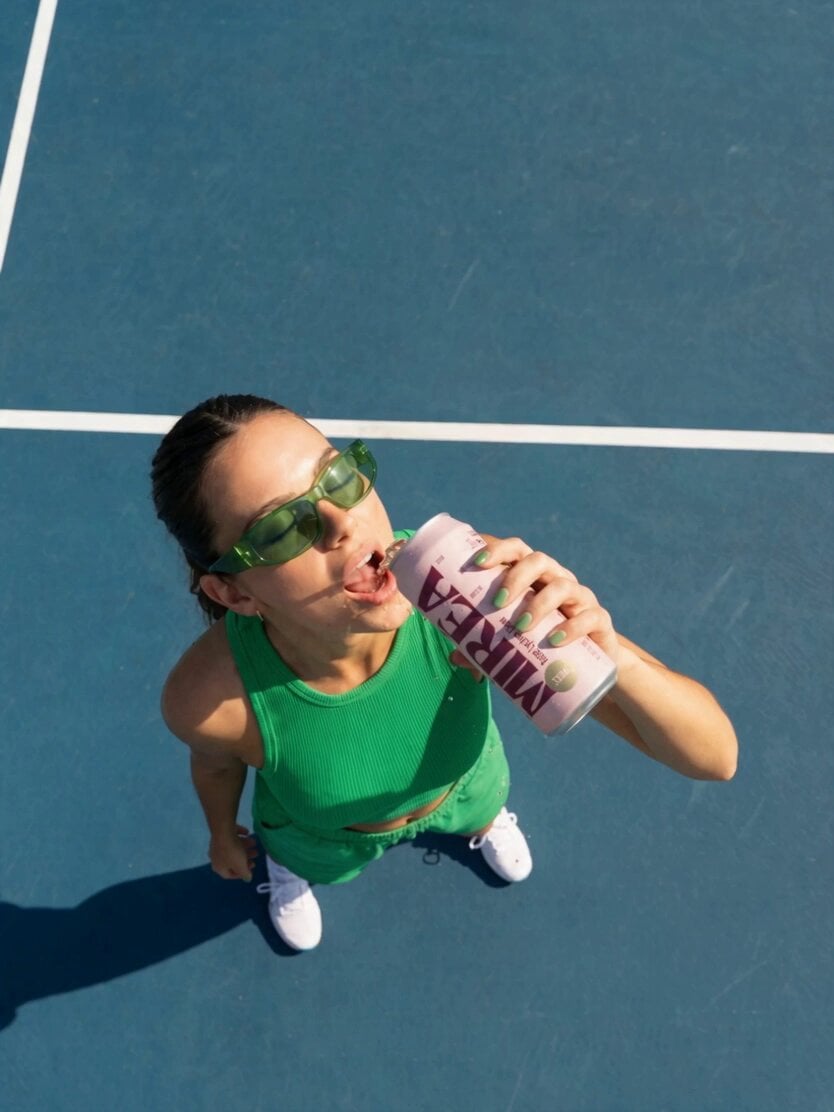
Frozen Time Handycam Diorama

Mercedes 190 SL Luxury Ad

Rainy Night Supernatural Reverse Comedy Video Script
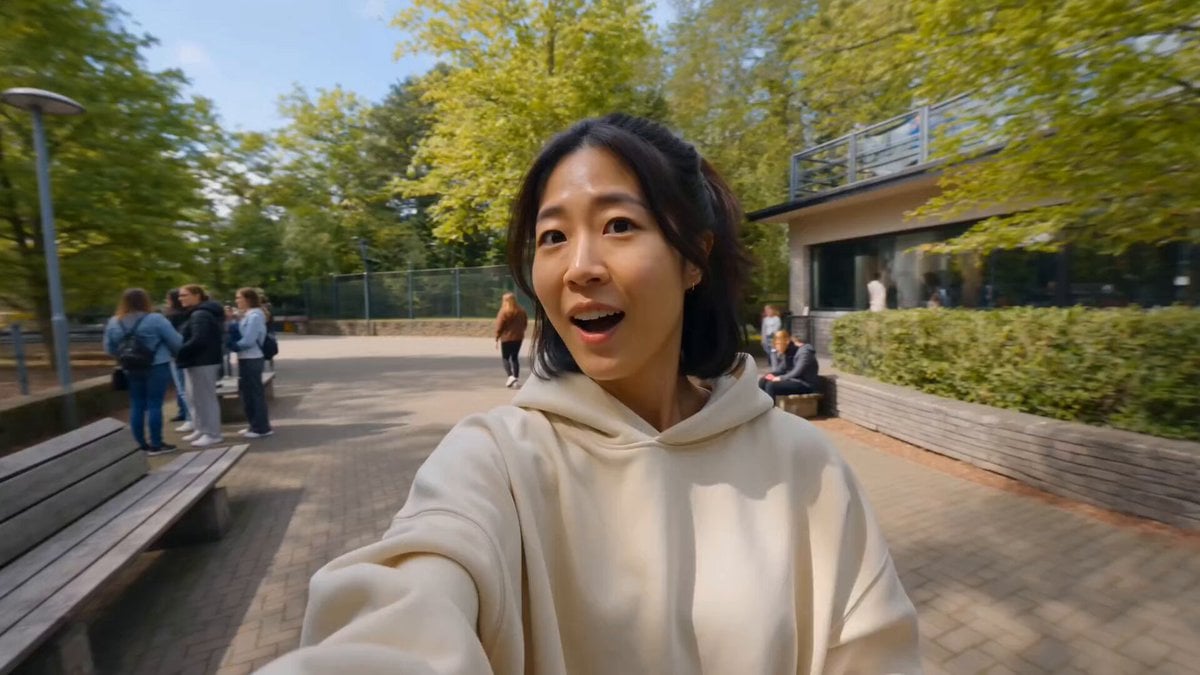
Tiger Zoo Selfie Vlog
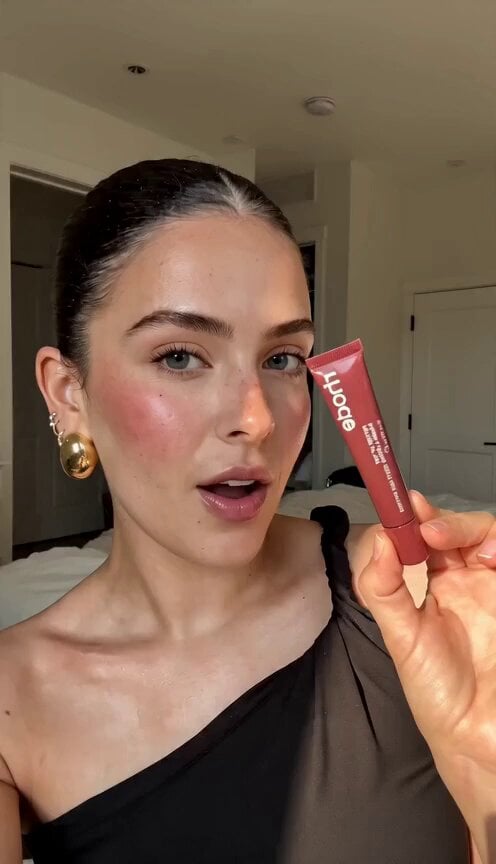
Realistic UGC Lipstick Review Video
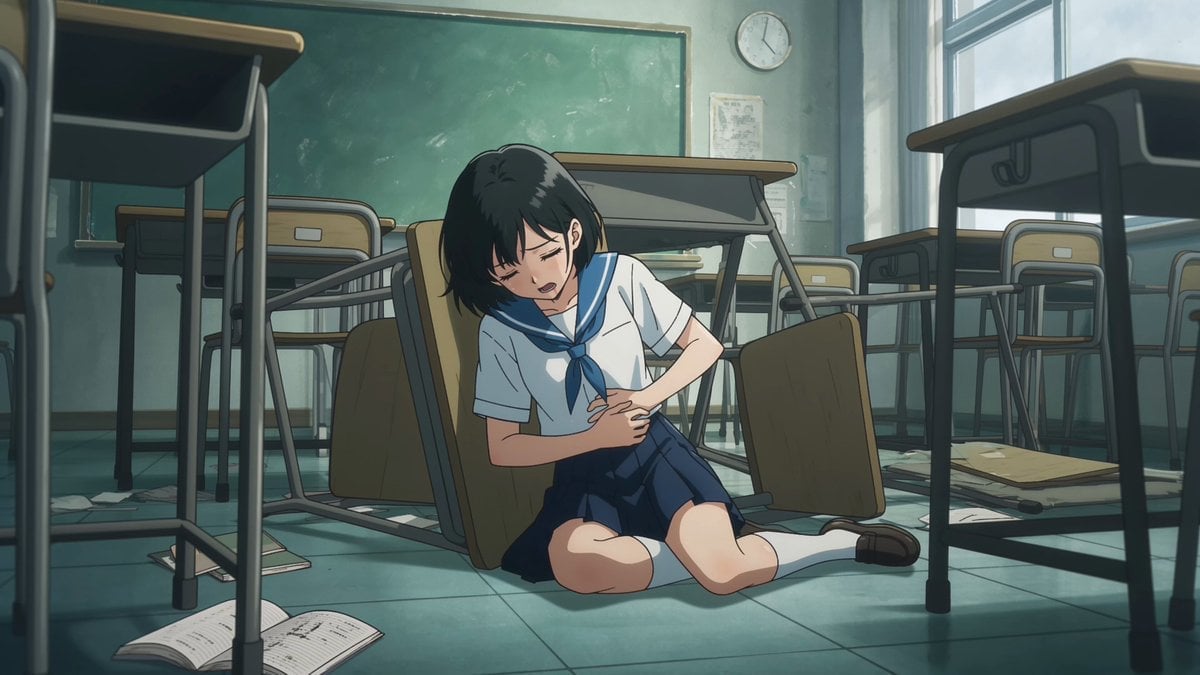
Anime Monster Classroom Battle
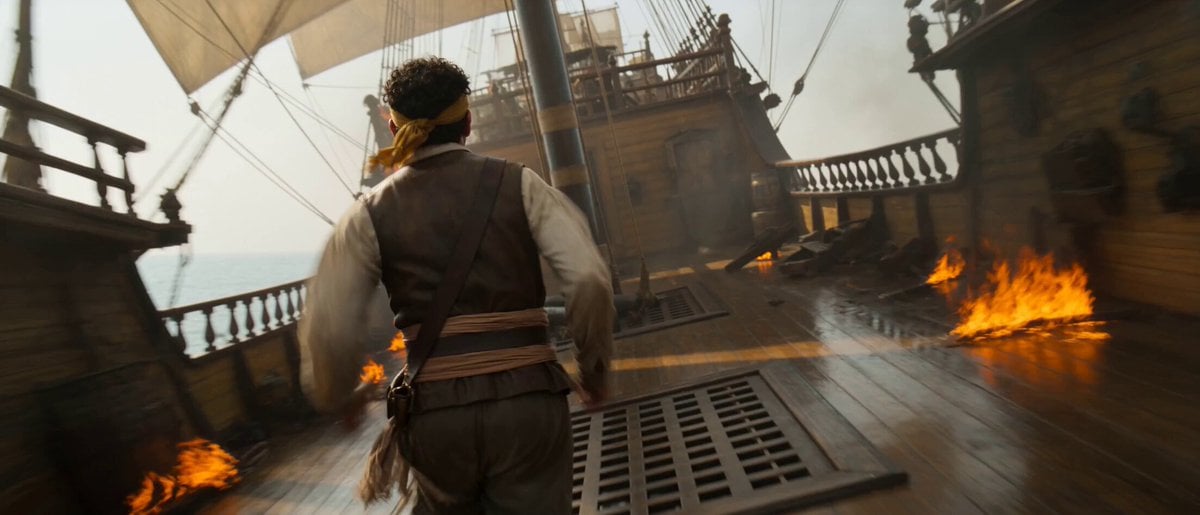
Pirate Ship To Desert Transition
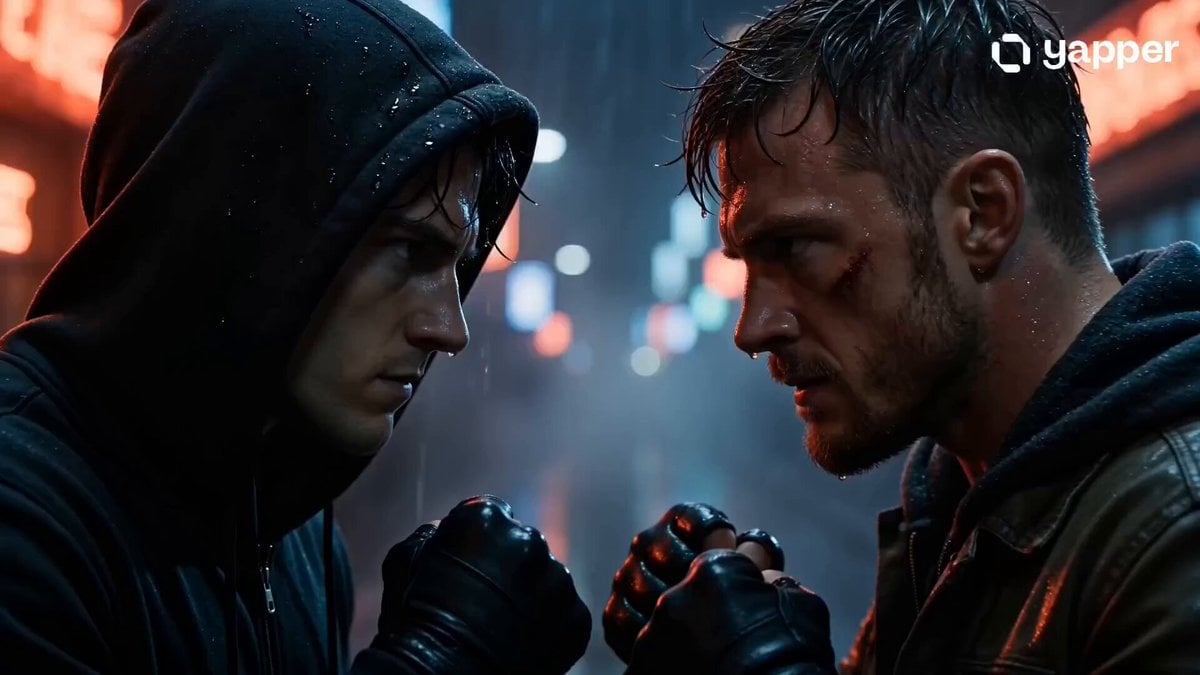
Rainy Alley Fight Scene
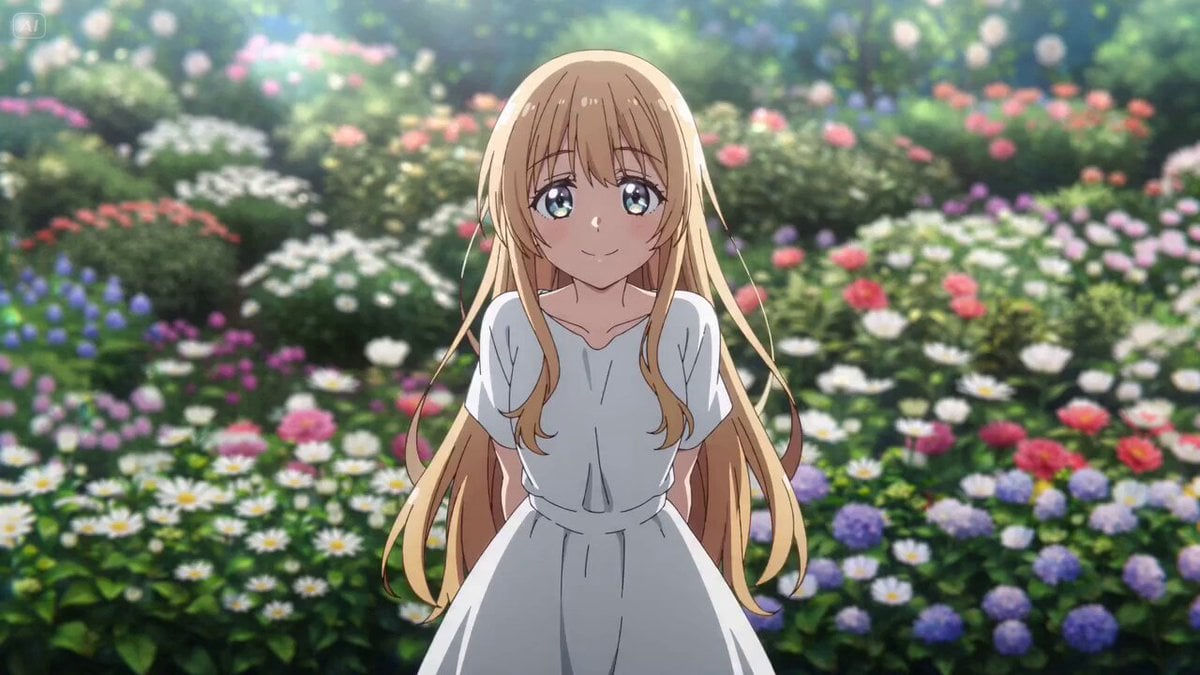
Camera Focal Length Test
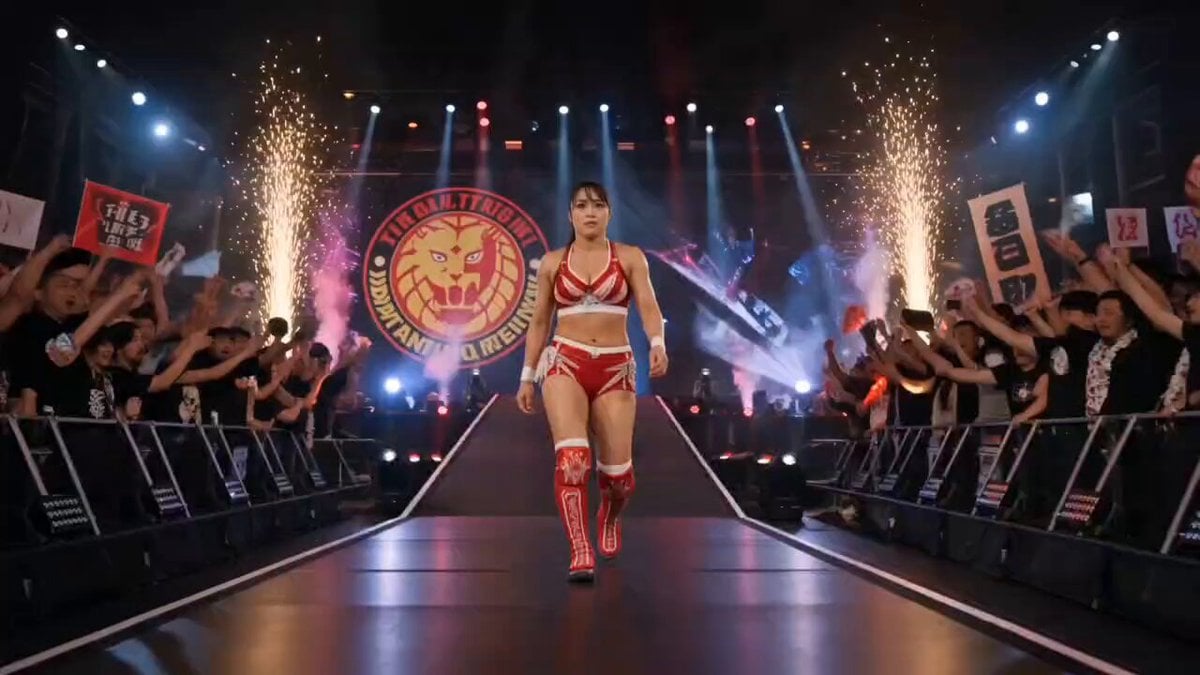
NJPW Women's Championship Match
More video prompts
Fresh picks from across the catalog.
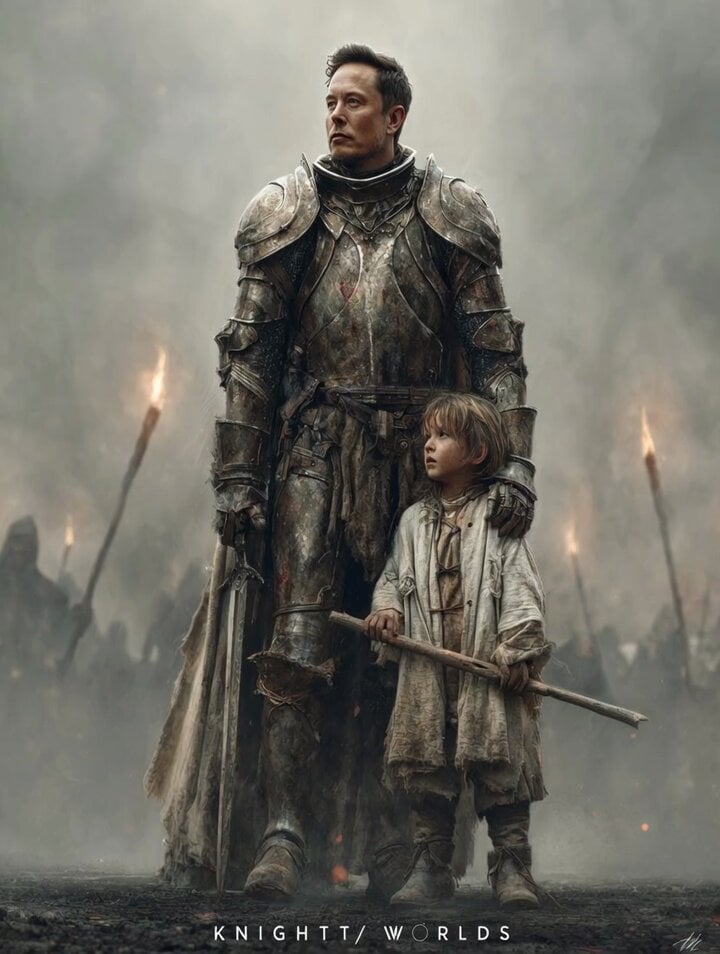
Knight Quote Video Prompt
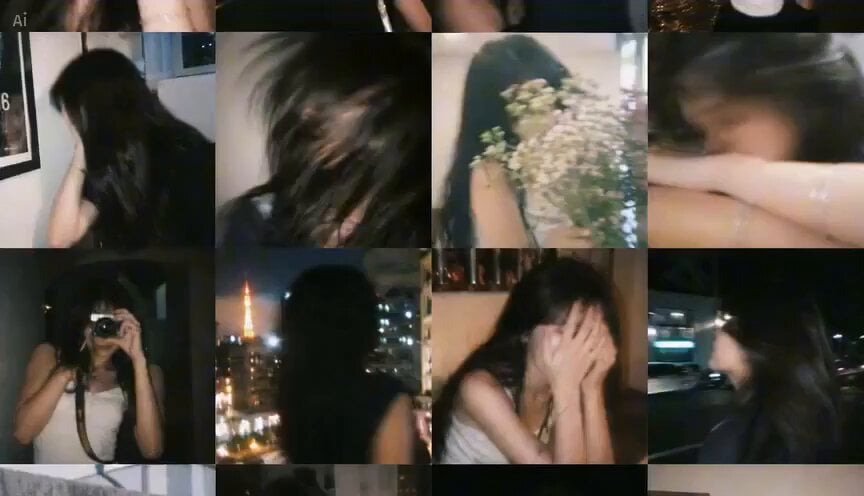
Nostalgic Blurry Memory Film Style
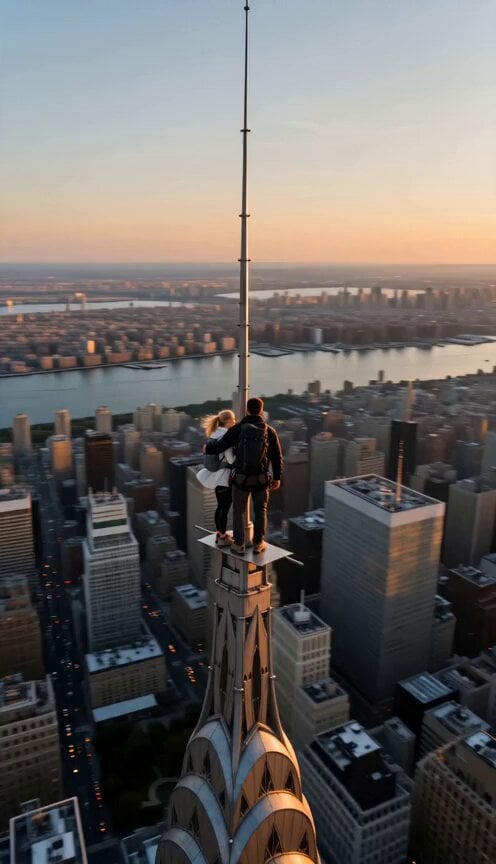
Skyscraper Antenna Marriage Proposal
Vertical City — São Paulo Parkour at Sunset
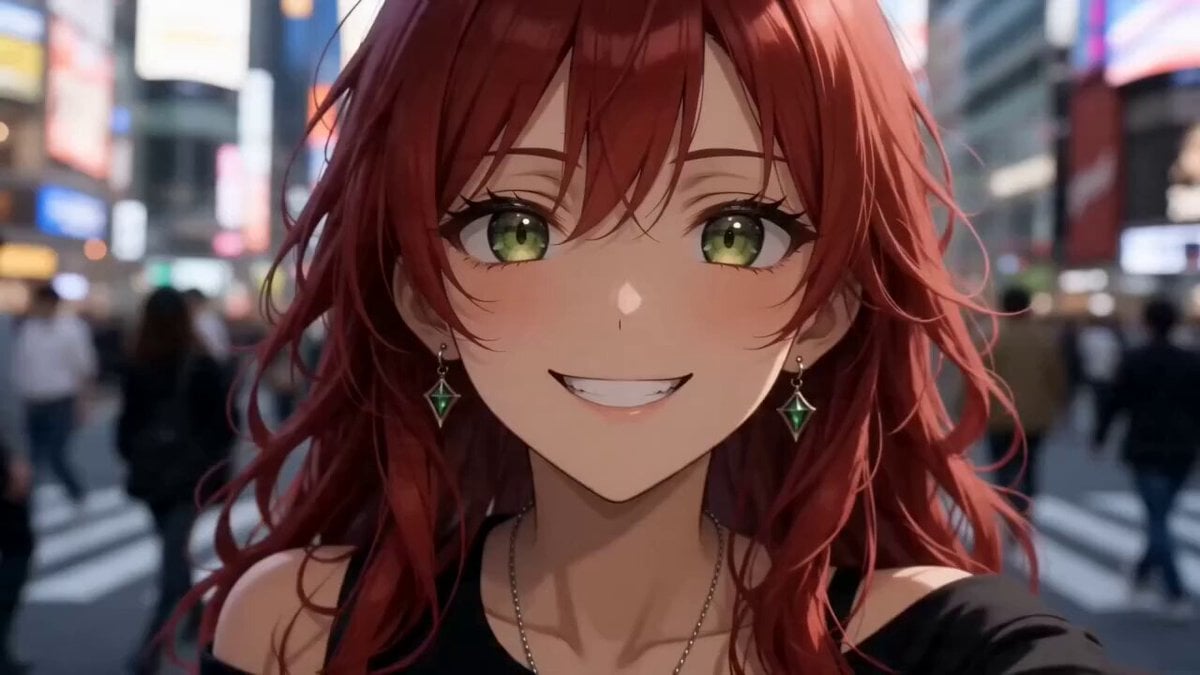
Anime Girl Tokyo Travel Vlog
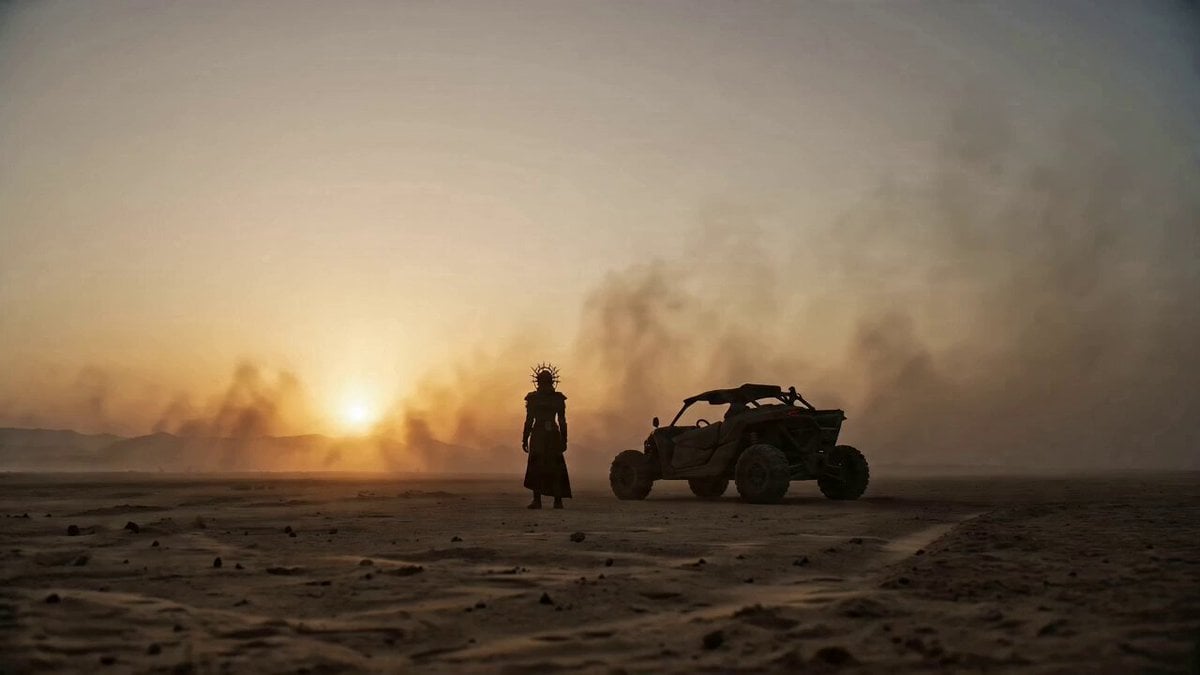
Cyberpunk Trailer from Image Reference
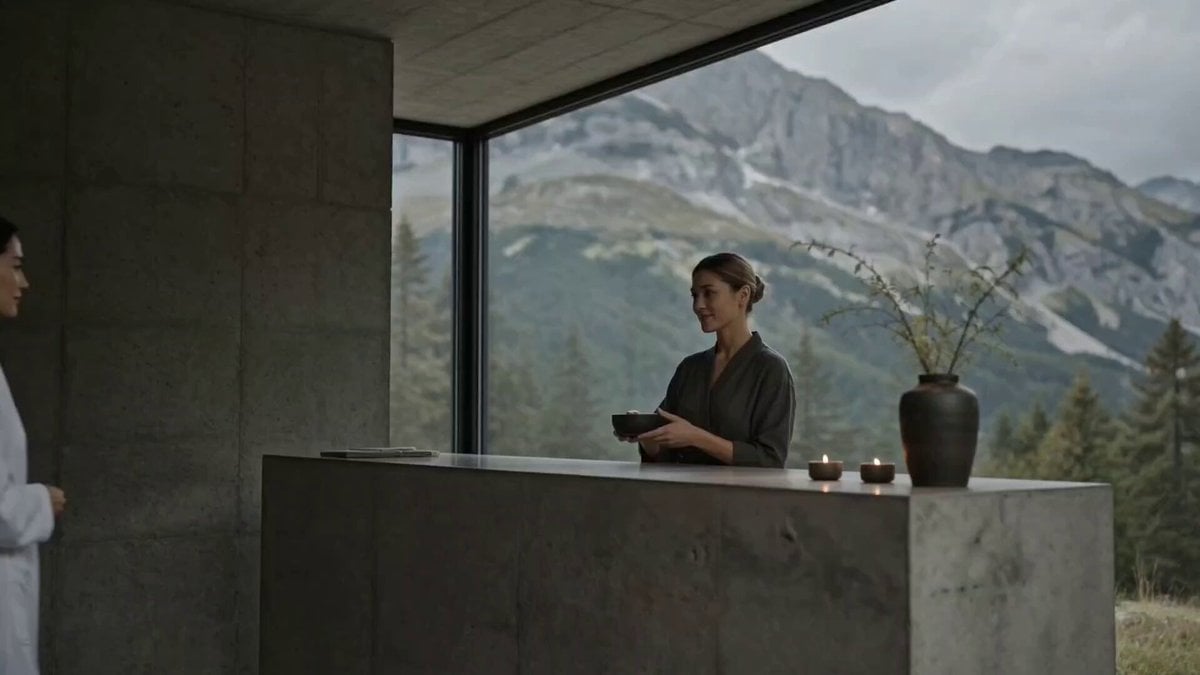
Luxury Spa Storyboard Animation

Photorealistic 2.5D Anime Scene Prompt
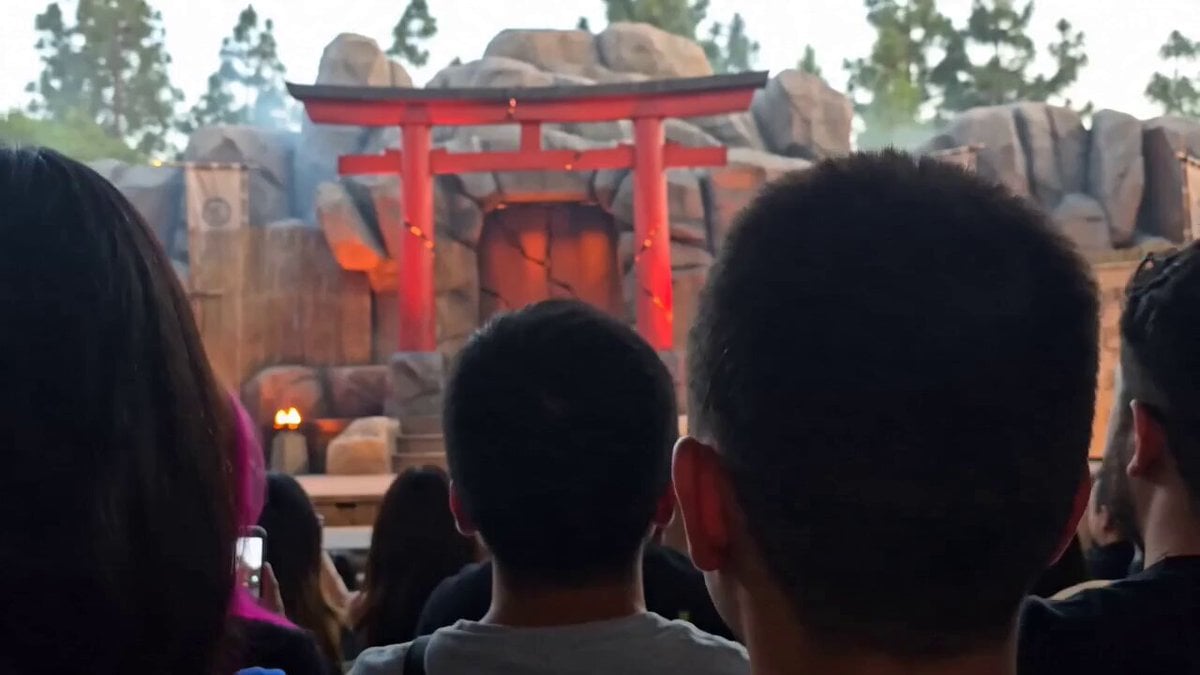
Smartphone POV Fantasy Stage Battle
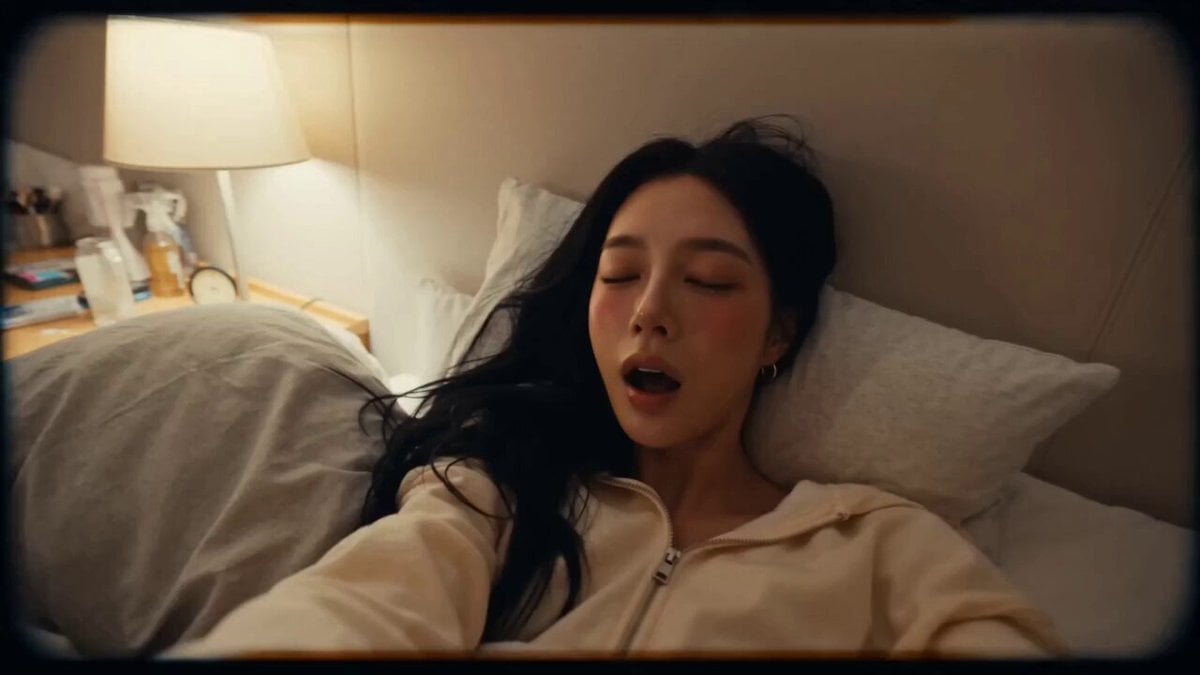
DV Style Idol Montage
Browse template categories
Golden Hour Coastal Highway Drift questions
How do I use the Golden Hour Coastal Highway Drift template?
Add your photo if the template asks for one, edit the prompt if you like — the template's model and format are already selected — and press Generate. Your version opens in PicX Studio.
Can I customize the Golden Hour Coastal Highway Drift template?
Yes. You can change the subject, setting, lighting, mood, format, and available model controls before creating your video.
Is the Golden Hour Coastal Highway Drift template free?
Opening and editing this template is free. Generating uses credits, shown on the Generate button when you are signed in.
Which AI model should I use?
Start with Seedance 2.0, which is the model associated with this template. You can compare another compatible model for a different finish.
Looking for something else? Browse all templates.

Your photo, any look
Thousands of ready templates for every top image and video model, from one credit balance.