
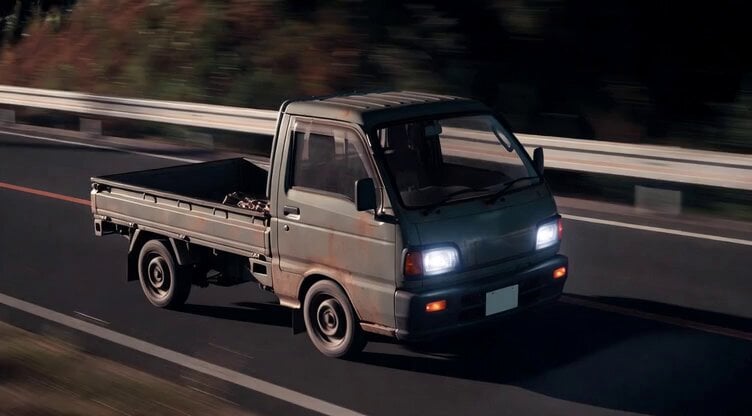
Kei Truck Street Racer Drifting on Japanese Highway
A detailed Grok Imagine prompt for generating a video of a modified Kei truck (mini-truck) designed for street racing, emphasizing its mid-ship, FR, 4WD, manual transmission, toughness, and practical appearance, shown…
- Prompt included
- Model and format preset
- Premium template
The prompt behind this video
Copy the exact prompt behind Kei Truck Street Racer Drifting on Japanese Highway, or open it in the studio and make it yours.
走り屋やりたいなら軽トラを買え、ミッドシップ、FR、4WD、マニュアルは当然、タフでカッコ関係なく事故っても走る、日本の深夜の高速道路や峠をイメージした軽トラックを改造した走り屋仕様の車両、シンプルで実用的な外観、夜の道路を疾走する雰囲気、ドリフト決める
How to use Kei Truck Street Racer Drifting on Japanese Highway in 3 steps
- 1
Open
The prompt is already in the box next to the preview, with the template's model and format selected.
- 2…a portrait of your subject in softgolden-hour light, 85mm…
Personalize
Edit the subject and creative details for your destination.
- 3Generate
Generate
Press Generate — your video is created in PicX Studio, so you can compare it with the original and refine one variable at a time.
More like this
Templates with the same subject, style or setup. Open one to see its prompt.
Custom Food Truck Animation
Chibi Cosmic Wildcat Cybertruck
Rebellious Racer Wheelie Video
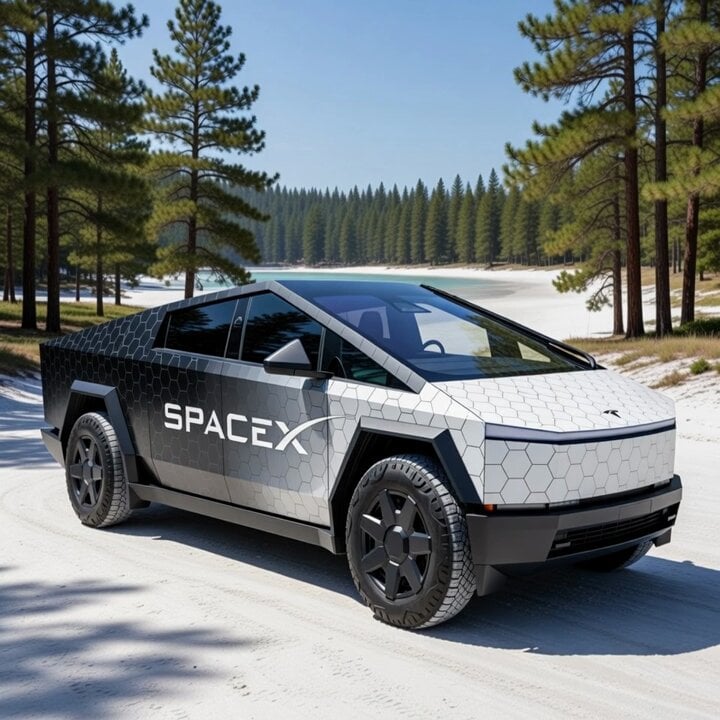
Cybertruck with SpaceX Starship Wrap
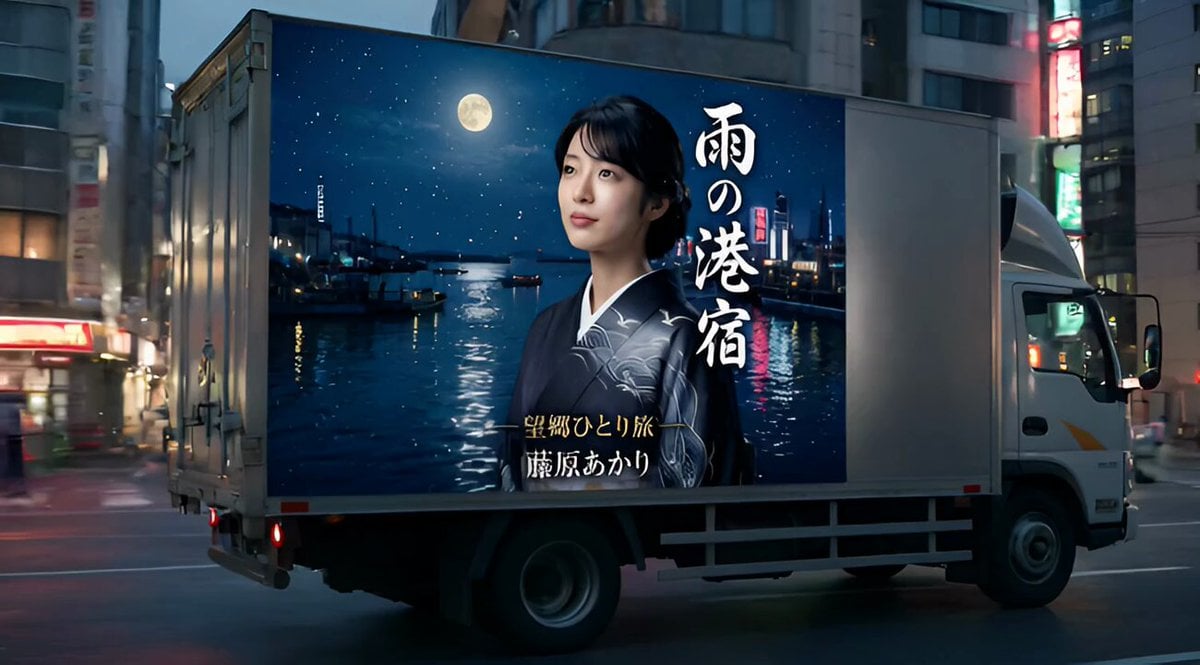
Ad Truck Video Generation from Enka CD Jacket Reference
Grok Imagine Prompt: Flying Truck Explosion
Video Generation Prompt: Blue Jay Driving a Truck
Cartoon moose hit by semi truck prompt
Cyber-Trucker in a Futuristic Truck
1967 Mustang Racing on Desert Highway at Golden Hour
SpaceX Cyber Truck transformation video prompt
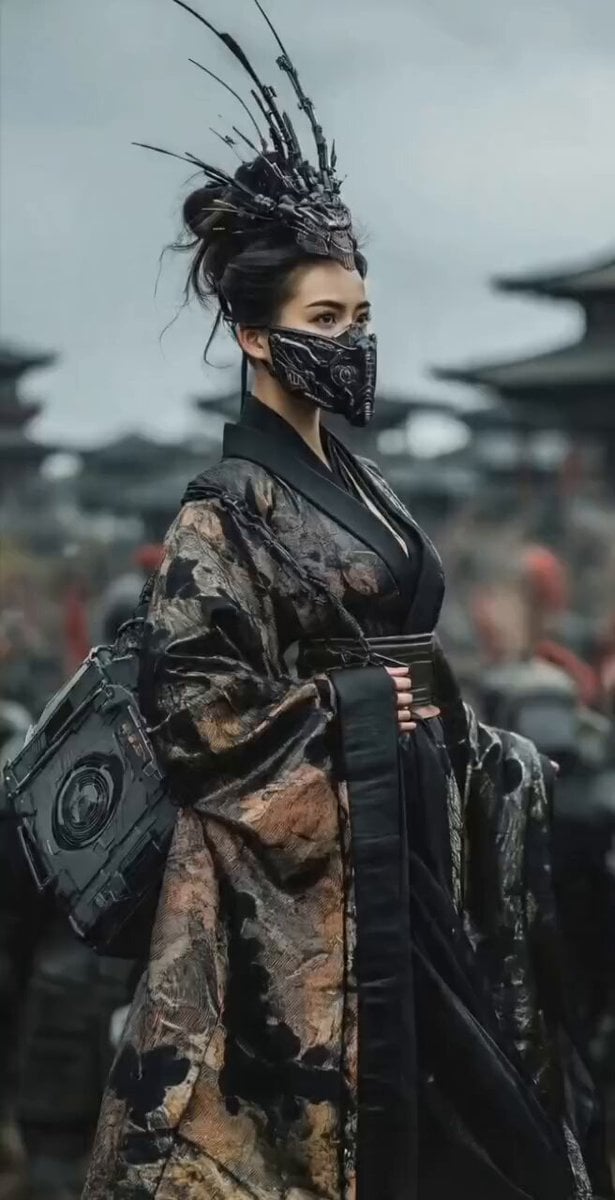
Mysterious Japanese Warrior
Make it yours
Kei Truck Street Racer Drifting on Japanese Highway works as-is. These are the safest ways to change it without losing the look.
Change one field
Copy a single group, rewrite it, and generate again so you can see what that field is doing.
Keep the frame, change the subject
Hold the composition and light of Kei Truck Street Racer Drifting on Japanese Highway, then swap wardrobe, props or the person for a new take.
| If the result… | Why | Fix |
|---|---|---|
| The result drifts from the preview | Too many fields changed at once. | Reuse Kei Truck Street Racer Drifting on Japanese Highway as-is first, then change one group — subject, light, or setting. |
| The model over-stylizes the scene | The prose prompt leaves finish and camera underspecified. | Add one camera or lighting sentence and stay on Grok Imagine. |
More Grok Imagine templates
Other prompts made for Grok Imagine.

Mecha Runway Tap Dance Video Prompt

Quantum Inventor in Sonoran Desert

Emotional Angry Couple Drama

Train Zooming in Star Field Video Prompt

Cyberpunk Guerrilla Girl Video Generation

Detailed multi-part video prompt

Interior View Video Generation Prompt

GTA 6 never came out in 1 million years

Bitcoin liferaft video prompt

Woman floating down, opening eyes and looking deeply into the viewer's eyes
More video prompts
Fresh picks from across the catalog.

Beauty Advent Calendar Unboxing Vlog
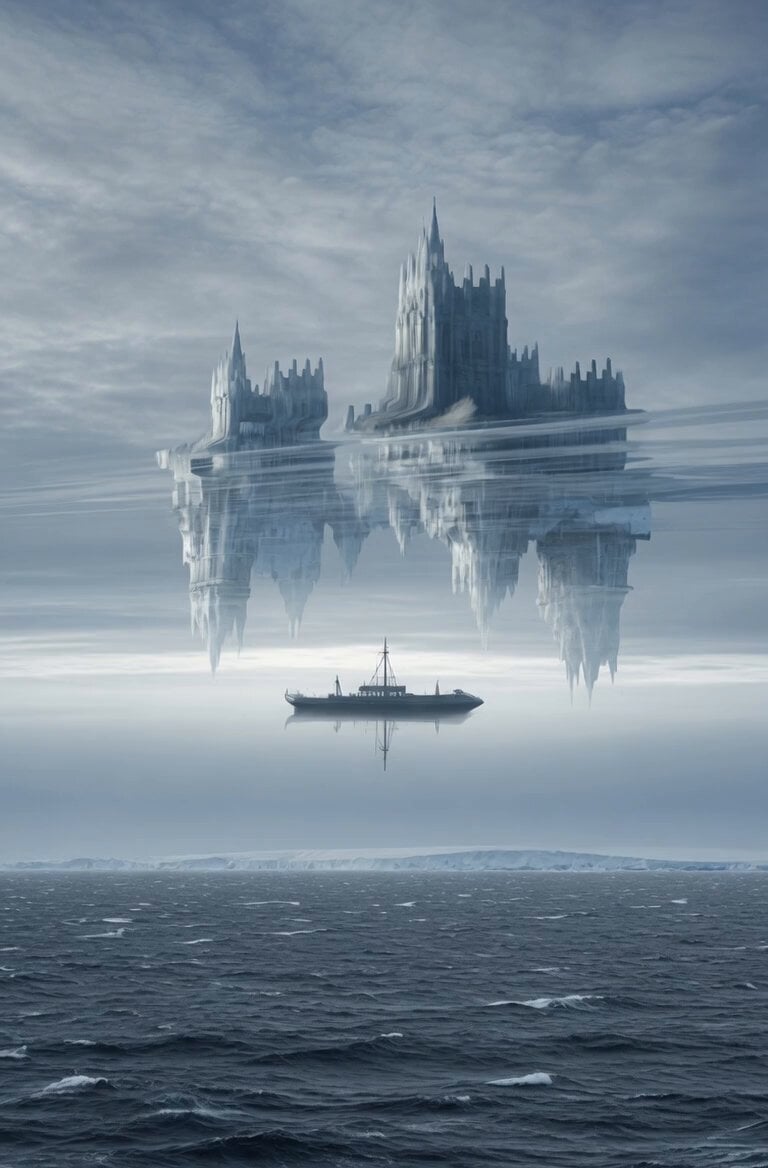
Superior Mirage Arctic Sea Video

Wong Kar-wai Style Motion Blur Cinematic Video

Dancing Buddhist sculptures animation
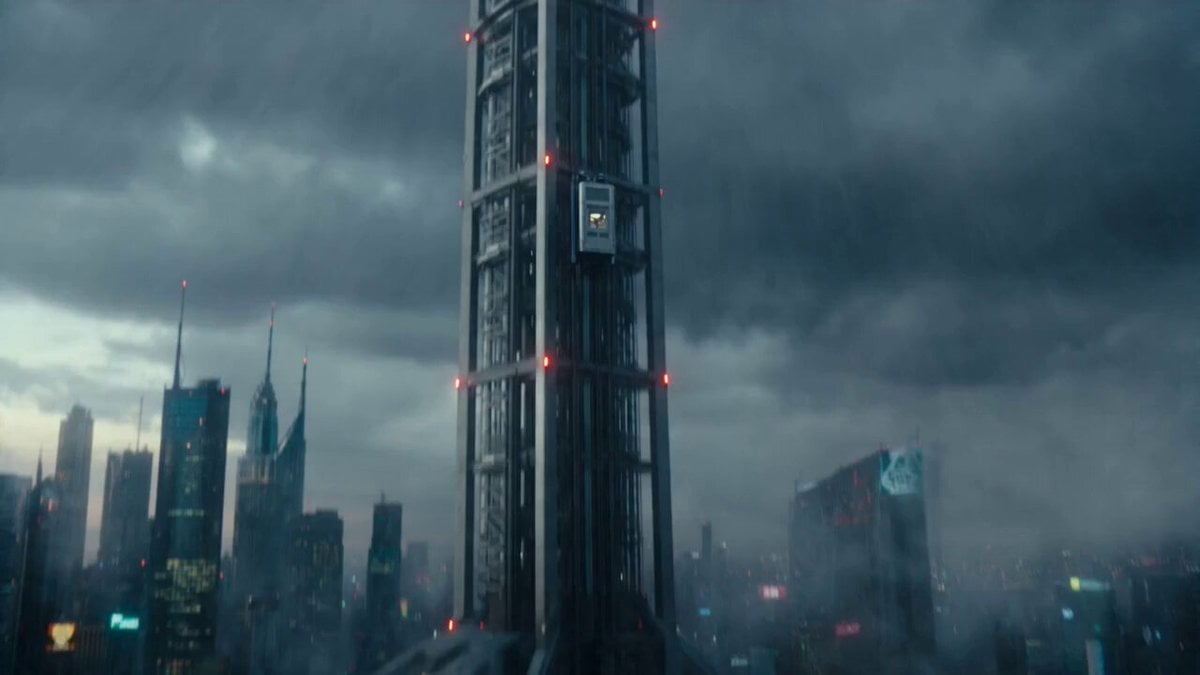
Last Elevator Megacity Action
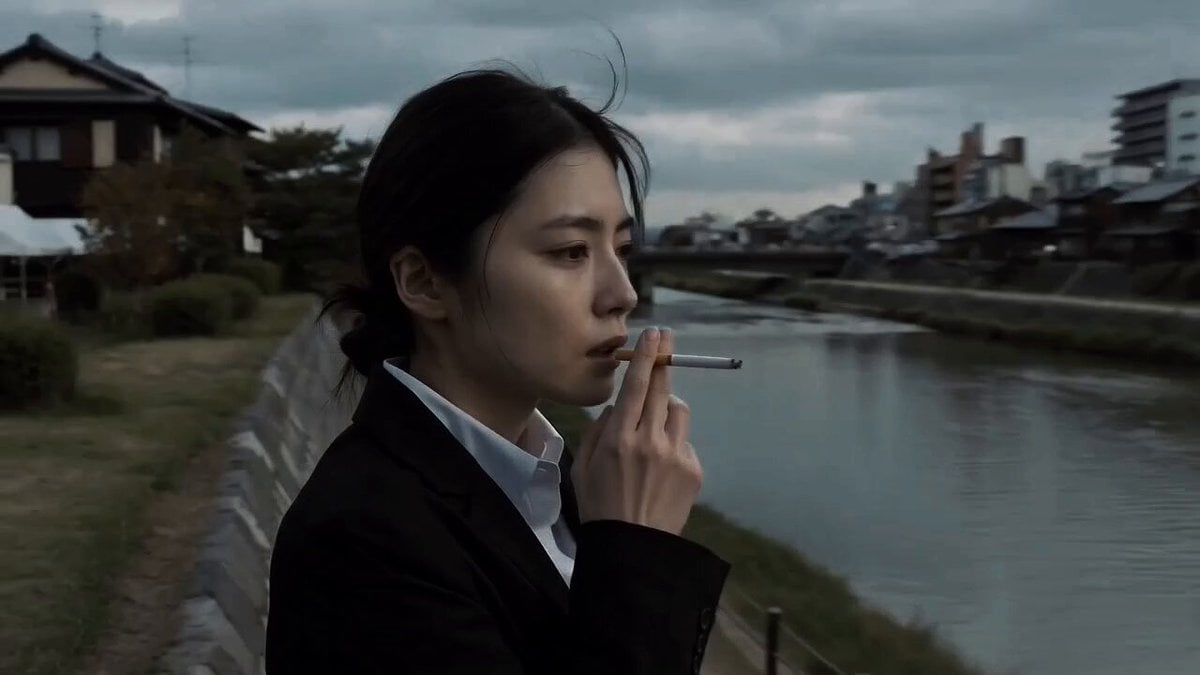
Japanese Drama Kyoto Riverside
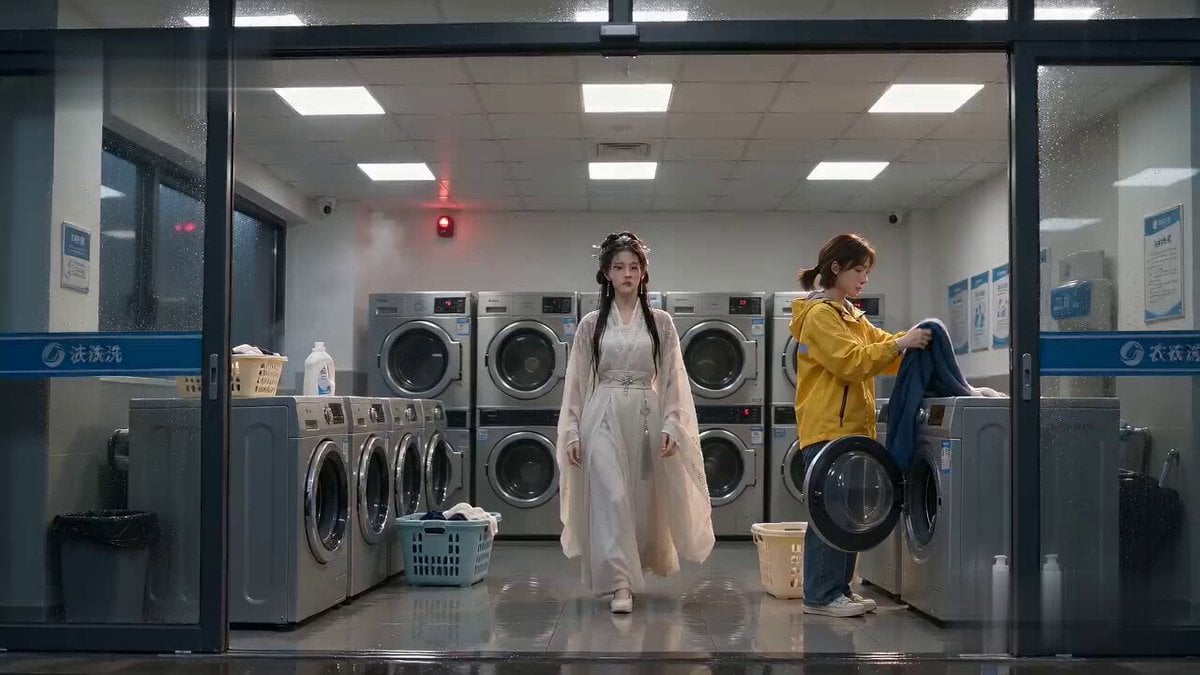
Laundromat Xianxia Drying Magic Comedy

Stylized 3D Tea Ceremony Video Prompt
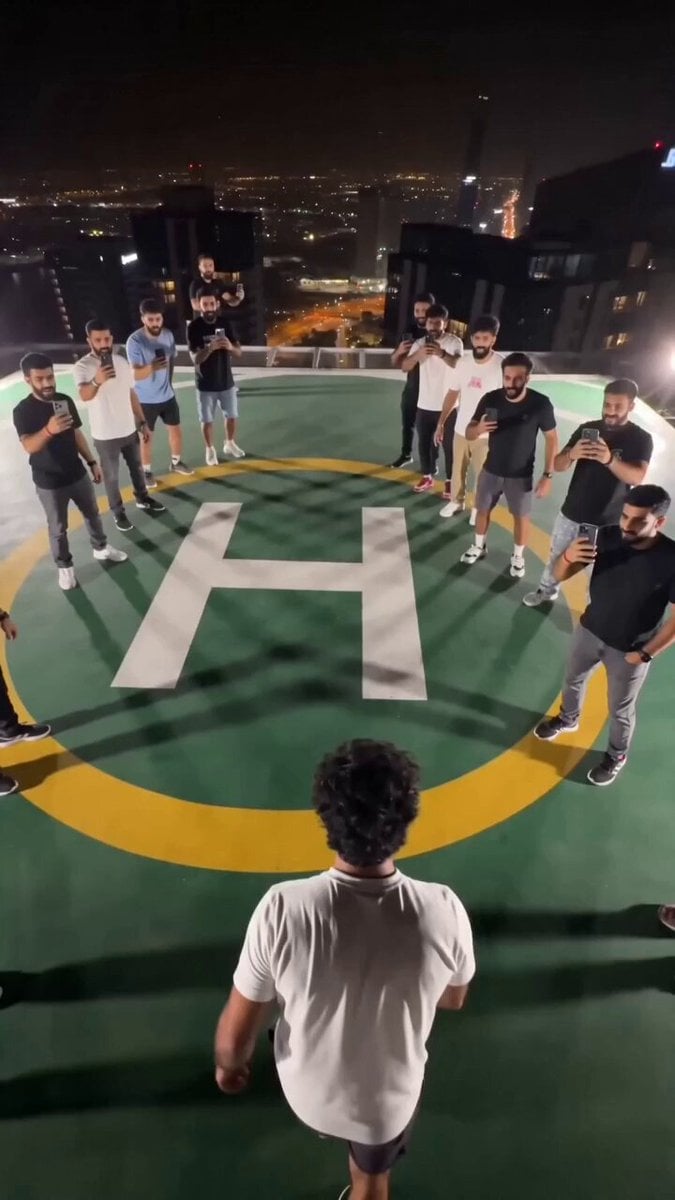
Extreme Rooftop Jump Viral Video

Seedance 2.0 Virtual Idol Gossip Video Prompt
Browse template categories
Kei Truck Street Racer Drifting on Japanese Highway questions
How do I use the Kei Truck Street Racer Drifting on Japanese Highway template?
Add your photo if the template asks for one, edit the prompt if you like — the template's model and format are already selected — and press Generate. Your version opens in PicX Studio.
Can I customize the Kei Truck Street Racer Drifting on Japanese Highway template?
Yes. You can change the subject, setting, lighting, mood, format, and available model controls before creating your video.
Is the Kei Truck Street Racer Drifting on Japanese Highway template free?
Opening and editing this template is free. Generating uses credits, shown on the Generate button when you are signed in.
Which AI model should I use?
Start with Grok Imagine, which is the model associated with this template. You can compare another compatible model for a different finish.
Looking for something else? Browse all templates.

Your photo, any look
Thousands of ready templates for every top image and video model, from one credit balance.