
Seedance 2.0 Virtual Idol Gossip Video Prompt
A detailed script and prompt for Seedance 2.0 to generate a first-person perspective (POV) video featuring a realistic virtual Asian female idol (around 20 years old) in a messy bedroom, delivering a playful, gossipy…
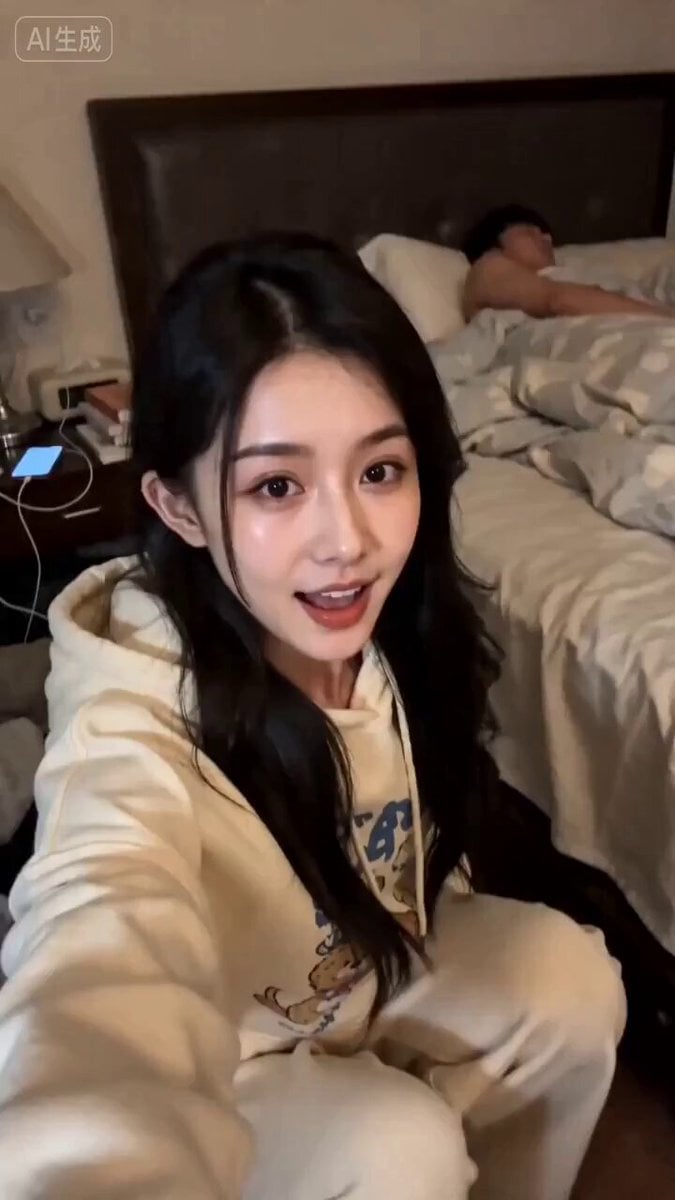
- Prompt included
- Model and format preset
- Premium template
The prompt behind this video
Copy the exact prompt behind Seedance 2.0 Virtual Idol Gossip Video Prompt, or open it in the studio and make it yours.
整个视频无字幕。角色用【图片1】虚拟数字人20左右亚洲女生,五官清秀,皮肤质感极度写实,略显疲惫。 场景:凌乱的卧室床边,柔和暖光。背景可见床上有一团降起 服装:米色带卡通的宽松居家连帽卫衣卫裤套奖的被子,有个男的正在睡觉。 镜头:手持自批视角(略微晃动,增加真实感),中景构图。 动作:开场凑近镜头小声说话(制造神秘感),并用大拇指指了指身后 → 说到“演示”时身体回正,自信摊手 → 说到“表情动作”时双手捧脸或者是摸摸头发展示流畅度 表情:整体基调为灵动、俏皮。 开场带有“吃瓜”的八卦表情。 完整台词(语气自然口语化+八卦吐槽风+语速适中中间带一点气口):(凑近镜头,压低声音)嘿!我是AI虚拟人,现在还没有名字,seedance2.0出来以后,我老板玩了个通宵,(指身后)现在还在睡觉!(恢复正常音量,自信微笑)所以我现在给大家演示一下,现在看到的整个画面、声音、镜头,包括我的表情、动作(双手比划一下自己,歪头)~都是我老板一句话一次主成的!
How to use Seedance 2.0 Virtual Idol Gossip Video Prompt in 3 steps
- 1
Open
The prompt is already in the box next to the preview, with the template's model and format selected.
- 2…a portrait of your subject in softgolden-hour light, 85mm…
Personalize
Edit the subject and creative details for your destination.
- 3Generate
Generate
Press Generate — your video is created in PicX Studio, so you can compare it with the original and refine one variable at a time.
More like this
Templates with the same subject, style or setup. Open one to see its prompt.
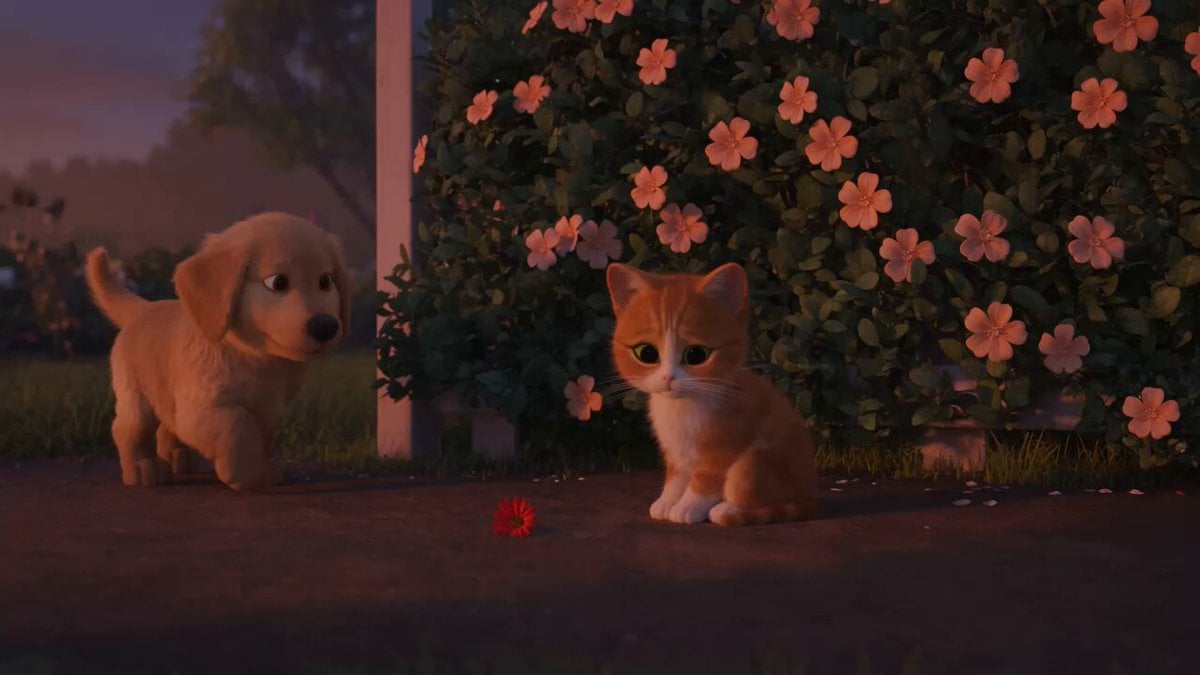
Wholesome Puppy and Kitten Story - Seedance 2.5

Sci-Fi Disaster Movie Scene - Seedance 2.5

Mysterious Home Exploration Vlog - Seedance 2.5
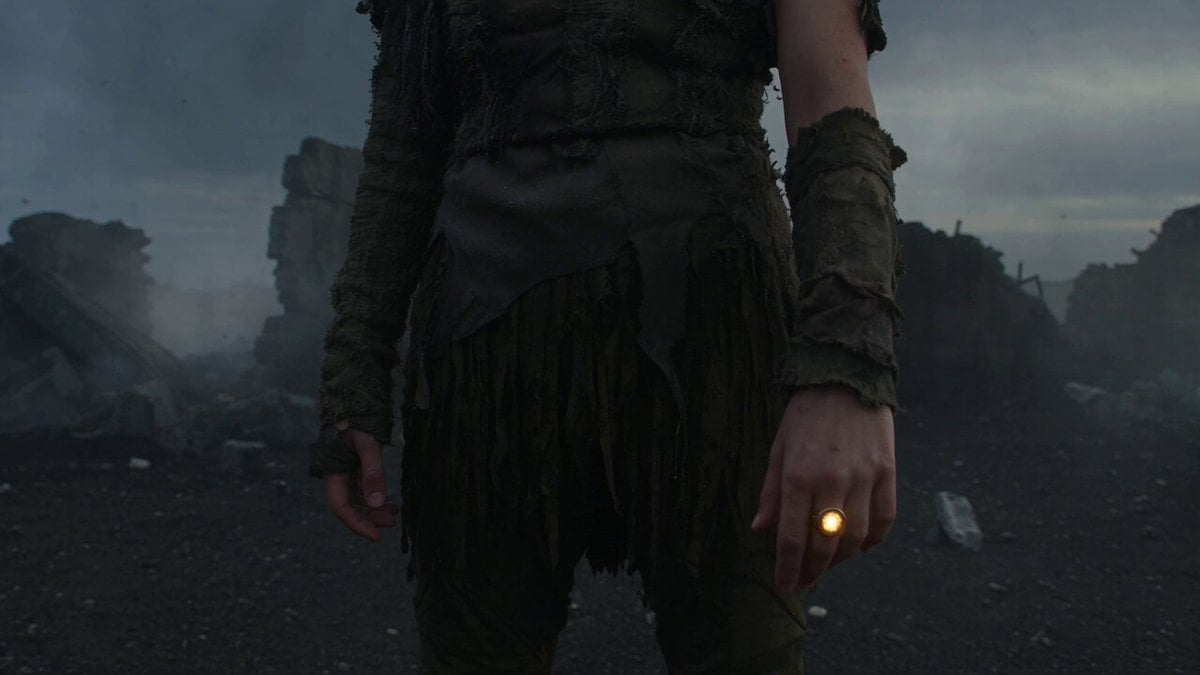
Dark Tokusatsu Transformation - Seedance 2.5

Cinematic Xinjiang Drone Landscapes - Seedance 2.5
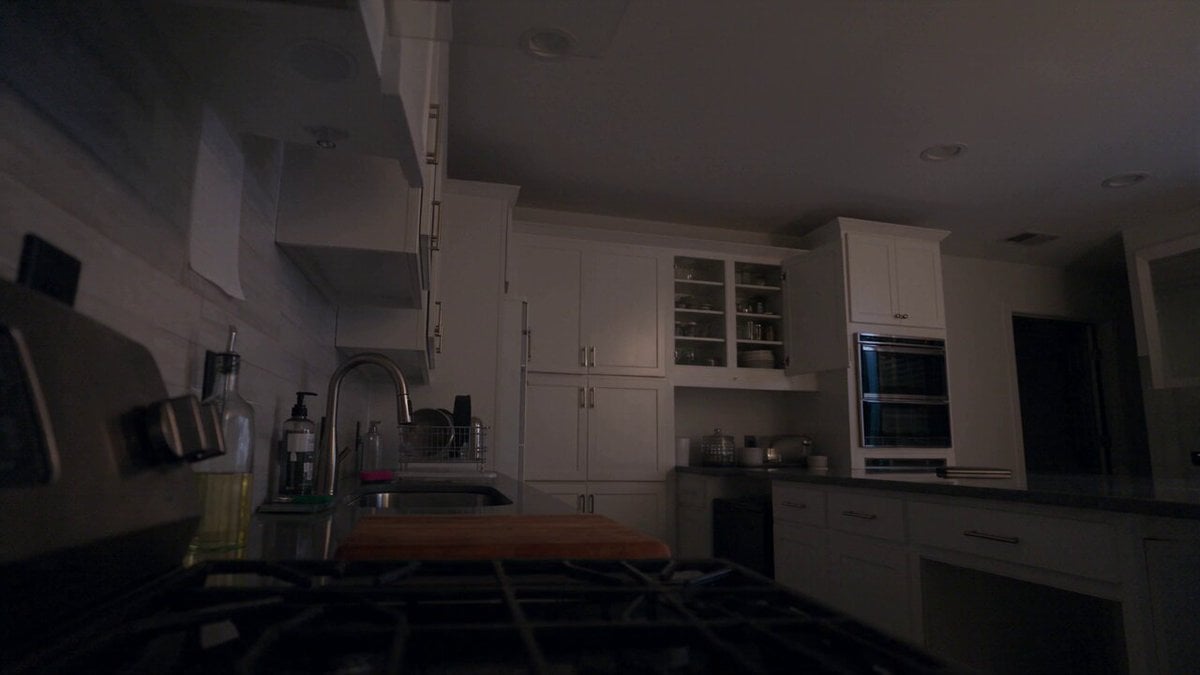
Late Night Kitchen Phone Recording - Seedance 2.5

3D Animated Cat and Old Man - Seedance
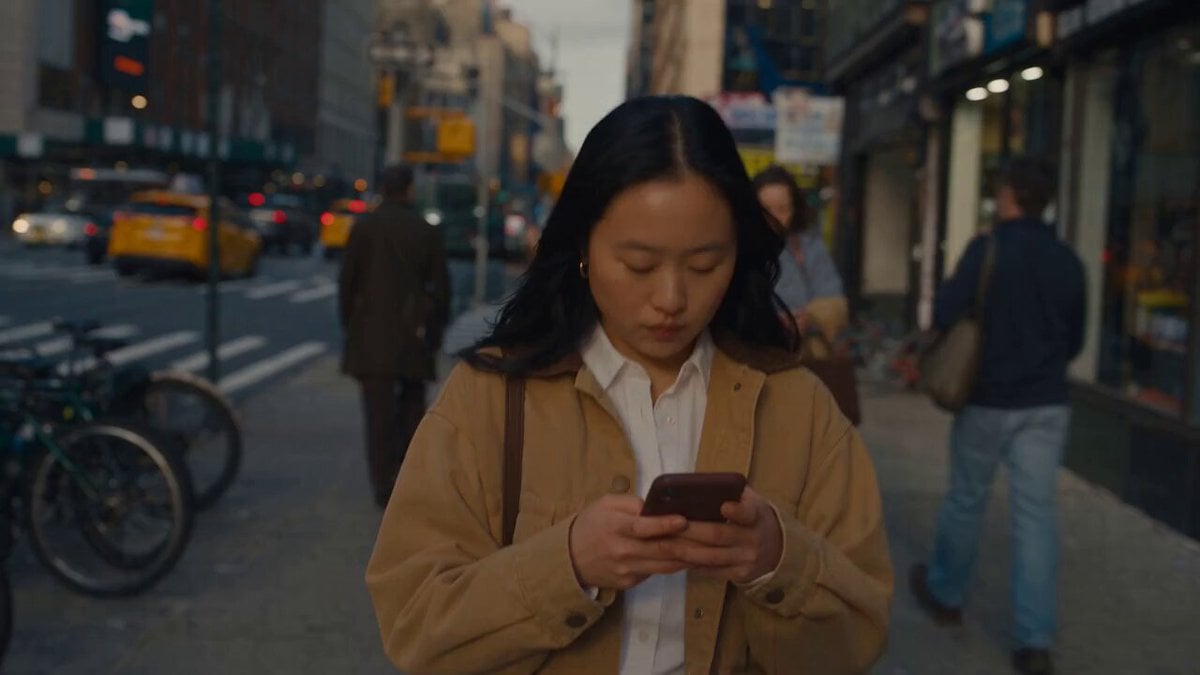
Realistic City Street Story Cinematic Video - Seedance
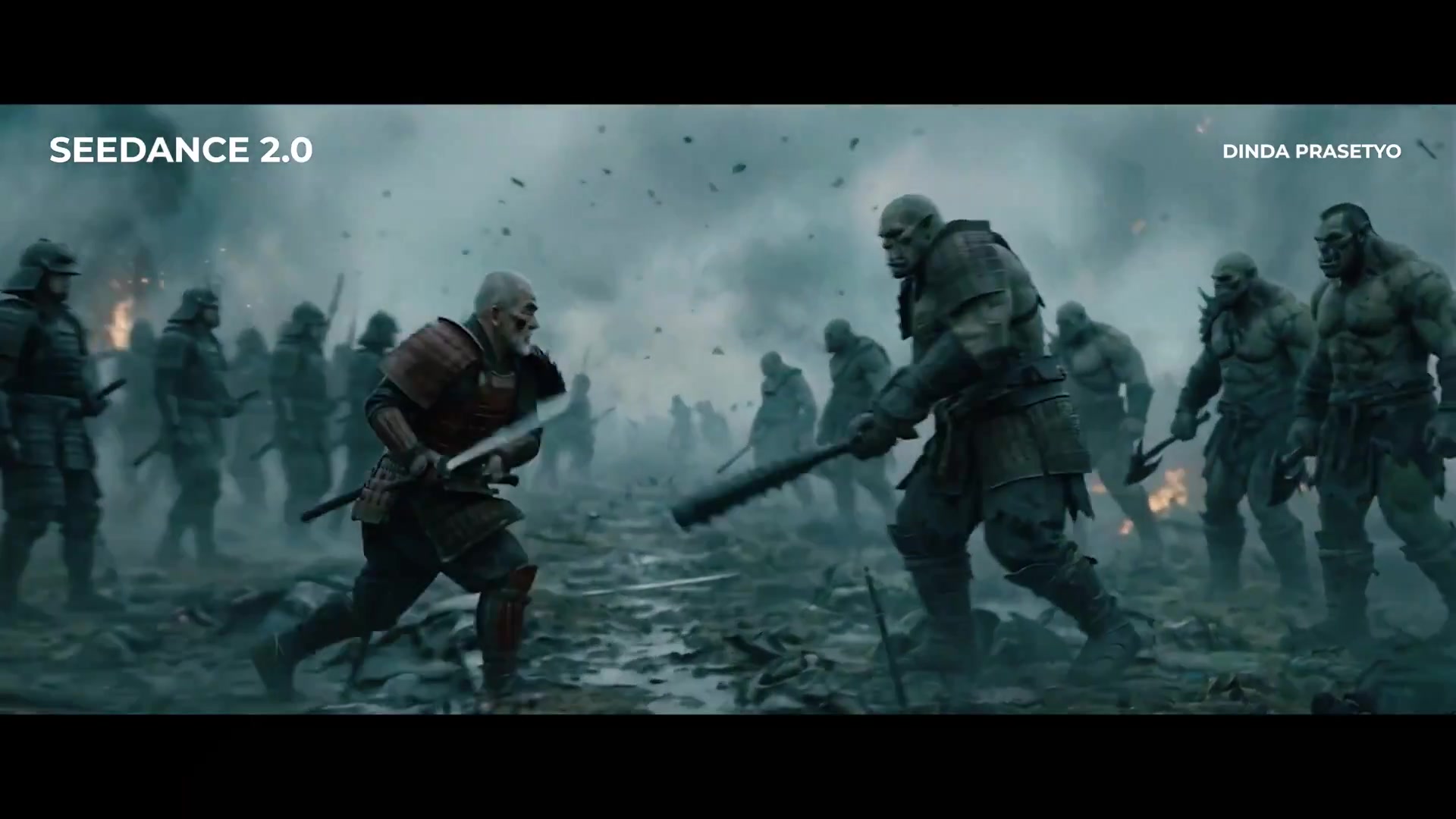
Seedance 2.0 First Test — Dynamic Motion Showcase

Dragon Rider Cinematic Flight — Seedance 2.5

Sneaker Product Commercial
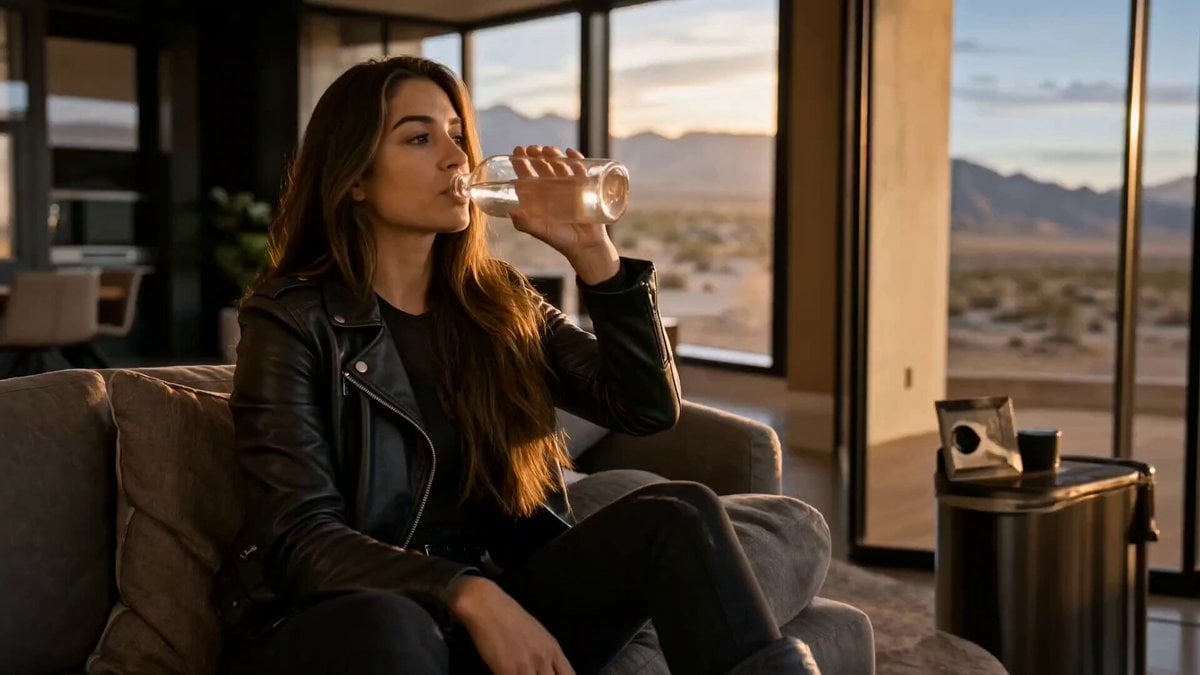
Cinematic Short Film Scene 2
Make it yours
Seedance 2.0 Virtual Idol Gossip Video Prompt works as-is. These are the safest ways to change it without losing the look.
Change one field
Copy a single group, rewrite it, and generate again so you can see what that field is doing.
Keep the frame, change the subject
Hold the composition and light of Seedance 2.0 Virtual Idol Gossip Video Prompt, then swap wardrobe, props or the person for a new take.
| If the result… | Why | Fix |
|---|---|---|
| The result drifts from the preview | Too many fields changed at once. | Reuse Seedance 2.0 Virtual Idol Gossip Video Prompt as-is first, then change one group — subject, light, or setting. |
| The model over-stylizes the scene | The prose prompt leaves finish and camera underspecified. | Add one camera or lighting sentence and stay on Seedance 2.0. |
More Seedance 2.0 templates
Other prompts made for Seedance 2.0.

Comical Martial Arts Punch Scene

Maglev Train Action Sequence

Martial Arts Fight Sequence

Wuxia Protection and Trust Script

Vintage Korean Arcade MiniDV Vlog

Mercedes 190 SL Luxury Ad

Rainy Night Supernatural Reverse Comedy Video Script

Amazon Civilization Discovery

Futuristic South Asian City Transformation

Cozy Luxury Cafe Commercial
More video prompts
Fresh picks from across the catalog.
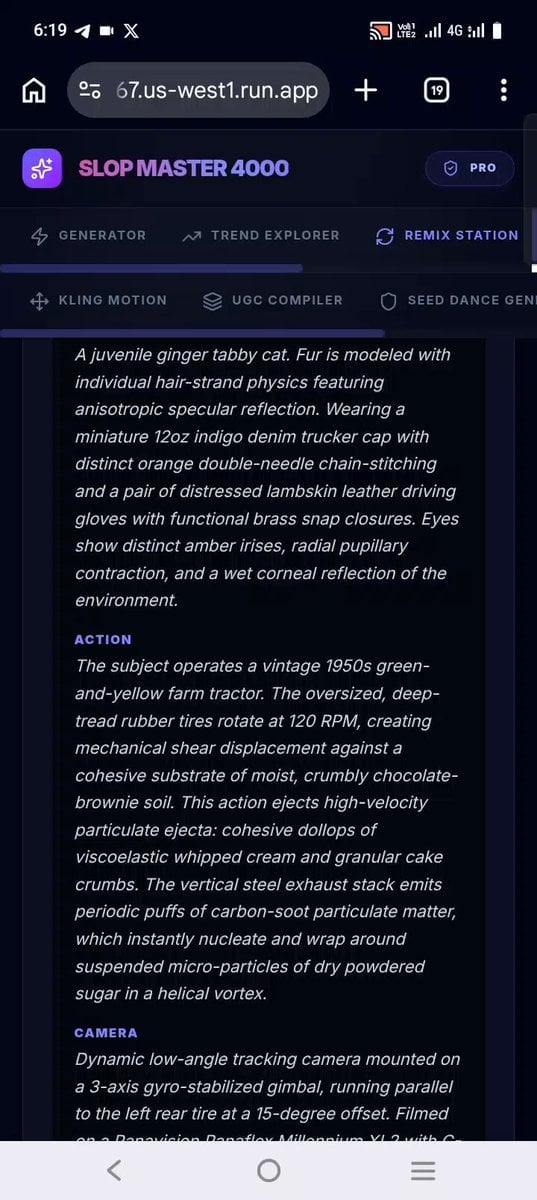
Confectionery Cat Tractor Scene

second video prompt of a majestic lunar deer
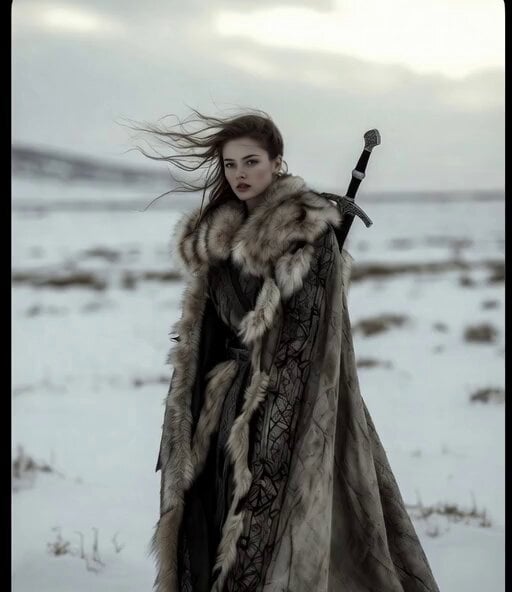
Winter Goddess Journey
Pastel Beach Anime MV
NBA Courtside Fan Reaction
Anime Jungle Sword Fight Action
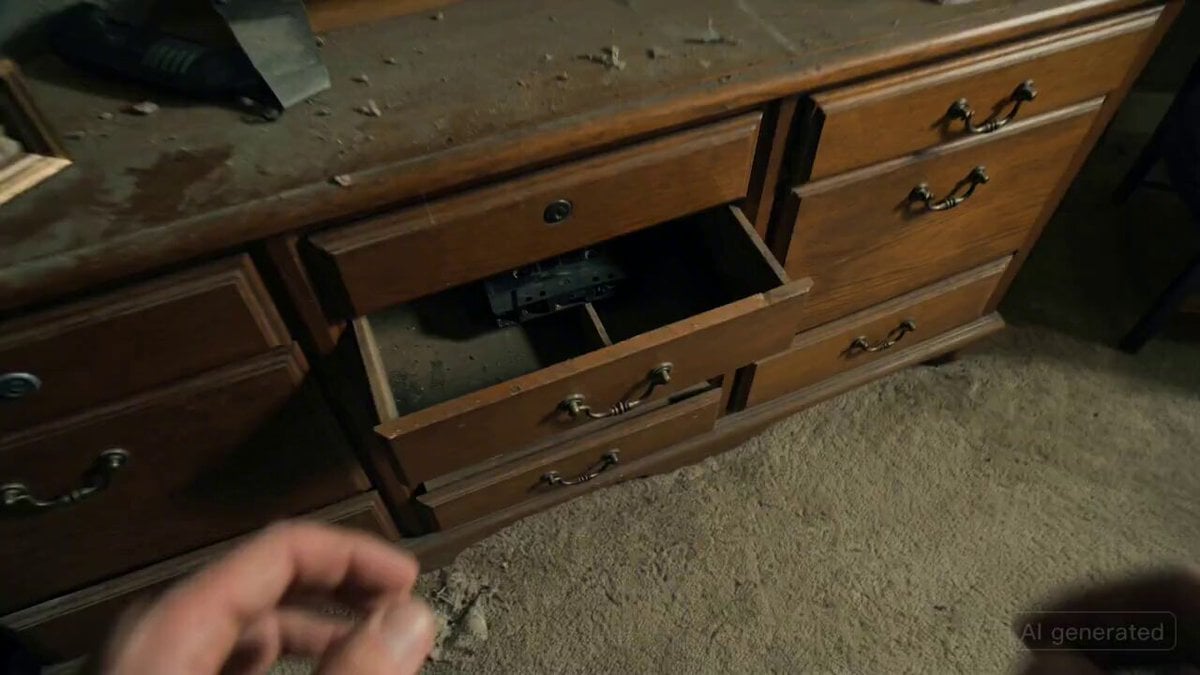
Recursive Horror Jump-Scare Prompt
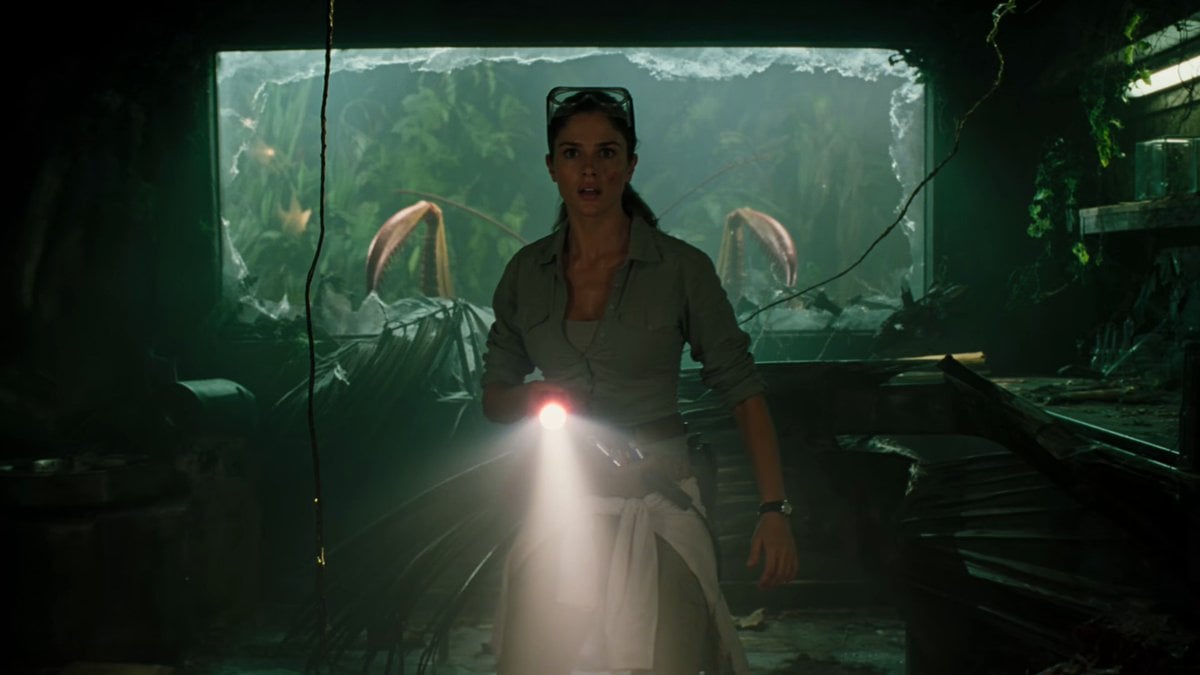
Jungle Lab Giant Mantis Thriller
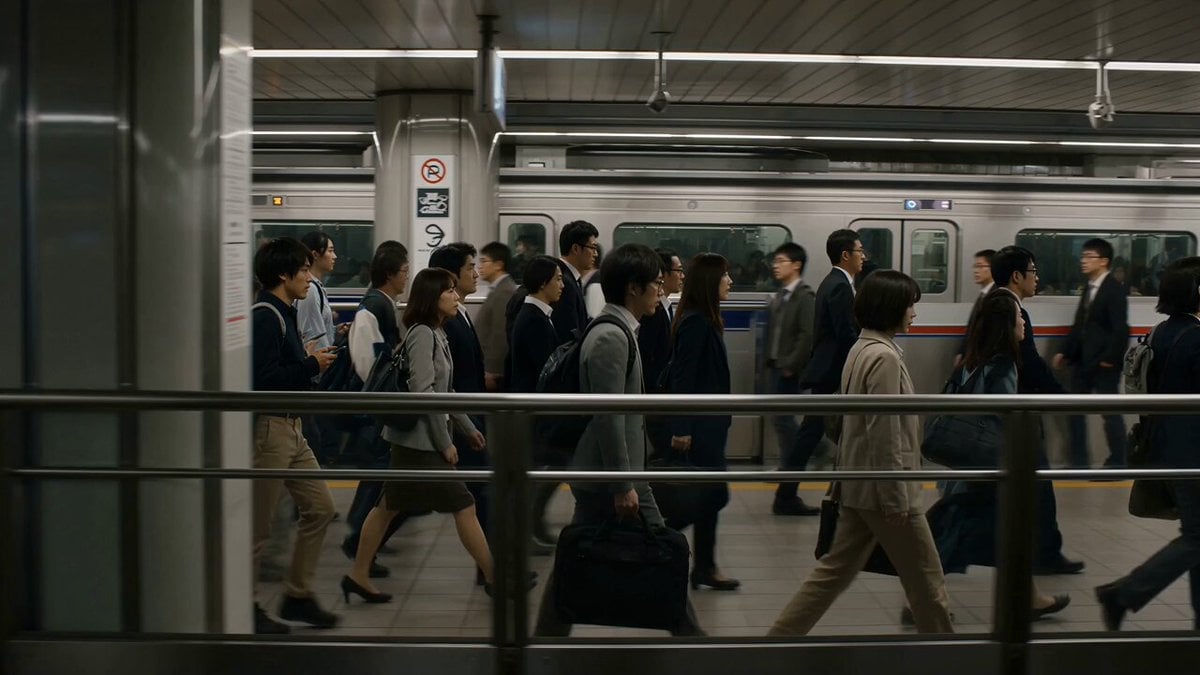
Neo-Noir Android Woman Portrait

Fluffy Creature Story Sequence
Browse template categories
Seedance 2.0 Virtual Idol Gossip Video Prompt questions
How do I use the Seedance 2.0 Virtual Idol Gossip Video Prompt template?
Add your photo if the template asks for one, edit the prompt if you like — the template's model and format are already selected — and press Generate. Your version opens in PicX Studio.
Can I customize the Seedance 2.0 Virtual Idol Gossip Video Prompt template?
Yes. You can change the subject, setting, lighting, mood, format, and available model controls before creating your video.
Is the Seedance 2.0 Virtual Idol Gossip Video Prompt template free?
Opening and editing this template is free. Generating uses credits, shown on the Generate button when you are signed in.
Which AI model should I use?
Start with Seedance 2.0, which is the model associated with this template. You can compare another compatible model for a different finish.
Looking for something else? Browse all templates.

Your photo, any look
Thousands of ready templates for every top image and video model, from one credit balance.