
NBA Courtside Fan Reaction
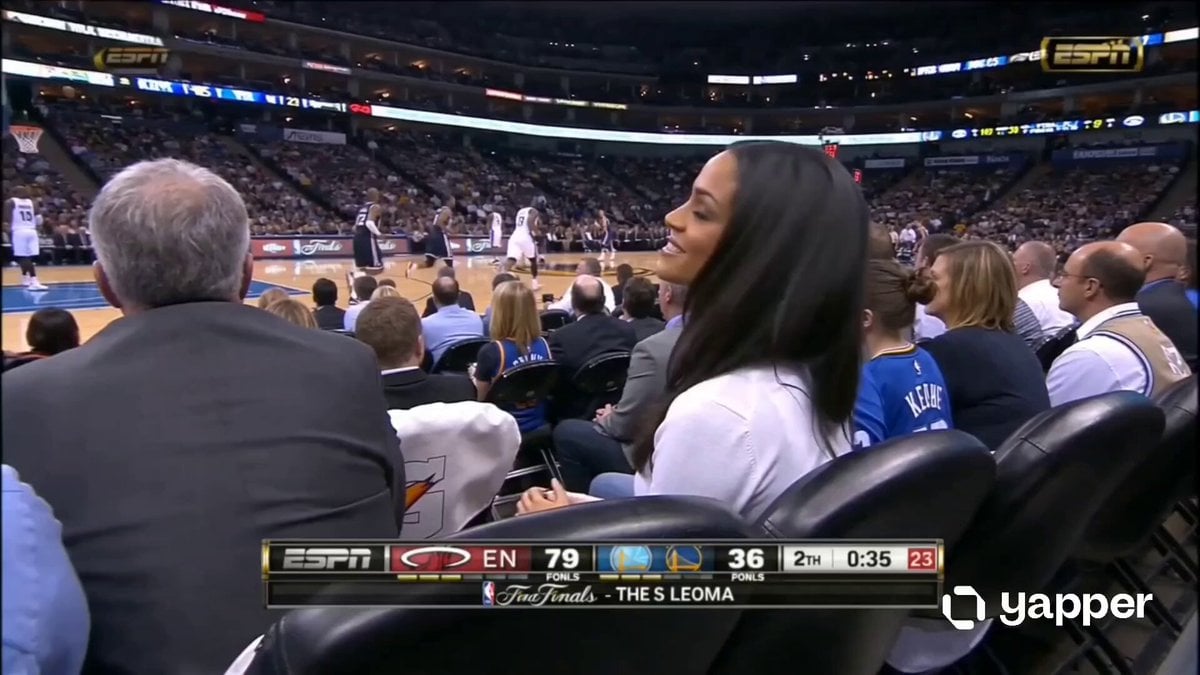
A prompt designed to replicate an ESPN-style crowd reaction shot during an NBA game.
- Prompt included
- Model and format preset
- Premium template
The prompt behind this video
Copy the exact prompt behind NBA Courtside Fan Reaction, or open it in the studio and make it yours.
Live NBA game in progress with the action happening on the court directly in front of her while the ESPN broadcast camera focuses on a beautiful young woman in her 20s seated courtside in the front row. She has long black hair, glowing natural makeup, a charming smile, and an effortlessly attractive presence. The shot feels like a real televised “crowd reaction” moment, she notices the camera for a second while the game continues behind her, players visible on the court and arena lights reflecting across the scene. Packed crowd energy, authentic ESPN broadcast overlay with scorebug and network logo, realistic sports telecast framing, cinematic broadcast zoom, subtle motion blur and compression artifacts, natural live-TV color grading, looks exactly like a genuine ESPN broadcast capture from a live NBA game.
How to use NBA Courtside Fan Reaction in 3 steps
- 1
Open
The prompt is already in the box next to the preview, with the template's model and format selected.
- 2…a portrait of your subject in softgolden-hour light, 85mm…
Personalize
Edit the subject and creative details for your destination.
- 3Generate
Generate
Press Generate — your video is created in PicX Studio, so you can compare it with the original and refine one variable at a time.
More like this
Templates with the same subject, style or setup. Open one to see its prompt.
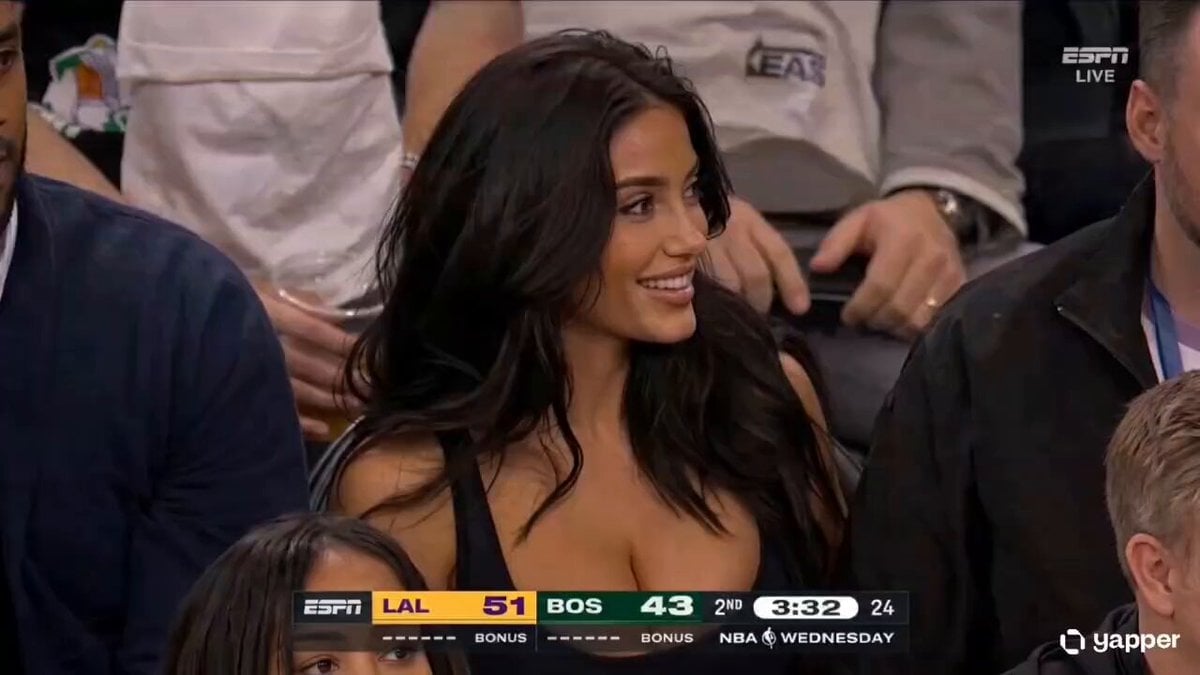
NBA Courtside Broadcast Moment
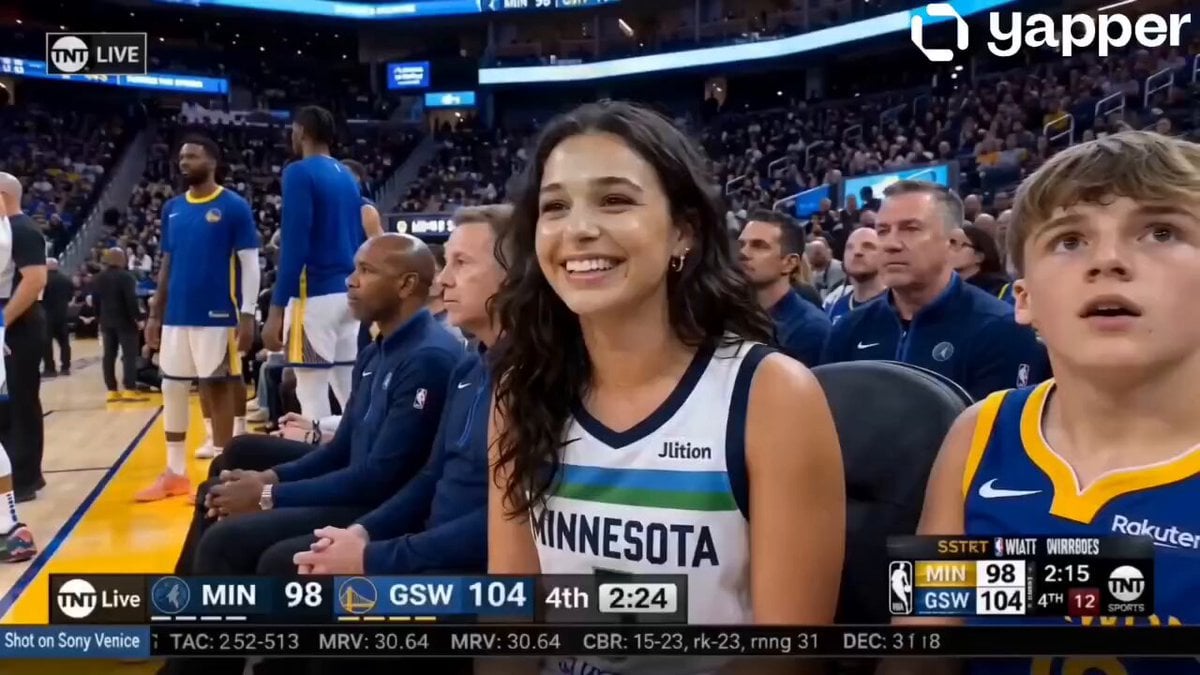
NBA Courtside Broadcast Moment
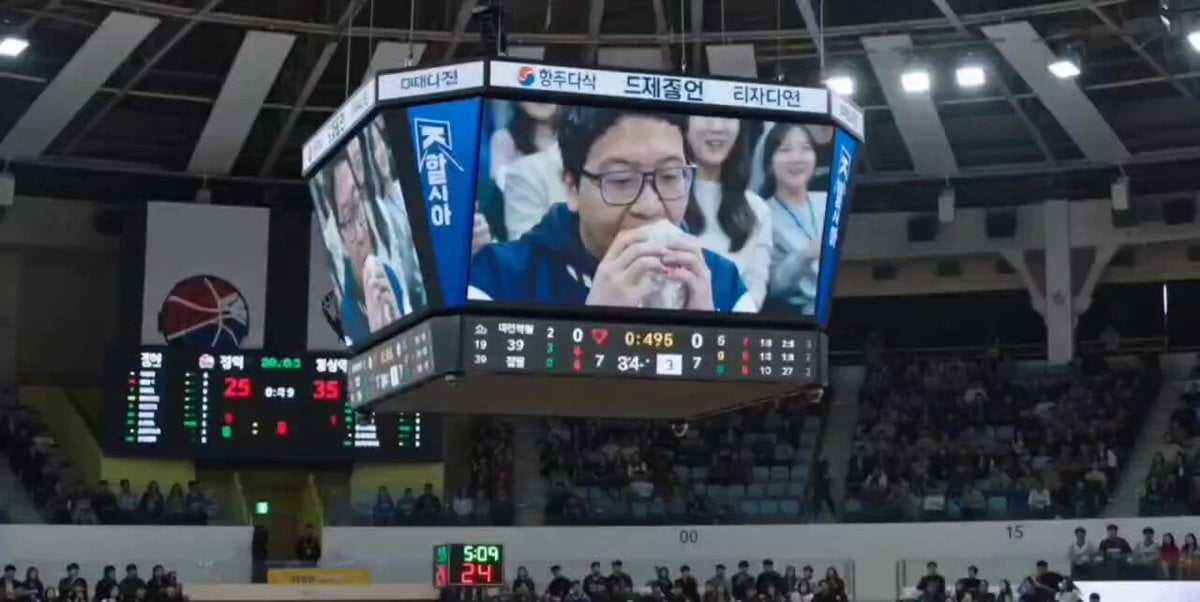
NBA Jumbotron Reaction Shot
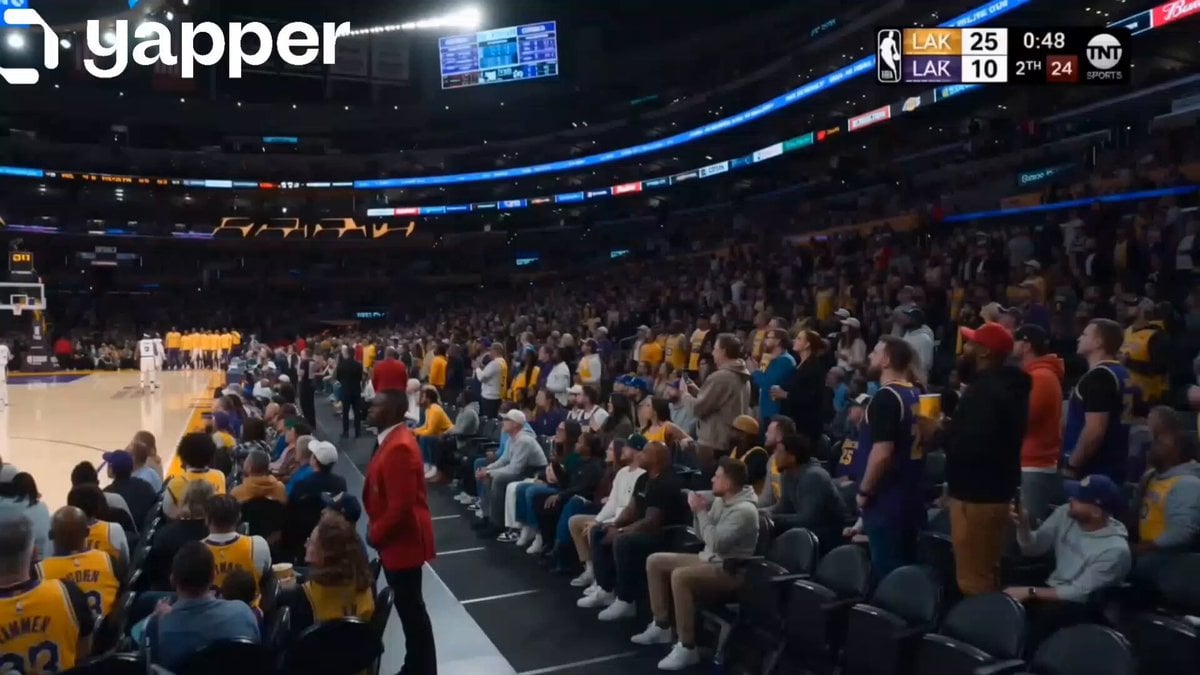
NBA Live Game Crowd Reaction
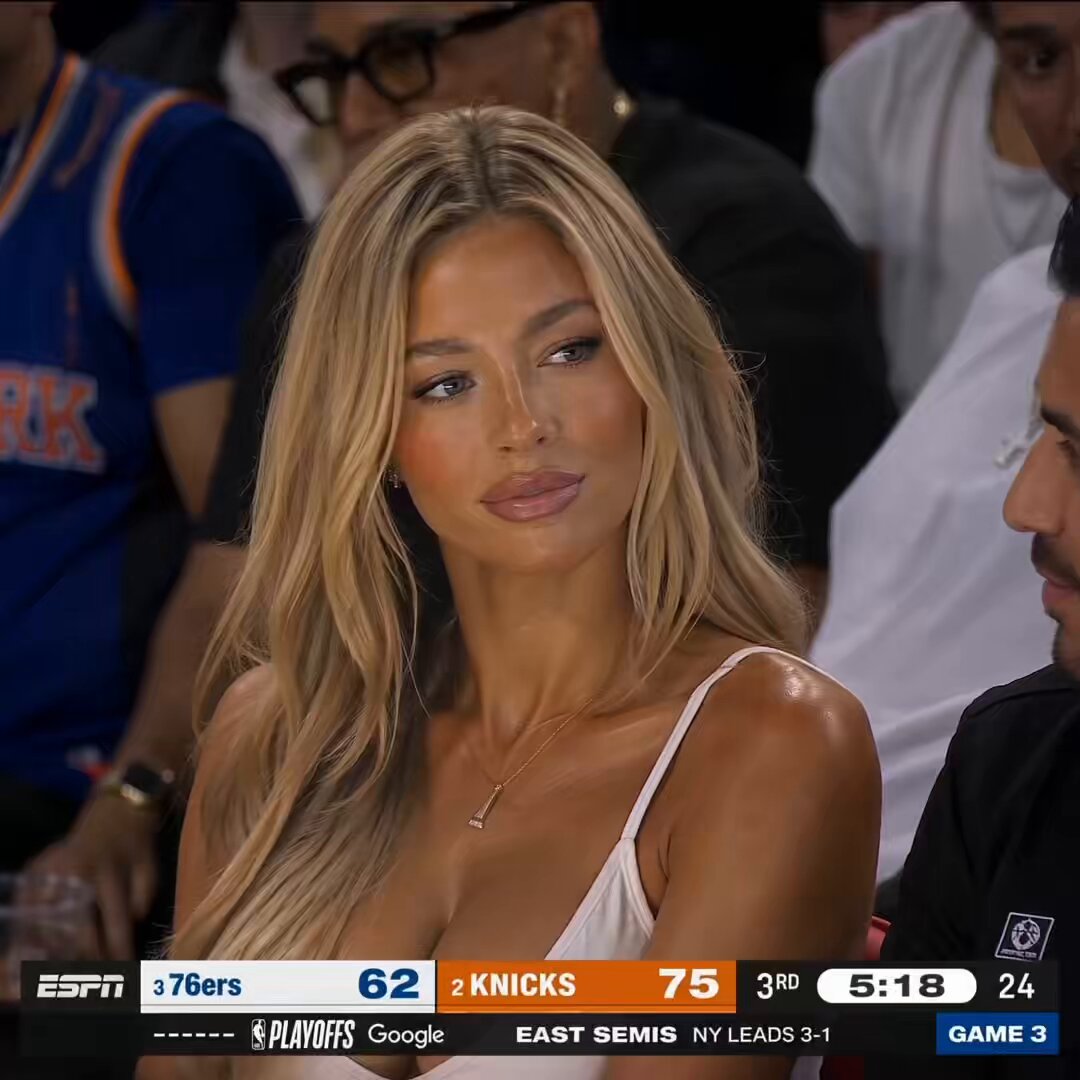
NBA Courtside Live Broadcast
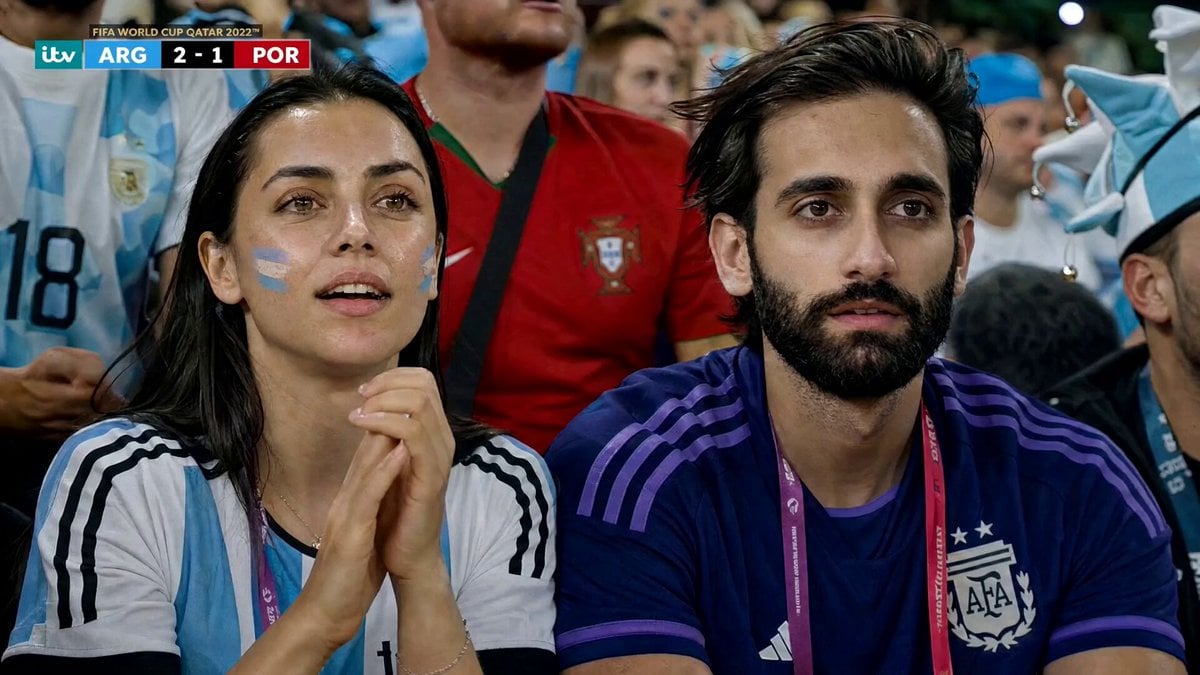
Football Match Fan Reaction
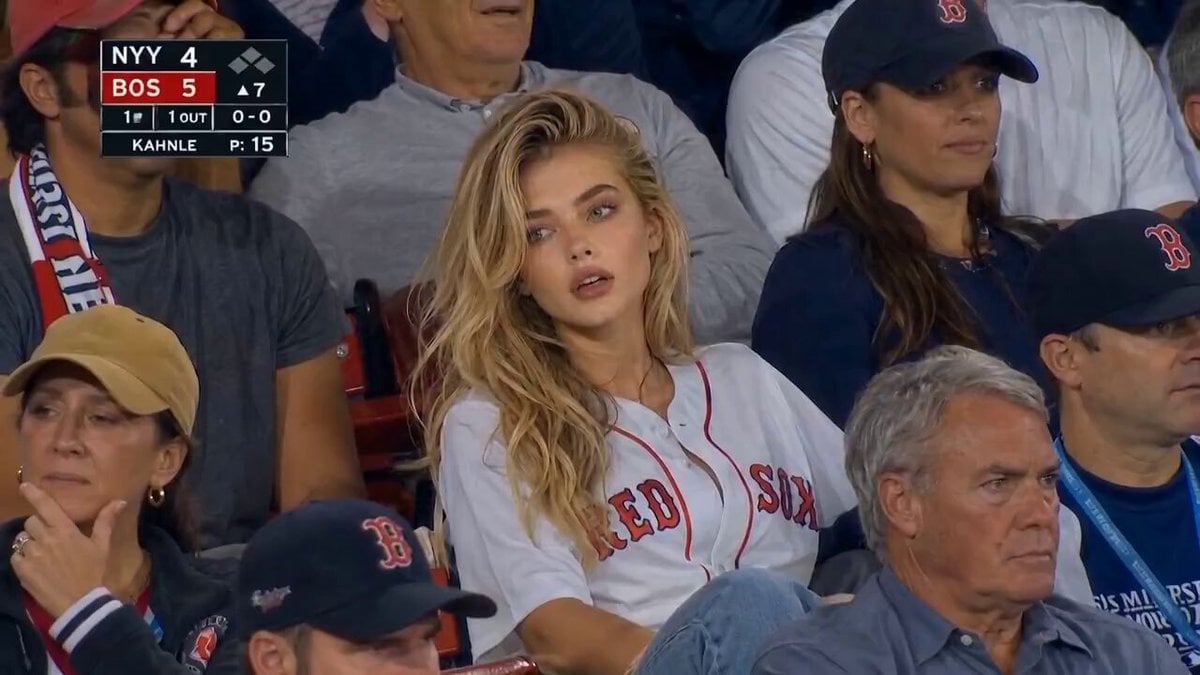
MLB Baseball Stadium Fan Reaction
Gag Anime Comedy Reaction Scene
Italian World Cup Reaction
Bite Burger Reaction Montage
Sarcastic Lip Sync Reaction
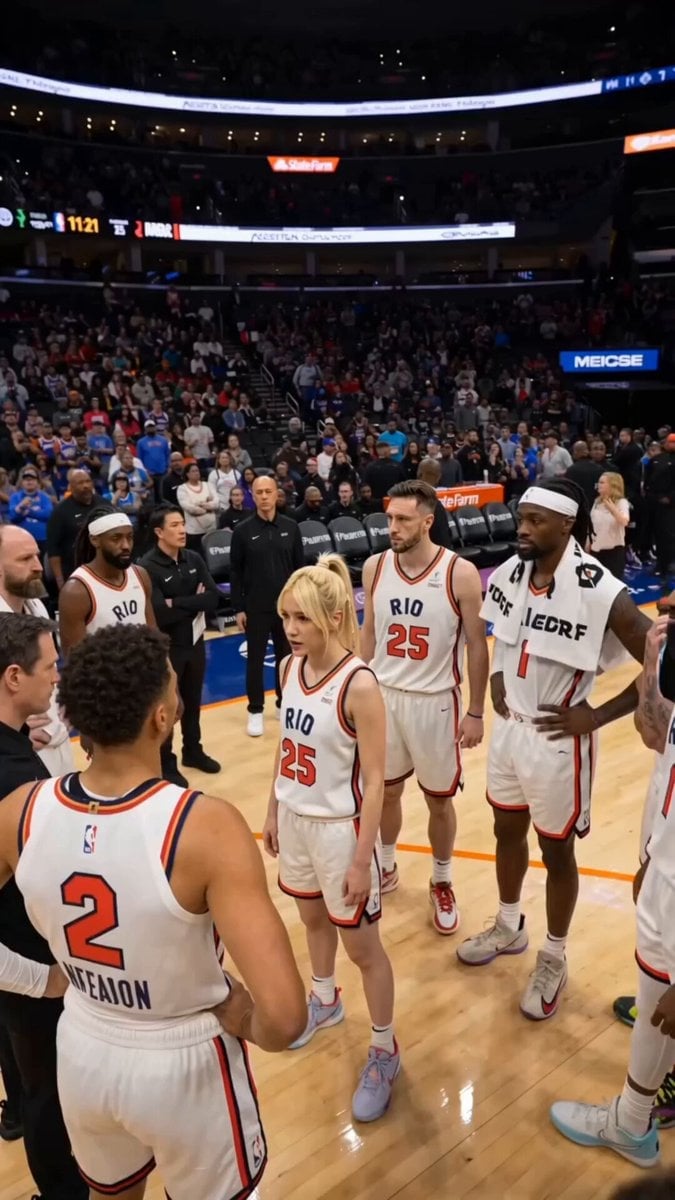
NBA Buzzer Beater Victory Scene
Make it yours
NBA Courtside Fan Reaction works as-is. These are the safest ways to change it without losing the look.
Change one field
Copy a single group, rewrite it, and generate again so you can see what that field is doing.
Keep the frame, change the subject
Hold the composition and light of NBA Courtside Fan Reaction, then swap wardrobe, props or the person for a new take.
| If the result… | Why | Fix |
|---|---|---|
| The result drifts from the preview | Too many fields changed at once. | Reuse NBA Courtside Fan Reaction as-is first, then change one group — subject, light, or setting. |
| The model over-stylizes the scene | The prose prompt leaves finish and camera underspecified. | Add one camera or lighting sentence and stay on Seedance 2.0. |
More Seedance 2.0 templates
Other prompts made for Seedance 2.0.

Comical Martial Arts Punch Scene

Maglev Train Action Sequence

Martial Arts Fight Sequence

Wuxia Protection and Trust Script

Vintage Korean Arcade MiniDV Vlog

Mercedes 190 SL Luxury Ad

Rainy Night Supernatural Reverse Comedy Video Script

Amazon Civilization Discovery

Futuristic South Asian City Transformation

Cozy Luxury Cafe Commercial
More video prompts
Fresh picks from across the catalog.

Real-World Fantasy Ninja Battle Prompt
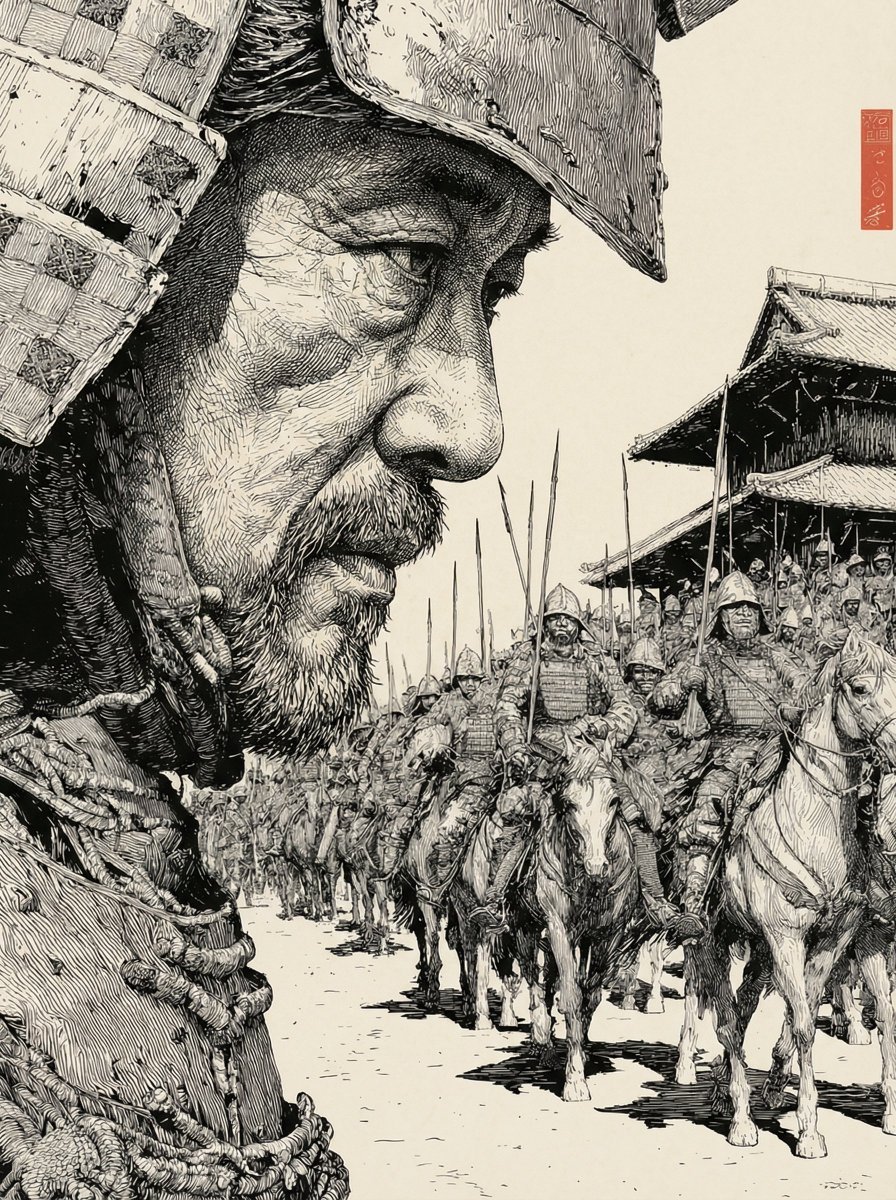
Strictly Controlled Japanese Samurai Ink Illustration Prompt

Mystical Bioluminescent Owl Animation
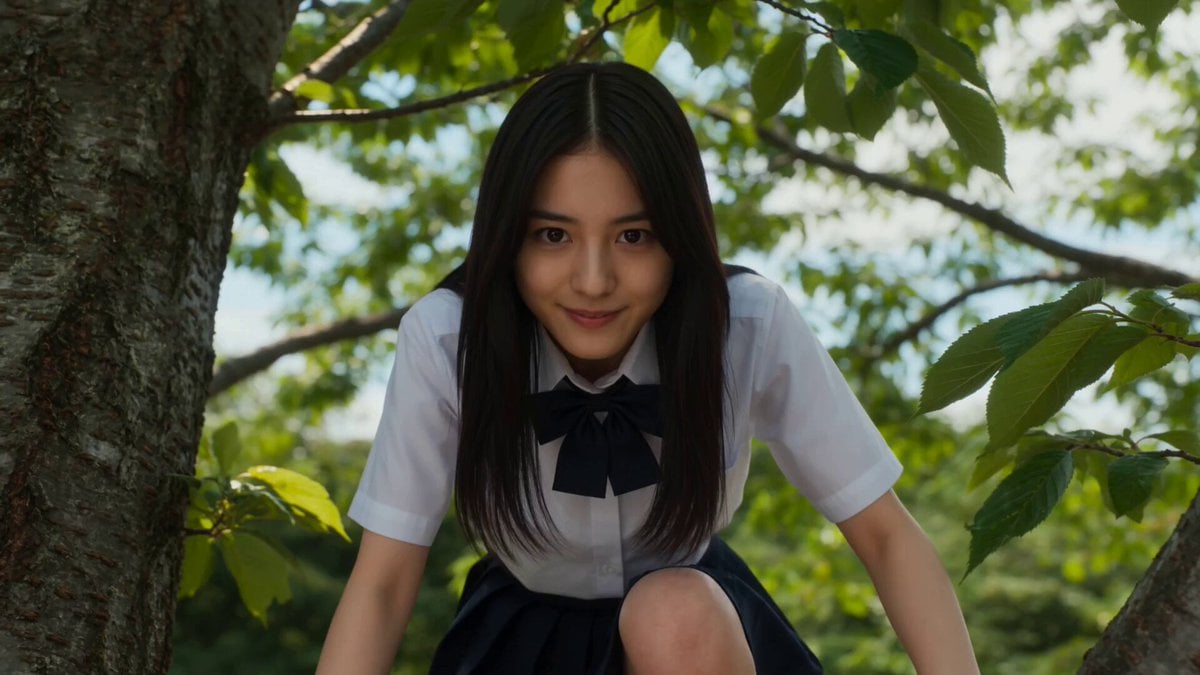
Cinematic Scale-Shifting Sequence
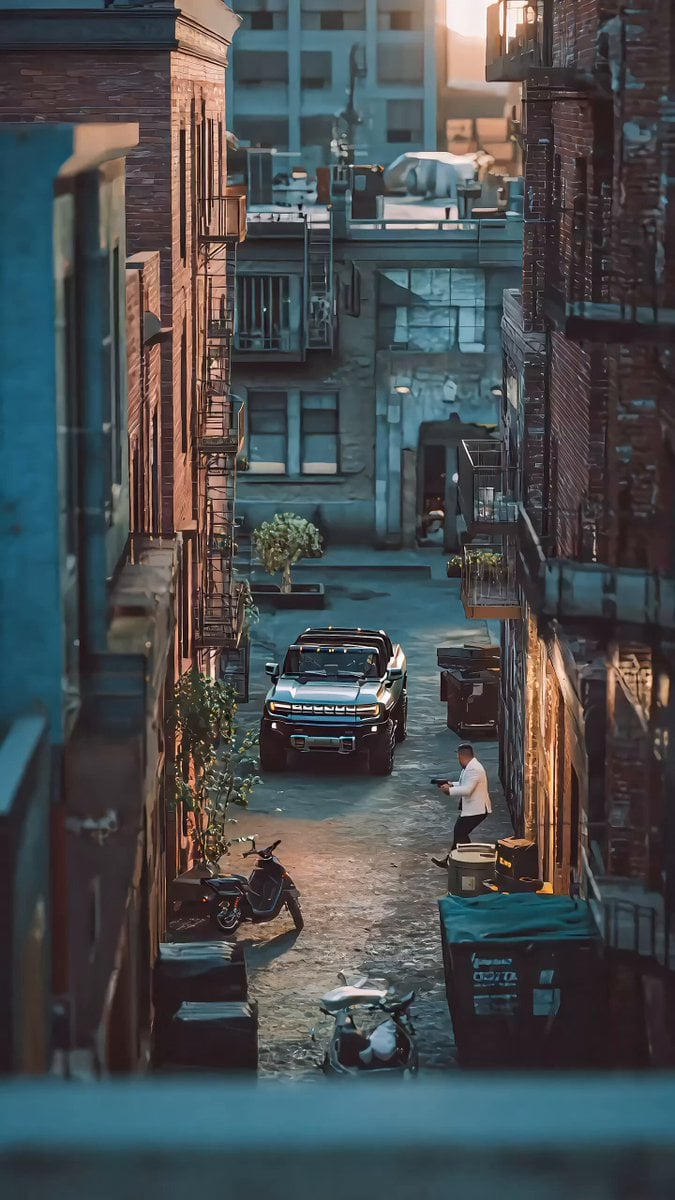
John Woo Style Gunfight Scene Prompt
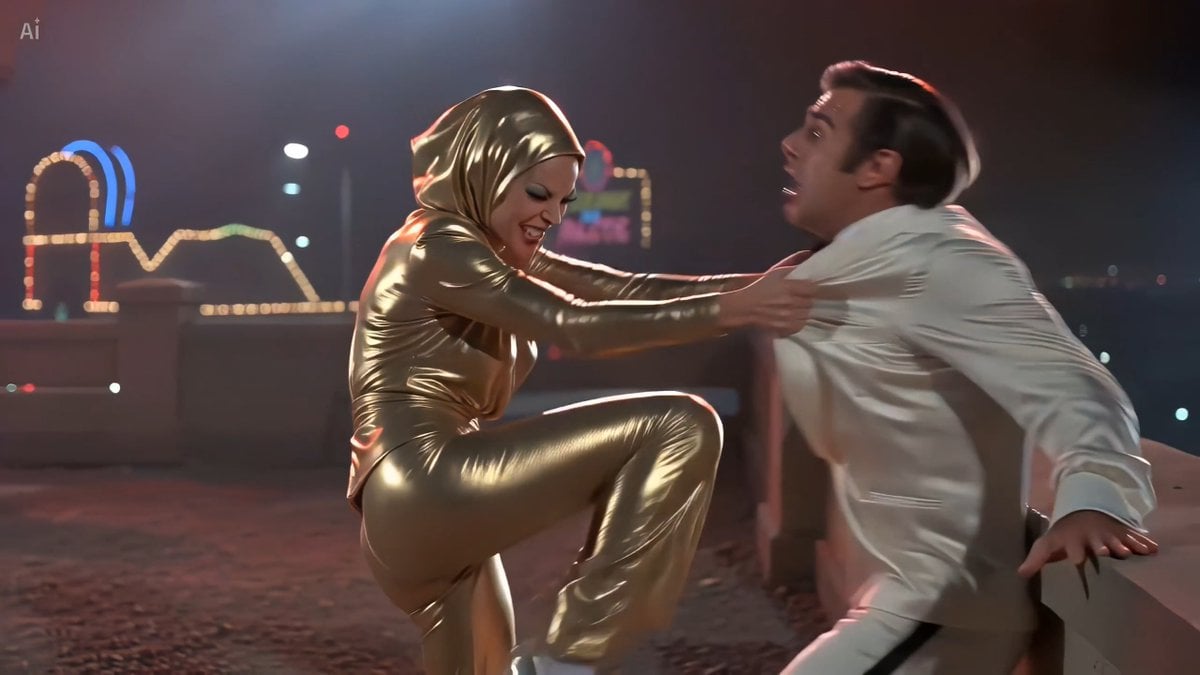
70s Giallo Action Casino Battle
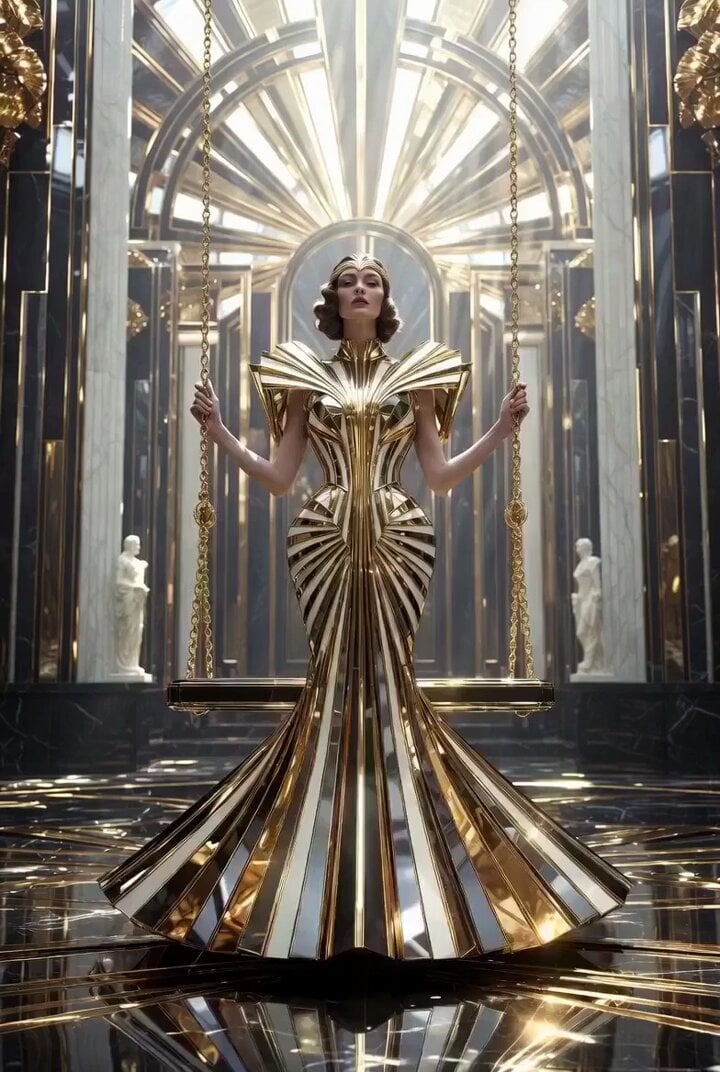
Ultra Luxurious Art Deco Dream Garden Swing (30s Video)
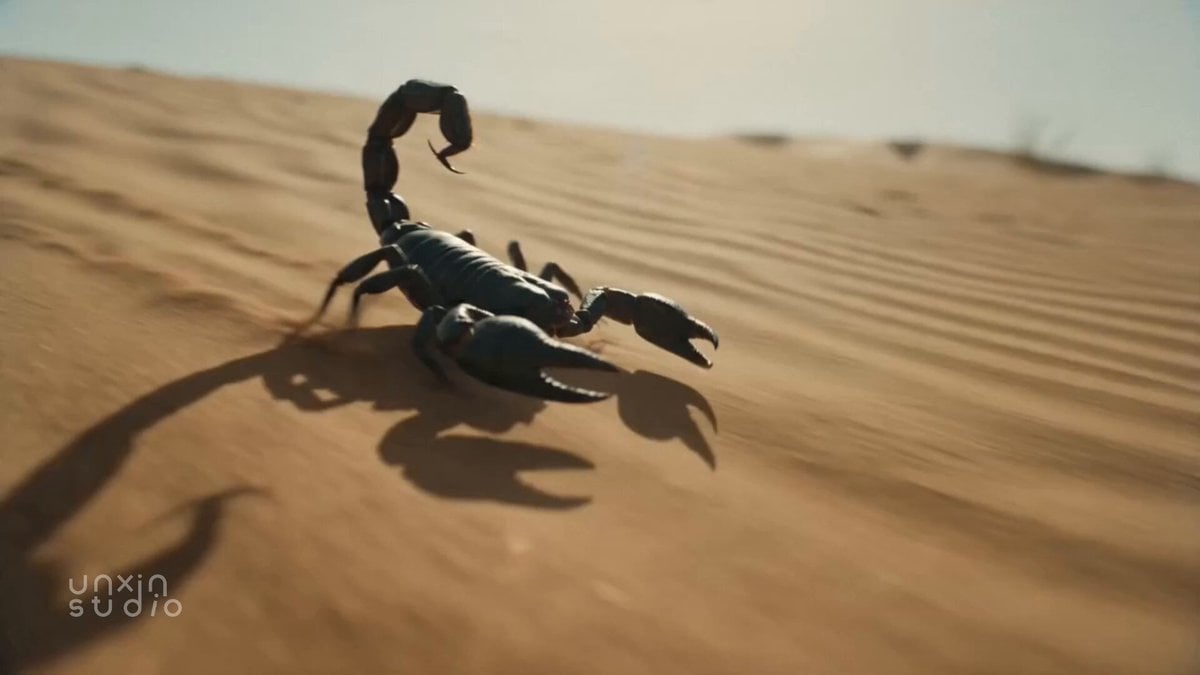
Desert Scorpion Body Horror Transformation
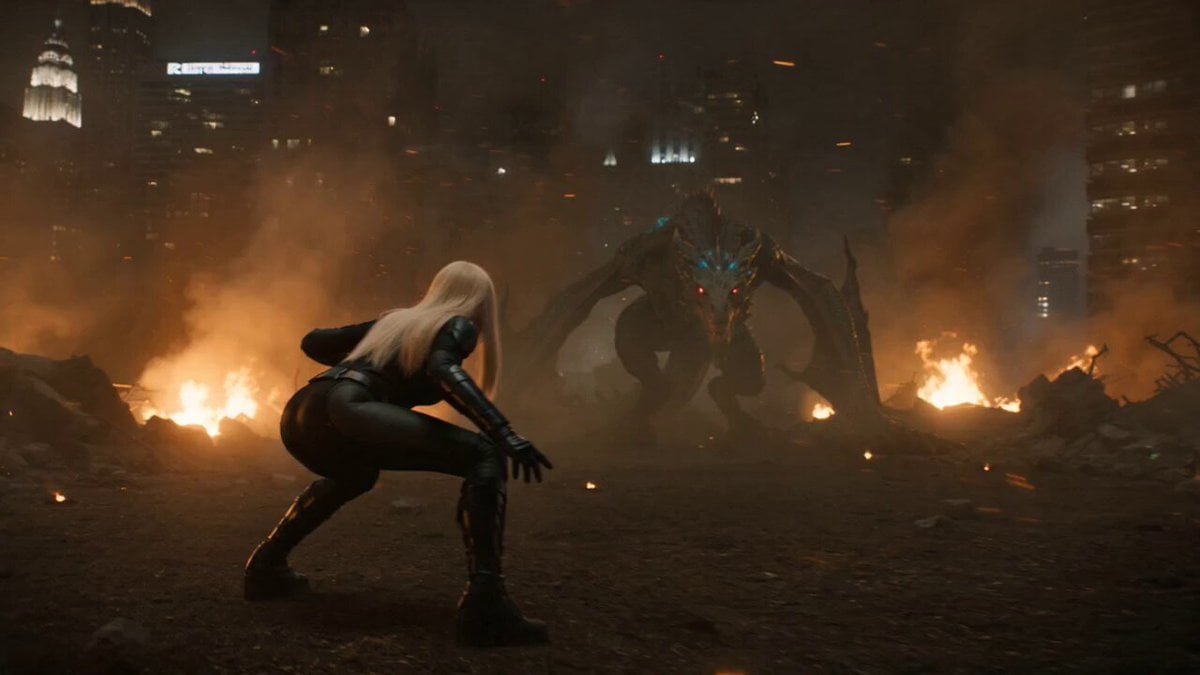
Cinematic Hero vs Dragon Combat
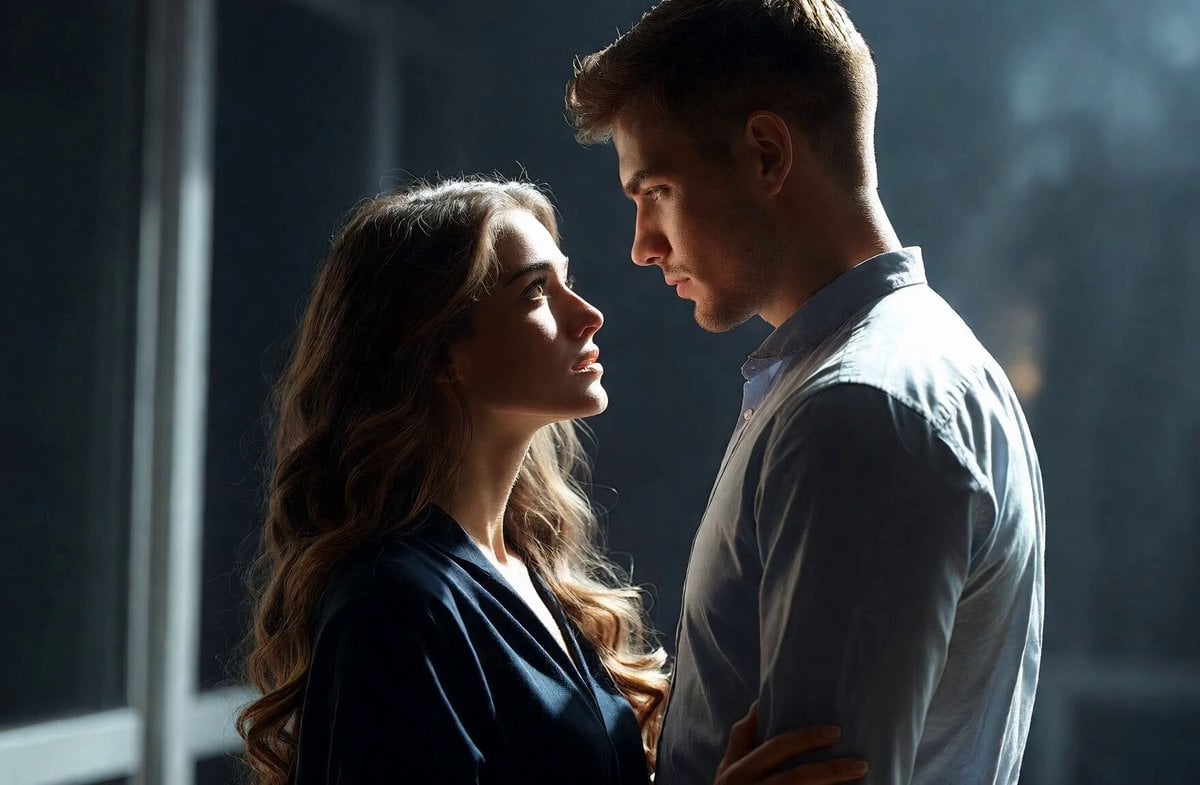
Intimate Future Conversation Couple
Browse template categories
NBA Courtside Fan Reaction questions
How do I use the NBA Courtside Fan Reaction template?
Add your photo if the template asks for one, edit the prompt if you like — the template's model and format are already selected — and press Generate. Your version opens in PicX Studio.
Can I customize the NBA Courtside Fan Reaction template?
Yes. You can change the subject, setting, lighting, mood, format, and available model controls before creating your video.
Is the NBA Courtside Fan Reaction template free?
Opening and editing this template is free. Generating uses credits, shown on the Generate button when you are signed in.
Which AI model should I use?
Start with Seedance 2.0, which is the model associated with this template. You can compare another compatible model for a different finish.
Looking for something else? Browse all templates.

Your photo, any look
Thousands of ready templates for every top image and video model, from one credit balance.