
DV Style Idol Montage
A Seedance 2.0 video template for a 15-second K-pop idol montage using 16mm handheld DV aesthetics, featuring multiple scene transitions.
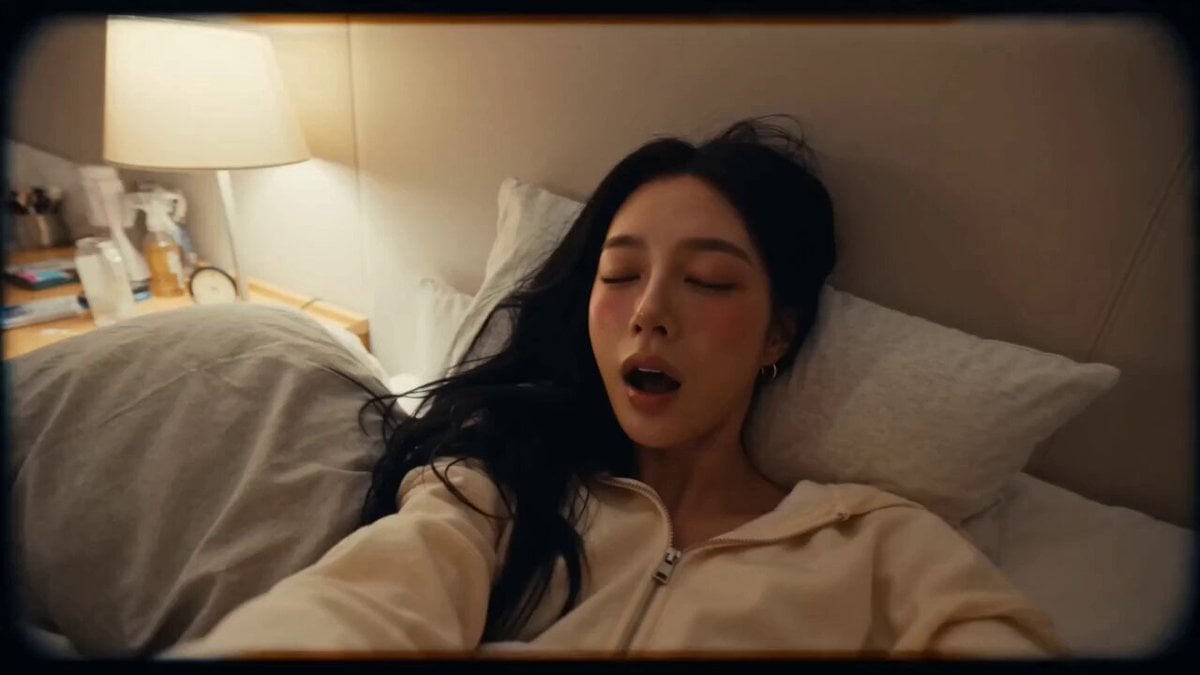
- Prompt included
- Model and format preset
- Premium template
The prompt behind this video
Copy the exact prompt behind DV Style Idol Montage, or open it in the studio and make it yours.
摄像机:DV 16mm磁带手持感,第一人称POV,偶尔架在旁边解放双手。手持晃动、构图偏移、对焦延迟、笨拙的变焦推拉、偶尔切到脸的构图,不完美但有真实感。摄像机本身不入镜 画面质感:柔和微糊的磁带画质,轻微噪点,过曝高光,自动曝光闪烁感,低对比度,真实肤色。光线随场景自然变化(宿舍暖光→车内冷光→舞台强光) 风格:快节奏蒙太奇,场景间快速跳切,加速过渡。旁白铺在画面上方,不卡口型。从慵懒早晨到舞台高潮,能量层层推高 角色:CHASE,韩国偶像,20多岁。黑色长直发,精致韩系五官,水光肌,珊瑚粉唇,大眼睛。服装随场景切换:宿舍穿宽松家居服,车里穿便装,舞台上穿演出服,均遮盖手臂和躯干 场景顺序:宿舍(早晨)→ 面包车内(白天)→ 后台/舞台(夜晚) 分镜(15秒,5个镜头): 镜头1(3秒,宿舍,固定机位,晨光):她伸懒腰揉眼睛,头发凌乱,抓起包。旁白:"每天开始得都太早了" 镜头2(3秒,车内,手持,窗光):她靠窗坐着,日光掠过脸庞,刷着手机。旁白:"这辆车基本是我的第二个家" 镜头3(3秒,车内,微距特写):手部调整歌单,阳光透过车窗闪烁。无旁白,只有环境路噪 镜头4(3秒,后台,手持,快速过渡):化妆做发型快速闪过,工作人员在周围穿梭,肾上腺素开始飙升。旁白:"然后突然就该上台了" 镜头5(3秒,舞台,远景→近景,高能收尾):舞台灯光大亮,她的剪影走上台,镜头捕捉最后一眼后黑屏. 旁白:"就为了这一刻,什么都值了"
How to use DV Style Idol Montage in 3 steps
- 1
Open
The prompt is already in the box next to the preview, with the template's model and format selected.
- 2…a portrait of your subject in softgolden-hour light, 85mm…
Personalize
Edit the subject and creative details for your destination.
- 3Generate
Generate
Press Generate — your video is created in PicX Studio, so you can compare it with the original and refine one variable at a time.
More like this
Templates with the same subject, style or setup. Open one to see its prompt.
Fighter Jet Aerial Combat Montage — Seedance 2.5
Rushed Morning Routine Montage
Green Dragon Training Short
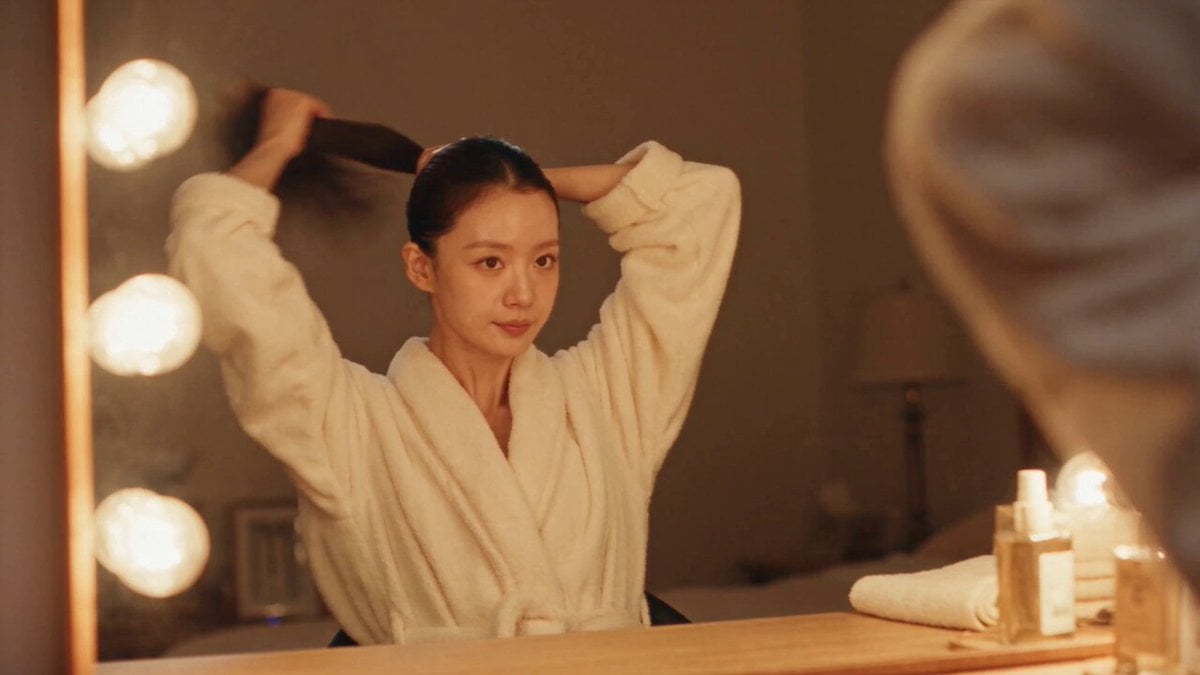
DV Camcorder POV Gym Montage — Seedance 2.5
DV Camcorder POV Gym Montage — Seedance 2.5
Luxury Handbag Commercial — Hollywood VFX Ad
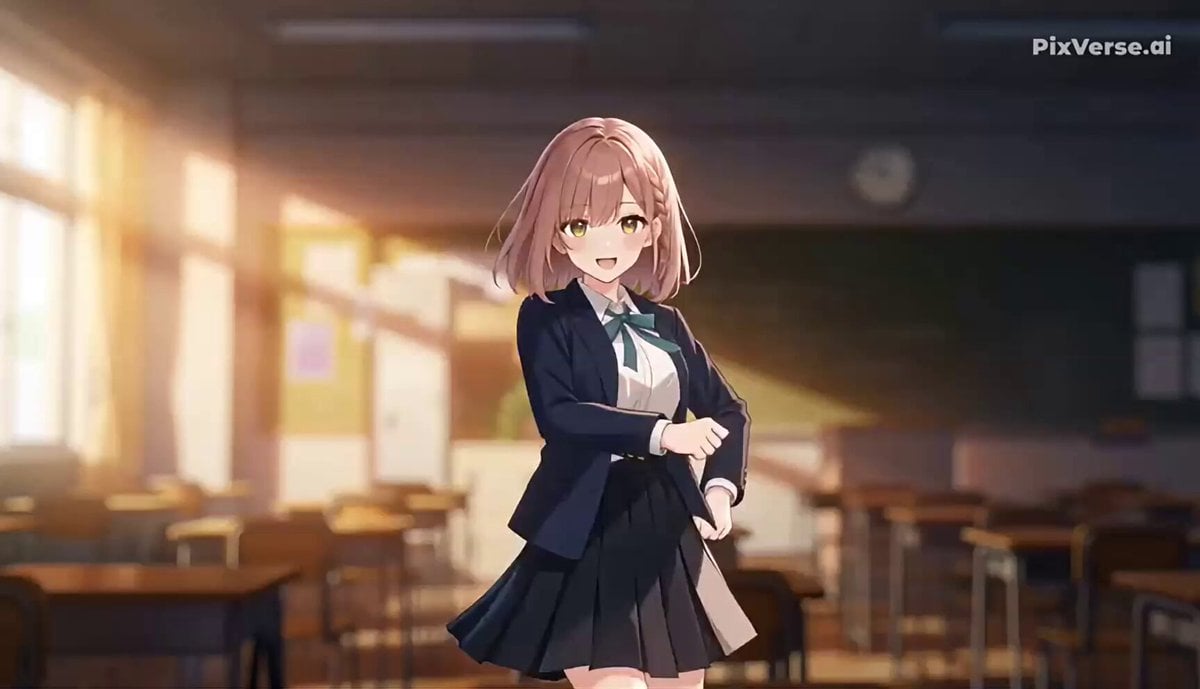
J-Pop Idol Classroom Dance Sequence
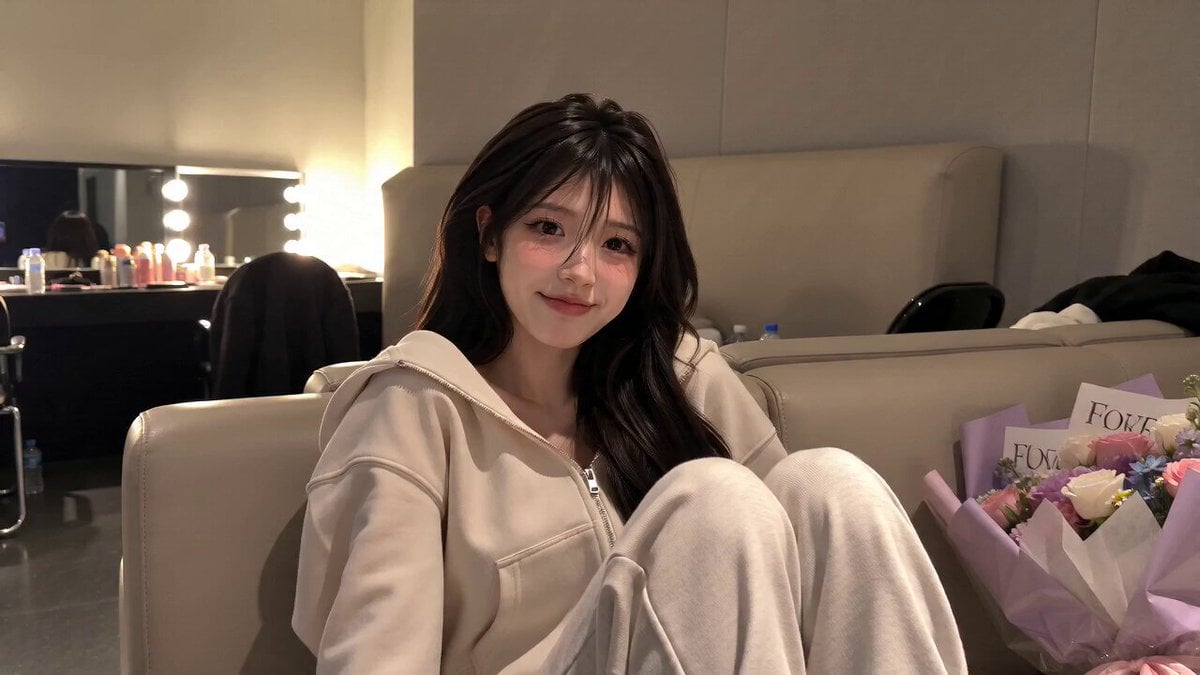
Korean Idol Backstage Vlog Scene
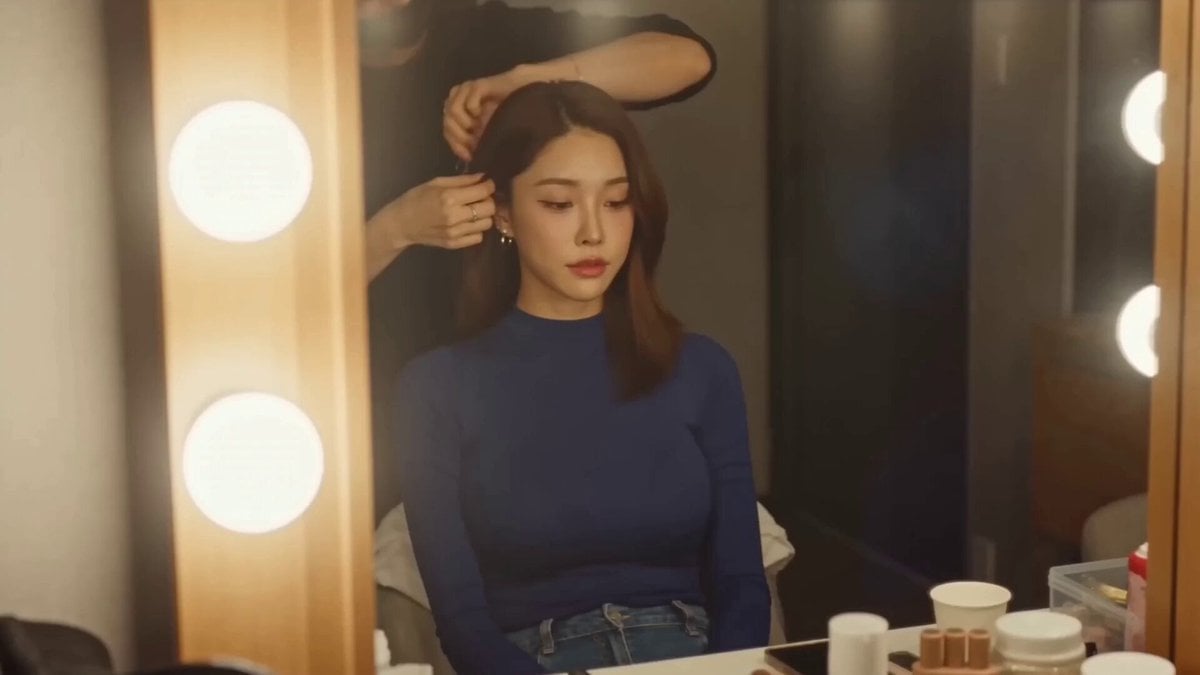
Korean Idol Vlogger Documentary Aesthetic
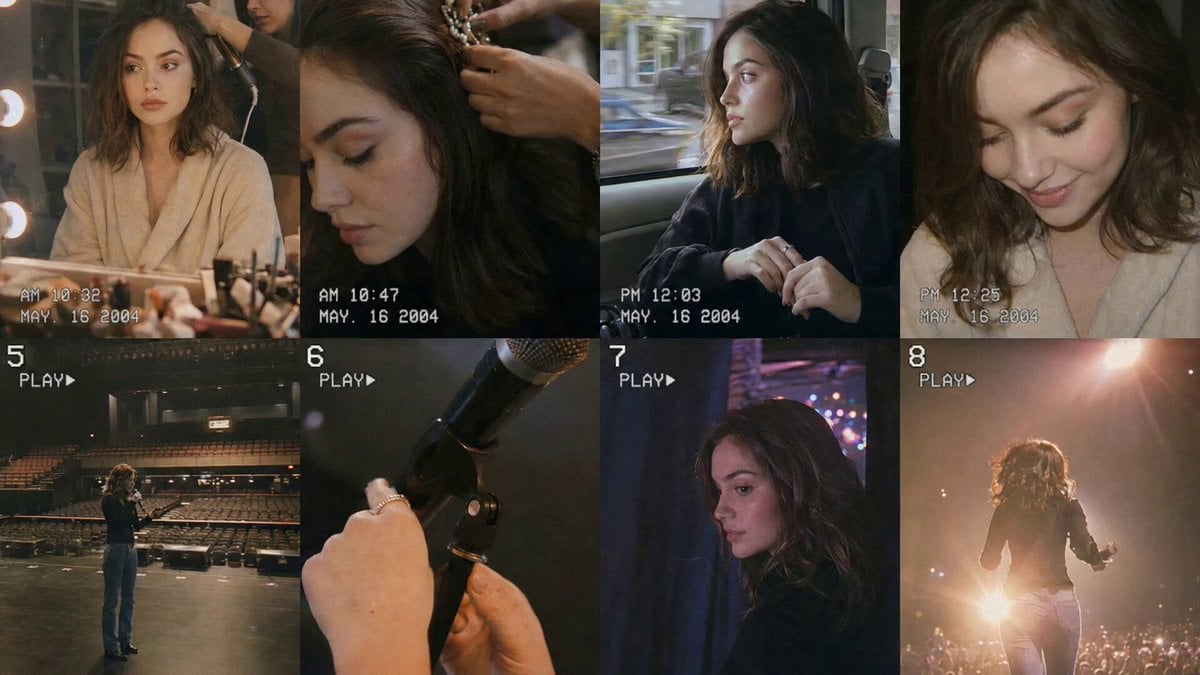
Nostalgic Idol Home Video Storyboard
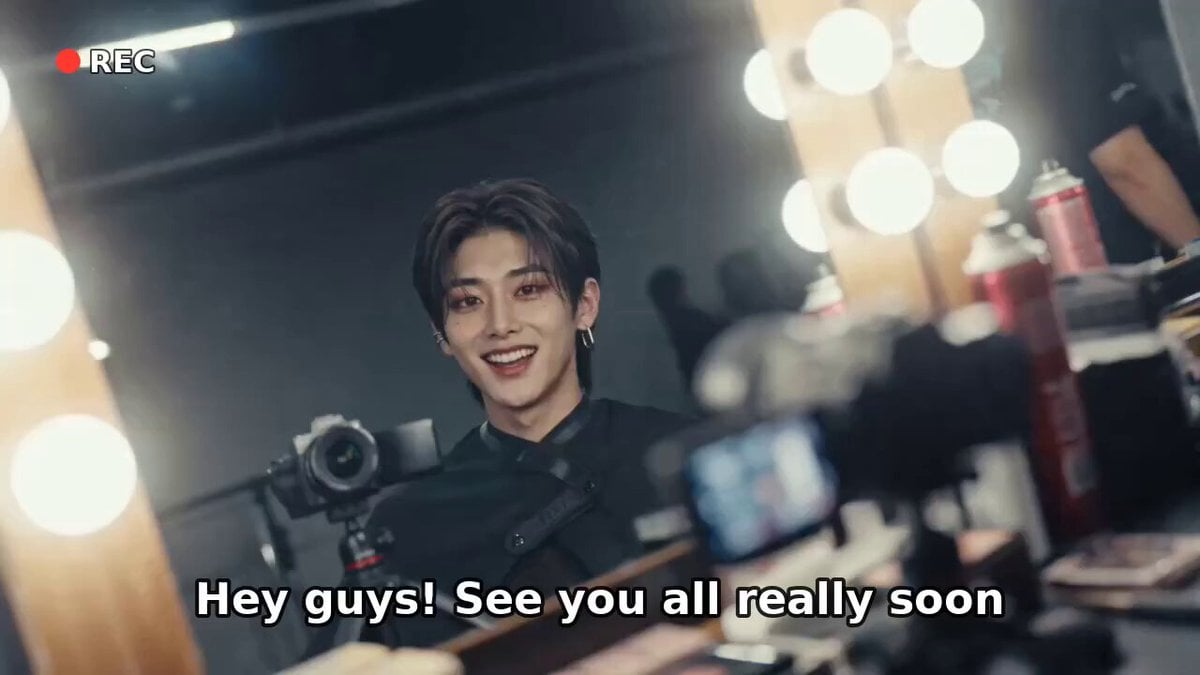
K-Pop Male Idol Backstage Vlog
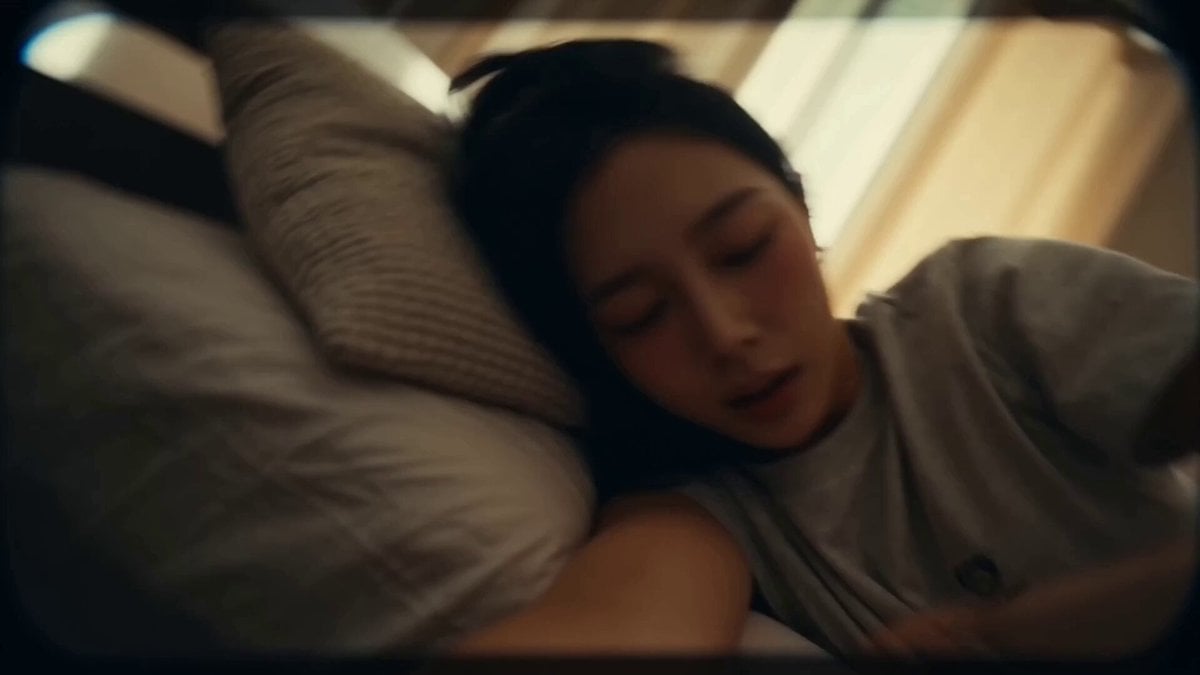
Korean Idol Vlog Camcorder
Make it yours
DV Style Idol Montage works as-is. These are the safest ways to change it without losing the look.
Change one field
Copy a single group, rewrite it, and generate again so you can see what that field is doing.
Keep the frame, change the subject
Hold the composition and light of DV Style Idol Montage, then swap wardrobe, props or the person for a new take.
| If the result… | Why | Fix |
|---|---|---|
| The result drifts from the preview | Too many fields changed at once. | Reuse DV Style Idol Montage as-is first, then change one group — subject, light, or setting. |
| The model over-stylizes the scene | The prose prompt leaves finish and camera underspecified. | Add one camera or lighting sentence and stay on Seedance 2.0. |
More Seedance 2.0 templates
Other prompts made for Seedance 2.0.

Comical Martial Arts Punch Scene

Maglev Train Action Sequence

Martial Arts Fight Sequence

Wuxia Protection and Trust Script

Vintage Korean Arcade MiniDV Vlog

Mercedes 190 SL Luxury Ad

Rainy Night Supernatural Reverse Comedy Video Script

Amazon Civilization Discovery

Futuristic South Asian City Transformation

Cozy Luxury Cafe Commercial
More video prompts
Fresh picks from across the catalog.
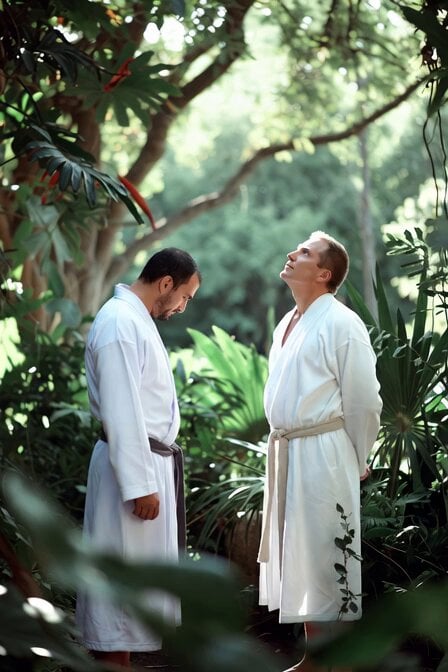
Adam and Steve in Eden Parody
Magical Ball Gown Video Transformation
Hand-drawn Animated Naval Battle
The Cinematic Master Prompt (Image and Video)
Hyper-Realistic Parkour POV Sequence Prompt
Cinematic Mage Battle Storyboard
Cinematic Scene: Woman Running from a Lion in the Tropics
Busy Gym Exercise Scene
Cinematic Storyboard Animation
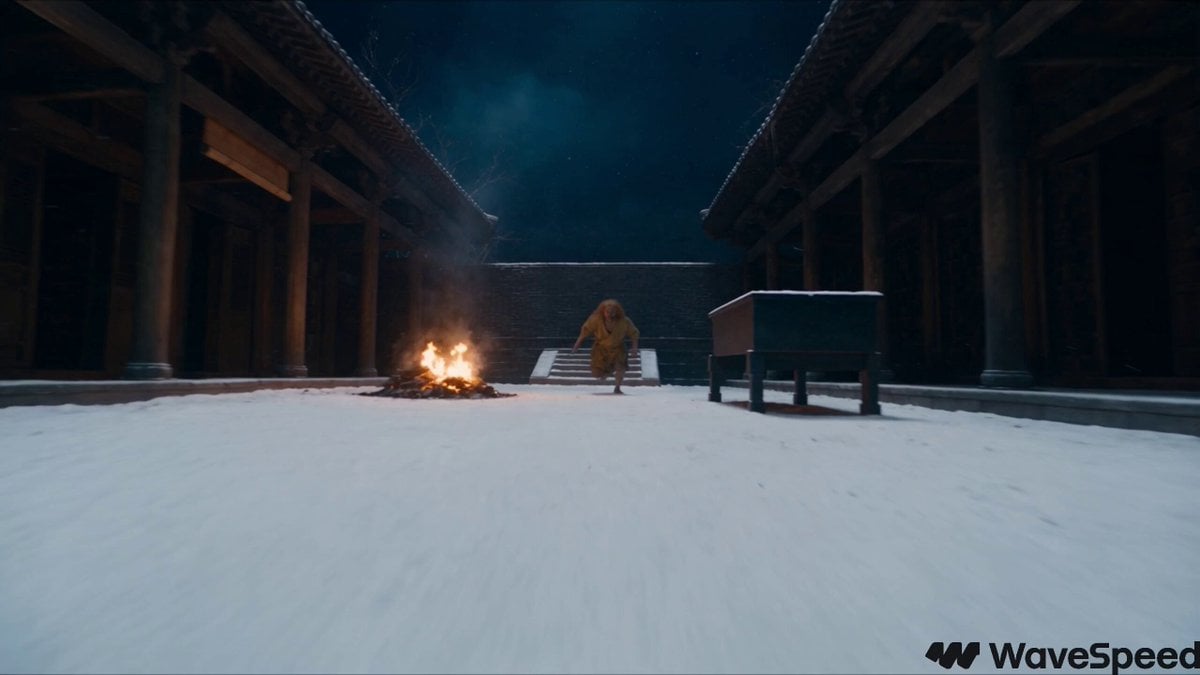
Snowy Night Xianxia Combat Sequence
Browse template categories
DV Style Idol Montage questions
How do I use the DV Style Idol Montage template?
Add your photo if the template asks for one, edit the prompt if you like — the template's model and format are already selected — and press Generate. Your version opens in PicX Studio.
Can I customize the DV Style Idol Montage template?
Yes. You can change the subject, setting, lighting, mood, format, and available model controls before creating your video.
Is the DV Style Idol Montage template free?
Opening and editing this template is free. Generating uses credits, shown on the Generate button when you are signed in.
Which AI model should I use?
Start with Seedance 2.0, which is the model associated with this template. You can compare another compatible model for a different finish.
Looking for something else? Browse all templates.

Your photo, any look
Thousands of ready templates for every top image and video model, from one credit balance.