
Hyper-Realistic Parkour POV Sequence Prompt
A highly detailed, multi-stage prompt for Seedance 2.0 designed to generate a hyper-realistic, single-take, first-person perspective (POV) action sequence of a man performing extreme parkour, including a terrifying…
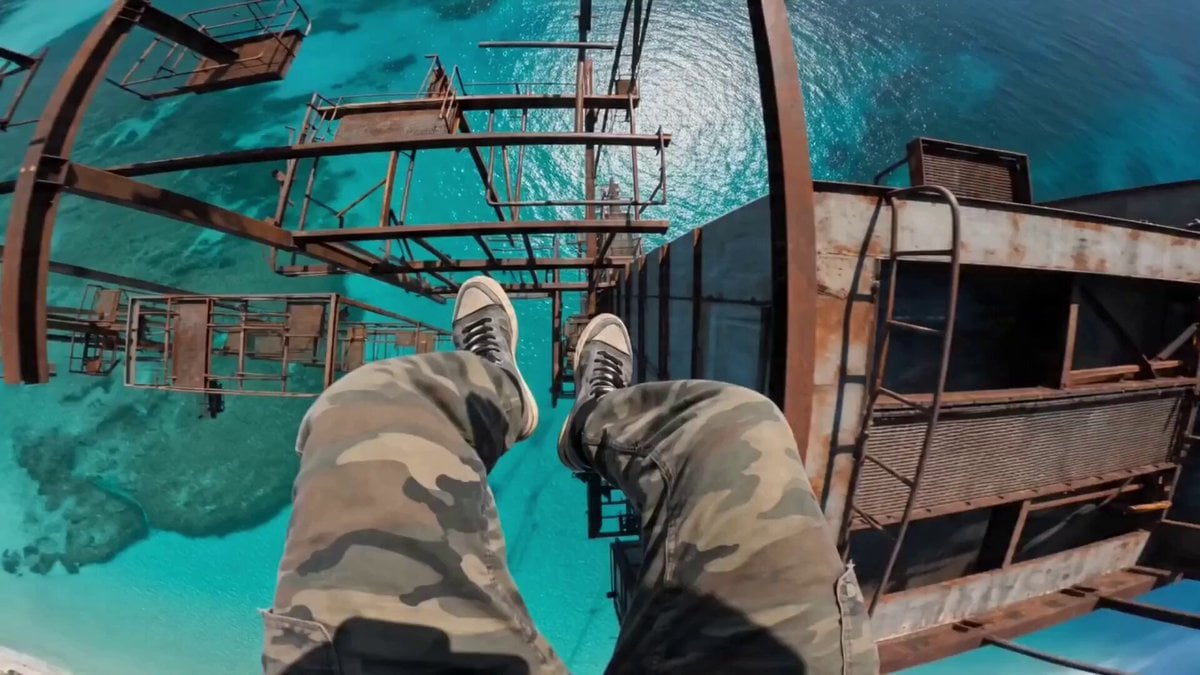
- Prompt included
- Model and format preset
- Free template
The prompt behind this video
Copy the exact prompt behind Hyper-Realistic Parkour POV Sequence Prompt, or open it in the studio and make it yours.
A hyper-realistic, 8K resolution, adrenaline-fueled single-take POV action sequence. The camera is chest-mounted on a man wearing camouflage joggers and worn-out black-and-white sneakers. He stands on the dizzying edge of a rusted skyscraper, 1000 feet above a crystalline turquoise ocean. No clouds, no haze—just a sheer, terrifying vertical drop into the deep blue. [The Initial Freefall] The sequence begins with a sudden, heart-stopping leap into a 20-meter vertical freefall. The camera points directly at his feet as the sea surface rushes toward the lens. A deafening, high-pitched whistling 'Hyuo' wind screams past the microphone. Just before the impact, he catches a lower rusted horizontal bar with both hands—white wristband visible—and swings his body forward to land on a tiny vertical pole. [The Rhythmic Jumps & The Near-Death Slip] He immediately begins a rhythmic series of high-speed jumps: Jump 1: A clean, agile spring to a second vertical pole 2 meters away. Jump 2: A rapid leap to a thin, rusted horizontal pipe. Jump 3 (The Slip): As he jumps toward the third vertical pole, his right sneaker completely misses the mark and slides off the rusted metal. The camera tilts violently over the edge, staring straight down at the 1000-foot abyss. He lets out a sharp, panicked gasp. For a terrifying second, his body leans into the void, but he desperately claws at the pole with his fingers, his boots scrambling against the side until he manages to hook his leg and haul himself back up. Jump 4: Still trembling, he forces a frantic, heavy-breathing leap to the next bar to keep the momentum. Jump 5: A final, explosive long-distance jump to a swaying metal platform. He lands with a heavy, jarring metallic 'Clang', his body hunching low, gripping the vibrating metal for dear life. [The Ending] The camera remains in a low, fetal position on the final bar, shaking from the adrenaline. No dialogue. The audio is a visceral layer of the aggressive 'Hyuo' wind, his intense, ragged, and rapid gasping for air, and a loud, thumping heartbeat that resonates as if inside his chest. The harsh midday sun glints off the ocean waves far below, creating a blinding, beautiful, yet lethal glare. Cinematic materials, fluid 120fps motion, hyper-detailed rust and skin textures.
How to use Hyper-Realistic Parkour POV Sequence Prompt in 3 steps
- 1
Open
The prompt is already in the box next to the preview, with the template's model and format selected.
- 2…a portrait of your subject in softgolden-hour light, 85mm…
Personalize
Edit the subject and creative details for your destination.
- 3Generate
Generate
Press Generate — your video is created in PicX Studio, so you can compare it with the original and refine one variable at a time.
More like this
Templates with the same subject, style or setup. Open one to see its prompt.
Multi-Character Parkour Action Sequence
Rooftop Parkour Motion Control
DV Camcorder POV Gym Montage — Seedance 2.5
DV Camcorder POV Gym Montage — Seedance 2.5

YAML Parkour Cinematic Sequence
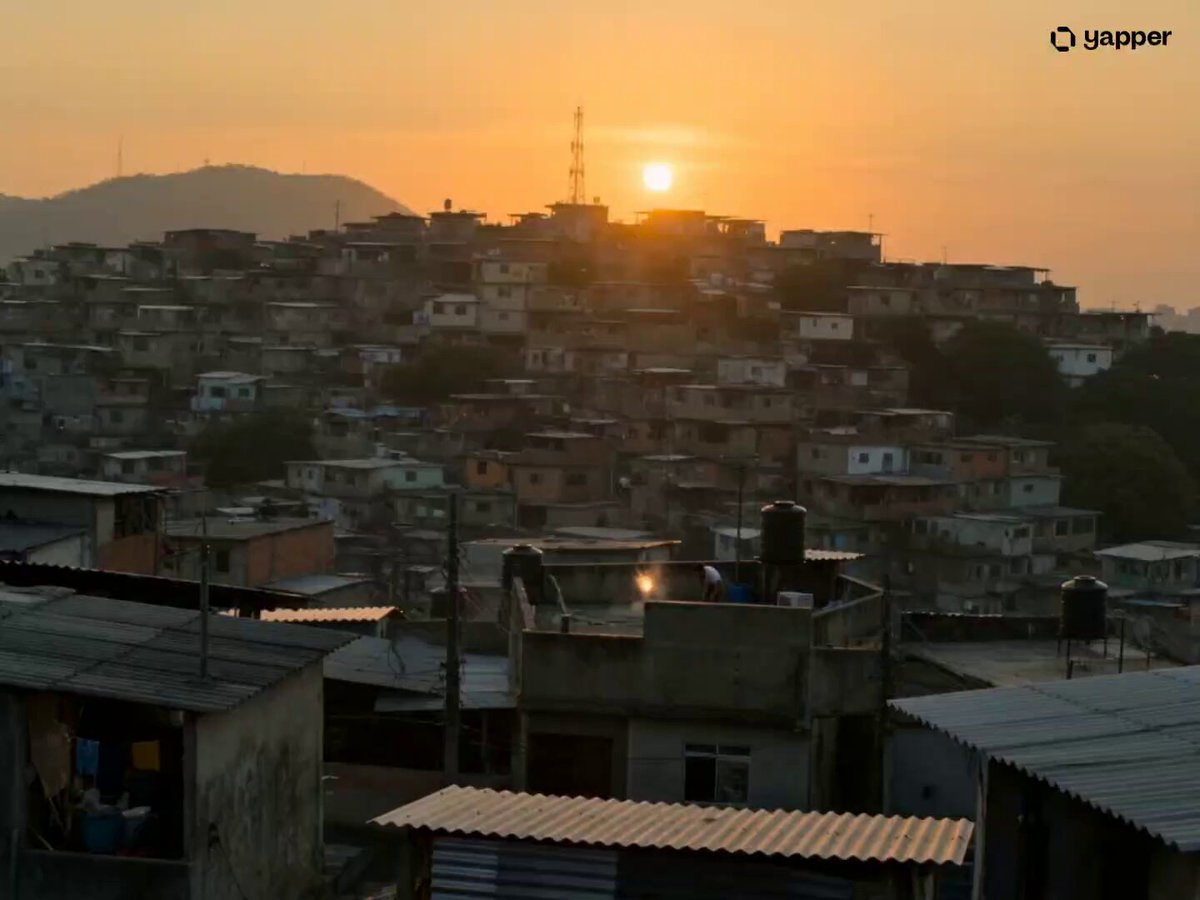
São Paulo Parkour Action Sequence
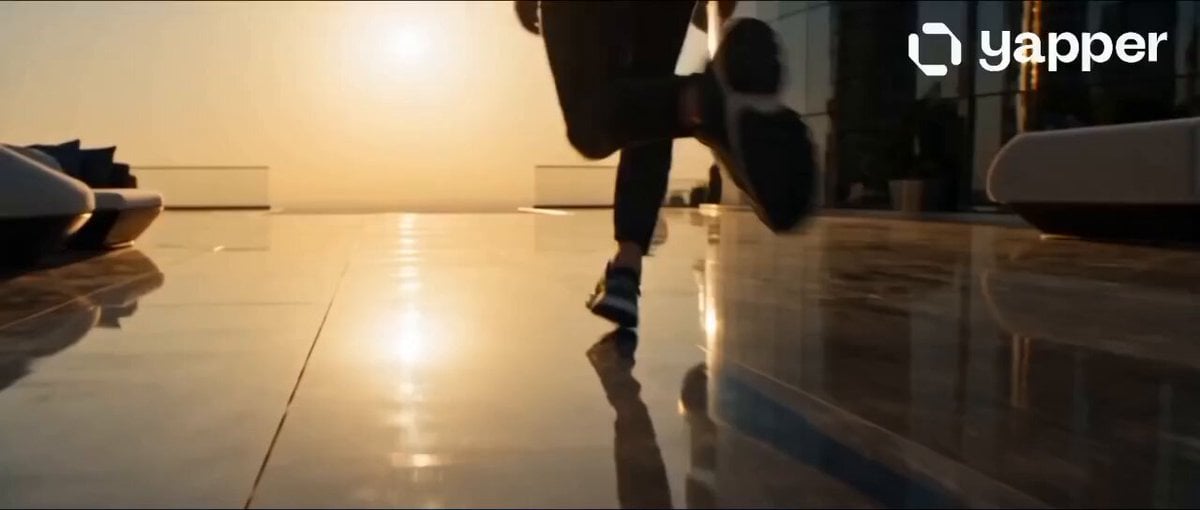
Dubai Rooftop Parkour Action Sequence
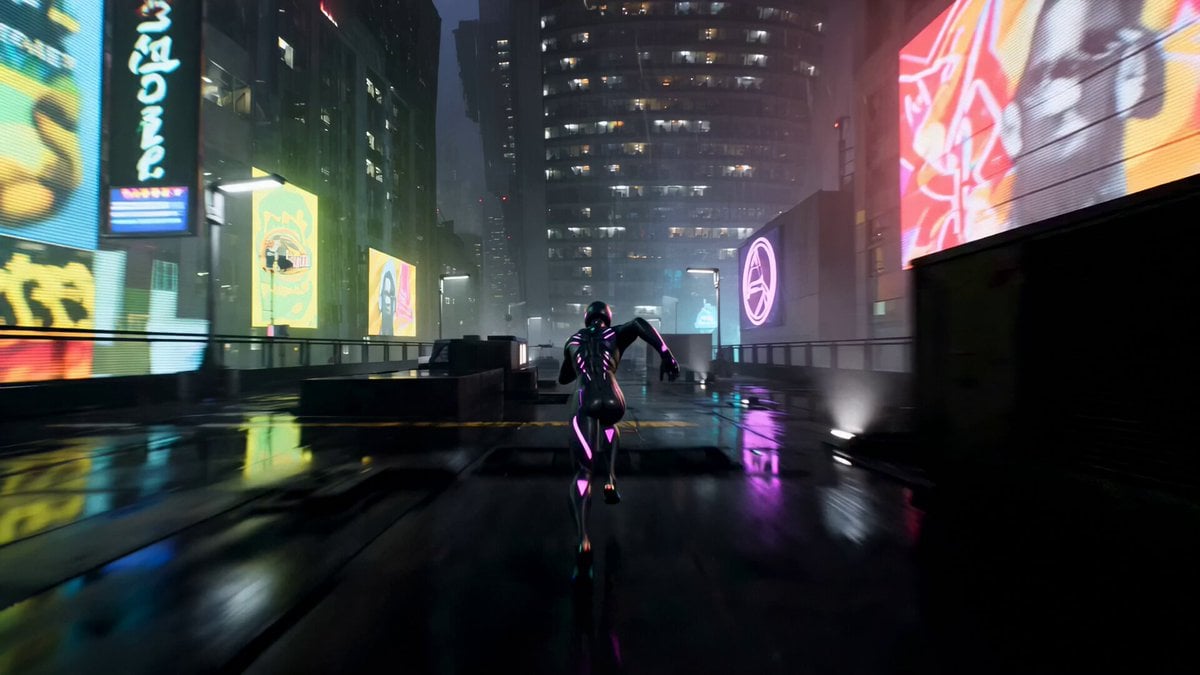
Cinematic Cyberpunk Parkour Sequence
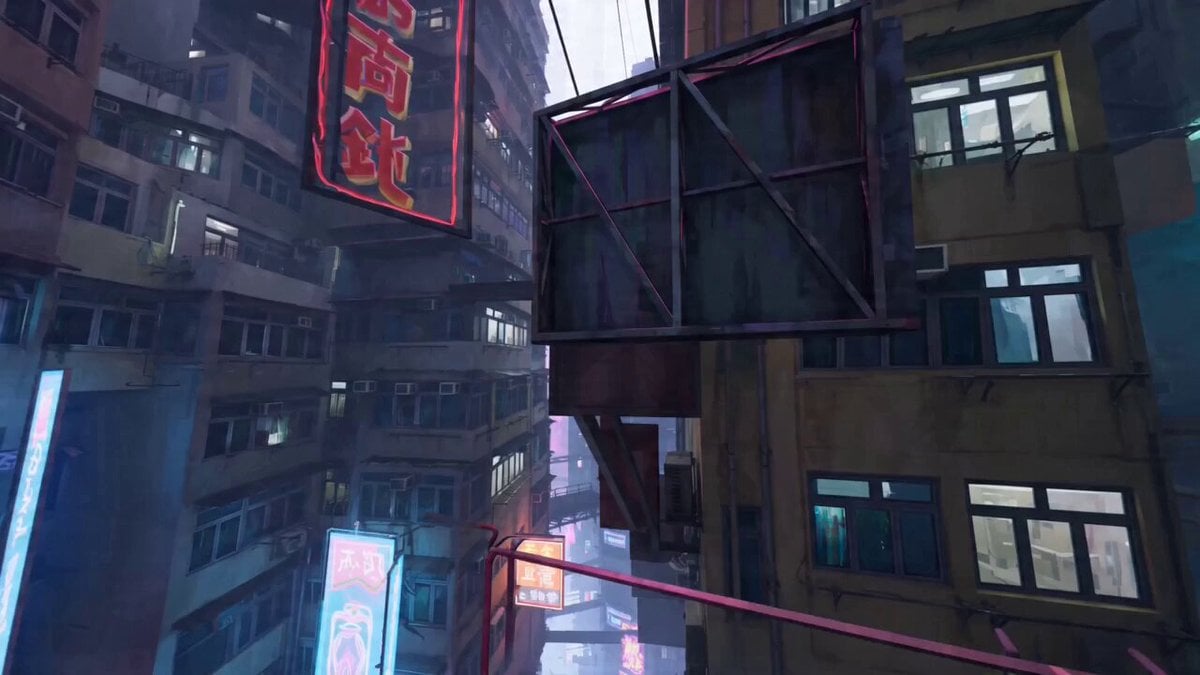
Parkour expert POV video
Ice Queen — Frozen Battlefield Time Control (Seedance)
Vertical City — São Paulo Parkour at Sunset
Handheld POV Nighttime Taxi Video
Make it yours
Hyper-Realistic Parkour POV Sequence Prompt works as-is. These are the safest ways to change it without losing the look.
Change one field
Copy a single group, rewrite it, and generate again so you can see what that field is doing.
Keep the frame, change the subject
Hold the composition and light of Hyper-Realistic Parkour POV Sequence Prompt, then swap wardrobe, props or the person for a new take.
| If the result… | Why | Fix |
|---|---|---|
| The result drifts from the preview | Too many fields changed at once. | Reuse Hyper-Realistic Parkour POV Sequence Prompt as-is first, then change one group — subject, light, or setting. |
| The model over-stylizes the scene | The prose prompt leaves finish and camera underspecified. | Add one camera or lighting sentence and stay on Seedance 2.0. |
More Seedance 2.0 templates
Other prompts made for Seedance 2.0.

Comical Martial Arts Punch Scene

Wuxia Protection and Trust Script

Vintage Korean Arcade MiniDV Vlog

Mercedes 190 SL Luxury Ad

Rainy Night Supernatural Reverse Comedy Video Script

Amazon Civilization Discovery

Futuristic South Asian City Transformation

Cozy Luxury Cafe Commercial

Cyber Ronin Nanotech Transformation Video
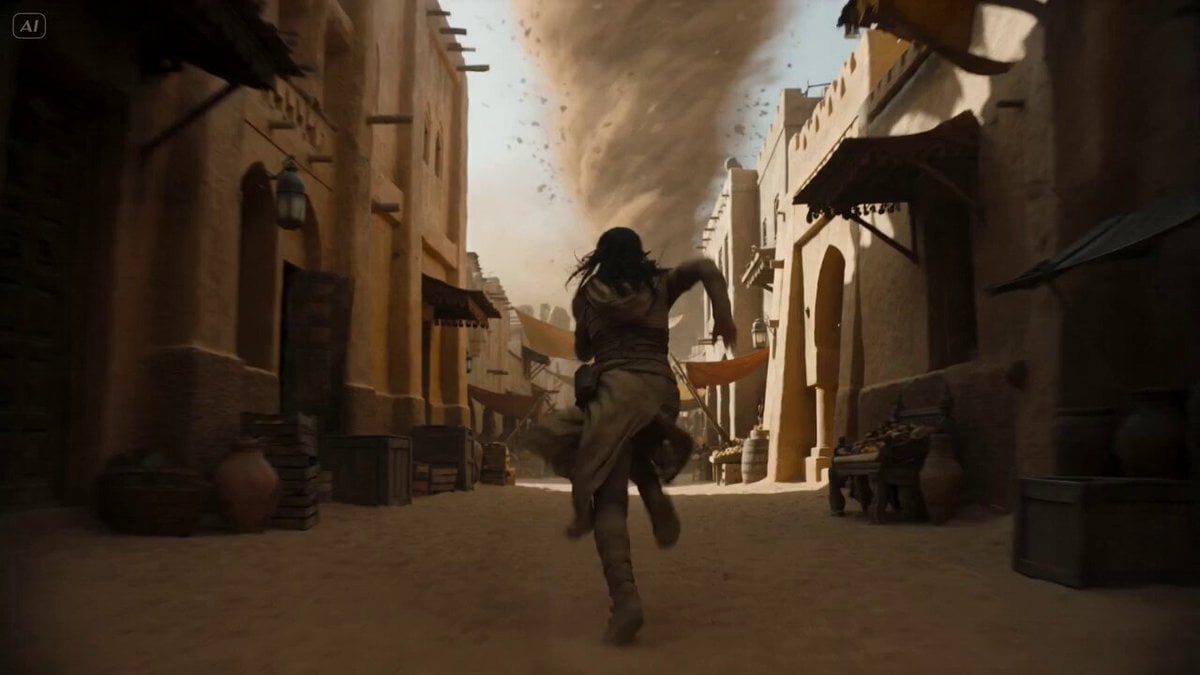
Desert Courier and Sandstorm Leviathan Chase
More video prompts
Fresh picks from across the catalog.
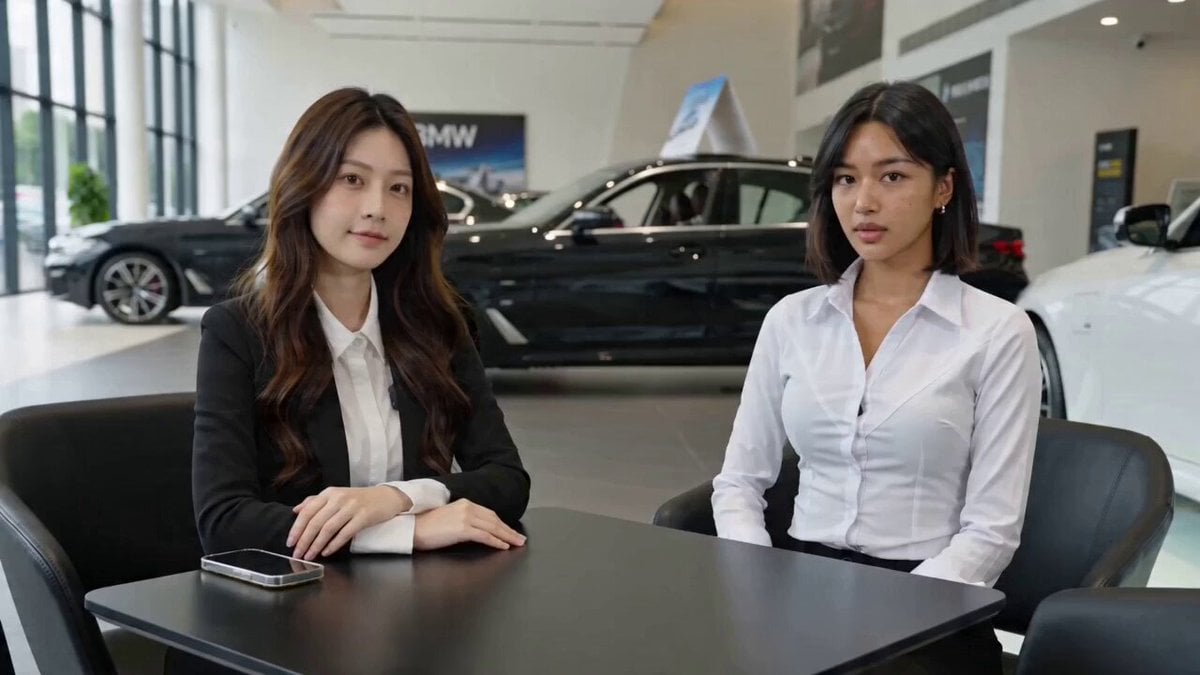
Seedance 2.0 Prompt for 'Affordable Transportation' Ad
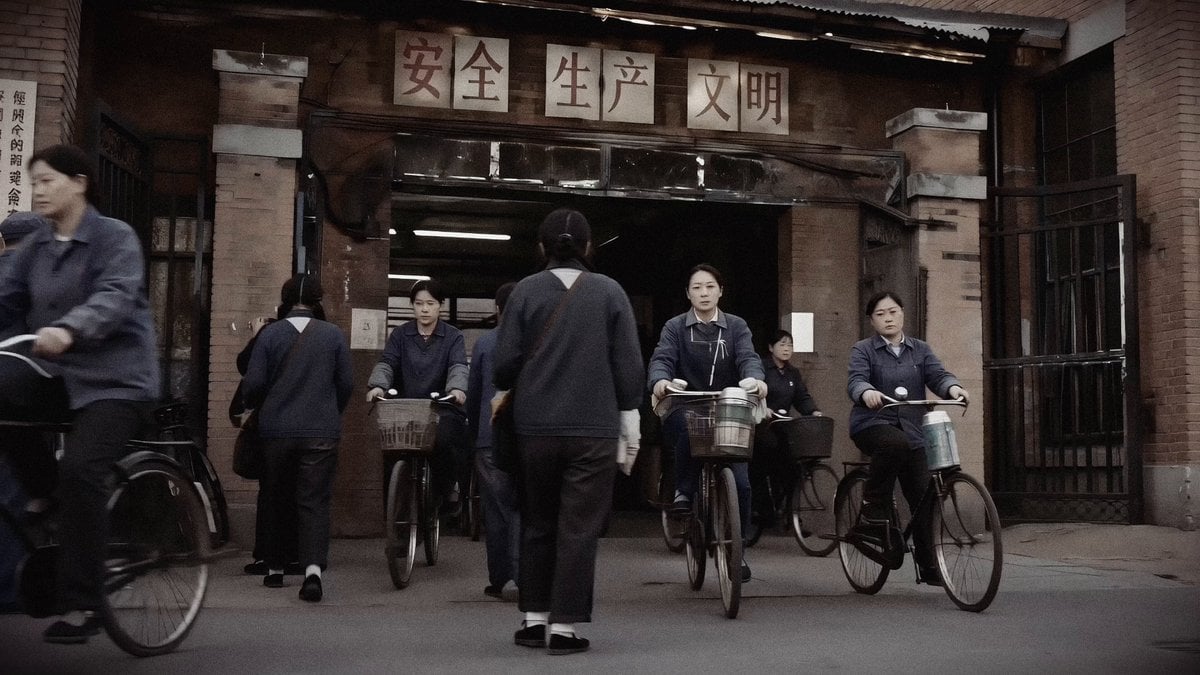
1990 Shanghai Textile Factory Documentary

Gentle Cinematic Portrait Motion
Futuristic AI Studio Masterpiece
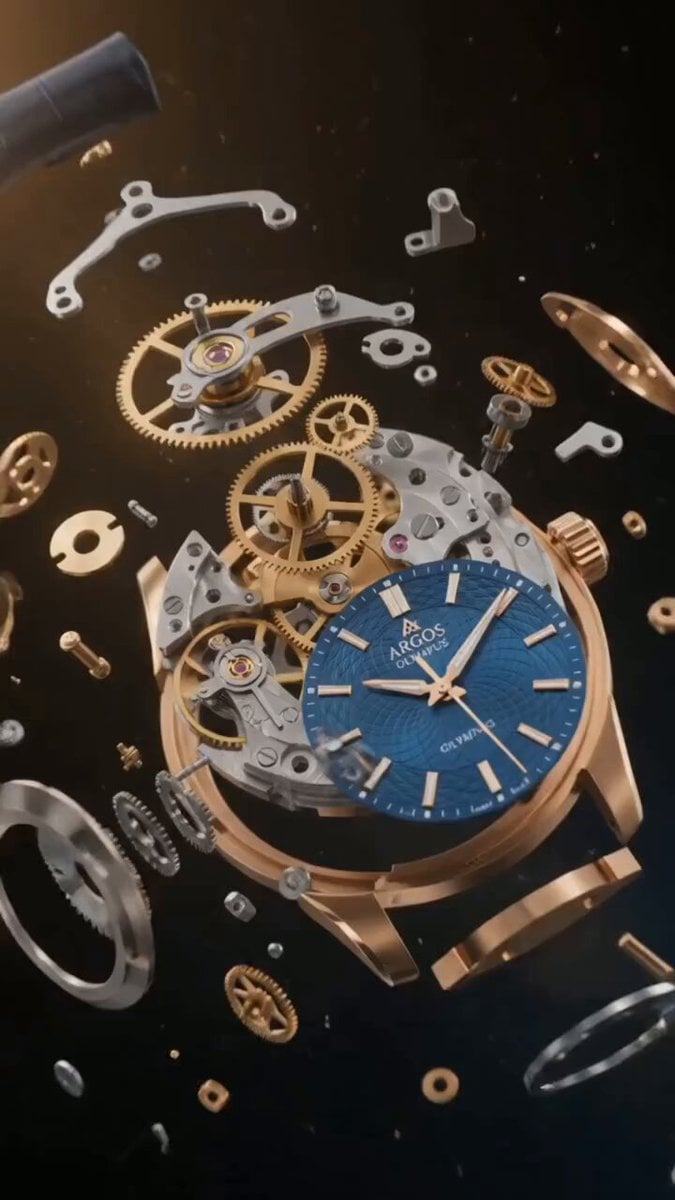
Luxury Watch Mechanical Explosion
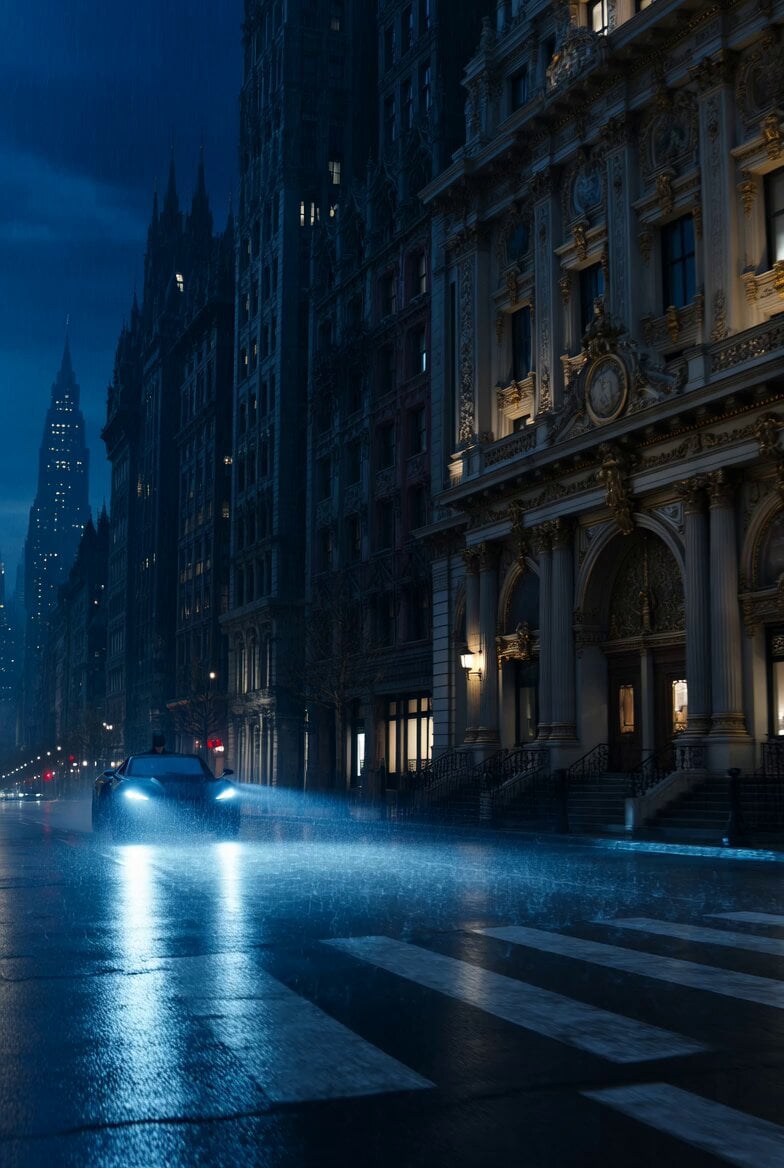
Rococo Gotham Batman Scene
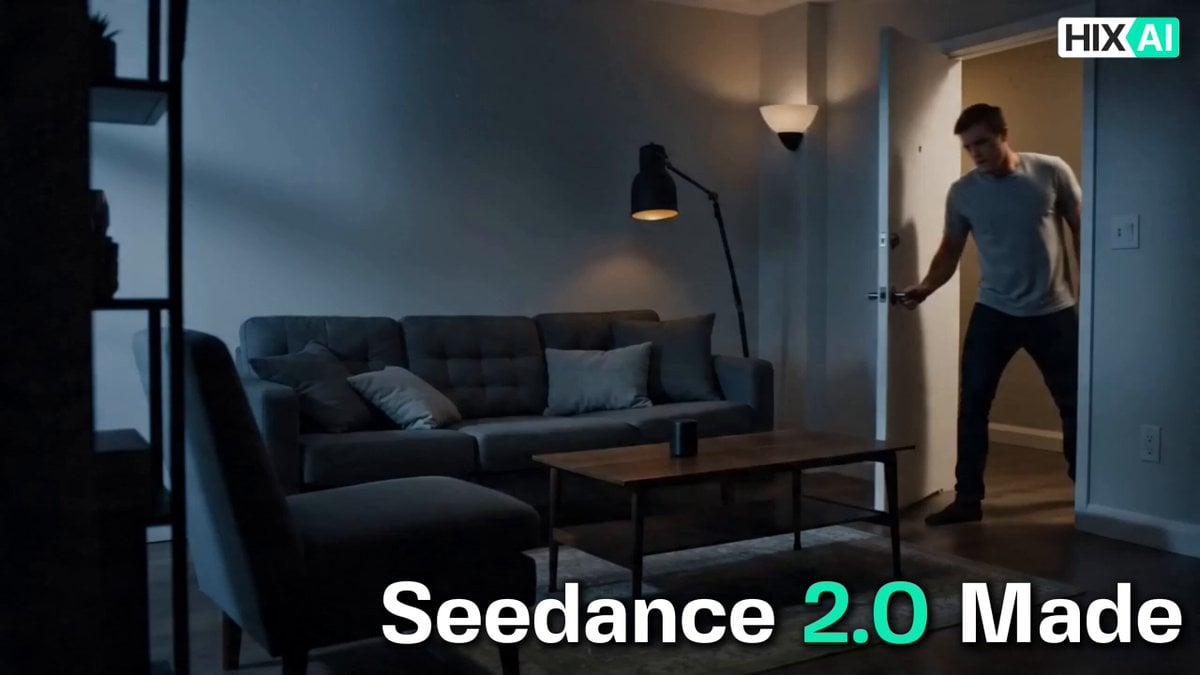
Cinematic Commercial Sequence Part 1
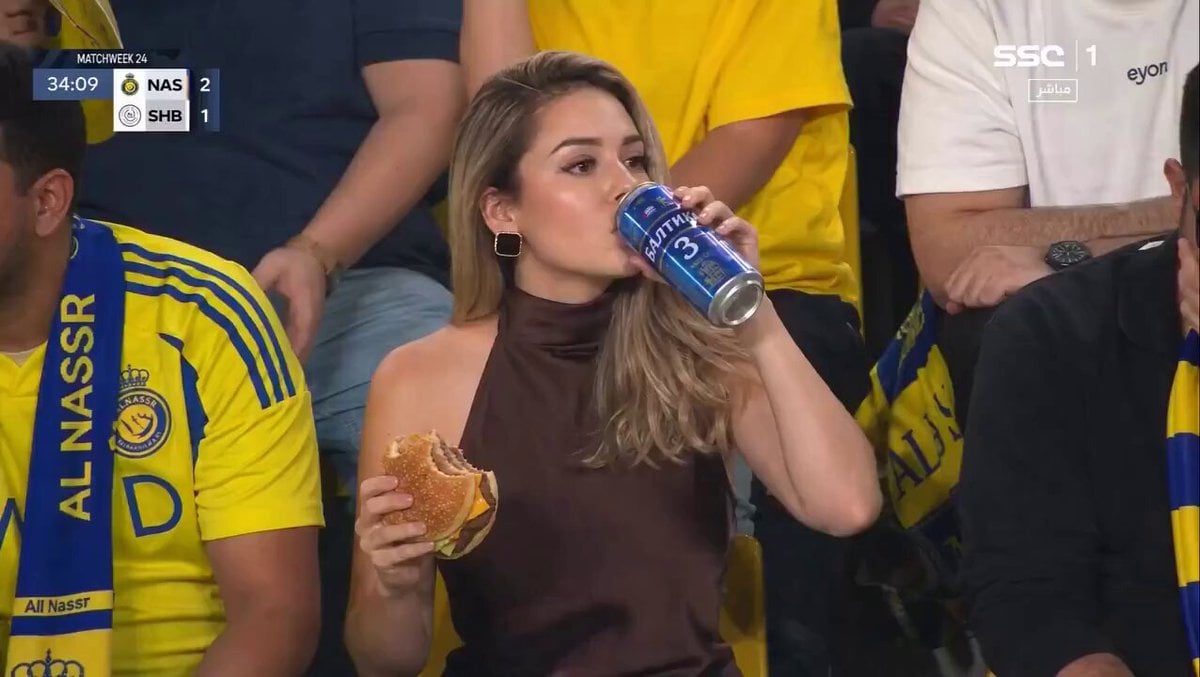
Surreal Sports Broadcast Reaction
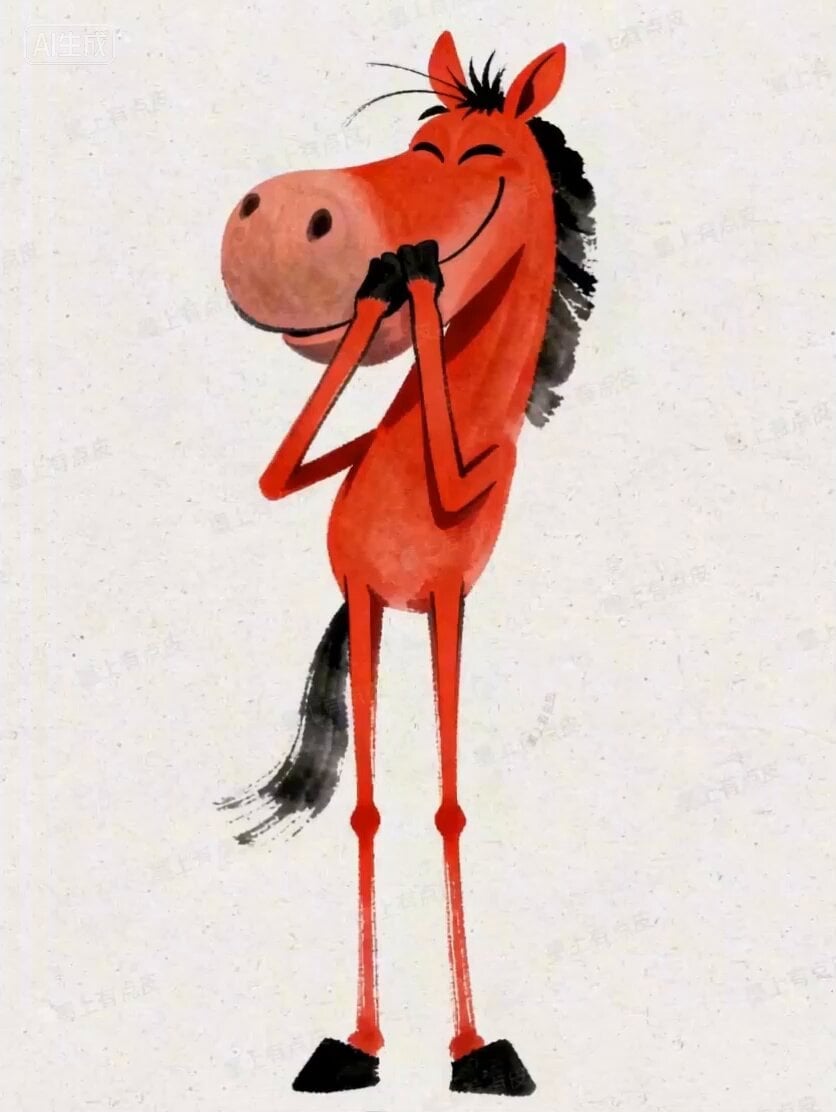
Seedance 2.0 Horse New Year Video Prompt
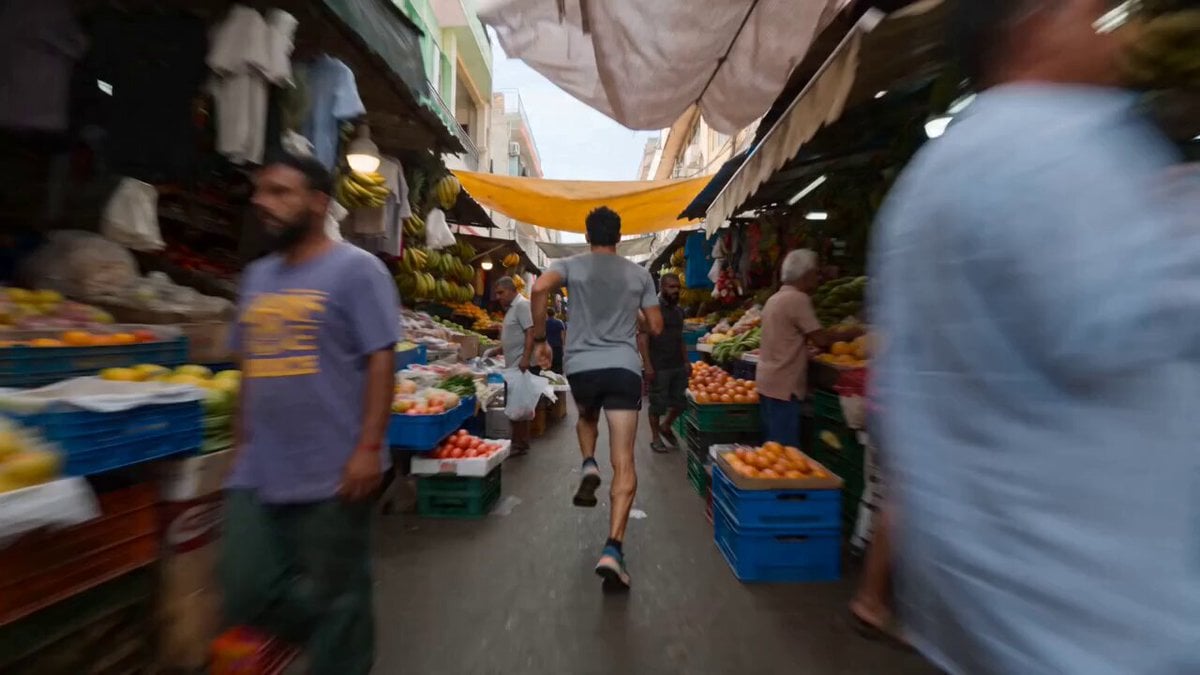
Runner Sprinting Through Crowded Market Video
Browse template categories
Hyper-Realistic Parkour POV Sequence Prompt questions
How do I use the Hyper-Realistic Parkour POV Sequence Prompt template?
Add your photo if the template asks for one, edit the prompt if you like — the template's model and format are already selected — and press Generate. Your version opens in PicX Studio.
Can I customize the Hyper-Realistic Parkour POV Sequence Prompt template?
Yes. You can change the subject, setting, lighting, mood, format, and available model controls before creating your video.
Is the Hyper-Realistic Parkour POV Sequence Prompt template free?
Opening and editing this template is free. Generating uses credits, shown on the Generate button when you are signed in.
Which AI model should I use?
Start with Seedance 2.0, which is the model associated with this template. You can compare another compatible model for a different finish.
Looking for something else? Browse all templates.

Your photo, any look
Thousands of ready templates for every top image and video model, from one credit balance.