How do I use the Cinematic Mage Battle Storyboard template?
Edit the prompt in the box under the preview — the template's model and format are already selected — and press Generate. Your version appears right on this page.
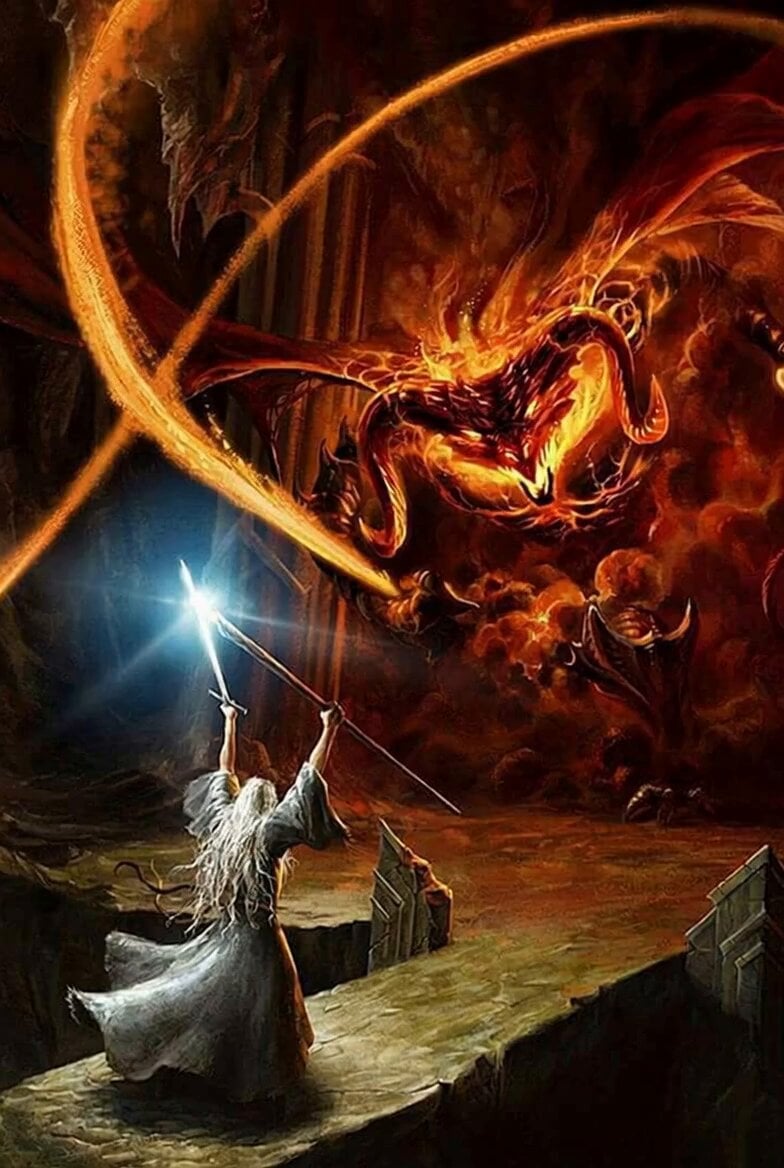
A multi-shot cinematic script for a fantasy scene where a female mage uses fire magic to battle a shadowy monster in ancient ruins, including specific timing and camera angles.
Ultra-realistic cinematic live-action, natural skin texture, HDR lighting, dark fantasy atmosphere, warm firelight vs cool overcast tones, grounded VFX 0:00–0:03 Wide shot: ancient stone courtyard, twisted trees, overcast sky. A female mage in crimson-gold robes stands center, cloak and hair moving in the wind. 0:03–0:06 Medium shot: orange flames form in her hands, swirling upward around her body. Sparks illuminate her robes and the ground as energy builds. 0:06–0:08 Close-up: intense eyes, detailed skin, firelight flickering across her face. Magical energy crackles around her hands. 0:08–0:11 Low-angle shot: she thrusts forward, releasing a spiraling blast of fire and energy with sparks and shockwaves. 0:11–0:13 Impact: blast hits a shadowy monster, erupting into embers, dust, and debris. 0:13–0:15 Slow-motion: embers fade, smoke drifts. The mage stands firm as her cloak settles.
Ultra-realistic cinematic live-action, natural skin texture, HDR lighting, dark fantasy atmosphere, warm firelight vs cool overcast tones, grounded VFX 0:00–0:03 Wide shot: ancient stone courtyard, twisted trees, overcast sky. A female mage in crimson-gold robes stands center, cloak and hair moving in the wind. 0:03–0:06 Medium shot: orange flames form in her hands, swirling upward around her body. Sparks illuminate her robes and the ground as energy builds. 0:06–0:08 Close-up: intense eyes, detailed skin, firelight flickering across her face. Magical energy crackles around her hands. 0:08–0:11 Low-angle shot: she thrusts forward, releasing a spiraling blast of fire and energy with sparks and shockwaves. 0:11–0:13 Impact: blast hits a shadowy monster, erupting into embers, dust, and debris. 0:13–0:15 Slow-motion: embers fade, smoke drifts. The mage stands firm as her cloak settles.
Edit the prompt in the box under the preview — the template's model and format are already selected — and press Generate. Your version appears right on this page.
Yes. You can change the subject, setting, lighting, mood, format, and available model controls before creating your video.
Opening and editing this template is free. Generating uses credits, shown on the Generate button when you are signed in.
Start with Seedance 2.0, which is the model associated with this template. You can compare another compatible model for a different finish.
Follow a topic to a crawlable collection of related PicX Studio templates.