
Pixar Style Wok Cooking Animation Storyboard
A highly detailed storyboard prompt for a cinematic cooking sequence featuring a Pixar-style chef in a professional kitchen with dramatic flame effects.
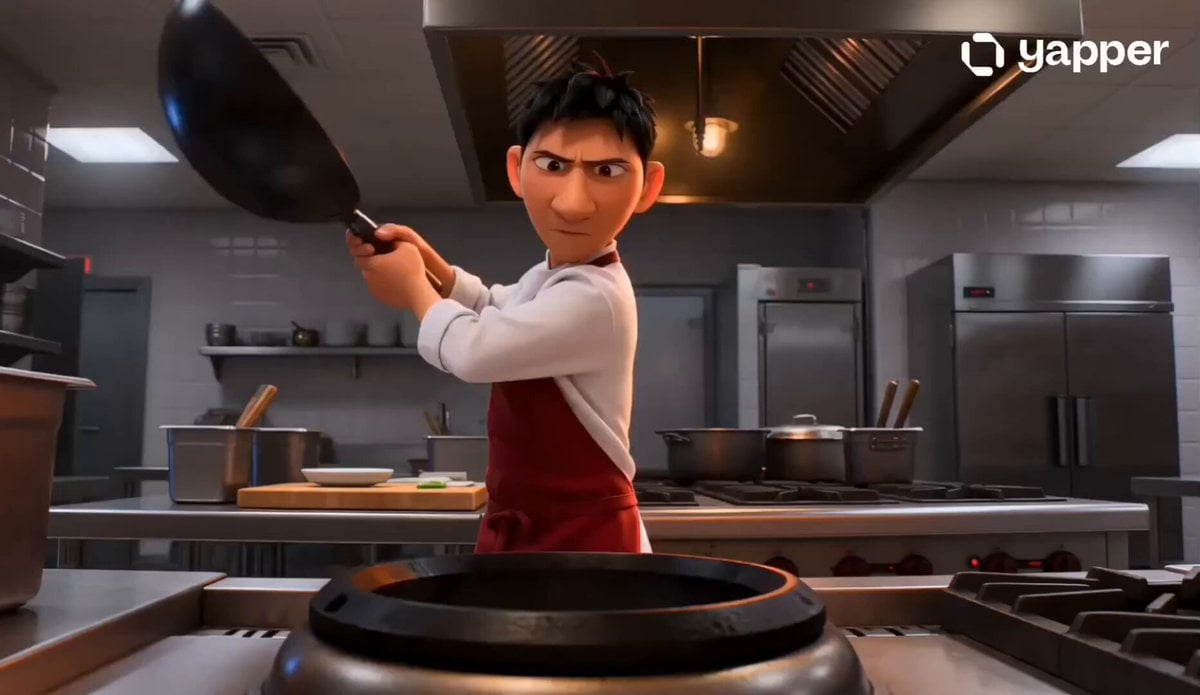
- Prompt included
- Model and format preset
- Free template
The prompt behind this video
Copy the exact prompt behind Pixar Style Wok Cooking Animation Storyboard, or open it in the studio and make it yours.
Use the attached THE WOK CHEF storyboard image as the exact visual reference. Create a 15-second 16:9 animated wok cooking sequence that follows the 8-shot storyboard exactly. Preserve the same Pixar-style young Chinese male chef, white jacket, red apron, intense expression, professional open kitchen with industrial gas burner throughout. Rules: •Follow the sequence exactly from 1 to 8 •One shot per panel, approximately 1.5 seconds each •No skipped steps, no extra ingredients beyond the storyboard •Maintain character and kitchen continuity throughout •Emphasize the fireball, the chop speed, the toss arc, and the final satisfied nod Shot sequence: 1.Chef slams wok onto industrial burner with both hands — blue flames roar up instantly around the base, wide kitchen establishing shot, fierce and locked in 2.Oil poured into screaming hot wok — violent sizzle on contact, white smoke explosion erupts upward, close-up on the wok surface shimmering with heat 3.Chef tilts wok toward the flame — massive fireball erupts upward filling the entire frame, orange and yellow, chef’s face lit from below, eyes fierce and focused. The hero moment 4.Chef at the board, knife blurring through vivid vegetables at high speed — bok choy, red peppers, orange carrots flying to the side, motion blur on the blade, fast and rhythmic 5.Chef flicks the wok — everything airborne in a full arc above the wok, vivid vegetables suspended mid-air, flames and steam beneath, chef watching the arc with total confidence 6.Dark glossy sauce poured in from above — hits the hot wok and sizzles and caramelizes instantly, dramatic steam cloud erupts, rich amber coating everything 7.Chef slides everything onto a white plate in one clean motion — steam rising, vegetables glistening, sauce coating perfectly, overhead beauty shot 8.Chef tastes from a spoon — eyes narrow slowly, slight satisfied nod. Done. Perfect. Burner still roaring orange behind him. Tight on his face. Camera: •Wide establishing shot for the wok slam •Close-up on the wok surface for the oil •Low angle dramatic for the fireball — flames filling the frame top to bottom •Side angle tight for the chop — knife blur visible •Wide angle for the toss — full arc of food visible mid-air •Close-up on the wok for the sauce pour •Overhead for the plate beauty shot •Tight on chef face for the final taste Style: •Fierce orange and yellow flame light throughout •Vivid jade green vegetables, glossy black wok, rich amber sauce, bright white steam •Pixar CGI vivid expressive animation — high energy, never dark •Motion blur on fast actions — chop, toss, wok slam •Every cut fast and punchy matching the pace of the cooking Sound design: Fast energetic Chinese kitchen music plays from the very first frame to the very last — continuous, uninterrupted, same track throughout all 8 shots without any breaks or silence. Underneath the music, punchy natural kitchen sound
How to use Pixar Style Wok Cooking Animation Storyboard in 3 steps
- 1Upload ImagePNG, JPG or paste
Add your photo
Upload the photo the template builds on. The prompt, model and format are already set.
- 2…a portrait of your subject in softgolden-hour light, 85mm…
Personalize
Edit the subject and creative details for your destination.
- 3Generate
Generate
Press Generate — your video is created in PicX Studio, so you can compare it with the original and refine one variable at a time.
More like this
Templates with the same subject, style or setup. Open one to see its prompt.

Pigeon Nemesis Pixar Animation Storyboard
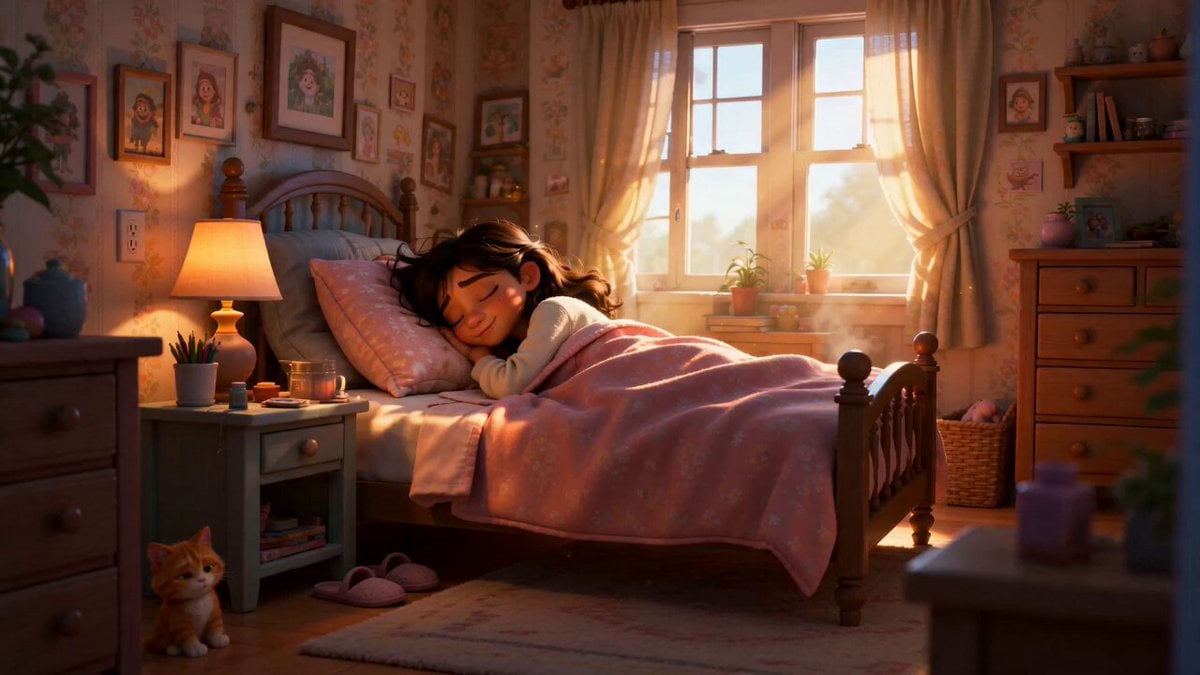
Pixar Style Sleeping Girl Animation
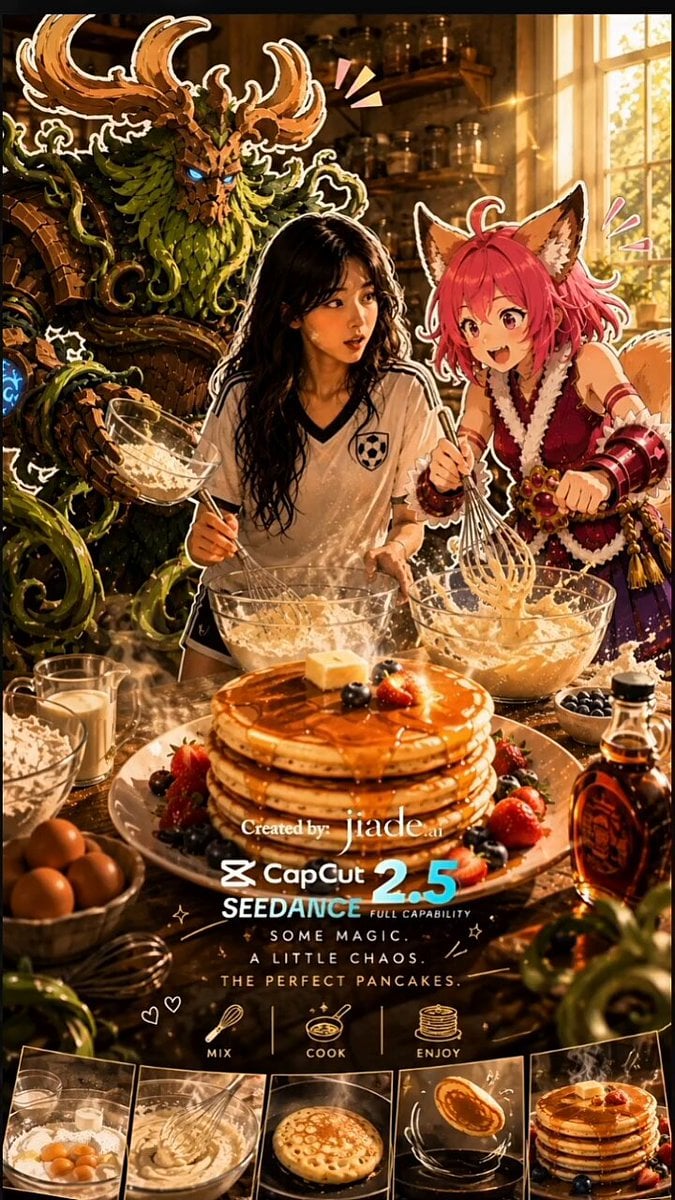
Mixed-Media Kitchen Cooking Animation

Pixar Style 3D Animation Prompt
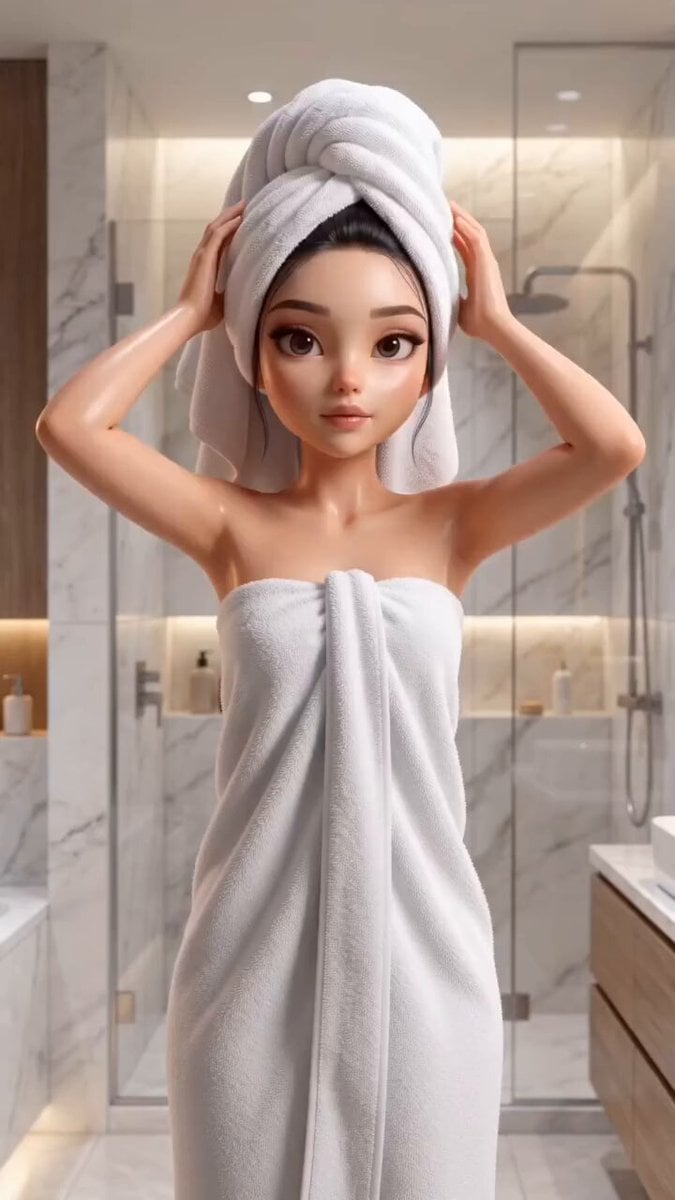
Pixar Style Beauty Routine Animation
Apartment Arrival Storyboard Animation

3D Glossy Fairy Animation - Seedance 2.5
Disney Pixar Skincare Animation

3x3 Grid Storyboard Racing — Kling 3.0 O3 Pro

Dragon Rider Cinematic Flight — Seedance 2.5

Silk Road Pomegranate Folk Animation

Multilingual Creative Typography Loop
Make it yours
Pixar Style Wok Cooking Animation Storyboard works as-is. These are the safest ways to change it without losing the look.
Change one field
Copy a single group, rewrite it, and generate again so you can see what that field is doing.
Keep the frame, change the subject
Hold the composition and light of Pixar Style Wok Cooking Animation Storyboard, then swap wardrobe, props or the person for a new take.
| If the result… | Why | Fix |
|---|---|---|
| The result drifts from the preview | Too many fields changed at once. | Reuse Pixar Style Wok Cooking Animation Storyboard as-is first, then change one group — subject, light, or setting. |
| The model over-stylizes the scene | The prose prompt leaves finish and camera underspecified. | Add one camera or lighting sentence and stay on Seedance 2.0. |
More Seedance 2.0 templates
Other prompts made for Seedance 2.0.

Comical Martial Arts Punch Scene

Maglev Train Action Sequence

Martial Arts Fight Sequence

Wuxia Protection and Trust Script

Vintage Korean Arcade MiniDV Vlog

Mercedes 190 SL Luxury Ad

Rainy Night Supernatural Reverse Comedy Video Script

Amazon Civilization Discovery

Futuristic South Asian City Transformation

Cozy Luxury Cafe Commercial
More video prompts
Fresh picks from across the catalog.
Desert Wasteland Robotic Angel

Early 2000s Asian Drama Hair Toss
Sneaker Material Morph Transformation
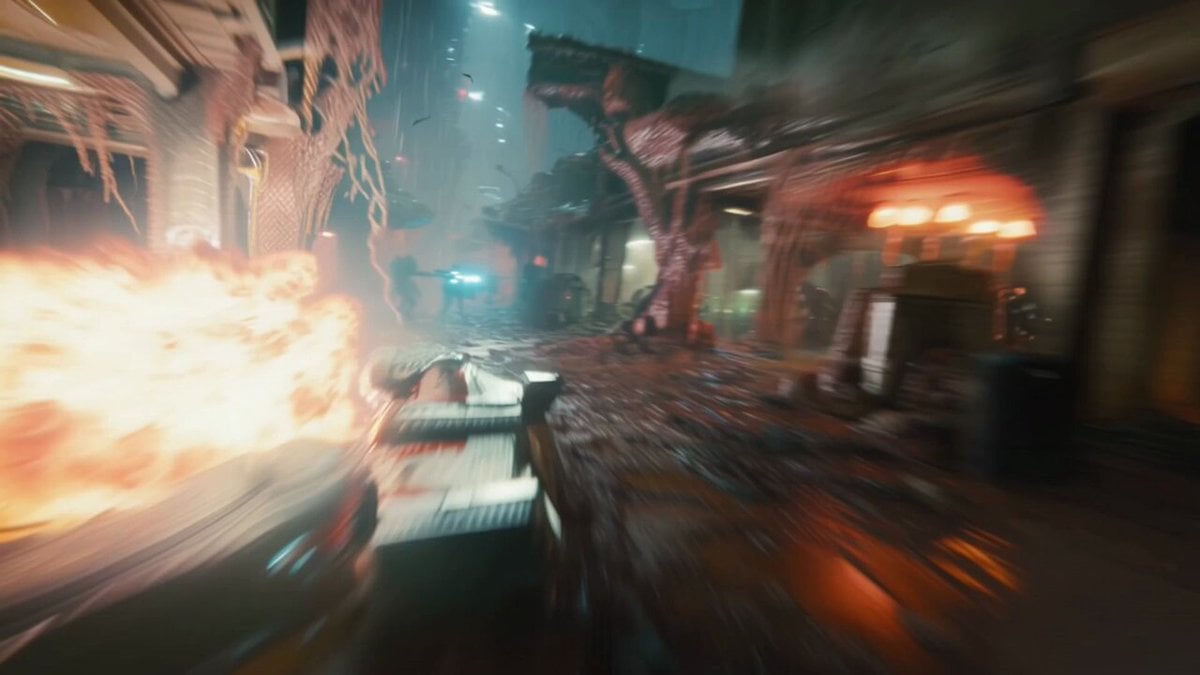
Hyperspeed FPV Through Ruined Biotech City
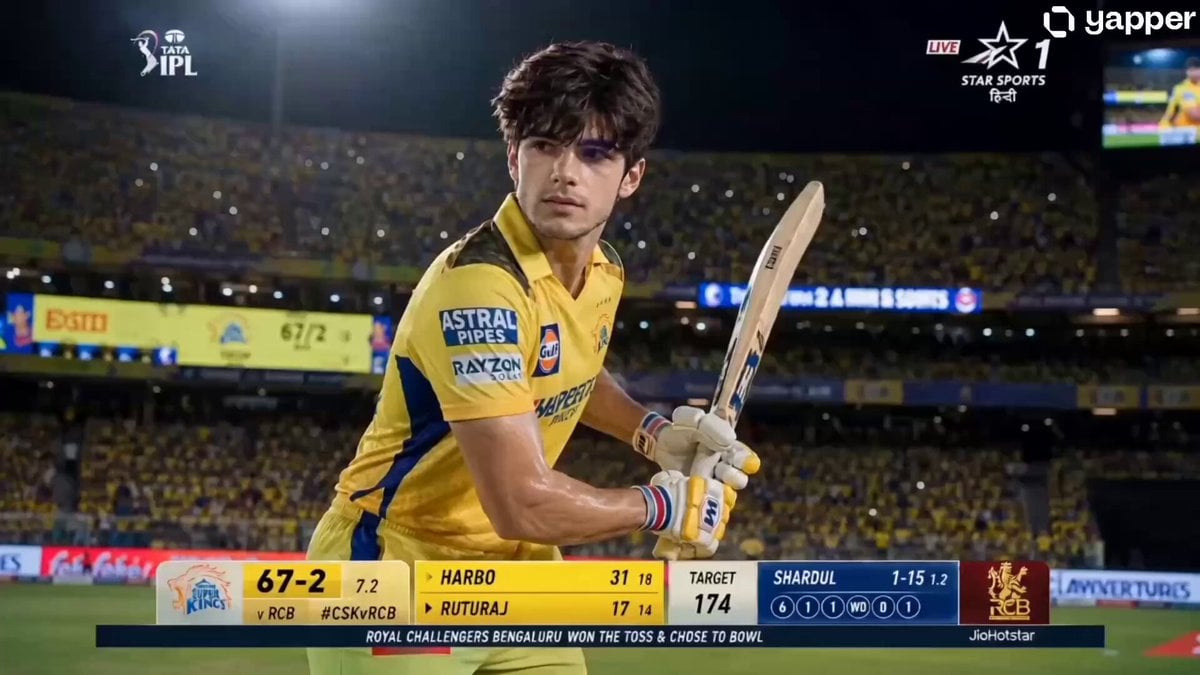
IPL Live Broadcast Scene
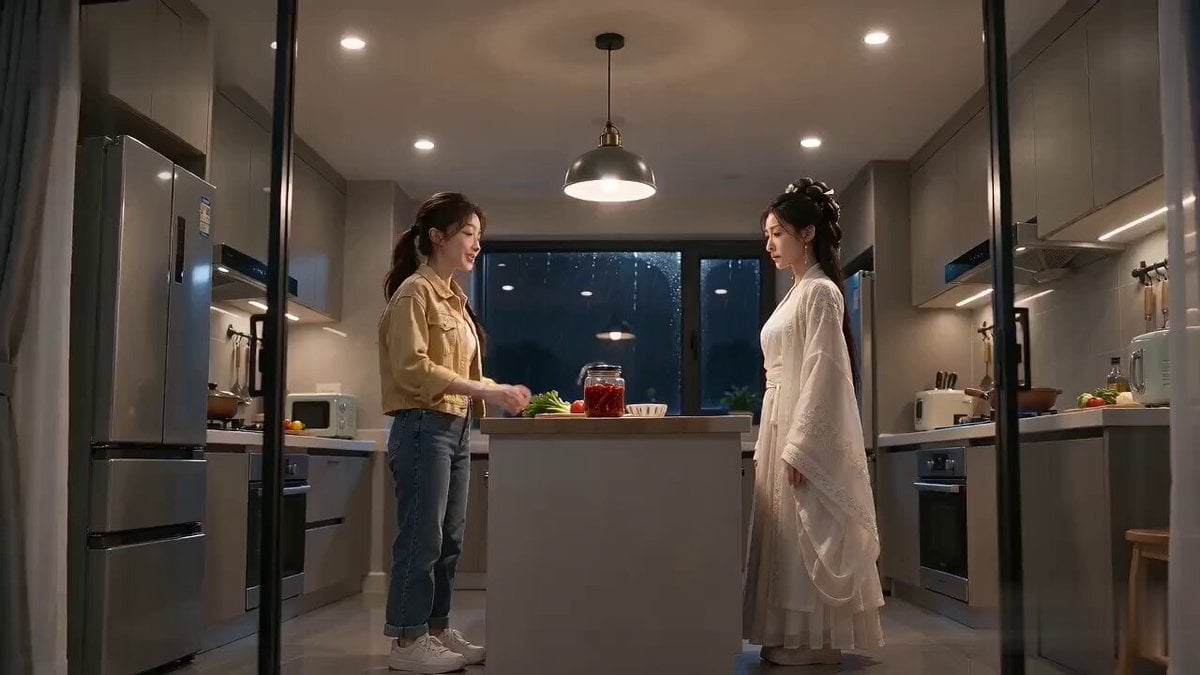
Seedance 2.0 Cinematic Kitchen Comedy
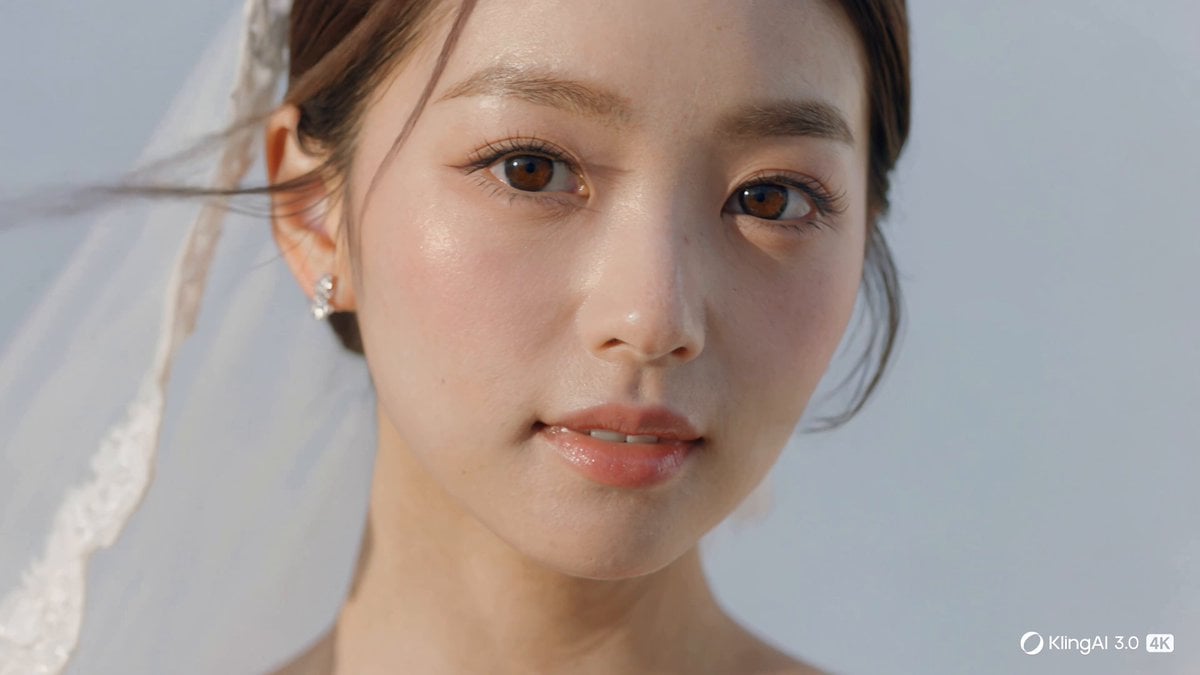
Cinematic 4K Bridal Video

Skin Hydration Magic Ad

Xianxia Sect Administrative Comedy Short
Surreal Hakone Ekiden Gliding Marathon
Browse template categories
Pixar Style Wok Cooking Animation Storyboard questions
How do I use the Pixar Style Wok Cooking Animation Storyboard template?
Add your photo if the template asks for one, edit the prompt if you like — the template's model and format are already selected — and press Generate. Your version opens in PicX Studio.
Can I customize the Pixar Style Wok Cooking Animation Storyboard template?
Yes. You can change the subject, setting, lighting, mood, format, and available model controls before creating your video.
Is the Pixar Style Wok Cooking Animation Storyboard template free?
Opening and editing this template is free. Generating uses credits, shown on the Generate button when you are signed in.
Which AI model should I use?
Start with Seedance 2.0, which is the model associated with this template. You can compare another compatible model for a different finish.
Looking for something else? Browse all templates.

Your photo, any look
Thousands of ready templates for every top image and video model, from one credit balance.