
Ancient Alexandria FPV Flight Sequence
A fast-paced FPV cinematic flight prompt through the ancient Ptolemaic Kingdom of Alexandria, featuring the grand Lighthouse and bustling streets.
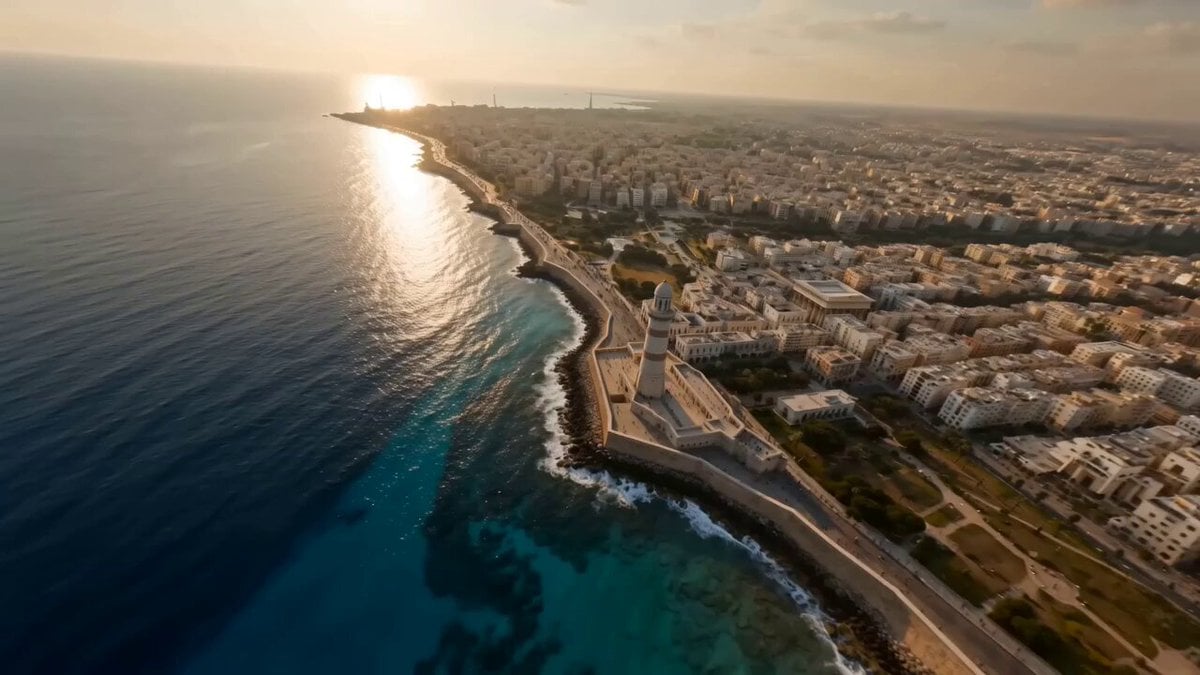
- Prompt included
- Model and format preset
- Premium template
The prompt behind this video
Copy the exact prompt behind Ancient Alexandria FPV Flight Sequence, or open it in the studio and make it yours.
extremely fast-paced cinematic FPV flying seamlessly in a single continuous take through the ancient Ptolemaic Kingdom of Alexandria, starting above the Mediterranean coastline at golden hour, diving toward the grand Lighthouse of Alexandria, weaving through bustling Hellenistic streets filled with scholars, traders, and soldiers, gliding past the majestic Library of Alexandria, racing through marble palaces, towering columns, and vibrant marketplaces, continuing into royal courtyards with Greek-Egyptian architecture, then accelerating over desert edges with pyramids in the distance, hyper-realistic textures, dynamic lighting, sunlight rays, cinematic motion blur, high detail, immersive scale, one smooth continuous FPV shot, ultra-realistic
How to use Ancient Alexandria FPV Flight Sequence in 3 steps
- 1
Open
The prompt is already in the box next to the preview, with the template's model and format selected.
- 2…a portrait of your subject in softgolden-hour light, 85mm…
Personalize
Edit the subject and creative details for your destination.
- 3Generate
Generate
Press Generate — your video is created in PicX Studio, so you can compare it with the original and refine one variable at a time.
More like this
Templates with the same subject, style or setup. Open one to see its prompt.
FPV Multilingual Landscape Flight
Ancient Kingdom FPV Flight
Ancient Indian Kingdom FPV Flight
Ancient Indian Kingdom FPV Flight
Ancient Indian Kingdom FPV Flight
FPV Ancient Kuru Kingdom — Hastinapura Golden Hour (Seedance)

Ancient Roman Celestial Flight
FPV Drone Skier Tracking — Kling 3.0 O3 Pro
Dreamlike Cloud Walk and Flight Sequence
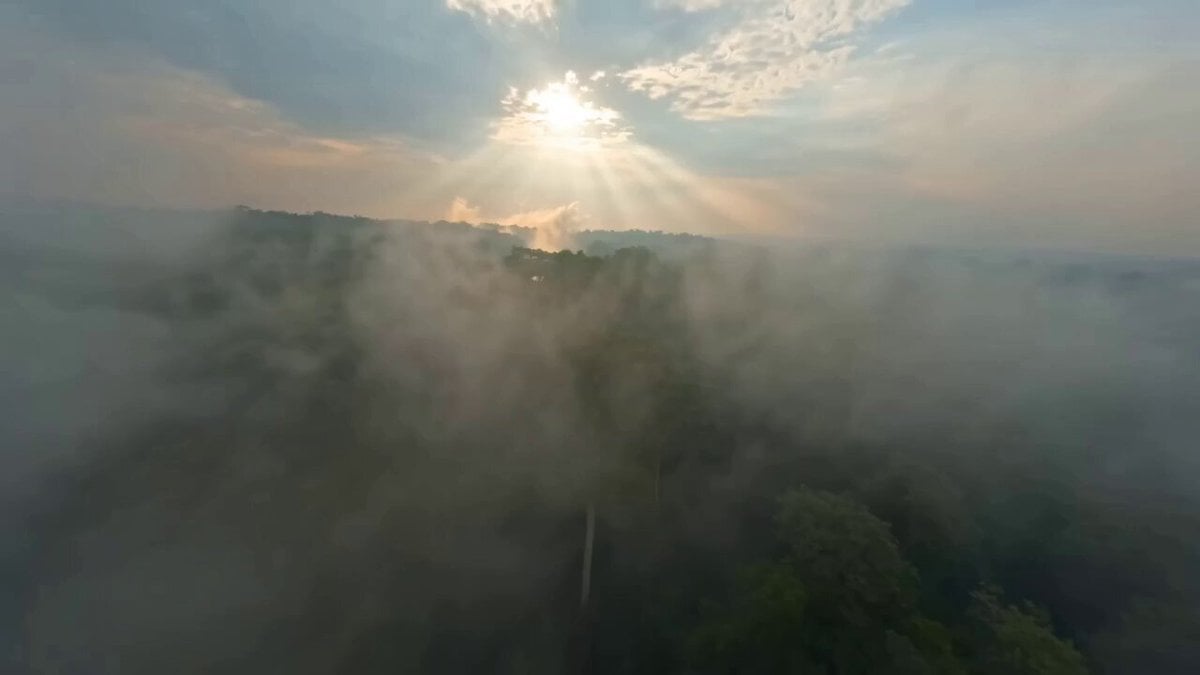
Ancient Indian Kingdom FPV Video
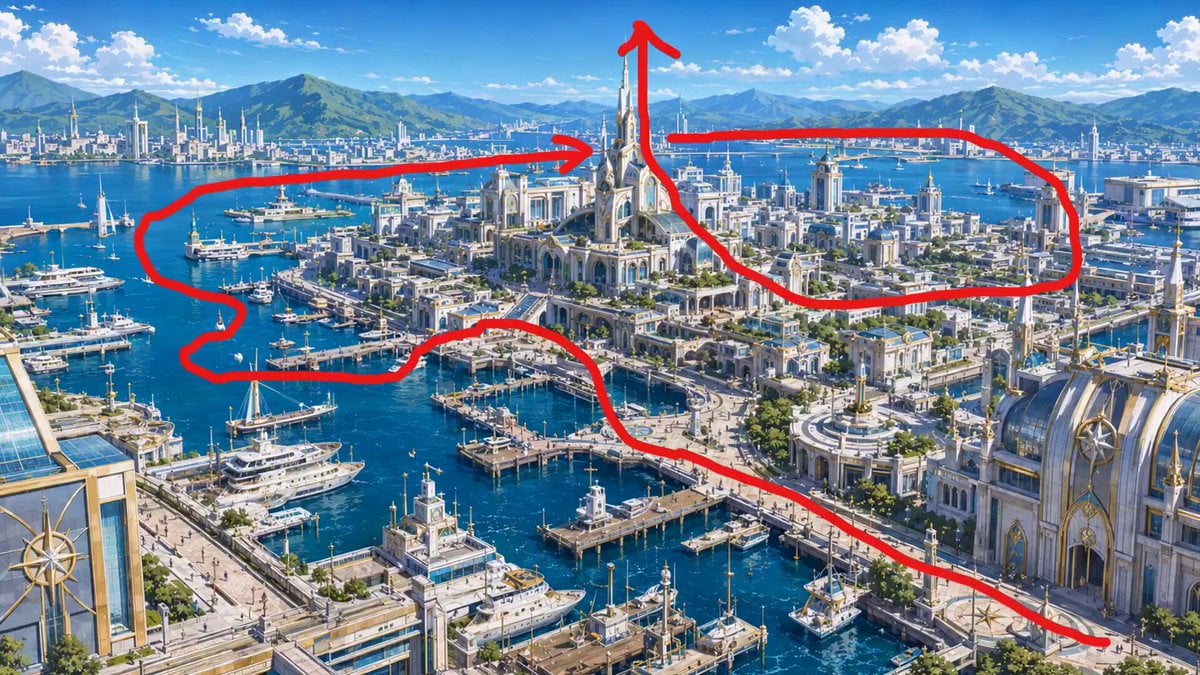
FPV Drone Flight Over Fantasy Port
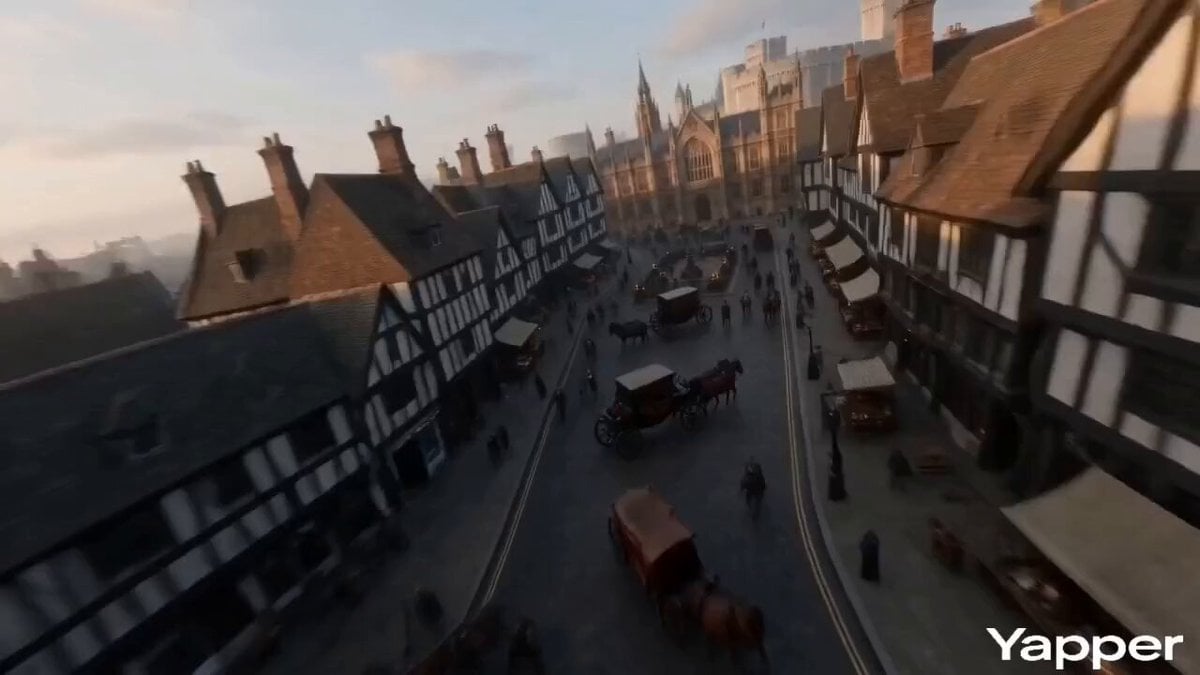
FPV Video of Ancient London
Make it yours
Ancient Alexandria FPV Flight Sequence works as-is. These are the safest ways to change it without losing the look.
Change one field
Copy a single group, rewrite it, and generate again so you can see what that field is doing.
Keep the frame, change the subject
Hold the composition and light of Ancient Alexandria FPV Flight Sequence, then swap wardrobe, props or the person for a new take.
| If the result… | Why | Fix |
|---|---|---|
| The result drifts from the preview | Too many fields changed at once. | Reuse Ancient Alexandria FPV Flight Sequence as-is first, then change one group — subject, light, or setting. |
| The model over-stylizes the scene | The prose prompt leaves finish and camera underspecified. | Add one camera or lighting sentence and stay on Seedance 2.0. |
More Seedance 2.0 templates
Other prompts made for Seedance 2.0.

Comical Martial Arts Punch Scene

Maglev Train Action Sequence

Martial Arts Fight Sequence

Wuxia Protection and Trust Script

Vintage Korean Arcade MiniDV Vlog

Mercedes 190 SL Luxury Ad

Rainy Night Supernatural Reverse Comedy Video Script

Amazon Civilization Discovery

Futuristic South Asian City Transformation

Cozy Luxury Cafe Commercial
More video prompts
Fresh picks from across the catalog.
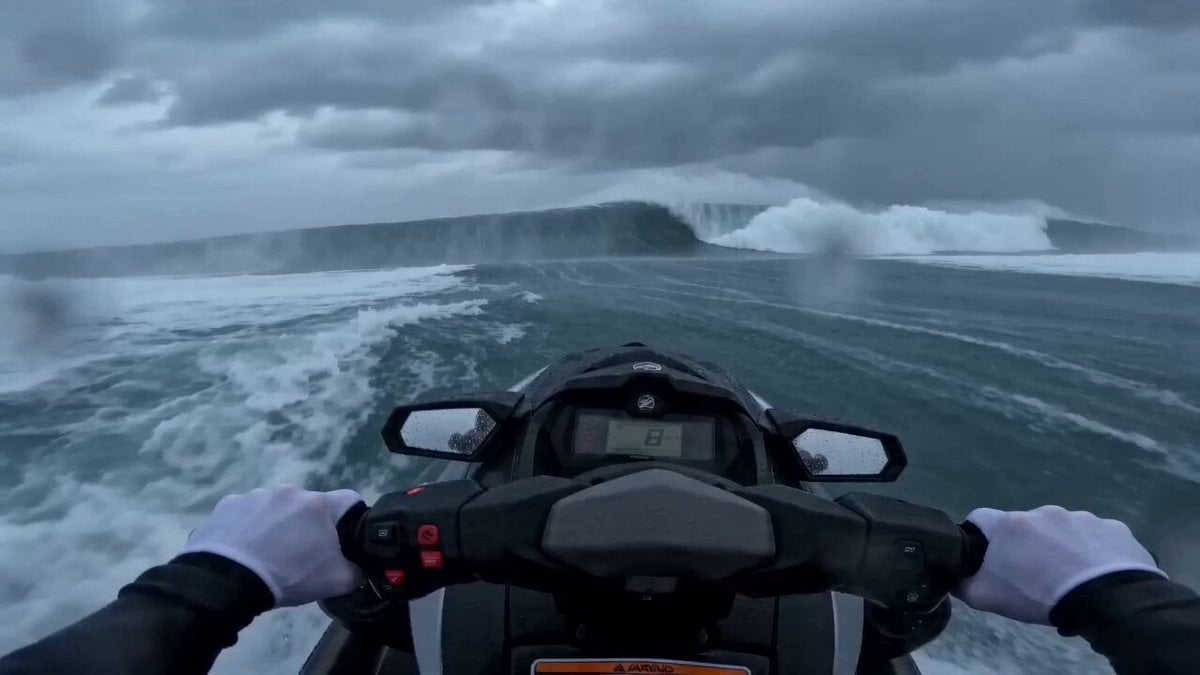
Seedance 2.0 Extreme POV Jet Ski Video Prompt
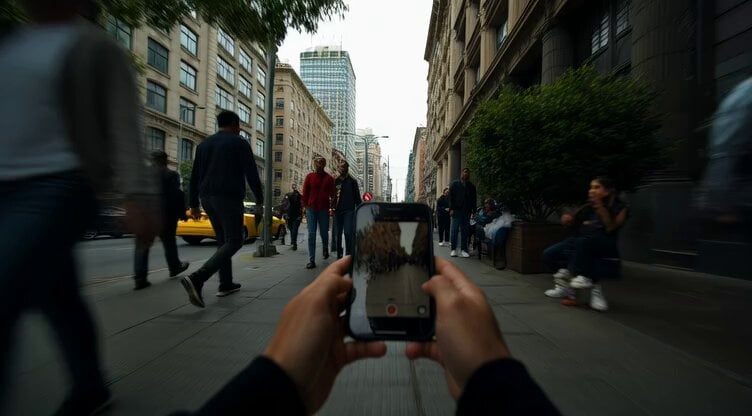
First-Person Guerilla Style Footage
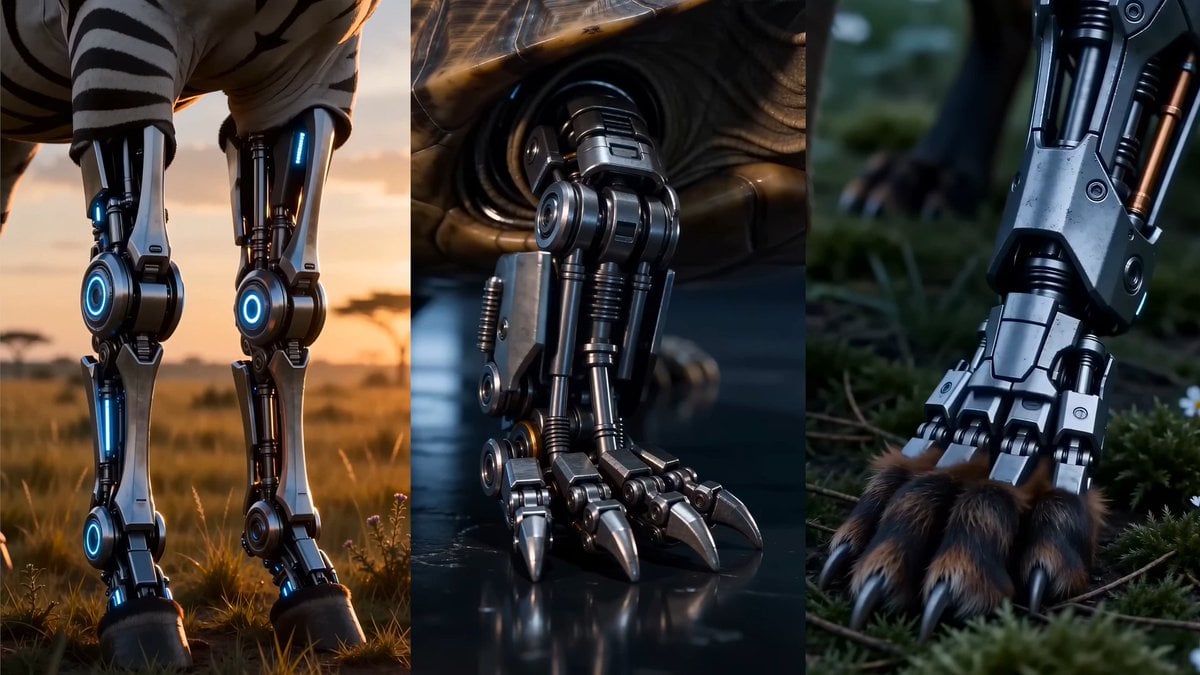
Bionic Metamorphosis Close-Up

Luxury Bugatti Watch Commercial

Anime Chibi Fusion in Tokyo
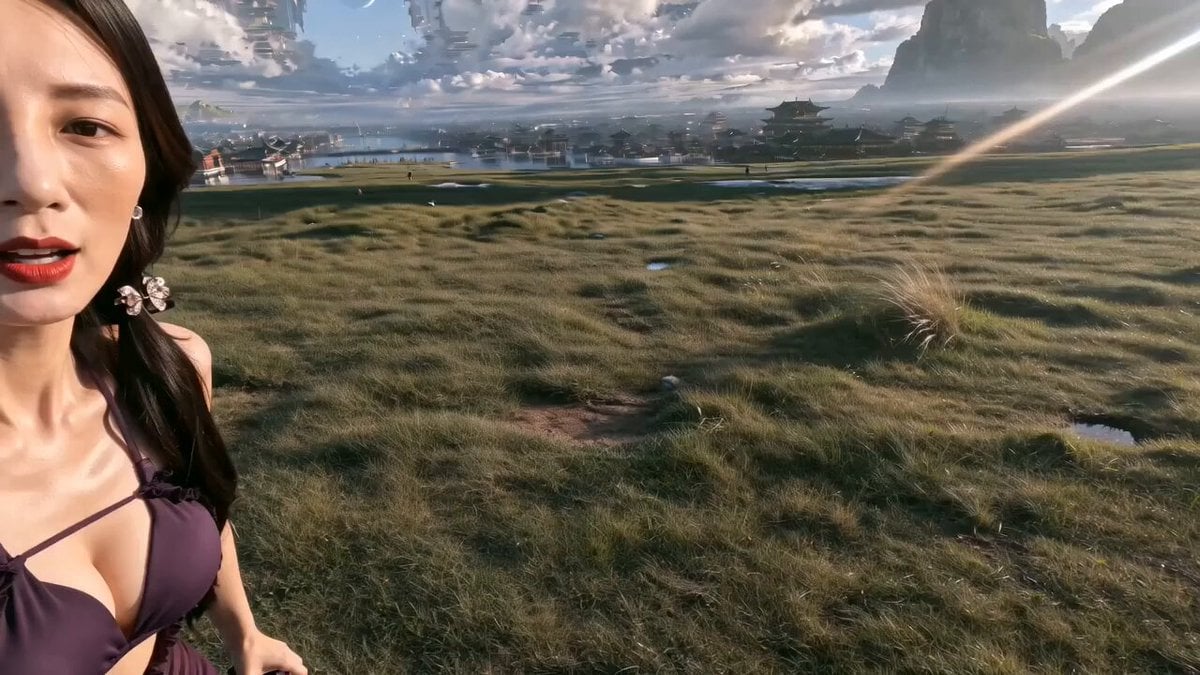
Epic Chinese Fantasy MiniDV Self-Vlog

Supercar Spec Ad: Speed is Easy, Control is Everything

Emotional Breakdown Sequence
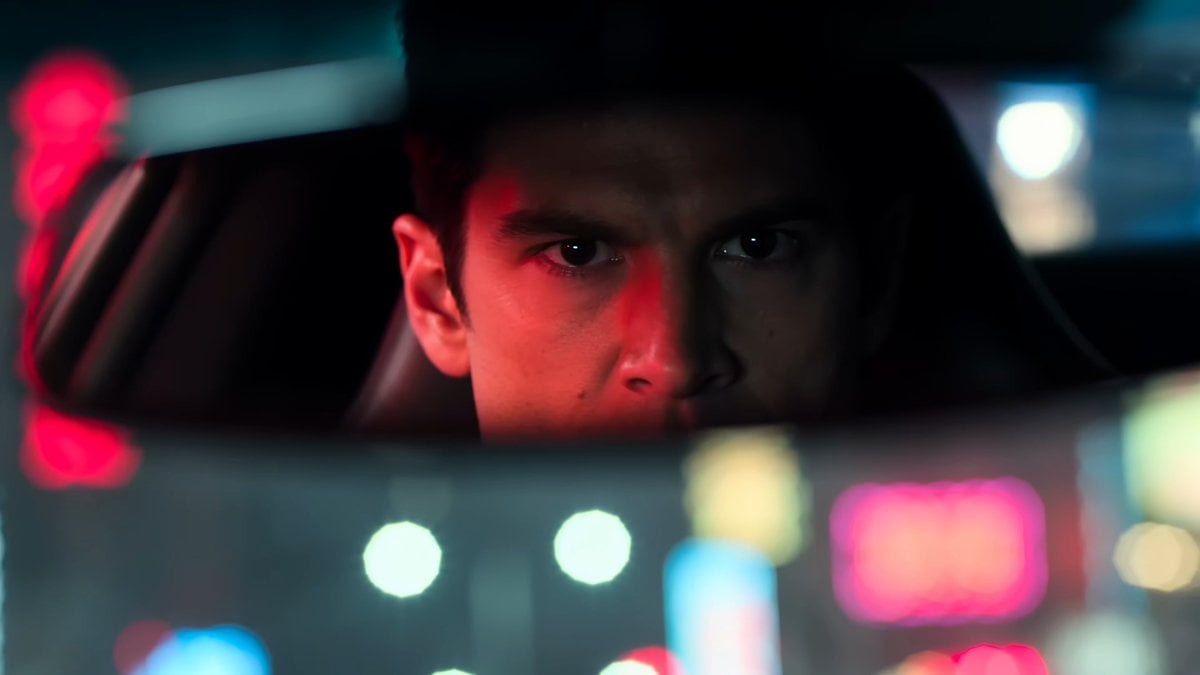
Cinematic Night Street Racing

Baseball Practice Vlog Style Video
Browse template categories
Ancient Alexandria FPV Flight Sequence questions
How do I use the Ancient Alexandria FPV Flight Sequence template?
Add your photo if the template asks for one, edit the prompt if you like — the template's model and format are already selected — and press Generate. Your version opens in PicX Studio.
Can I customize the Ancient Alexandria FPV Flight Sequence template?
Yes. You can change the subject, setting, lighting, mood, format, and available model controls before creating your video.
Is the Ancient Alexandria FPV Flight Sequence template free?
Opening and editing this template is free. Generating uses credits, shown on the Generate button when you are signed in.
Which AI model should I use?
Start with Seedance 2.0, which is the model associated with this template. You can compare another compatible model for a different finish.
Looking for something else? Browse all templates.

Your photo, any look
Thousands of ready templates for every top image and video model, from one credit balance.