
Blueprint to House Timelapse Transformation
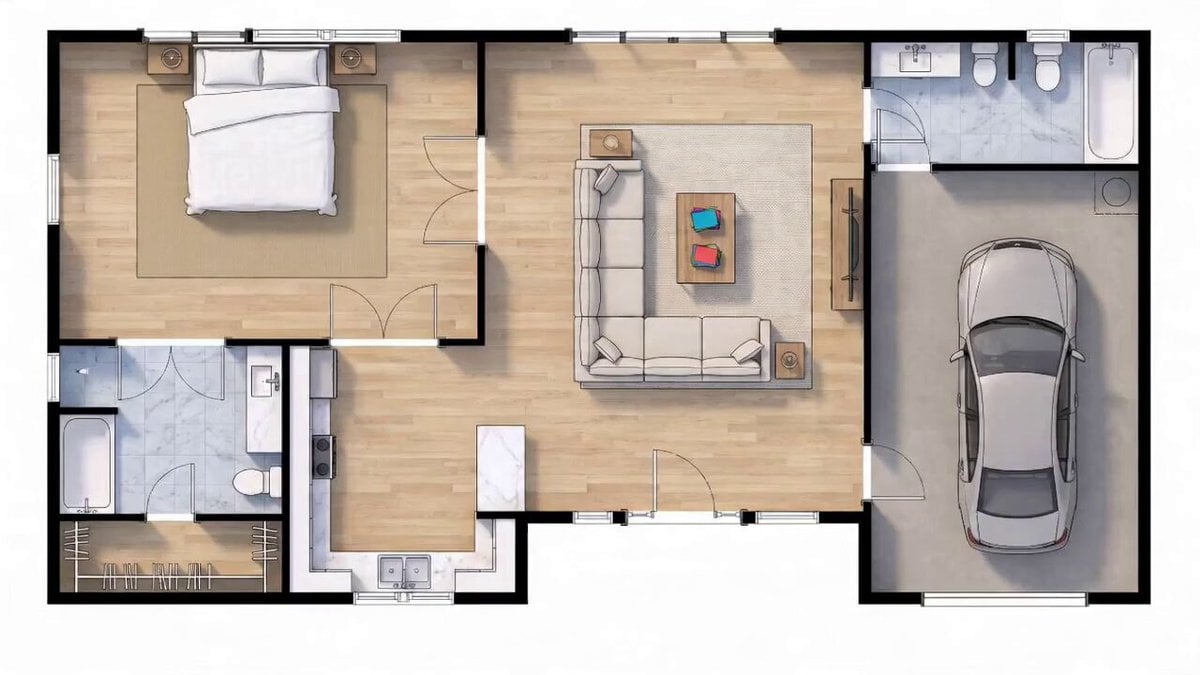
A complex architectural timelapse prompt that transforms a 2D floor plan and exterior reference image into a fully rendered, furnished 3D house, maintaining exact dimensions and layouts.
- Prompt included
- Model and format preset
- Free template
The prompt behind this video
Copy the exact prompt behind Blueprint to House Timelapse Transformation, or open it in the studio and make it yours.
Use both attached images as strict reference material. The floor plan defines the exact room layout, dimensions, window placement, door locations, garage position, bathrooms, kitchen, living room, and bedroom. The exterior reference defines the exact architectural style, brick facade, roof shape, front entrance, and garage door. Throughout the transformation, the interior layout must remain perfectly consistent with the blueprint. No rooms may change position, size, or orientation. The video begins with a perfectly flat, top-down 2D architectural blueprint floating on a clean white background. Thin blueprint lines glow softly. The camera slowly descends toward the plan. As the camera gently tilts from overhead into an isometric perspective, the blueprint begins transforming into reality through an elegant architectural timelapse. Walls rise vertically from the floor lines exactly where they exist in the blueprint. Interior partitions emerge first, followed by exterior brick walls. Window openings and doors appear in their precise blueprint locations. The foundation becomes textured concrete. Wooden flooring spreads naturally through the living room, bedroom, and kitchen exactly matching the plan. Bathroom tiles gradually replace the blueprint markings. Kitchen counters, cabinets, island, sink, appliances, and fixtures assemble piece by piece exactly according to the blueprint. Bathroom fixtures, bathtub, toilet, vanity, and shower appear in their designated locations. The bedroom forms with the bed centered exactly where shown. The living room sofa, coffee table, rug, and television materialize exactly matching the furniture arrangement from the blueprint. The garage forms around the parked car in the correct position. The roof structure grows over the house while maintaining the exterior silhouette from the reference image. Red brick textures spread across the exterior walls. Windows become reflective glass. The front entrance, garage door, landscaping, pathway, and surrounding lawn emerge organically. Sunlight gradually fills every room as if the home is coming alive. The transformation is smooth, continuous, and realistic, like watching months of construction compressed into seconds. Dust particles, tiny construction details, framing, roofing, drywall, painting, flooring, furnishing, and landscaping all appear in rapid but elegant timelapse. The final shot reveals the completed fully rendered house from a three-quarter aerial angle. The camera slowly circles a few degrees while sunlight reflects off the windows. Warm interior lighting glows naturally through the windows, emphasizing that every room perfectly matches the original floor plan. Camera: Smooth cinematic movement beginning as a top-down blueprint, gradually tilting into an isometric angle and finishing with a slow cinematic orbit aro
How to use Blueprint to House Timelapse Transformation in 3 steps
- 1Upload ImagePNG, JPG or paste
Add your photo
Upload the photo the template builds on. The prompt, model and format are already set.
- 2…a portrait of your subject in softgolden-hour light, 85mm…
Personalize
Edit the subject and creative details for your destination.
- 3Generate
Generate
Press Generate — your video is created in PicX Studio, so you can compare it with the original and refine one variable at a time.
More like this
Templates with the same subject, style or setup. Open one to see its prompt.
Civilization Timelapse — Centuries in One Shot
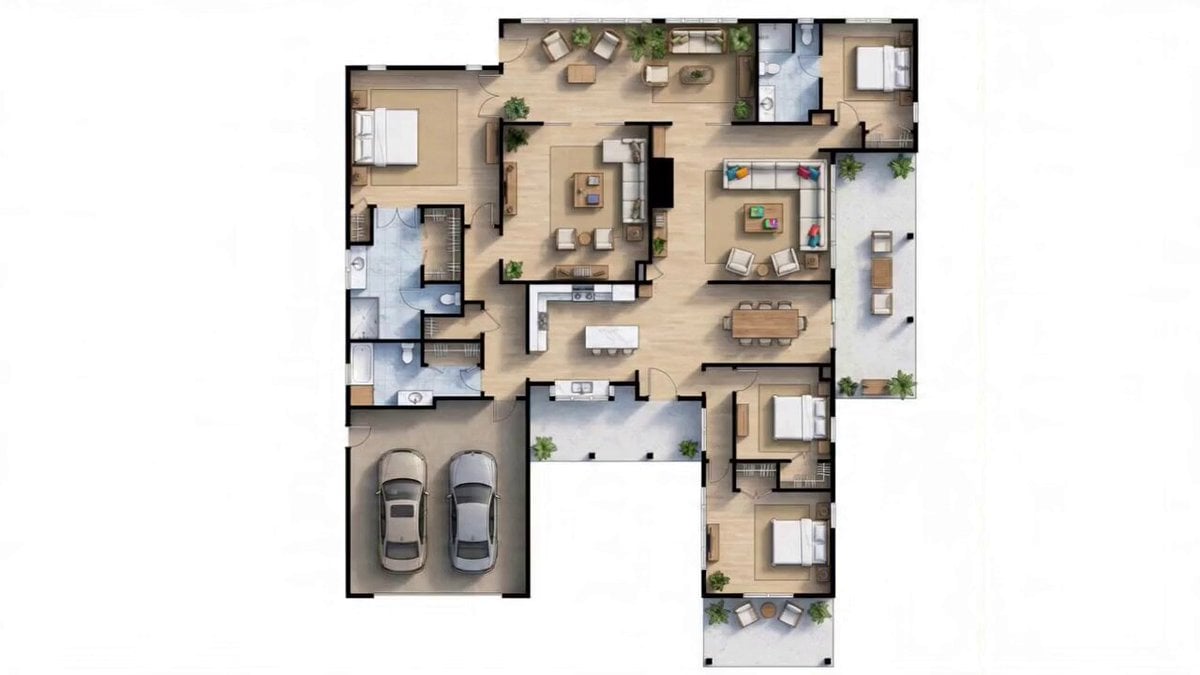
Detailed Blueprint-to-House Timelapse Prompt
Magical Room Transformation - Seedance 2.5

Dark Tokusatsu Transformation - Seedance 2.5
RX-7 to Mech Transformation Cyberpunk
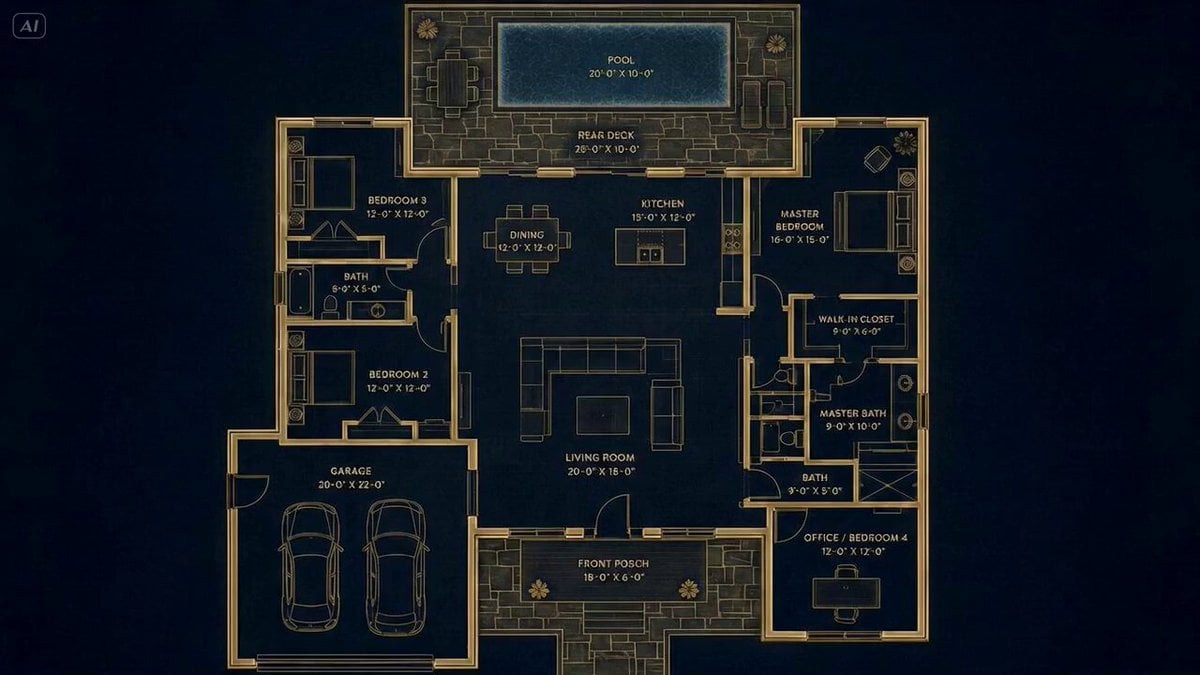
Architectural Blueprint to Reality Transformation
Stadium Construction Blueprint Timelapse
City Timelapse Growth — Seedance 2.0
Mecha Transformation vs Kaiju — 4-Scene Epic
Future House Dance Performance
Miami Beach House Party Smartphone Video

Water Slide to Haunted House Surprise
Make it yours
Blueprint to House Timelapse Transformation works as-is. These are the safest ways to change it without losing the look.
Change one field
Copy a single group, rewrite it, and generate again so you can see what that field is doing.
Keep the frame, change the subject
Hold the composition and light of Blueprint to House Timelapse Transformation, then swap wardrobe, props or the person for a new take.
| If the result… | Why | Fix |
|---|---|---|
| The result drifts from the preview | Too many fields changed at once. | Reuse Blueprint to House Timelapse Transformation as-is first, then change one group — subject, light, or setting. |
| The model over-stylizes the scene | The prose prompt leaves finish and camera underspecified. | Add one camera or lighting sentence and stay on Seedance 2.0. |
More Seedance 2.0 templates
Other prompts made for Seedance 2.0.

Comical Martial Arts Punch Scene

Maglev Train Action Sequence

Martial Arts Fight Sequence

Wuxia Protection and Trust Script

Vintage Korean Arcade MiniDV Vlog

Mercedes 190 SL Luxury Ad

Rainy Night Supernatural Reverse Comedy Video Script

Amazon Civilization Discovery

Futuristic South Asian City Transformation

Cozy Luxury Cafe Commercial
More video prompts
Fresh picks from across the catalog.
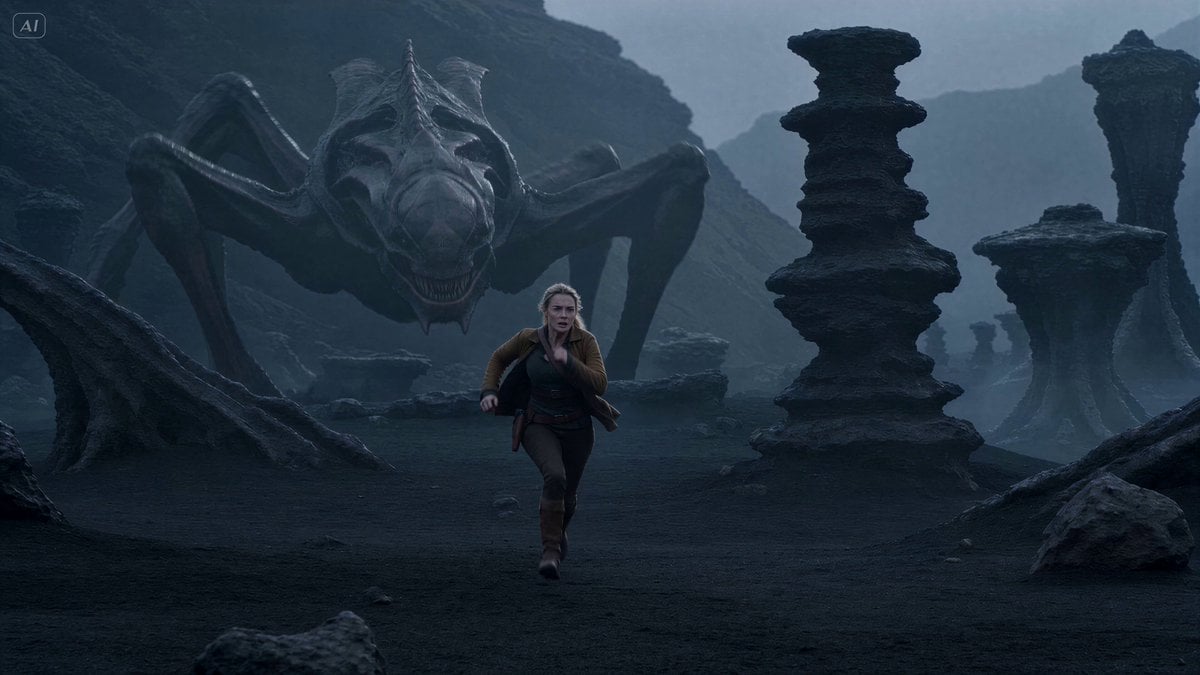
Alien Creature Pursuit Sequence
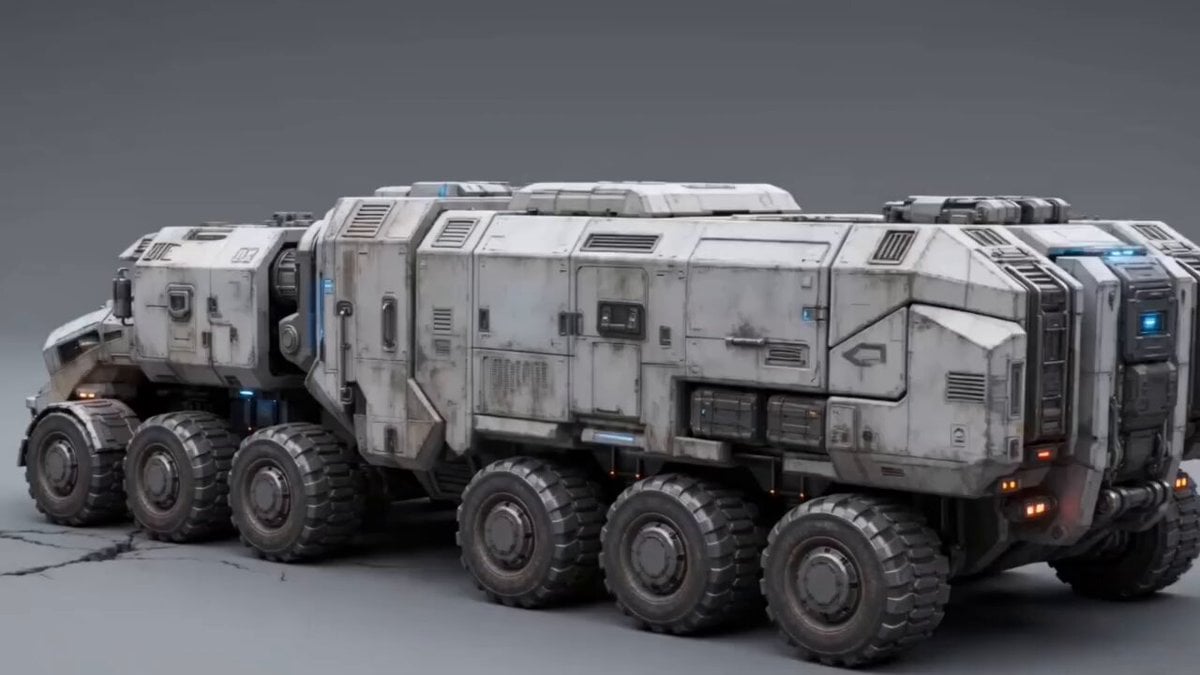
Futuristic Armored Siege Transport
Elven Queen Portrait Prompt (Image-focused)

Michael Jackson Moonwalk video
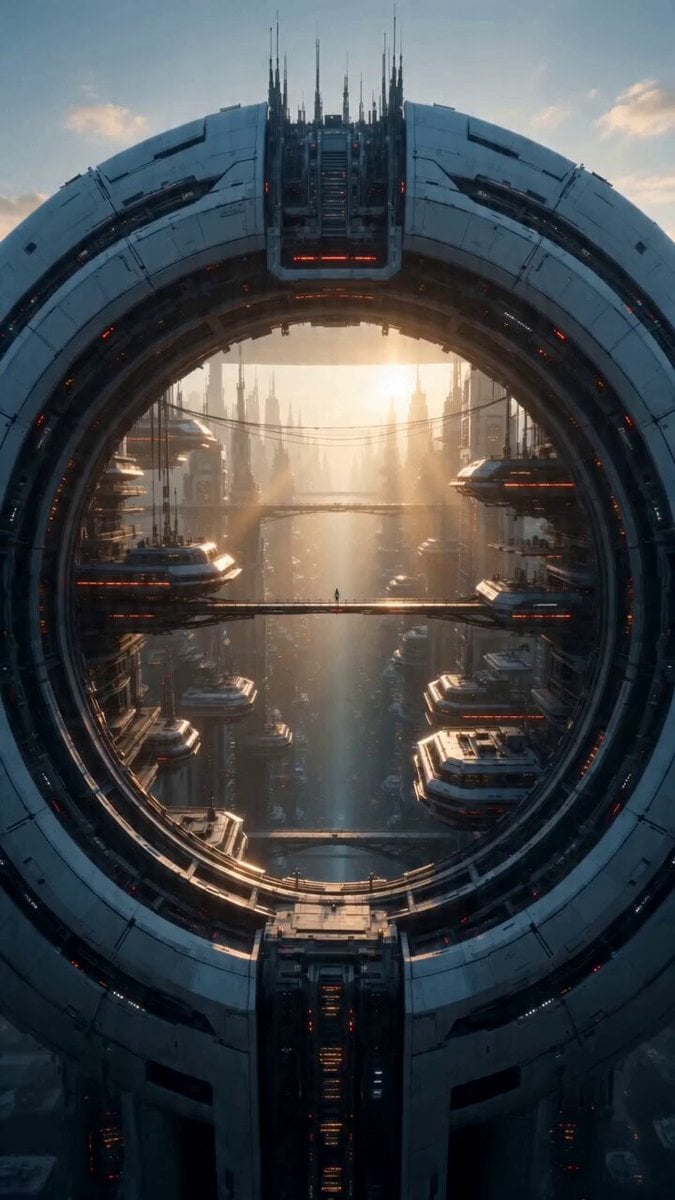
Cyberpunk MV Opening Sequence Prompt

Snappy Anime Character Animation
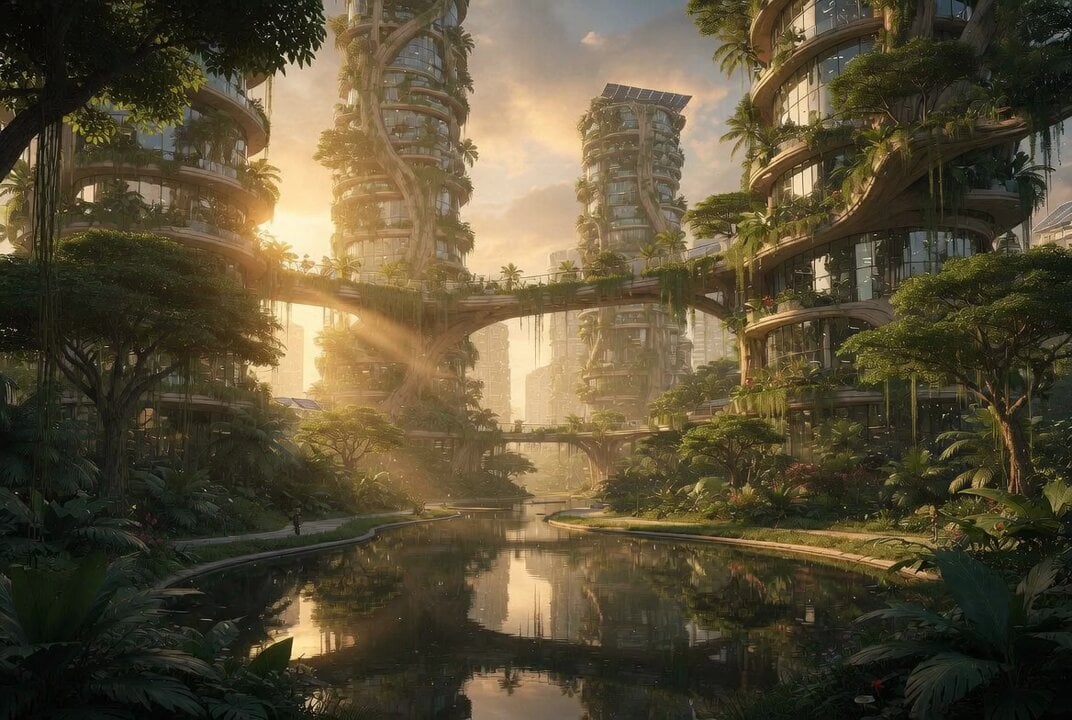
Cinematic Solarpunk Biophilic Megacity at Golden Hour

Stadium Football Action Narrative
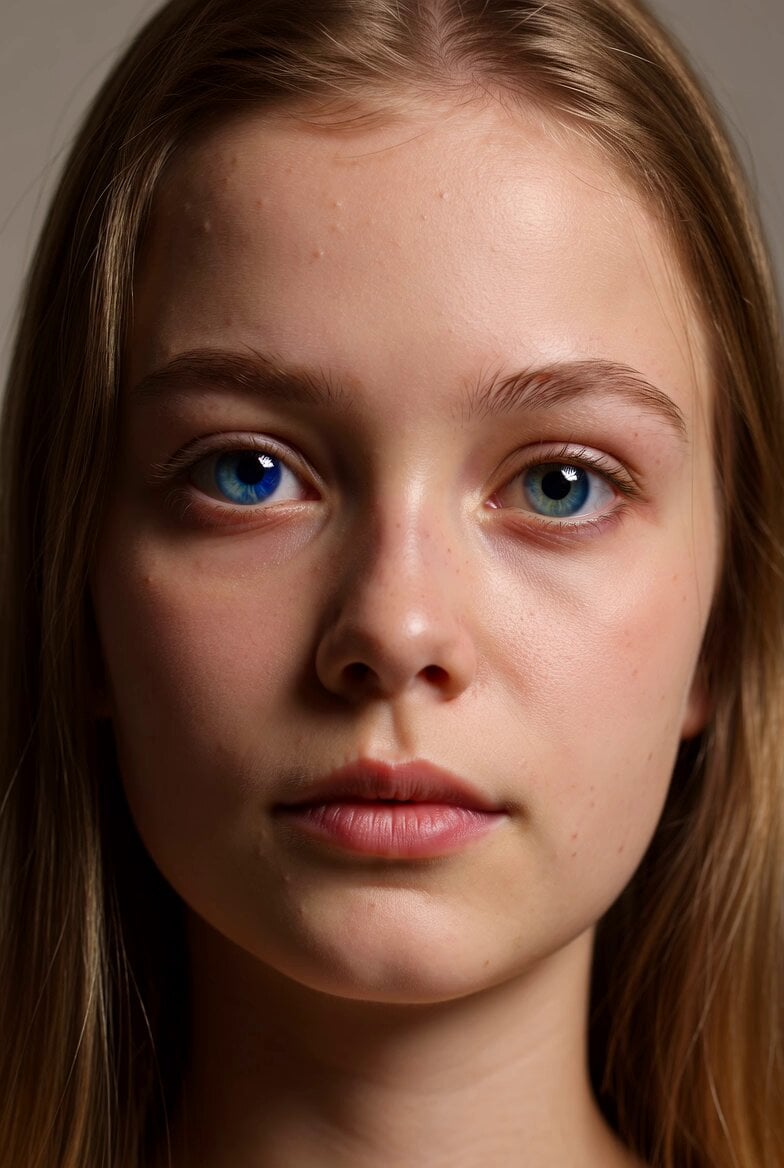
Hyper-Realistic Heterochromia Portrait

Cybernetic Skeleton Warrior Cinematic
Browse template categories
Blueprint to House Timelapse Transformation questions
How do I use the Blueprint to House Timelapse Transformation template?
Add your photo if the template asks for one, edit the prompt if you like — the template's model and format are already selected — and press Generate. Your version opens in PicX Studio.
Can I customize the Blueprint to House Timelapse Transformation template?
Yes. You can change the subject, setting, lighting, mood, format, and available model controls before creating your video.
Is the Blueprint to House Timelapse Transformation template free?
Opening and editing this template is free. Generating uses credits, shown on the Generate button when you are signed in.
Which AI model should I use?
Start with Seedance 2.0, which is the model associated with this template. You can compare another compatible model for a different finish.
Looking for something else? Browse all templates.

Your photo, any look
Thousands of ready templates for every top image and video model, from one credit balance.