How do I use the Hyper-Realistic Heterochromia Portrait template?
Edit the prompt in the box under the preview — the template's model and format are already selected — and press Generate. Your version appears right on this page.
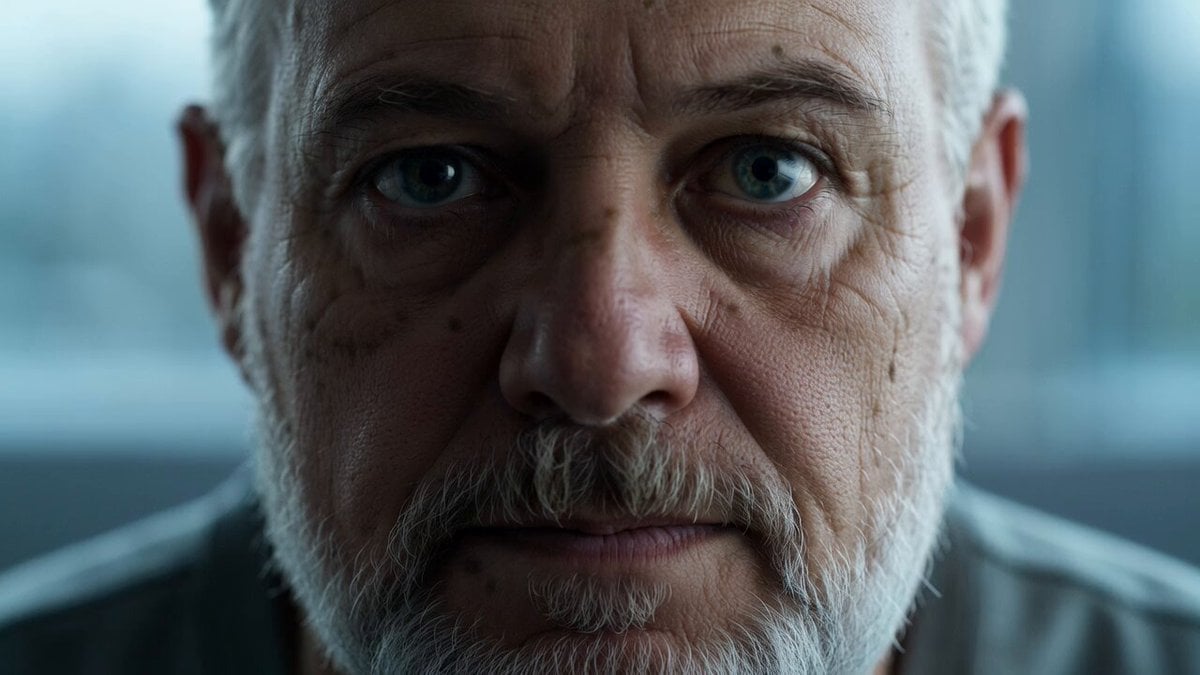
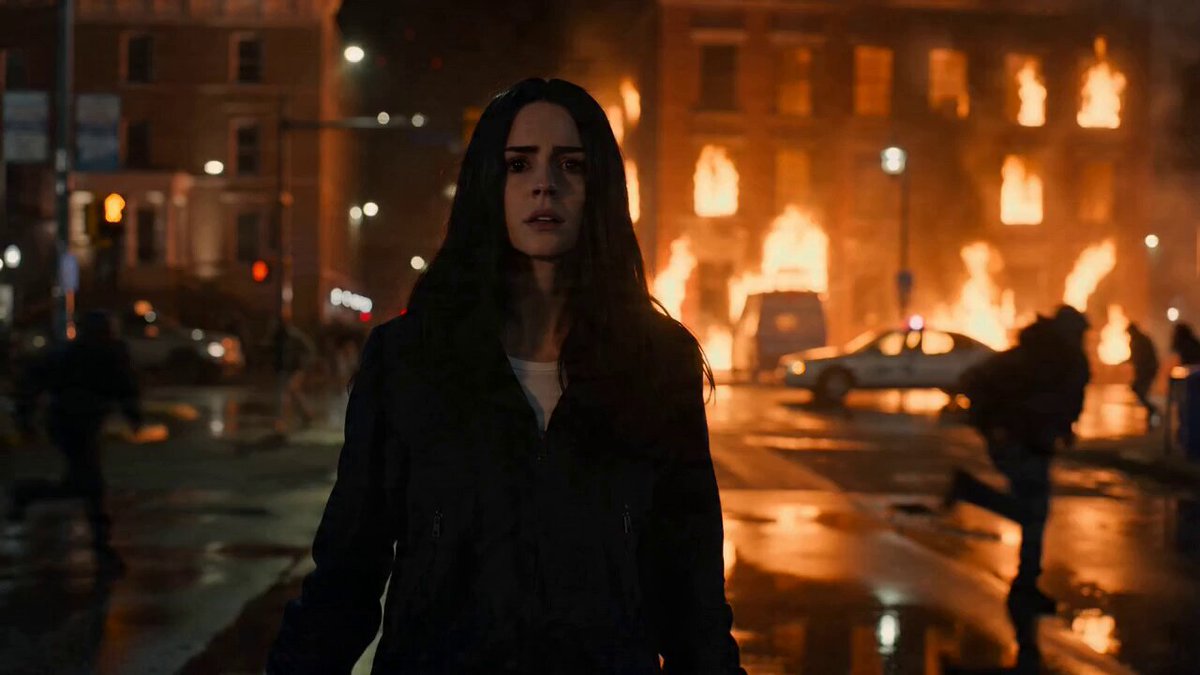
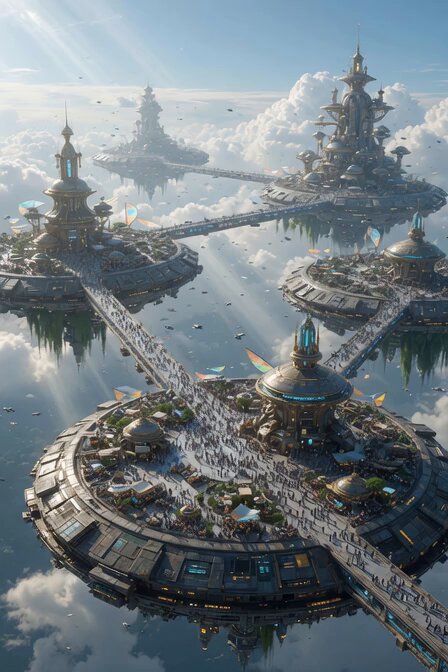
A long, highly detailed prompt for a photorealistic portrait with specific eye colors and skin textures, applied here to a video generation context.
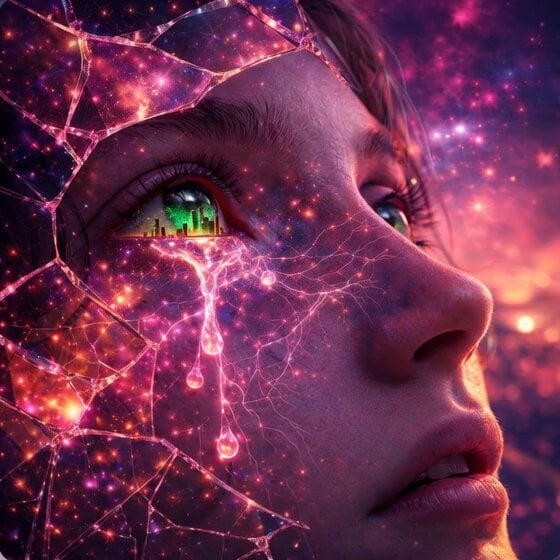
Ultra-realistic portrait of a girl face, extreme facial detail, visible skin texture, pores, fine lines, and subtle imperfections, cinematic lighting, sharp focus, 8K resolution, symmetrical composition, neutral background. The subject has heterochromia: one eye vivid deep blue, the other eye pure black, both highly detailed with reflective highlights. Natural skin tones, soft shadows, realistic hair strands, studio photography style, high dynamic range, lifelike expression.Ultra-realistic portrait of a human face, extreme facial detail, visible skin texture, pores, fine lines, and subtle imperfections, cinematic lighting, sharp focus, 8K resolution, symmetrical composition, neutral background. The subject has heterochromia: one eye vivid deep blue, the other eye pure black, both highly detailed with reflective highlights. Natural skin tones, soft shadows, realistic hair strands, studio photography style, high dynamic range, lifelike expression.
Ultra-realistic portrait of a girl face, extreme facial detail, visible skin texture, pores, fine lines, and subtle imperfections, cinematic lighting, sharp focus, 8K resolution, symmetrical composition, neutral background. The subject has heterochromia: one eye vivid deep blue, the other eye pure black, both highly detailed with reflective highlights. Natural skin tones, soft shadows, realistic hair strands, studio photography style, high dynamic range, lifelike expression.Ultra-realistic portrait of a human face, extreme facial detail, visible skin texture, pores, fine lines, and subtle imperfections, cinematic lighting, sharp focus, 8K resolution, symmetrical composition, neutral background. The subject has heterochromia: one eye vivid deep blue, the other eye pure black, both highly detailed with reflective highlights. Natural skin tones, soft shadows, realistic hair strands, studio photography style, high dynamic range, lifelike expression.
Edit the prompt in the box under the preview — the template's model and format are already selected — and press Generate. Your version appears right on this page.
Yes. You can change the subject, setting, lighting, mood, format, and available model controls before creating your video.
Opening and editing this template is free. Generating uses credits, shown on the Generate button when you are signed in.
Start with Grok Imagine, which is the model associated with this template. You can compare another compatible model for a different finish.
Follow a topic to a crawlable collection of related PicX Studio templates.