
Seedance 2.0 Wuxia Film Style Video Prompt: Assassin Fight
A detailed Seedance 2.0 video prompt designed to generate a Wuxia (martial arts) film scene in the style of Tsui Hark from the early nineties.
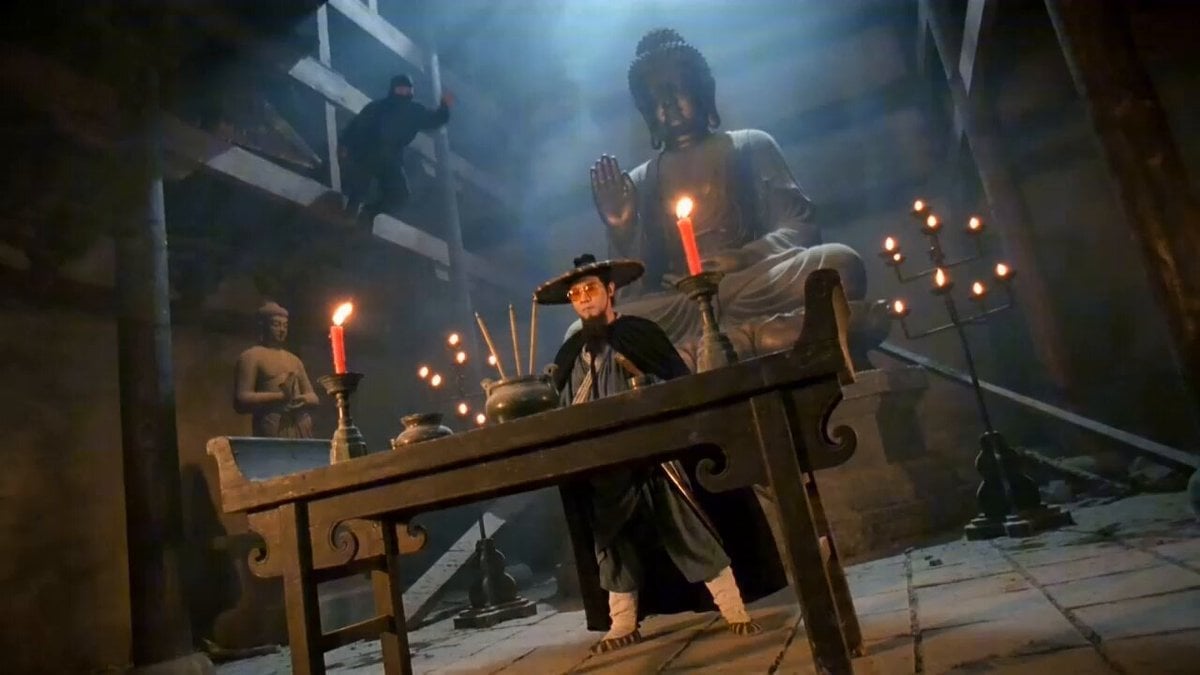
- Prompt included
- Model and format preset
- Free template
The prompt behind this video
Copy the exact prompt behind Seedance 2.0 Wuxia Film Style Video Prompt: Assassin Fight, or open it in the studio and make it yours.
九十年代初徐克武侠电影风格,胶片质感,暖黄复古色调,高对比度,24fps,画面连贯,轻微胶片颗粒,手持感,镜头轻微不稳定 + 运动模糊,增强紧张压迫感。深夜古代破败寺庙,巨大佛像下案台旁,中年武侠男子闭目养神,寺庙光线昏暗,案台烛火摇曳;男子衣衫破旧青蓝色,黑色披风,束发,三尺长髯,英俊冷峻,腰间配长剑。 蒙面刺客从房梁跃下行刺,男子翻身拔剑格挡,刀剑碰撞迸火星,转身一掌击飞刺客,撞毁案台尘土飞扬;切男子斗笠下犀利眼神特写。刺客再攻,男子剑挡反击,剑法凌厉如游龙,身法灵活,真实打击感,火星四溅,电影感动作长镜头,视觉冲击强,砖地尘土飞扬。 男子轻功跃至刺客身后,刺客惊恐流汗表情特写,一剑刺入刺客背部见血,停顿后腾空两脚飞踹,刺客惨叫撞破大门碎裂。男子帅气收剑入鞘,右手按斗笠,眼神冷峻犀利,甩开披风,轻蔑说:蝼蚁(加字幕),潇洒离去。武侠背景音乐
How to use Seedance 2.0 Wuxia Film Style Video Prompt: Assassin Fight in 3 steps
- 1
Open
The prompt is already in the box next to the preview, with the template's model and format selected.
- 2…a portrait of your subject in softgolden-hour light, 85mm…
Personalize
Edit the subject and creative details for your destination.
- 3Generate
Generate
Press Generate — your video is created in PicX Studio, so you can compare it with the original and refine one variable at a time.
More like this
Templates with the same subject, style or setup. Open one to see its prompt.
Swordsman vs Shadow Monster — Bamboo Forest Battle
Cinematic Short Film Scene 2

Cinematic Short Film Scene
Seedance 2.0 Urban Fantasy Wuxia Film Prompt
Seedance 2.0 Tsui Hark Style Wuxia Film Prompt
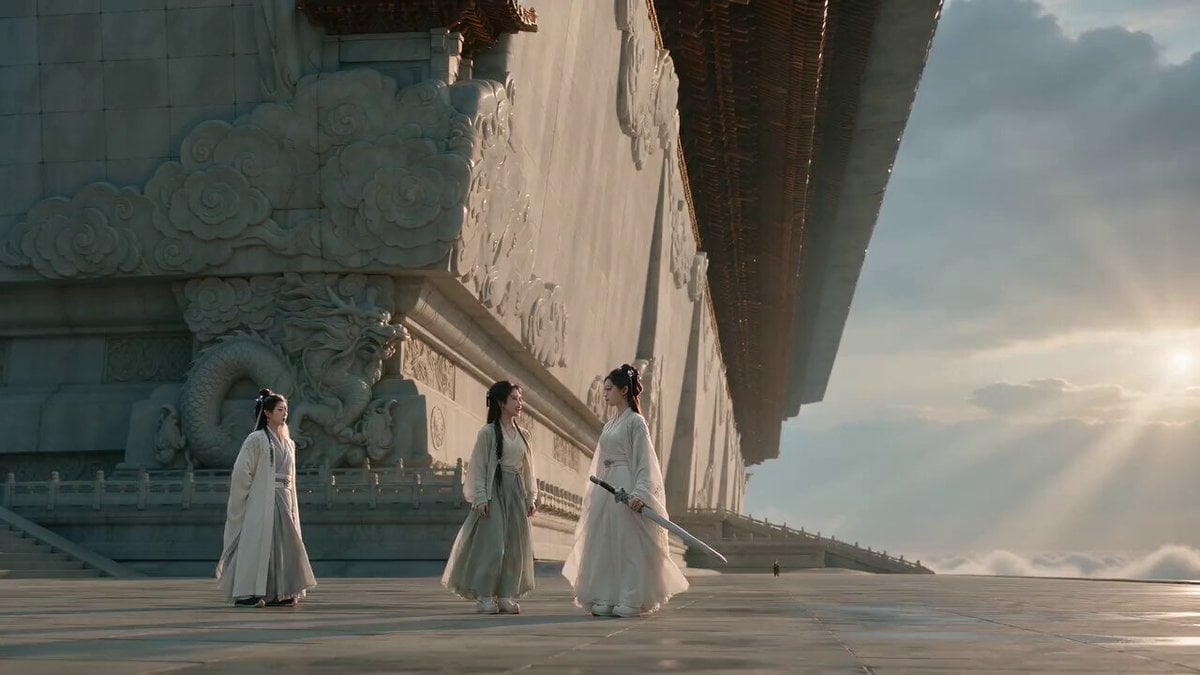
Wuxia Comedy Short Film Prompt

Wholesome Puppy and Kitten Story - Seedance 2.5

Mysterious Home Exploration Vlog - Seedance 2.5

Dark Tokusatsu Transformation - Seedance 2.5

Cinematic Xinjiang Drone Landscapes - Seedance 2.5

Late Night Kitchen Phone Recording - Seedance 2.5

3D Animated Cat and Old Man - Seedance
Make it yours
Seedance 2.0 Wuxia Film Style Video Prompt: Assassin Fight works as-is. These are the safest ways to change it without losing the look.
Change one field
Copy a single group, rewrite it, and generate again so you can see what that field is doing.
Keep the frame, change the subject
Hold the composition and light of Seedance 2.0 Wuxia Film Style Video Prompt: Assassin Fight, then swap wardrobe, props or the person for a new take.
| If the result… | Why | Fix |
|---|---|---|
| The result drifts from the preview | Too many fields changed at once. | Reuse Seedance 2.0 Wuxia Film Style Video Prompt: Assassin Fight as-is first, then change one group — subject, light, or setting. |
| The model over-stylizes the scene | The prose prompt leaves finish and camera underspecified. | Add one camera or lighting sentence and stay on Seedance 2.0. |
More Seedance 2.0 templates
Other prompts made for Seedance 2.0.

Comical Martial Arts Punch Scene

Maglev Train Action Sequence

Martial Arts Fight Sequence

Wuxia Protection and Trust Script

Vintage Korean Arcade MiniDV Vlog

Mercedes 190 SL Luxury Ad

Rainy Night Supernatural Reverse Comedy Video Script

Amazon Civilization Discovery

Futuristic South Asian City Transformation

Cozy Luxury Cafe Commercial
More video prompts
Fresh picks from across the catalog.
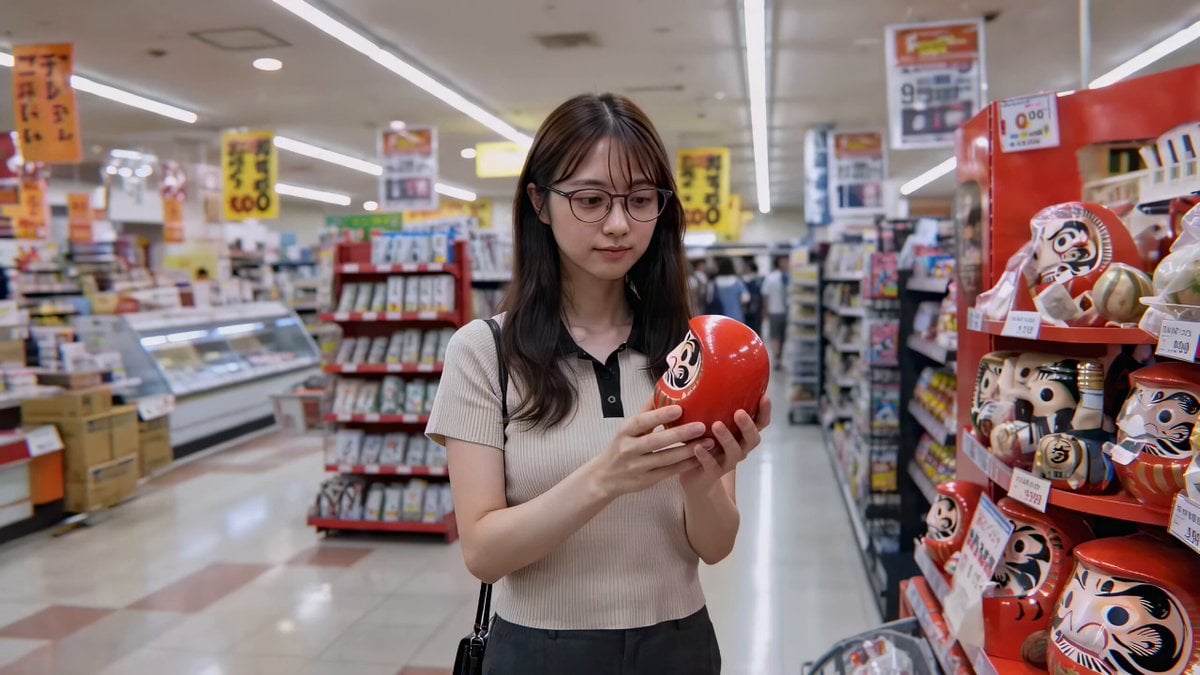
Cute Character and Daruma Doll Interaction
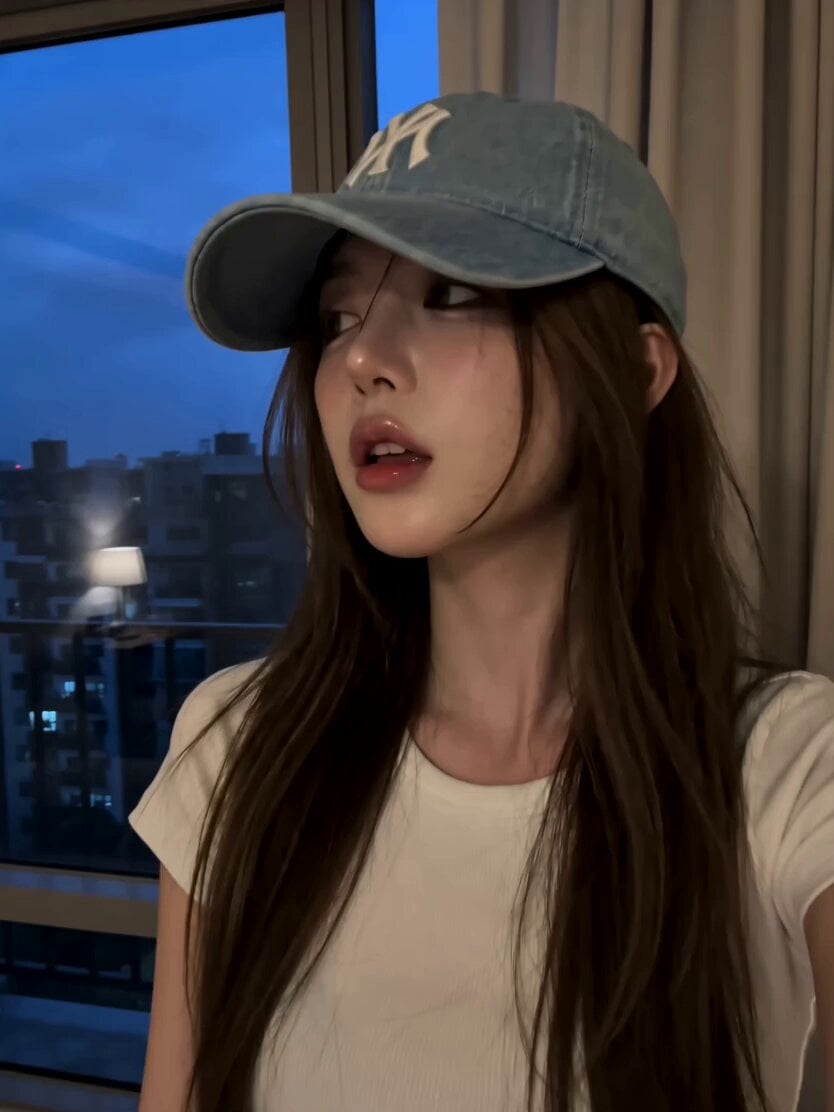
Korean Beauty Bedroom Vlog Selfie
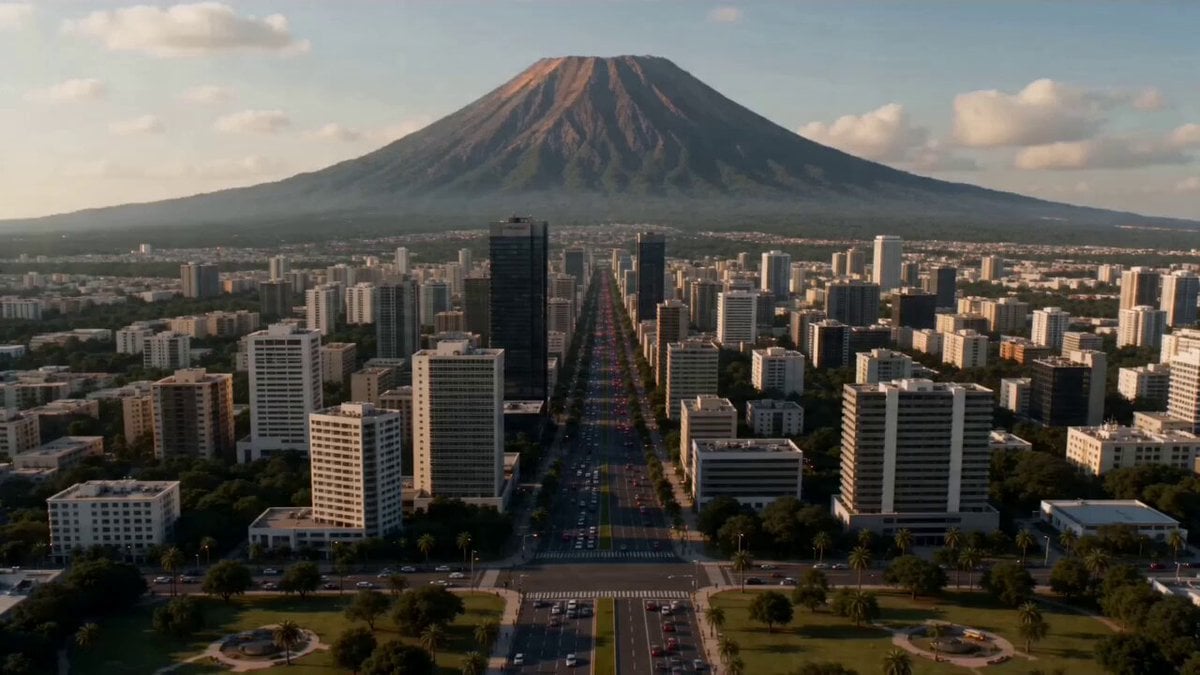
Supervolcano City Destruction
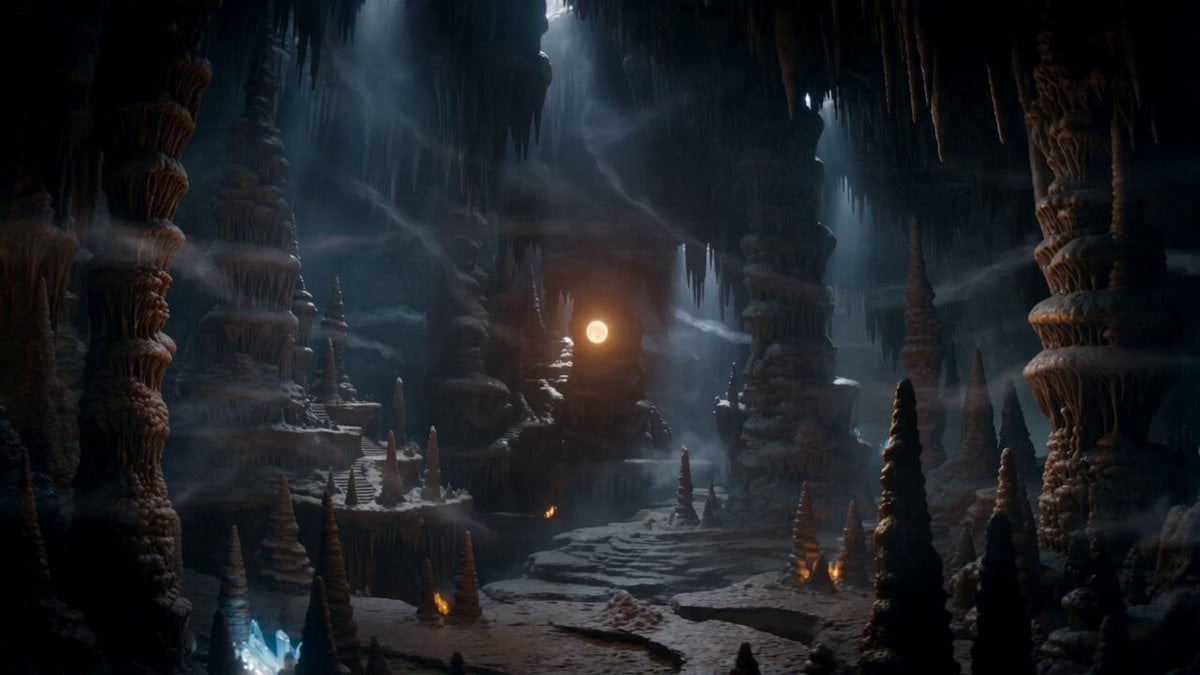
Magical Dragon Portal Cave

Glacial Canyon Frost Battle
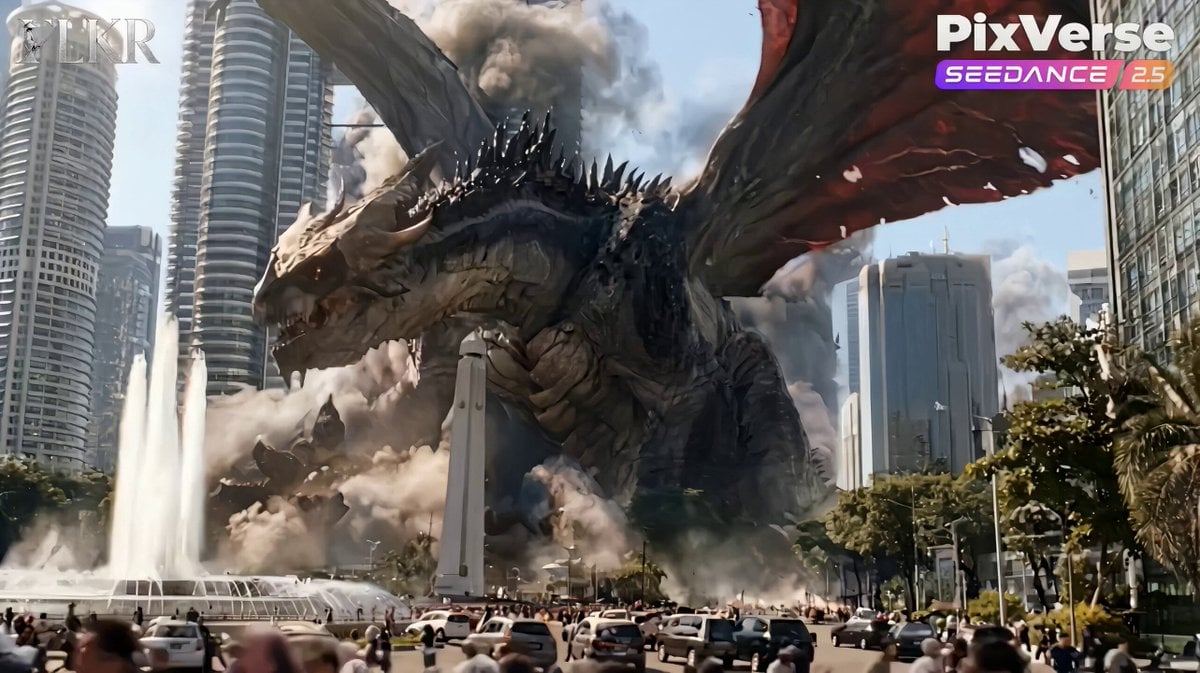
Colossal Dragon Disaster Scene Prompt
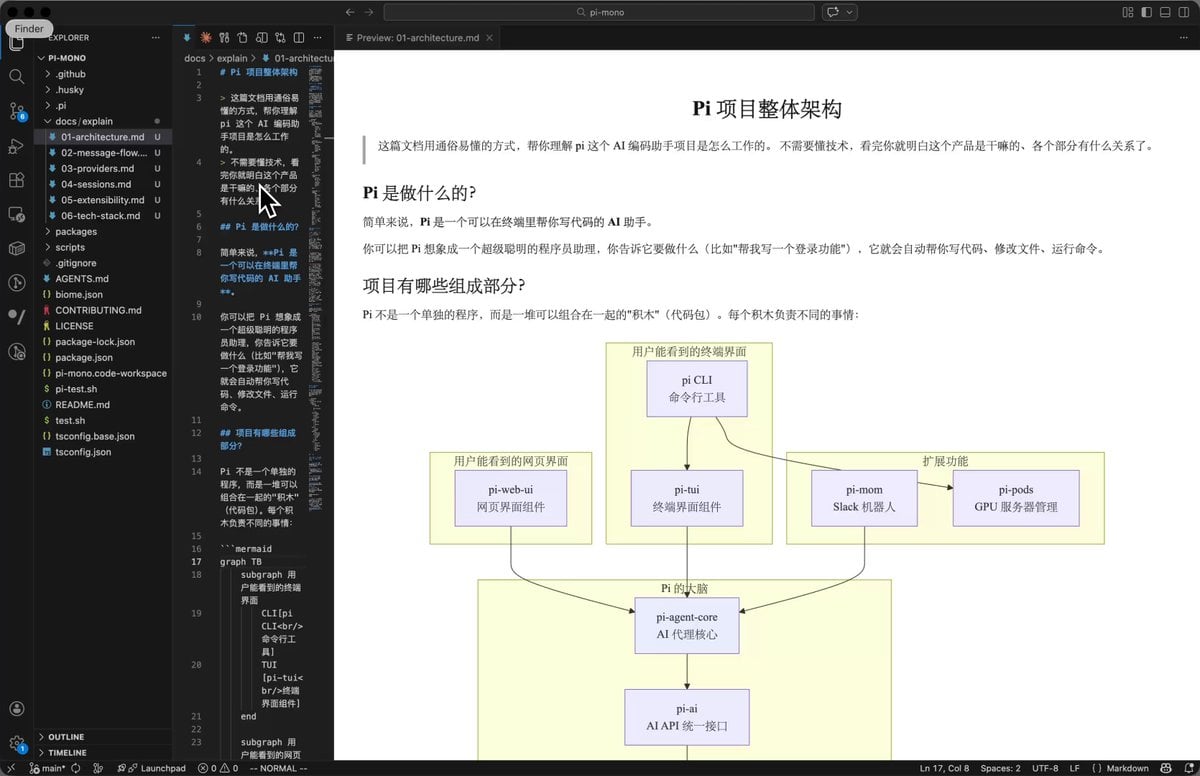
AI Prompt for Code Repository Analysis and Documentation
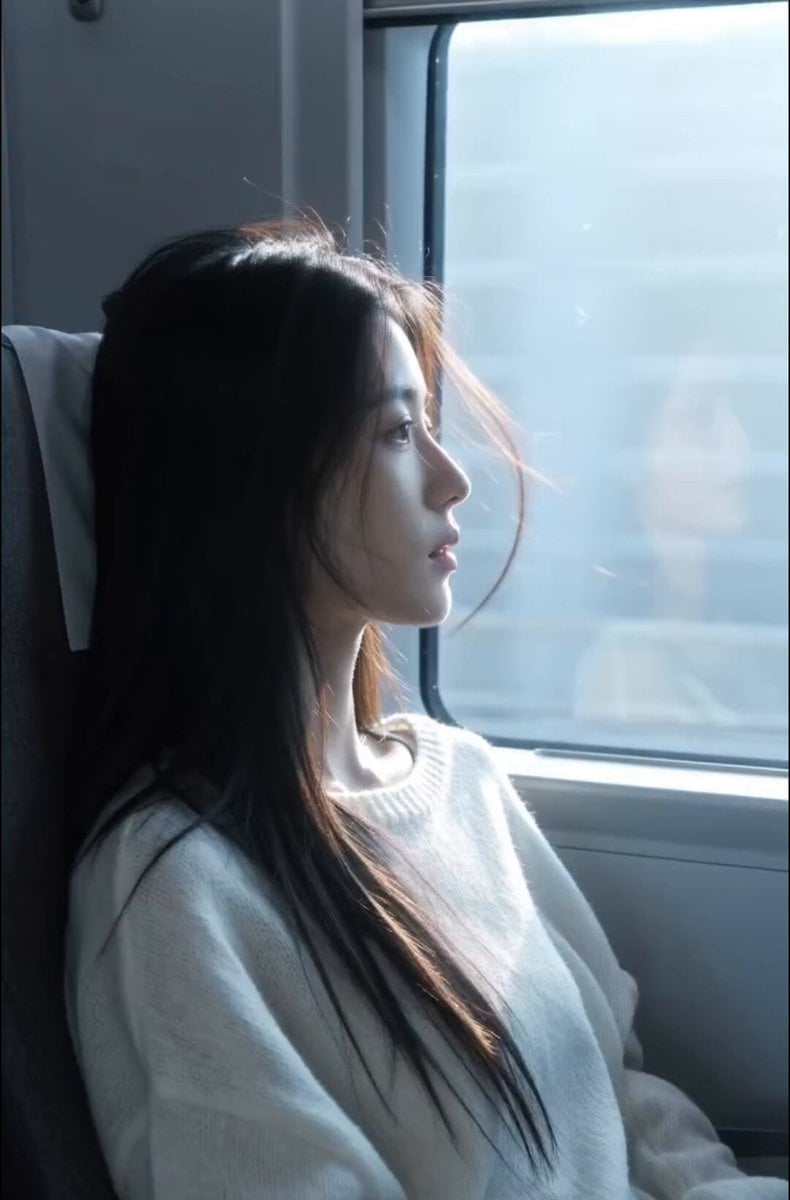
High-Speed Rail Journey Cinematic Documentary
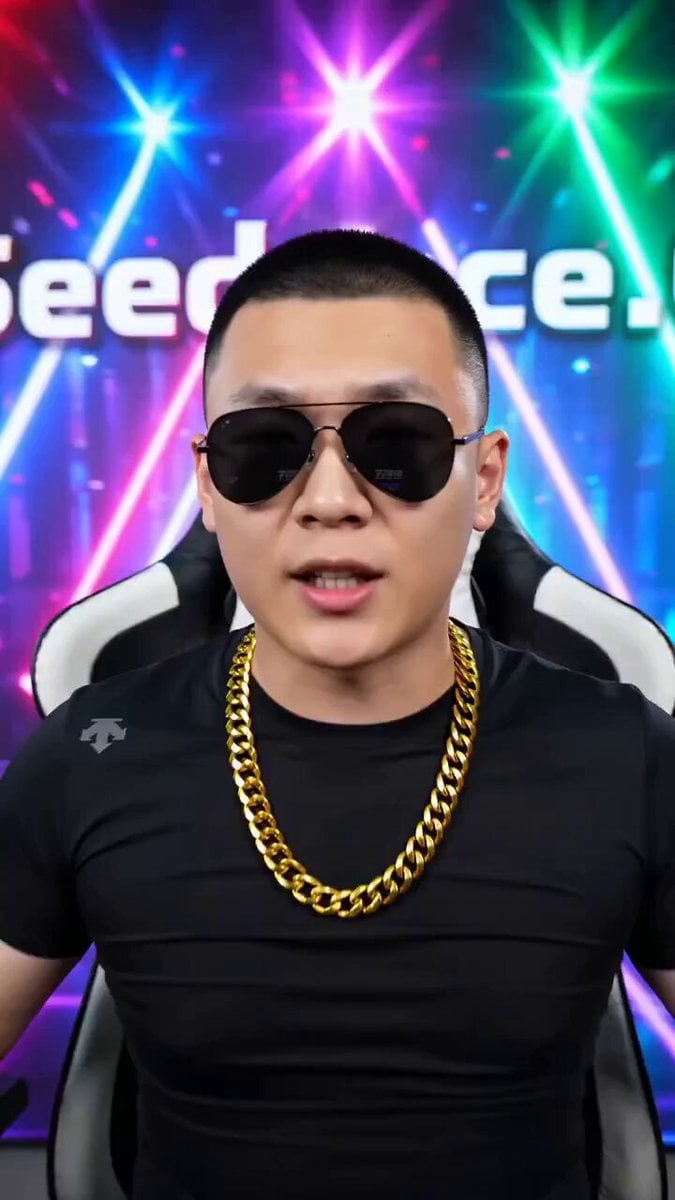
Seedance 2.0 Video Prompt for Northeast MC Style Live Stream
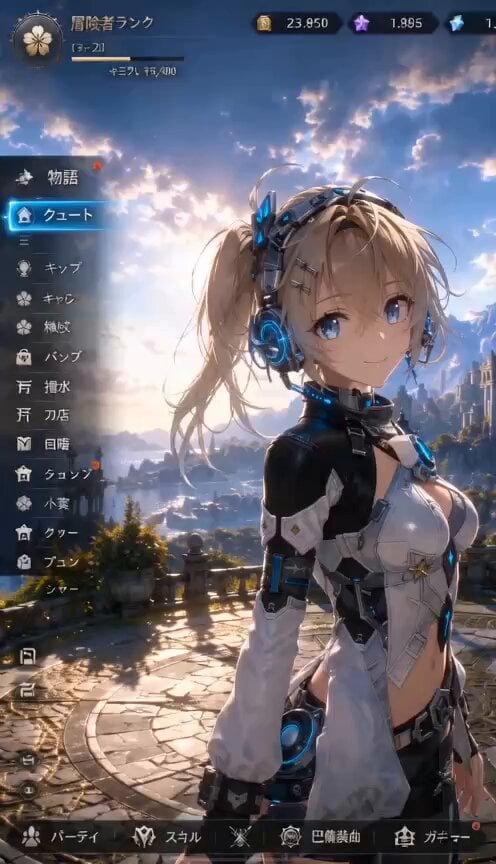
3D RPG Game Quest Selection Scene
Browse template categories
Seedance 2.0 Wuxia Film Style Video Prompt: Assassin Fight questions
How do I use the Seedance 2.0 Wuxia Film Style Video Prompt: Assassin Fight template?
Add your photo if the template asks for one, edit the prompt if you like — the template's model and format are already selected — and press Generate. Your version opens in PicX Studio.
Can I customize the Seedance 2.0 Wuxia Film Style Video Prompt: Assassin Fight template?
Yes. You can change the subject, setting, lighting, mood, format, and available model controls before creating your video.
Is the Seedance 2.0 Wuxia Film Style Video Prompt: Assassin Fight template free?
Opening and editing this template is free. Generating uses credits, shown on the Generate button when you are signed in.
Which AI model should I use?
Start with Seedance 2.0, which is the model associated with this template. You can compare another compatible model for a different finish.
Looking for something else? Browse all templates.

Your photo, any look
Thousands of ready templates for every top image and video model, from one credit balance.