How do I use the Glacial Canyon Frost Battle template?
Edit the prompt in the box under the preview — the template's model and format are already selected — and press Generate. Your version appears right on this page.
A cinematic 15-second battle sequence between a glacier tiger made of ice and a frost serpent in a twilight glacial canyon.
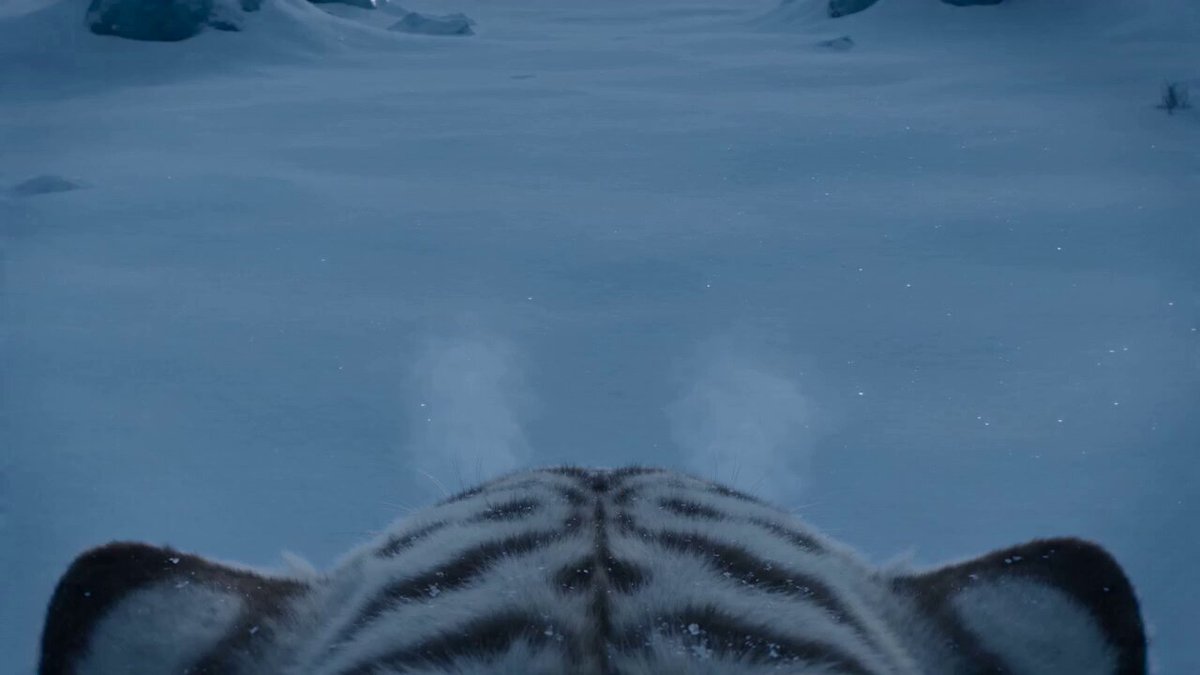
Environment: A colossal glacial canyon under pale blue twilight. Massive ice walls tower above a frozen river while snowstorms sweep through the valley. The environment glows faintly with reflected moonlight from crystalline ice formations. Action: 15.0s sequence. A gigantic glacier tiger made of solid ice and glowing frost veins prowls across the frozen river. Opposing it is a towering frost serpent emerging from beneath the ice surface. The tiger launches into powerful leaps across fractured ice sheets while the serpent coils upward, shattering the frozen terrain. Velocity Ramp choreography: the tiger’s claws strike the serpent mid-air as time slows, showing ice shards and snow particles suspended before snapping back to real-time as the impact explodes through the frozen canyon. Camera: Smooth ground-level tracking across the frozen river surface before a rapid upward tilt as the tiger leaps between ice pillars. Style & Constraints: Photorealistic ice fracturing, volumetric snow particles, ray-traced crystal reflections, cinematic cold blue lighting, 8K.
Environment: A colossal glacial canyon under pale blue twilight. Massive ice walls tower above a frozen river while snowstorms sweep through the valley. The environment glows faintly with reflected moonlight from crystalline ice formations. Action: 15.0s sequence. A gigantic glacier tiger made of solid ice and glowing frost veins prowls across the frozen river. Opposing it is a towering frost serpent emerging from beneath the ice surface. The tiger launches into powerful leaps across fractured ice sheets while the serpent coils upward, shattering the frozen terrain. Velocity Ramp choreography: the tiger’s claws strike the serpent mid-air as time slows, showing ice shards and snow particles suspended before snapping back to real-time as the impact explodes through the frozen canyon. Camera: Smooth ground-level tracking across the frozen river surface before a rapid upward tilt as the tiger leaps between ice pillars. Style & Constraints: Photorealistic ice fracturing, volumetric snow particles, ray-traced crystal reflections, cinematic cold blue lighting, 8K.
Edit the prompt in the box under the preview — the template's model and format are already selected — and press Generate. Your version appears right on this page.
Yes. You can change the subject, setting, lighting, mood, format, and available model controls before creating your video.
Opening and editing this template is free. Generating uses credits, shown on the Generate button when you are signed in.
Start with Seedance 2.0, which is the model associated with this template. You can compare another compatible model for a different finish.
Follow a topic to a crawlable collection of related PicX Studio templates.