
Mountain Summit to Glacial Lake Reveal
A professional cinematography prompt for Seedance 2.0 featuring a single unbroken reverse dolly shot moving from a mountain peak down to a glacial lake.
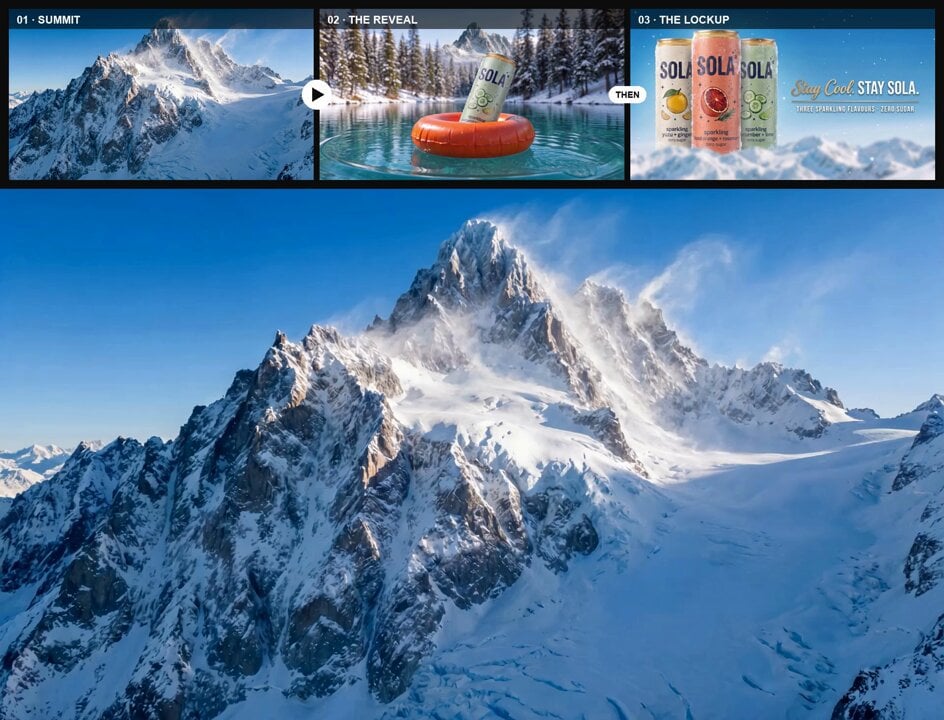
- Prompt included
- Model and format preset
- Free template
The prompt behind this video
Copy the exact prompt behind Mountain Summit to Glacial Lake Reveal, or open it in the studio and make it yours.
Continuous pull-back reveal, one unbroken reverse dolly shot, photoreal CGI, single take, no cuts. The camera path: it opens framing the jagged snow-capped mountain summit close up, then moves steadily backwards and downward away from the mountain — the mountain keeps the same jagged silhouette, staying in frame and growing smaller as the view widens. The camera keeps pulling back and DESCENDS ALL THE WAY DOWN to ground level on the valley floor, dropping low among dramatically tall snow-covered pine trees: towering trunks and heavy snow-laden branches sweep past close on BOTH sides of the camera as it retreats backwards, threading through a narrow tight gap between the trees at ground level — branches nearly brushing the lens, snow shaking off as it passes, strong dramatic visual impact. Emerging backwards out of the tree line, the camera glides low over a turquoise glacial lake, the mountain small and distant beyond the forest. A large red-orange inflatable ring lifebuoy carrying a slim SOLA sparkling cucumber + lime can leaning diagonally against its ring is revealed by the camera's pull-back, drifting slowly forward down the gentle current in the SAME direction the camera travels but always slower than the camera, gracefully easing to a stop as the camera settles. As it drifts, the can starts pointing to the LEFT and slowly rotates to point to the RIGHT while bobbing, the buoy rocking gently and settling with lively ripples spreading outward around it — the lake surface softly alive with gentle current ripples, not glass still — framed center as the camera eases to a stop at water level. As the camera approaches the final reveal, warm sunlight catches the lens in tasteful cinematic lens flares — glinting off the water surface and the can's gold rim — adding epic polish. The white spindrift detaches from the summit and streams away downwind, dissolving like blown mist — it never clings to the mountain top. The water around the lifebuoy stays clean — ripples only, no foam. Smooth constant backwards camera motion, one single take. Cold, crisp, refreshing, premium. SOLA label sharp and legible.
How to use Mountain Summit to Glacial Lake Reveal in 3 steps
- 1
Open
The prompt is already in the box next to the preview, with the template's model and format selected.
- 2…a portrait of your subject in softgolden-hour light, 85mm…
Personalize
Edit the subject and creative details for your destination.
- 3Generate
Generate
Press Generate — your video is created in PicX Studio, so you can compare it with the original and refine one variable at a time.
More like this
Templates with the same subject, style or setup. Open one to see its prompt.
Griffin Knight Mountain Kingdom — Seedance 2.0
Rainforest Thriller — Searching the Unseen
Stone Colossus Desert Riders — Golden Fire Reveal

Glacial Martial Arts Duel

Jack-in-the-Box Horror Reveal
Dark Fantasy Frozen Mountain Battle
Alpine Lake Golden Hour Couple
K2 Mountaineering Survival Drama

Candid Lakeside Photography Vlog
Mountain Avalanche Snowboard Chase
Fantasy Dragon River Reveal

Mountain Dew Spark Doodle Commercial
Make it yours
Mountain Summit to Glacial Lake Reveal works as-is. These are the safest ways to change it without losing the look.
Change one field
Copy a single group, rewrite it, and generate again so you can see what that field is doing.
Keep the frame, change the subject
Hold the composition and light of Mountain Summit to Glacial Lake Reveal, then swap wardrobe, props or the person for a new take.
| If the result… | Why | Fix |
|---|---|---|
| The result drifts from the preview | Too many fields changed at once. | Reuse Mountain Summit to Glacial Lake Reveal as-is first, then change one group — subject, light, or setting. |
| The model over-stylizes the scene | The prose prompt leaves finish and camera underspecified. | Add one camera or lighting sentence and stay on Seedance 2.0. |
More Seedance 2.0 templates
Other prompts made for Seedance 2.0.

Comical Martial Arts Punch Scene

Maglev Train Action Sequence

Martial Arts Fight Sequence

Wuxia Protection and Trust Script

Vintage Korean Arcade MiniDV Vlog

Mercedes 190 SL Luxury Ad

Rainy Night Supernatural Reverse Comedy Video Script

Amazon Civilization Discovery

Futuristic South Asian City Transformation

Cozy Luxury Cafe Commercial
More video prompts
Fresh picks from across the catalog.
Victorian Attic Horror Doll
Chinese Fantasy Fox Spirit Video Drama
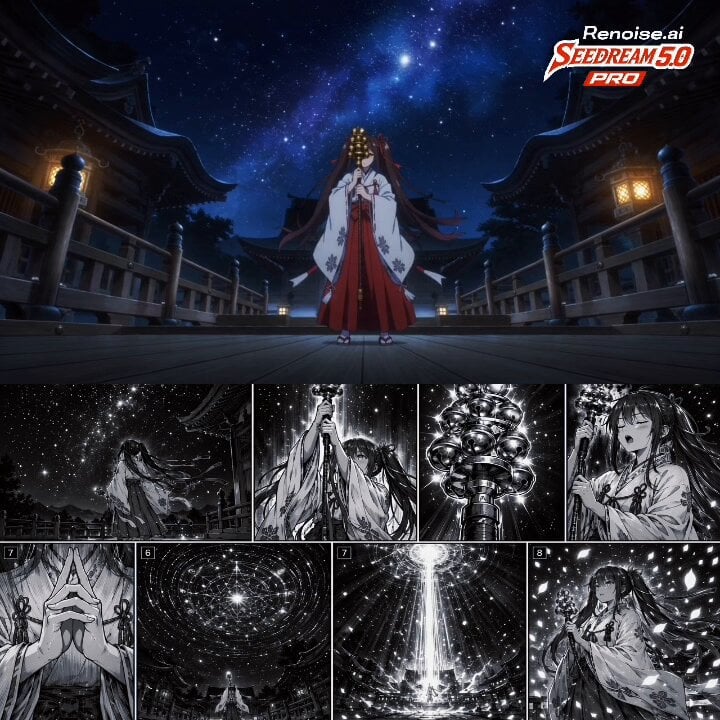
Japanese Anime Cinematic Animation
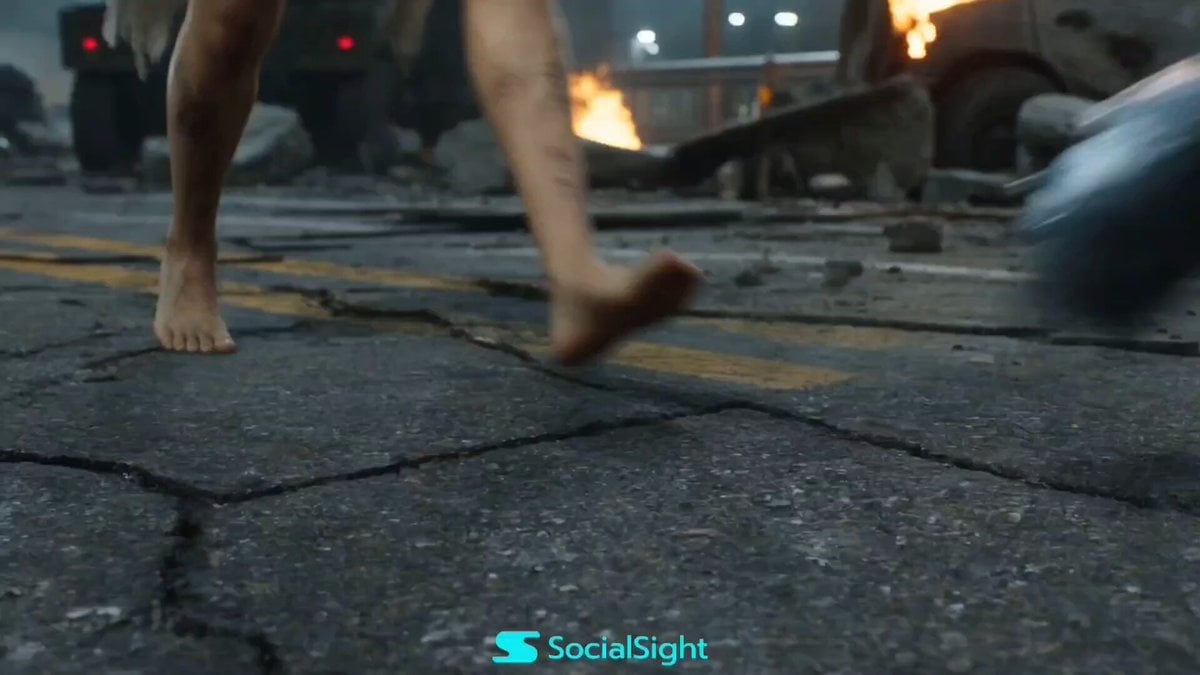
Destroyed Gwanghwamun Gate Cinematic Battle
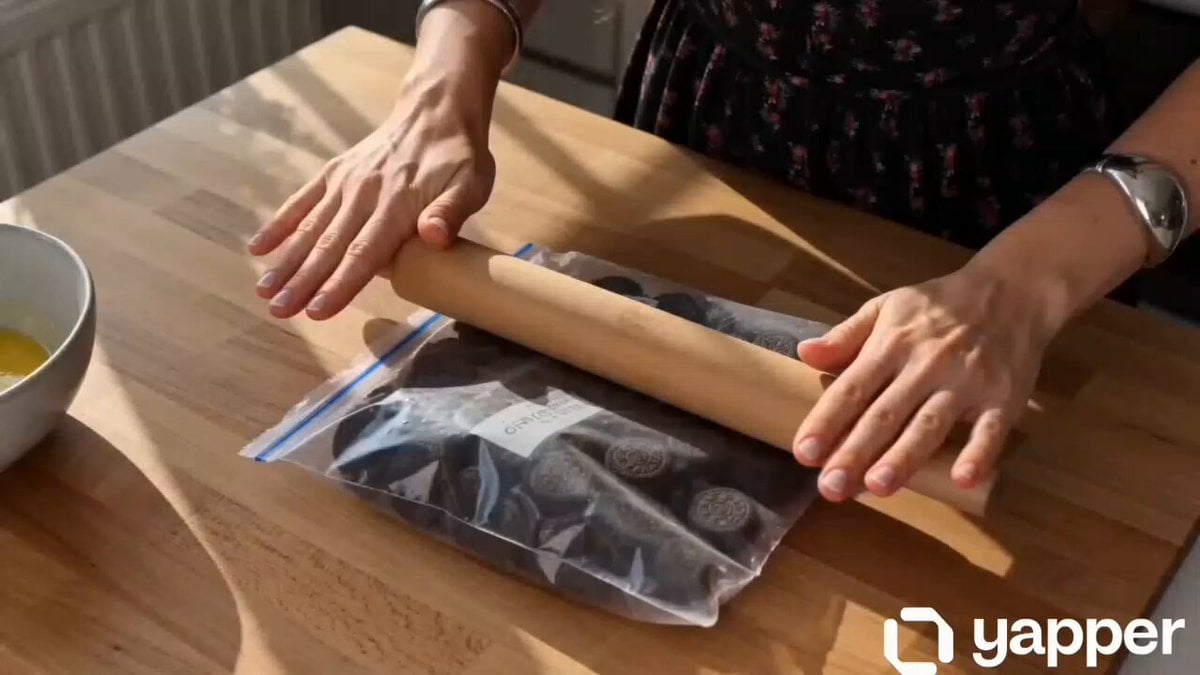
Cinematic Oreo Baking Tutorial
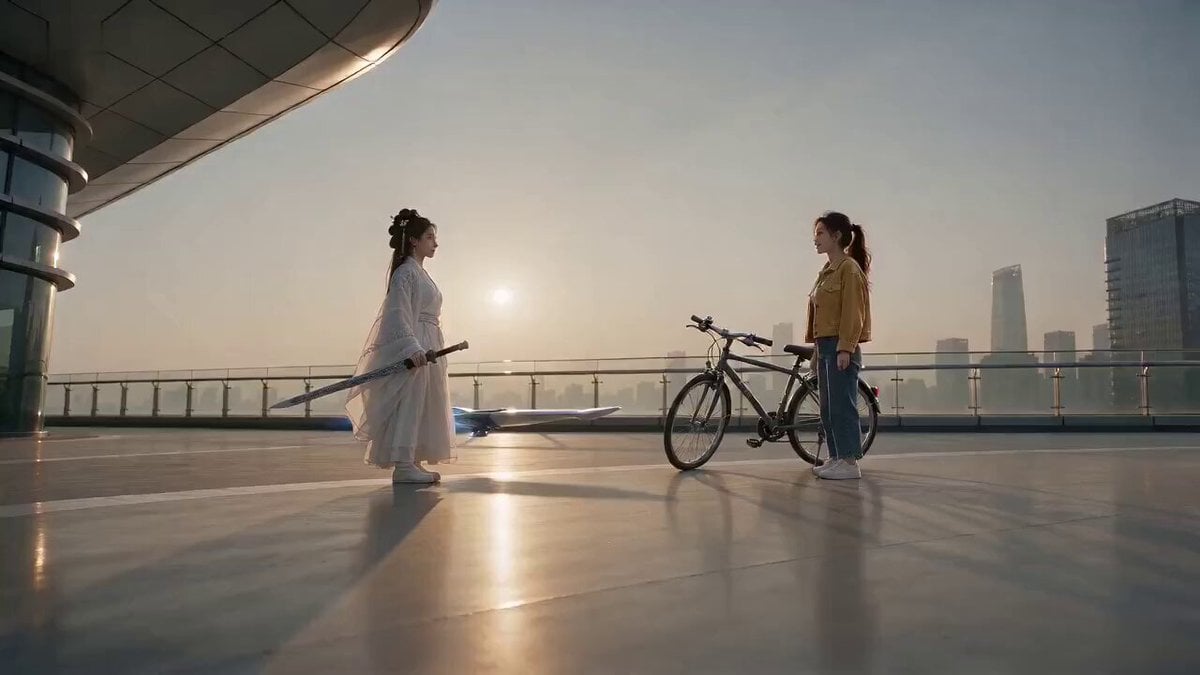
Comedy Sword and Bicycle Swap
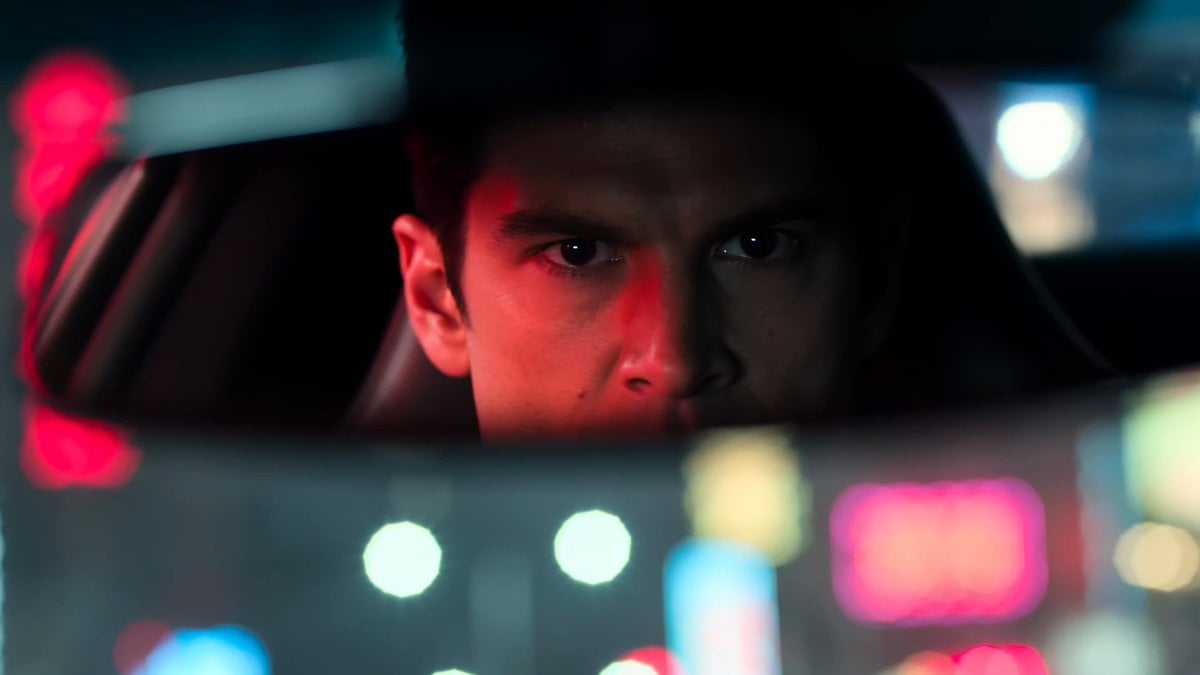
Cinematic Night Street Racing
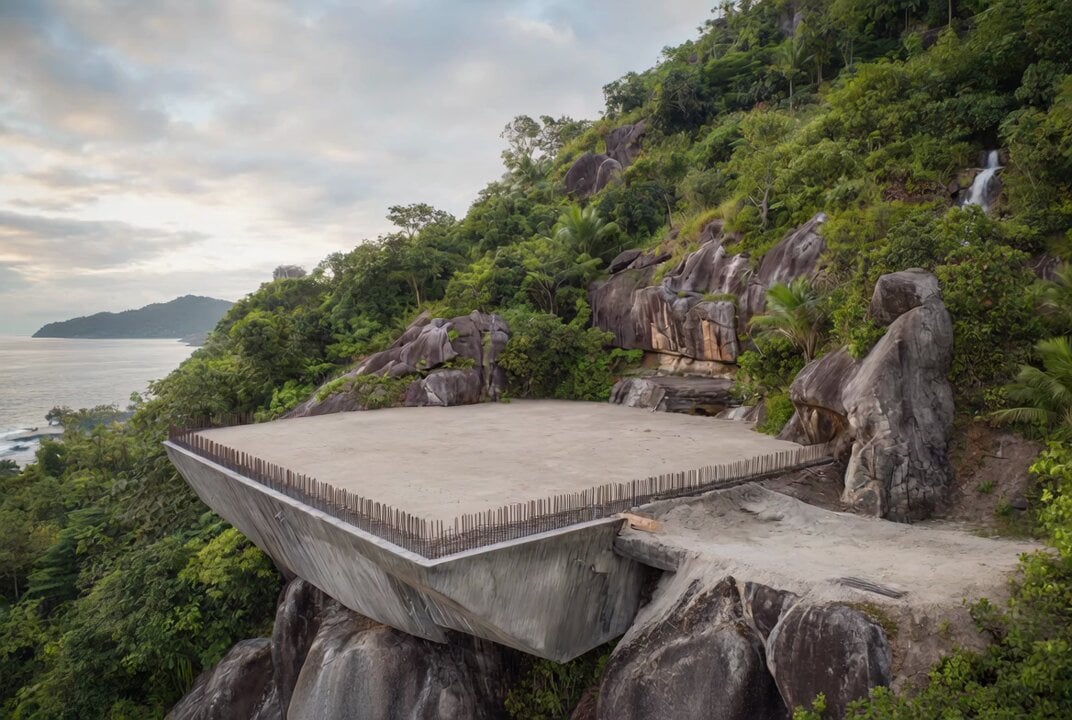
Construction Time-Lapse and Deconstruction Prompt Comparison (Seedance 2.0 vs. Grok)
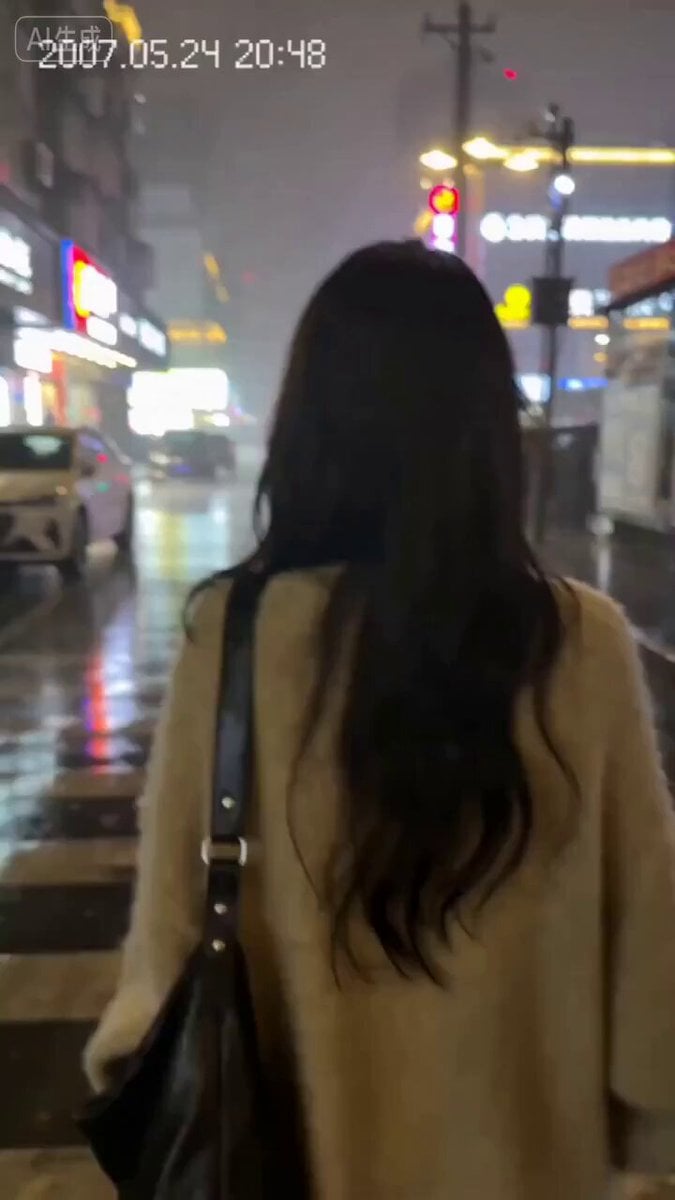
Nostalgic 2007 Style Breakup Video Prompt for Seedance 2.0
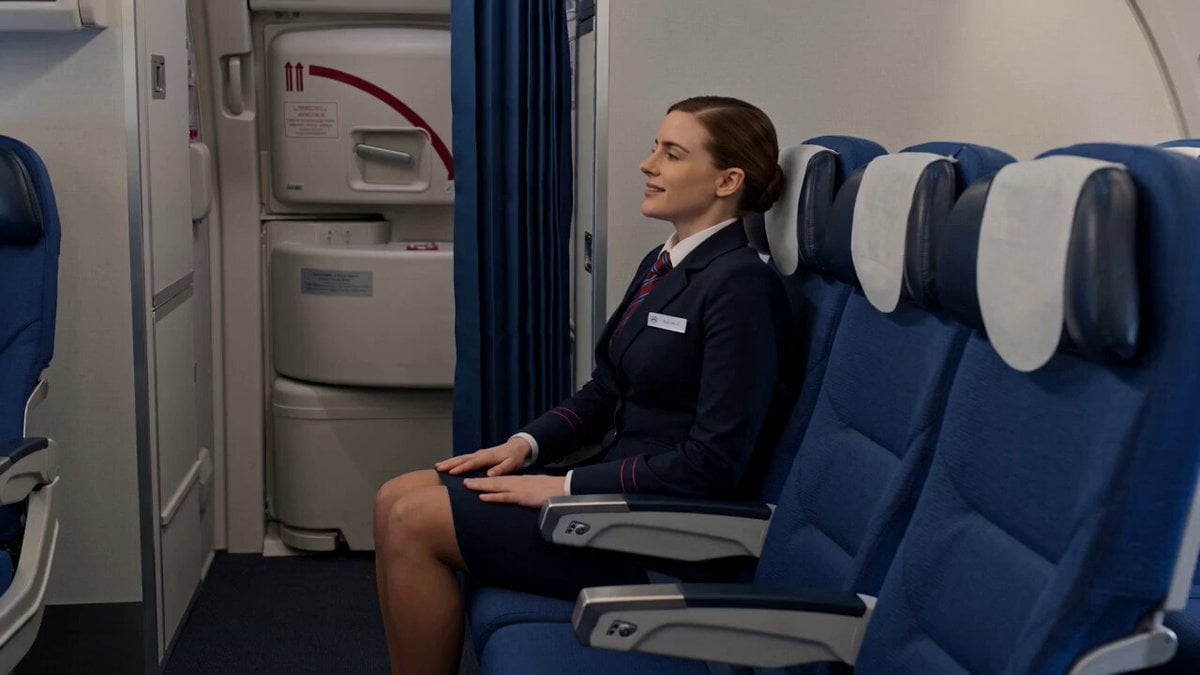
Flight Attendant Cinematic Storyboard
Browse template categories
Mountain Summit to Glacial Lake Reveal questions
How do I use the Mountain Summit to Glacial Lake Reveal template?
Add your photo if the template asks for one, edit the prompt if you like — the template's model and format are already selected — and press Generate. Your version opens in PicX Studio.
Can I customize the Mountain Summit to Glacial Lake Reveal template?
Yes. You can change the subject, setting, lighting, mood, format, and available model controls before creating your video.
Is the Mountain Summit to Glacial Lake Reveal template free?
Opening and editing this template is free. Generating uses credits, shown on the Generate button when you are signed in.
Which AI model should I use?
Start with Seedance 2.0, which is the model associated with this template. You can compare another compatible model for a different finish.
Looking for something else? Browse all templates.

Your photo, any look
Thousands of ready templates for every top image and video model, from one credit balance.