How do I use the Cinematic Oreo Baking Tutorial template?
Edit the prompt in the box under the preview — the template's model and format are already selected — and press Generate. Your version appears right on this page.
An extremely detailed step-by-step prompt for a 15-second cinematic cooking video, including specific timestamps, ingredients, and lighting instructions.
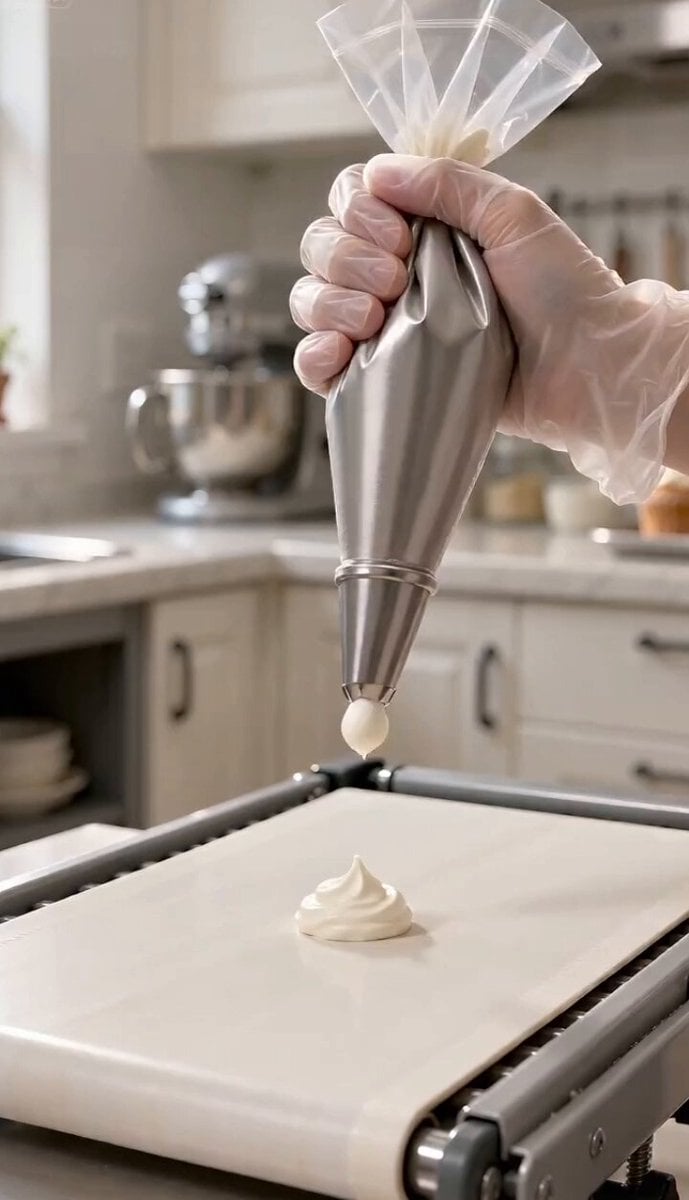
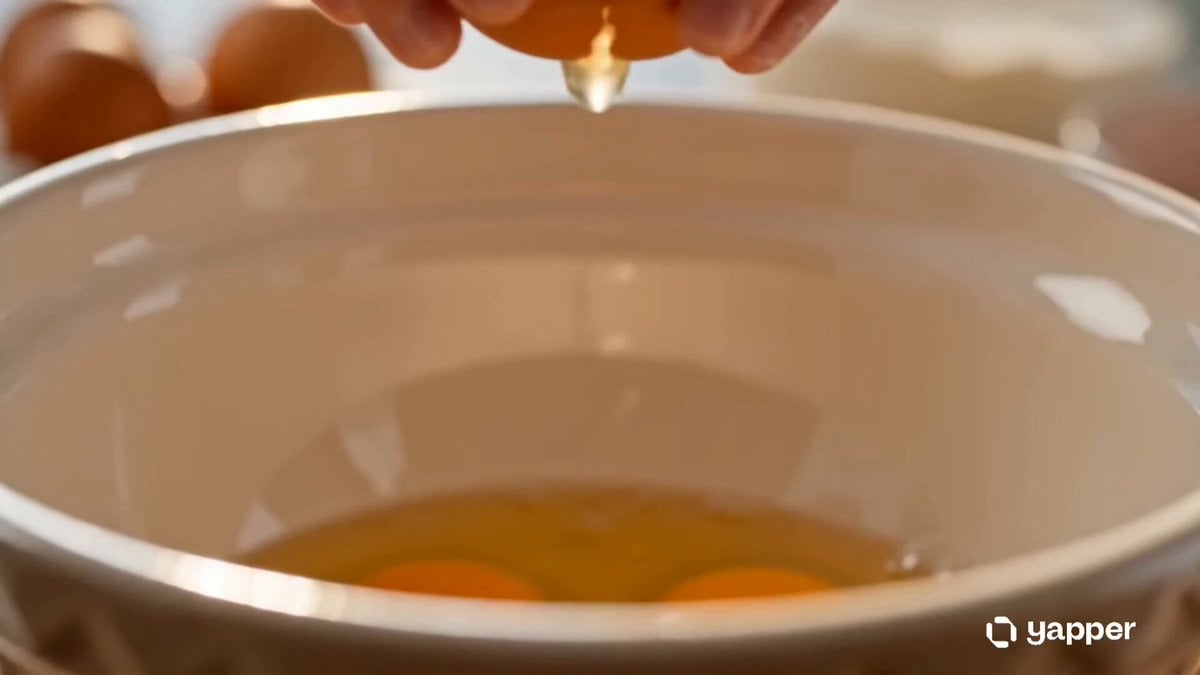
Create a 15-second vertical 9:16 ultra-realistic cinematic cooking scene with warm natural lighting and a cozy kitchen environment. A real human woman is clearly visible throughout the scene, including her face, hands, and focused expressions while baking. Top-down + slight angled cinematic camera showing a warm wooden table near a window with sunlight streaming in. All ingredients and tools are neatly arranged and visible: Oreo cookies, eggs, butter, sugar, flour, cocoa powder, heavy cream, vanilla extract, macarons, blueberries, sakura flowers, chocolate bar, piping bags, offset spatula, cake pan, cooling rack. (0–2s): The woman crushes Oreo cookies inside a bag using a rolling pin on a wooden table. Close-up of her hands and focused face in soft sunlight. (2–4s): Melted butter is mixed into Oreo crumbs and pressed firmly into a cake pan base. Her face shows concentration as she works. (4–6s): She cracks eggs one by one into a bowl, adds sugar, and whisks until pale and smooth. Camera captures her face and hands clearly. (6–8s): Flour and cocoa powder are sifted into the mixture and gently folded with a spatula. Her expression remains calm and precise. (8–10s): Heavy cream and vanilla are added, creating a smooth dark chocolate batter. Close-up of her mixing motion and focused face. (10–11s): Batter is poured into the cake pan evenly. (11–12s): The cake is shown baking in the oven with a warm golden glow. Timer feel implied. (12–13s): The baked cake is placed on a cooling rack. Steam gently rises. (13–14s): Chocolate ganache is poured over the cake, slowly dripping down the sides. Offset spatula smooths the top in one clean motion. (14–15s): Final decoration: piping cream rosettes, Oreo cookies placed around edges, macarons in center, blueberries scattered, sakura flowers added delicately by hand. Sunlight highlights glossy chocolate finish. Ultra-realistic cinematic look, warm cozy mood, natural sunlight, shallow depth of field, soft film grain, emotional calm cooking atmosphere.
Create a 15-second vertical 9:16 ultra-realistic cinematic cooking scene with warm natural lighting and a cozy kitchen environment. A real human woman is clearly visible throughout the scene, including her face, hands, and focused expressions while baking. Top-down + slight angled cinematic camera showing a warm wooden table near a window with sunlight streaming in. All ingredients and tools are neatly arranged and visible: Oreo cookies, eggs, butter, sugar, flour, cocoa powder, heavy cream, vanilla extract, macarons, blueberries, sakura flowers, chocolate bar, piping bags, offset spatula, cake pan, cooling rack. (0–2s): The woman crushes Oreo cookies inside a bag using a rolling pin on a wooden table. Close-up of her hands and focused face in soft sunlight. (2–4s): Melted butter is mixed into Oreo crumbs and pressed firmly into a cake pan base. Her face shows concentration as she works. (4–6s): She cracks eggs one by one into a bowl, adds sugar, and whisks until pale and smooth. Camera captures her face and hands clearly. (6–8s): Flour and cocoa powder are sifted into the mixture and gently folded with a spatula. Her expression remains calm and precise. (8–10s): Heavy cream and vanilla are added, creating a smooth dark chocolate batter. Close-up of her mixing motion and focused face. (10–11s): Batter is poured into the cake pan evenly. (11–12s): The cake is shown baking in the oven with a warm golden glow. Timer feel implied. (12–13s): The baked cake is placed on a cooling rack. Steam gently rises. (13–14s): Chocolate ganache is poured over the cake, slowly dripping down the sides. Offset spatula smooths the top in one clean motion. (14–15s): Final decoration: piping cream rosettes, Oreo cookies placed around edges, macarons in center, blueberries scattered, sakura flowers added delicately by hand. Sunlight highlights glossy chocolate finish. Ultra-realistic cinematic look, warm cozy mood, natural sunlight, shallow depth of field, soft film grain, emotional calm cooking atmosphere.
Edit the prompt in the box under the preview — the template's model and format are already selected — and press Generate. Your version appears right on this page.
Yes. You can change the subject, setting, lighting, mood, format, and available model controls before creating your video.
Opening and editing this template is free. Generating uses credits, shown on the Generate button when you are signed in.
Start with Seedance 2.0, which is the model associated with this template. You can compare another compatible model for a different finish.
Follow a topic to a crawlable collection of related PicX Studio templates.