
Cinematic Cat Chef Cooking Tutorial
A detailed storyboard-style prompt for generating a high-quality cinematic video of an orange cat chef cooking pasta in a cozy kitchen.
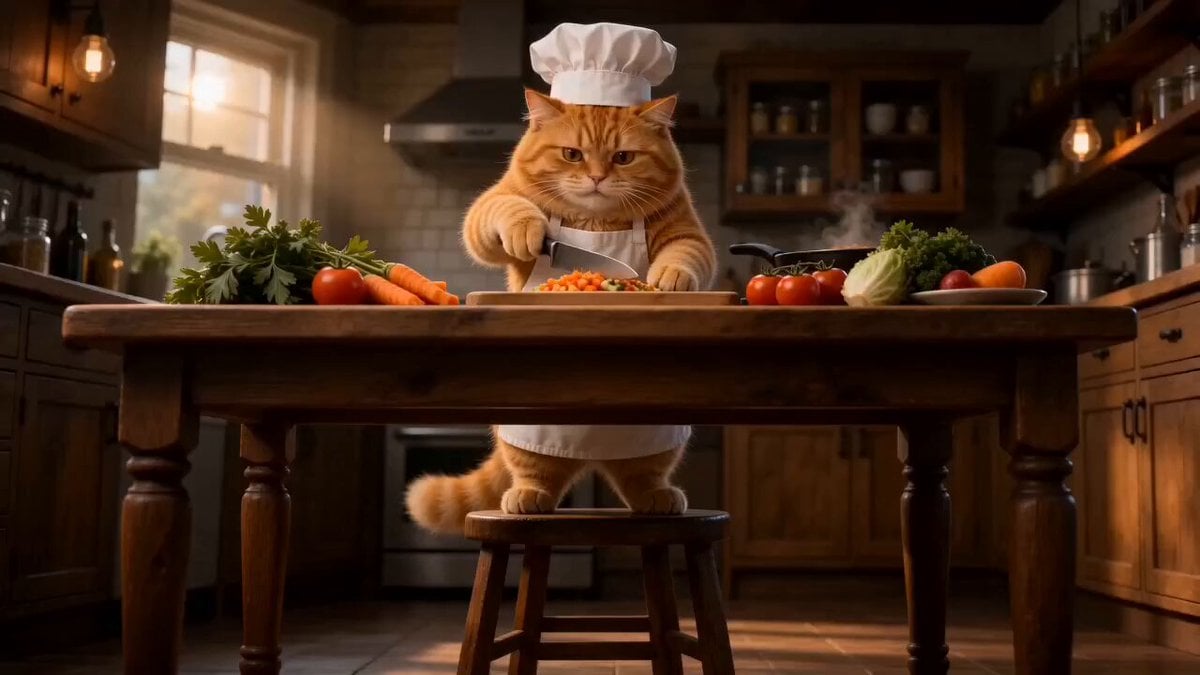
- Prompt included
- Model and format preset
- Premium template
The prompt behind this video
Copy the exact prompt behind Cinematic Cat Chef Cooking Tutorial, or open it in the studio and make it yours.
{ "title": "Cinematic Cat Chef Cooking Pasta", "duration": "15 seconds", "style": [ "ultra realistic", "Pixar-meets-Hollywood", "food commercial aesthetic", "cinematic storytelling", "4K HDR", "masterpiece quality" ], "scene": { "location": "cozy cinematic kitchen", "lighting": [ "warm ambient lighting", "golden cinematic glow", "volumetric lighting" ], "atmosphere": [ "cozy", "dramatic", "immersive" ] }, "character": { "type": "fluffy orange cat chef", "outfit": [ "white chef hat", "white apron" ], "features": [ "expressive facial emotions", "ultra detailed fur physics", "realistic paw movements" ] }, "shots": [ { "time": "0-3s", "description": "Low-angle hero shot of the cat standing confidently on a wooden stool surrounded by fresh vegetables.", "camera": [ "low-angle shot", "slow cinematic push-in", "shallow depth of field" ] }, { "time": "3-5s", "description": "The cat chops carrots, cucumbers, and tomatoes on a wooden cutting board.", "camera": [ "macro close-ups", "knife slicing shots", "smooth tracking movement" ], "effects": [ "food-commercial lighting", "realistic motion blur" ] }, { "time": "5-8s", "description": "The cat stirs sizzling vegetables inside a hot black wok with steam rising dramatically.", "camera": [ "dynamic handheld movement", "extreme macro food shots" ], "effects": [ "steam simulation", "oil splashes", "bubbling sauce" ] }, { "time": "8-10s", "description": "The cat sprinkles spices in slow motion followed by a dramatic flame burst from the wok.", "camera": [ "slow-motion close-up", "cinematic fire reflection shot" ], "effects": [ "dramatic sparks", "realistic smoke simulation", "orange fire glow" ] }, { "time": "10-12s", "description": "The cat flips pasta and vegetables high into the air like a professional chef.", "camera": [ "slow-motion toss shot", "rotating cinematic angle" ], "effects": [ "cinematic motion blur", "mid-air ingredient spin" ] }, { "time": "12-14s", "description": "Close-up shots of glossy pasta coated in rich sauce while the cat plates the dish elegantly.", "camera": [ "macro food cinematography", "smooth cinematic zoom" ], "effects": [ "natural steam drift", "high-detail food textures" ] } ]
How to use Cinematic Cat Chef Cooking Tutorial in 3 steps
- 1
Open
The prompt is already in the box next to the preview, with the template's model and format selected.
- 2…a portrait of your subject in softgolden-hour light, 85mm…
Personalize
Edit the subject and creative details for your destination.
- 3Generate
Generate
Press Generate — your video is created in PicX Studio, so you can compare it with the original and refine one variable at a time.
More like this
Templates with the same subject, style or setup. Open one to see its prompt.
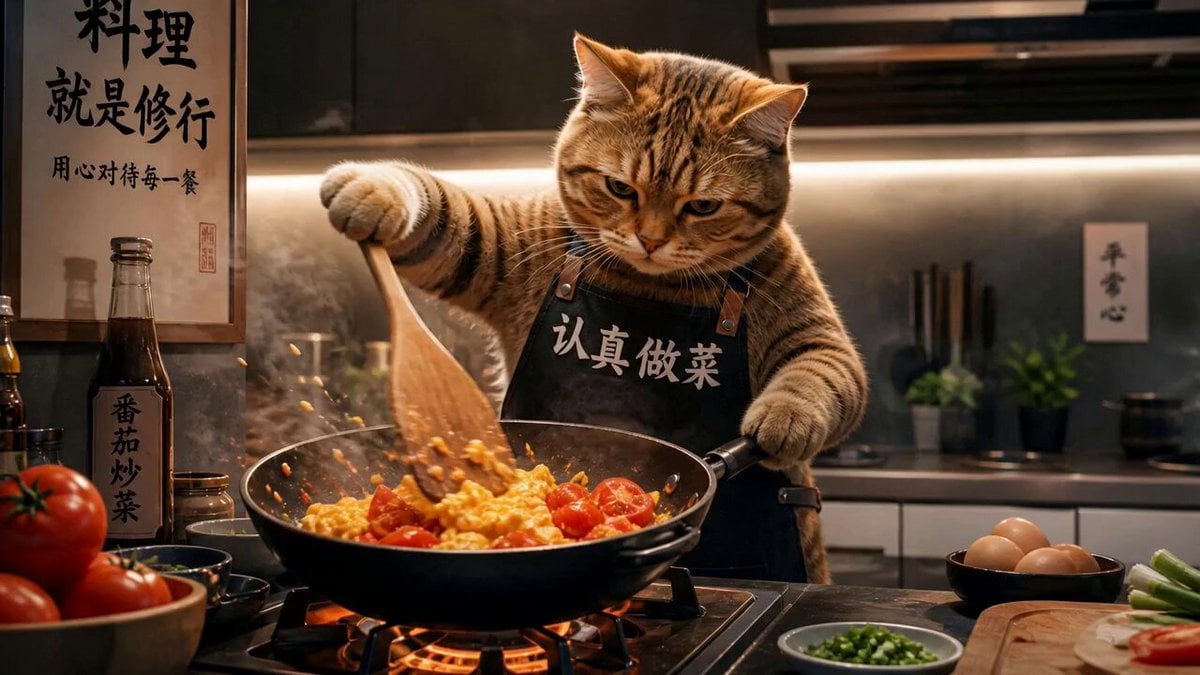
Chef Cat Cooking Tomato and Eggs

3D Animated Cat and Old Man - Seedance
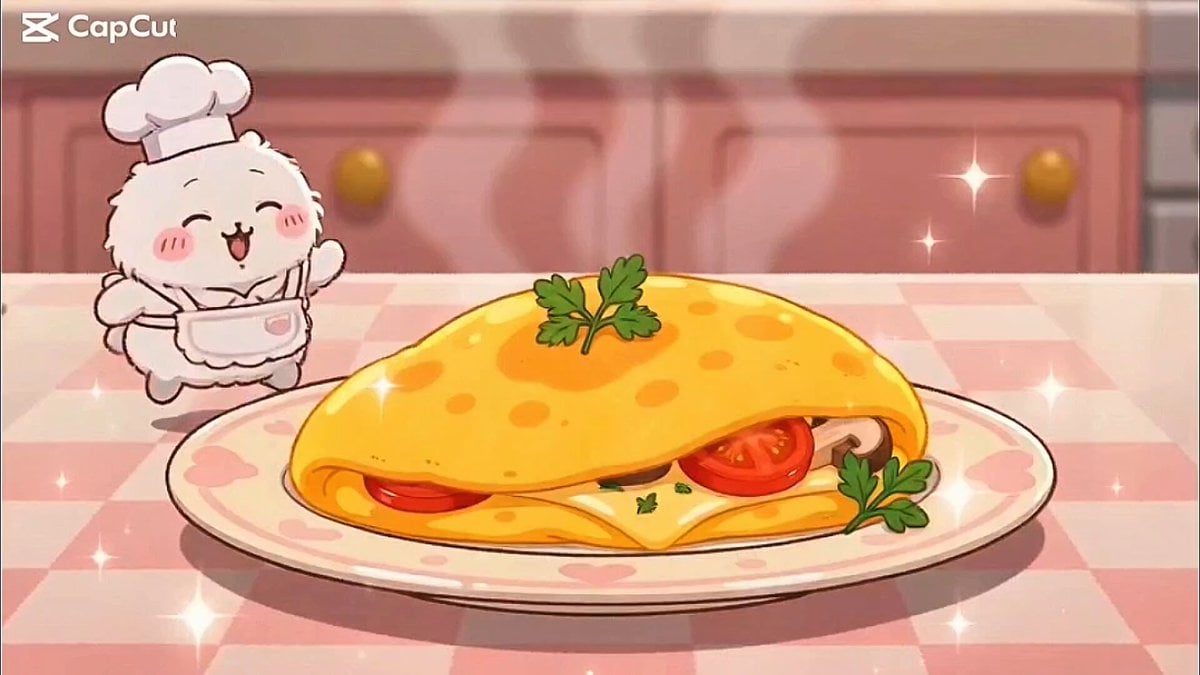
Kawaii Bunny Chef Anime Cooking
Capsule Coffee Machine Tutorial
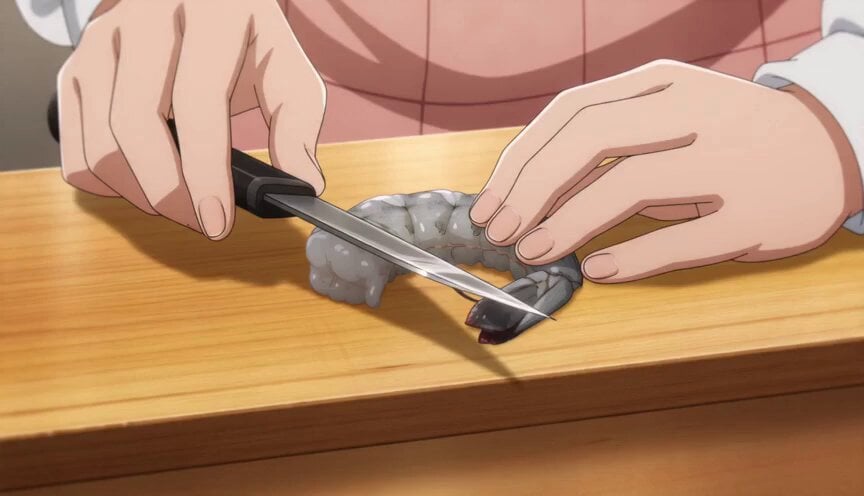
Anime Chef Shrimp Tempura Cooking
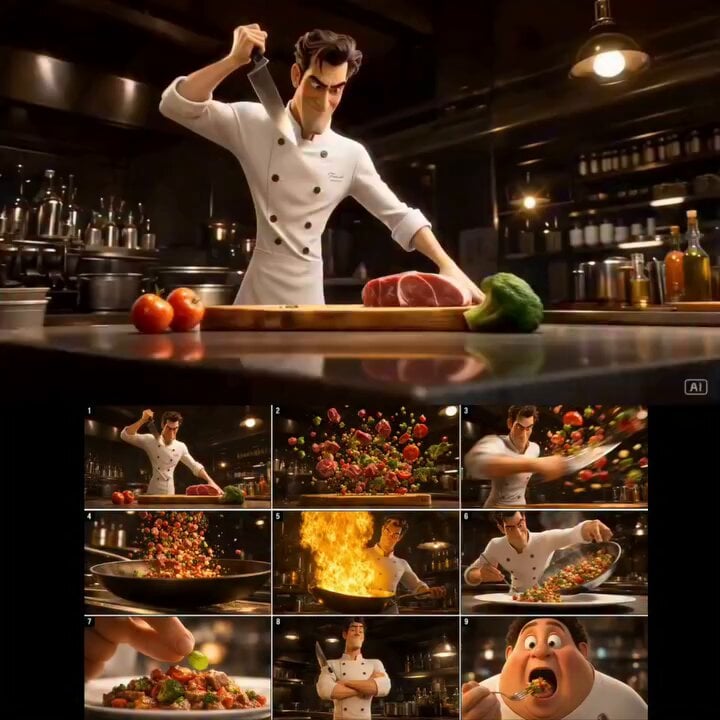
Cinematic 3D Chef Cooking Stir-fry
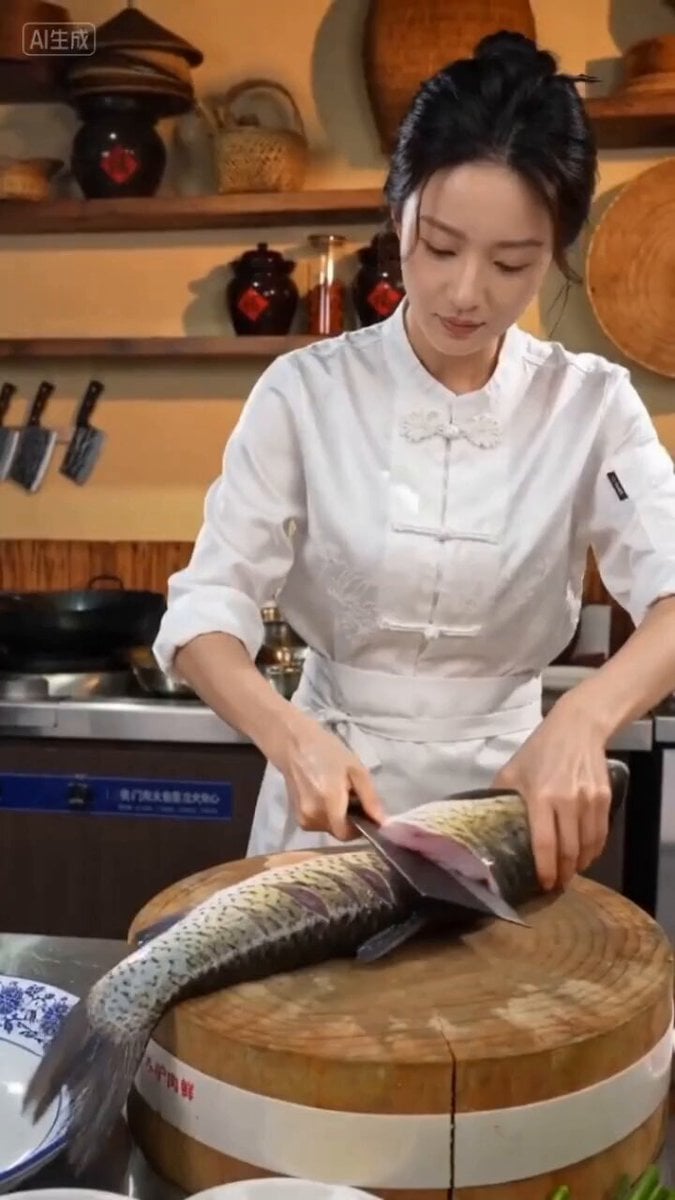
Seedance 2.0 Prompt for Beautiful Chef Cooking Sour Fish Soup
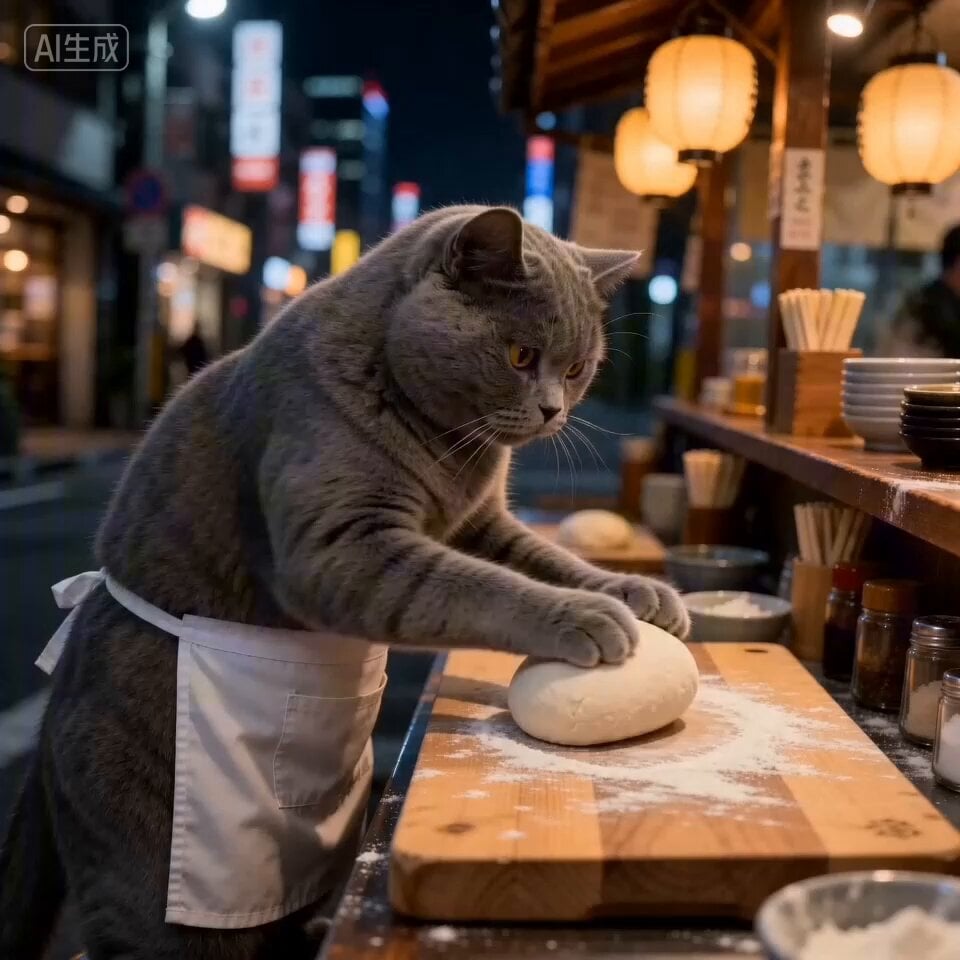
Cat Ramen Chef ASMR Video Prompt for Seedance 2.0
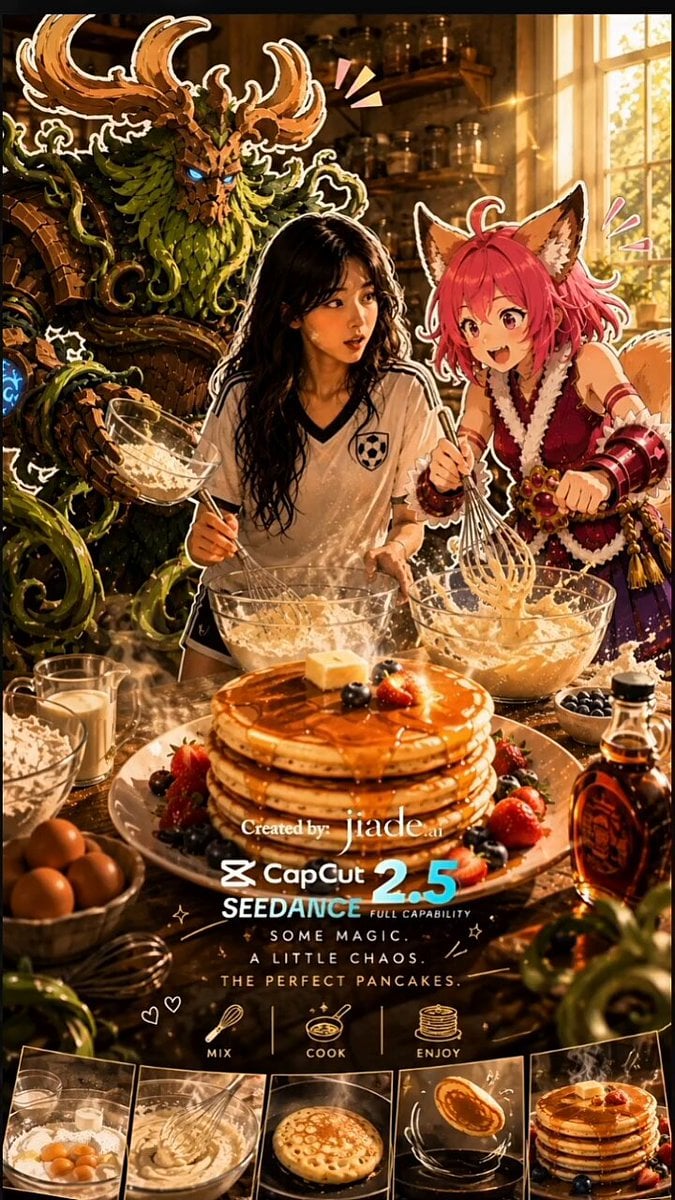
Mixed-Media Kitchen Cooking Animation
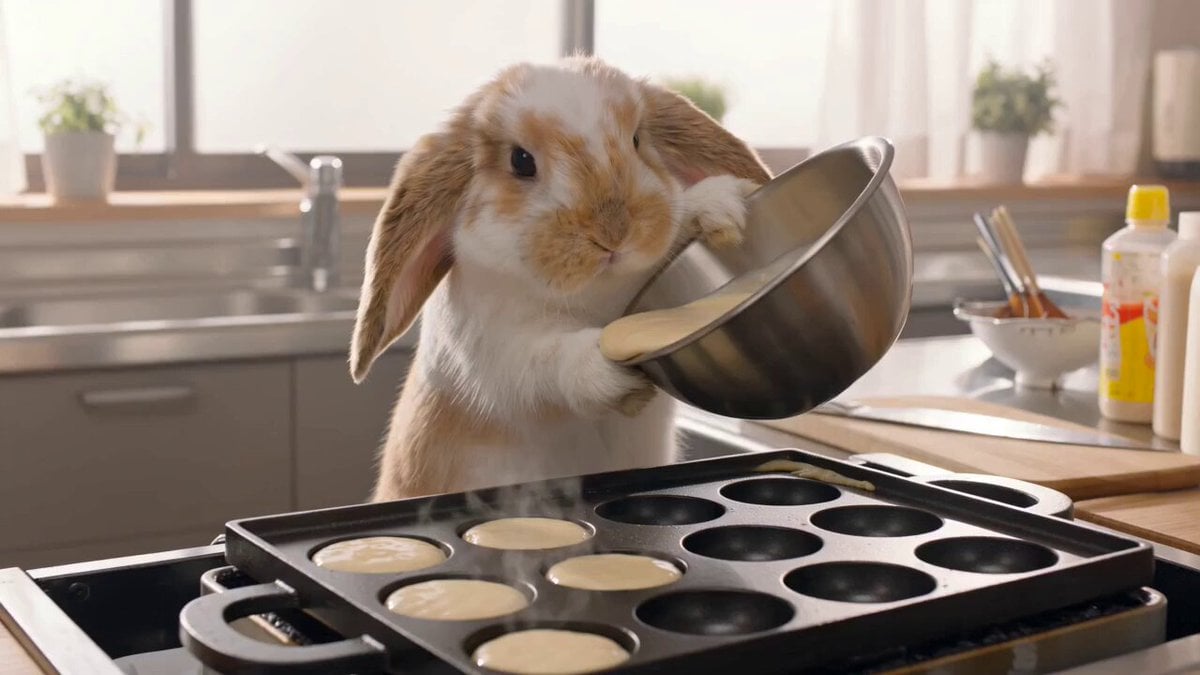
Lop-Eared Bunny Takoyaki Chef
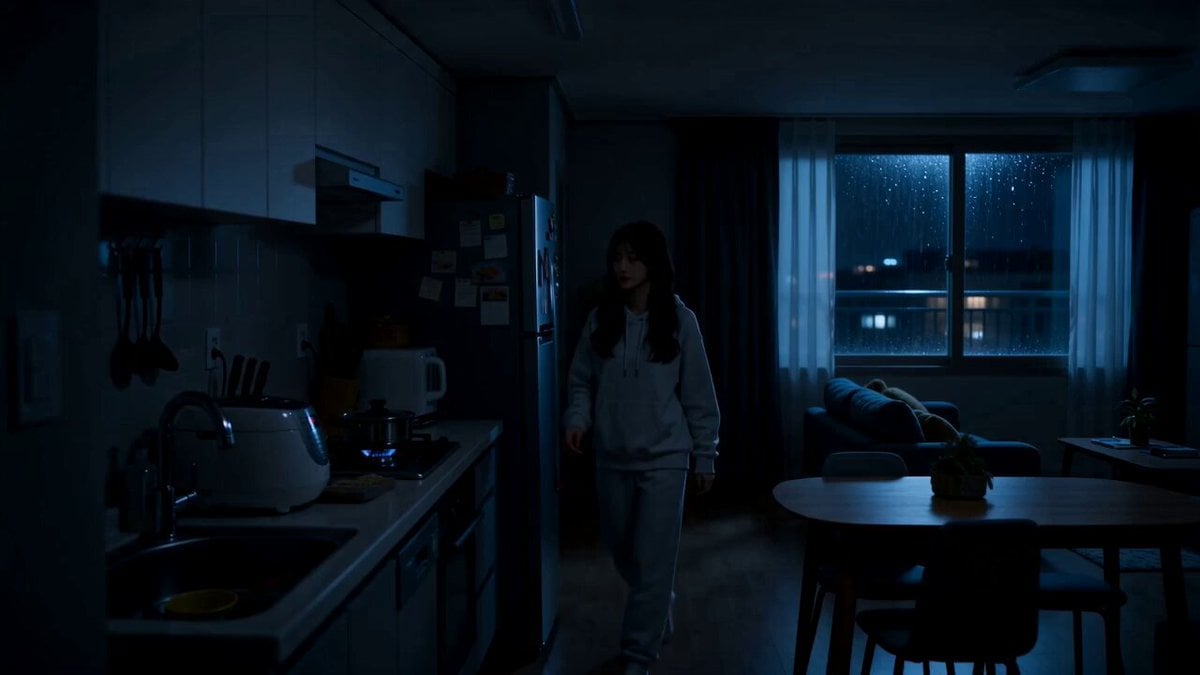
Midnight Apartment Cooking Scene

Cozy Home Cooking Video
Make it yours
Cinematic Cat Chef Cooking Tutorial works as-is. These are the safest ways to change it without losing the look.
Change one field
Copy a single group, rewrite it, and generate again so you can see what that field is doing.
Keep the frame, change the subject
Hold the composition and light of Cinematic Cat Chef Cooking Tutorial, then swap wardrobe, props or the person for a new take.
| If the result… | Why | Fix |
|---|---|---|
| The result drifts from the preview | Too many fields changed at once. | Reuse Cinematic Cat Chef Cooking Tutorial as-is first, then change one group — subject, light, or setting. |
| The model over-stylizes the scene | The prose prompt leaves finish and camera underspecified. | Add one camera or lighting sentence and stay on Seedance 2.0. |
More Seedance 2.0 templates
Other prompts made for Seedance 2.0.

Comical Martial Arts Punch Scene

Maglev Train Action Sequence

Martial Arts Fight Sequence

Wuxia Protection and Trust Script

Vintage Korean Arcade MiniDV Vlog

Mercedes 190 SL Luxury Ad

Rainy Night Supernatural Reverse Comedy Video Script

Amazon Civilization Discovery

Futuristic South Asian City Transformation

Cozy Luxury Cafe Commercial
More video prompts
Fresh picks from across the catalog.
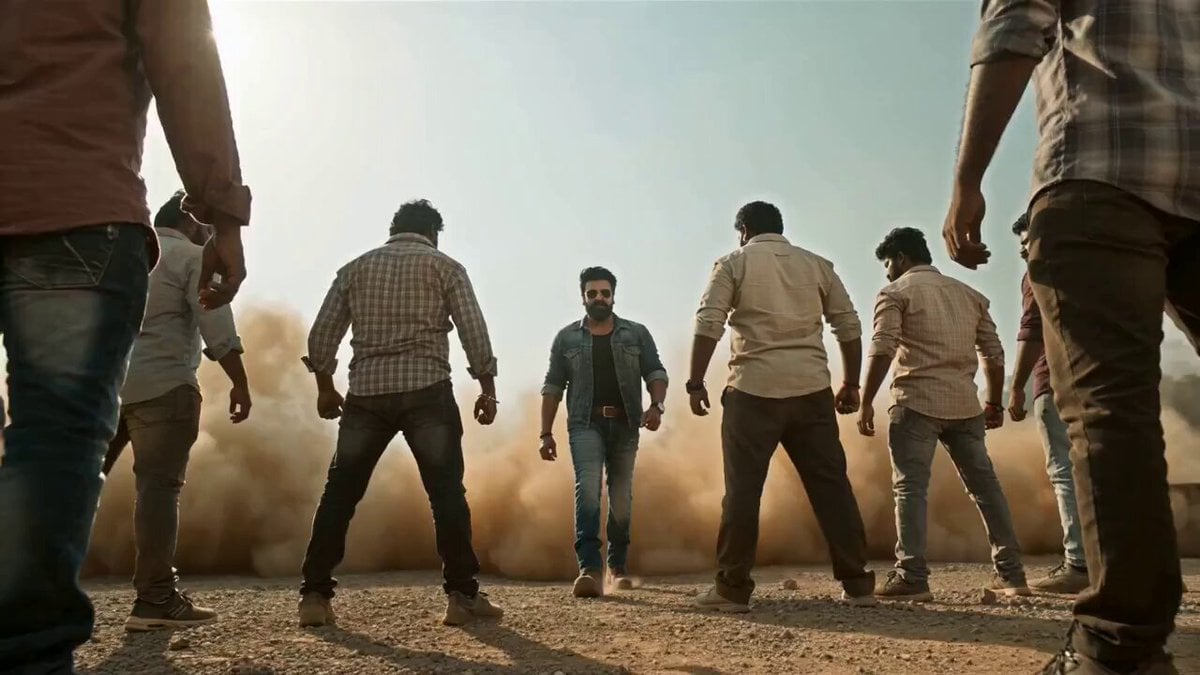
Seedance 2.0 Prompt for Bollywood Anti-Gravity Hero Scene
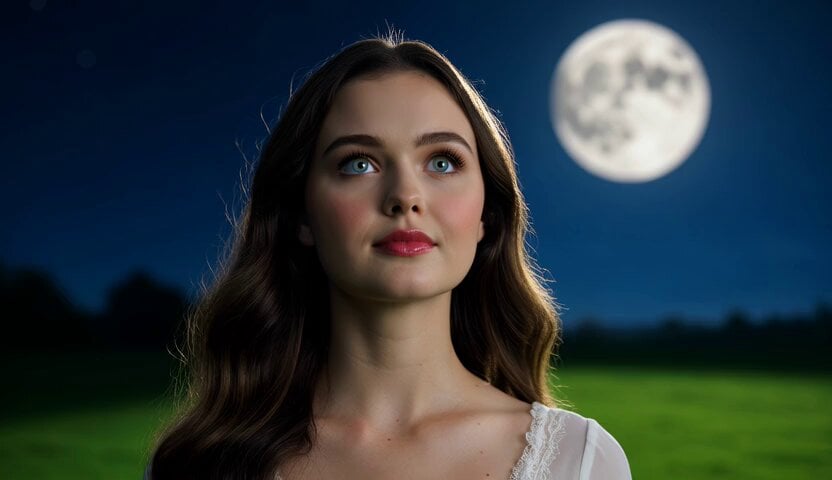
Romantic Moonlit Encounter
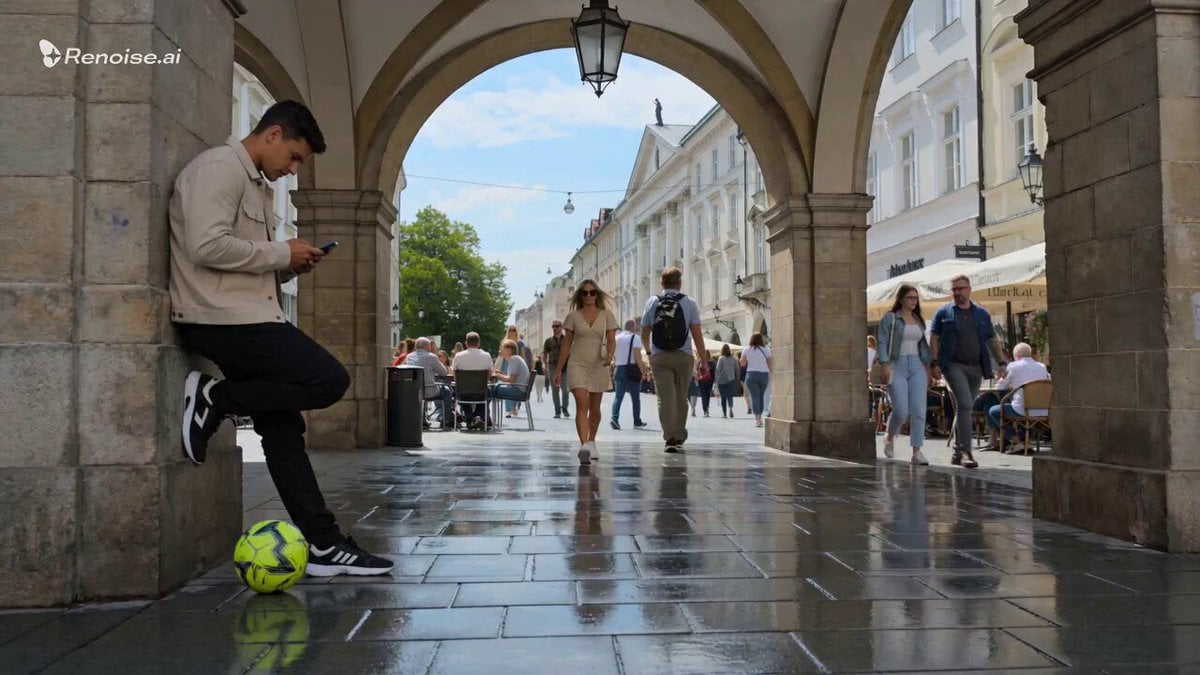
Smartphone Style Slapstick Comedy Fall
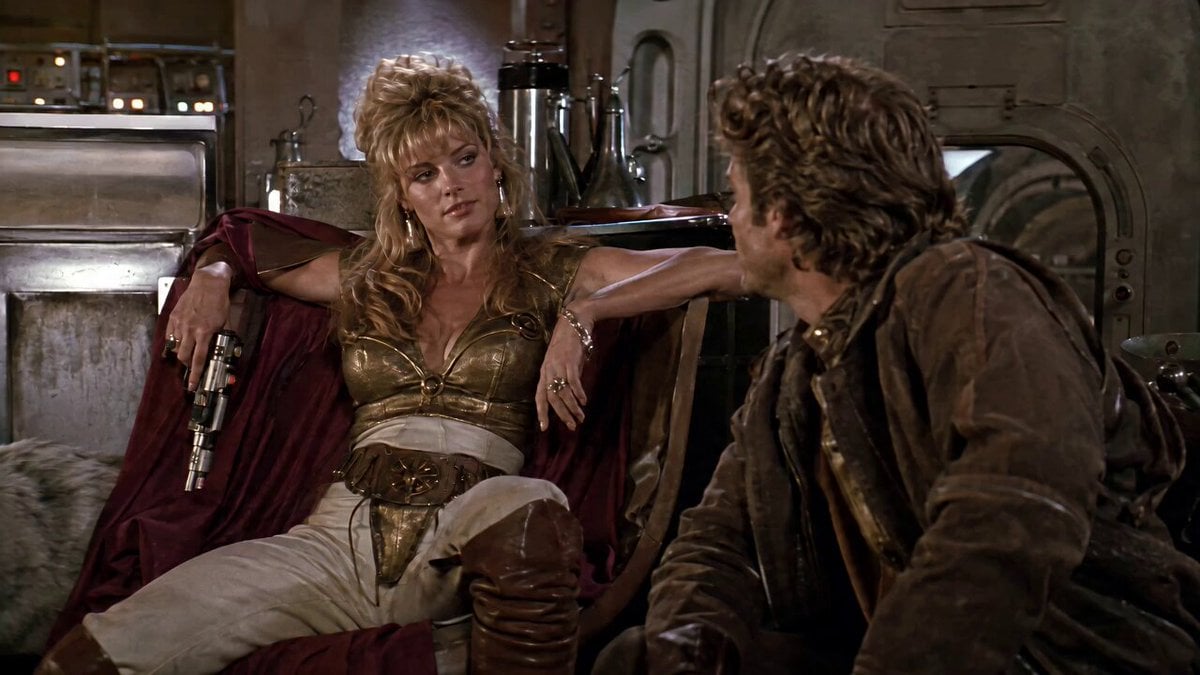
1980s Space Action Film Sequence

Cinematic Bridge of Light Video
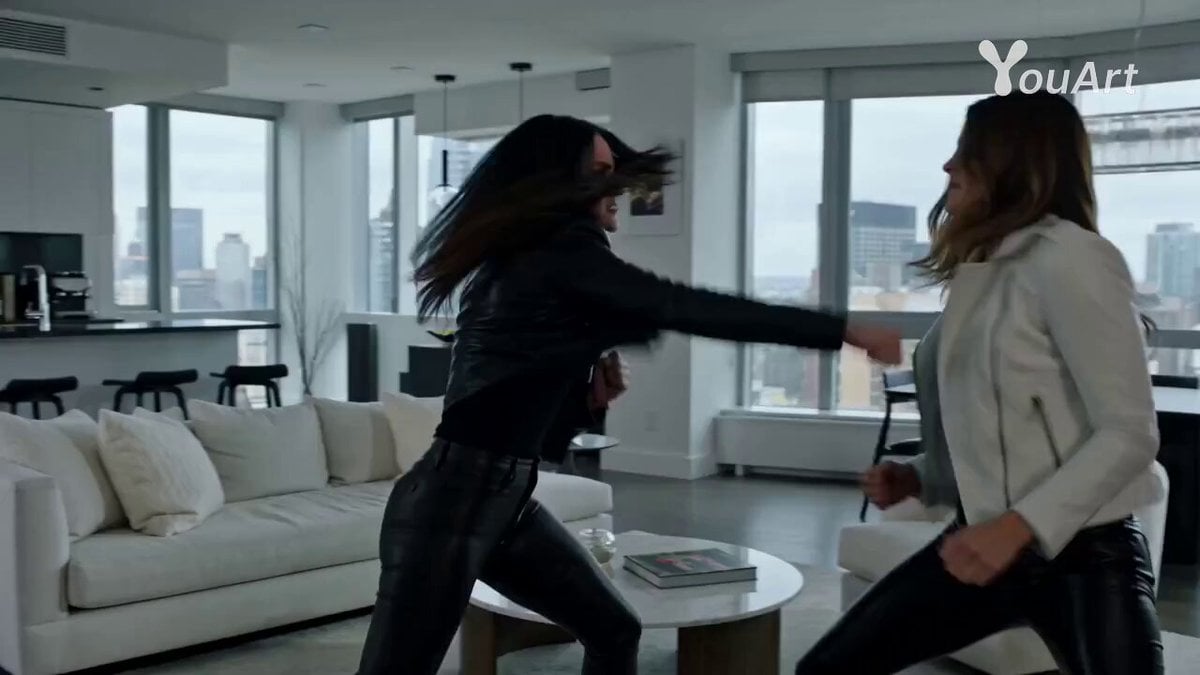
Epstein Files Fight Scene Prompt
Universal Prompt Template for Seedance 2.0

Anime Girls Interaction and Skit

Ethereal Cathedral Forest Wedding
Stop-Motion Claymation Nutella Cafe
Browse template categories
Cinematic Cat Chef Cooking Tutorial questions
How do I use the Cinematic Cat Chef Cooking Tutorial template?
Add your photo if the template asks for one, edit the prompt if you like — the template's model and format are already selected — and press Generate. Your version opens in PicX Studio.
Can I customize the Cinematic Cat Chef Cooking Tutorial template?
Yes. You can change the subject, setting, lighting, mood, format, and available model controls before creating your video.
Is the Cinematic Cat Chef Cooking Tutorial template free?
Opening and editing this template is free. Generating uses credits, shown on the Generate button when you are signed in.
Which AI model should I use?
Start with Seedance 2.0, which is the model associated with this template. You can compare another compatible model for a different finish.
Looking for something else? Browse all templates.

Your photo, any look
Thousands of ready templates for every top image and video model, from one credit balance.