
Friends Group Selfie Video Prompt
A complex, multi-character, multi-scene prompt for Seedance 2.0 to generate a humorous and chaotic group selfie video among friends.
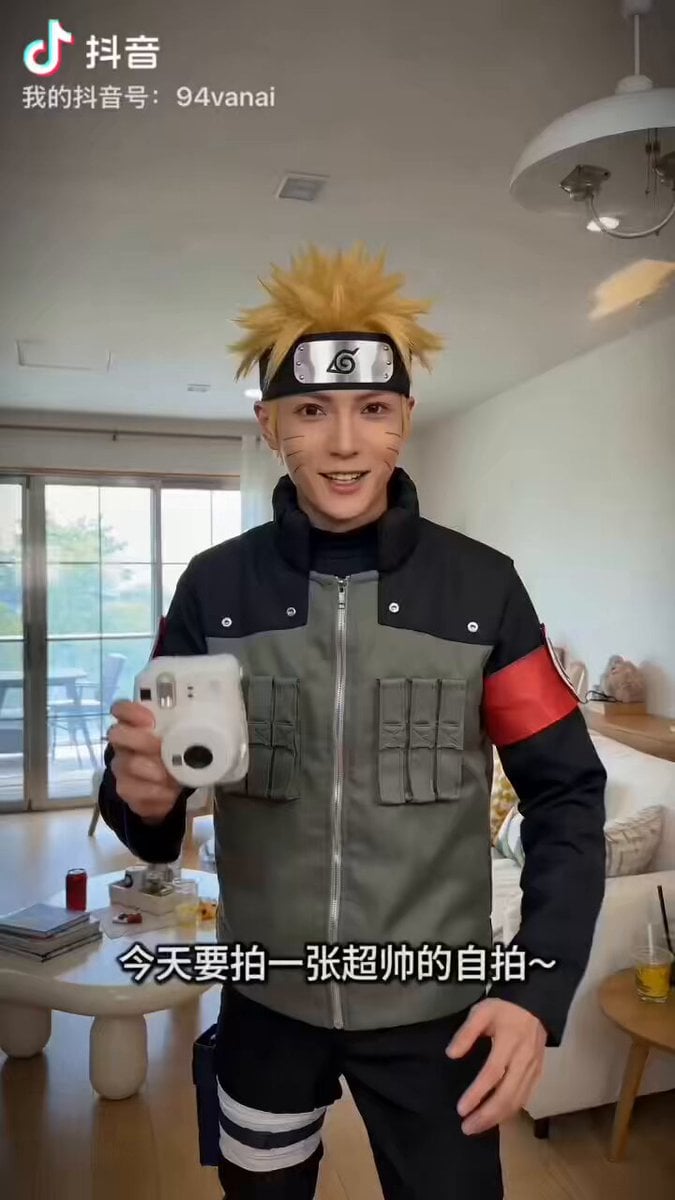
- Prompt included
- Model and format preset
- Free template
The prompt behind this video
Copy the exact prompt behind Friends Group Selfie Video Prompt, or open it in the studio and make it yours.
【一个年轻人(图1角色)站在明亮温馨的客厅,手举白色拍立得相机准备自拍,微微害羞微笑,轻声自言自语:“今天要拍一张超帅的自拍~” 镜头中景正面,阳光洒进房间。 0-4秒:他调整角度,嘟嘴可爱pose,轻声倒数:“完美角度……三、二、一……” 突然4-5秒:图2角色从右边猛冲进来,挤到镜头前大喊:“喂喂喂!不许独吞!我也来抢镜!” 超级夸张V手势+wink,主角被吓一跳往后仰。 5-7秒:图3角色从左边突然探头,贴脸大叫:“哈哈哈!乱入啦!让开让开~” 吐舌头做鬼脸,同时伸手比耶。 7-9秒:第三个角色从后面跳起,双手比大心盖住主角脸,高喊:“C位必须是我!爱你们哦~” 三人瞬间包围主角,主角一脸懵逼然后爆笑:“你们干嘛啊!要被挤扁了!” 9-13秒:四个人一起乱挤乱笑,互相推搡抢位置,台词重叠混乱欢乐—— 图2:“往左一点!我最帅!” 图3:“不不不!我最可爱!” 主角无奈大笑:“救命!拍立得要坏掉了!” 大家齐喊:“三、二、一——茄子!!!” 13-15秒:拍立得“咔嚓”一声巨闪光,所有人定格超级开心pose,照片慢慢吐出,画面轻微慢镜头,四人一起欢呼击掌、大喊:“耶——最棒的合照!” 结束在灿烂笑容特写。 超级欢乐、朋友间恶作剧抢镜、真实生活即兴感、明亮自然光、手持轻微晃动、35mm胶片质感、轻颗粒、竖屏、色彩鲜艳温暖、快节奏剪辑+轻微慢镜、15秒、中文唇同步优先、自然口语化台词。】(口语台词可自行定义,改下语言类型即可)
How to use Friends Group Selfie Video Prompt in 3 steps
- 1
Open
The prompt is already in the box next to the preview, with the template's model and format selected.
- 2…a portrait of your subject in softgolden-hour light, 85mm…
Personalize
Edit the subject and creative details for your destination.
- 3Generate
Generate
Press Generate — your video is created in PicX Studio, so you can compare it with the original and refine one variable at a time.
More like this
Templates with the same subject, style or setup. Open one to see its prompt.
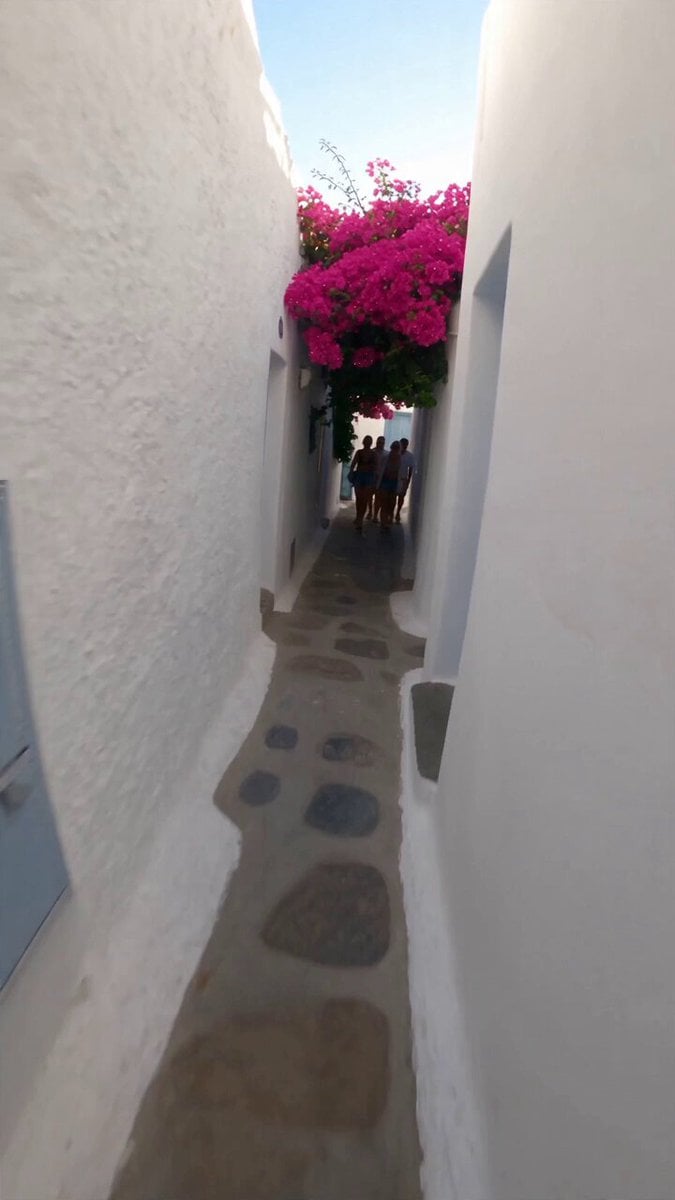
Selfie Travel Vlog Mykonos
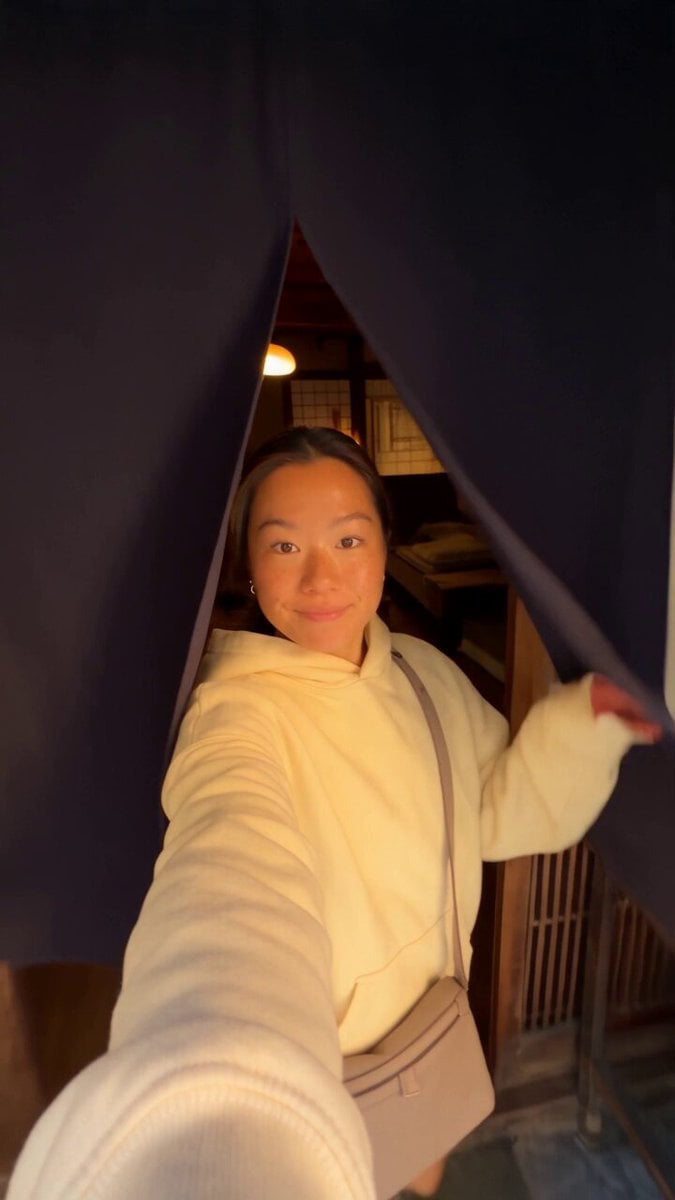
Kyoto Morning Selfie Vlog
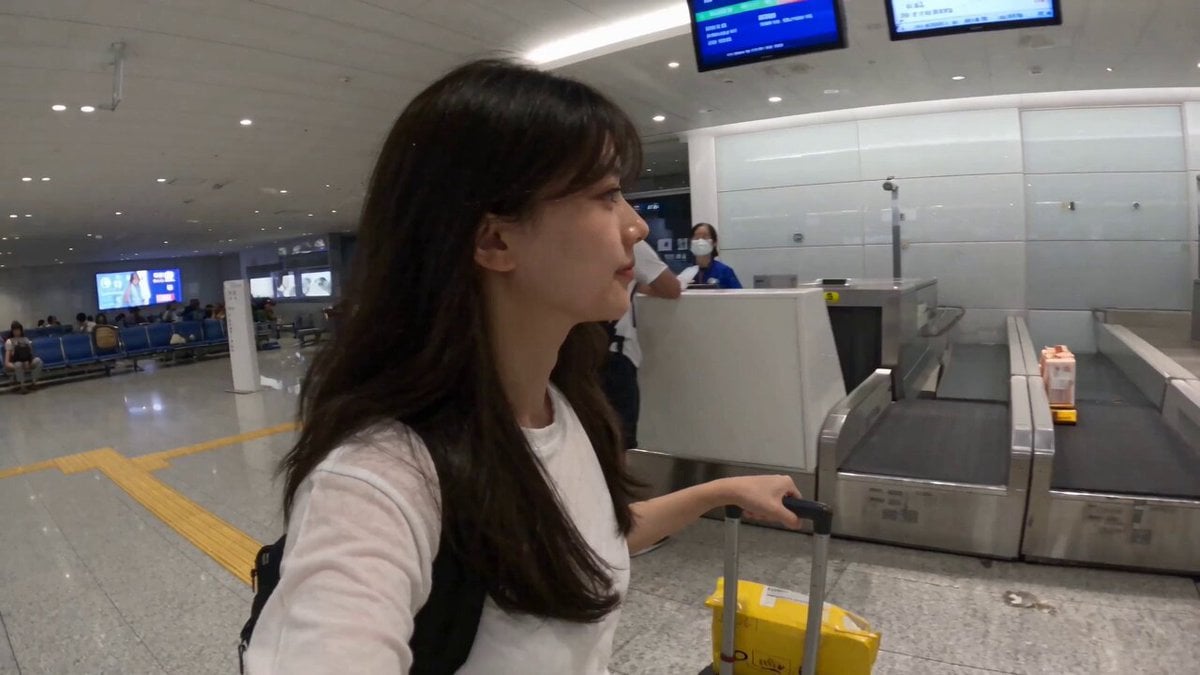
Smartphone Travel Vlog Tokyo Trip Identity Preserved
Bullet Time Selfie — Modular Parameter Template (Seedance)
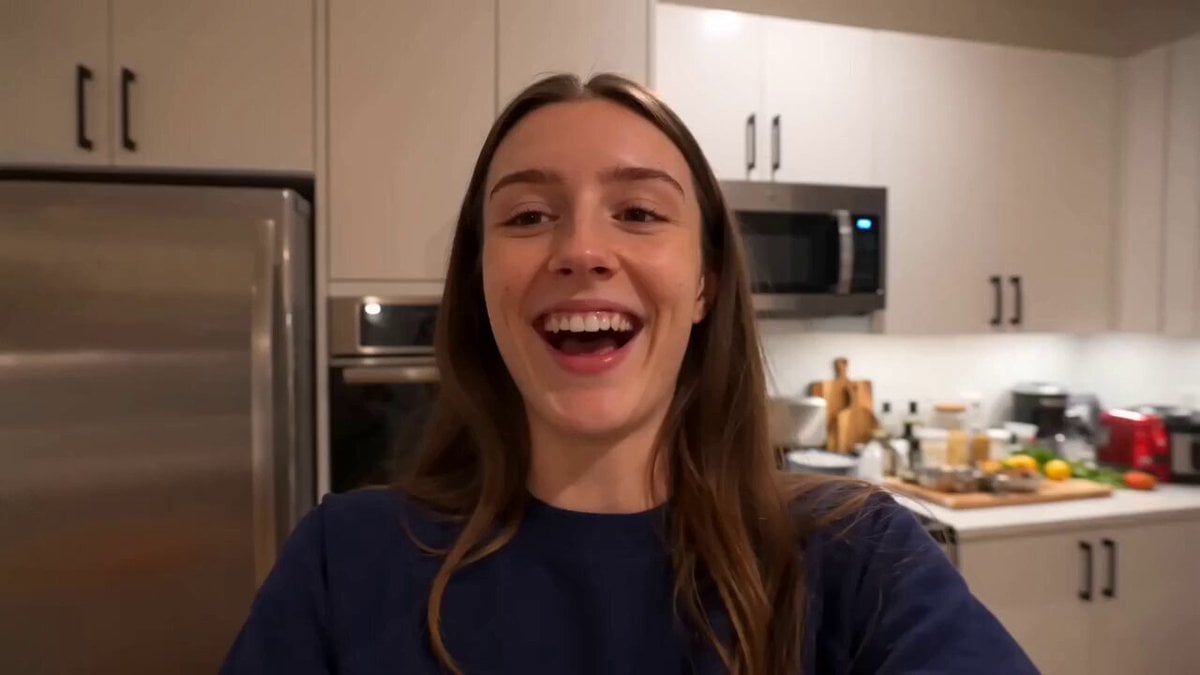
Friendsgiving Smartphone Home Video
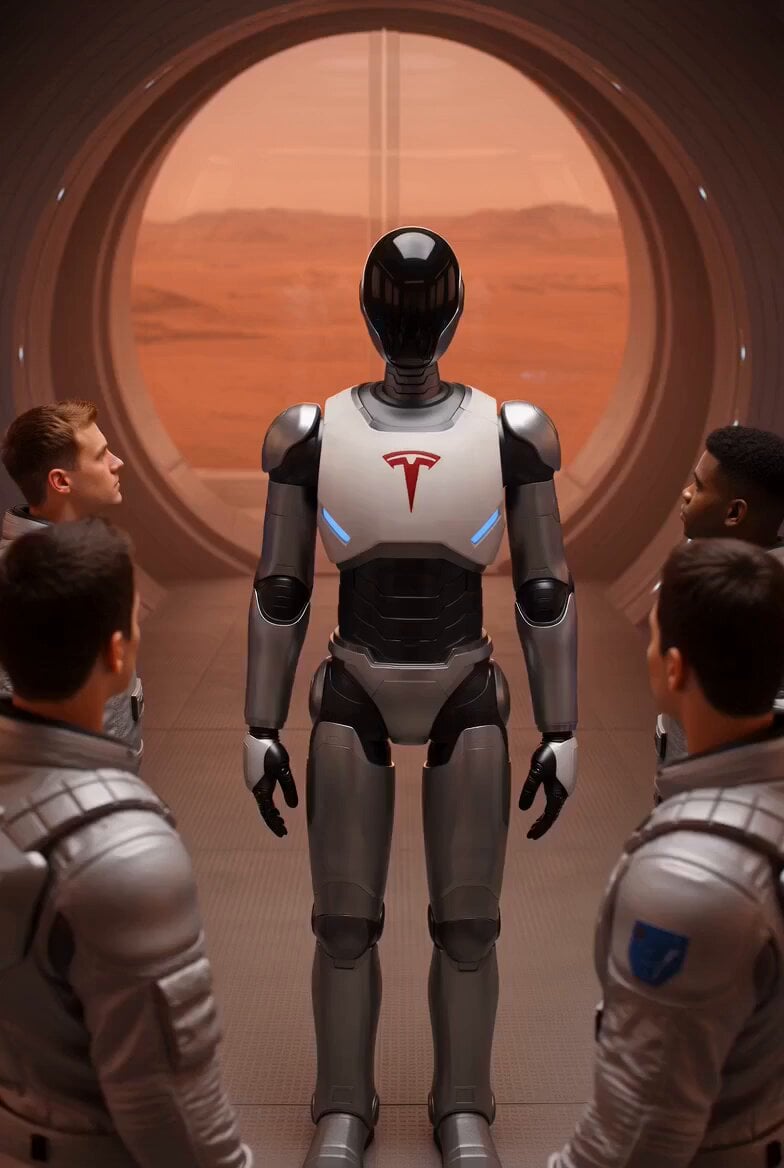
Tesla Optimus Robots Guiding Group
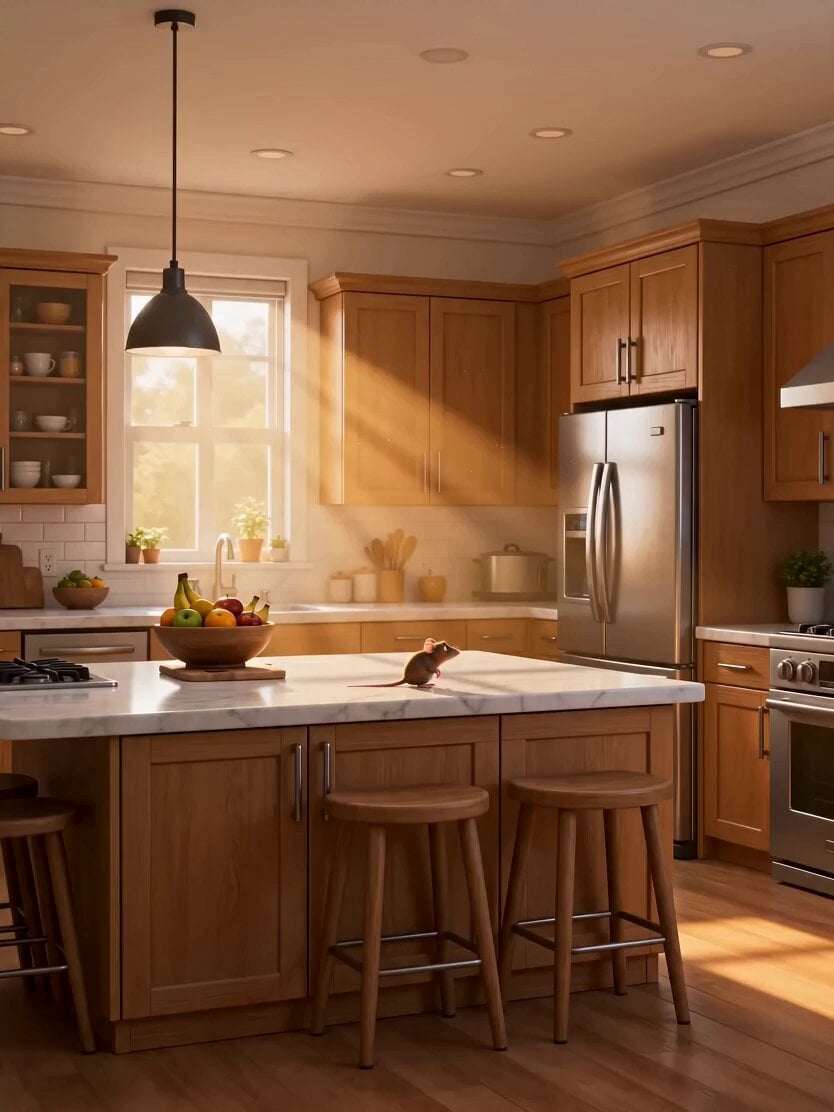
Pixar-Style Cat and Mouse Kitchen Friendship
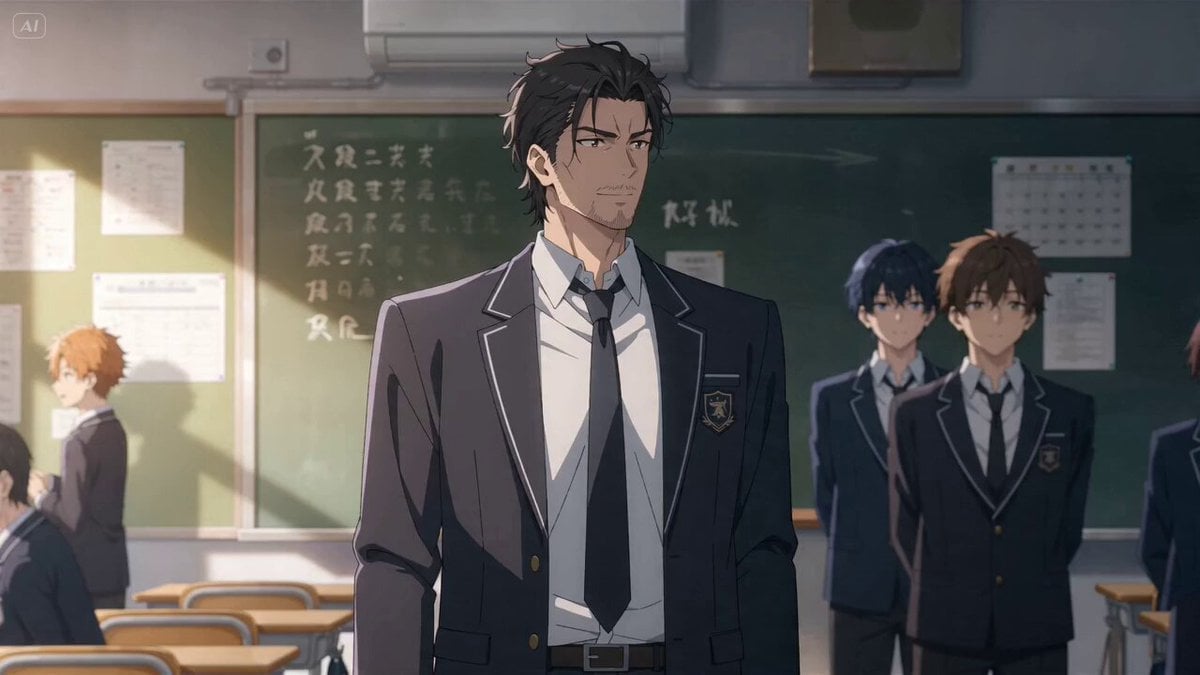
Classroom Gathering and Group Photo
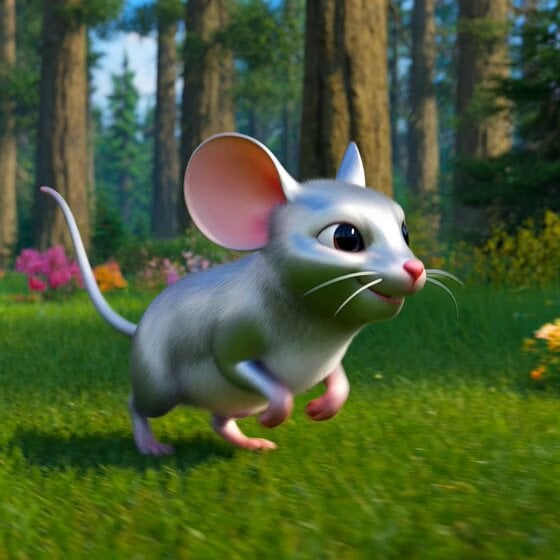
Video of a titanium mouse and its titanium animal friends

Vlog style animal group shot video prompt
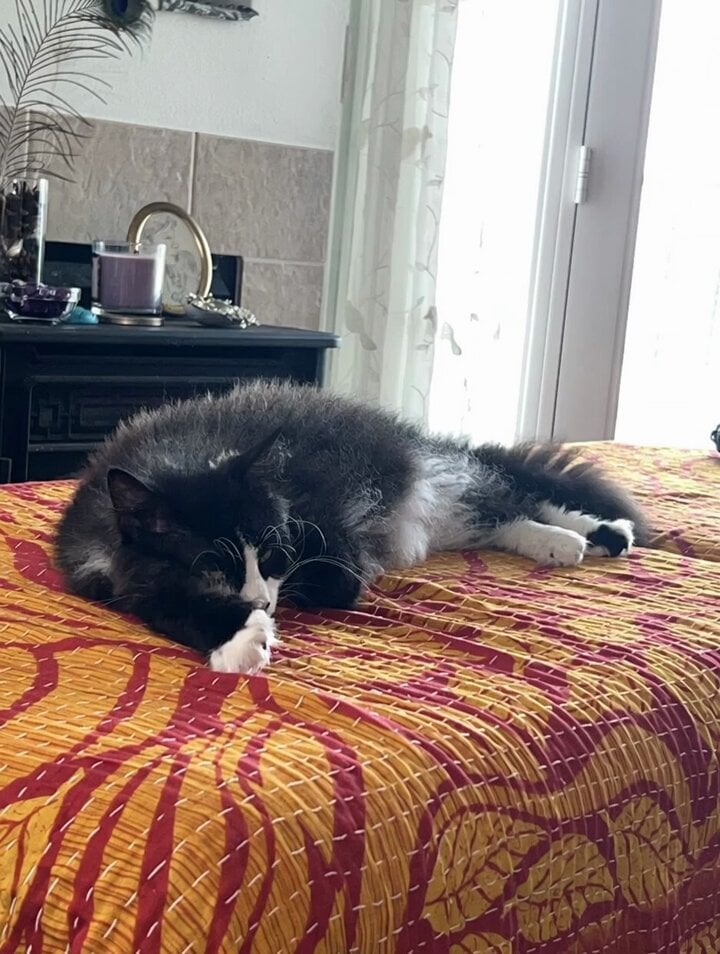
Leo the Cat and Alien Kitten Friends
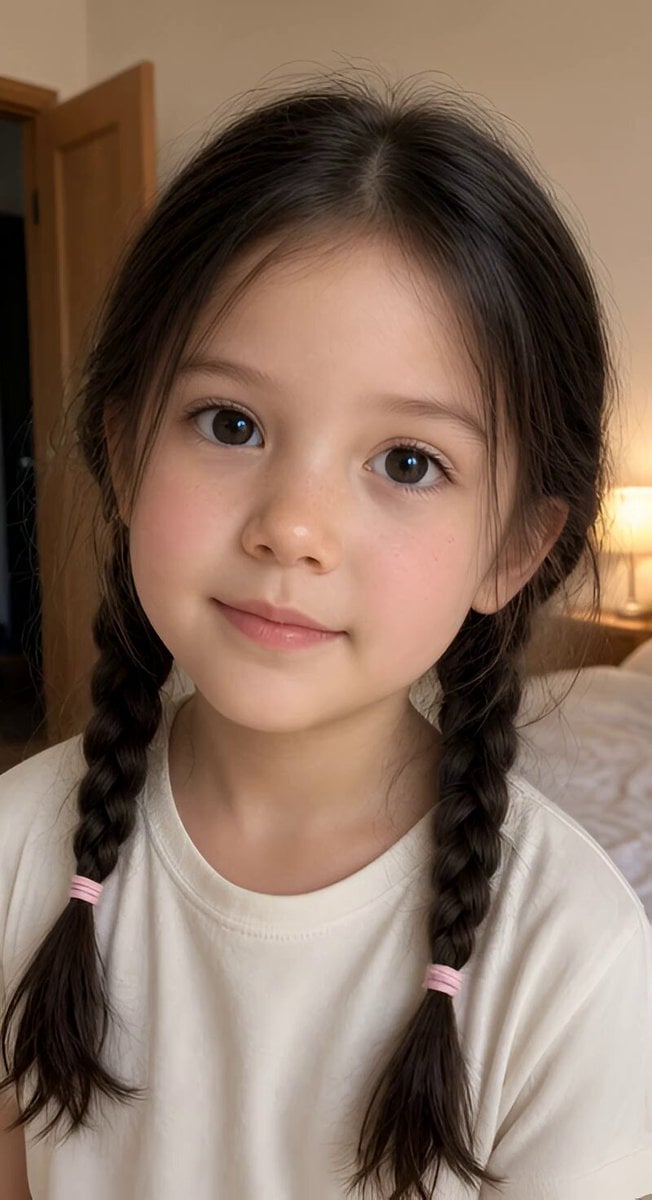
Realistic Braided Girl Bedroom Selfie Video
Make it yours
Friends Group Selfie Video Prompt works as-is. These are the safest ways to change it without losing the look.
Change one field
Copy a single group, rewrite it, and generate again so you can see what that field is doing.
Keep the frame, change the subject
Hold the composition and light of Friends Group Selfie Video Prompt, then swap wardrobe, props or the person for a new take.
| If the result… | Why | Fix |
|---|---|---|
| The result drifts from the preview | Too many fields changed at once. | Reuse Friends Group Selfie Video Prompt as-is first, then change one group — subject, light, or setting. |
| The model over-stylizes the scene | The prose prompt leaves finish and camera underspecified. | Add one camera or lighting sentence and stay on Seedance 2.0. |
More Seedance 2.0 templates
Other prompts made for Seedance 2.0.

Comical Martial Arts Punch Scene

Maglev Train Action Sequence

Martial Arts Fight Sequence

Wuxia Protection and Trust Script

Vintage Korean Arcade MiniDV Vlog

Mercedes 190 SL Luxury Ad

Rainy Night Supernatural Reverse Comedy Video Script

Amazon Civilization Discovery

Futuristic South Asian City Transformation

Cozy Luxury Cafe Commercial
More video prompts
Fresh picks from across the catalog.
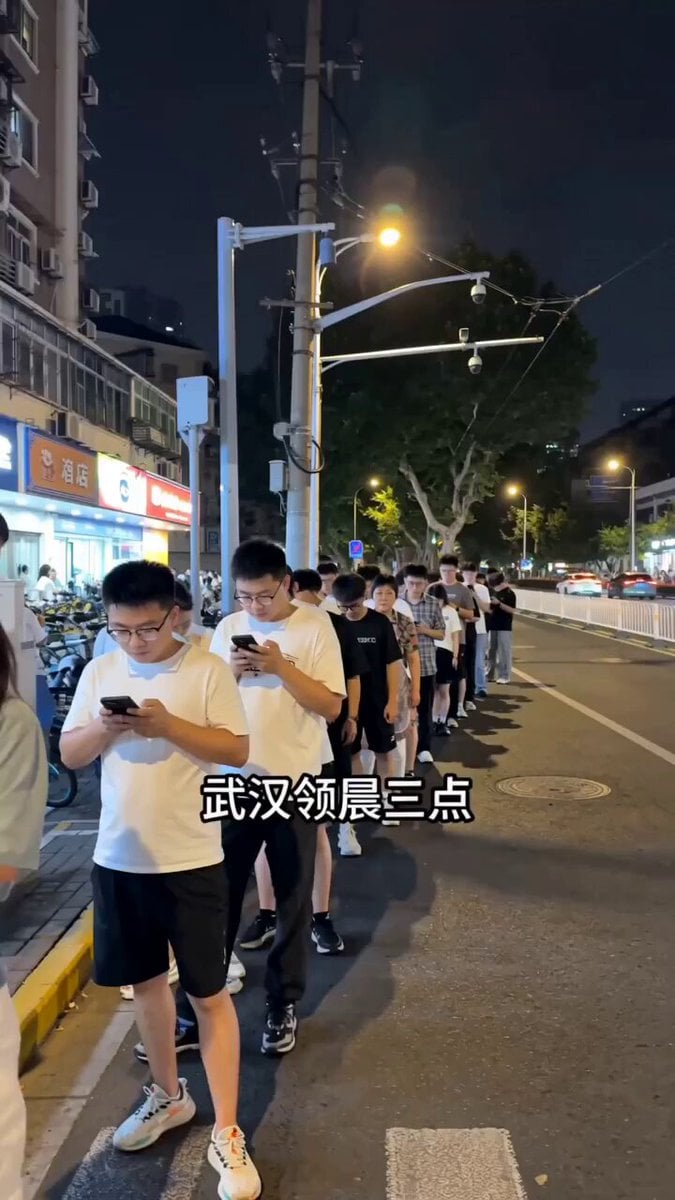
Street Interview Style Video Script for Seedance 2.0
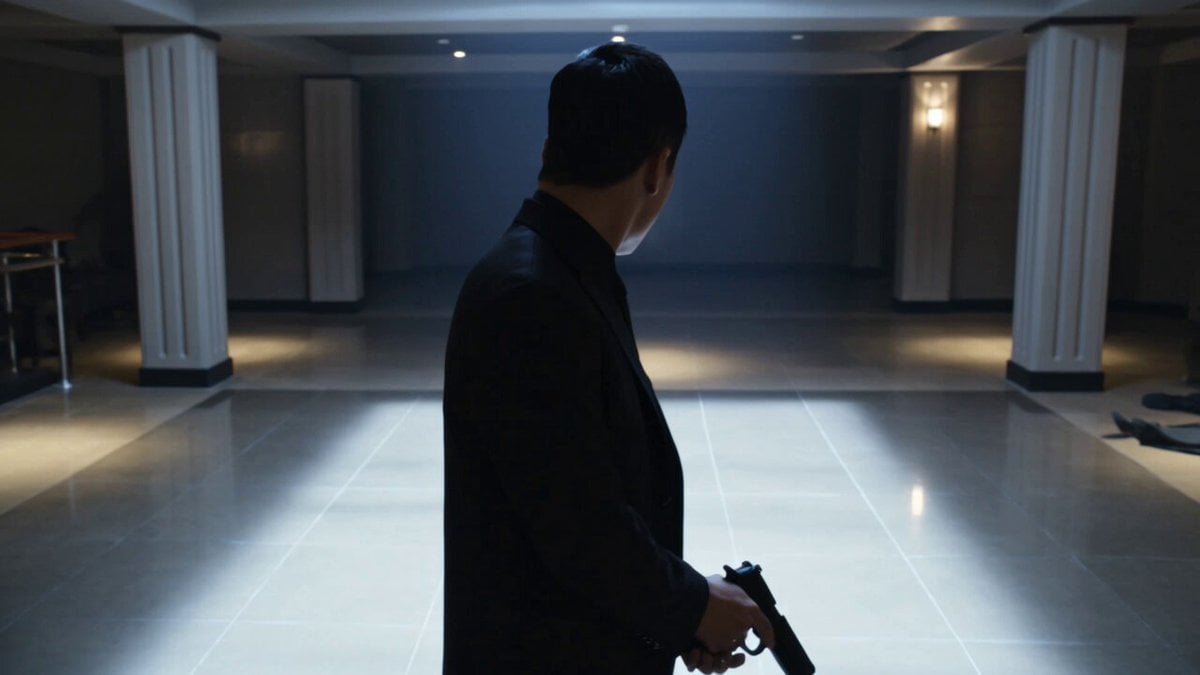
Complex Close Combat Sequence
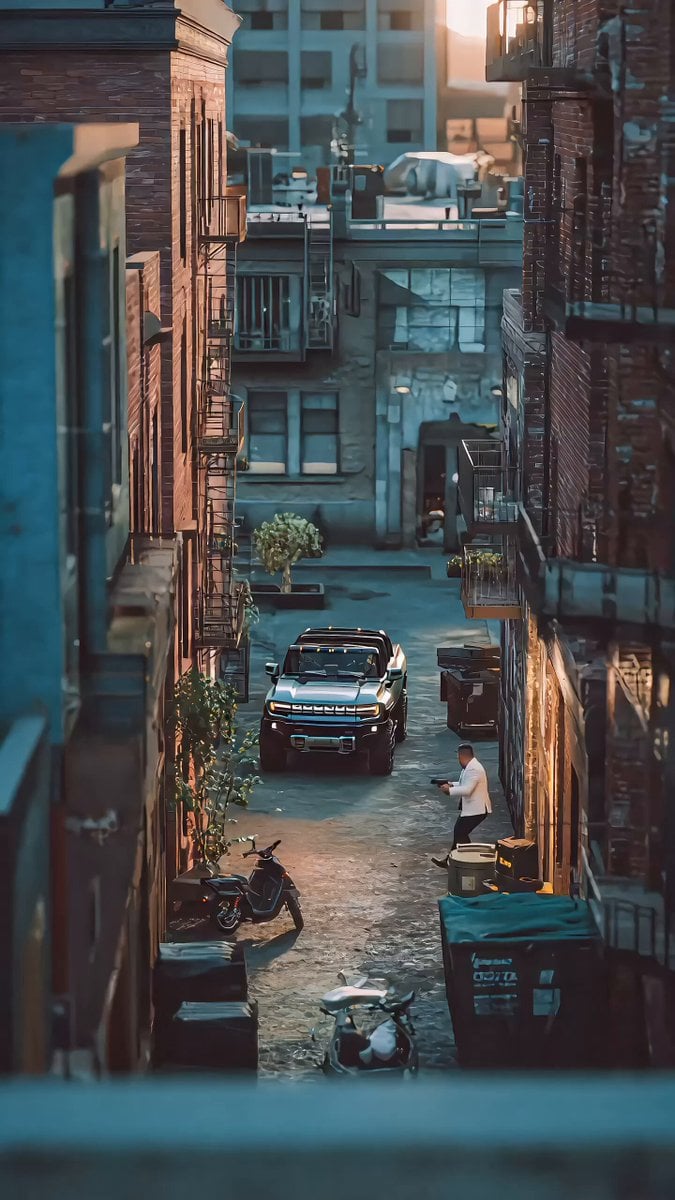
John Woo Style Gunfight Scene Prompt
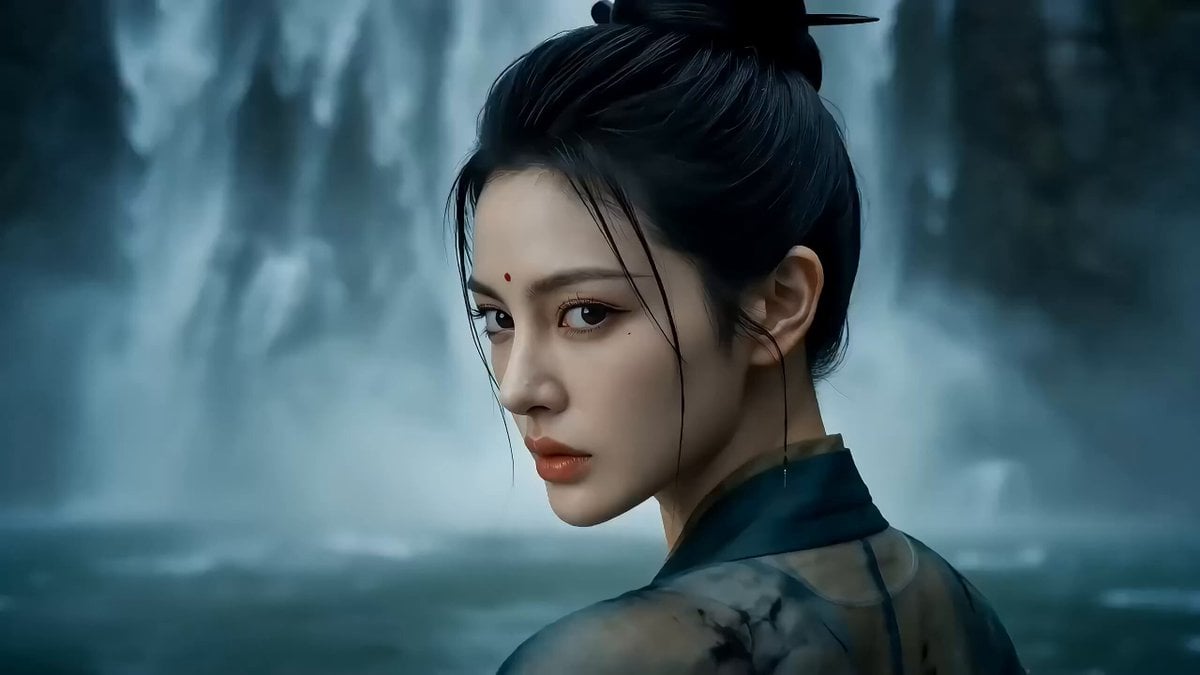
One-shot Wuxia epic with cinematic camera work
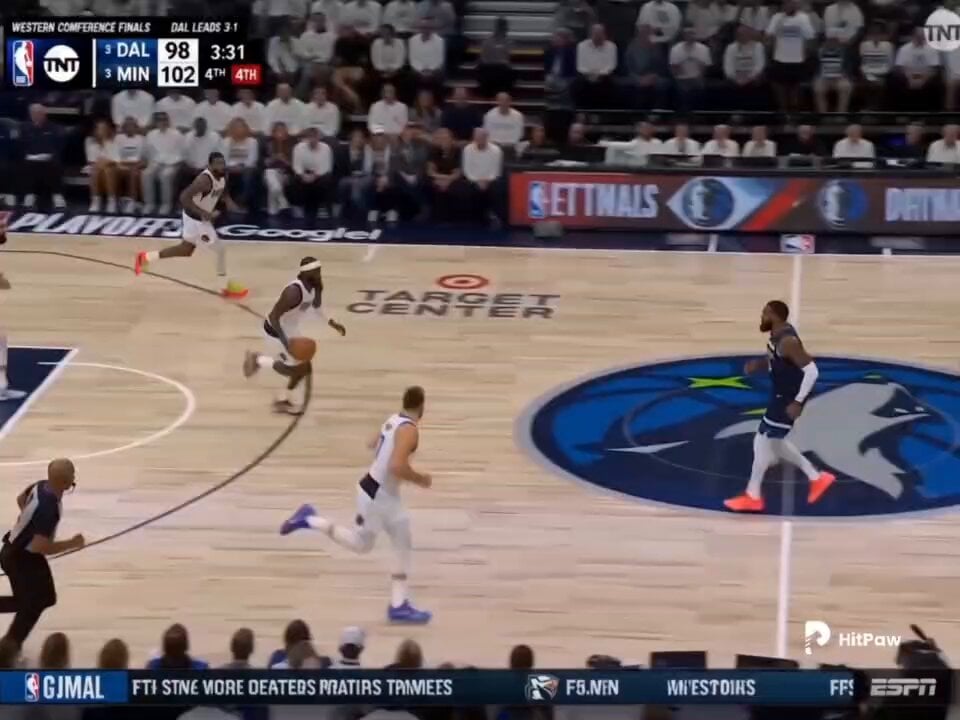
Basketball Broadcast Motion Sequence
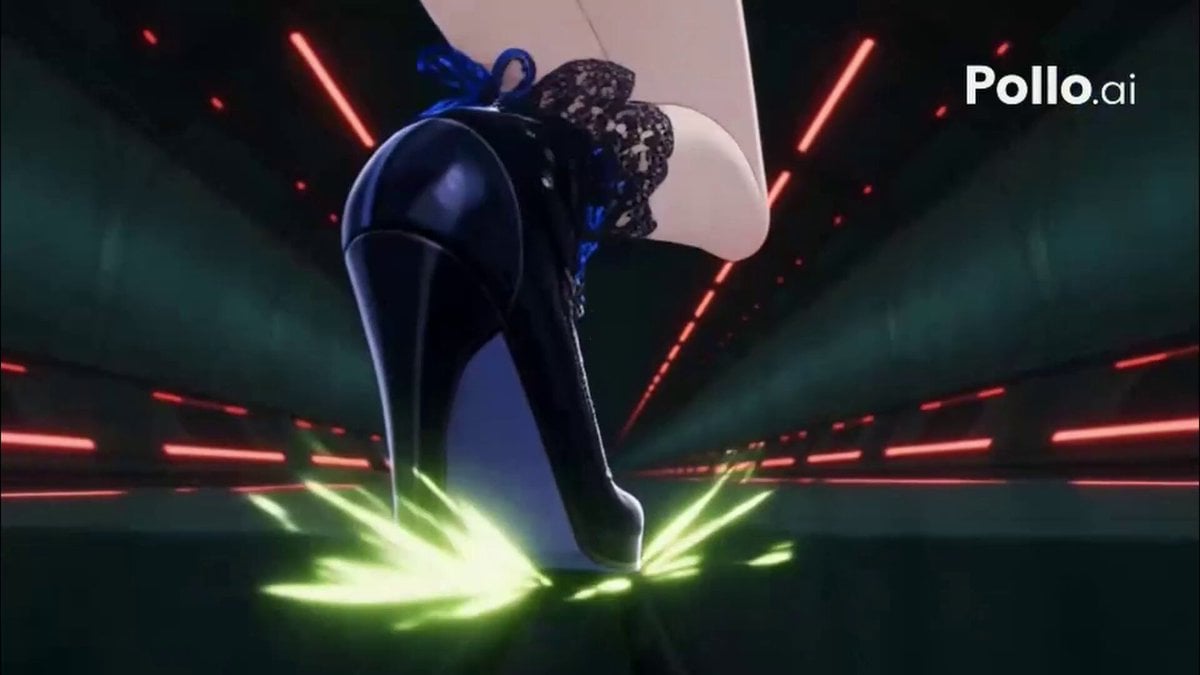
Futuristic Close Combat 2D Action Anime

Orbital Drone Stadium Shot
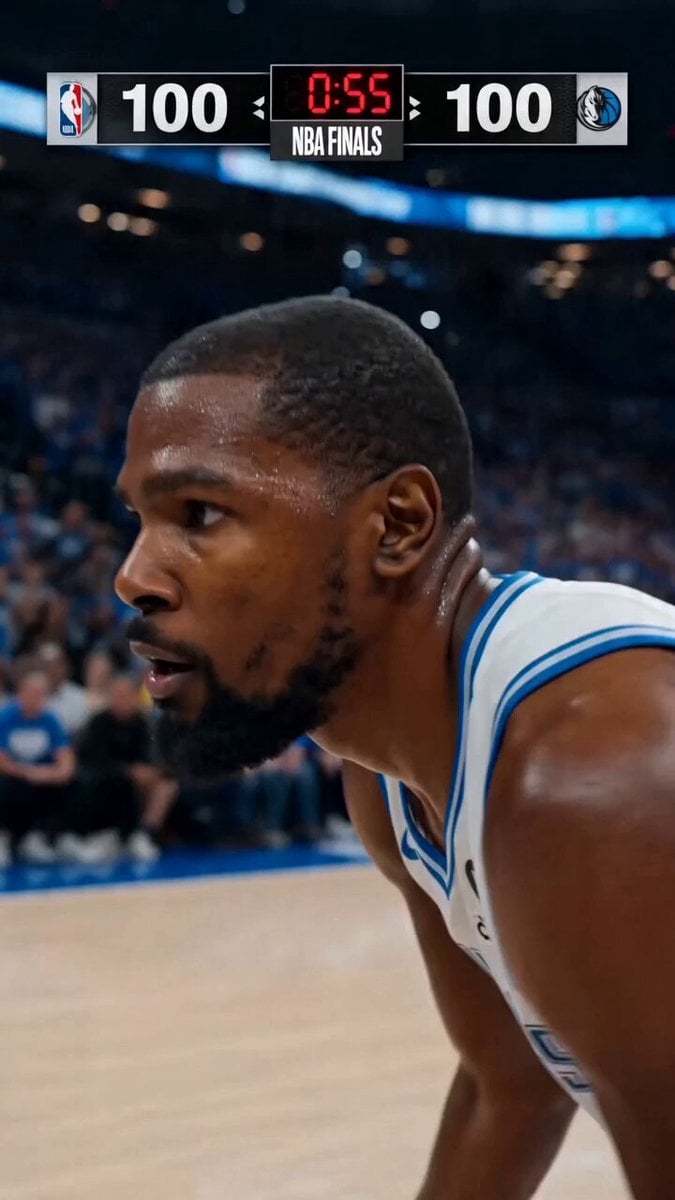
NBA Finals Game-Winning Moment
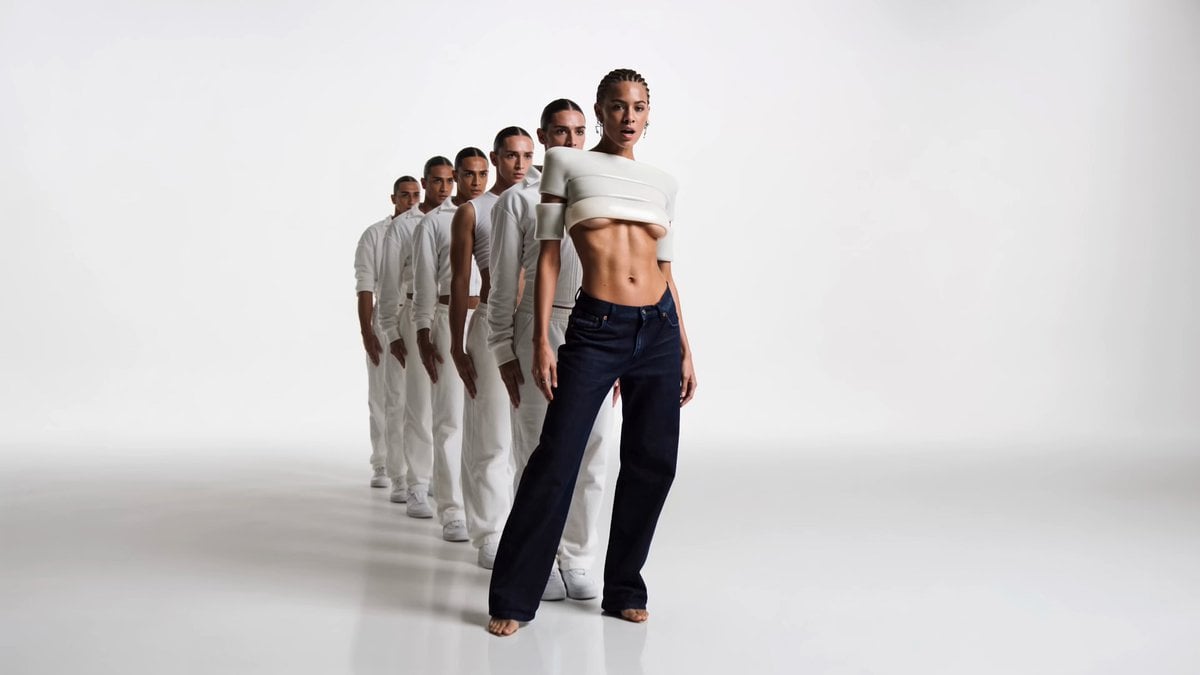
Infinity Studio Rap Video Lipsync
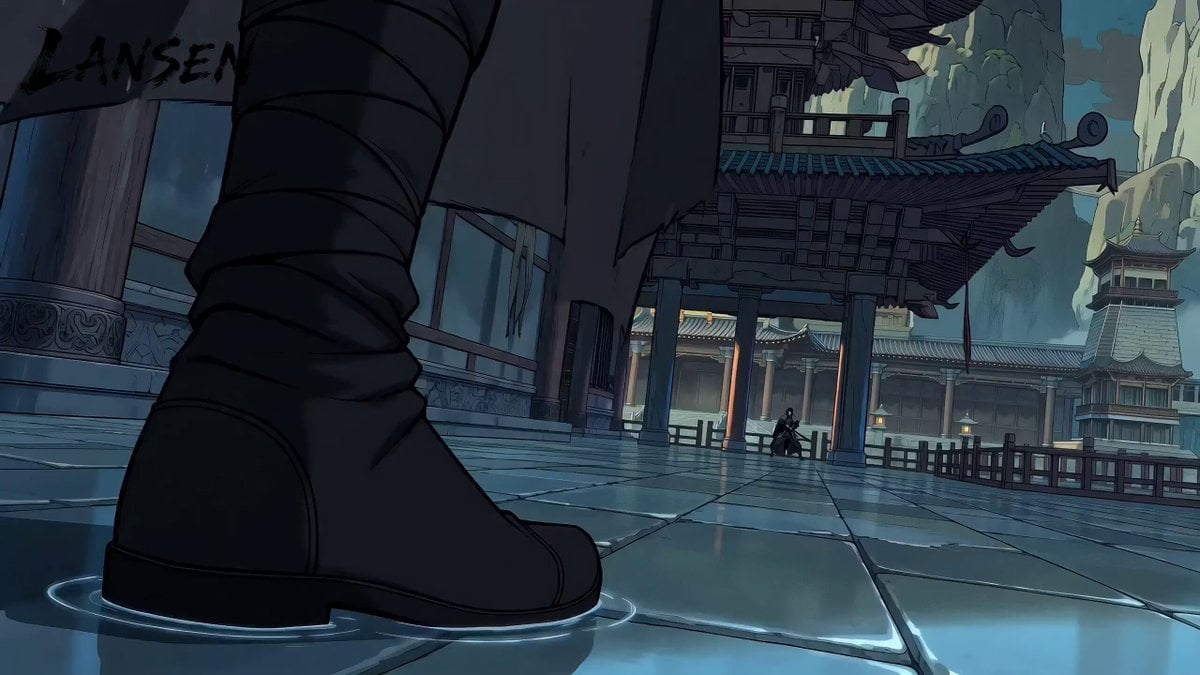
High-Octane Wuxia Anime Combat
Browse template categories
Friends Group Selfie Video Prompt questions
How do I use the Friends Group Selfie Video Prompt template?
Add your photo if the template asks for one, edit the prompt if you like — the template's model and format are already selected — and press Generate. Your version opens in PicX Studio.
Can I customize the Friends Group Selfie Video Prompt template?
Yes. You can change the subject, setting, lighting, mood, format, and available model controls before creating your video.
Is the Friends Group Selfie Video Prompt template free?
Opening and editing this template is free. Generating uses credits, shown on the Generate button when you are signed in.
Which AI model should I use?
Start with Seedance 2.0, which is the model associated with this template. You can compare another compatible model for a different finish.
Looking for something else? Browse all templates.

Your photo, any look
Thousands of ready templates for every top image and video model, from one credit balance.