
Cinematic Rainy Seaside Anime Scene
A detailed prompt for generating a dreamlike anime scene of a girl and a cat walking towards the sea at a railroad crossing during the blue hour after rain, featuring reflection effects and watercolor aesthetics.
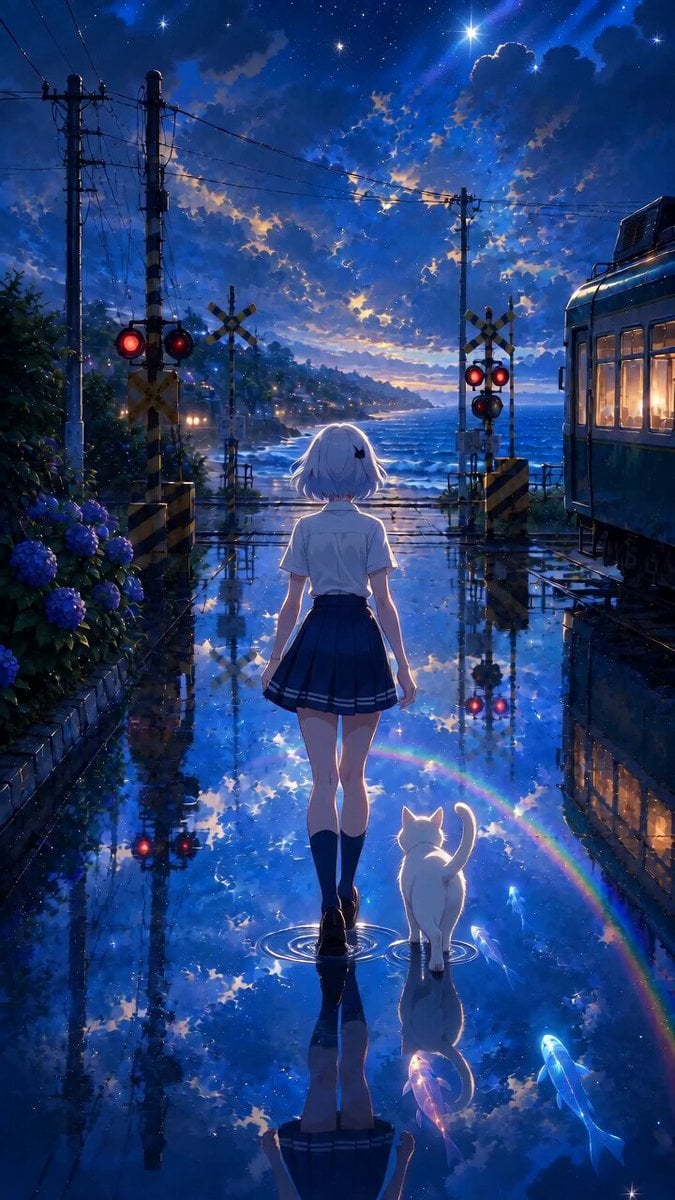
- Prompt included
- Model and format preset
- Premium template
The prompt behind this video
Copy the exact prompt behind Cinematic Rainy Seaside Anime Scene, or open it in the studio and make it yours.
静かな海辺の踏切、雨上がりのブルーアワー。濡れたアスファルトが巨大な鏡のように空・雲・虹色・遠くの灯りを完璧に反射する夢のようなシーン。手描きアニメ背景、水彩タッチ、プロの日本アニメ背景美術、目に見える筆跡、超詳細8K映画クオリティ。 後ろ姿の女の子と白猫が、ゆっくりと海に向かってまっすぐ歩いていく。女の子は自然な歩き方で肩をリラックスさせ、腕を優しく振り、髪がふわっと揺れる。白猫は隣で穏やかに歩き、尻尾を自然に振る。二人とも絶対に振り返らず、カメラ目線なし。 静止カメラ・アイレベル・ワイドショット・中央構図。足元で小さな波紋が広がり、反射する空が優しく揺らめく。虹色の反射がきらめき、水面に小さな光る魚がゆったり泳ぎ、浮遊パーティクルが輝く。紫陽花が軽く揺れ、波が優しく寄せて返す。ボリューメトリックライティング、ブルーアワー、夢幻的でノスタルジックな雰囲気、シネマティックライティング。 --stylize 750 --v 6 --q 2
How to use Cinematic Rainy Seaside Anime Scene in 3 steps
- 1
Open
The prompt is already in the box next to the preview, with the template's model and format selected.
- 2…a portrait of your subject in softgolden-hour light, 85mm…
Personalize
Edit the subject and creative details for your destination.
- 3Generate
Generate
Press Generate — your video is created in PicX Studio, so you can compare it with the original and refine one variable at a time.
More like this
Templates with the same subject, style or setup. Open one to see its prompt.
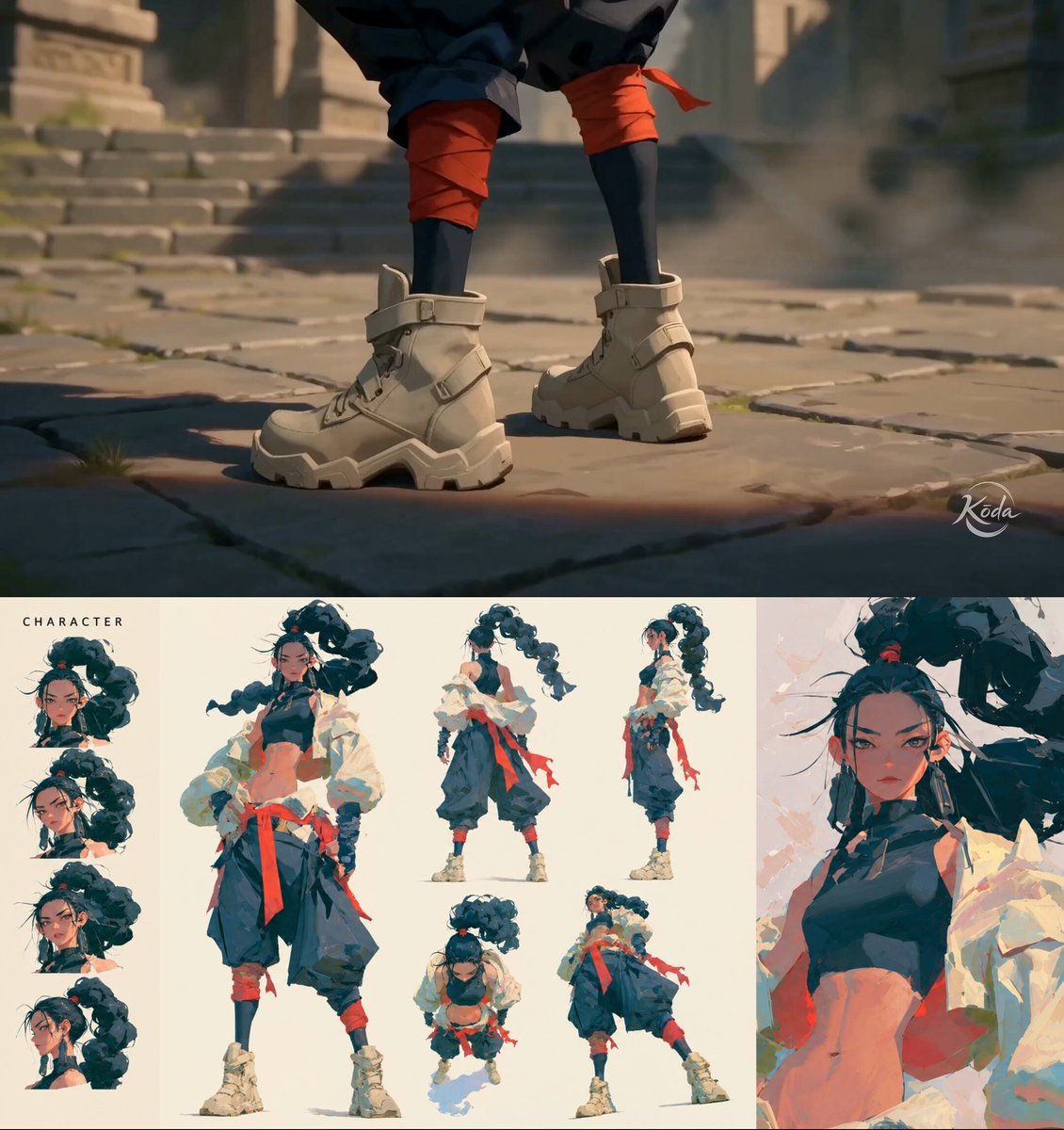
MiniMax H3 Character Introduction
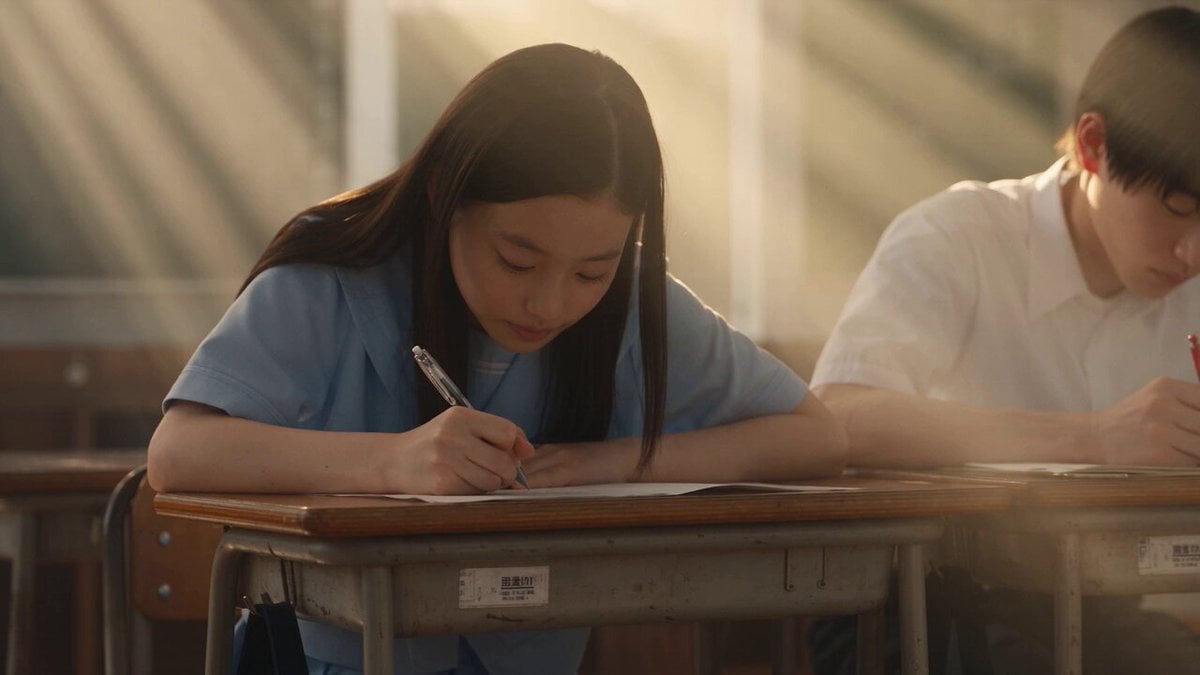
Japanese Pure Love Short Film
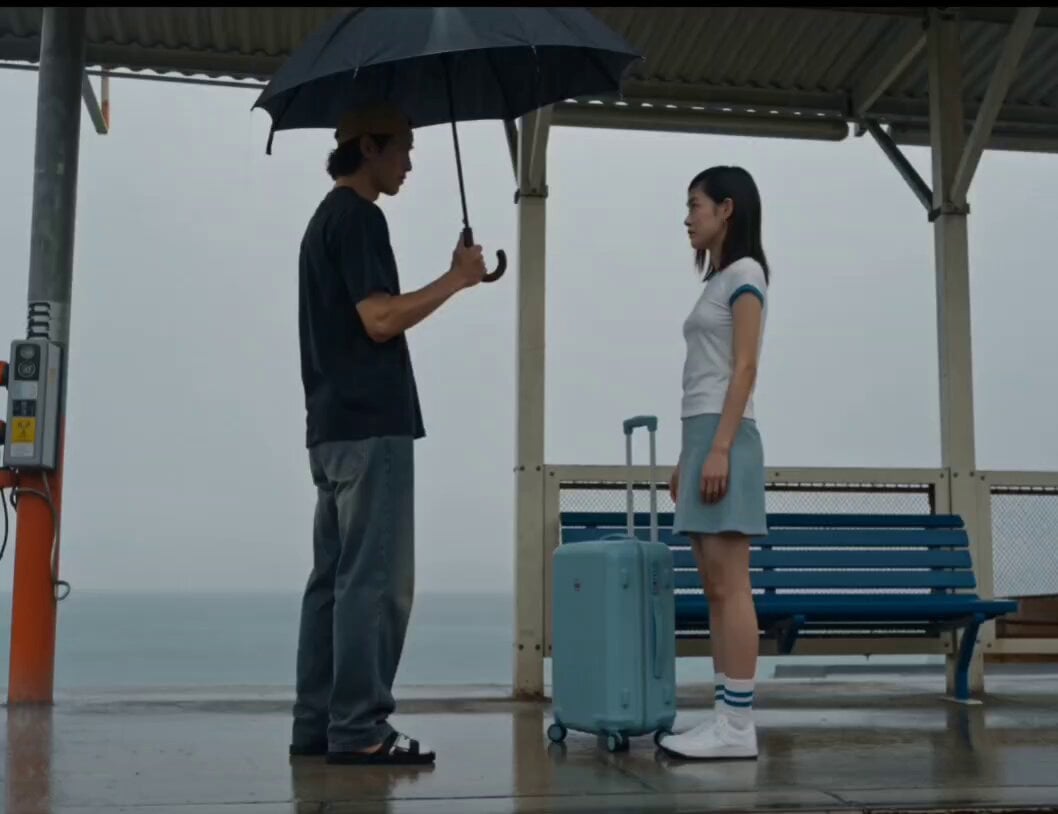
Rainy Seaside Station Goodbye Video Prompt
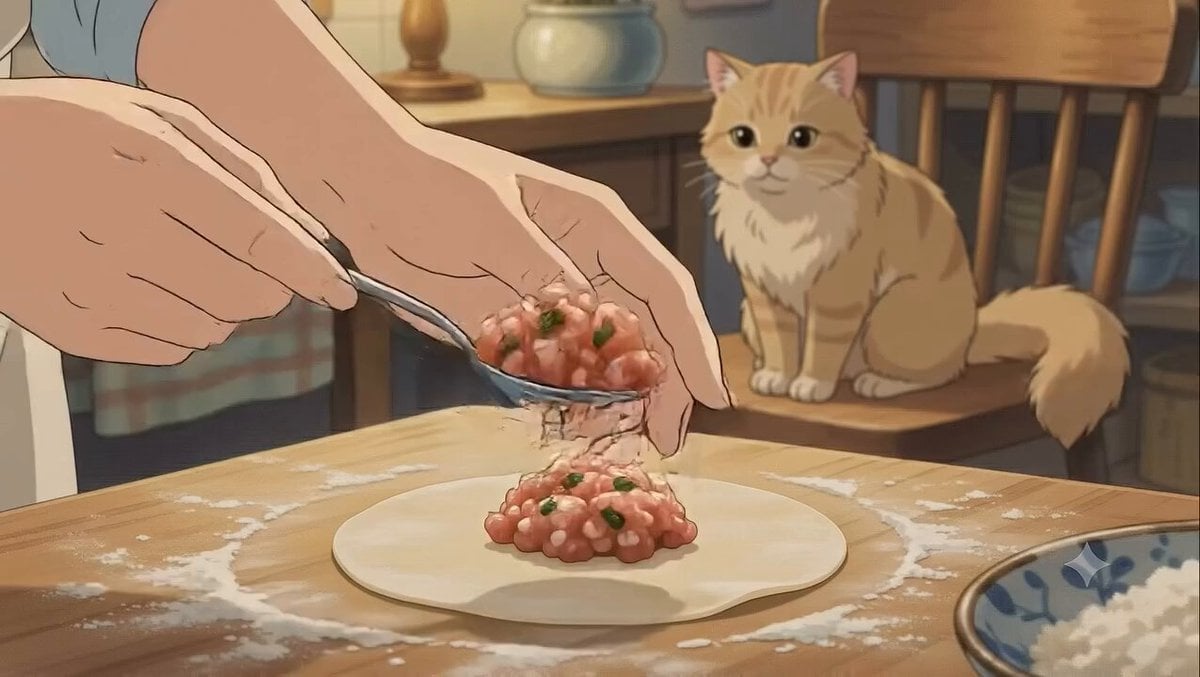
Studio Ghibli Dumpling Kitchen Cooking Scene
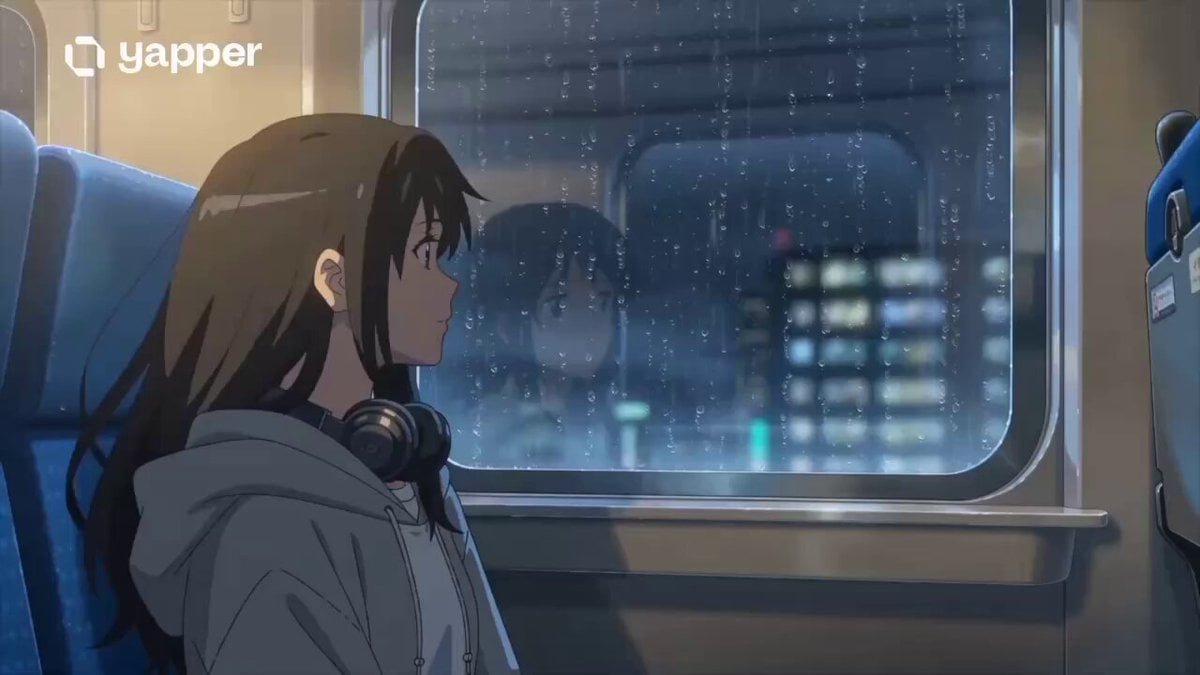
Anime Girl on Rainy Night Train
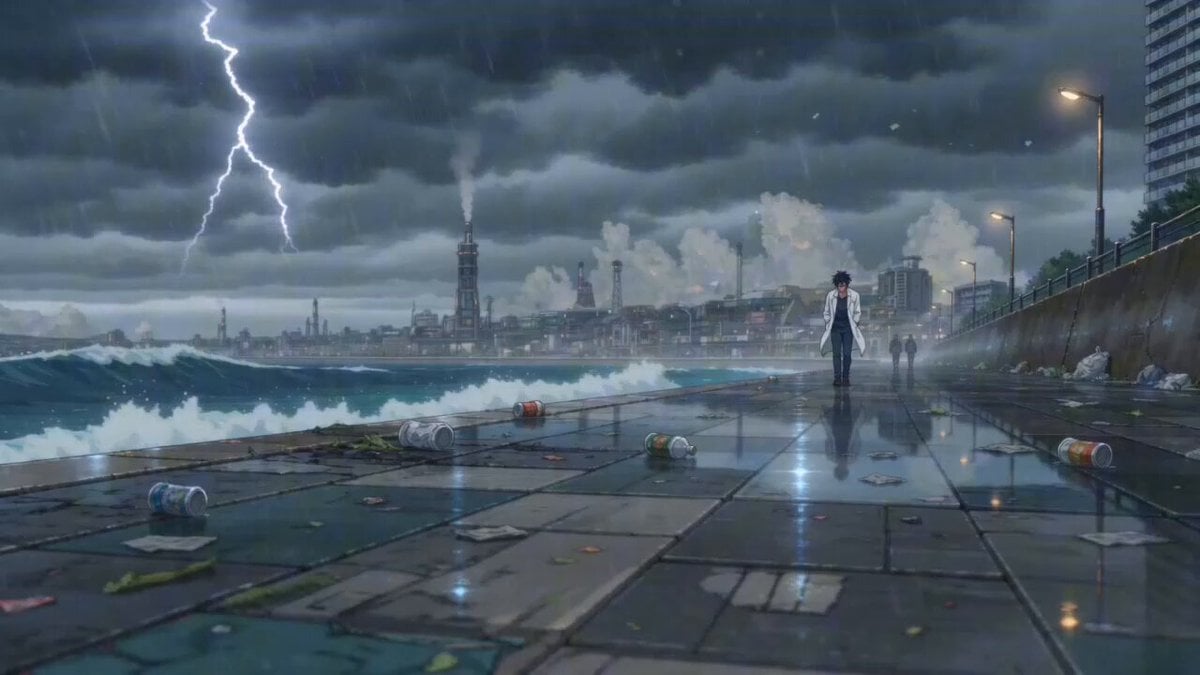
Cinematic Anime Scene: Stormy Seaside Promenade
Mecha Transformation vs Kaiju — 4-Scene Epic

Rainy Neon Tokyo Violinist
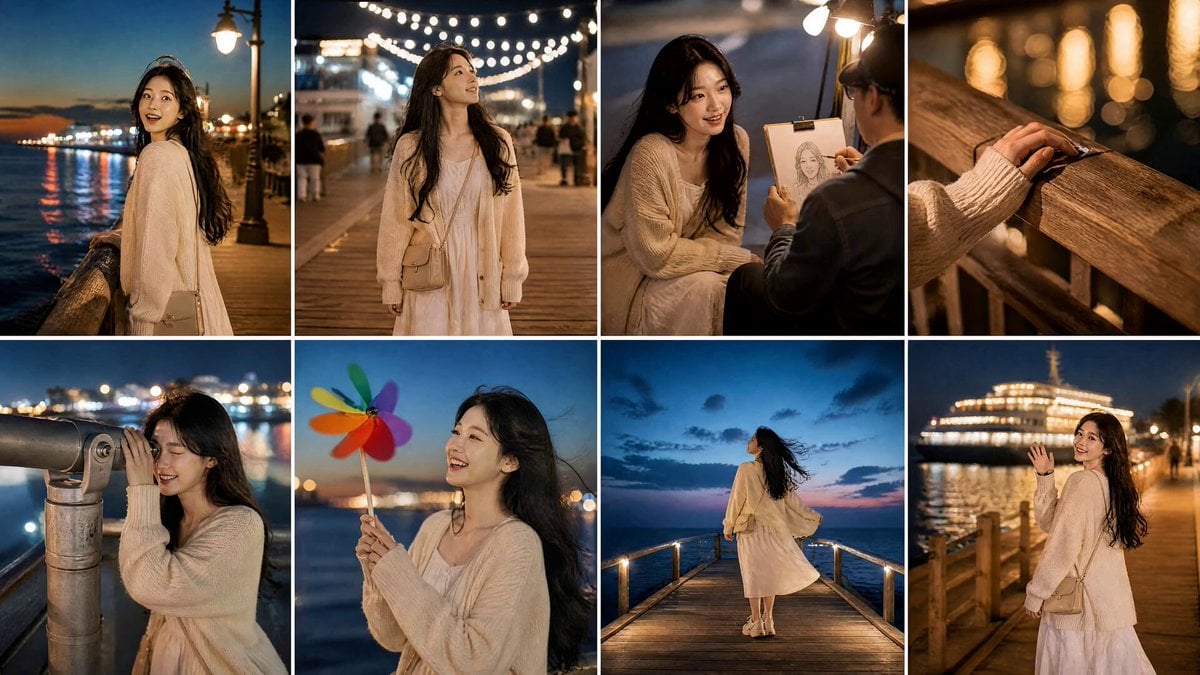
Seaside Boardwalk Nostalgic Solo Adventure
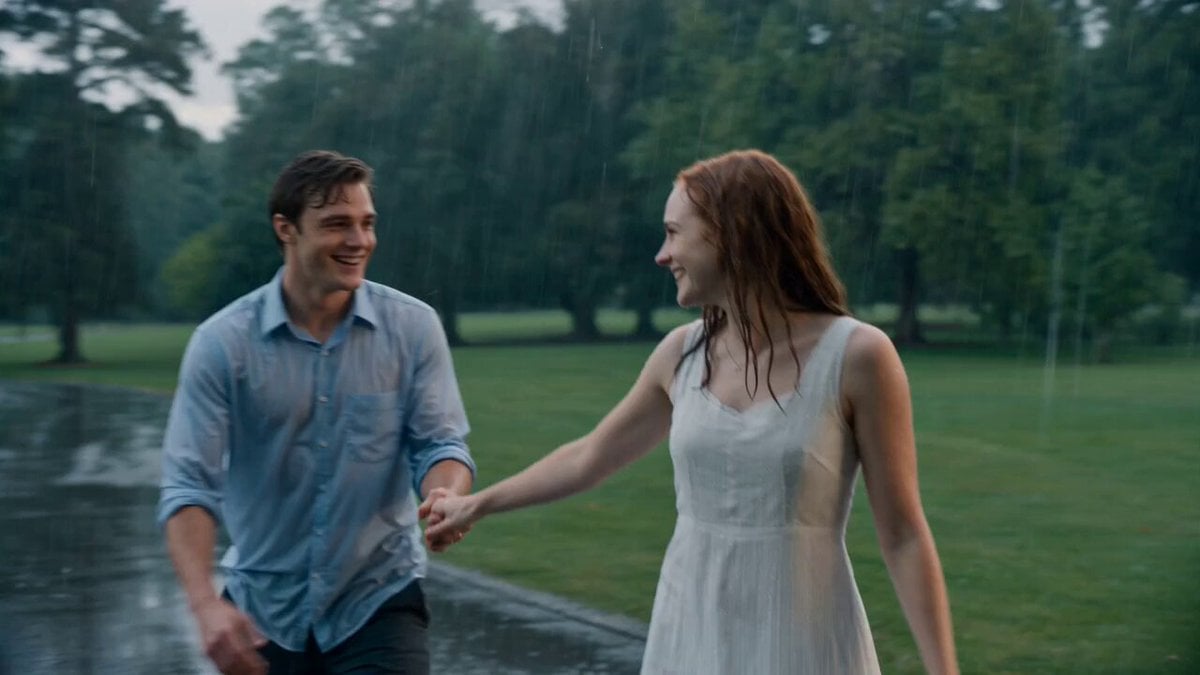
Cinematic Rainy Park Romantic Walk

Rainy Night Supernatural Reverse Comedy Video Script
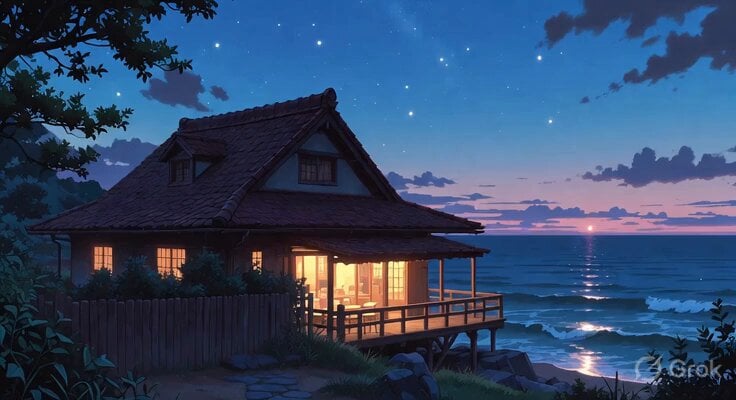
Ghibli Style Seaside Cottage
Make it yours
Cinematic Rainy Seaside Anime Scene works as-is. These are the safest ways to change it without losing the look.
Change one field
Copy a single group, rewrite it, and generate again so you can see what that field is doing.
Keep the frame, change the subject
Hold the composition and light of Cinematic Rainy Seaside Anime Scene, then swap wardrobe, props or the person for a new take.
| If the result… | Why | Fix |
|---|---|---|
| The result drifts from the preview | Too many fields changed at once. | Reuse Cinematic Rainy Seaside Anime Scene as-is first, then change one group — subject, light, or setting. |
| The model over-stylizes the scene | The prose prompt leaves finish and camera underspecified. | Add one camera or lighting sentence and stay on Seedance 2.0. |
More Seedance 2.0 templates
Other prompts made for Seedance 2.0.

Comical Martial Arts Punch Scene

Maglev Train Action Sequence

Martial Arts Fight Sequence

Wuxia Protection and Trust Script

Vintage Korean Arcade MiniDV Vlog

Mercedes 190 SL Luxury Ad

Amazon Civilization Discovery

Futuristic South Asian City Transformation

Cozy Luxury Cafe Commercial
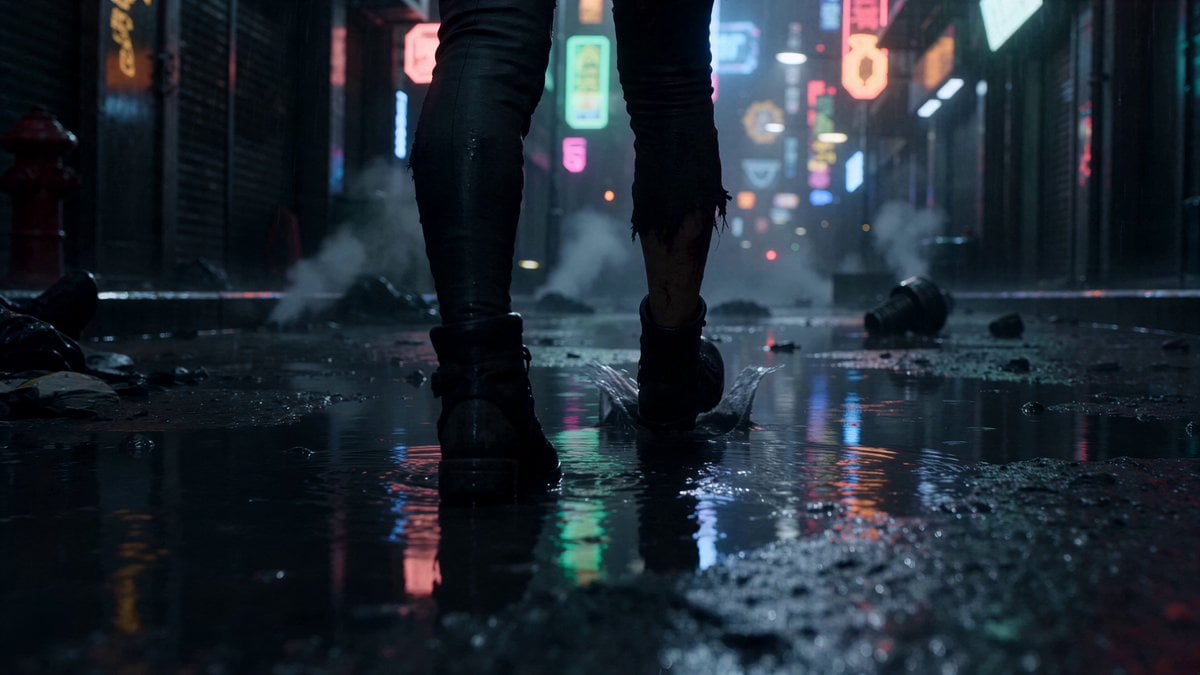
Cyber Ronin Nanotech Transformation Video
More video prompts
Fresh picks from across the catalog.

Seedance 2.5 - @oggii_0 - 307648
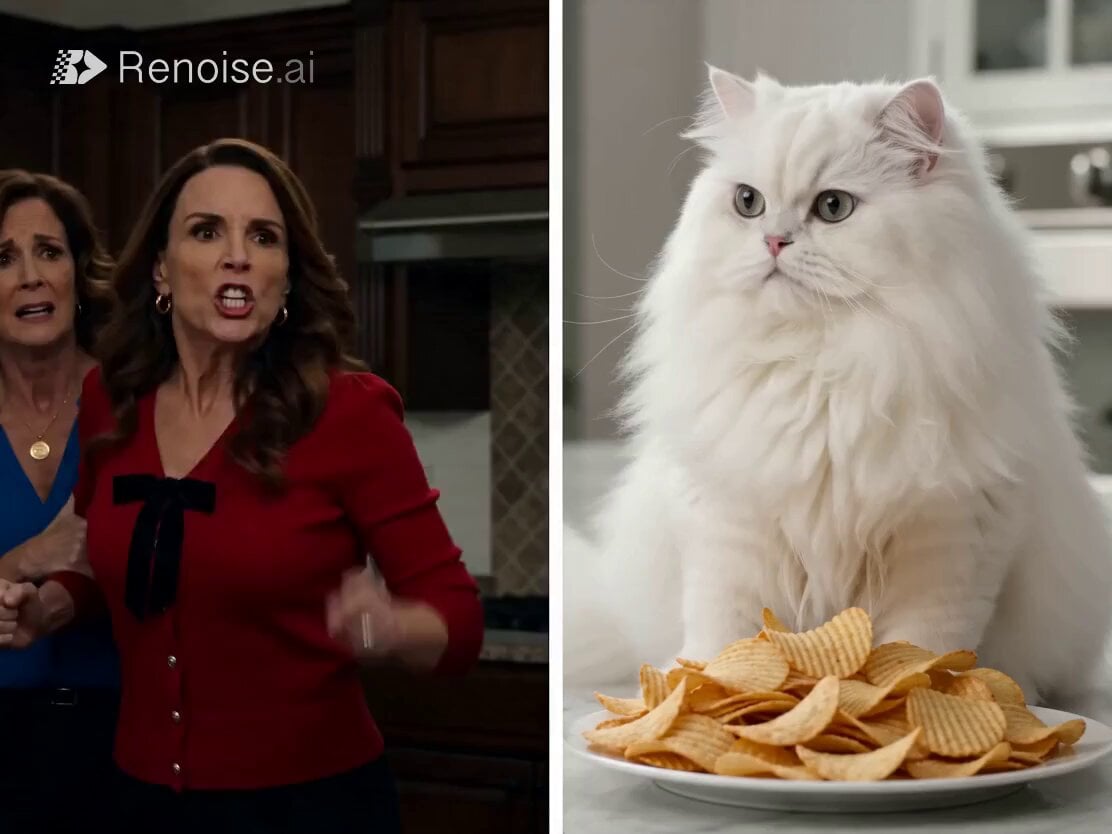
Unstoppable Crunch Comedic Meme Prompt
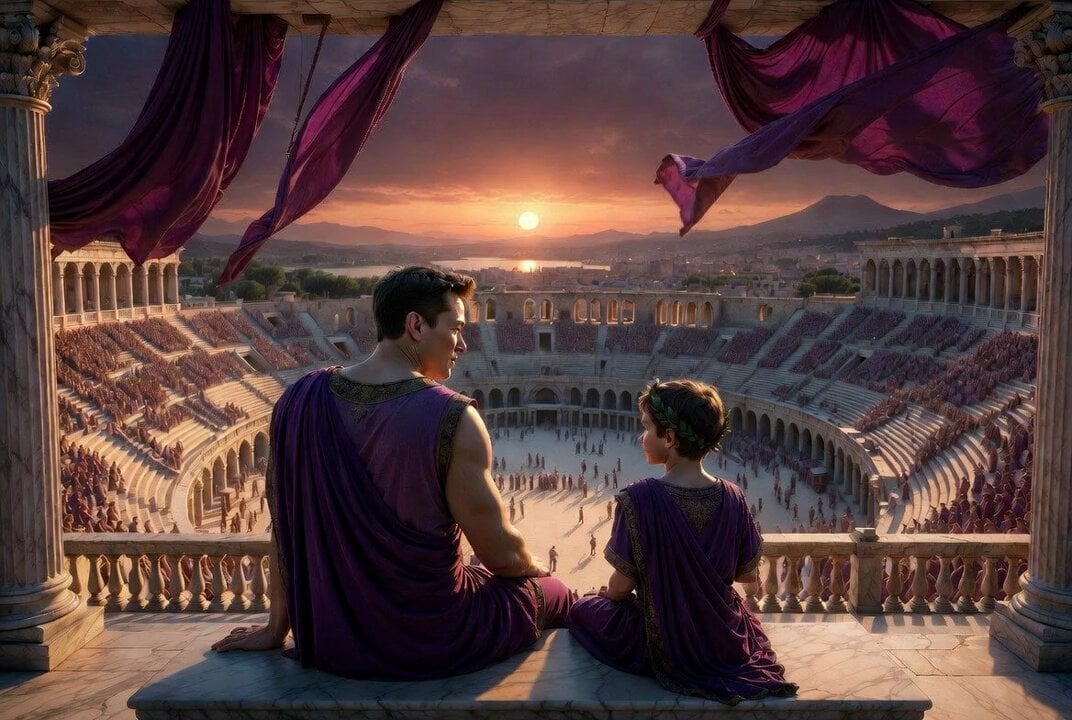
Pompeii Journey for a Child
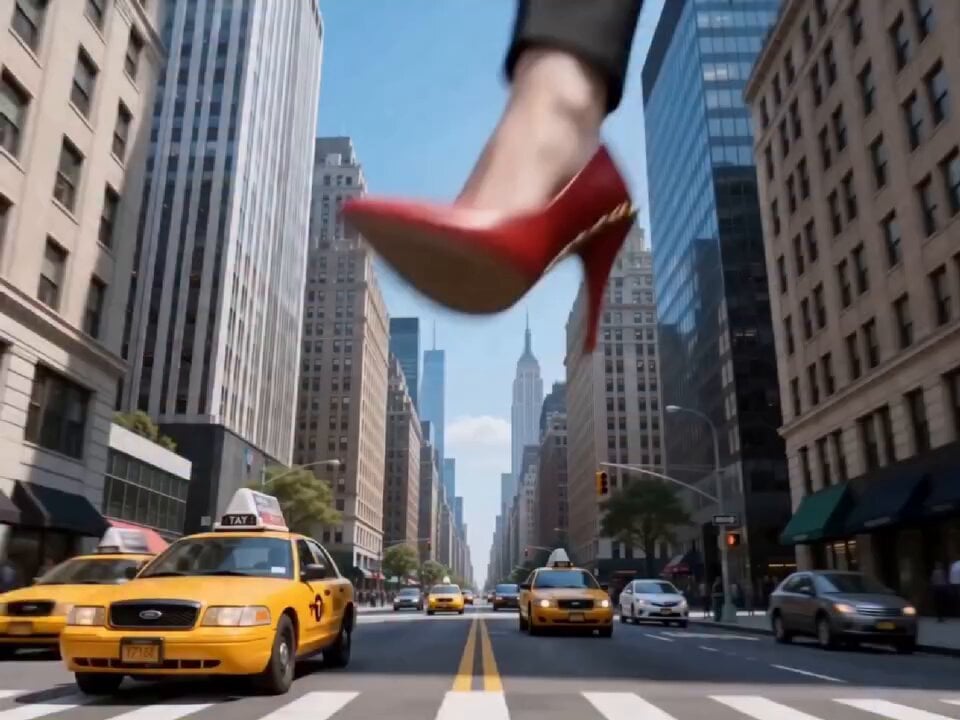
Giant Corporate Woman in NYC
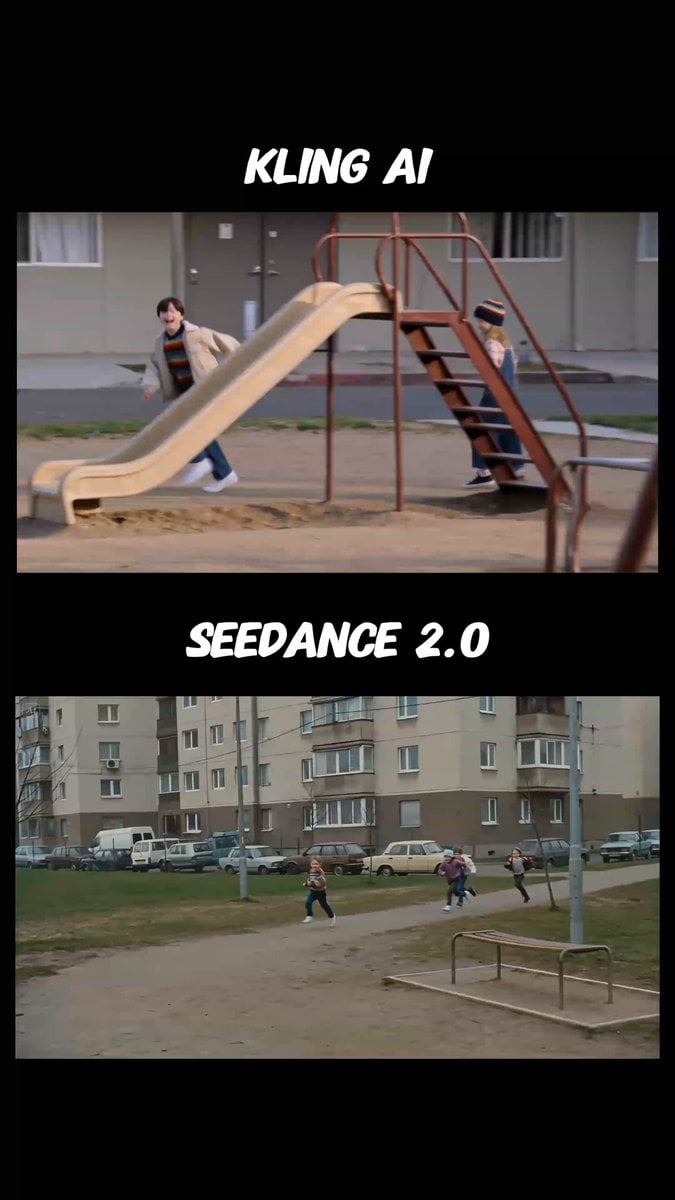
1990s VHS Home Video Style
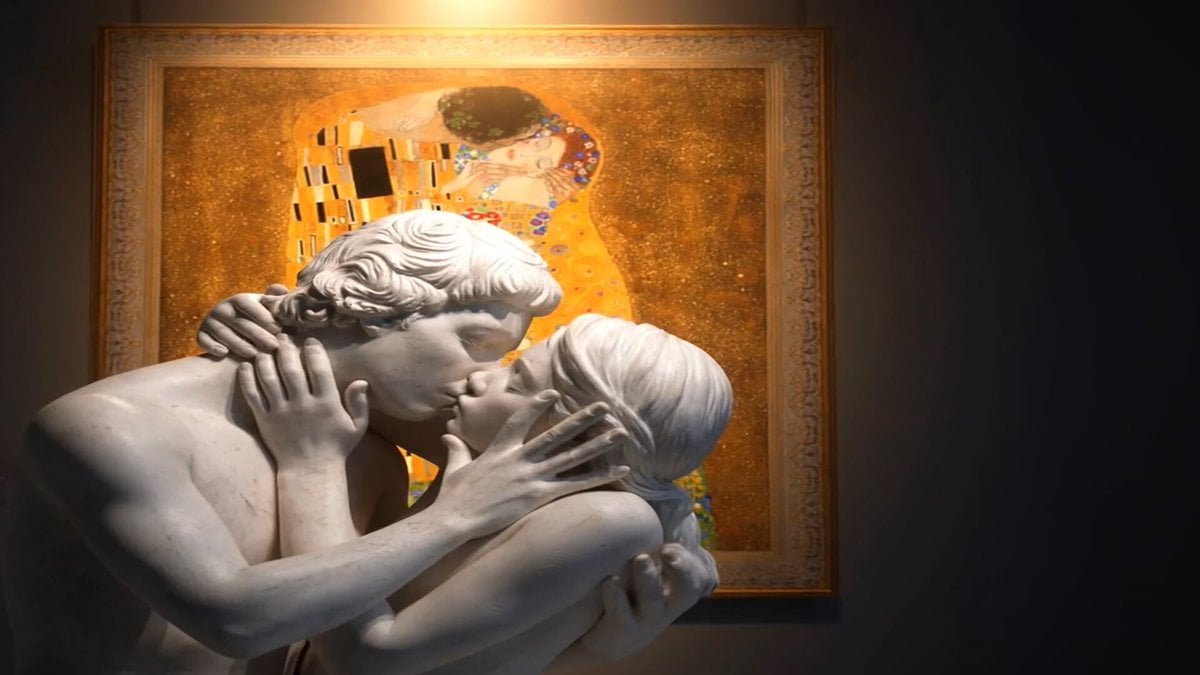
Marble Lovers Golden Kiss
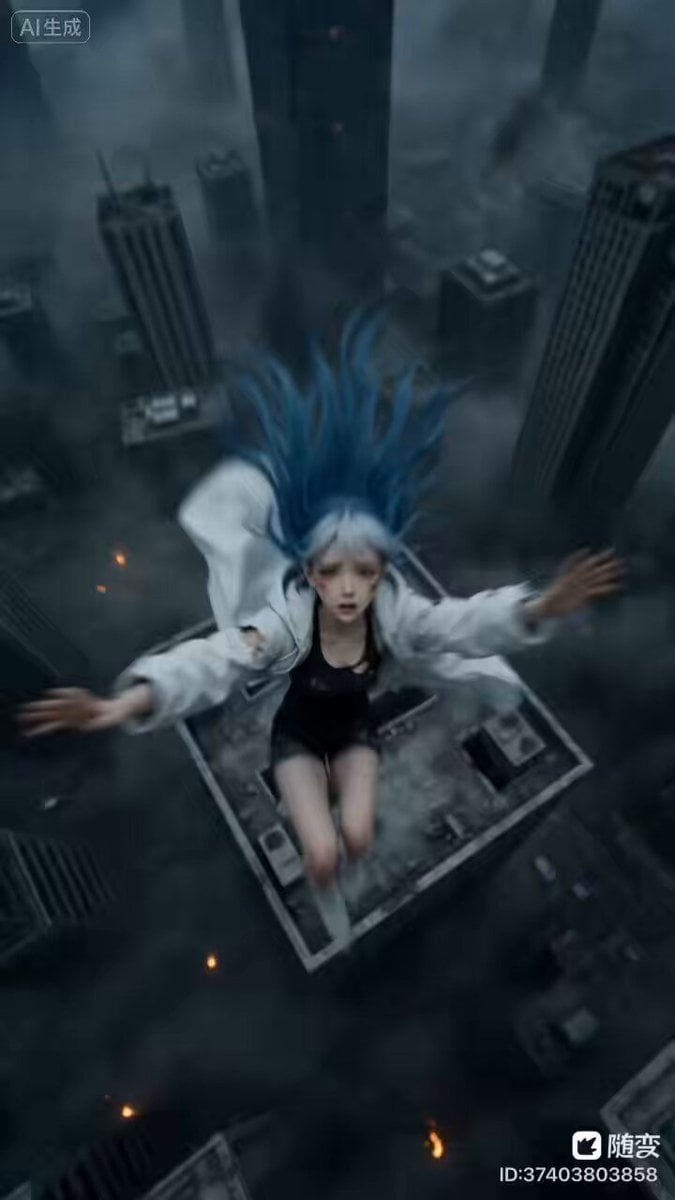
Seedance 2.0 Archangel Transformation Video Prompt
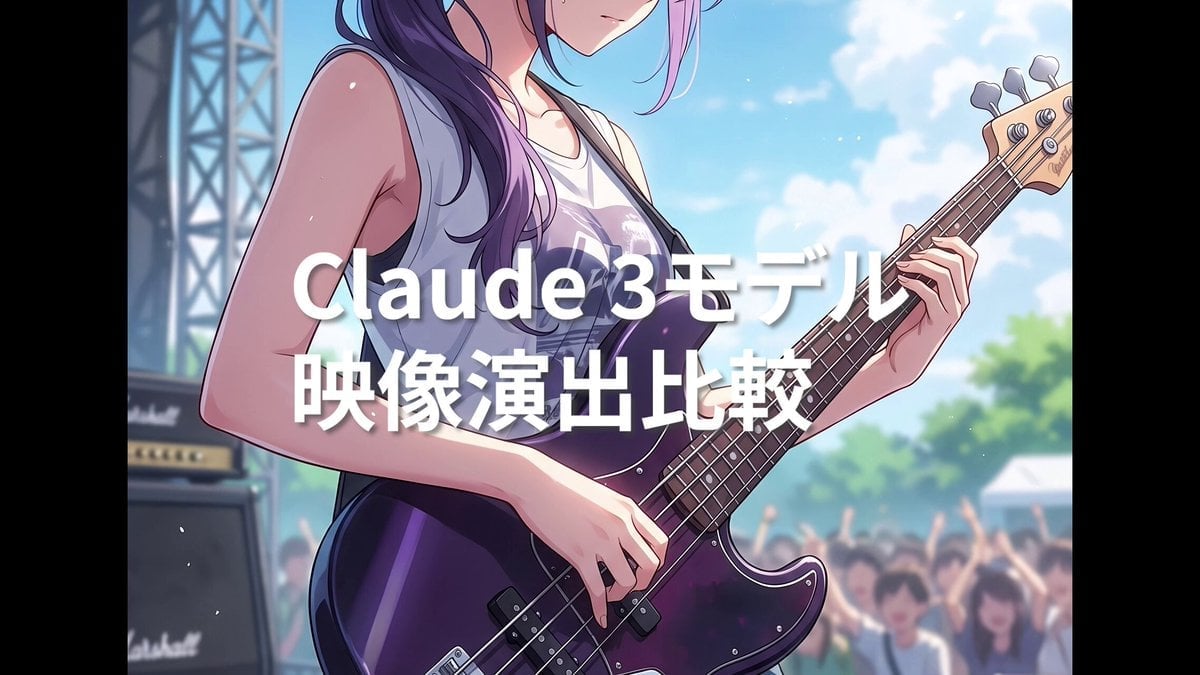
Summer Festival Bass Performance Video Prompt
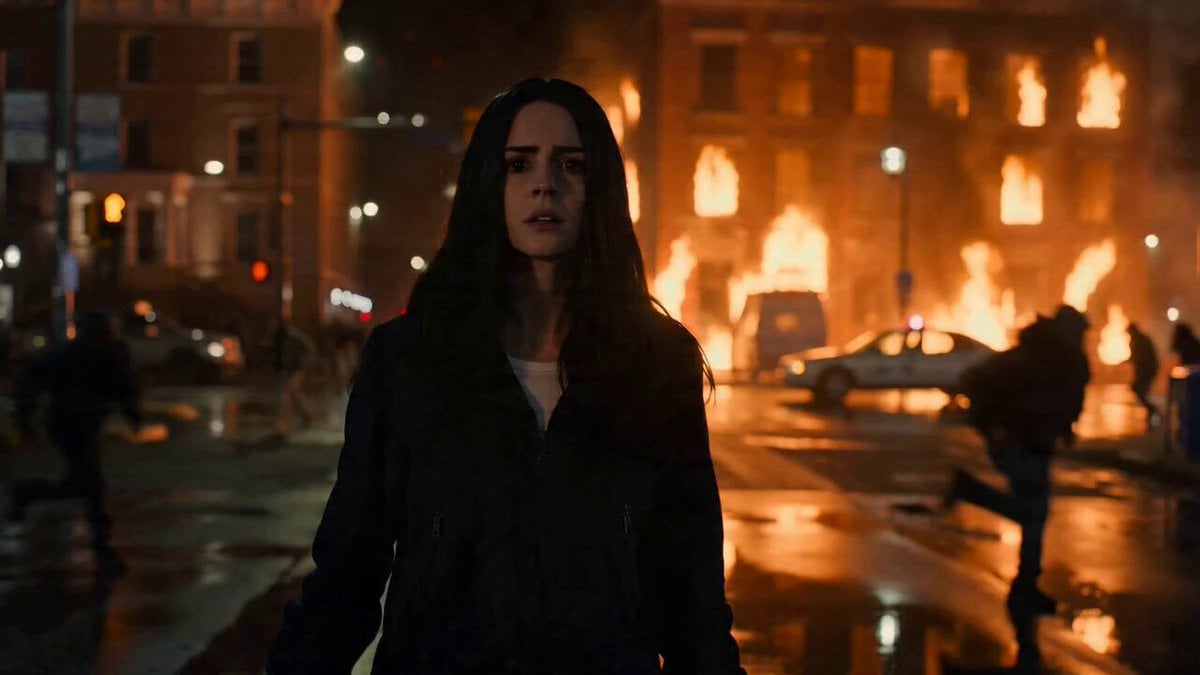
Woman Walking in Chaos
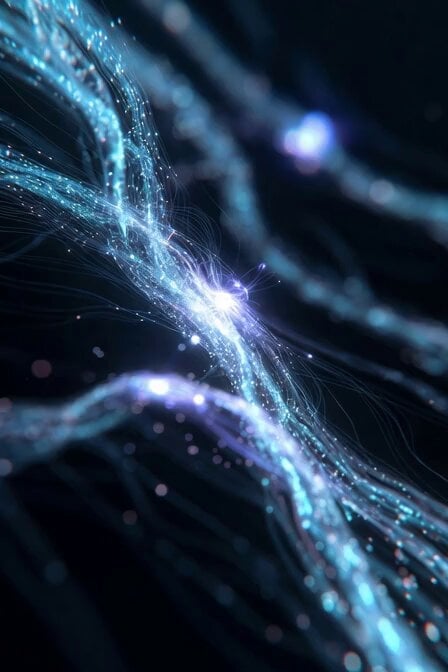
Holographic Data Vines Animation
Browse template categories
Cinematic Rainy Seaside Anime Scene questions
How do I use the Cinematic Rainy Seaside Anime Scene template?
Add your photo if the template asks for one, edit the prompt if you like — the template's model and format are already selected — and press Generate. Your version opens in PicX Studio.
Can I customize the Cinematic Rainy Seaside Anime Scene template?
Yes. You can change the subject, setting, lighting, mood, format, and available model controls before creating your video.
Is the Cinematic Rainy Seaside Anime Scene template free?
Opening and editing this template is free. Generating uses credits, shown on the Generate button when you are signed in.
Which AI model should I use?
Start with Seedance 2.0, which is the model associated with this template. You can compare another compatible model for a different finish.
Looking for something else? Browse all templates.

Your photo, any look
Thousands of ready templates for every top image and video model, from one credit balance.