
Detailed Blueprint-to-House Timelapse Prompt
A highly detailed, structured prompt for generating a 15-second architectural visualization timelapse video.
- Prompt included
- Model and format preset
- Premium template
The prompt behind this video
Copy the exact prompt behind Detailed Blueprint-to-House Timelapse Prompt, or open it in the studio and make it yours.
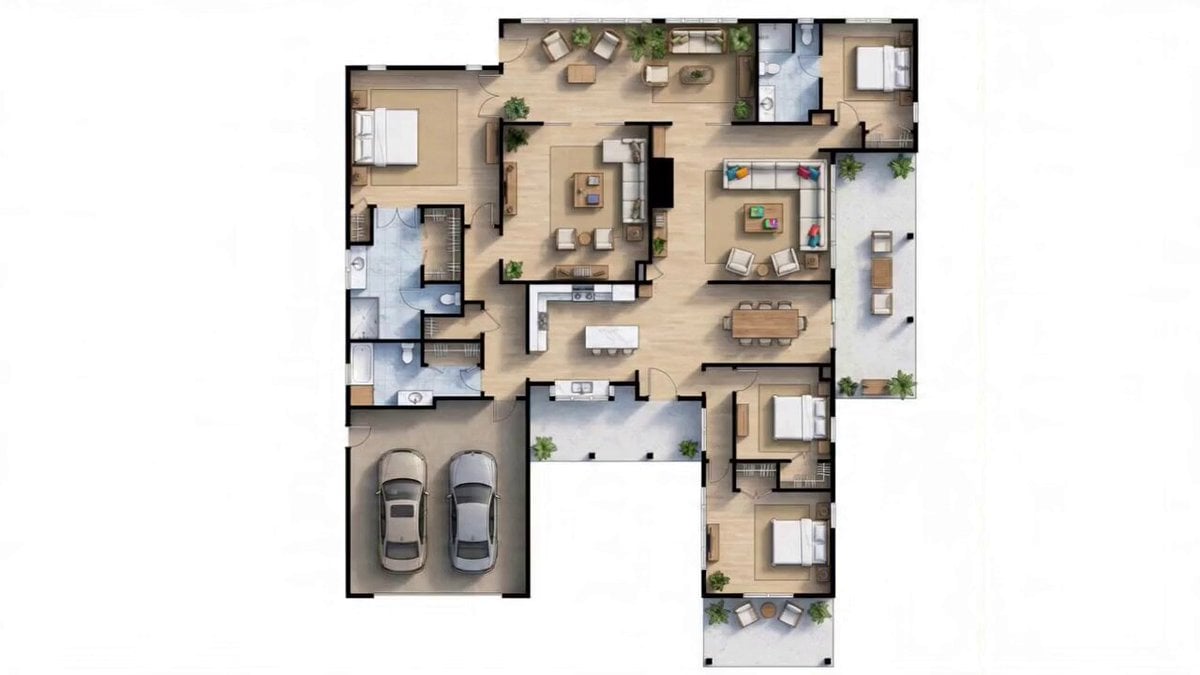
{ "video_prompt": { "duration": "15 seconds", "title": "Blueprint to Reality – Single-Story House Transformation", "style": "Architectural visualization, photoreal, modern farmhouse exterior, clean cinematic motion", "blueprint_reference": { "floors": 1, "footprint_shape": "Irregular L-plus-T shape", "layout_zones": { "top_left": "Master bedroom with large en-suite (double vanity, bathtub, shower, toilet)", "top_center": "Open lounge / sitting area with plants", "top_right": "Secondary bedroom + full bathroom", "center_left": "Walk-in closet / laundry adjacent to master bath", "center": "Open-plan kitchen with island, connected to dining room", "center_right": "Family room / playroom with colorful seating", "right": "Covered outdoor terrace / patio (open to sky)", "bottom_center": "Entry foyer leading to interior", "bottom_left": "Double attached garage (2-car, open indoor space, roofed)", "bottom_right_upper": "Bedroom 3 with shared bathroom", "bottom_right_lower": "Bedroom 4 with small private patio (open to sky)", "bottom_right_corner": "Small outdoor lounge / garden corner (open to sky)" } }, "roof_rules": { "all_interior_rooms": "Fully covered with roof — master bedroom, all secondary bedrooms, bathrooms, kitchen, dining, family room, lounge, garage, foyer, hallways", "outdoor_spaces": "Open to sky — right-side terrace, bottom-right small patio, garden corner", "garage": "Roofed as part of main structure, no skylight" }, "exterior_style_reference": { "roof_type": "Standing seam dark charcoal / black metal roof, low-to-mid pitch", "facade": "Light beige / warm white board-and-batten vertical siding", "trim": "Dark brown / black window frames and fascia", "garage_door": "Dark modern panel garage door, double-wide", "covered_porch": "Covered front entry and right-side patio with exposed wood beam columns", "windows": "Large black-framed rectangular windows matching each room's position" }, "sequence": [ { "time": "0:00–0:02", "action": "Clean white background. Crisp 2D top-down colored floor plan appears — exact layout with all rooms labeled, walls in bold black, rooms color-coded in warm wood tones and blue for bathrooms, gray for garage." }, { "time": "0:02–0:05", "action": "Camera slowly pulls back. Floor plan glows softly. Thin white grid lines appear beneath the plan, establishing ground plane. Room walls begin to gently pulse, ready to rise." }, { "time": "0:05–0:09", "action": "Walls begin extruding upward from the 2D plan — all interior walls rise simultaneously, preserving exact footprint. Garage walls, bedroom walls, k
How to use Detailed Blueprint-to-House Timelapse Prompt in 3 steps
- 1Upload ImagePNG, JPG or paste
Add your photo
Upload the photo the template builds on. The prompt, model and format are already set.
- 2…a portrait of your subject in softgolden-hour light, 85mm…
Personalize
Edit the subject and creative details for your destination.
- 3Generate
Generate
Press Generate — your video is created in PicX Studio, so you can compare it with the original and refine one variable at a time.
More like this
Templates with the same subject, style or setup. Open one to see its prompt.
Blueprint to House Timelapse Transformation
Stadium Construction Blueprint Timelapse
City Timelapse Growth — Seedance 2.0
Civilization Timelapse — Centuries in One Shot
Future House Dance Performance
Miami Beach House Party Smartphone Video

Water Slide to Haunted House Surprise
East Asian Women Opera House
Architectural Space Renovation Timelapse
Market Restoration Crane-Up Timelapse
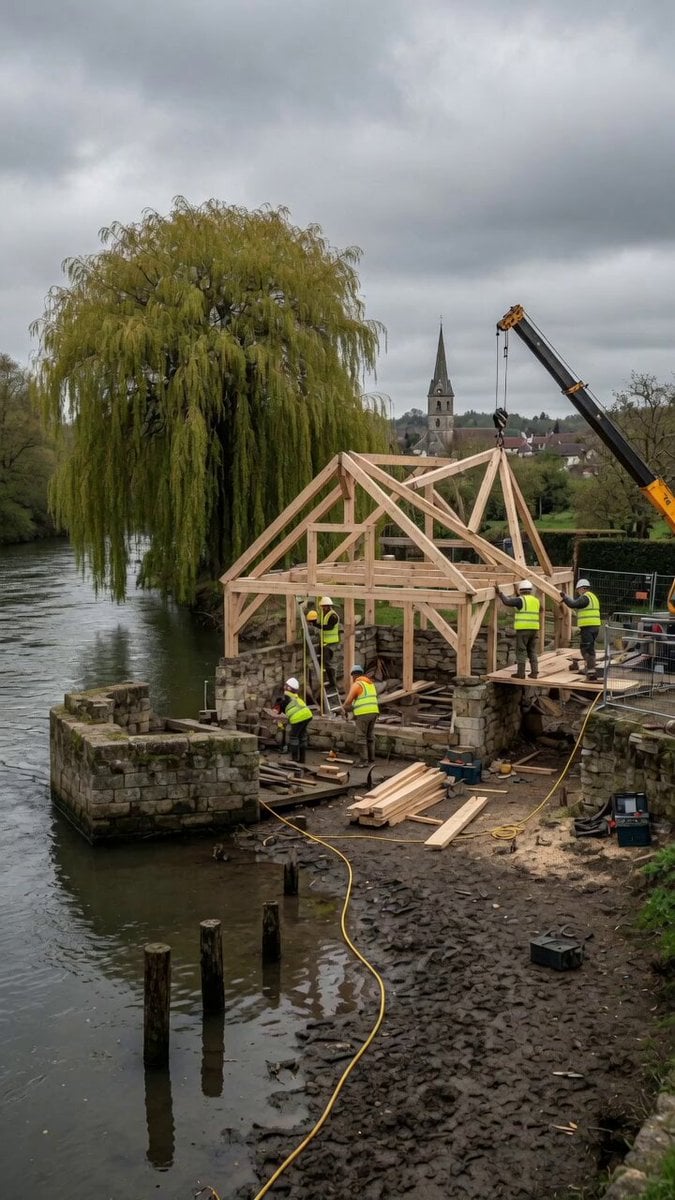
Construction Timelapse with Scene Lock

Floating Islands Timelapse Concept
Make it yours
Detailed Blueprint-to-House Timelapse Prompt works as-is. These are the safest ways to change it without losing the look.
Change one field
Copy a single group, rewrite it, and generate again so you can see what that field is doing.
Keep the frame, change the subject
Hold the composition and light of Detailed Blueprint-to-House Timelapse Prompt, then swap wardrobe, props or the person for a new take.
| If the result… | Why | Fix |
|---|---|---|
| The result drifts from the preview | Too many fields changed at once. | Reuse Detailed Blueprint-to-House Timelapse Prompt as-is first, then change one group — subject, light, or setting. |
| The model over-stylizes the scene | The prose prompt leaves finish and camera underspecified. | Add one camera or lighting sentence and stay on Seedance 2.0. |
More Seedance 2.0 templates
Other prompts made for Seedance 2.0.

Comical Martial Arts Punch Scene

Maglev Train Action Sequence

Martial Arts Fight Sequence

Wuxia Protection and Trust Script

Vintage Korean Arcade MiniDV Vlog

Mercedes 190 SL Luxury Ad

Rainy Night Supernatural Reverse Comedy Video Script

Amazon Civilization Discovery

Futuristic South Asian City Transformation

Cozy Luxury Cafe Commercial
More video prompts
Fresh picks from across the catalog.

Cinematic Fashion Sunglasses Commercial
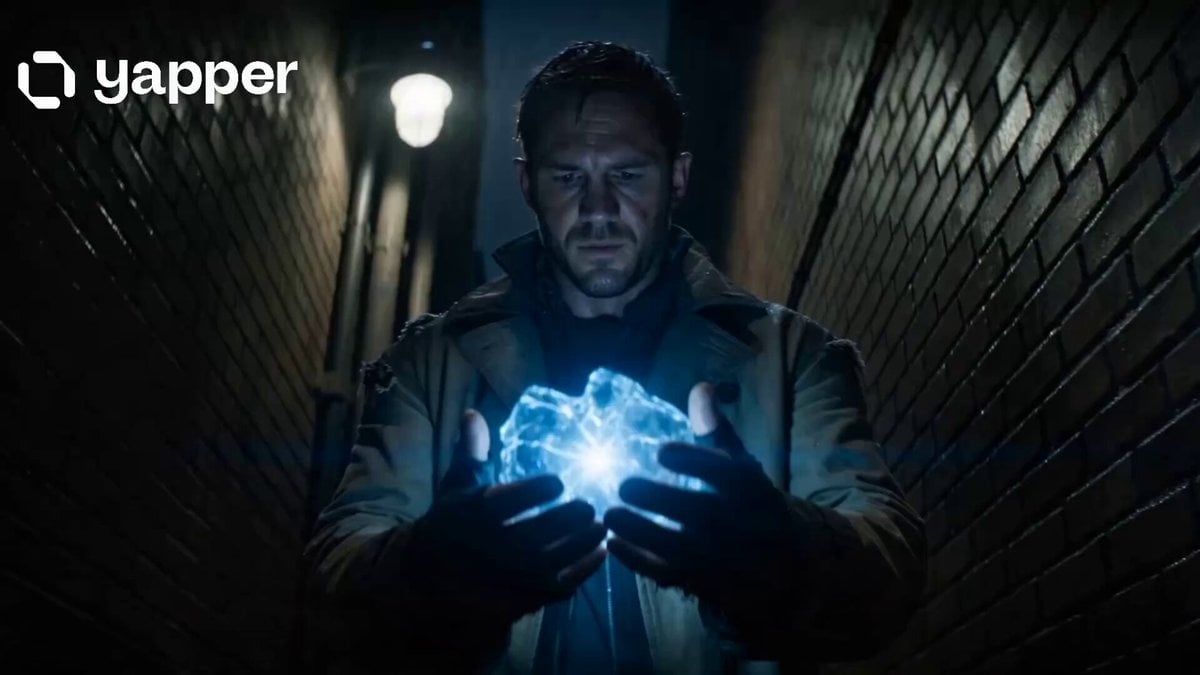
Time Traveler 2050 Reveal
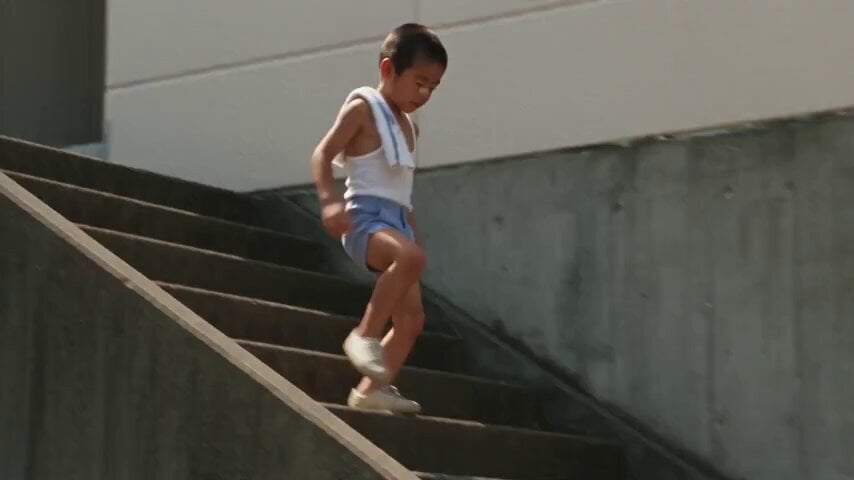
1984 Showa Era Home Video
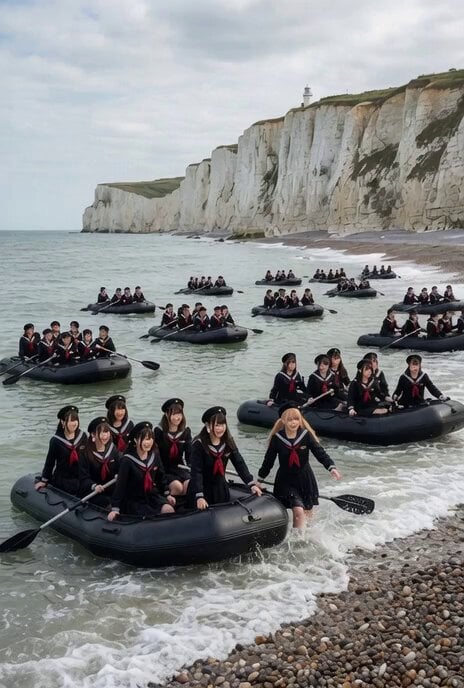
Japanese Women Arriving at Dover Video Prompt

Calligraphy Dragon Transformation Scene
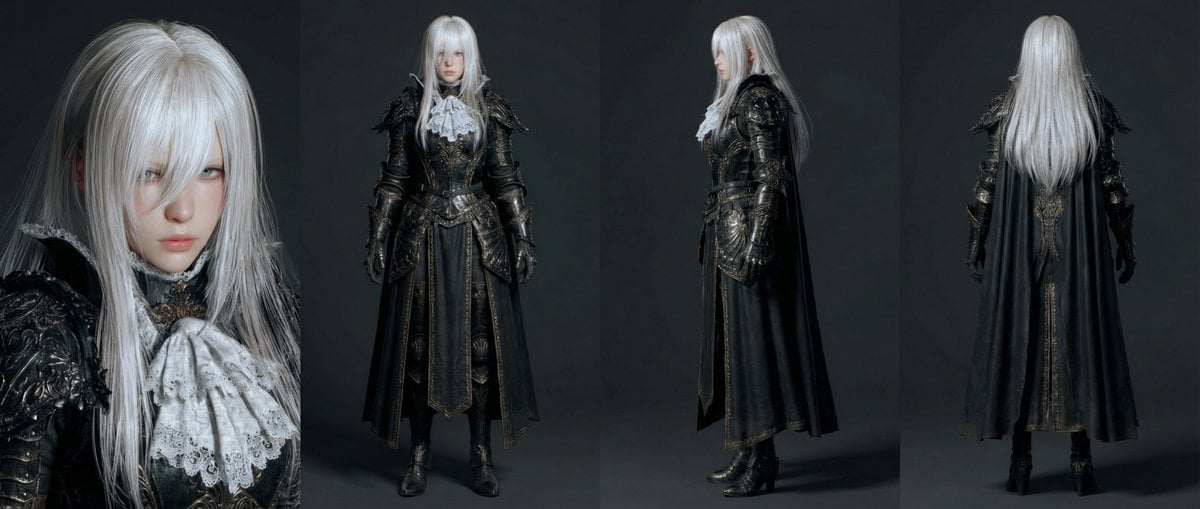
Open-Source Tokusatsu Cinematic Aesthetic Prompt
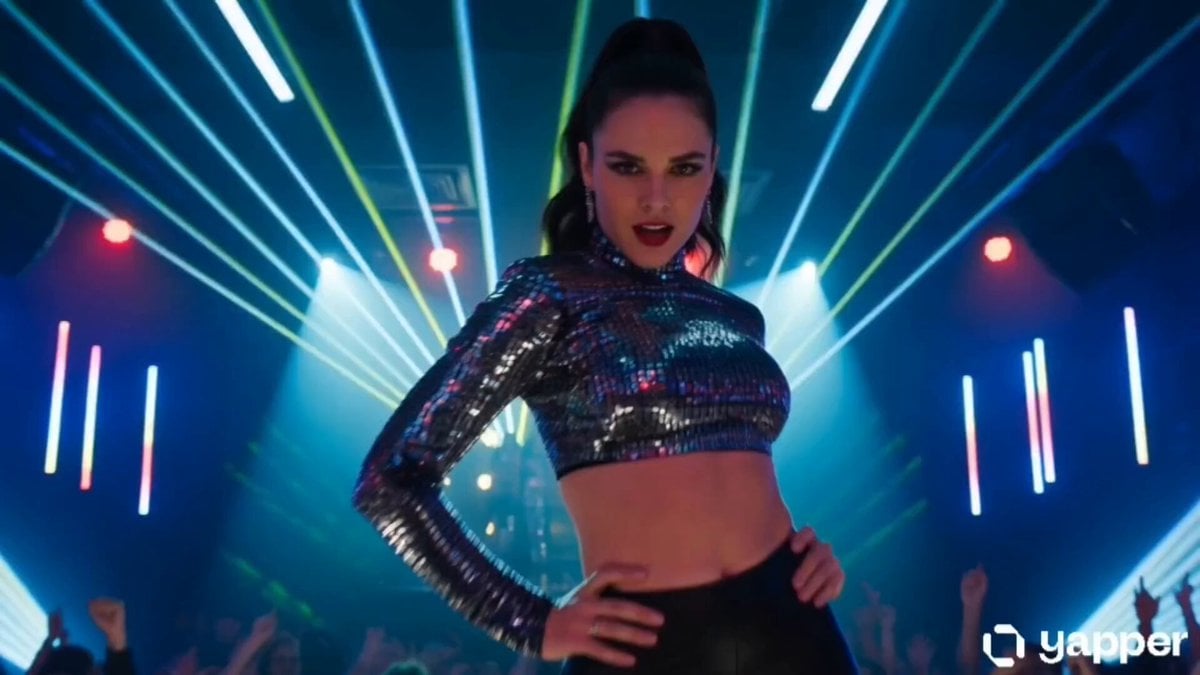
Neon Nightclub Dance Choreography
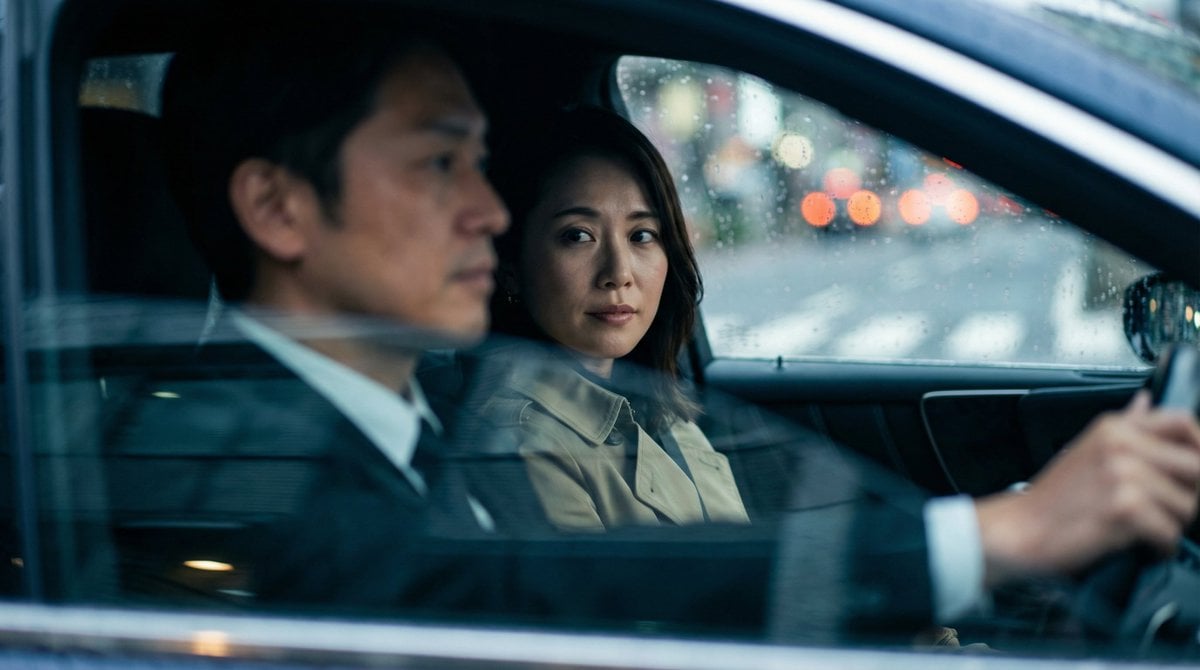
Japanese Couple in Parked Car During Heavy Rain

Seedance 2.0 Video Prompt: Giant Asian Man Destroying Warships

Luxury Skincare Storyboard Motion Prompt
Browse template categories
Detailed Blueprint-to-House Timelapse Prompt questions
How do I use the Detailed Blueprint-to-House Timelapse Prompt template?
Add your photo if the template asks for one, edit the prompt if you like — the template's model and format are already selected — and press Generate. Your version opens in PicX Studio.
Can I customize the Detailed Blueprint-to-House Timelapse Prompt template?
Yes. You can change the subject, setting, lighting, mood, format, and available model controls before creating your video.
Is the Detailed Blueprint-to-House Timelapse Prompt template free?
Opening and editing this template is free. Generating uses credits, shown on the Generate button when you are signed in.
Which AI model should I use?
Start with Seedance 2.0, which is the model associated with this template. You can compare another compatible model for a different finish.
Looking for something else? Browse all templates.

Your photo, any look
Thousands of ready templates for every top image and video model, from one credit balance.