How do I use the Elven Queen Portrait Prompt (Image-focused) template?
Edit the prompt in the box under the preview — the template's model and format are already selected — and press Generate. Your version appears right on this page.
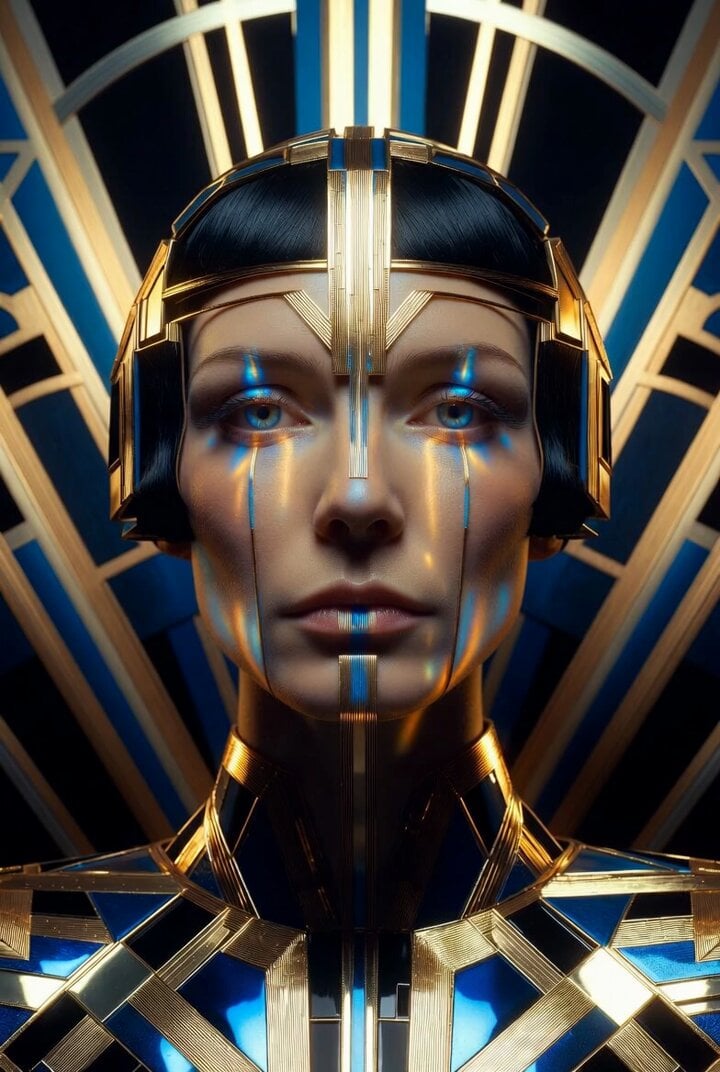
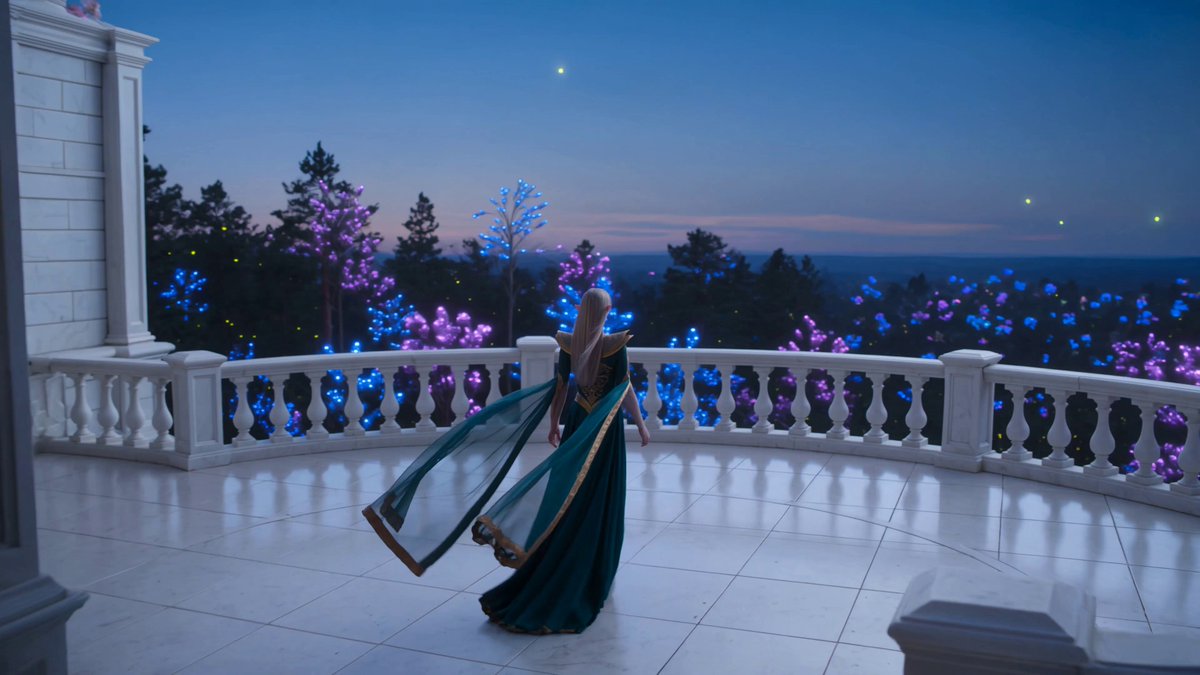
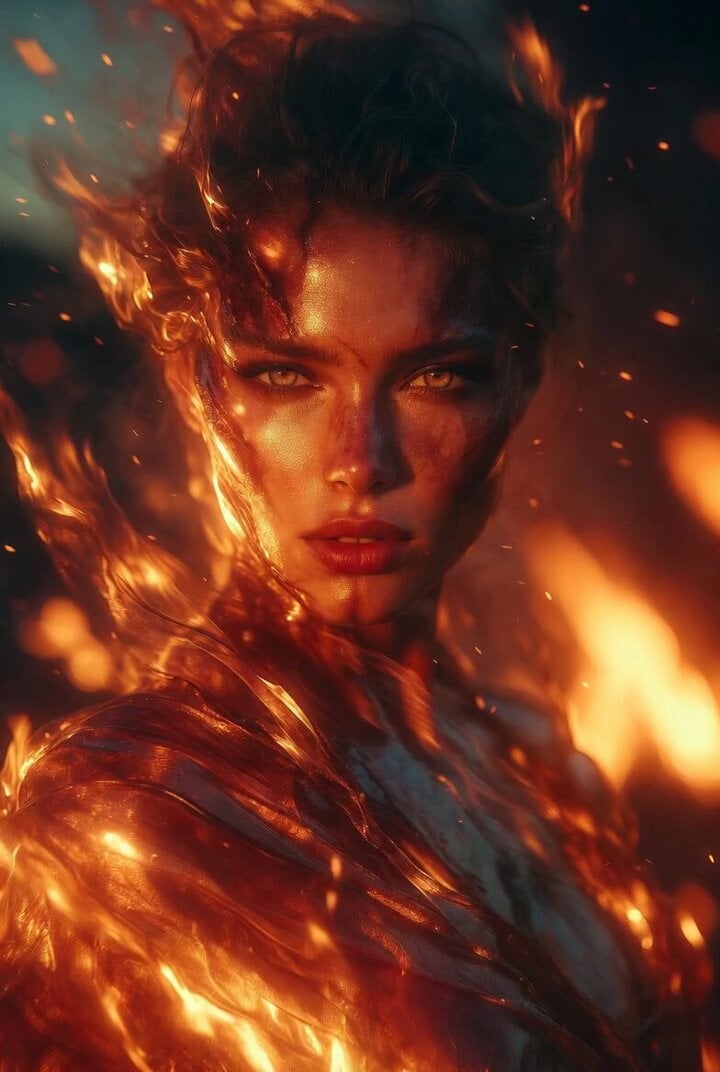
A highly detailed prompt for generating a close-up portrait of an ethereal Caucasian elven queen in a high-fantasy digital painting style, emphasizing lighting and detail.
Close-up portrait of an ethereal and mysterious Caucasian elven queen, long flowing blonde hair, eyes, delicate white feather headdress, intricate silver and diamond jewelry, melancholic yet graceful expression, high-fantasy digital painting style, soft magical lighting, ultra-high detail, reminiscent of Greg Rutkowski
Close-up portrait of an ethereal and mysterious Caucasian elven queen, long flowing blonde hair, eyes, delicate white feather headdress, intricate silver and diamond jewelry, melancholic yet graceful expression, high-fantasy digital painting style, soft magical lighting, ultra-high detail, reminiscent of Greg Rutkowski
Edit the prompt in the box under the preview — the template's model and format are already selected — and press Generate. Your version appears right on this page.
Yes. You can change the subject, setting, lighting, mood, format, and available model controls before creating your video.
Opening and editing this template is free. Generating uses credits, shown on the Generate button when you are signed in.
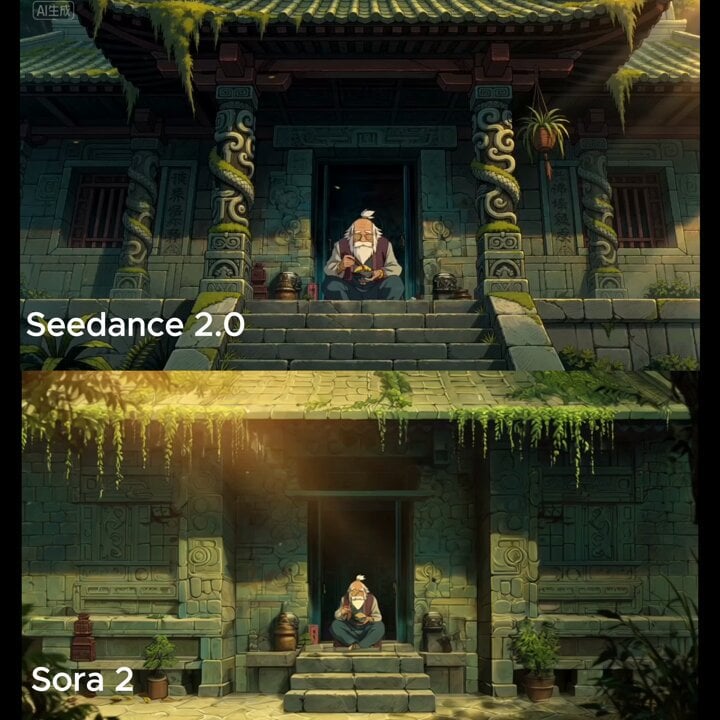
Start with Seedance 2.0, which is the model associated with this template. You can compare another compatible model for a different finish.
Follow a topic to a crawlable collection of related PicX Studio templates.