
High Budget Cel-Shaded Anime MV
A comprehensive system prompt for generating professional anime-style music videos with Seedance 2.0, focusing on dynamic camera work and emotional directing.

- Prompt included
- Model and format preset
- Free template
The prompt behind this video
Copy the exact prompt behind High Budget Cel-Shaded Anime MV, or open it in the studio and make it yours.
# Use only GPT Image2 and Seedance2.0. # Show me 2D, Cel-shaded 600 million dollar high budget feature film anime style. extreme beauty. # 日本語。日本のフルカラーアニメ。ダイナミックなカメラワーク。エモーショナルな演出。カット割多め。リッチなコラージュ演出。 # 各カットの長さは最大4秒。4秒を超えたら必ずカット割りをする。 # 激しいカメラワークが入っていないカットにおいては、必ず色またはライティングの変化、またはリリックモーションなど、激しい変化の要素を入れなければならない。 # プロンプトに必ず「滑らかな線と塗り。」の一文を入れてください。 # 人物が歌っているだけのカットはすべて2秒以内に抑えてください。 # 人物の画風は添付画像に忠実に従ってください。 # 人物が歌っている様子を写すカットは必ずドラマチックなカメラワークを入れてください。
How to use High Budget Cel-Shaded Anime MV in 3 steps
- 1
Open
The prompt is already in the box next to the preview, with the template's model and format selected.
- 2…a portrait of your subject in softgolden-hour light, 85mm…
Personalize
Edit the subject and creative details for your destination.
- 3Generate
Generate
Press Generate — your video is created in PicX Studio, so you can compare it with the original and refine one variable at a time.
More like this
Templates with the same subject, style or setup. Open one to see its prompt.

Zareya Cel-Shaded Anime Cinematic

MiniMax H3 Character Introduction

Japanese Pure Love Short Film

Studio Ghibli Dumpling Kitchen Cooking Scene
Mecha Transformation vs Kaiju — 4-Scene Epic
Cinematic Anime Celebration Video
Celestial Phoenix Sky Empire
Cinematic Anime Cyborg Running Scene
Pastel Beach Anime MV
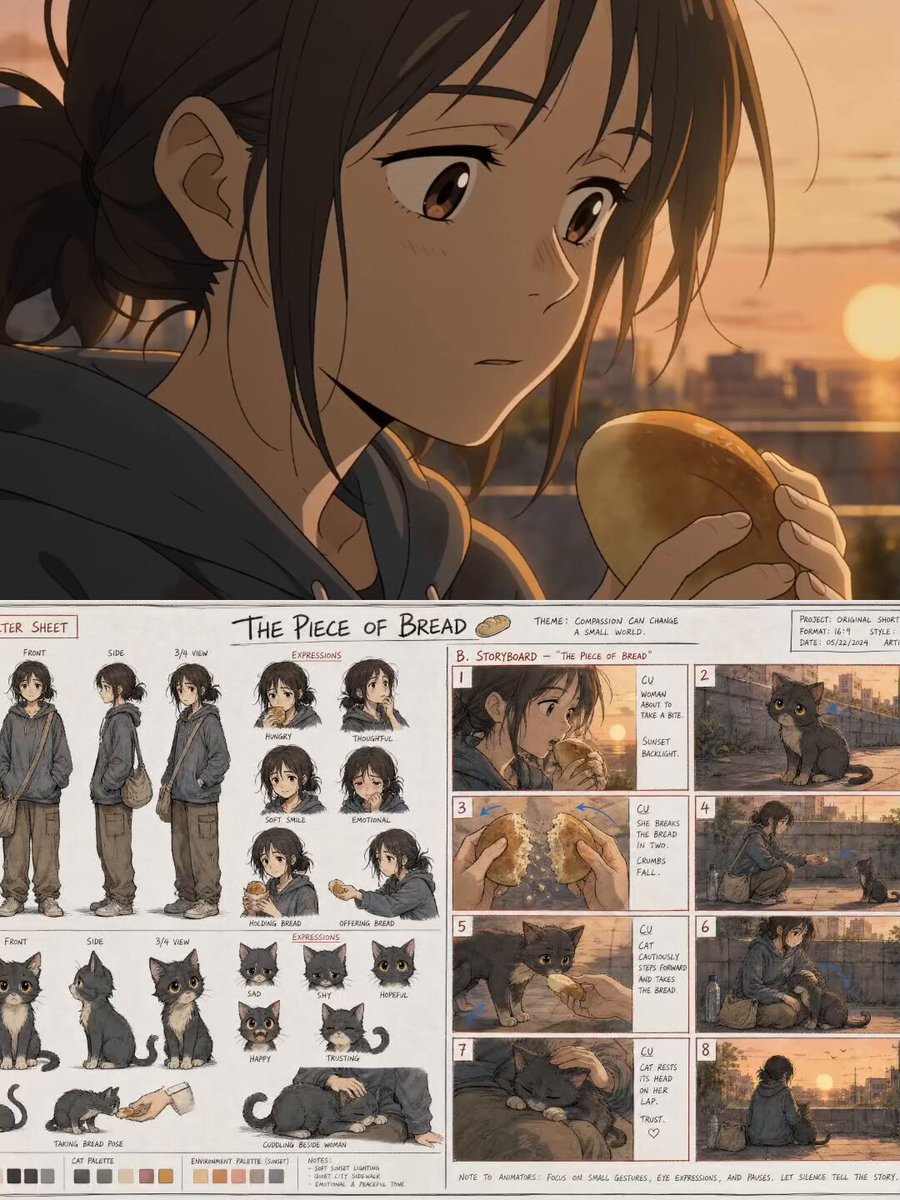
The Piece of Bread: Anime Short Film
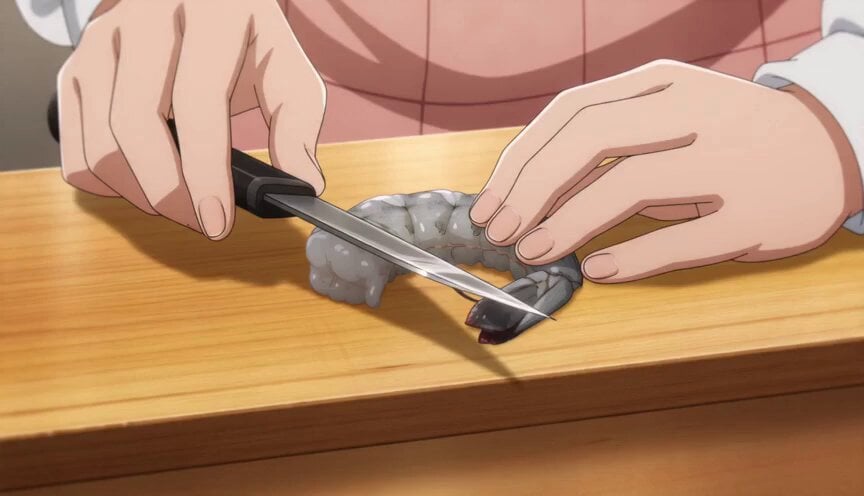
Anime Chef Shrimp Tempura Cooking
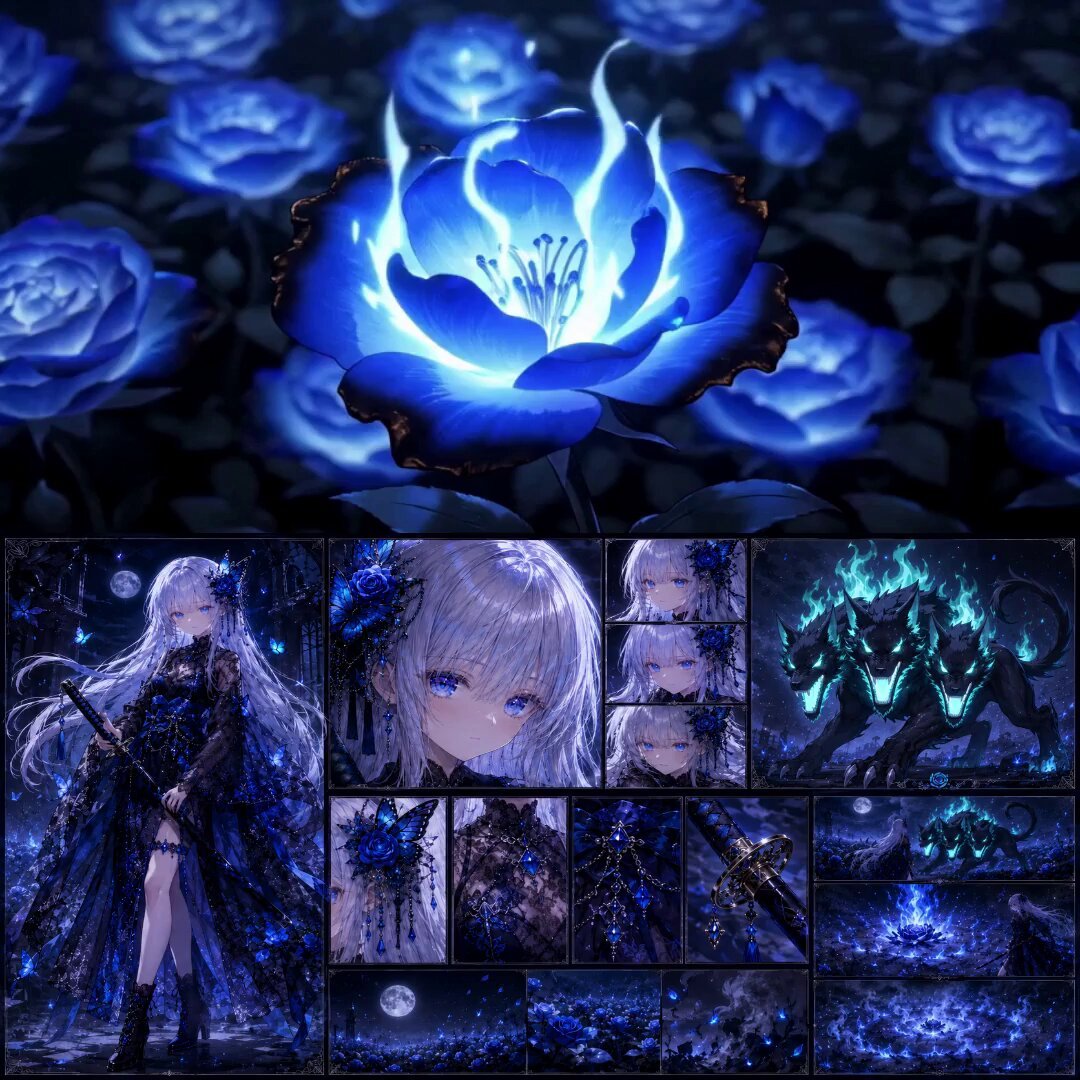
High-End Anime Dark Fantasy Cerberus Battle
Make it yours
High Budget Cel-Shaded Anime MV works as-is. These are the safest ways to change it without losing the look.
Change one field
Copy a single group, rewrite it, and generate again so you can see what that field is doing.
Keep the frame, change the subject
Hold the composition and light of High Budget Cel-Shaded Anime MV, then swap wardrobe, props or the person for a new take.
| If the result… | Why | Fix |
|---|---|---|
| The result drifts from the preview | Too many fields changed at once. | Reuse High Budget Cel-Shaded Anime MV as-is first, then change one group — subject, light, or setting. |
| The model over-stylizes the scene | The prose prompt leaves finish and camera underspecified. | Add one camera or lighting sentence and stay on Seedance 2.0. |
More Seedance 2.0 templates
Other prompts made for Seedance 2.0.

Comical Martial Arts Punch Scene

Maglev Train Action Sequence

Martial Arts Fight Sequence

Wuxia Protection and Trust Script

Vintage Korean Arcade MiniDV Vlog

Mercedes 190 SL Luxury Ad

Rainy Night Supernatural Reverse Comedy Video Script

Amazon Civilization Discovery

Futuristic South Asian City Transformation

Cozy Luxury Cafe Commercial
More video prompts
Fresh picks from across the catalog.

Psychological Thriller Cinematic Trailer
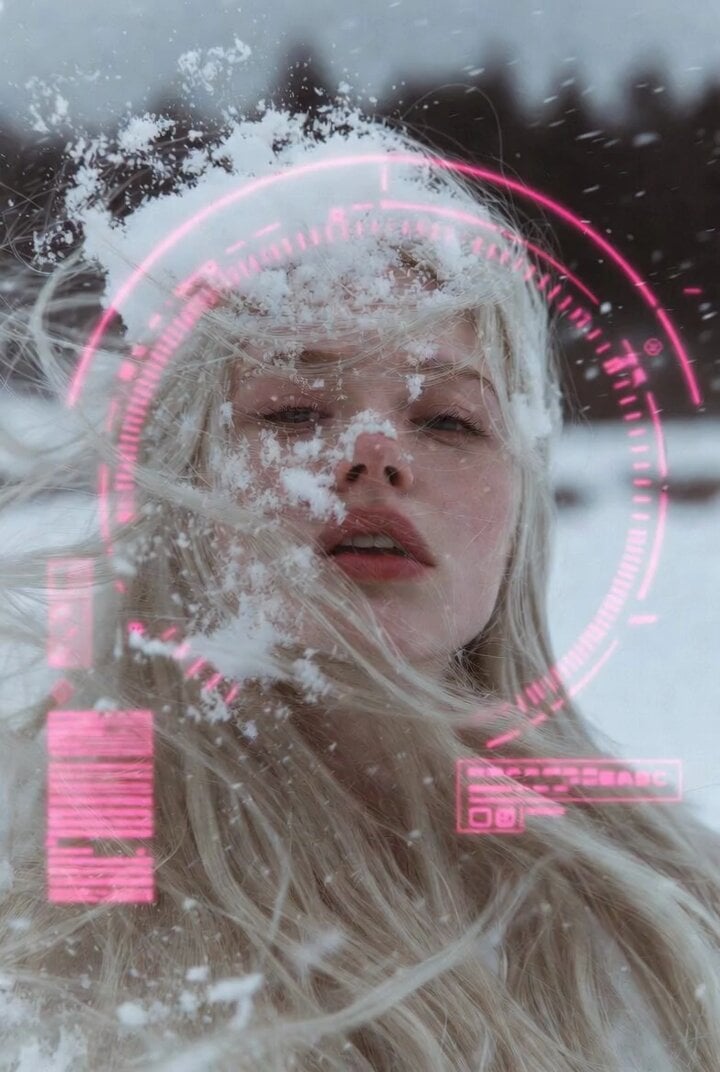
Woman in Winter Storm with HUD Overlay
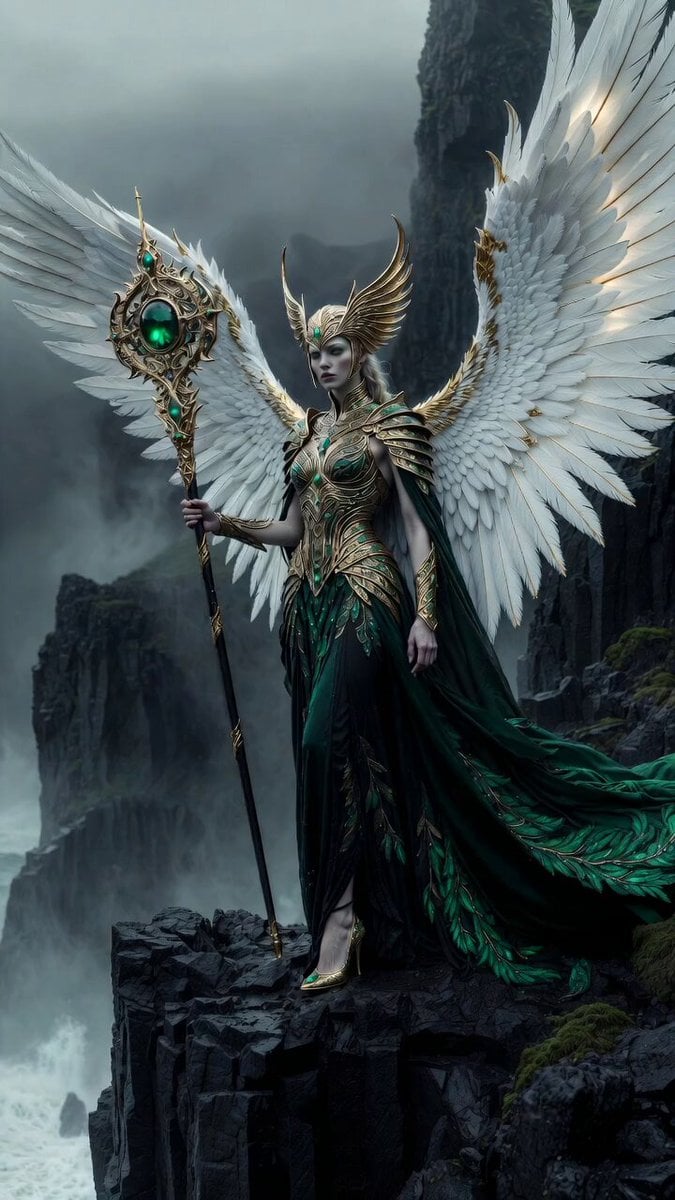
Celestial Phoenix Elven Empress

Fantasy Dragon Chase Sequence

Ancient Kingdom FPV Flight
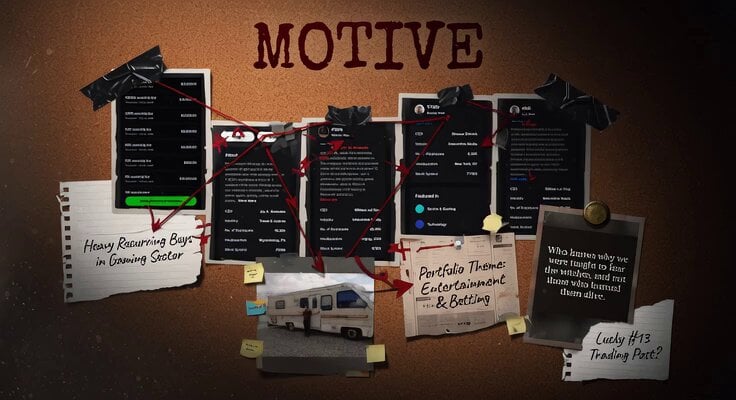
Detective Motive Board Collage
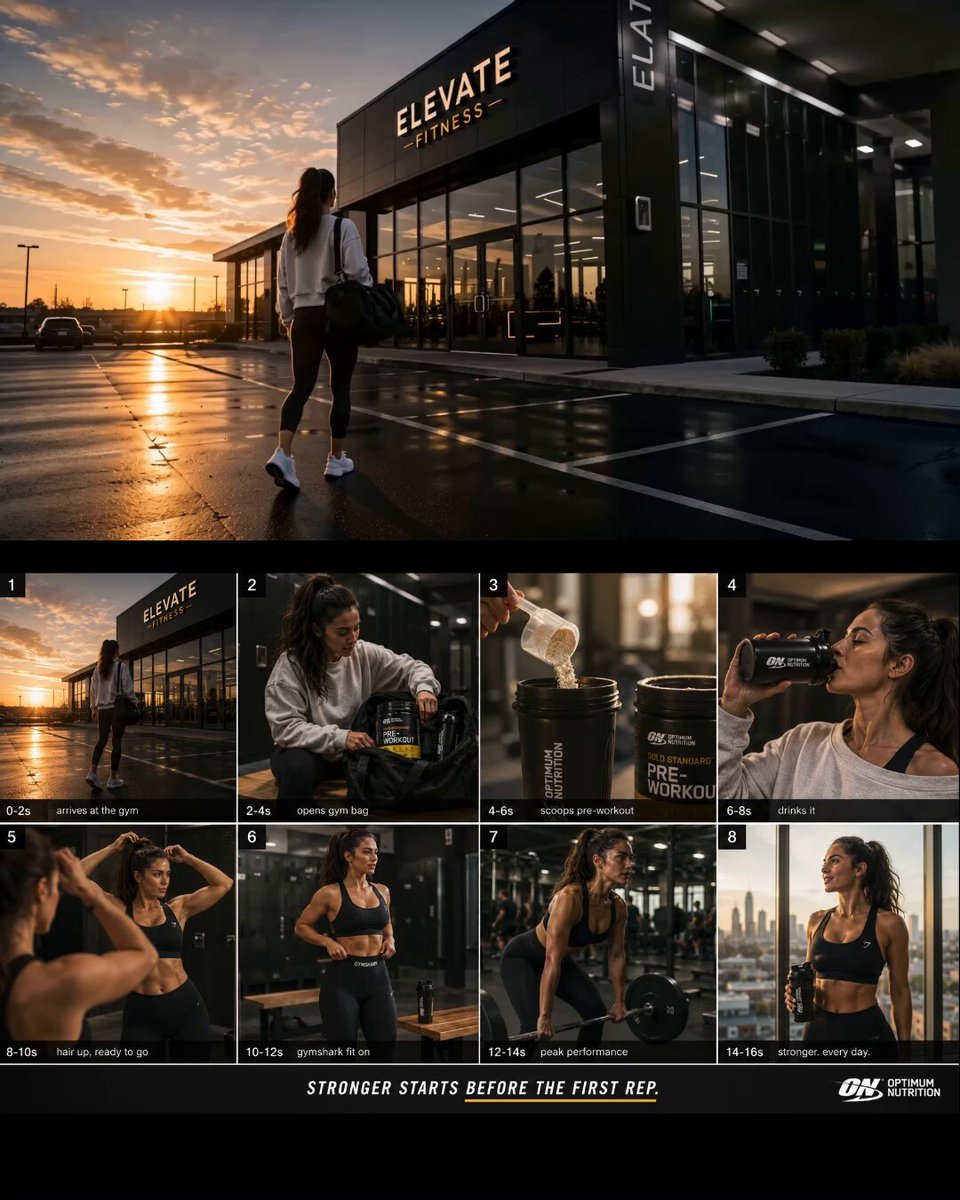
Premium Fitness Documentary Style
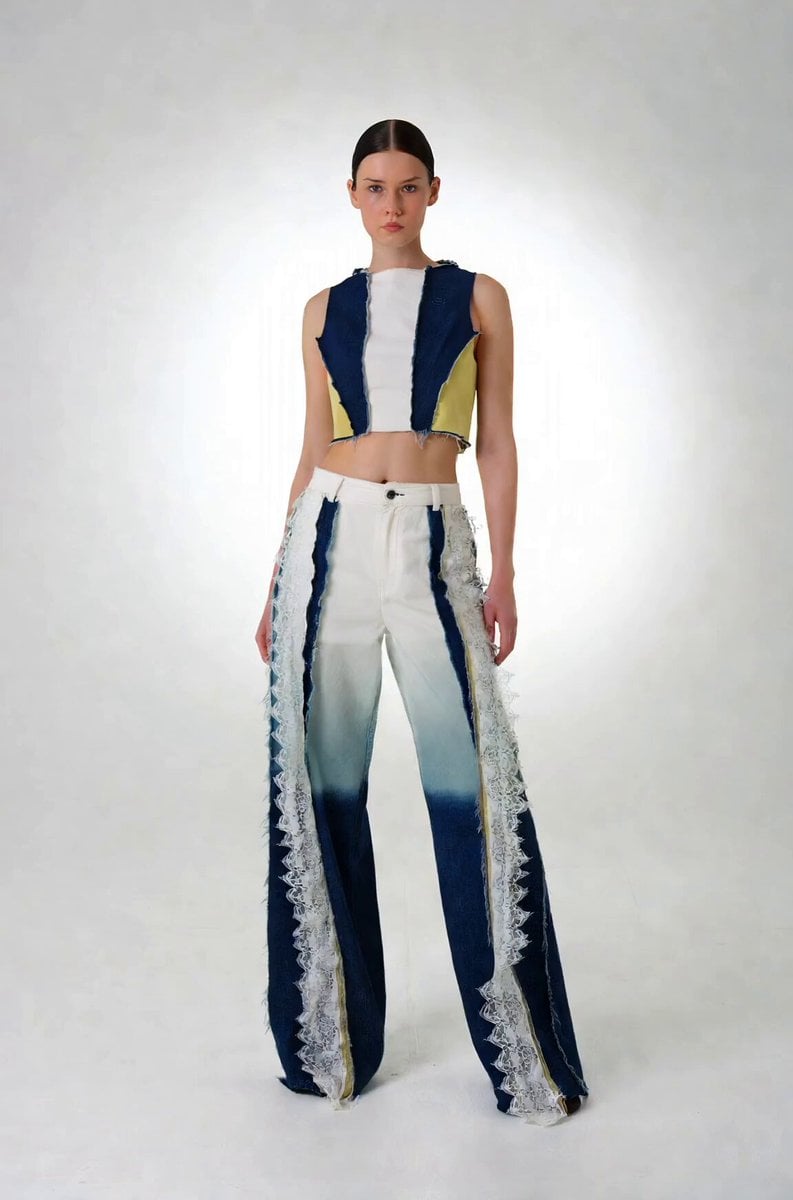
Precise Character Rotation Sequence
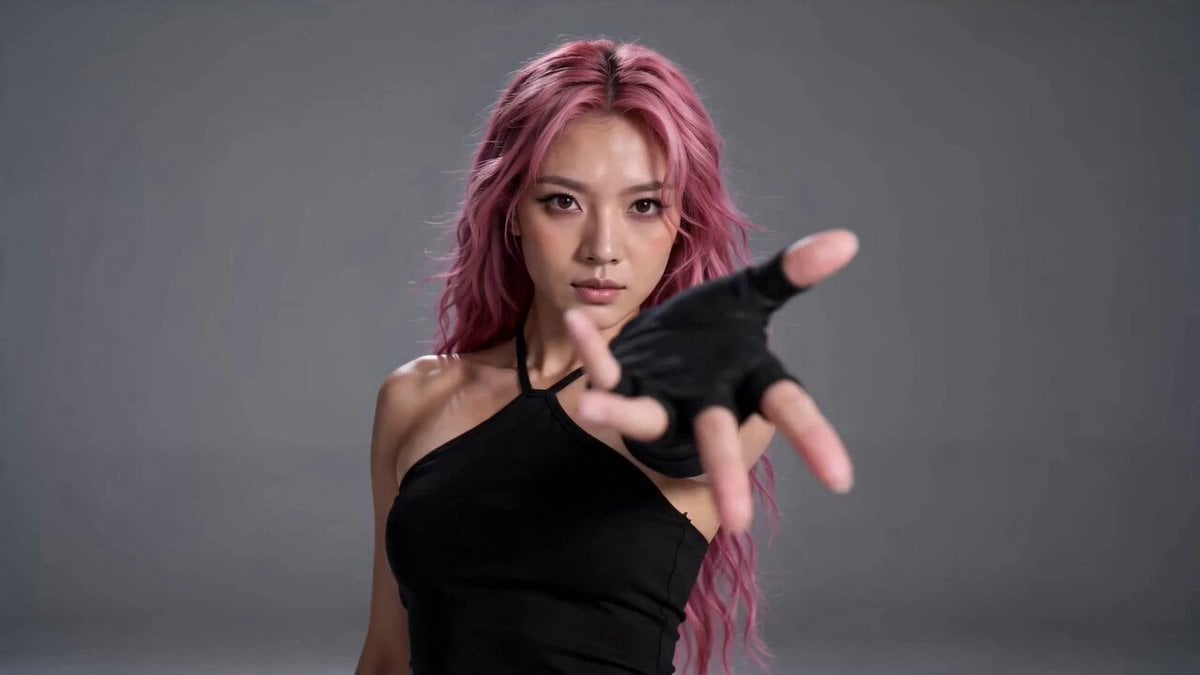
Real-Life to Anime Combat Transition

Constitution Scroll Reading Aloud
Browse template categories
High Budget Cel-Shaded Anime MV questions
How do I use the High Budget Cel-Shaded Anime MV template?
Add your photo if the template asks for one, edit the prompt if you like — the template's model and format are already selected — and press Generate. Your version opens in PicX Studio.
Can I customize the High Budget Cel-Shaded Anime MV template?
Yes. You can change the subject, setting, lighting, mood, format, and available model controls before creating your video.
Is the High Budget Cel-Shaded Anime MV template free?
Opening and editing this template is free. Generating uses credits, shown on the Generate button when you are signed in.
Which AI model should I use?
Start with Seedance 2.0, which is the model associated with this template. You can compare another compatible model for a different finish.
Looking for something else? Browse all templates.

Your photo, any look
Thousands of ready templates for every top image and video model, from one credit balance.