
Stylized 3D Animation: Old Man and Pigeon
A charming 3D animation prompt about an eccentric elderly man and a mischievous pigeon sharing a comedic and sweet moment on a balcony.
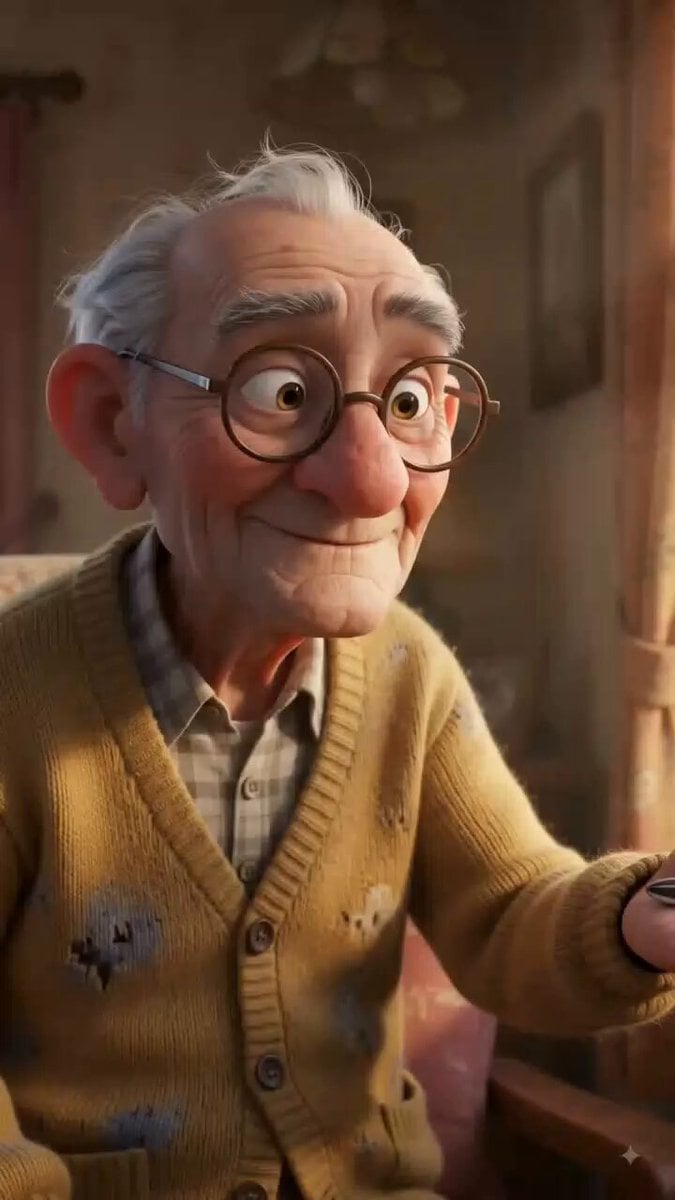
- Prompt included
- Model and format preset
- Free template
The prompt behind this video
Copy the exact prompt behind Stylized 3D Animation: Old Man and Pigeon, or open it in the studio and make it yours.
[Global Setting] Cozy old apartment balcony in warm golden morning light, colorful flower pots, wooden chair, hanging laundry, small table with bird seeds. 3D stylized animation with rounded appealing characters, expressive faces, playful physical comedy and sincere warmth. [Character 1: The Eccentric Old Man] Age 75+, round belly, wispy white hair, faded cardigan, loose trousers, worn slippers, spectacles sliding down his nose. Speaks rarely, mostly communicates through facial expressions and body language. Same appearance and cardigan throughout. [Character 2: The Mischievous Pigeon] One plump gray pigeon with shiny feathers, curious expressive eyes and a smug personality. Mostly silent, communicates through head movements, expressions and body language. [Opening, 0–6s] Old man sits on his balcony chair and places a small pile of sunflower seeds on his palm. He smiles at the pigeon and warmly says: “Come on, little friend.” The pigeon slowly approaches and stares at him suspiciously. [Funny Moment, 6–14s] The pigeon suddenly grabs the seed and jumps onto the old man's head. The old man freezes completely, eyes wide. He slowly looks upward while the pigeon casually looks down at him with a smug expression. The old man sighs and shakes his head. [Sweet Moment, 14–23s] The old man carefully lifts the pigeon from his head and holds it gently against his chest. The pigeon relaxes and nuzzles into him. The old man smiles and softly says: “You win, little friend.” He gently strokes its feathers. [Closing, 23–30s] The old man sits peacefully in the golden sunlight with the pigeon resting beside him. The pigeon closes its eyes comfortably. The old man smiles, closes his eyes and quietly laughs. Camera slowly pulls back, revealing the cozy balcony. [CONSISTENCY] One old man, one gray pigeon, same clothing, same balcony and same lighting throughout. No cuts, no scene changes, no character duplication. No subtitles or text. [Voice & Audio] Warm natural elderly male voice, gentle and slightly humorous. Only 2 short dialogue lines. Natural pigeon coos, soft wing flaps, morning birds, gentle wind, subtle comedic music during the funny moment, warm nostalgic during the ending.
How to use Stylized 3D Animation: Old Man and Pigeon in 3 steps
- 1
Open
The prompt is already in the box next to the preview, with the template's model and format selected.
- 2…a portrait of your subject in softgolden-hour light, 85mm…
Personalize
Edit the subject and creative details for your destination.
- 3Generate
Generate
Press Generate — your video is created in PicX Studio, so you can compare it with the original and refine one variable at a time.
More like this
Templates with the same subject, style or setup. Open one to see its prompt.
3D Animated Cat and Old Man - Seedance
Pigeon Nemesis Pixar Animation Storyboard
3D Glossy Fairy Animation - Seedance 2.5

Silk Road Pomegranate Folk Animation

Multilingual Creative Typography Loop
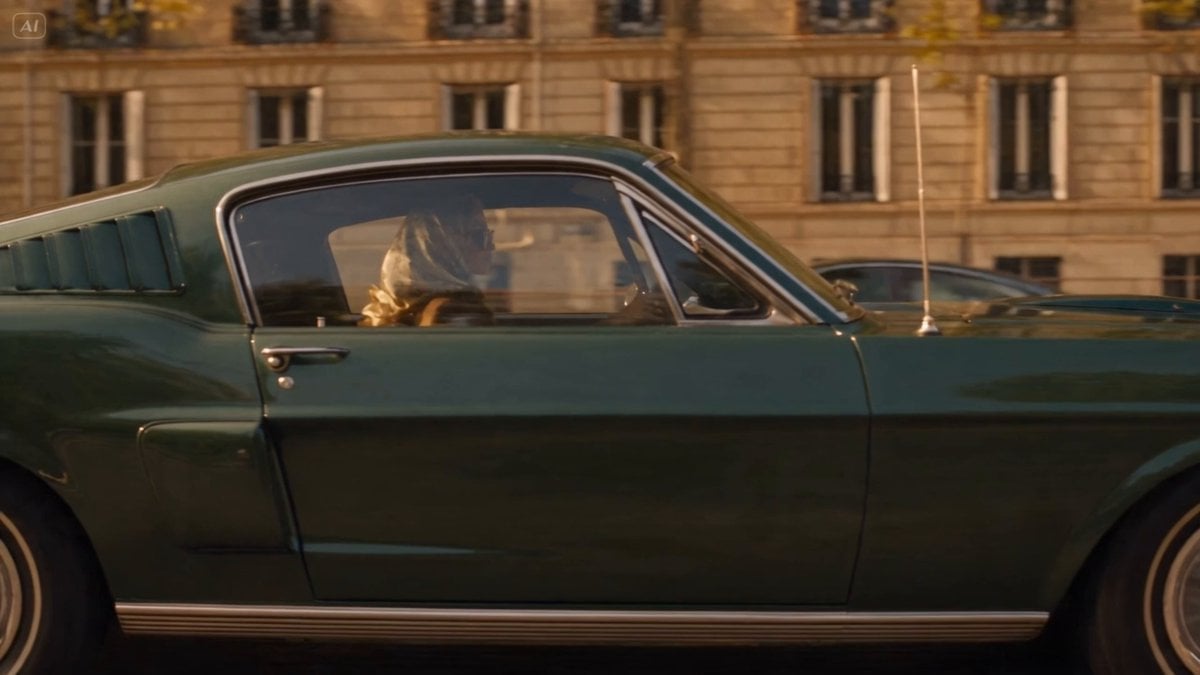
Blonde Woman Driving Green 1960s Mustang Golden Hour
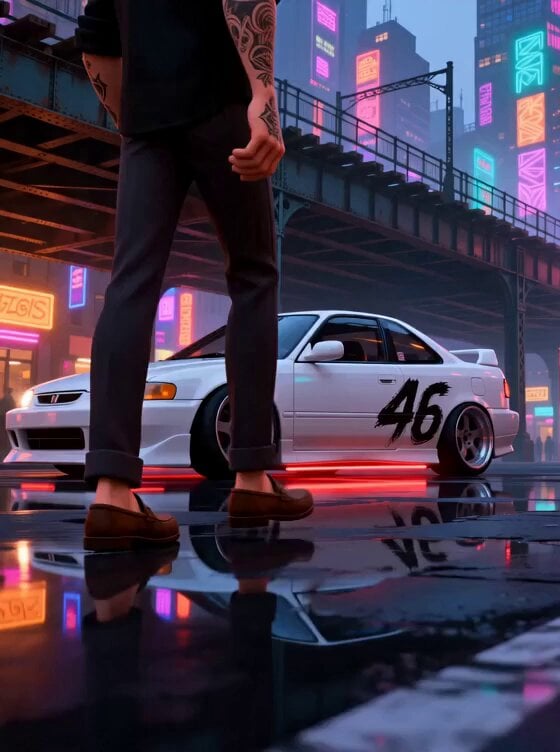
Stylized New York Drift Animation
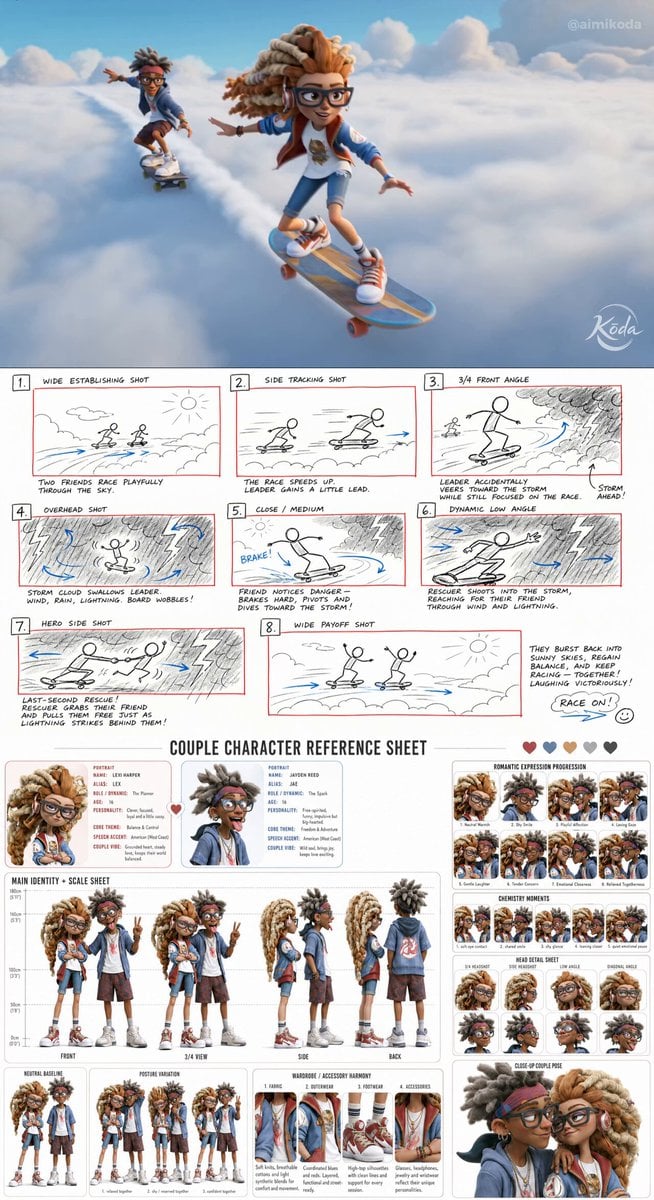
Stylized 3D Animation Adventure
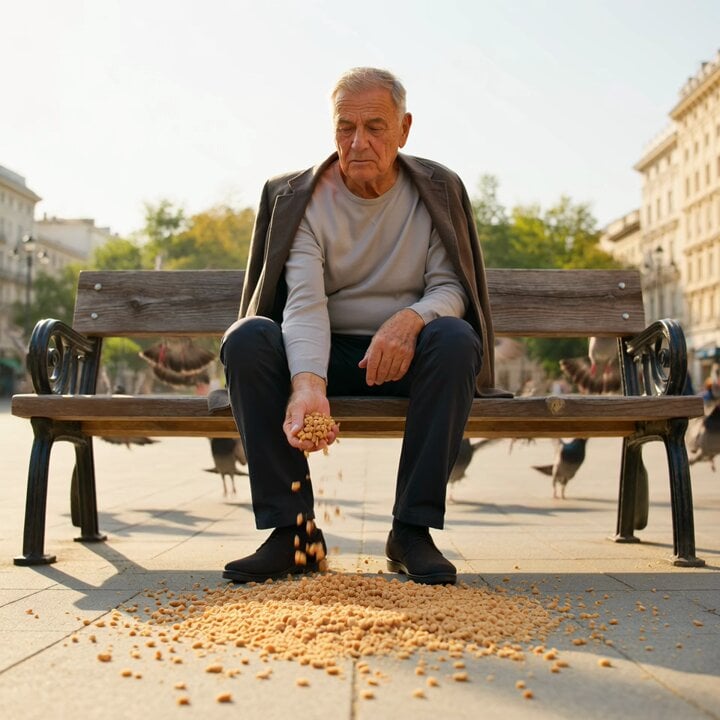
Elderly Man Feeding Pigeons Video Prompt
Zoom into Chrysler building window to see old man
Vibrant Stylized Woman with Butterflies
Man Wrestling Bear Animation
Make it yours
Stylized 3D Animation: Old Man and Pigeon works as-is. These are the safest ways to change it without losing the look.
Change one field
Copy a single group, rewrite it, and generate again so you can see what that field is doing.
Keep the frame, change the subject
Hold the composition and light of Stylized 3D Animation: Old Man and Pigeon, then swap wardrobe, props or the person for a new take.
| If the result… | Why | Fix |
|---|---|---|
| The result drifts from the preview | Too many fields changed at once. | Reuse Stylized 3D Animation: Old Man and Pigeon as-is first, then change one group — subject, light, or setting. |
| The model over-stylizes the scene | The prose prompt leaves finish and camera underspecified. | Add one camera or lighting sentence and stay on Seedance 2.0. |
More Seedance 2.0 templates
Other prompts made for Seedance 2.0.

Comical Martial Arts Punch Scene

Maglev Train Action Sequence

Martial Arts Fight Sequence

Wuxia Protection and Trust Script

Vintage Korean Arcade MiniDV Vlog

Mercedes 190 SL Luxury Ad

Rainy Night Supernatural Reverse Comedy Video Script

Amazon Civilization Discovery

Futuristic South Asian City Transformation

Cozy Luxury Cafe Commercial
More video prompts
Fresh picks from across the catalog.
Cinematic Urban Billboard Liquid Paint
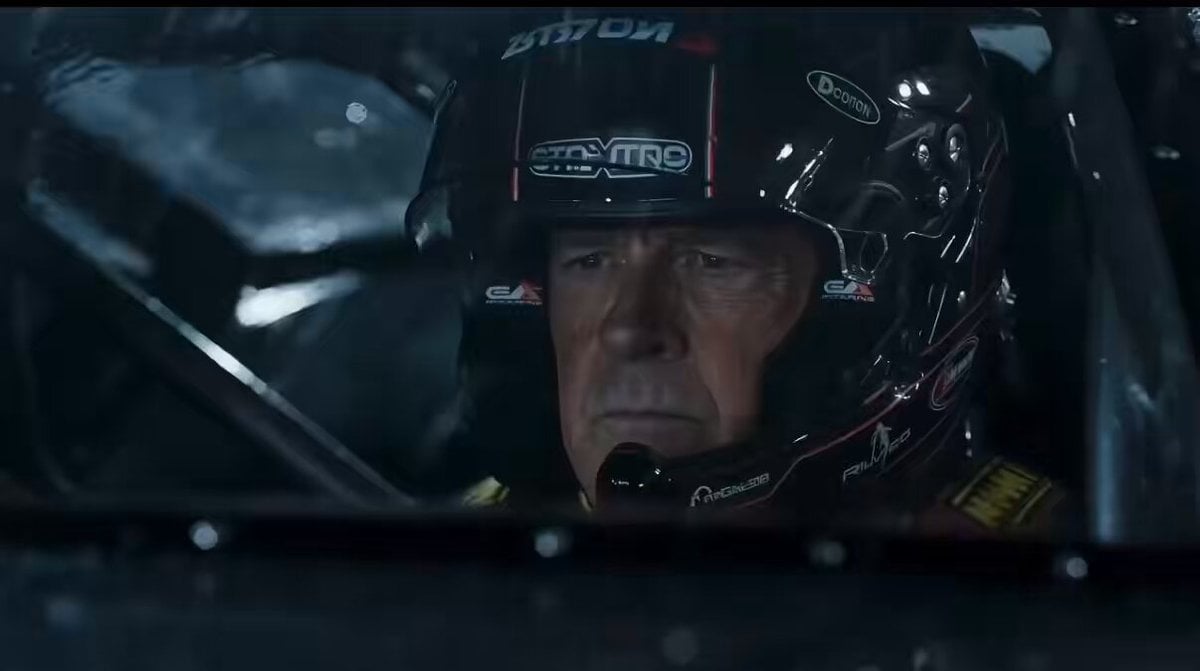
Cinematic Night Racing Movie Scene for Seedance 2.0
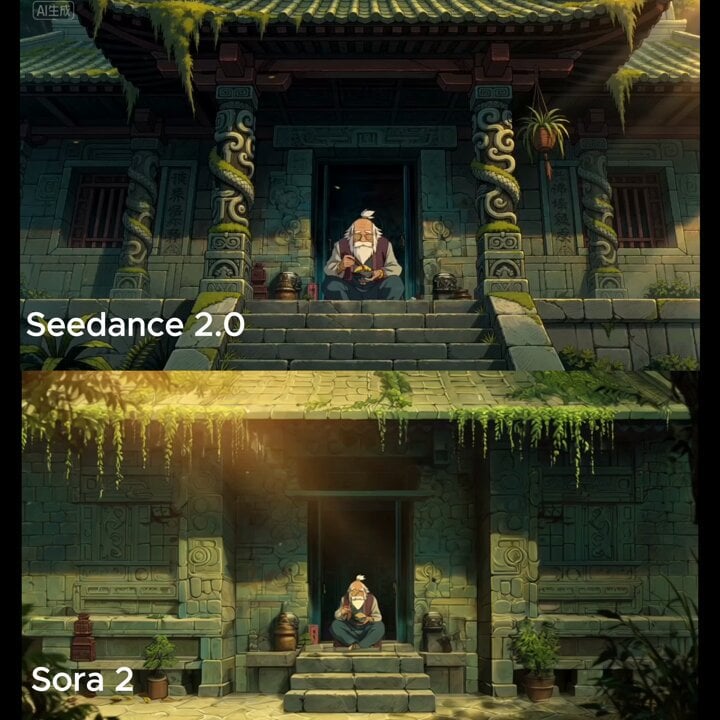
Wide cinematic shot of a temple entrance
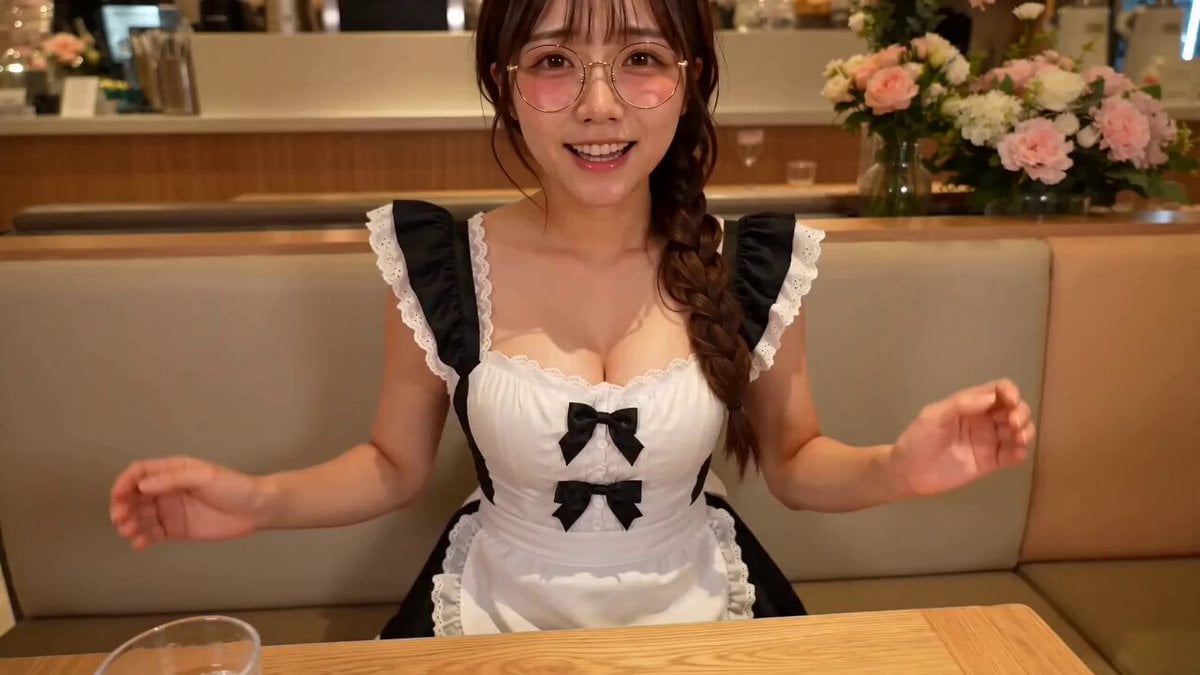
First Person POV Maid Cafe Interaction
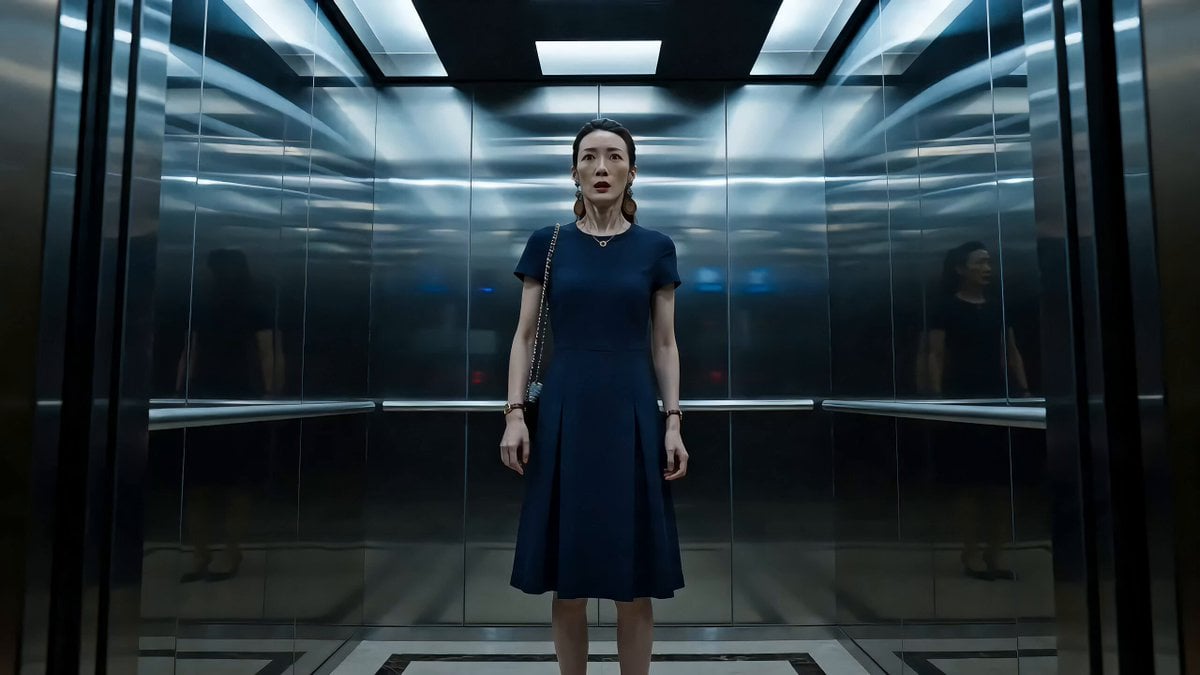
Elevator Horror Mystery Scene
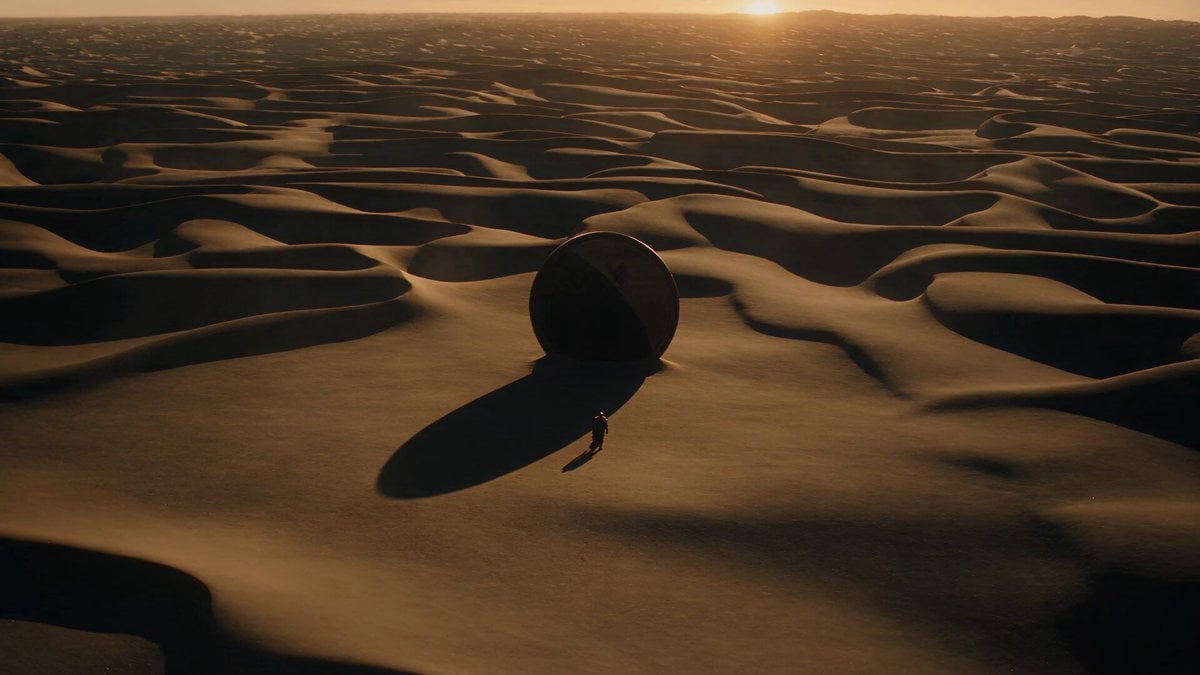
Surreal Desert Mirror Fantasy

Ancient Kingdom of Urartu FPV
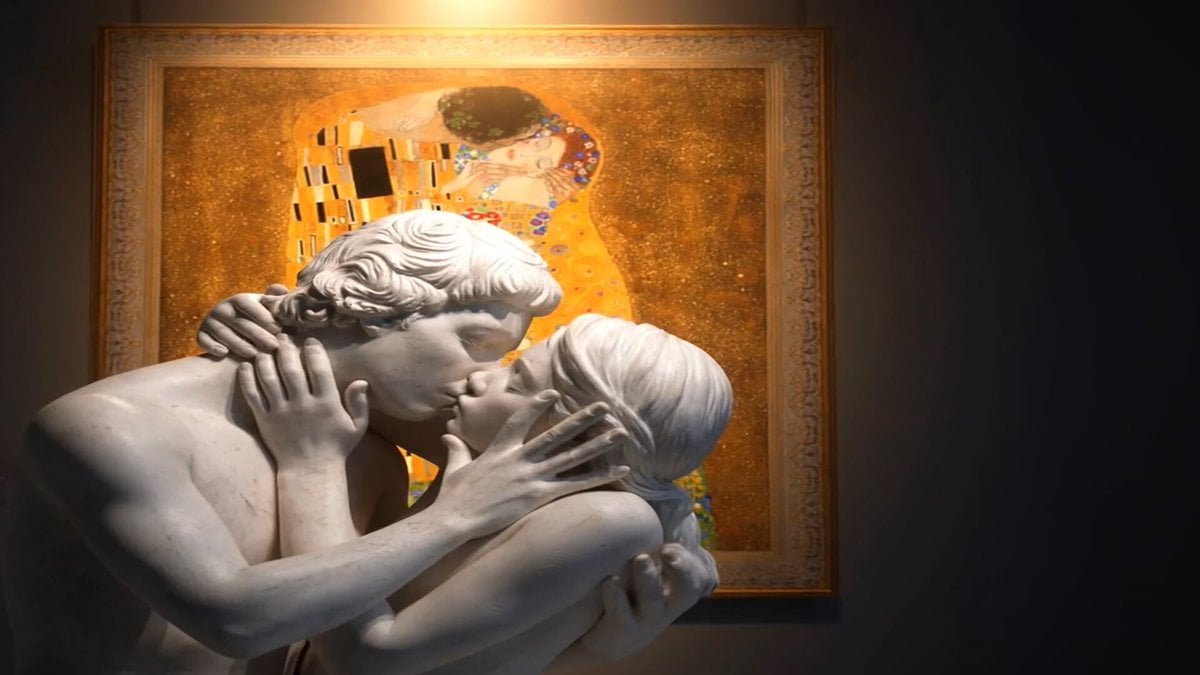
Marble Lovers Golden Kiss
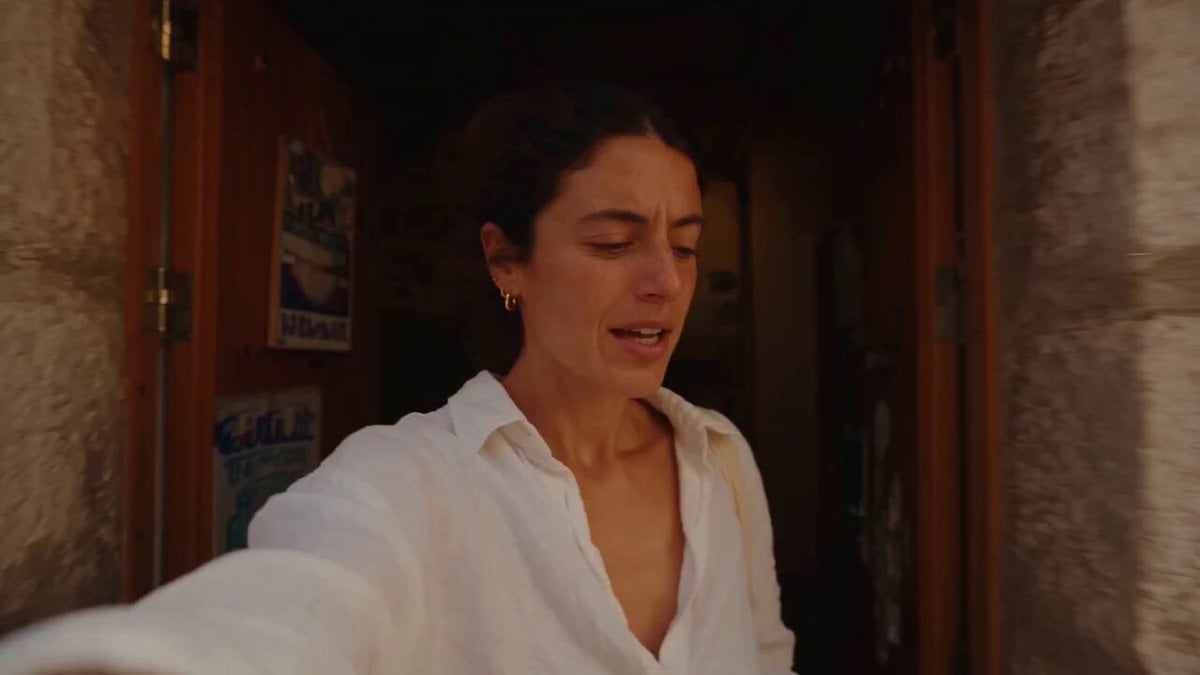
Mediterranean Coffee Run Vlog - Seedance 2.5
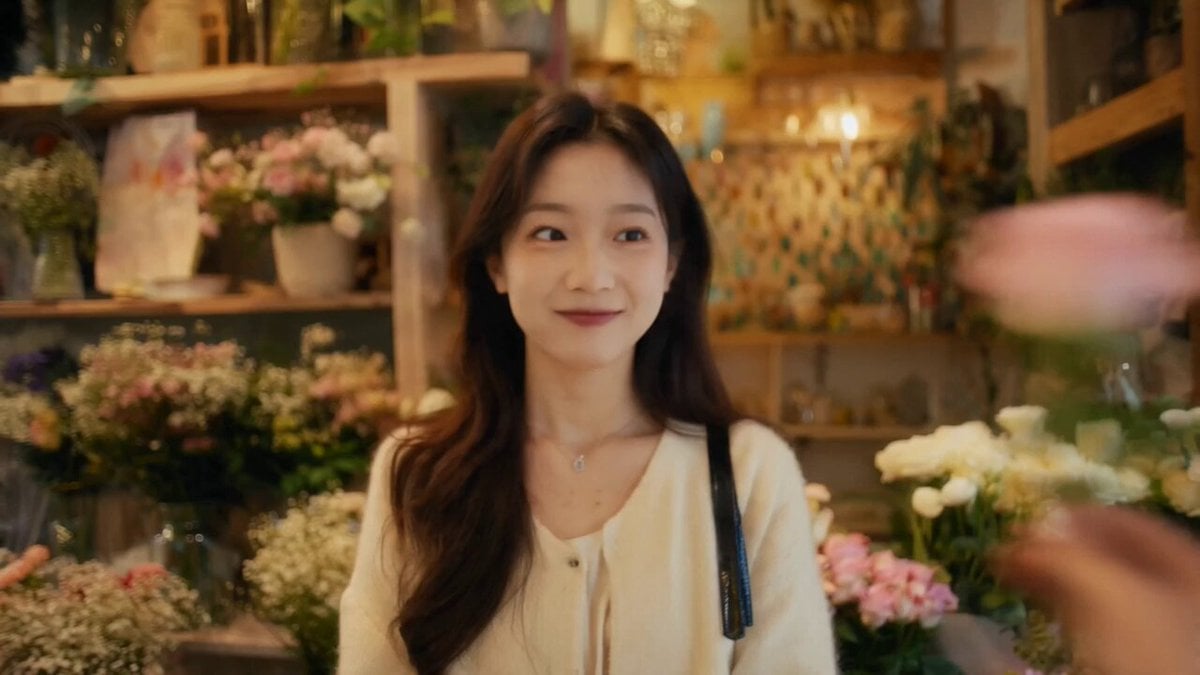
Multilingual Global Flower Passing Transition
Browse template categories
Stylized 3D Animation: Old Man and Pigeon questions
How do I use the Stylized 3D Animation: Old Man and Pigeon template?
Add your photo if the template asks for one, edit the prompt if you like — the template's model and format are already selected — and press Generate. Your version opens in PicX Studio.
Can I customize the Stylized 3D Animation: Old Man and Pigeon template?
Yes. You can change the subject, setting, lighting, mood, format, and available model controls before creating your video.
Is the Stylized 3D Animation: Old Man and Pigeon template free?
Opening and editing this template is free. Generating uses credits, shown on the Generate button when you are signed in.
Which AI model should I use?
Start with Seedance 2.0, which is the model associated with this template. You can compare another compatible model for a different finish.
Looking for something else? Browse all templates.

Your photo, any look
Thousands of ready templates for every top image and video model, from one credit balance.