How do I use the Water Elemental rising from waves template?
Edit the prompt in the box under the preview — the template's model and format are already selected — and press Generate. Your version appears right on this page.
An epic VFX prompt describing a water elemental creature forming from the ocean with specific camera movements.
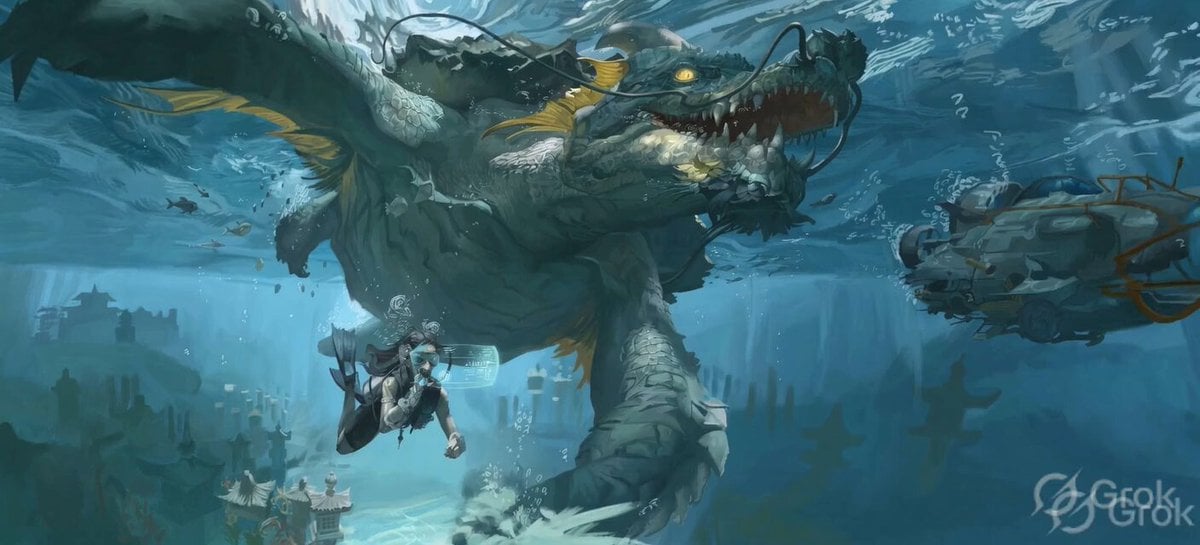
A massive water elemental rising from a crashing wave on a stormy shore.The scene starts with a large wave curling towards the beach. Camera Motion: Begins with low tracking along the water, then arcs upward revealing the creature forming from spray. Ends with a dramatic pullback showing the full figure towering over the ocean. Lighting: Overcast with strong rim lighting, glints on water spray, flashes from distant lightning. Style: Epic scale VFX, photoreal ocean simulation, storm FX, fluid dynamics-driven movement.
A massive water elemental rising from a crashing wave on a stormy shore.The scene starts with a large wave curling towards the beach. Camera Motion: Begins with low tracking along the water, then arcs upward revealing the creature forming from spray. Ends with a dramatic pullback showing the full figure towering over the ocean. Lighting: Overcast with strong rim lighting, glints on water spray, flashes from distant lightning. Style: Epic scale VFX, photoreal ocean simulation, storm FX, fluid dynamics-driven movement.
Edit the prompt in the box under the preview — the template's model and format are already selected — and press Generate. Your version appears right on this page.
Yes. You can change the subject, setting, lighting, mood, format, and available model controls before creating your video.
Opening and editing this template is free. Generating uses credits, shown on the Generate button when you are signed in.
Start with Grok Imagine, which is the model associated with this template. You can compare another compatible model for a different finish.
Follow a topic to a crawlable collection of related PicX Studio templates.