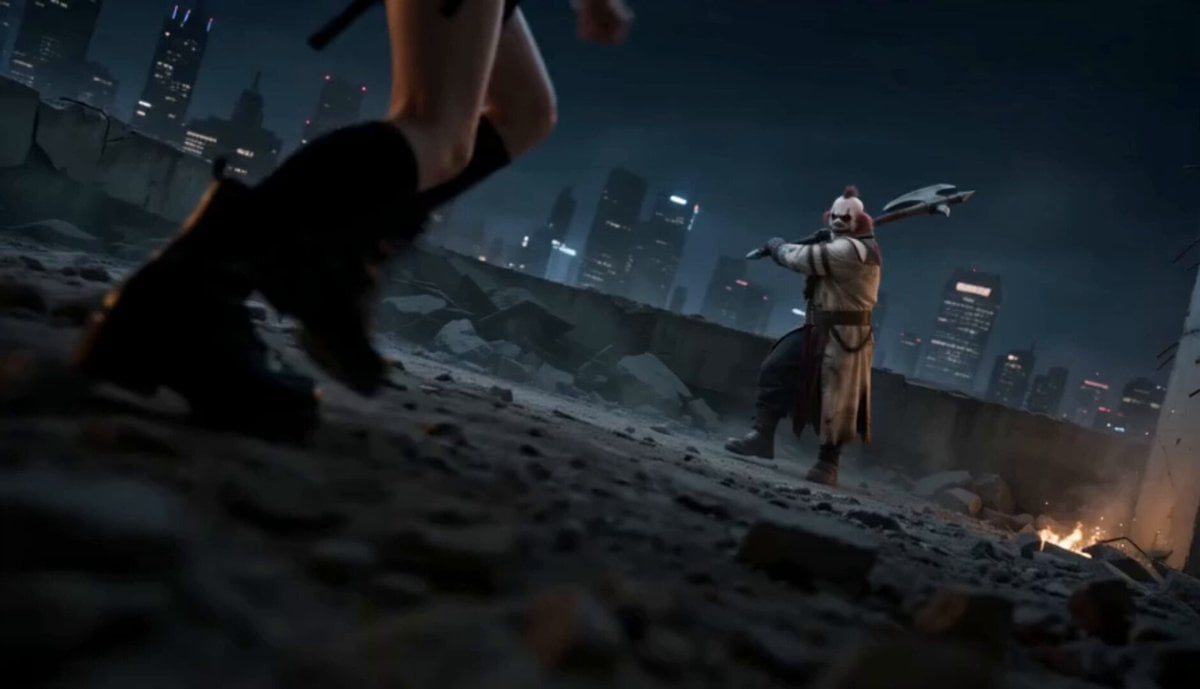
How do I use the Grok Imagine Running Character Animation template?
Edit the prompt in the box under the preview — the template's model and format are already selected — and press Generate. Your version appears right on this page.
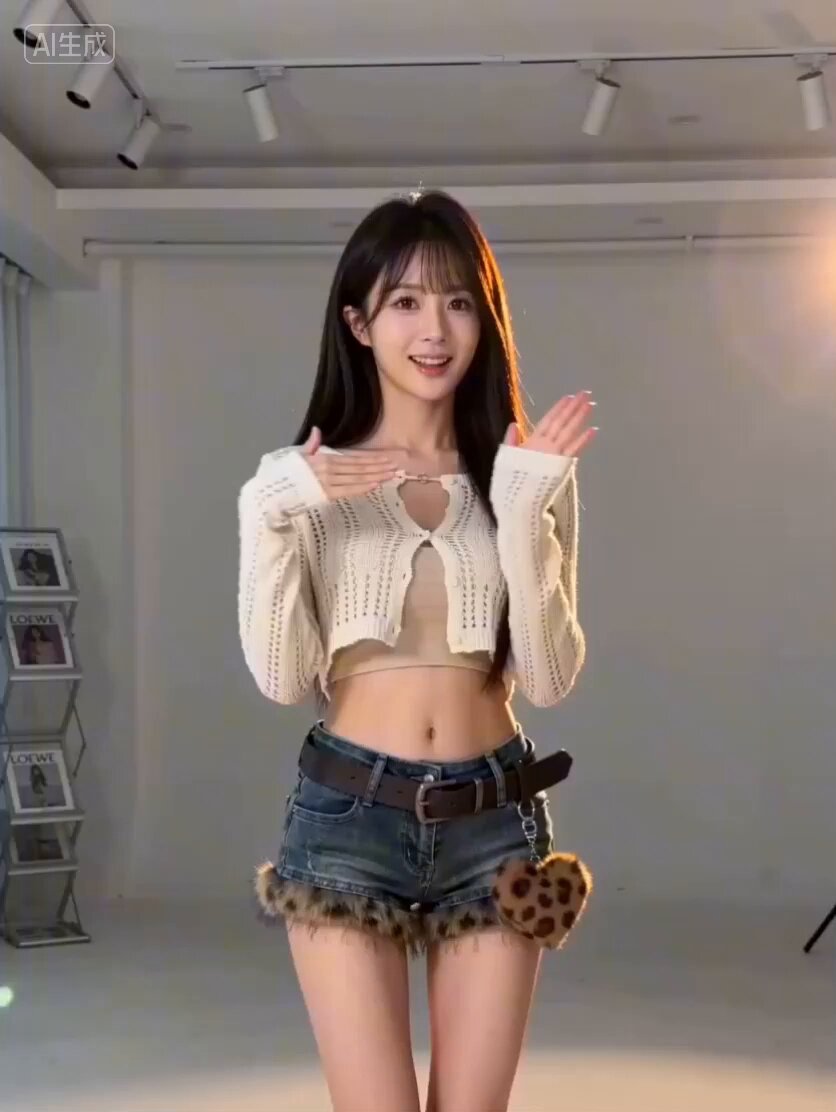
A Grok Imagine prompt for creating a running animation loop with jersey color changes and smooth motion techniques like squash and stretch.
0.7S毎にジャージの色がチェンジする 最初のフレームと終了フレームをスムーズにつなげる スクワッシュ&ストレッチとアンティシペーション技法を用いた自然で優しいモーション 走る、arc motion, Slow, Loop, 12 fps, 台詞無し
0.7S毎にジャージの色がチェンジする 最初のフレームと終了フレームをスムーズにつなげる スクワッシュ&ストレッチとアンティシペーション技法を用いた自然で優しいモーション 走る、arc motion, Slow, Loop, 12 fps, 台詞無し
Edit the prompt in the box under the preview — the template's model and format are already selected — and press Generate. Your version appears right on this page.
Yes. You can change the subject, setting, lighting, mood, format, and available model controls before creating your video.
Opening and editing this template is free. Generating uses credits, shown on the Generate button when you are signed in.
Start with Grok Imagine, which is the model associated with this template. You can compare another compatible model for a different finish.
Follow a topic to a crawlable collection of related PicX Studio templates.