
Chronological Pasta Cooking Storyboard
A video animation prompt that follows a 9-step cooking storyboard for making pasta in a rural kitchen.
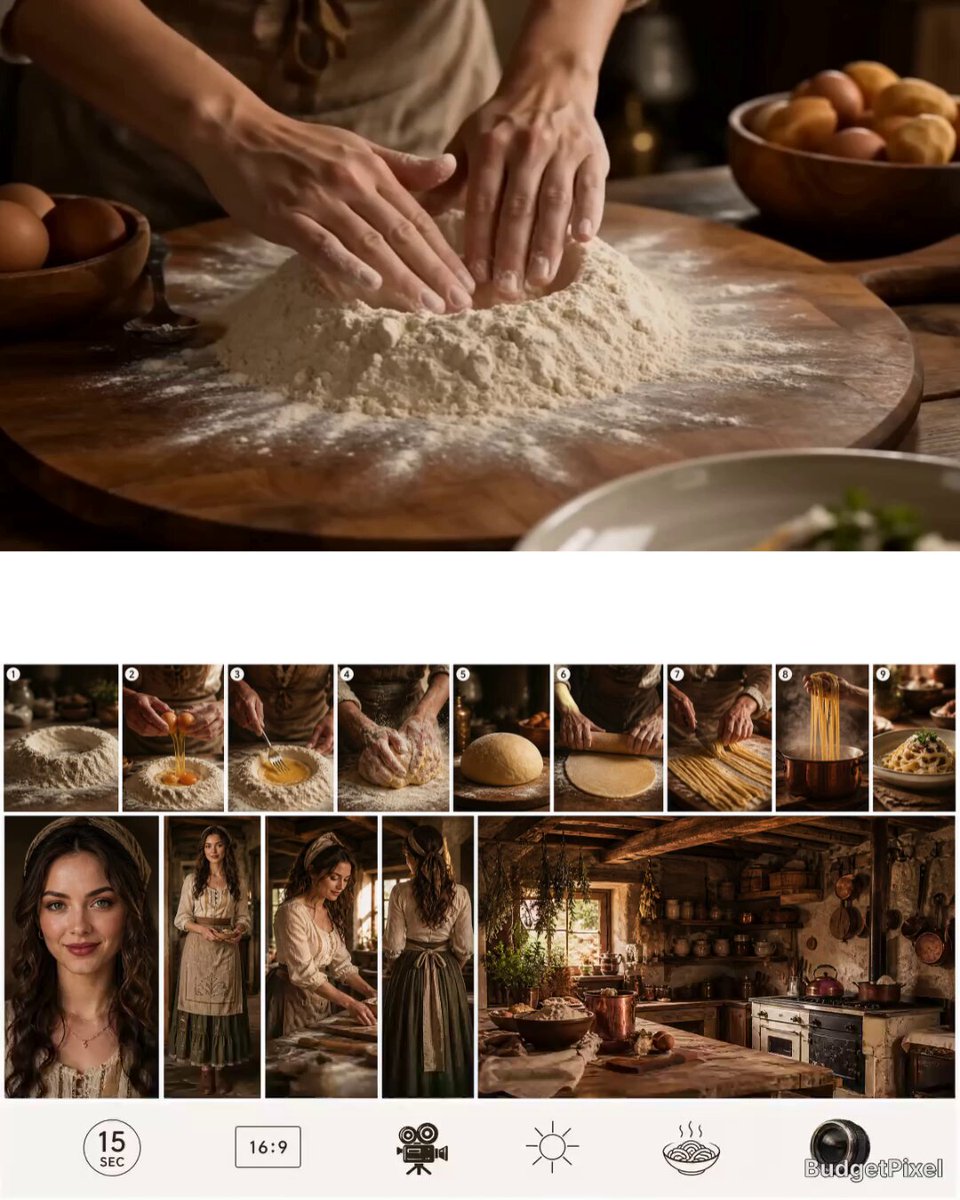
- Prompt included
- Model and format preset
- Free template
The prompt behind this video
Copy the exact prompt behind Chronological Pasta Cooking Storyboard, or open it in the studio and make it yours.
CRITICAL INSTRUCTION: The reference image contains a 9-step chronological cooking storyboard. Animate the chef seamlessly through these exact 9 steps in order. Start at Step 1 (Flour Well), flow into Step 2 (Crack Eggs), then Step 3 (Mix). Continue the chronological progression through Kneading, Resting, Rolling, Cutting, and Boiling, finishing perfectly on the final plated dish (Step 9). Prioritize the strict sequence of actions. No music. No subtitle. Location: Rural Persian kitchen 15 seconds, 16:9, realistic, cinematic, tasty, natural camera movement.
How to use Chronological Pasta Cooking Storyboard in 3 steps
- 1Upload ImagePNG, JPG or paste
Add your photo
Upload the photo the template builds on. The prompt, model and format are already set.
- 2…a portrait of your subject in softgolden-hour light, 85mm…
Personalize
Edit the subject and creative details for your destination.
- 3Generate
Generate
Press Generate — your video is created in PicX Studio, so you can compare it with the original and refine one variable at a time.
More like this
Templates with the same subject, style or setup. Open one to see its prompt.
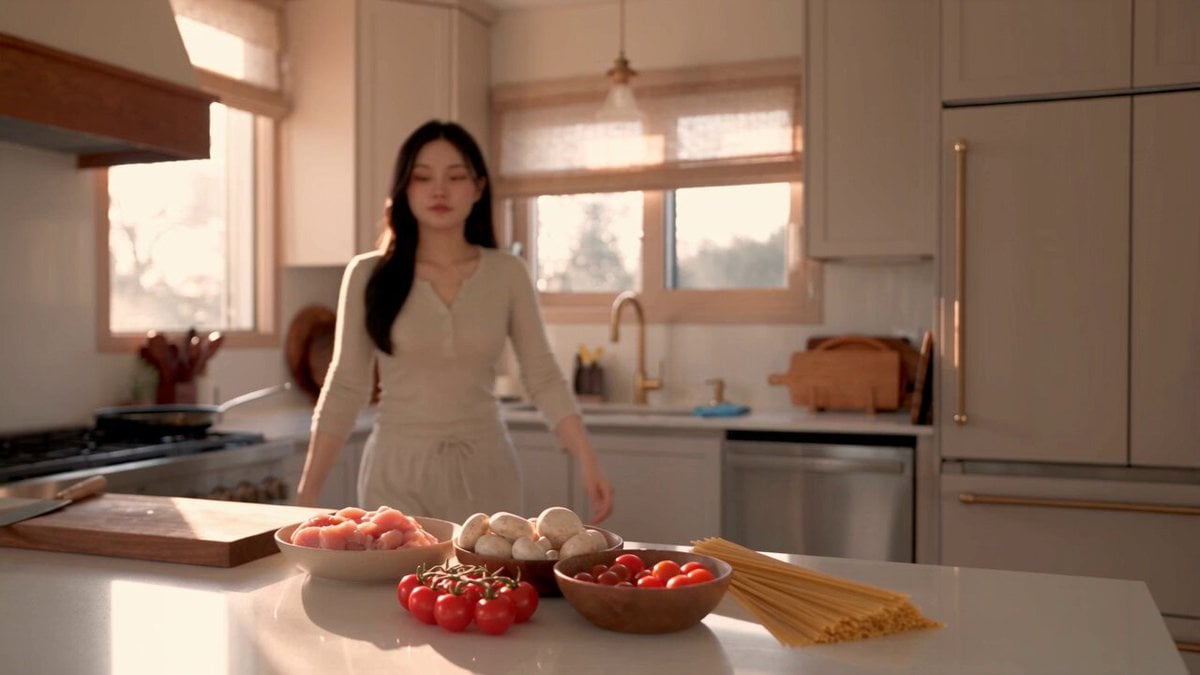
Creamy Chicken Pasta Cooking Vlog
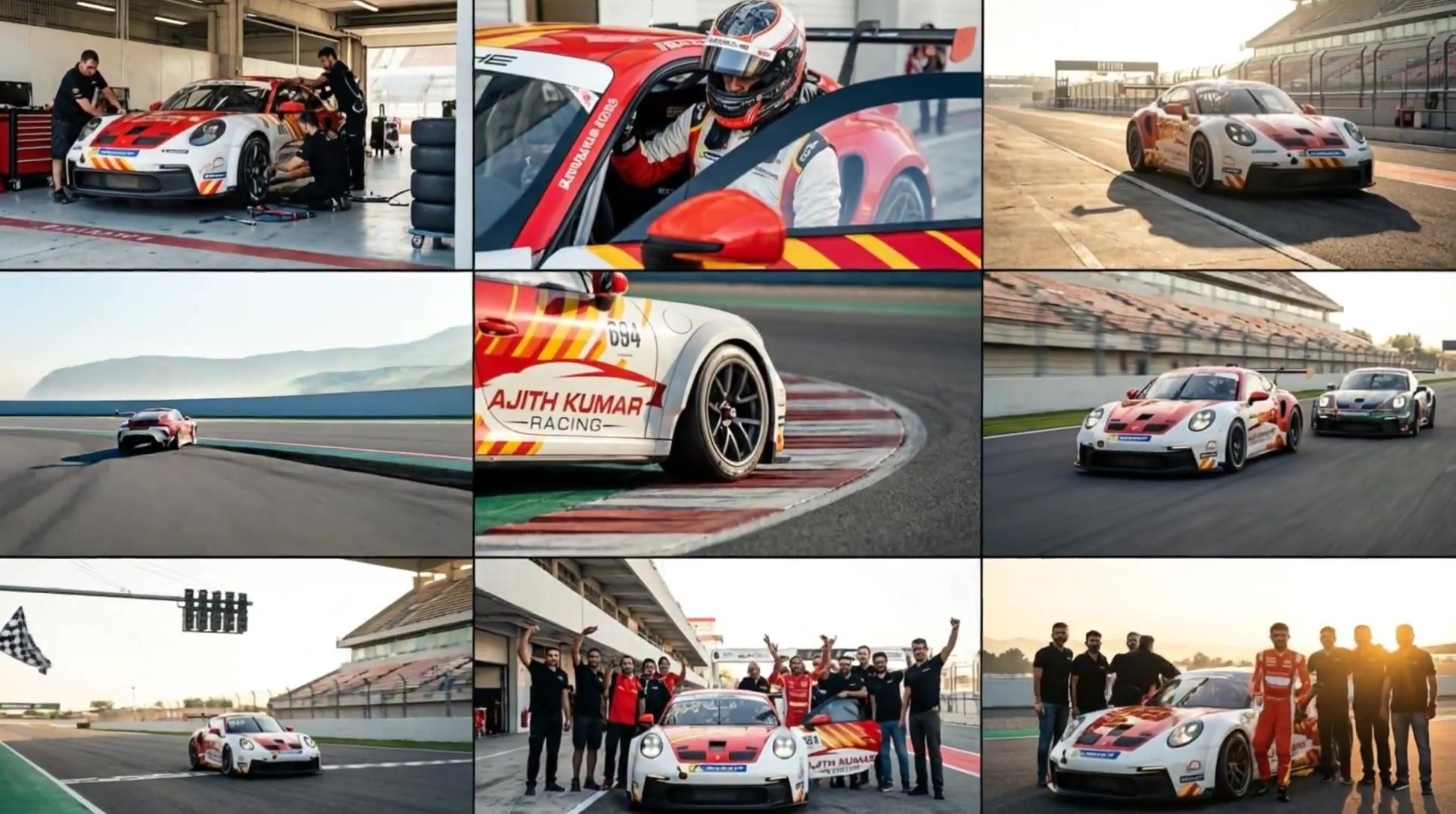
3x3 Grid Storyboard Racing — Kling 3.0 O3 Pro
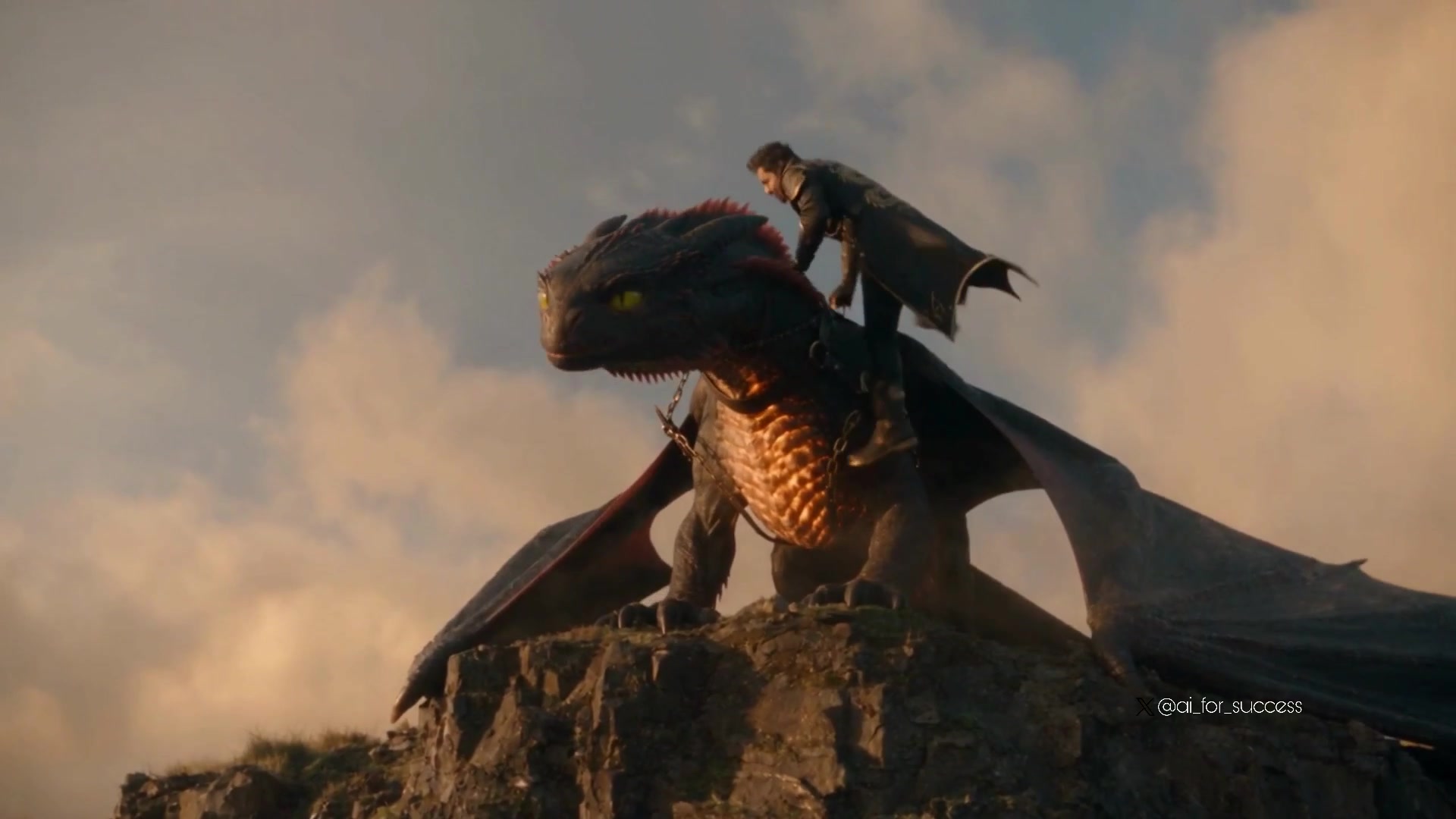
Dragon Rider Cinematic Flight — Seedance 2.5
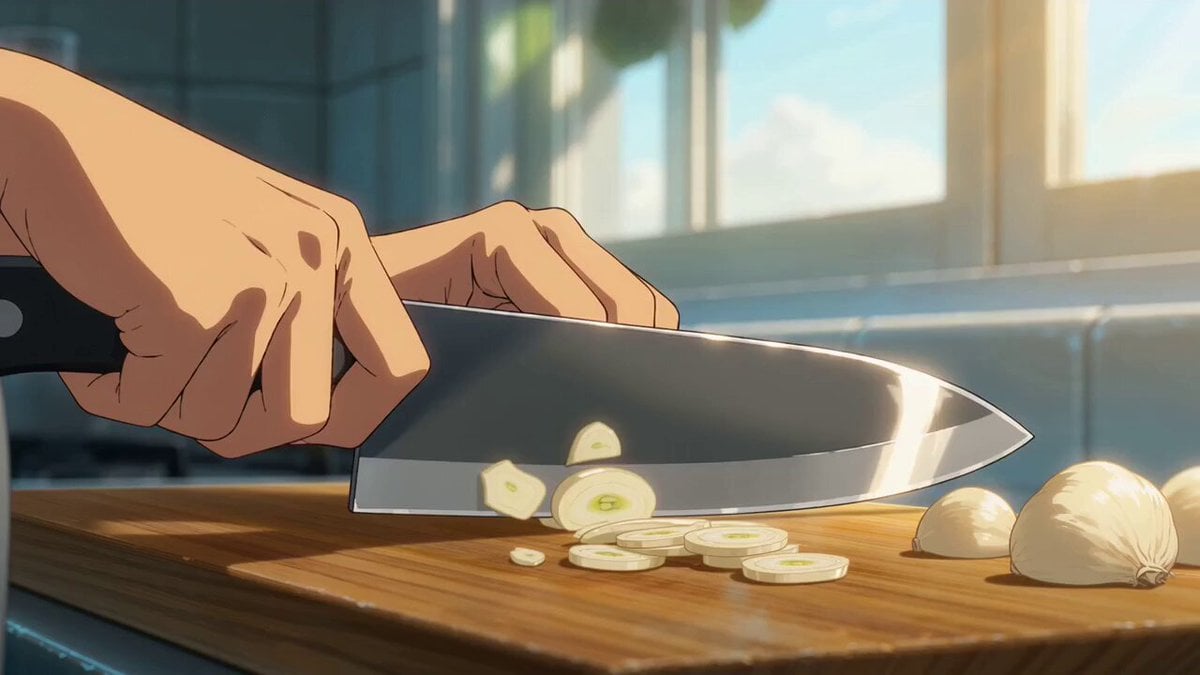
Cinematic Anime Pasta Cooking Sequence
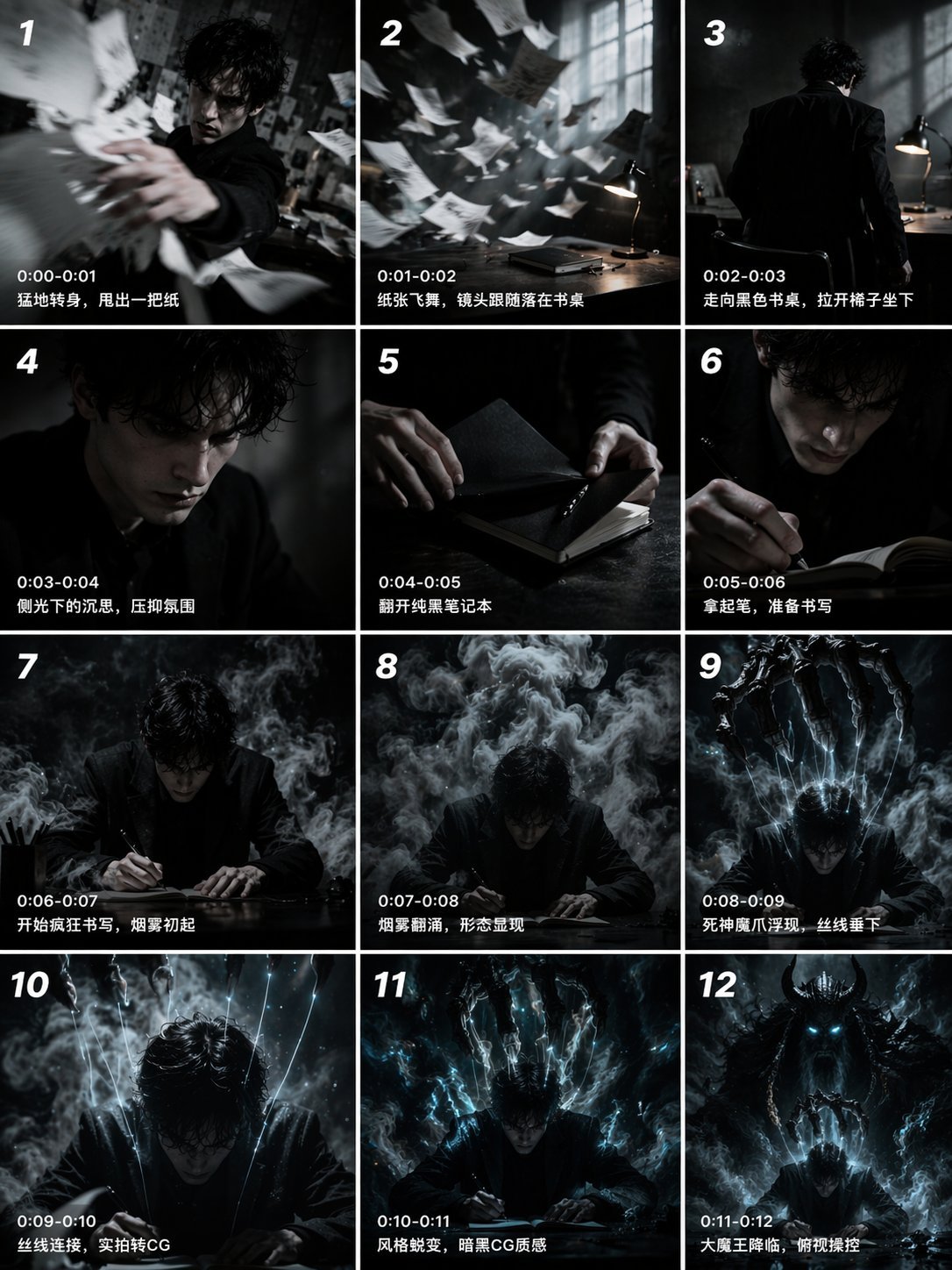
Gpt2 Gpt2 Seedance Storyboard to Video
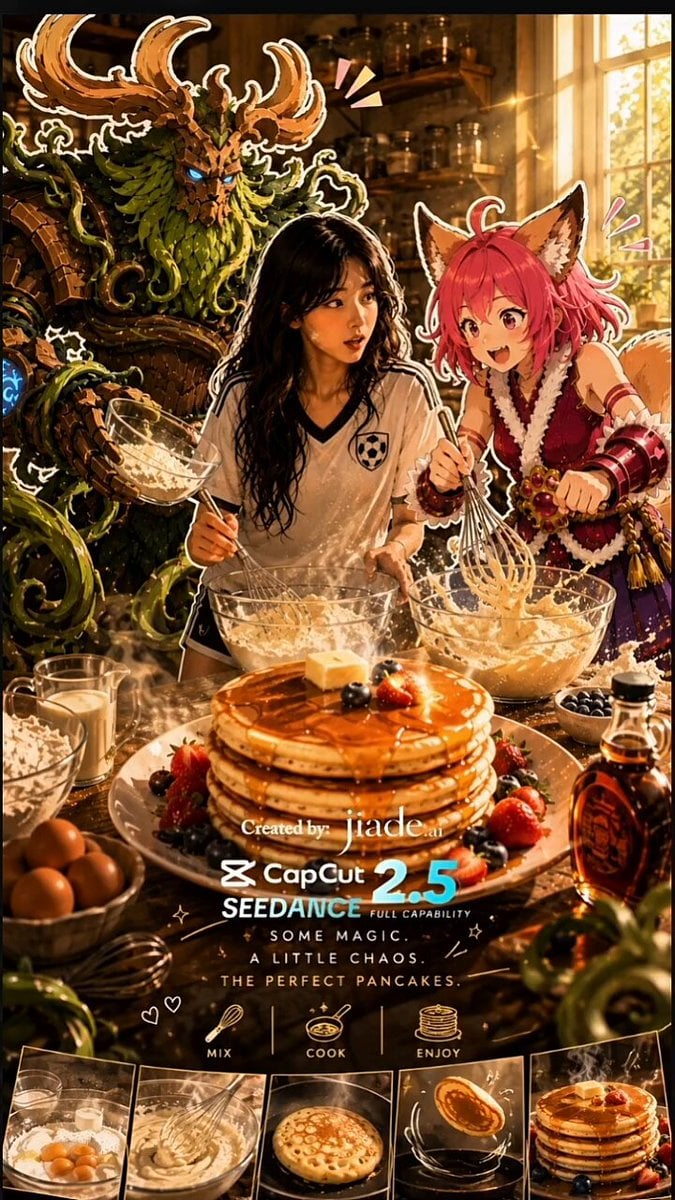
Mixed-Media Kitchen Cooking Animation
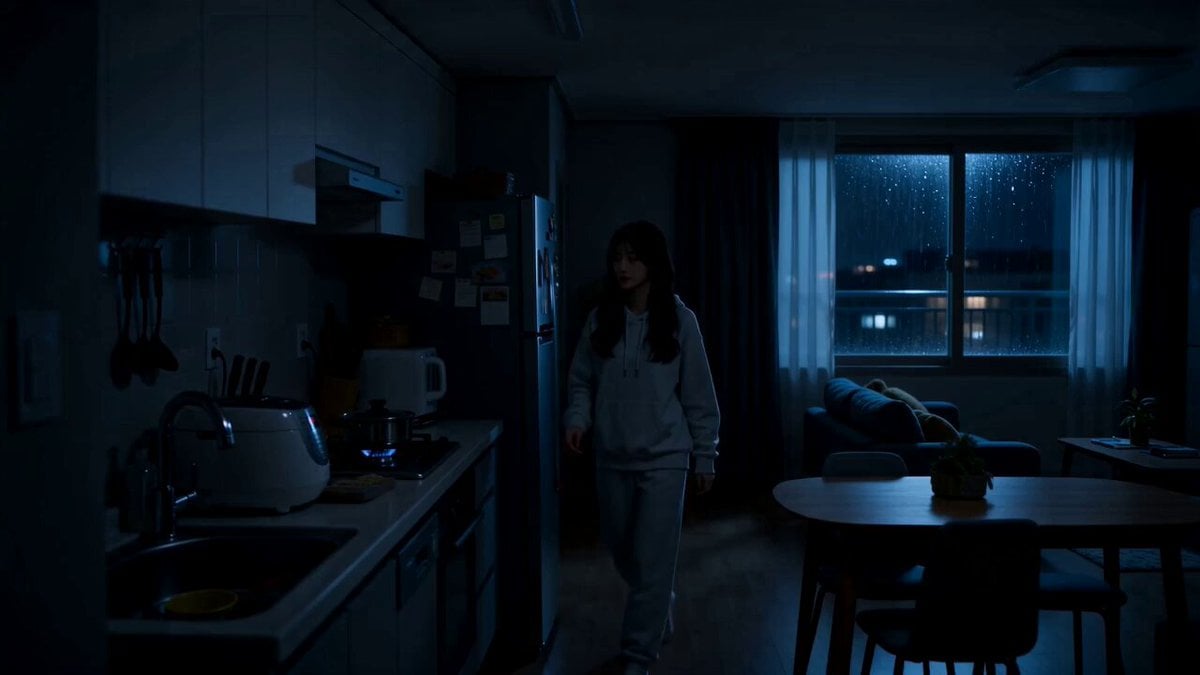
Midnight Apartment Cooking Scene

Cozy Home Cooking Video
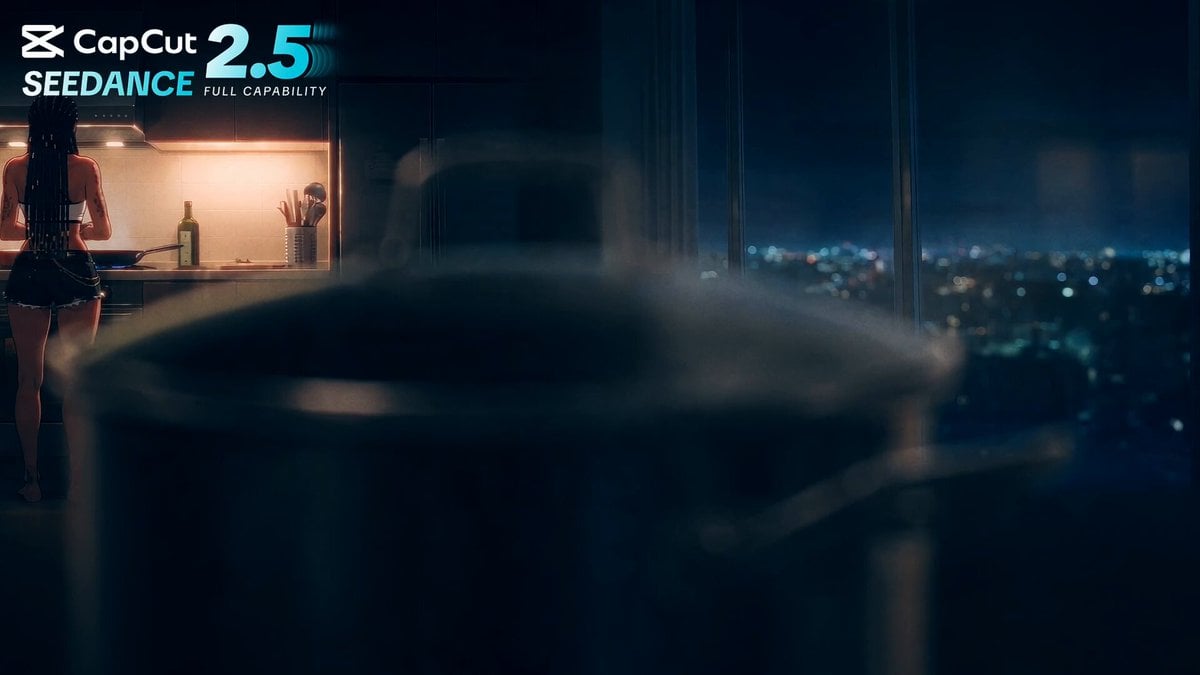
Anime Cooking Vongole Bianco Scene
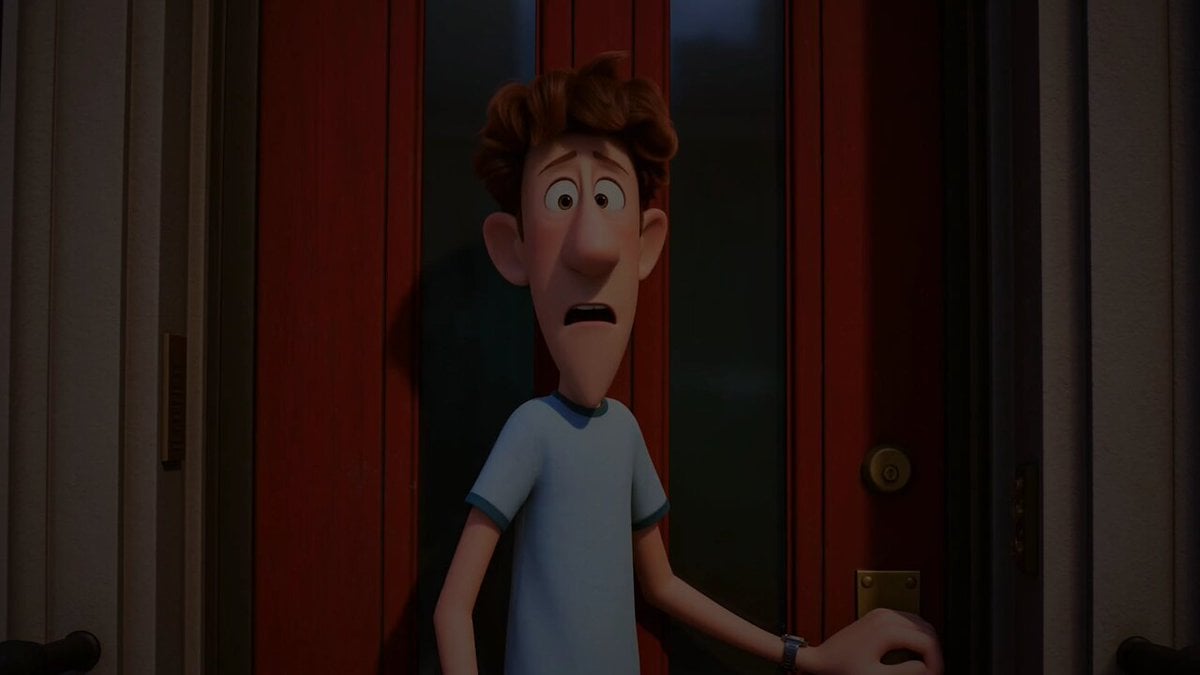
Pigeon Nemesis Pixar Animation Storyboard
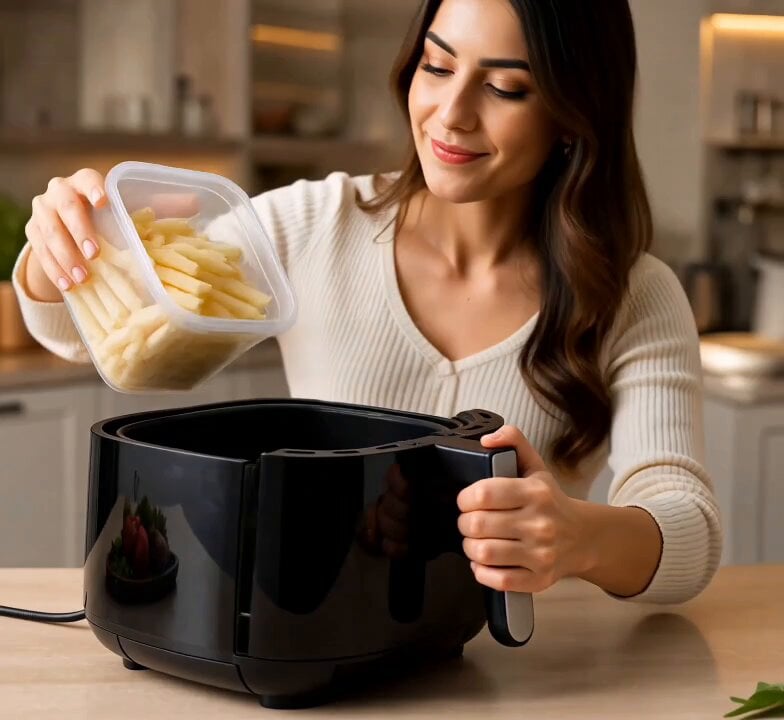
Cinematic Air Fryer Cooking Commercial
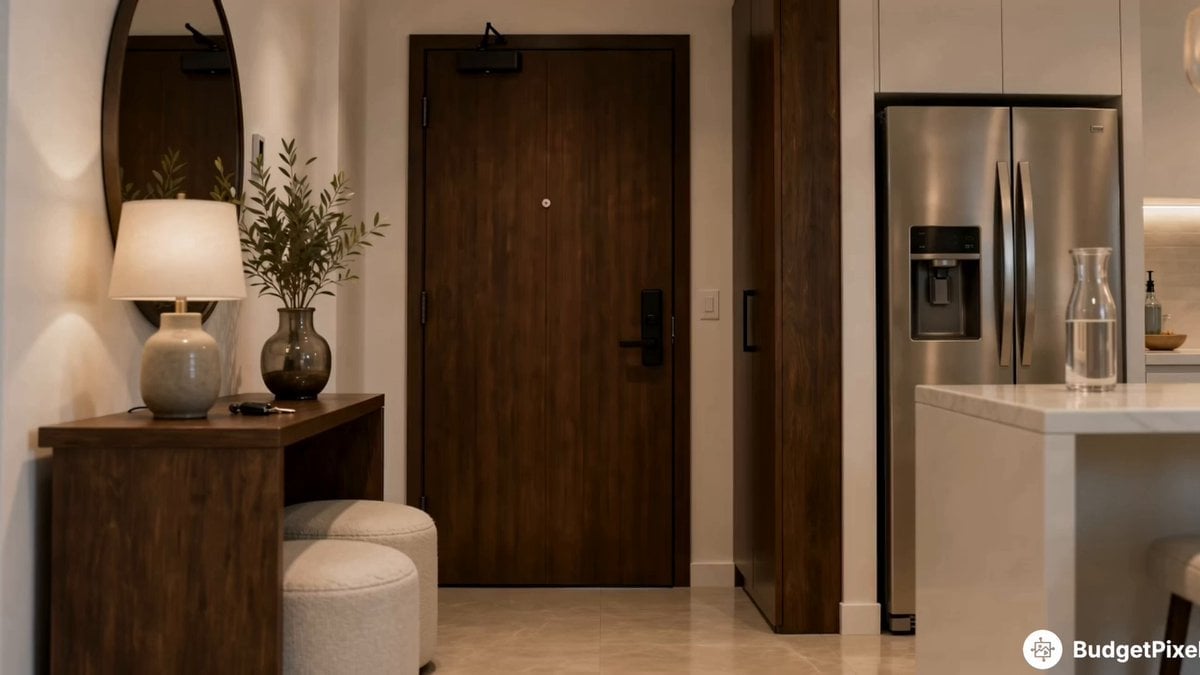
Apartment Arrival Storyboard Animation
Make it yours
Chronological Pasta Cooking Storyboard works as-is. These are the safest ways to change it without losing the look.
Change one field
Copy a single group, rewrite it, and generate again so you can see what that field is doing.
Keep the frame, change the subject
Hold the composition and light of Chronological Pasta Cooking Storyboard, then swap wardrobe, props or the person for a new take.
| If the result… | Why | Fix |
|---|---|---|
| The result drifts from the preview | Too many fields changed at once. | Reuse Chronological Pasta Cooking Storyboard as-is first, then change one group — subject, light, or setting. |
| The model over-stylizes the scene | The prose prompt leaves finish and camera underspecified. | Add one camera or lighting sentence and stay on Seedance 2.0. |
More Seedance 2.0 templates
Other prompts made for Seedance 2.0.

Comical Martial Arts Punch Scene

Maglev Train Action Sequence

Martial Arts Fight Sequence

Wuxia Protection and Trust Script

Vintage Korean Arcade MiniDV Vlog

Mercedes 190 SL Luxury Ad

Rainy Night Supernatural Reverse Comedy Video Script

Amazon Civilization Discovery

Futuristic South Asian City Transformation

Cozy Luxury Cafe Commercial
More video prompts
Fresh picks from across the catalog.
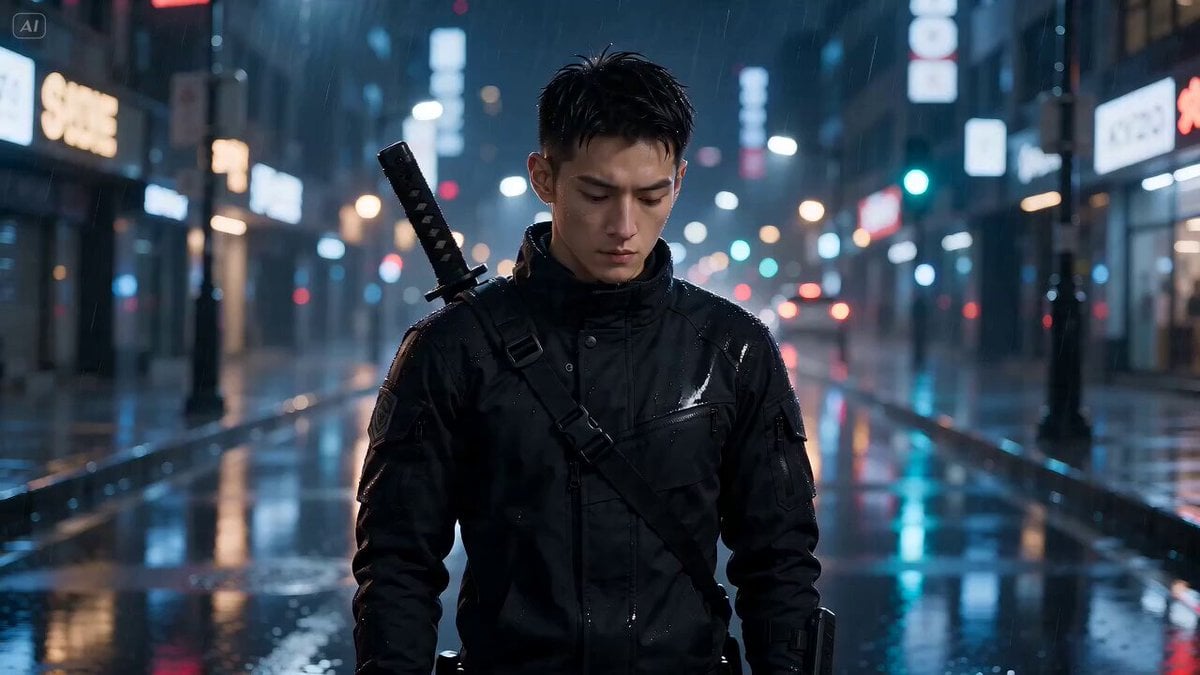
Neon Night Portrait Animation
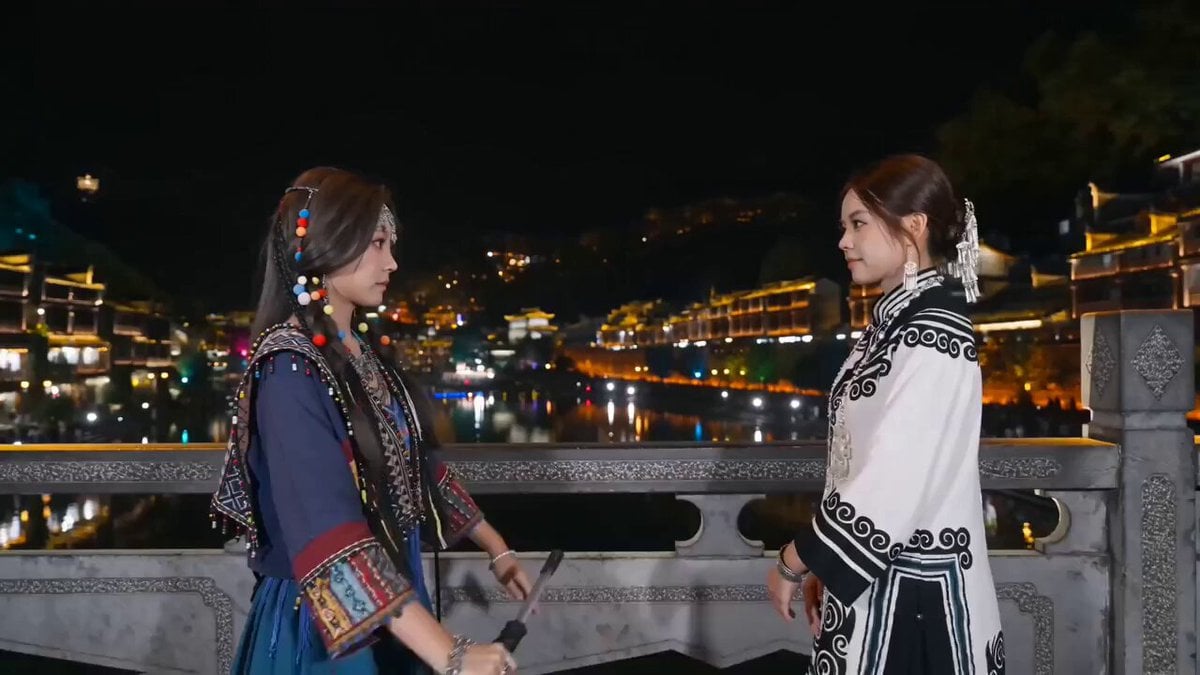
Fantasy Martial Arts Fight Scene
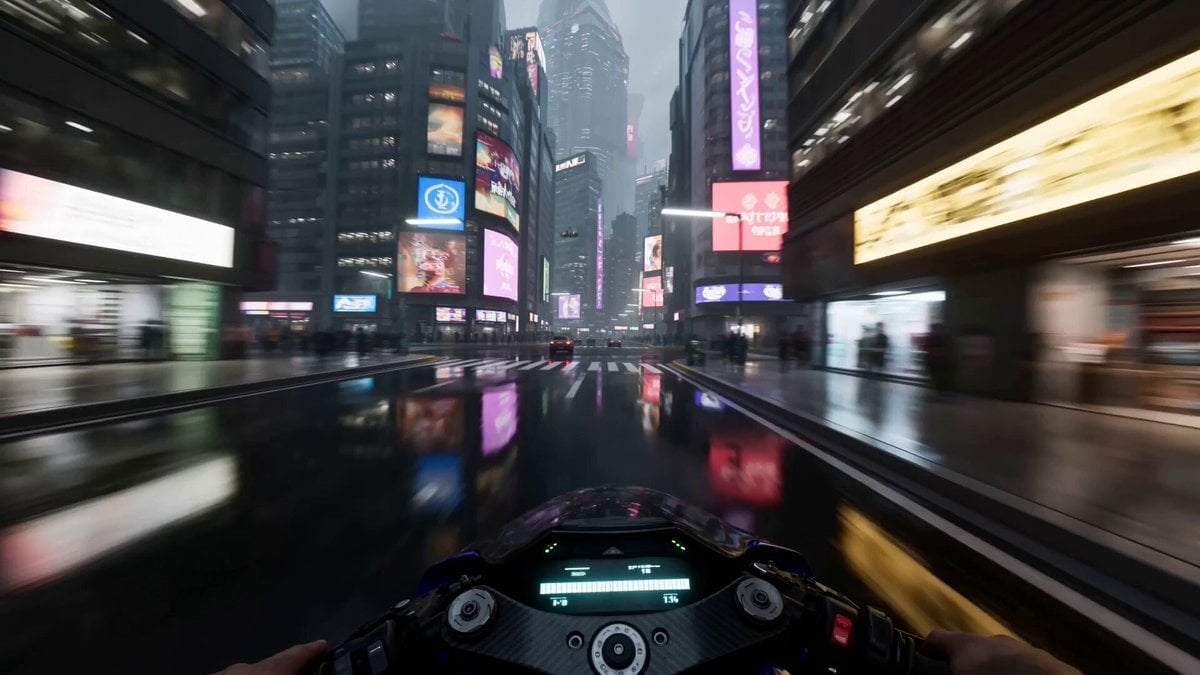
Neo-Tokyo Cyberpunk Pursuit
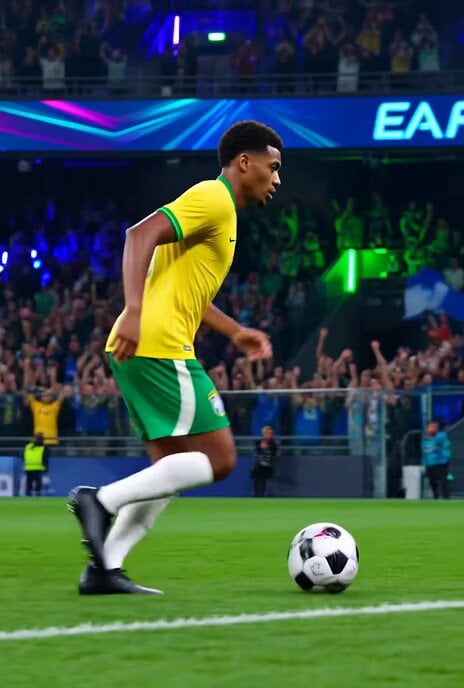
Brazilian Soccer Player Bicycle Kick Video Prompt
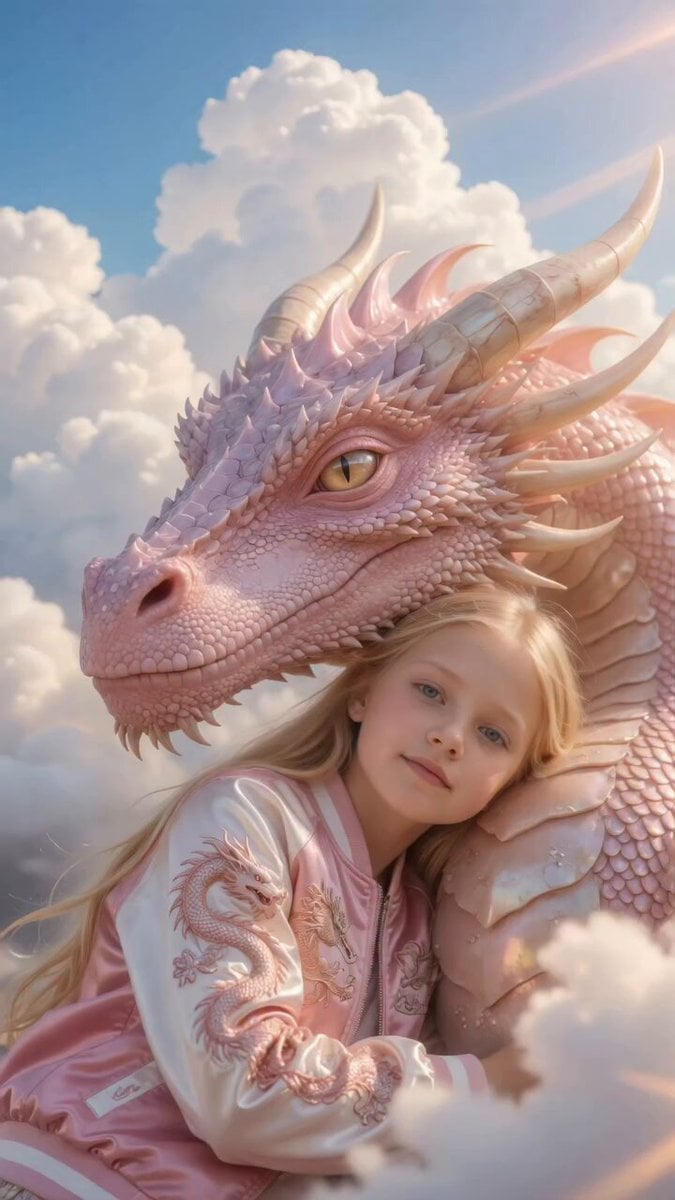
Girl Hugging Pink Dragon in Clouds

Bitcoin Destroys the Federal Reserve Anime
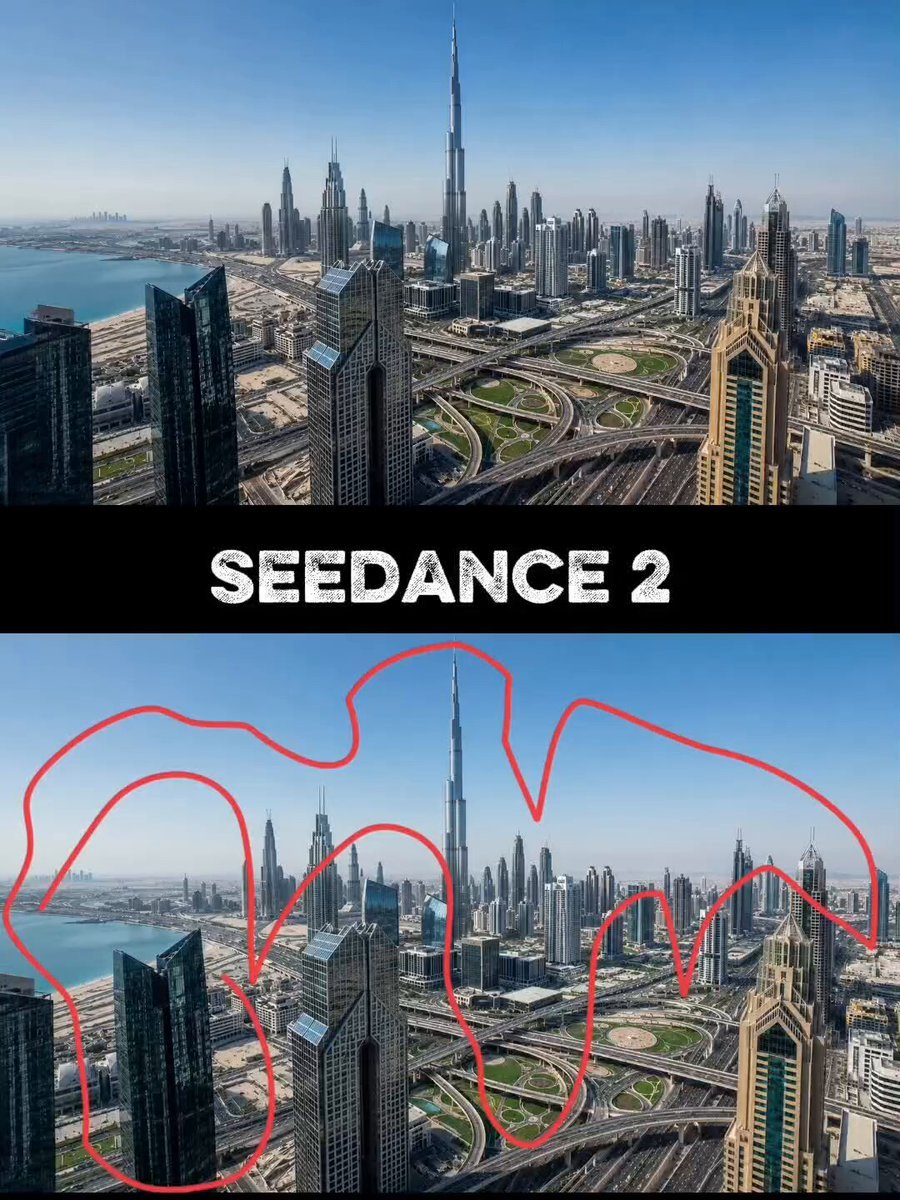
Futuristic Megacity Drone FPV Shot
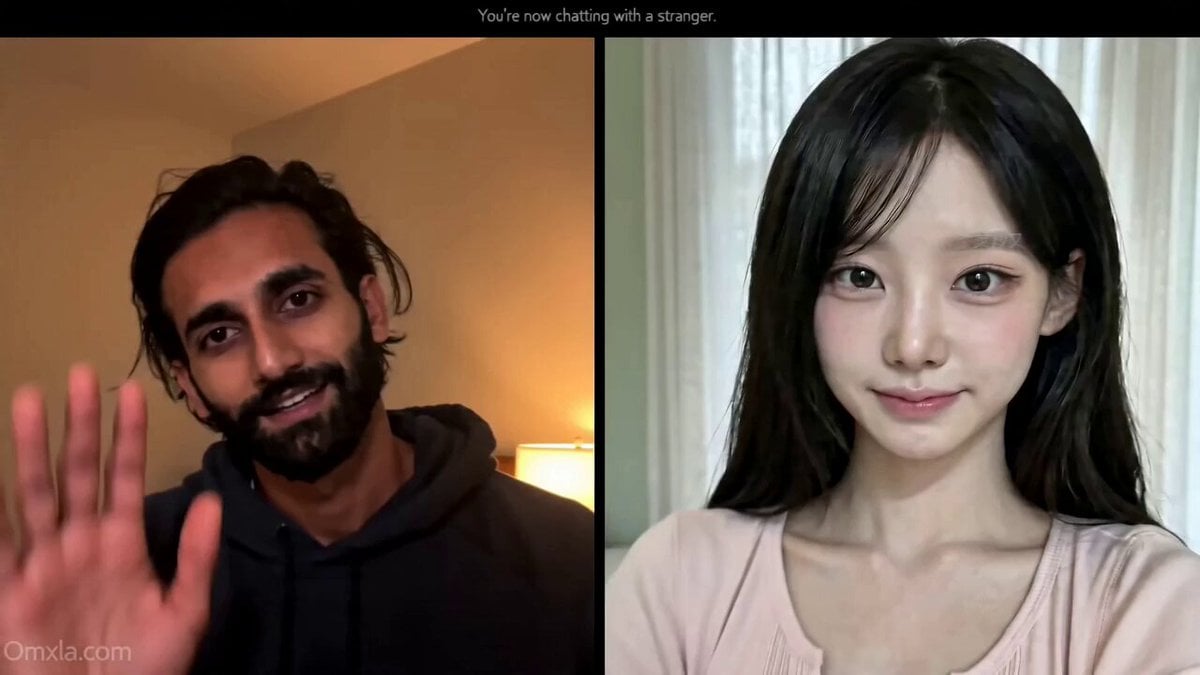
Omegle Conversation Reveal

Fashion Model Studio Showcase
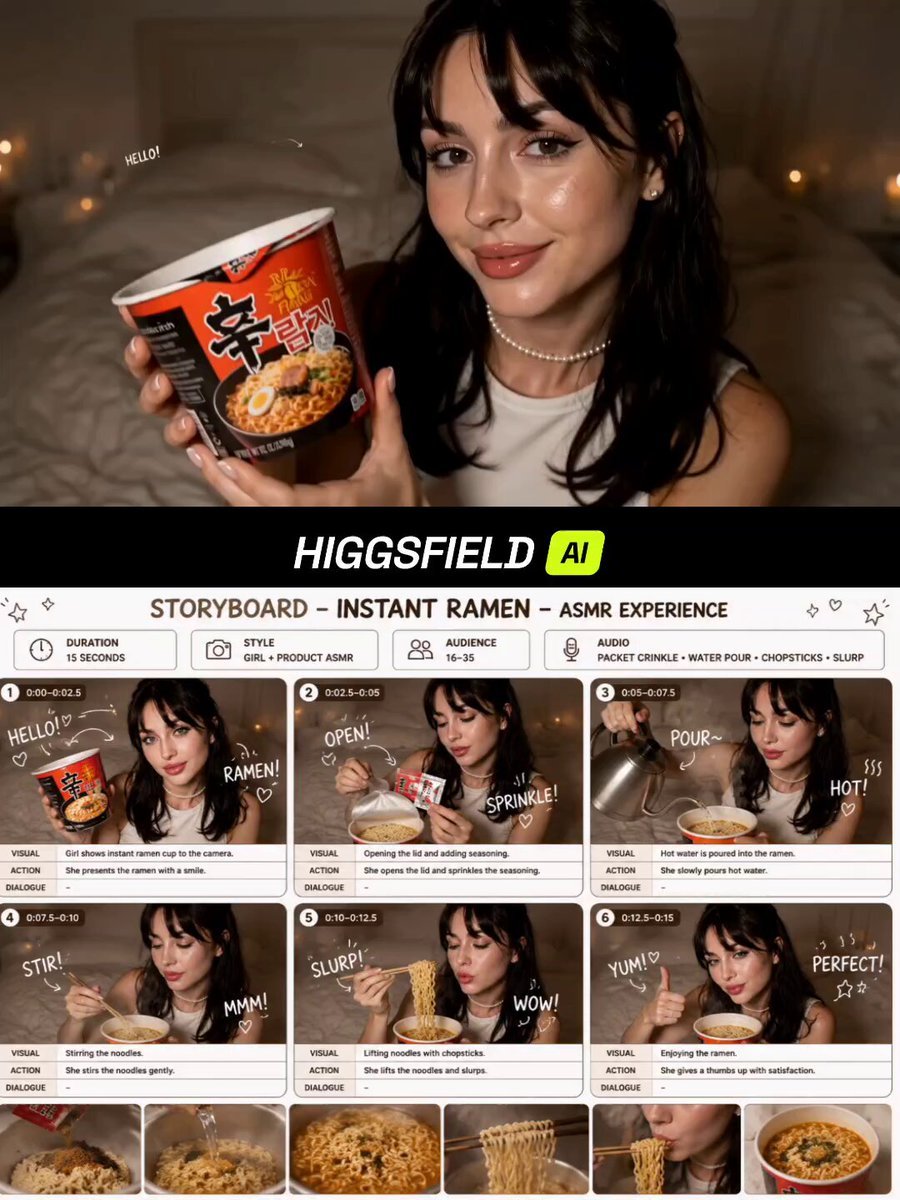
Instant Ramen ASMR Commercial Storyboard
Browse template categories
Chronological Pasta Cooking Storyboard questions
How do I use the Chronological Pasta Cooking Storyboard template?
Add your photo if the template asks for one, edit the prompt if you like — the template's model and format are already selected — and press Generate. Your version opens in PicX Studio.
Can I customize the Chronological Pasta Cooking Storyboard template?
Yes. You can change the subject, setting, lighting, mood, format, and available model controls before creating your video.
Is the Chronological Pasta Cooking Storyboard template free?
Opening and editing this template is free. Generating uses credits, shown on the Generate button when you are signed in.
Which AI model should I use?
Start with Seedance 2.0, which is the model associated with this template. You can compare another compatible model for a different finish.
Looking for something else? Browse all templates.

Your photo, any look
Thousands of ready templates for every top image and video model, from one credit balance.