
Instant Ramen ASMR Commercial Storyboard
A comprehensive storyboard prompt for an instant ramen commercial, focusing on character consistency and macro food photography for an ASMR experience.
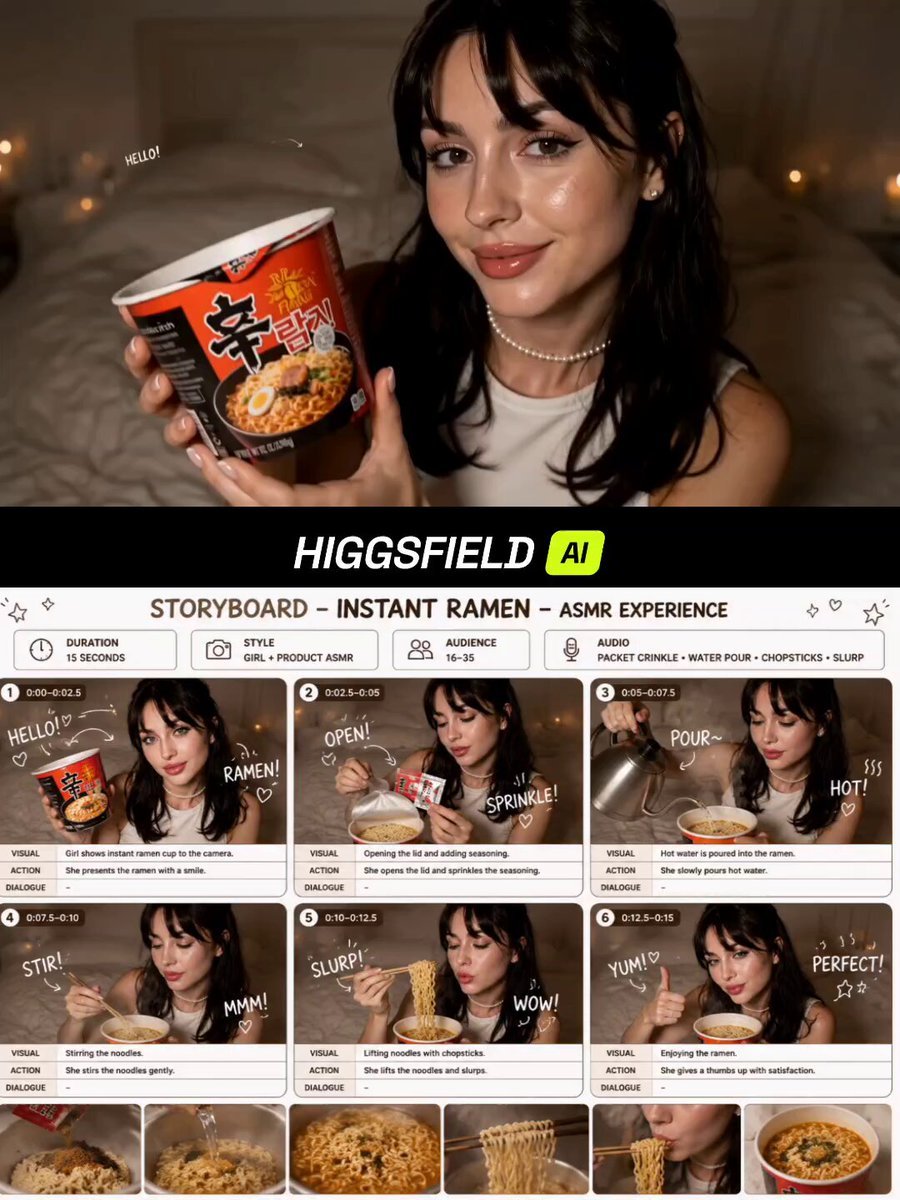
- Prompt included
- Model and format preset
- Premium template
The prompt behind this video
Copy the exact prompt behind Instant Ramen ASMR Commercial Storyboard, or open it in the studio and make it yours.
Create a premium 16:9 storyboard infographic for an Instant Ramen ASMR commercial using the uploaded image as the exact character reference, maintaining perfect facial consistency throughout. Design a clean white creative agency layout with the title "STORYBOARD – INSTANT RAMEN – ASMR NOODLE EXPERIENCE" and top info cards for Duration, Style, Audience, and Audio. Arrange 6 rounded storyboard panels with numbered badges. Show: (1) girl smiling while presenting the ramen cup, (2) opening the lid and adding seasoning, (3) pouring hot water with rising steam, (4) stirring noodles with chopsticks, (5) lifting and slurping noodles, (6) final hero shot with ramen and a thumbs-up. Add playful white doodles like HELLO!, OPEN!, SPRINKLE!, POUR~, STIR!, SLURP!, YUM!, PERFECT! Include VISUAL, ACTION, and DIALOGUE sections below each panel and an Audio Experience (ASMR Only) box at the bottom. Use cozy bedroom lighting, warm tones, luxury commercial styling, cinematic macro food photography, photorealistic steam, shallow depth of field, elegant brown accents, polished client-pitch presentation, 16:9 widescreen, and no timestamps.
How to use Instant Ramen ASMR Commercial Storyboard in 3 steps
- 1Upload ImagePNG, JPG or paste
Add your photo
Upload the photo the template builds on. The prompt, model and format are already set.
- 2…a portrait of your subject in softgolden-hour light, 85mm…
Personalize
Edit the subject and creative details for your destination.
- 3Generate
Generate
Press Generate — your video is created in PicX Studio, so you can compare it with the original and refine one variable at a time.
More like this
Templates with the same subject, style or setup. Open one to see its prompt.
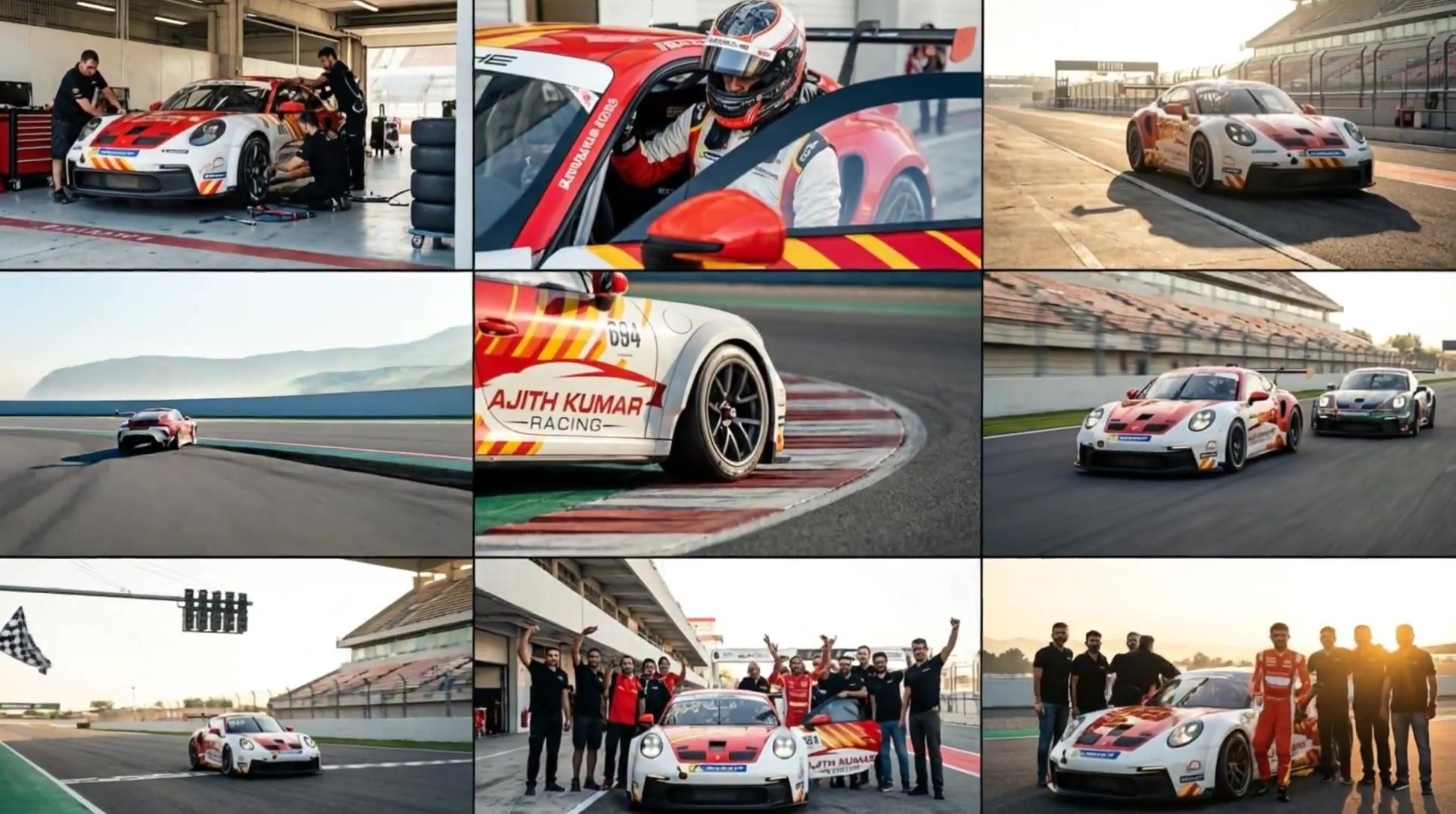
3x3 Grid Storyboard Racing — Kling 3.0 O3 Pro
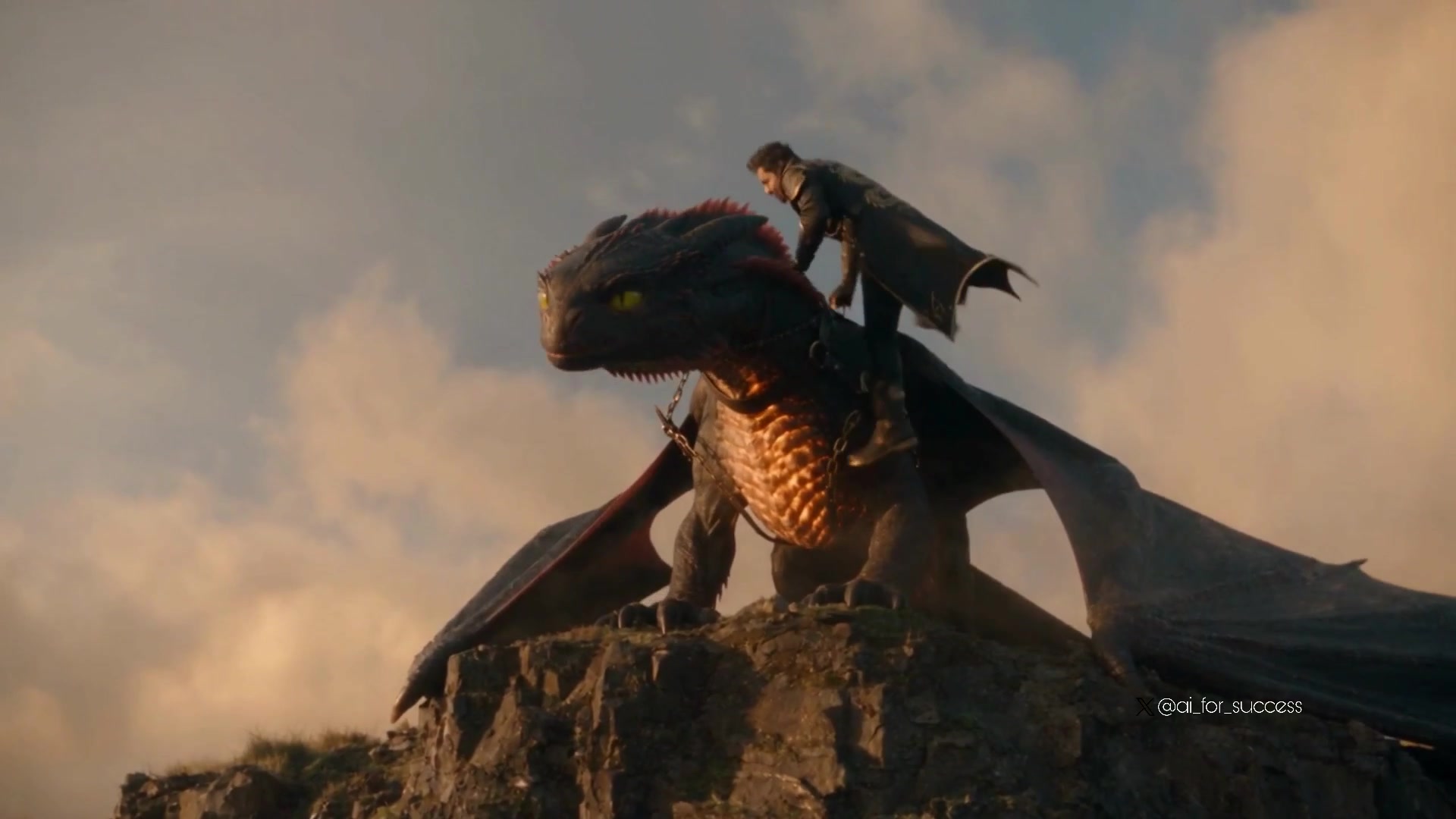
Dragon Rider Cinematic Flight — Seedance 2.5
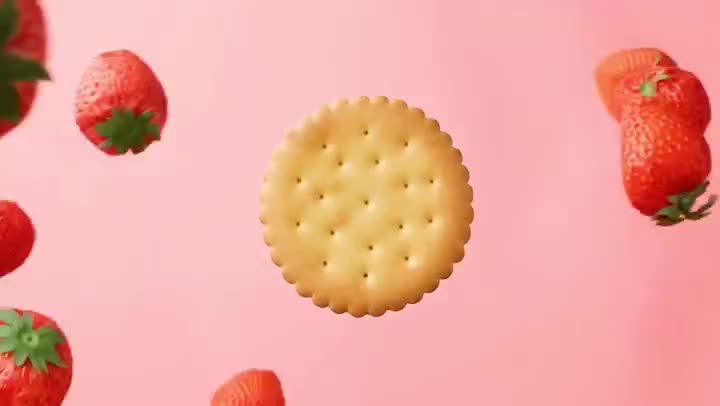
Fruit Cookie Commercial

Silk Road Pomegranate Folk Animation
Mechanical Flower Bloom Brand Film
Crystal Ball Match-Cut Brand Film
Sneaker Product Commercial
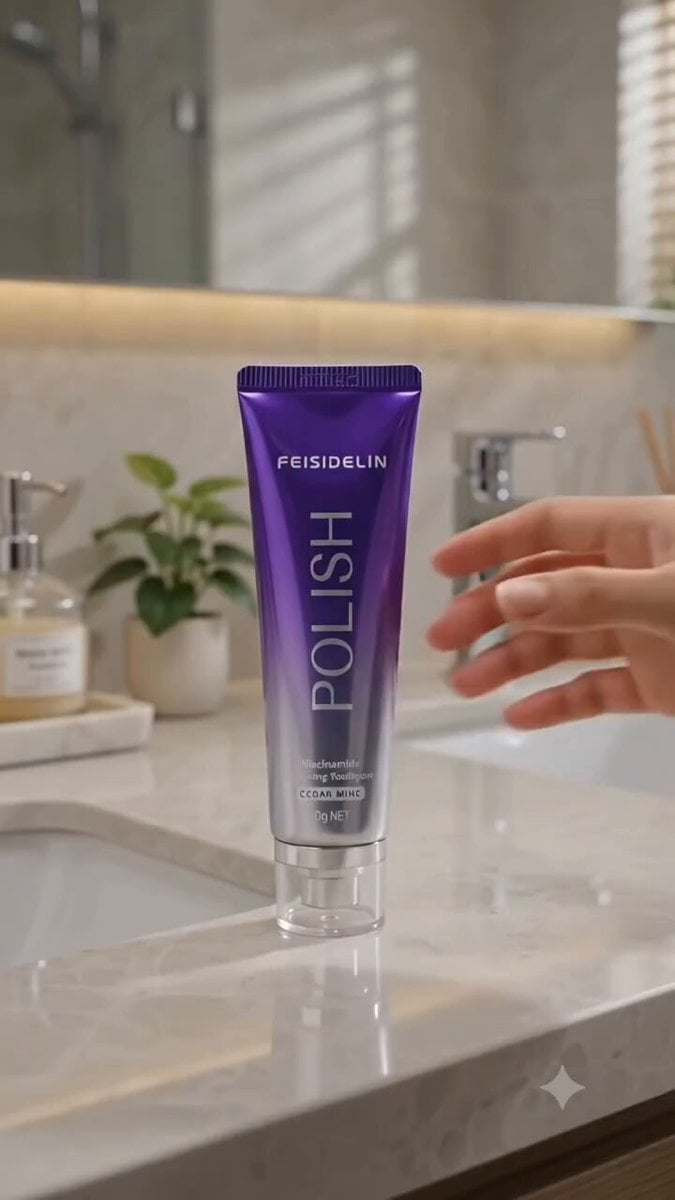
Skincare Product Commercial 3
Cinematic Portrait Study 3
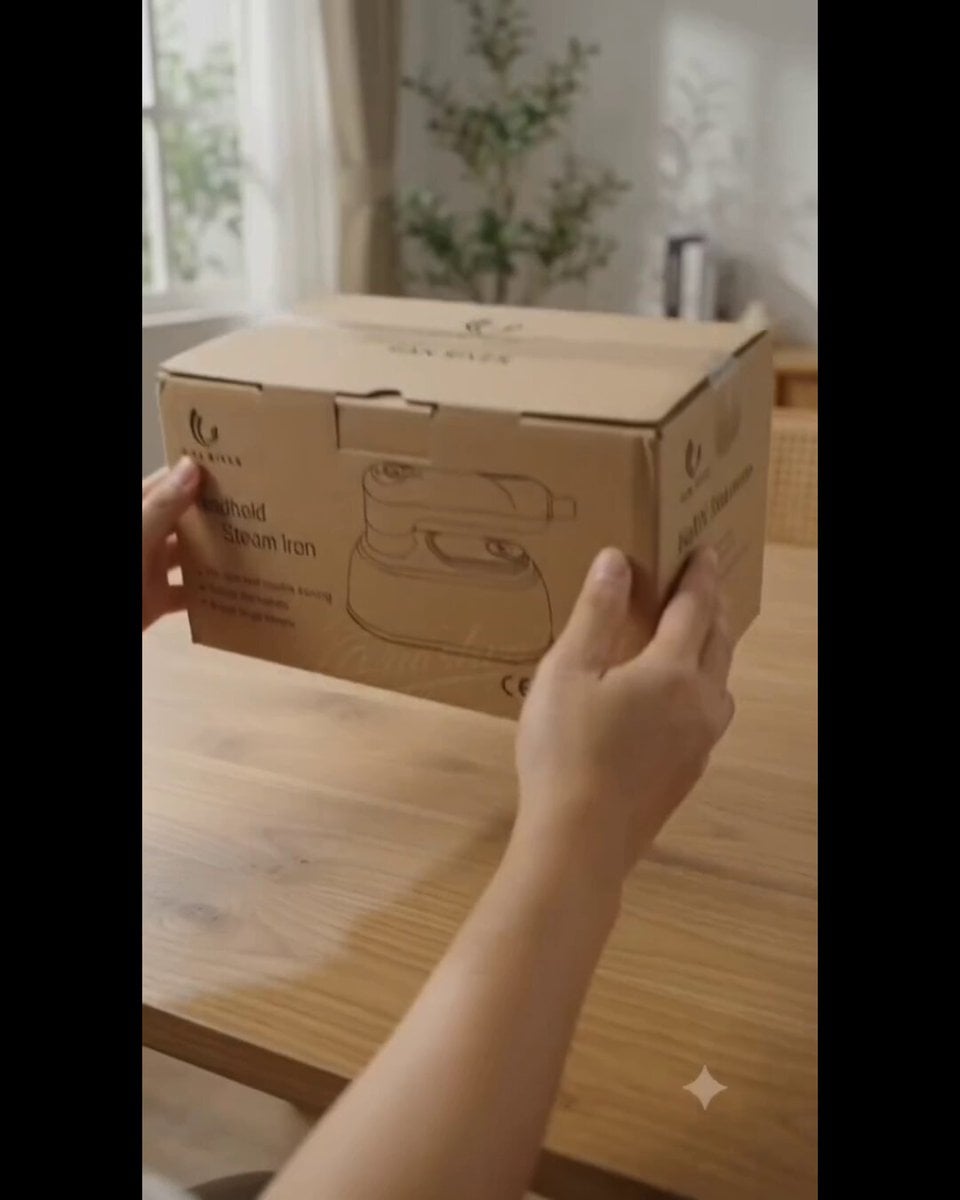
Product UGC Commercial
Cinematic Portrait Study
Skincare Product Commercial
Make it yours
Instant Ramen ASMR Commercial Storyboard works as-is. These are the safest ways to change it without losing the look.
Change one field
Copy a single group, rewrite it, and generate again so you can see what that field is doing.
Keep the frame, change the subject
Hold the composition and light of Instant Ramen ASMR Commercial Storyboard, then swap wardrobe, props or the person for a new take.
| If the result… | Why | Fix |
|---|---|---|
| The result drifts from the preview | Too many fields changed at once. | Reuse Instant Ramen ASMR Commercial Storyboard as-is first, then change one group — subject, light, or setting. |
| The model over-stylizes the scene | The prose prompt leaves finish and camera underspecified. | Add one camera or lighting sentence and stay on Seedance 2.0. |
More Seedance 2.0 templates
Other prompts made for Seedance 2.0.

Comical Martial Arts Punch Scene

Maglev Train Action Sequence

Martial Arts Fight Sequence

Wuxia Protection and Trust Script

Vintage Korean Arcade MiniDV Vlog

Mercedes 190 SL Luxury Ad

Rainy Night Supernatural Reverse Comedy Video Script

Amazon Civilization Discovery

Futuristic South Asian City Transformation

Cozy Luxury Cafe Commercial
More video prompts
Fresh picks from across the catalog.
Classroom Confrontation Short Film Script
Nano-Strike Frozen Battlefield Sequence
Surreal Skater Dachshund
Alien Invasion City Chase Cinematic Video
Sci-Fi Power Armor Suit-Up Scene

Photorealistic Arena Boxing Fight

Dark Fantasy Frozen Bridge

Emotional Chinese Dance on Water
Glowing Portal in Paris Prompt
Dragon Egg Adventure Sequence
Browse template categories
Instant Ramen ASMR Commercial Storyboard questions
How do I use the Instant Ramen ASMR Commercial Storyboard template?
Add your photo if the template asks for one, edit the prompt if you like — the template's model and format are already selected — and press Generate. Your version opens in PicX Studio.
Can I customize the Instant Ramen ASMR Commercial Storyboard template?
Yes. You can change the subject, setting, lighting, mood, format, and available model controls before creating your video.
Is the Instant Ramen ASMR Commercial Storyboard template free?
Opening and editing this template is free. Generating uses credits, shown on the Generate button when you are signed in.
Which AI model should I use?
Start with Seedance 2.0, which is the model associated with this template. You can compare another compatible model for a different finish.
Looking for something else? Browse all templates.

Your photo, any look
Thousands of ready templates for every top image and video model, from one credit balance.