How do I use the Emotional Chinese Dance on Water template?
Edit the prompt in the box under the preview — the template's model and format are already selected — and press Generate. Your version appears right on this page.
A detailed prompt for generating a video of a girl in traditional Chinese attire performing an emotional dance on dark water, specifying camera angles (pulling in/out, from below/above) and visual effects like golden…
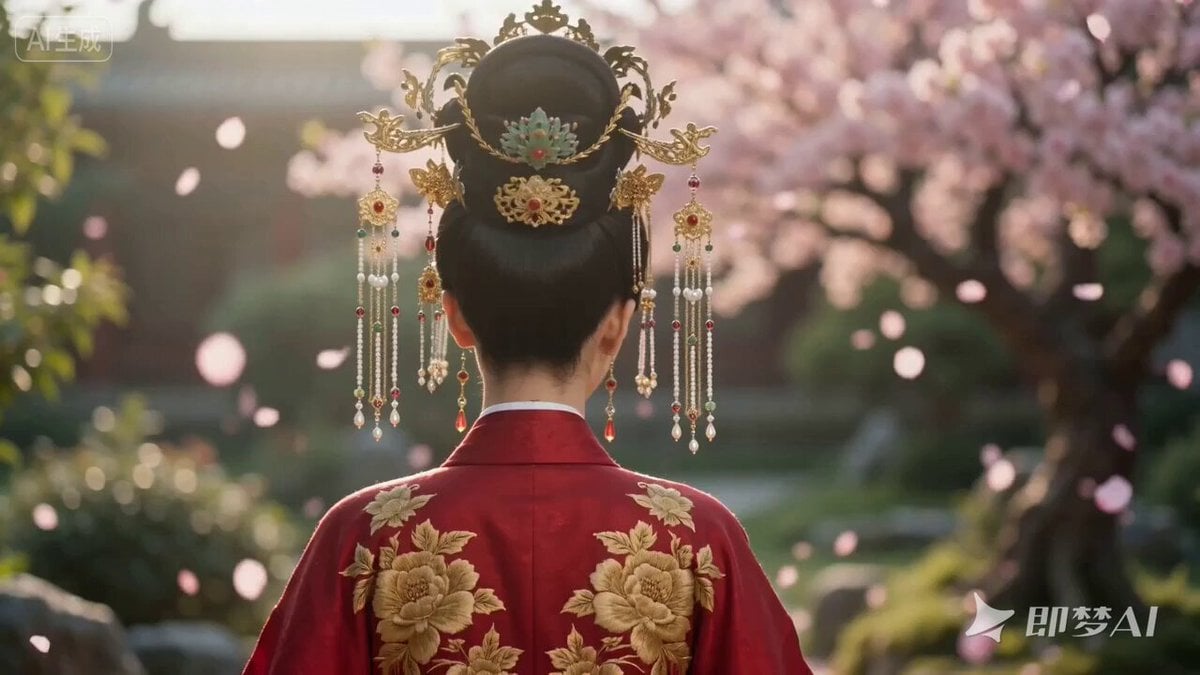
A girl in traditional Chinese attire begins her emotional and passionate dance on the still, dark water. The camera moves in to capture her face full of emotion, then pulls back sharply to reveal the sweeping gestures of her long sleeves. The shots are filmed from various angles - from below to accentuate the power and grace of her movements, and from above, turning her dance into a mesmerizing pattern on the water. Each of her steps and turns is filled with passion. Golden sparks and cherry blossom petals swirl around her, and the water beneath her feet erupts in golden circles in time with her expressive movements.
A girl in traditional Chinese attire begins her emotional and passionate dance on the still, dark water. The camera moves in to capture her face full of emotion, then pulls back sharply to reveal the sweeping gestures of her long sleeves. The shots are filmed from various angles - from below to accentuate the power and grace of her movements, and from above, turning her dance into a mesmerizing pattern on the water. Each of her steps and turns is filled with passion. Golden sparks and cherry blossom petals swirl around her, and the water beneath her feet erupts in golden circles in time with her expressive movements.
Edit the prompt in the box under the preview — the template's model and format are already selected — and press Generate. Your version appears right on this page.
Yes. You can change the subject, setting, lighting, mood, format, and available model controls before creating your video.
Opening and editing this template is free. Generating uses credits, shown on the Generate button when you are signed in.
Start with Seedance 2.0, which is the model associated with this template. You can compare another compatible model for a different finish.
Follow a topic to a crawlable collection of related PicX Studio templates.