
Cinematic Ink Demon Transformation Sequence
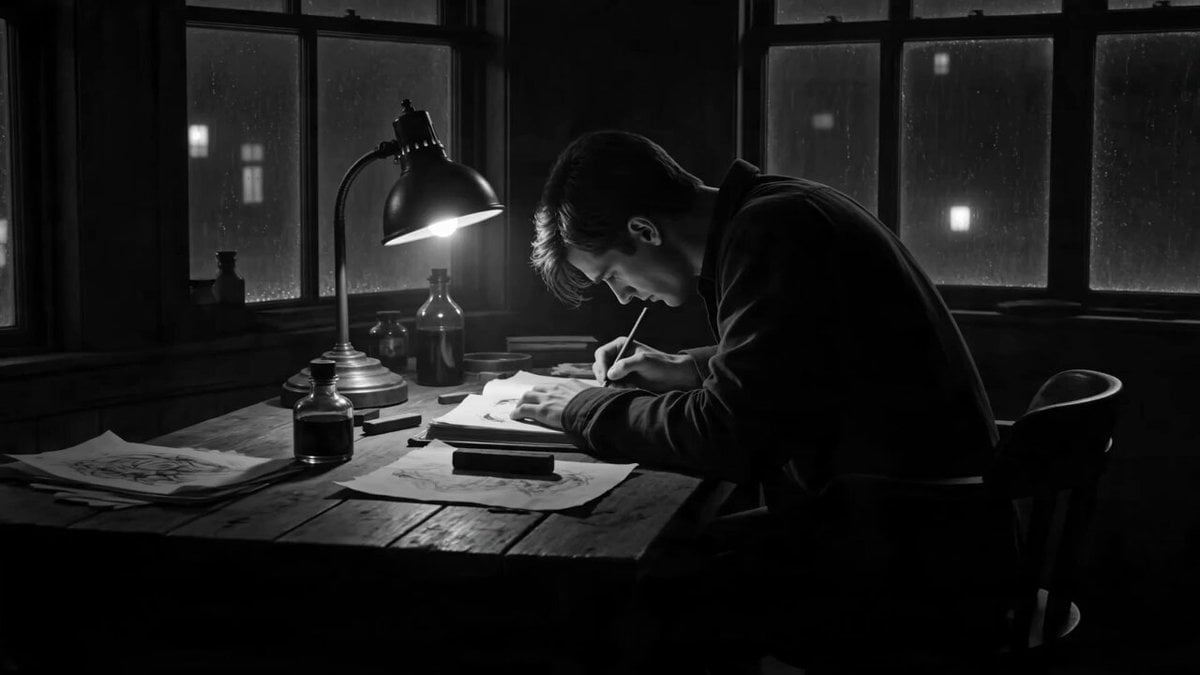
A highly detailed cinematic prompt for a dark fantasy sequence where a sketch inside an artist's studio comes to life, transforming the artist into an ink demon.
- Prompt included
- Model and format preset
- Premium template
The prompt behind this video
Copy the exact prompt behind Cinematic Ink Demon Transformation Sequence, or open it in the studio and make it yours.
15-second ultra-cinematic dark fantasy transformation sequence inside a lonely artist studio at night. A human artist sits at a wooden desk under a single flickering lamp, sketching strange occult shapes inside an old sketchbook. Rain taps against the windows. The room is quiet, filled with paper, ink bottles, charcoal, torn drawings, and shadows. Suddenly the black ink on the page begins moving by itself. It spreads across the sketchbook like liquid darkness, forming eyes, claws, and twisted symbols. The camera slowly pushes closer as ink spills upward from the page instead of downward, floating into the air like living smoke. The artist freezes, staring in disbelief. Thin black ink tendrils crawl from the sketchbook onto the artist’s hands and arms. The ink spreads across the skin like moving tattoos, rewriting the body with sharp manga-style lines, black veins, and liquid shadow patterns. The transformation accelerates. Fingers lengthen into ink-black claws. The face becomes partially covered by dripping brushstroke shadows. Horn-like shapes form from splashing ink above the head. Pages tear loose from the sketchbook and orbit around the artist. Each page shows animated drawings that move independently, screaming silently in charcoal lines. The artist rises from the chair as the body becomes a living ink demon -half human, half sketch, made of black liquid ink, paper texture, jagged outlines, and distorted shadow anatomy. Final cinematic moment: the Ink Demon fully emerges, stepping out from the collapsing sketchbook as the studio walls become covered in rapidly drawing occult illustrations. The creature opens glowing white eyes while ink drips upward into the darkness. Style: ultra-cinematic dark fantasy, ink horror aesthetic, manga-inspired linework, liquid ink simulation, living sketch effects, gothic artist studio, black-and-white contrast with small warm lamp highlights, surreal transformation VFX, no text, no overlays. Audio: dark cinematic score, rain on windows, pen scratching paper, ink bubbling, pages tearing, wet ink movement, low supernatural rumble, distorted breathing.
How to use Cinematic Ink Demon Transformation Sequence in 3 steps
- 1
Open
The prompt is already in the box next to the preview, with the template's model and format selected.
- 2…a portrait of your subject in softgolden-hour light, 85mm…
Personalize
Edit the subject and creative details for your destination.
- 3Generate
Generate
Press Generate — your video is created in PicX Studio, so you can compare it with the original and refine one variable at a time.
More like this
Templates with the same subject, style or setup. Open one to see its prompt.

Magical Room Transformation - Seedance 2.5

Dark Tokusatsu Transformation - Seedance 2.5

RX-7 to Mech Transformation Cyberpunk
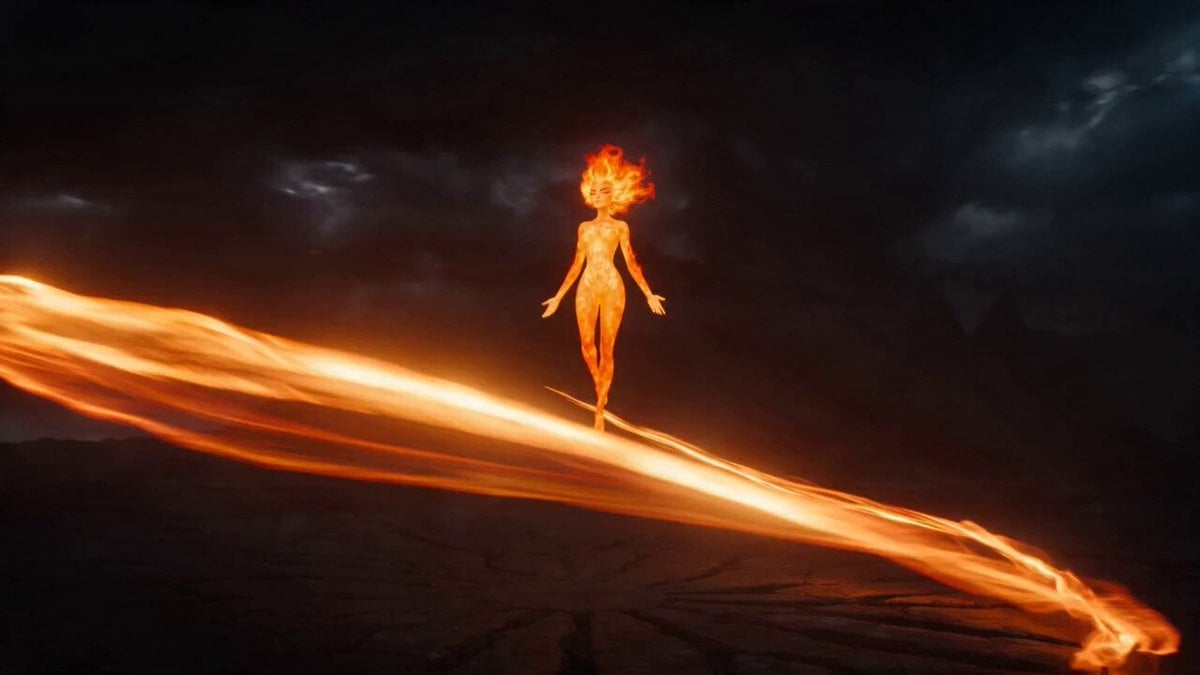
Magical Transformation Sequence
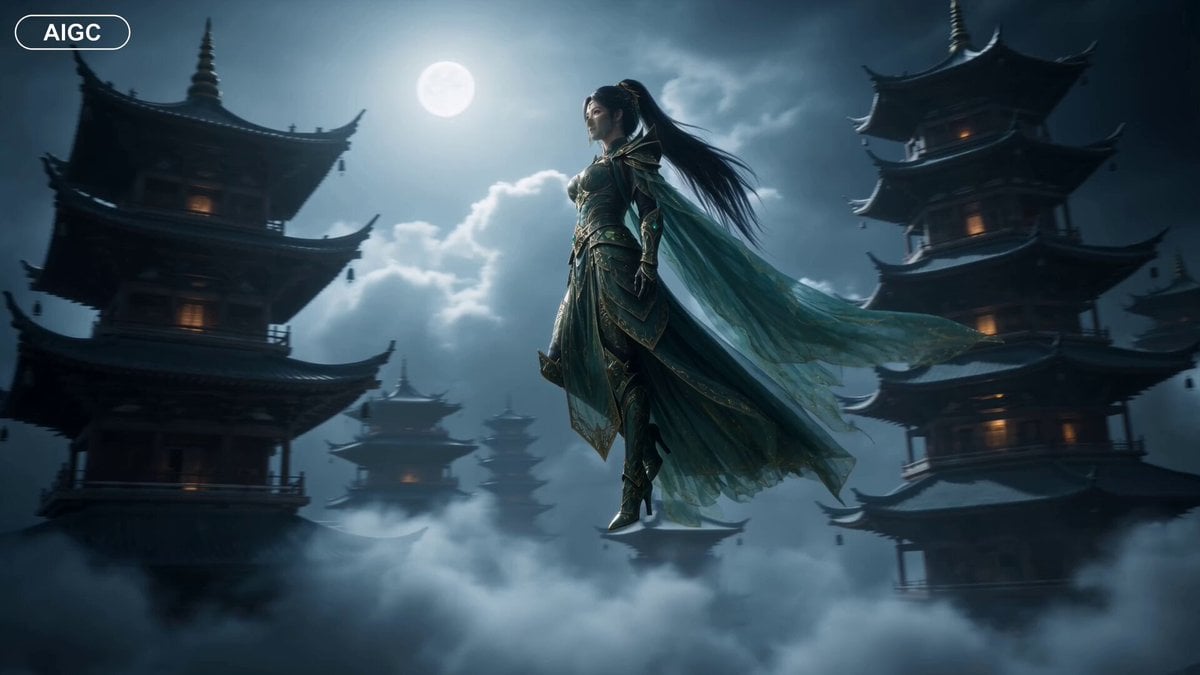
Fantasy Warrior Transformation Sequence
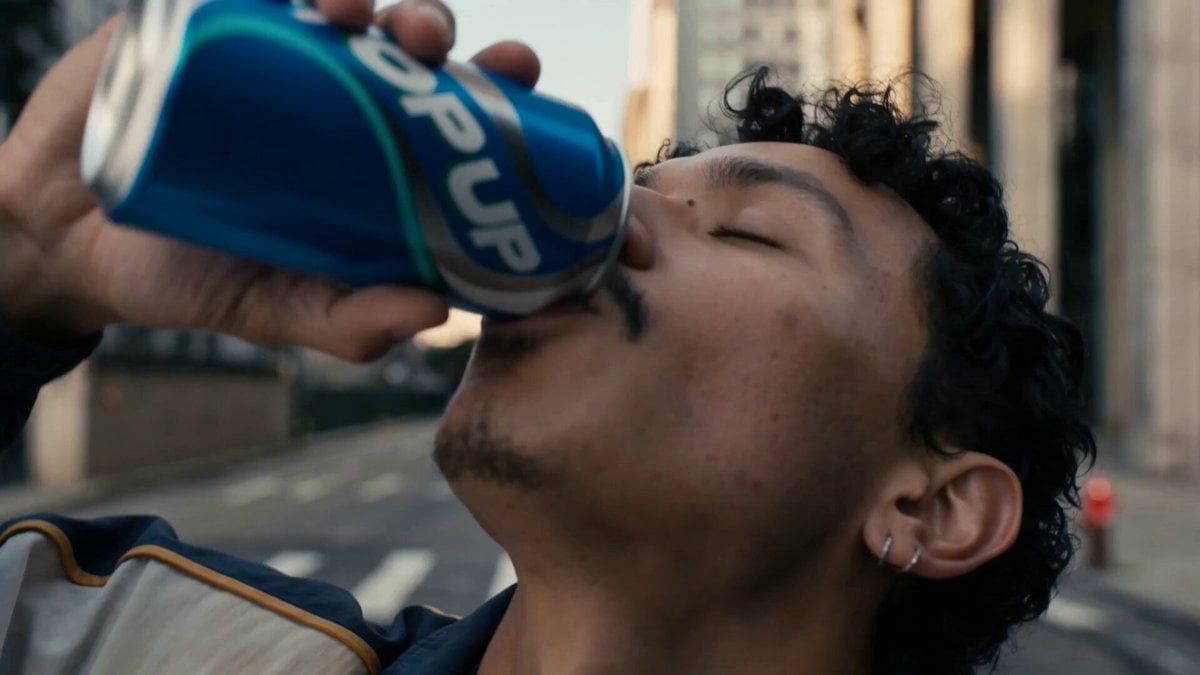
Neon Armor Epic Transformation Sequence
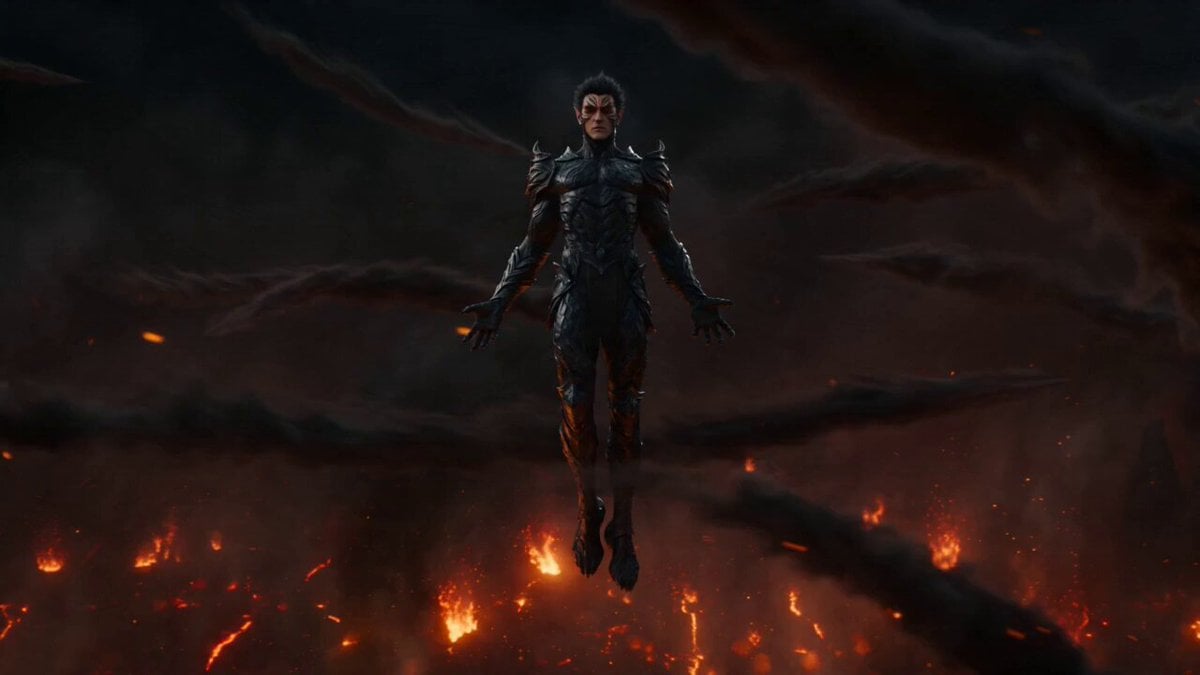
Firestorm Demon Hunter Transformation
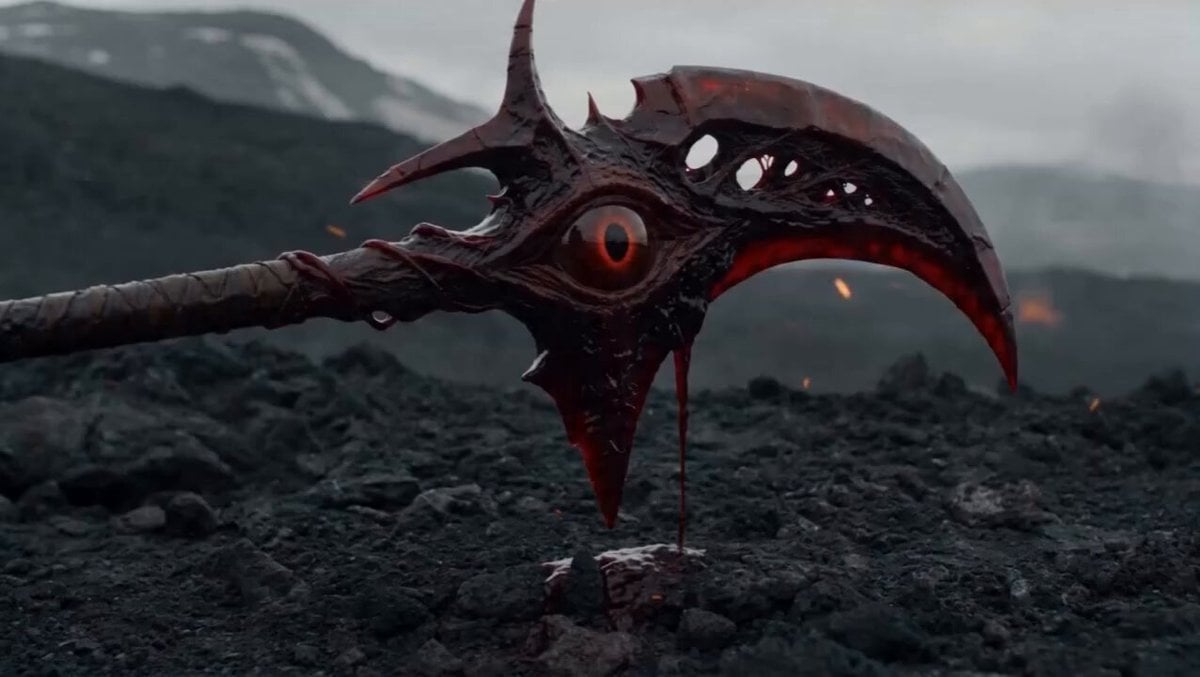
Cursed Scythe Demon Transformation
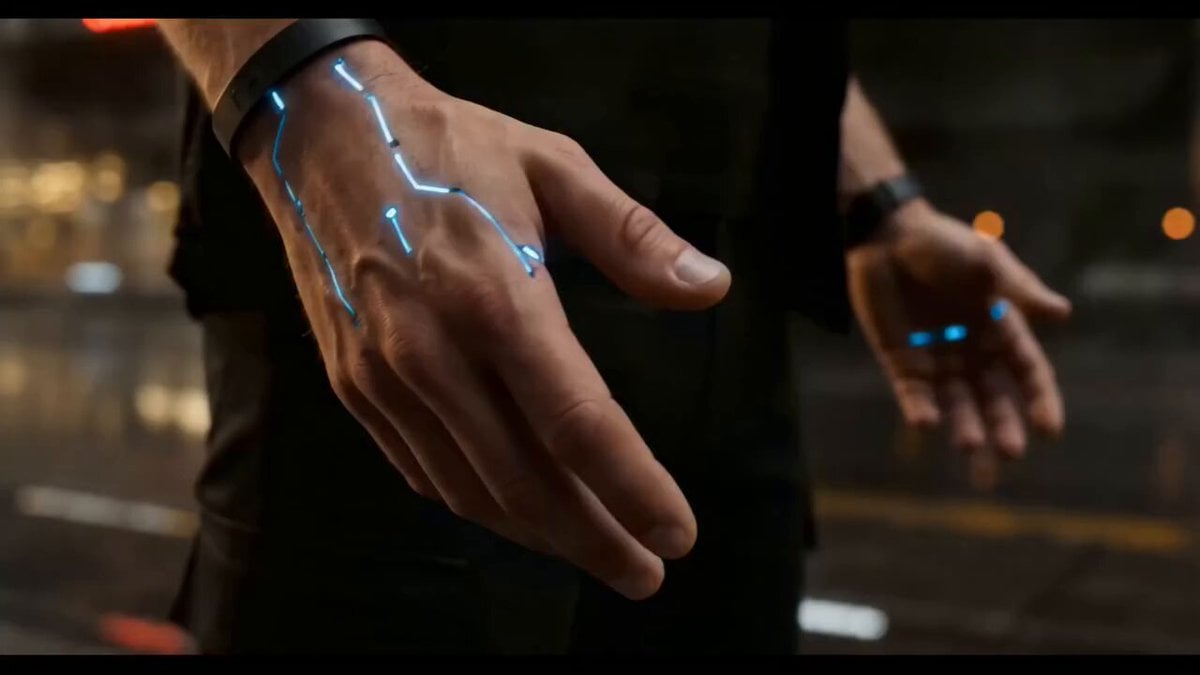
Cyberpunk Exosuit Transformation Sequence
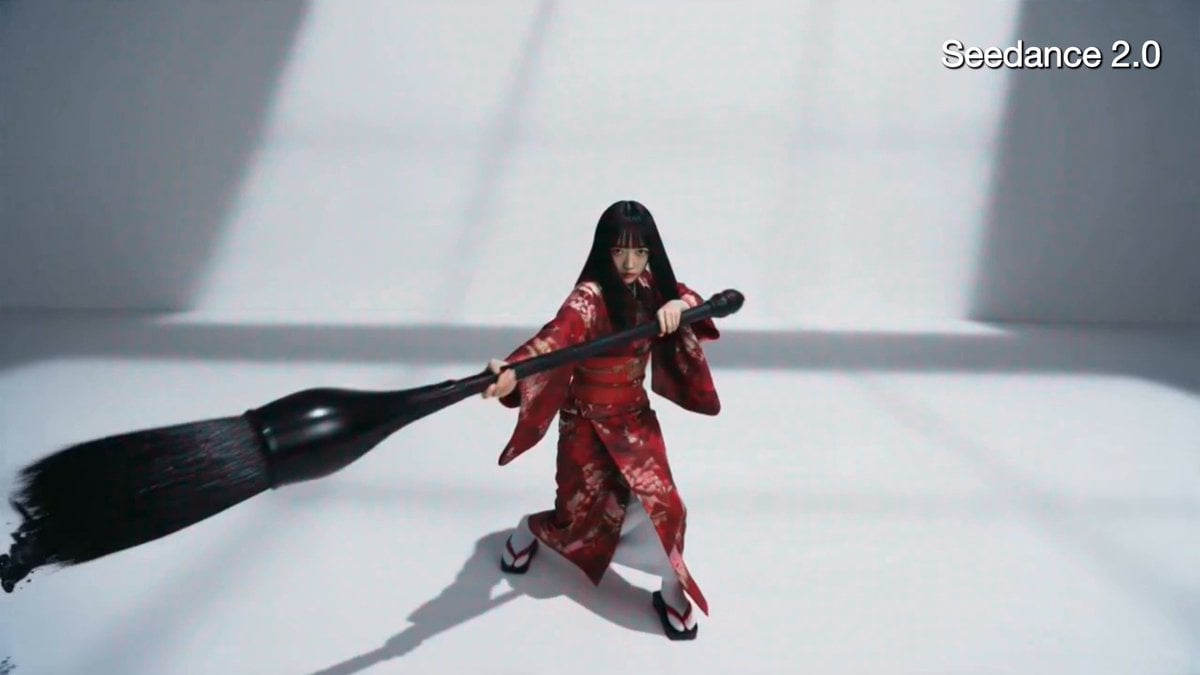
Crimson Kimono Ink Tiger Sequence
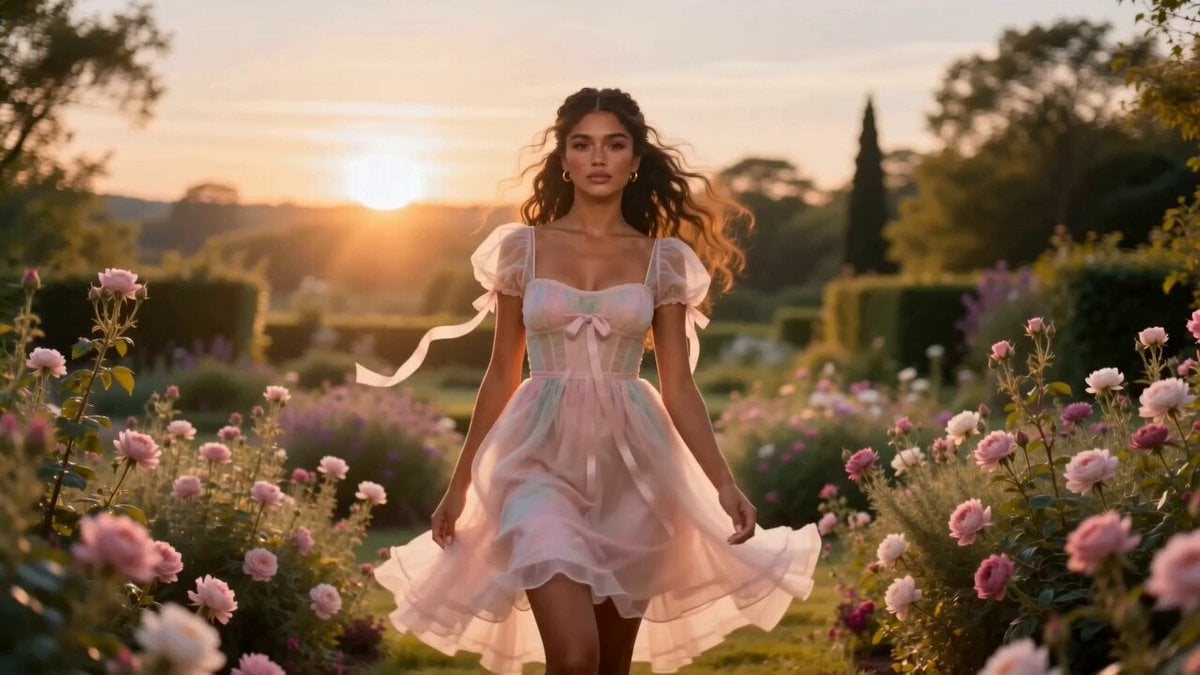
Fashion Aesthetic Transformation Sequence
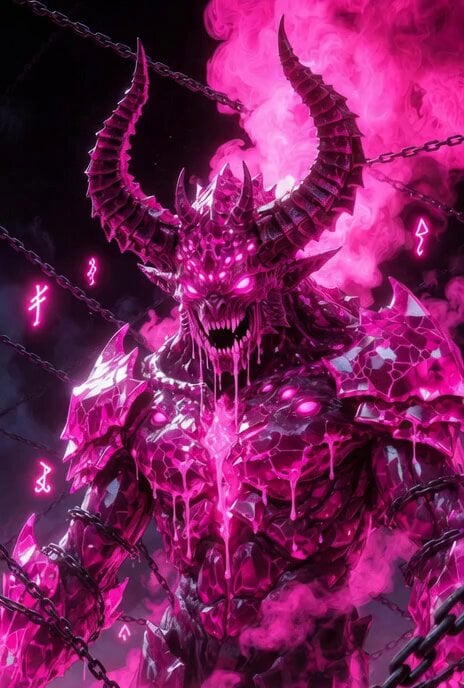
Video prompt for a massive monstrous pink demon beast
Make it yours
Cinematic Ink Demon Transformation Sequence works as-is. These are the safest ways to change it without losing the look.
Change one field
Copy a single group, rewrite it, and generate again so you can see what that field is doing.
Keep the frame, change the subject
Hold the composition and light of Cinematic Ink Demon Transformation Sequence, then swap wardrobe, props or the person for a new take.
| If the result… | Why | Fix |
|---|---|---|
| The result drifts from the preview | Too many fields changed at once. | Reuse Cinematic Ink Demon Transformation Sequence as-is first, then change one group — subject, light, or setting. |
| The model over-stylizes the scene | The prose prompt leaves finish and camera underspecified. | Add one camera or lighting sentence and stay on Seedance 2.0. |
More Seedance 2.0 templates
Other prompts made for Seedance 2.0.

Comical Martial Arts Punch Scene

Wuxia Protection and Trust Script

Vintage Korean Arcade MiniDV Vlog

Mercedes 190 SL Luxury Ad

Rainy Night Supernatural Reverse Comedy Video Script

Amazon Civilization Discovery

Futuristic South Asian City Transformation

Cozy Luxury Cafe Commercial

Cyber Ronin Nanotech Transformation Video

Desert Courier and Sandstorm Leviathan Chase
More video prompts
Fresh picks from across the catalog.
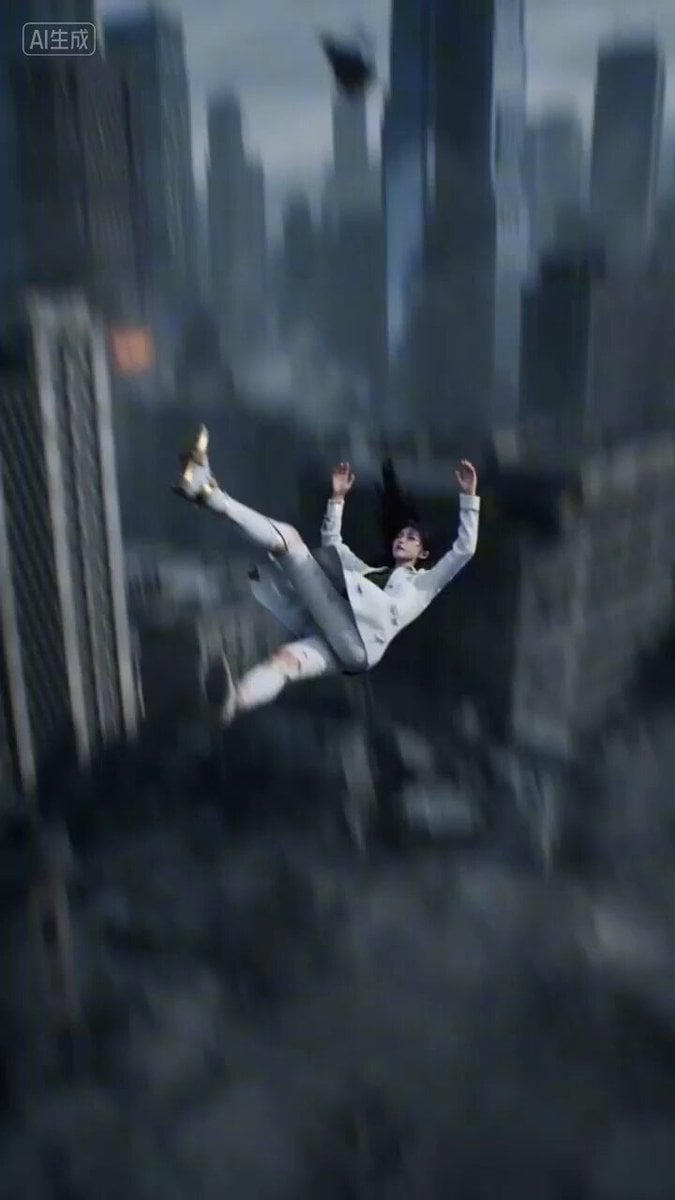
Sci-Fi Mecha Angel Transformation Video Prompt for Seedance 2.0
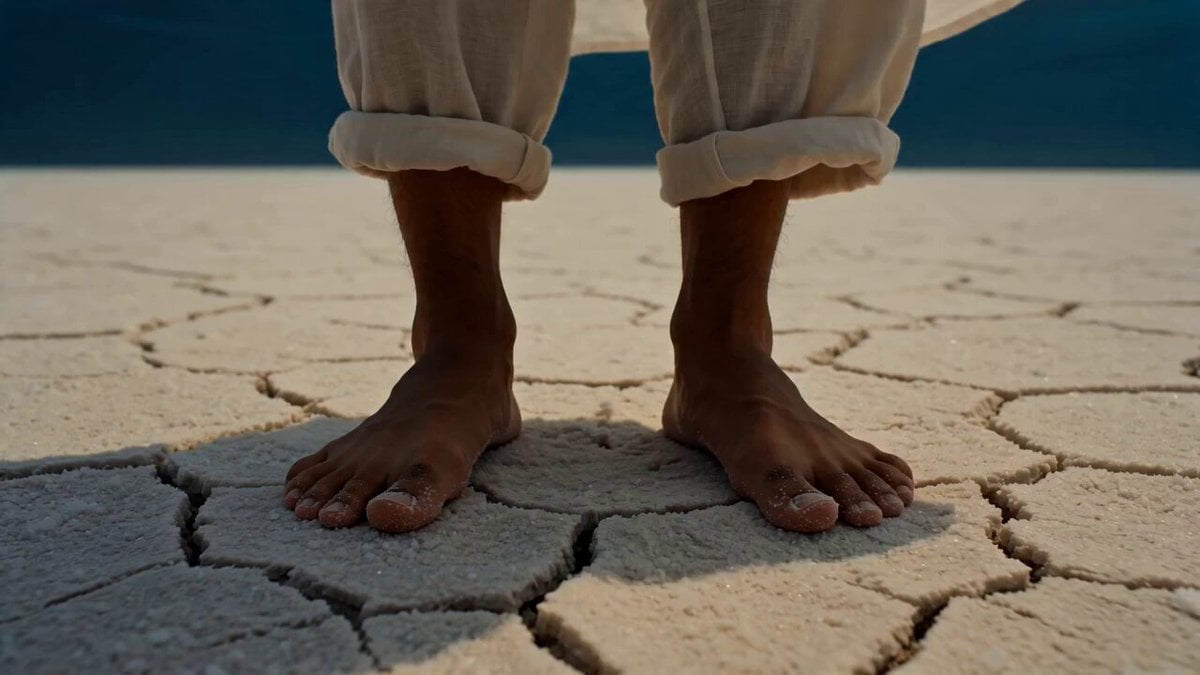
Surreal Upside-Down Ocean World
The Actor's Self-Cultivation Skit Video Prompt
Magical City Aerial Axe Combat
Earthquake City Collapse Video Prompt

Wink and Laugh Animation
Cinematic Anime Hong Kong Massage Parlour
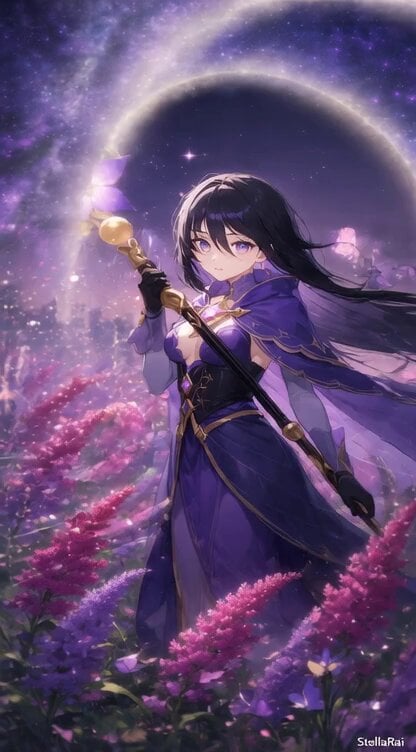
Animate Female Mage in Amaranth Field
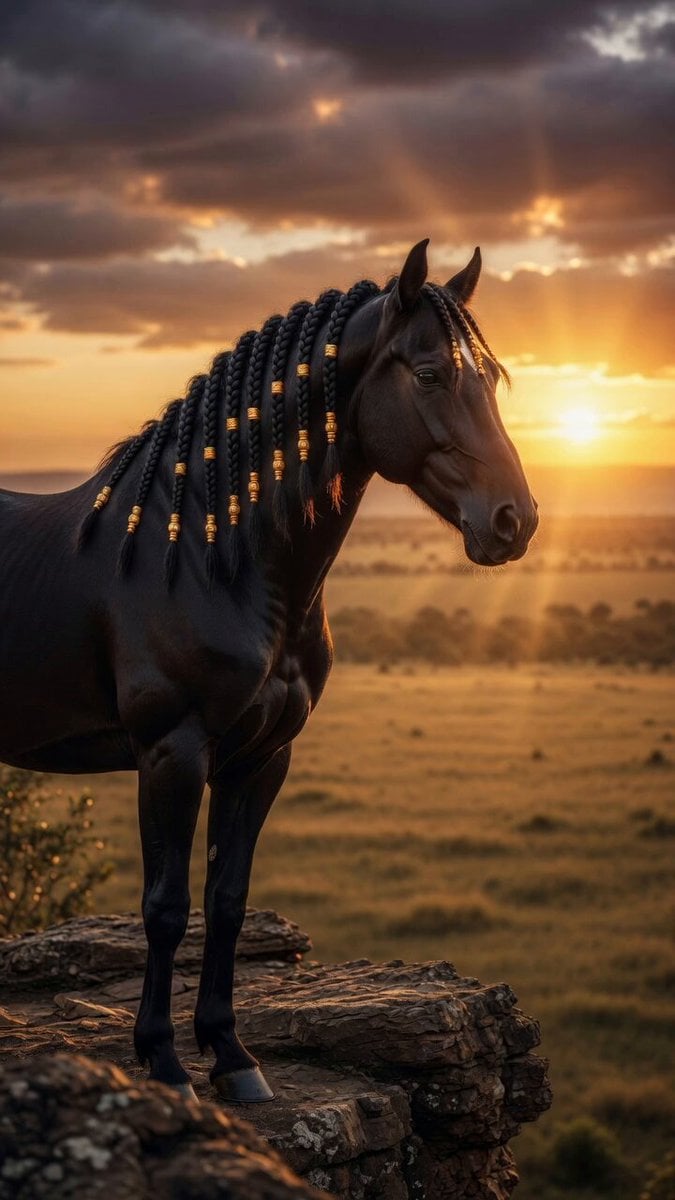
Stallion on African Cliff
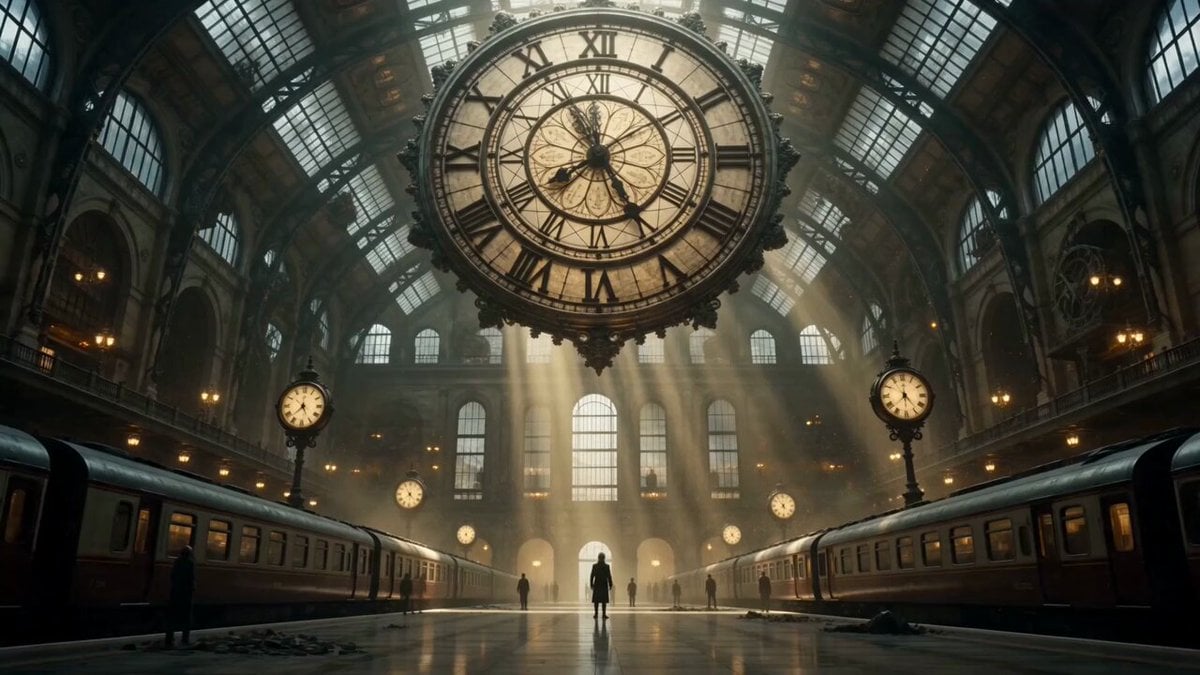
Cinematic Time Traveler Transformation Sequence
Browse template categories
Cinematic Ink Demon Transformation Sequence questions
How do I use the Cinematic Ink Demon Transformation Sequence template?
Add your photo if the template asks for one, edit the prompt if you like — the template's model and format are already selected — and press Generate. Your version opens in PicX Studio.
Can I customize the Cinematic Ink Demon Transformation Sequence template?
Yes. You can change the subject, setting, lighting, mood, format, and available model controls before creating your video.
Is the Cinematic Ink Demon Transformation Sequence template free?
Opening and editing this template is free. Generating uses credits, shown on the Generate button when you are signed in.
Which AI model should I use?
Start with Seedance 2.0, which is the model associated with this template. You can compare another compatible model for a different finish.
Looking for something else? Browse all templates.

Your photo, any look
Thousands of ready templates for every top image and video model, from one credit balance.