How do I use the Firestorm Demon Hunter Transformation template?
Edit the prompt in the box under the preview — the template's model and format are already selected — and press Generate. Your version appears right on this page.
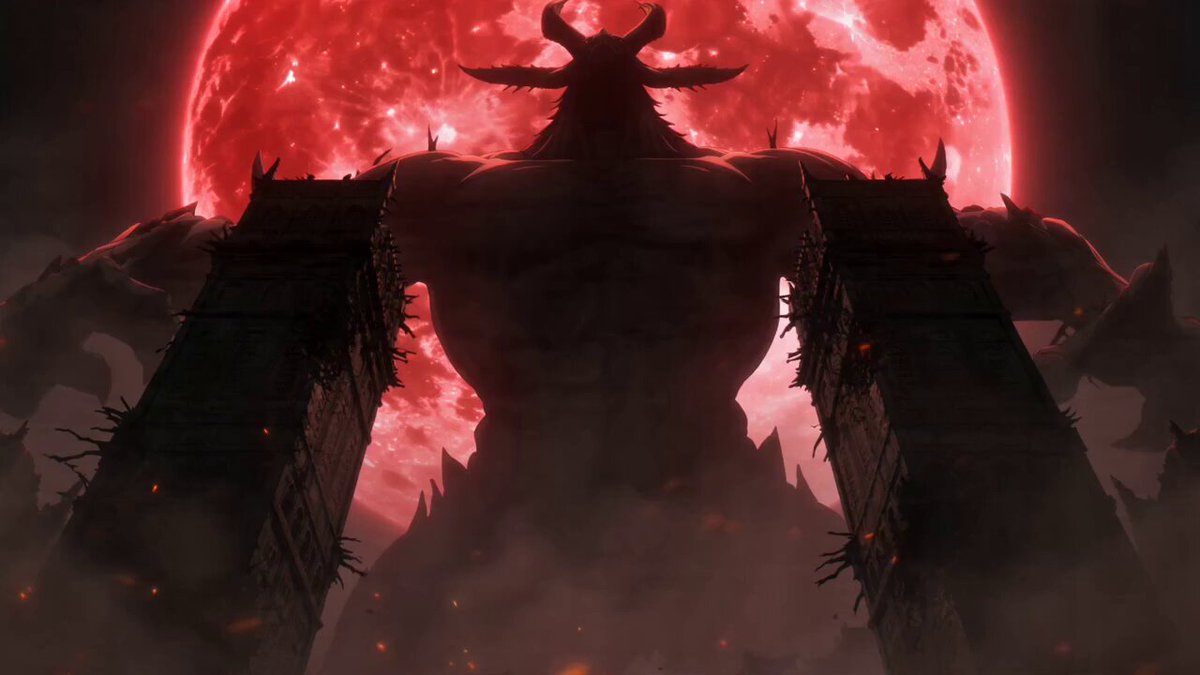
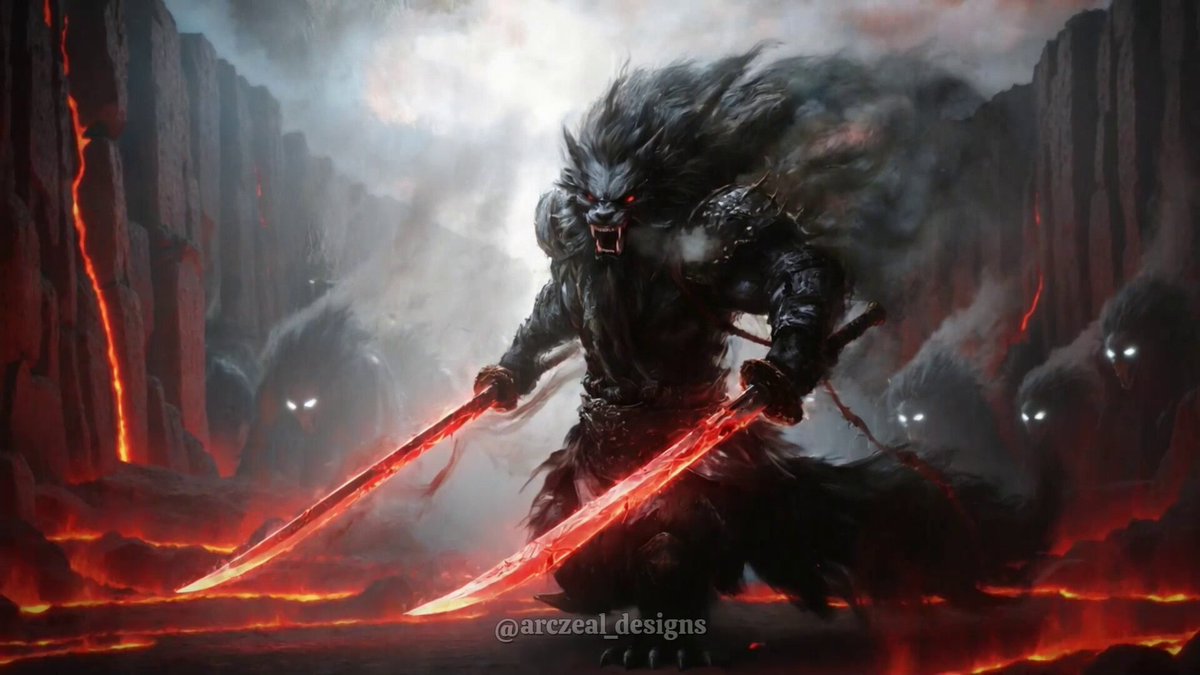
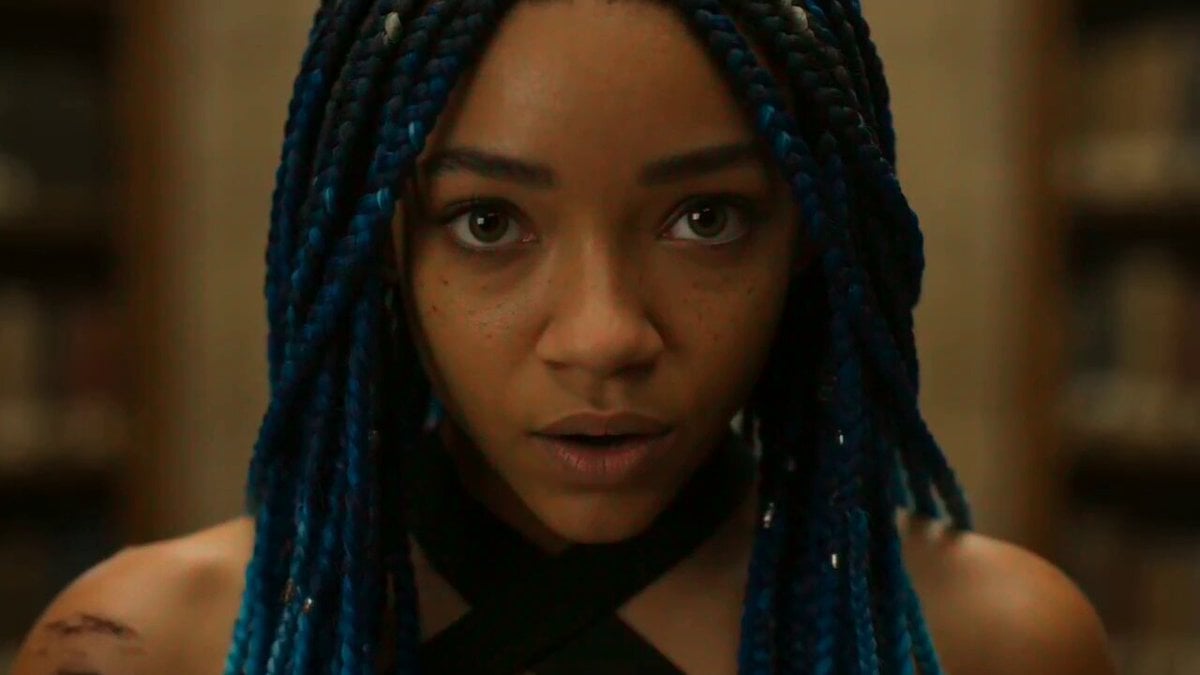
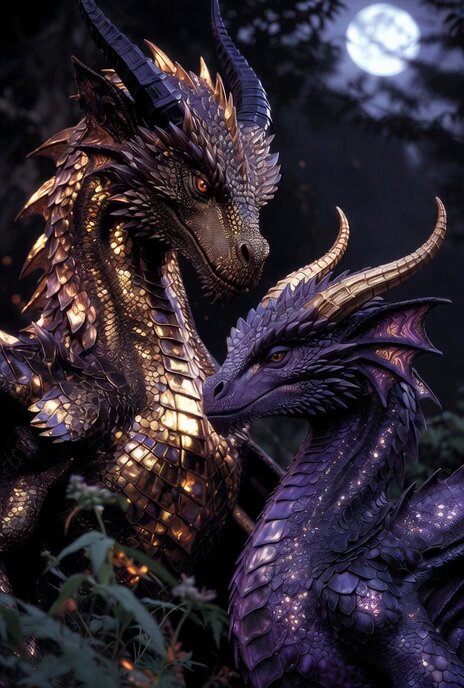
A magical transformation sequence of a firestorm demon hunter floating in a volcanic void with embers and molten armor effects.
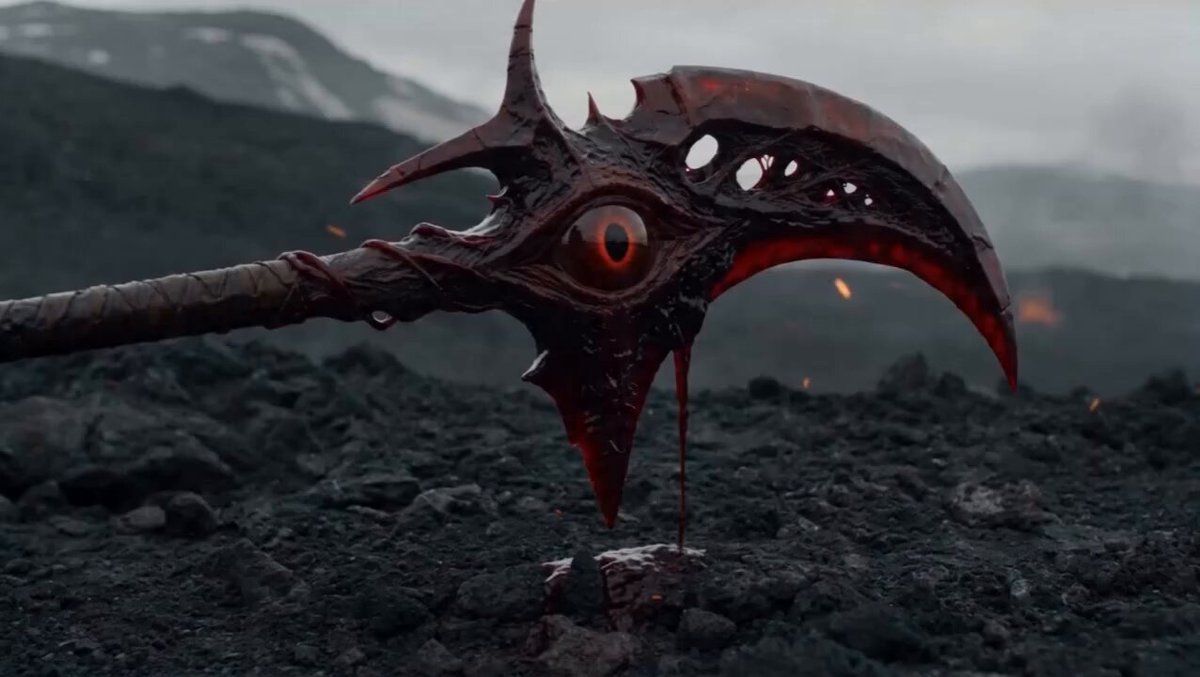
Full magical transformation sequence: a firestorm demon hunter floating in a dark volcanic void as glowing embers rise from below and thick smoke coils around them in slow ceremonial waves — sparks attach to the body, igniting their hair into white with burning red tips, forging dark obsidian armor from heated metal, tracing molten protective markings across the face and hands, and forming twin curved blades from compressed flame. A circular lava-forged ritual seal opens beneath their feet with orange cracks spreading outward, the camera pushes through smoke layers in a slow heroic spiral, each ember burst synced to a rising drum hit, ending in a crossed-blade signature pose held inside a firestorm starburst. Stock-footage grandeur, played sincere. Made in @LumaLabsAI #LumaCPP
Full magical transformation sequence: a firestorm demon hunter floating in a dark volcanic void as glowing embers rise from below and thick smoke coils around them in slow ceremonial waves — sparks attach to the body, igniting their hair into white with burning red tips, forging dark obsidian armor from heated metal, tracing molten protective markings across the face and hands, and forming twin curved blades from compressed flame. A circular lava-forged ritual seal opens beneath their feet with orange cracks spreading outward, the camera pushes through smoke layers in a slow heroic spiral, each ember burst synced to a rising drum hit, ending in a crossed-blade signature pose held inside a firestorm starburst. Stock-footage grandeur, played sincere. Made in @LumaLabsAI #LumaCPP
Edit the prompt in the box under the preview — the template's model and format are already selected — and press Generate. Your version appears right on this page.
Yes. You can change the subject, setting, lighting, mood, format, and available model controls before creating your video.
Opening and editing this template is free. Generating uses credits, shown on the Generate button when you are signed in.
Start with Seedance 2.0, which is the model associated with this template. You can compare another compatible model for a different finish.
Follow a topic to a crawlable collection of related PicX Studio templates.