
Cinematic Anime Pasta Cooking Sequence
A highly detailed, cinematic anime-style cooking prompt for Seedance 2.0, featuring multi-cut sequences of preparing garlic pasta with specific lighting and sound cues.
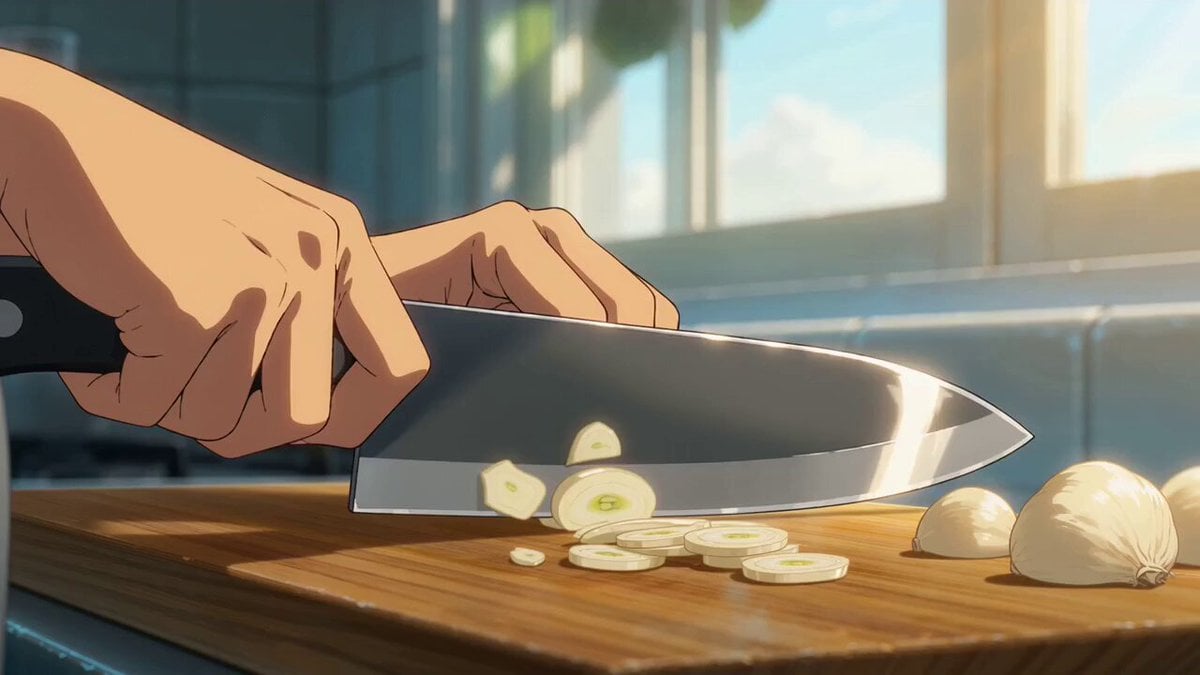
- Prompt included
- Model and format preset
- Premium template
The prompt behind this video
Copy the exact prompt behind Cinematic Anime Pasta Cooking Sequence, or open it in the studio and make it yours.
日本のフルカラーアニメ 高速なカット割り、作画枚数多め セル画調の影。テンポの速い料理シーン。 キャラクターの手と食材の一貫性を維持。 # スタイル 映画品質の料理映像。ウォームホワイトの間接光+スチームによるリムライト。 アナモルフィックレンズフレア、浅い被写界深度、35mmフィルムライクな粒子感。 ティール&オレンジのカラーグレーディング。 # 情景 明るい家庭のキッチン。白いタイル、木製まな板、 銀色のフライパン。昼間の自然光。 # シーン ペペロンチーノを勢いよく作る一連の工程をテンポよく切り取る。 cut1: エクストリームクローズアップ。包丁がニンニクを一気にスライスする。 環境音:リズミカルな包丁音。 Lens switch cut2: マクロ・俯瞰。スライスされたニンニクがまな板に広がる静止ショット。 環境音:静寂。 Lens switch cut3: ローアングル。フライパンにオリーブオイルが注がれ広がる。逆光で輝く。 環境音:サラサラとした液体音。 Lens switch cut4: エクストリームクローズアップ。ニンニクと唐辛子がオイルに投入される瞬間。 環境音:じゅわっという音。 Lens switch cut5: 真横・マクロ。オイルの表面で泡が立ち上がりニンニクが黄金色に変わる。 環境音:じわじわと油が泡立つ音。 Lens switch cut6: 俯瞰。大鍋の中でパスタが湯の渦に泳ぐ. 蒸気が上へ流れる。 環境音:ぼこぼこと沸騰する音。 Lens switch cut7: ローアングル・縁スレスレ。パスタがフライパンに投入され蒸気が爆発的に立ち昇る。 環境音:炸裂するような蒸気音。 Lens switch cut8: ミディアムクローズアップ・斜め前から。フライパンを豪快にあおる。 パスタが宙に大きく舞う。 環境音:パスタが空気を切る音、金属音。 Lens switch cut9: バストショット。白い皿にパスタをトングで勢いよく盛り付ける。 環境音:皿とトングが触れる音。 Lens switch cut10: 俯瞰・真上。パセリが指先から舞い落ちて完成した皿の上に着地。 カメラ固定のまま数秒静止。 環境音:完全な静寂。
How to use Cinematic Anime Pasta Cooking Sequence in 3 steps
- 1
Open
The prompt is already in the box next to the preview, with the template's model and format selected.
- 2…a portrait of your subject in softgolden-hour light, 85mm…
Personalize
Edit the subject and creative details for your destination.
- 3Generate
Generate
Press Generate — your video is created in PicX Studio, so you can compare it with the original and refine one variable at a time.
More like this
Templates with the same subject, style or setup. Open one to see its prompt.
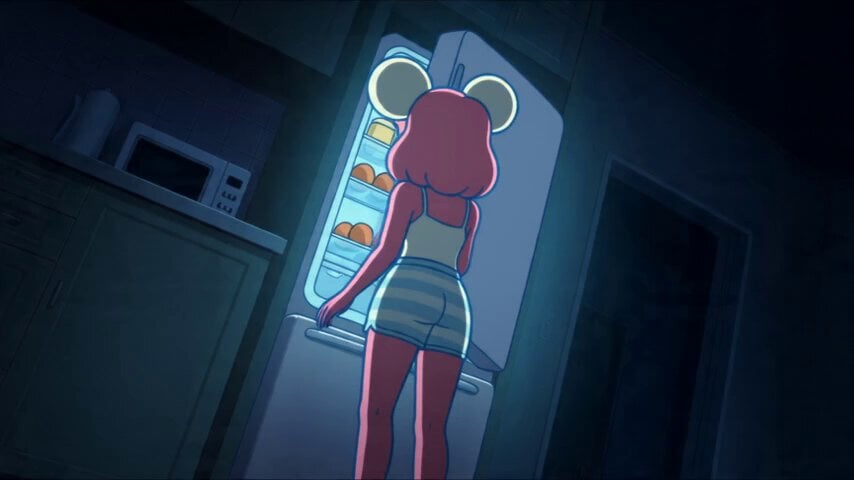
Anime Souffle Pancake Cooking Sequence

Studio Ghibli Dumpling Kitchen Cooking Scene
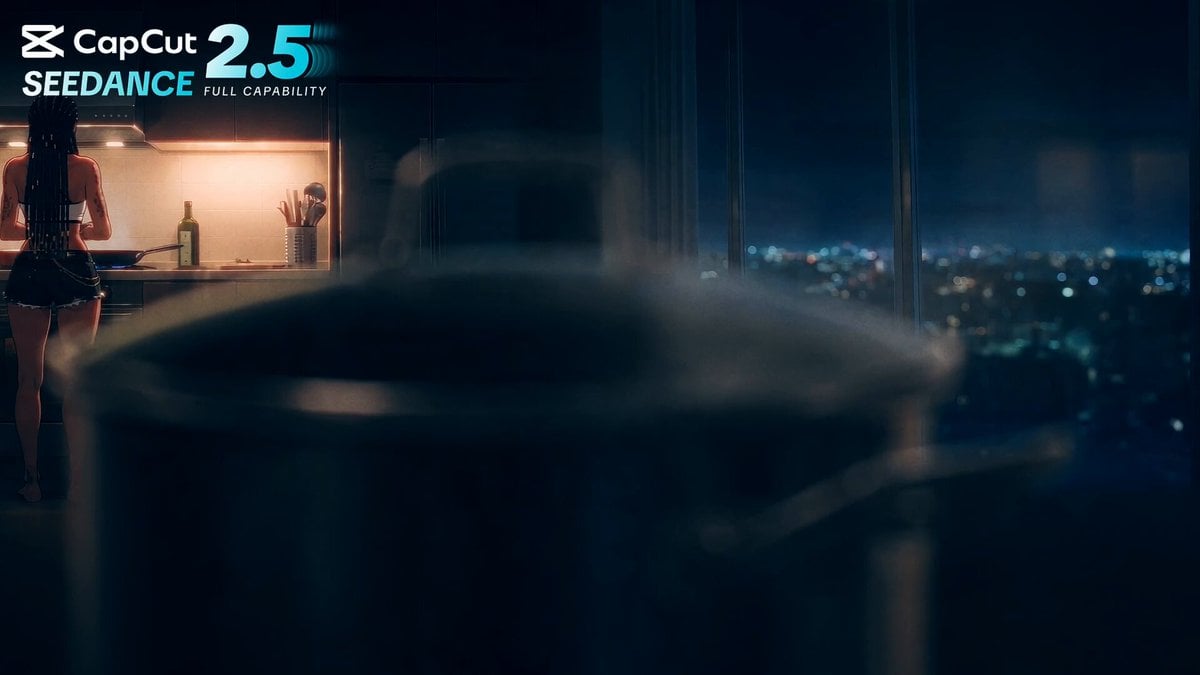
Anime Cooking Vongole Bianco Scene
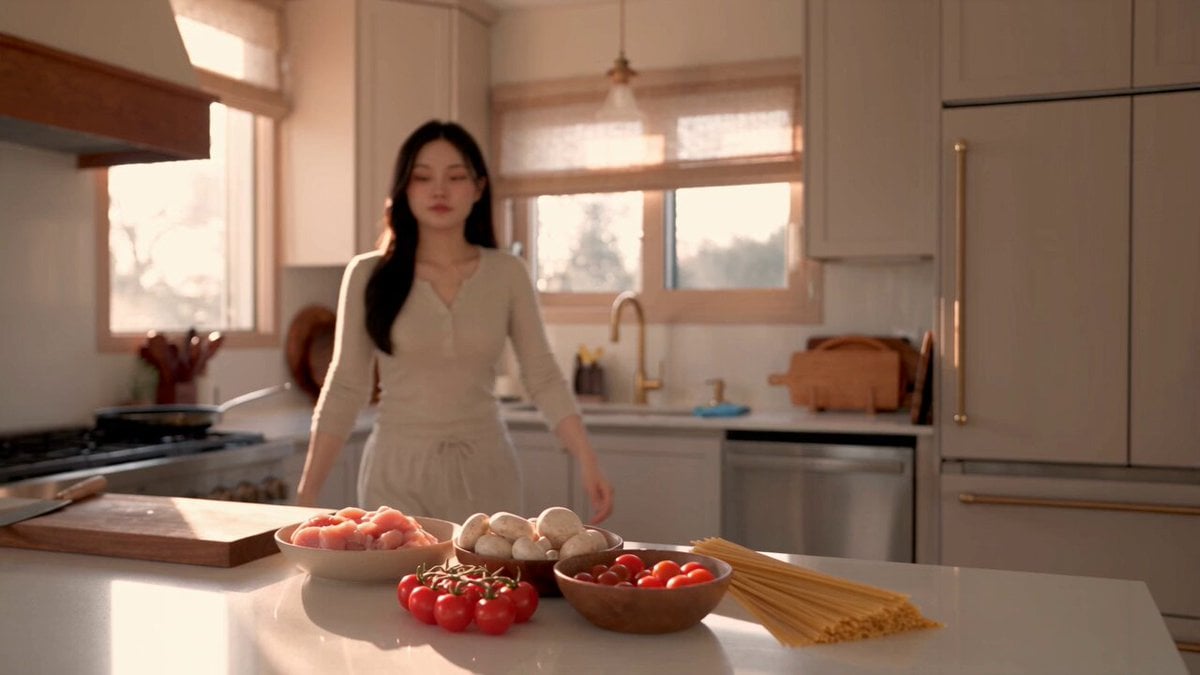
Creamy Chicken Pasta Cooking Vlog

MiniMax H3 Character Introduction

Japanese Pure Love Short Film
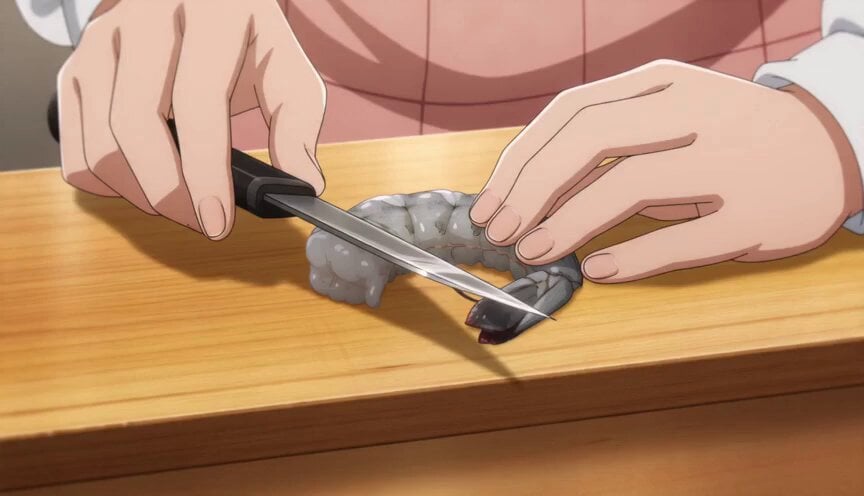
Anime Chef Shrimp Tempura Cooking
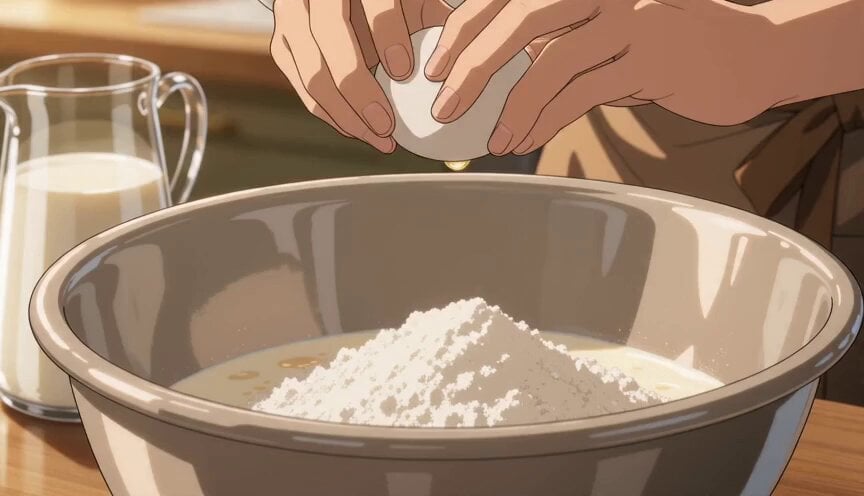
Anime Pancake Cooking Montage
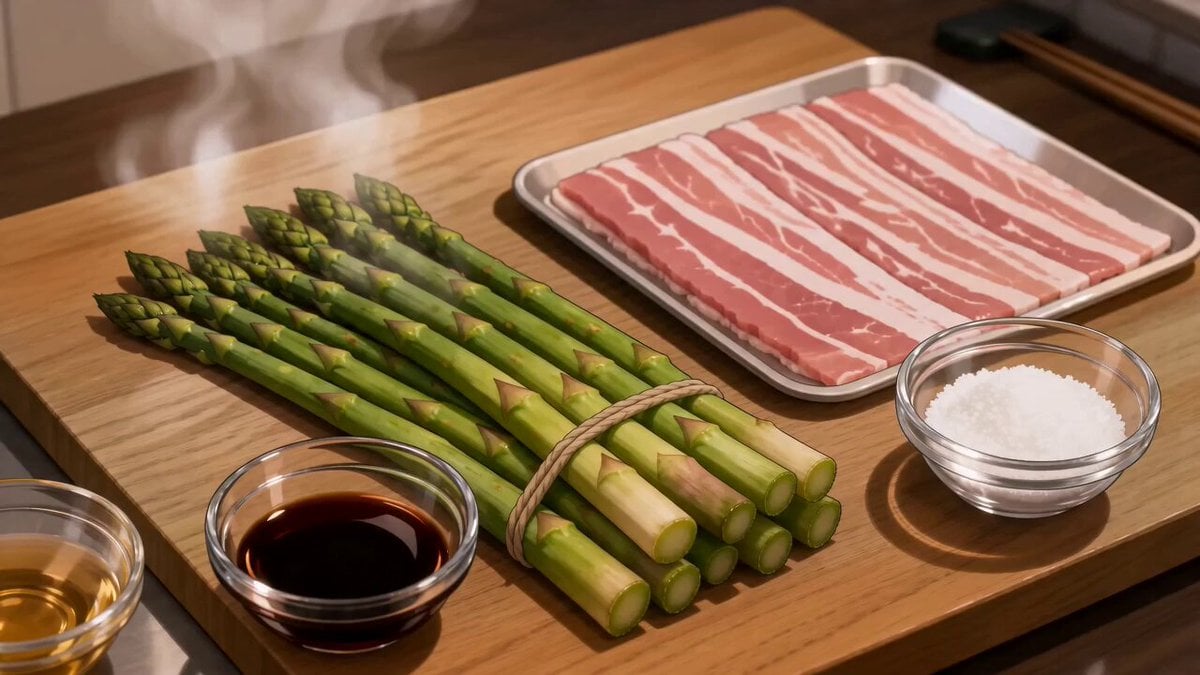
Anime Pork-Wrapped Asparagus Cooking Video
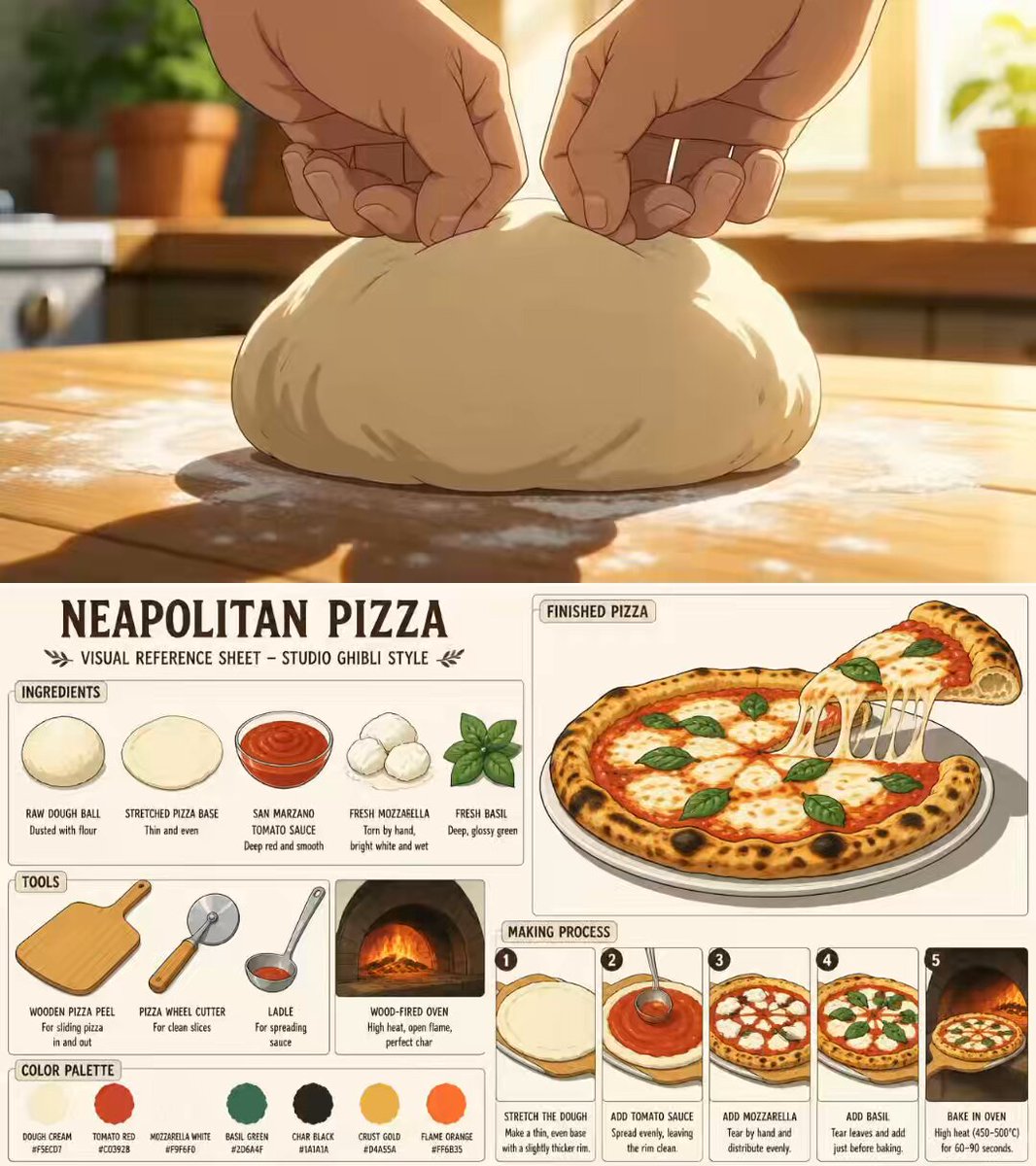
Ghibli Aesthetic Anime Cooking Video
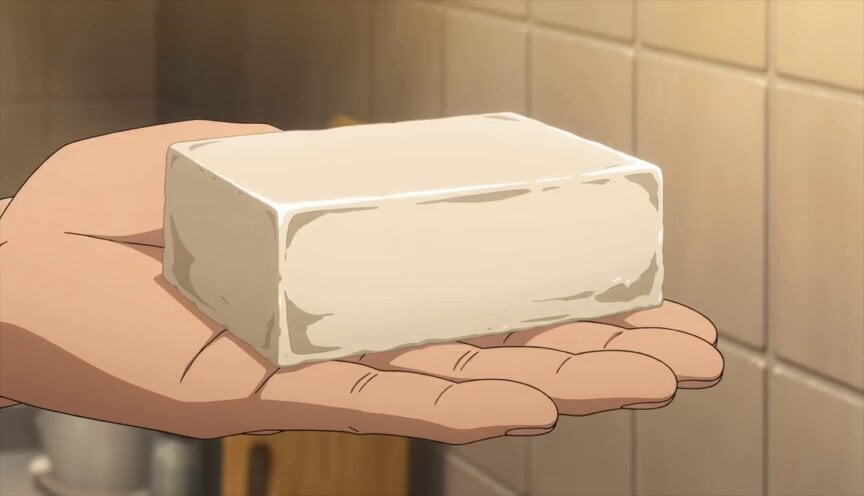
Japanese Anime Mapo Tofu Cooking Process
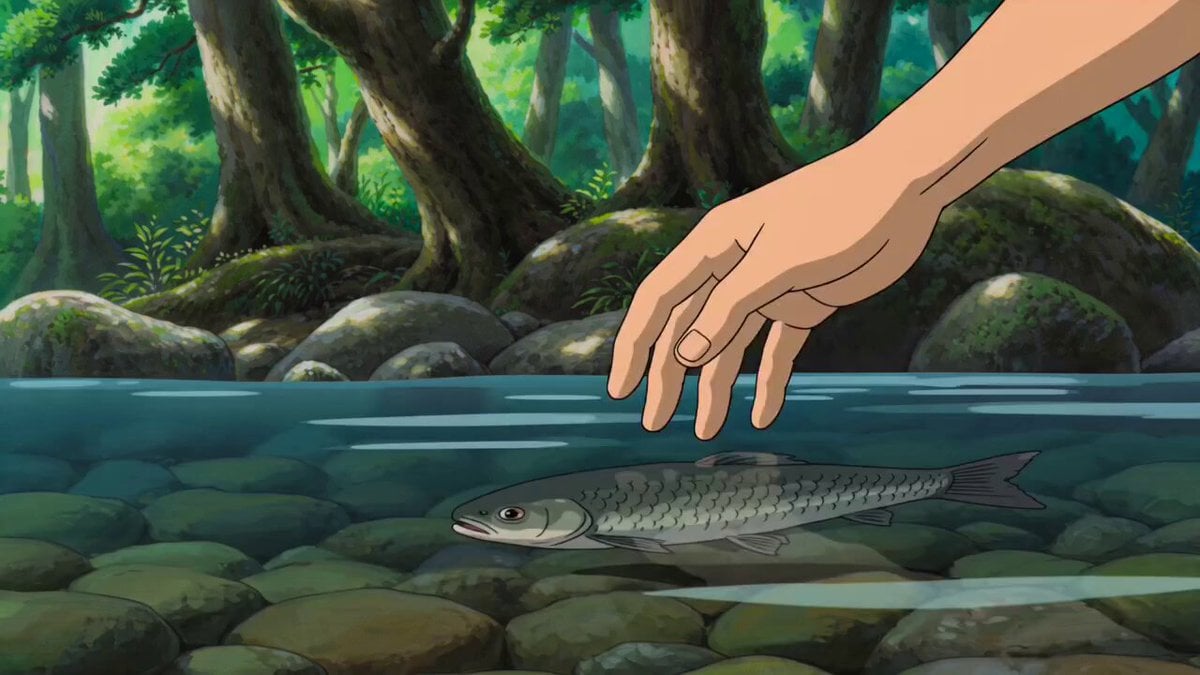
Anime Style Forest Cooking
Make it yours
Cinematic Anime Pasta Cooking Sequence works as-is. These are the safest ways to change it without losing the look.
Change one field
Copy a single group, rewrite it, and generate again so you can see what that field is doing.
Keep the frame, change the subject
Hold the composition and light of Cinematic Anime Pasta Cooking Sequence, then swap wardrobe, props or the person for a new take.
| If the result… | Why | Fix |
|---|---|---|
| The result drifts from the preview | Too many fields changed at once. | Reuse Cinematic Anime Pasta Cooking Sequence as-is first, then change one group — subject, light, or setting. |
| The model over-stylizes the scene | The prose prompt leaves finish and camera underspecified. | Add one camera or lighting sentence and stay on Seedance 2.0. |
More Seedance 2.0 templates
Other prompts made for Seedance 2.0.

Comical Martial Arts Punch Scene

Wuxia Protection and Trust Script

Vintage Korean Arcade MiniDV Vlog

Mercedes 190 SL Luxury Ad

Rainy Night Supernatural Reverse Comedy Video Script

Amazon Civilization Discovery

Futuristic South Asian City Transformation

Cozy Luxury Cafe Commercial

Cyber Ronin Nanotech Transformation Video

Desert Courier and Sandstorm Leviathan Chase
More video prompts
Fresh picks from across the catalog.
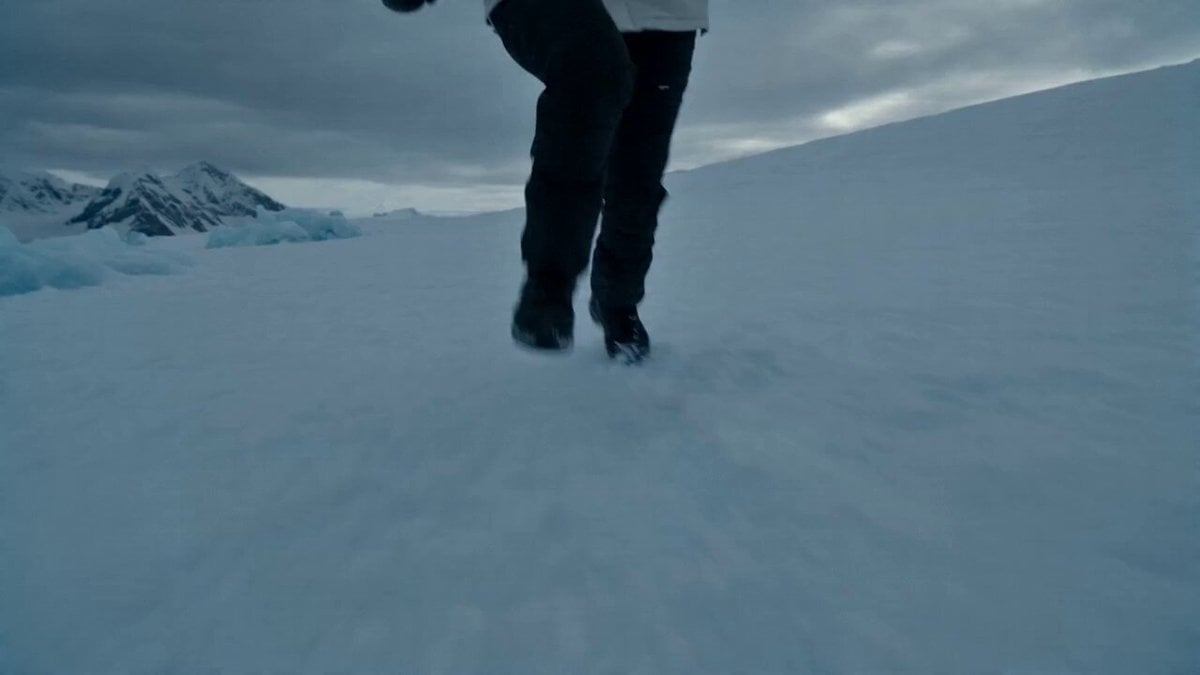
Glacier Planet Escape
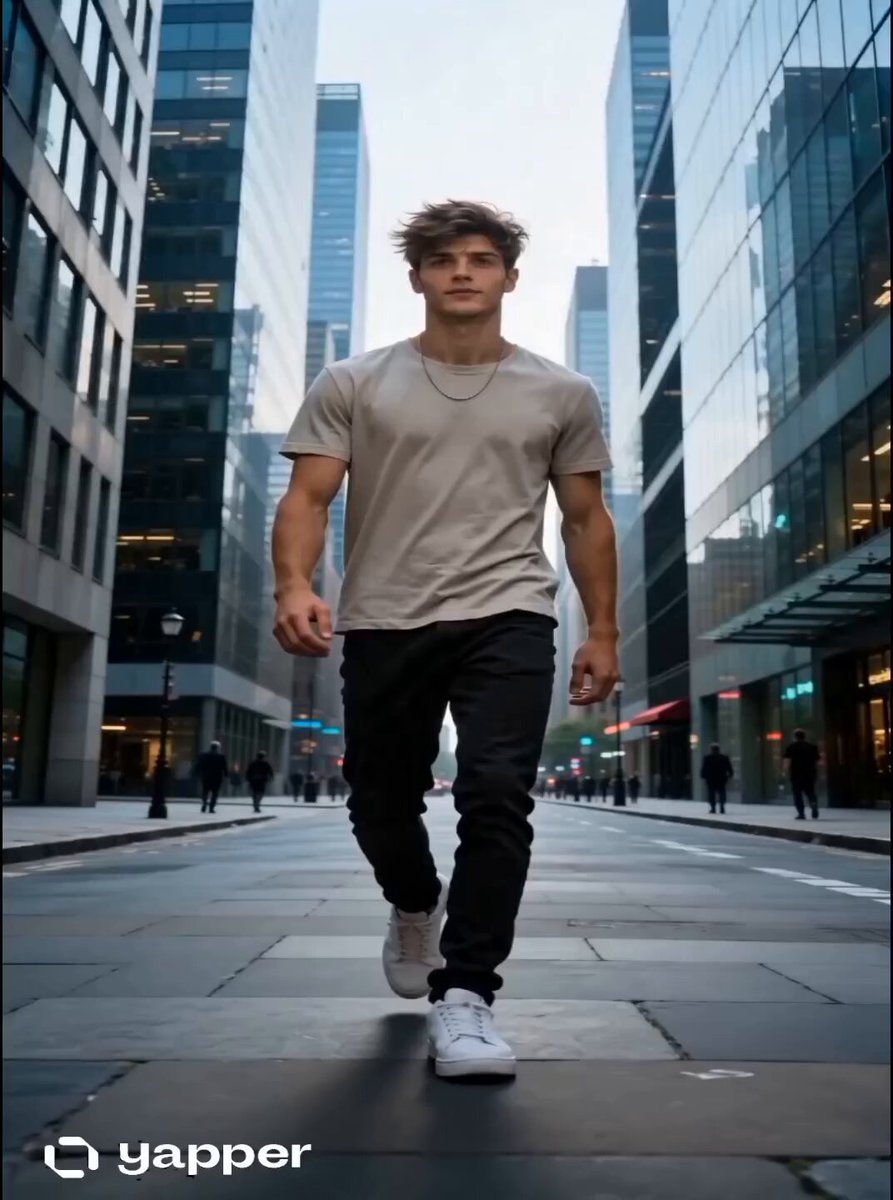
Time Glitch City Walk
Supernatural Assassin Fortress Infiltration

Epic fantasy dawn with elven archer
Crypto Creator Daily Vlog Mascot Animation
DUCK: Formula Splash
Evolution of Chinese Flight Technology

Cool Cat Cartoon Action Sequence
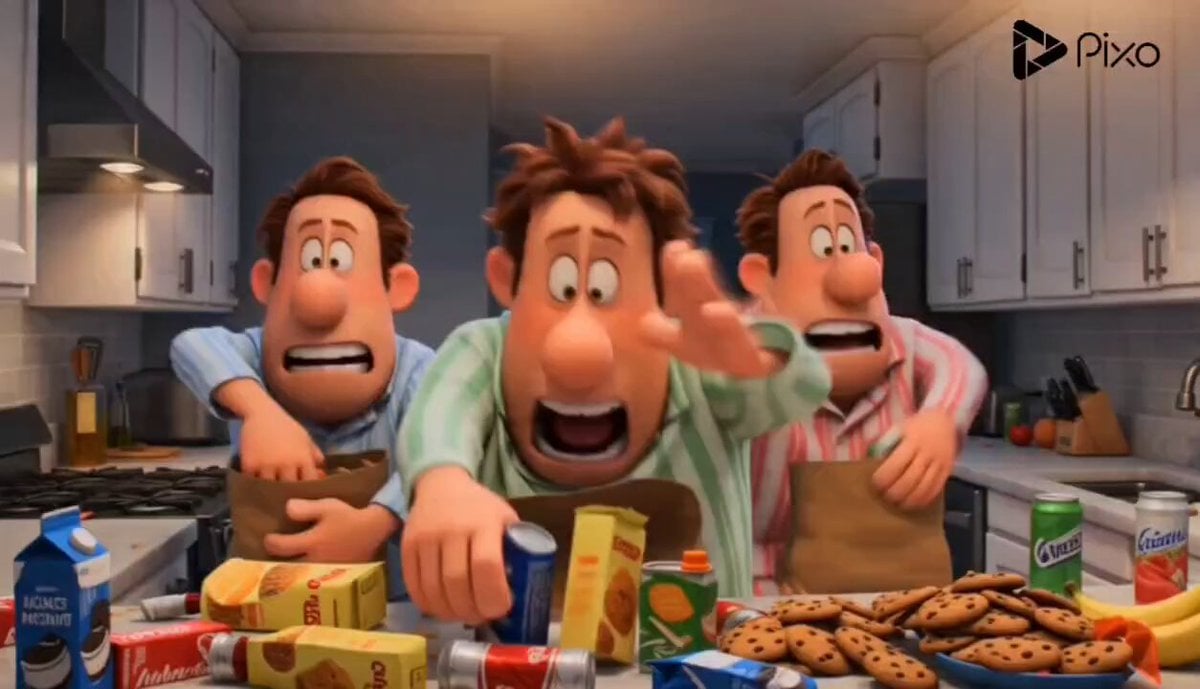
Cartoon Kitchen Snack Chaos
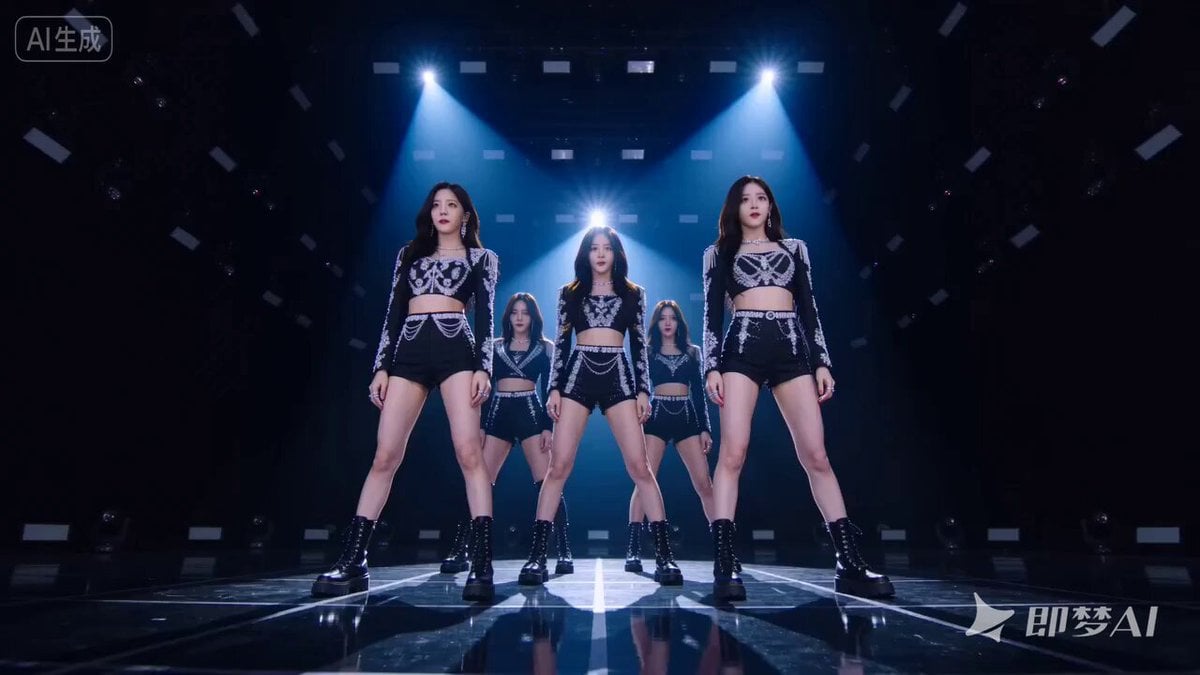
Three Styles of 10-Second MV Prompts
Browse template categories
Cinematic Anime Pasta Cooking Sequence questions
How do I use the Cinematic Anime Pasta Cooking Sequence template?
Add your photo if the template asks for one, edit the prompt if you like — the template's model and format are already selected — and press Generate. Your version opens in PicX Studio.
Can I customize the Cinematic Anime Pasta Cooking Sequence template?
Yes. You can change the subject, setting, lighting, mood, format, and available model controls before creating your video.
Is the Cinematic Anime Pasta Cooking Sequence template free?
Opening and editing this template is free. Generating uses credits, shown on the Generate button when you are signed in.
Which AI model should I use?
Start with Seedance 2.0, which is the model associated with this template. You can compare another compatible model for a different finish.
Looking for something else? Browse all templates.

Your photo, any look
Thousands of ready templates for every top image and video model, from one credit balance.