
Cool Cat Cartoon Action Sequence
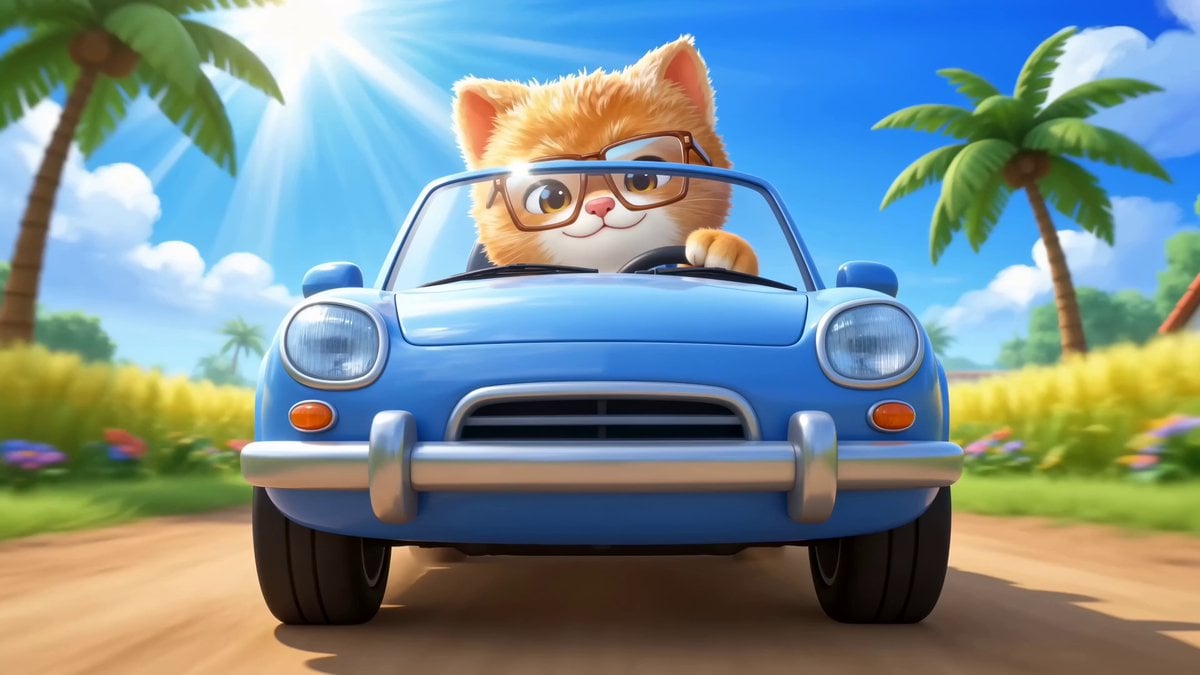
A high-energy image-to-video prompt for Seedance 2.0 featuring a cartoon cat in a car chase, including detailed camera directions and a timeline-based animation breakdown.
- Prompt included
- Model and format preset
- Premium template
The prompt behind this video
Copy the exact prompt behind Cool Cat Cartoon Action Sequence, or open it in the studio and make it yours.
A fast, energetic cartoon action sequence of the cool cat driving through a sunny village road. Bright sky, palm trees, rice fields, flowers, animals, and colorful village details everywhere. Use fast camera movement, quick cuts, motion blur, speed ramps, whip pans, low-angle chase shots, car-mounted POV, and crash zooms. 0-2s: Start with a low front bumper shot of the blue car speeding down the village road, sunlight flashing on the cat’s glasses. Camera rushes backward in front of the car. 2-4s: Whip pan to chickens crossing the road like a marching band. The cat swerves smoothly, smiling, one paw on the wheel. 4-6s: Crash zoom to monkeys in palm trees dropping coconuts. The camera follows coconuts bouncing beside the car in slow motion, then speed ramps back to fast action. 6-8s: Side tracking shot as a goat jumps onto a hay cart and races beside the cat, dancing wildly. 8-10s: Drone-style overhead shot as ducks, chickens, pigs, and goats form a chaotic parade behind the car. 10-13s: Fast POV from inside the car as coconuts, flower petals, and hay fly past the windshield. The cat laughs and honks a musical horn. 13-15s: Climax: the car hits a soft hay ramp, launches gently over the animals, does a tiny cartoon bounce landing, and coconuts roll into the words “COOL CAT” while everyone cheers.
How to use Cool Cat Cartoon Action Sequence in 3 steps
- 1
Open
The prompt is already in the box next to the preview, with the template's model and format selected.
- 2…a portrait of your subject in softgolden-hour light, 85mm…
Personalize
Edit the subject and creative details for your destination.
- 3Generate
Generate
Press Generate — your video is created in PicX Studio, so you can compare it with the original and refine one variable at a time.
More like this
Templates with the same subject, style or setup. Open one to see its prompt.
Hyper-Stylized Kung Fu Cat Action Sequence
Cat Opera Hero Action Sequence

Maglev Train Action Sequence

3D Animated Cat and Old Man - Seedance
Cinematic Swordswoman Action Sequence
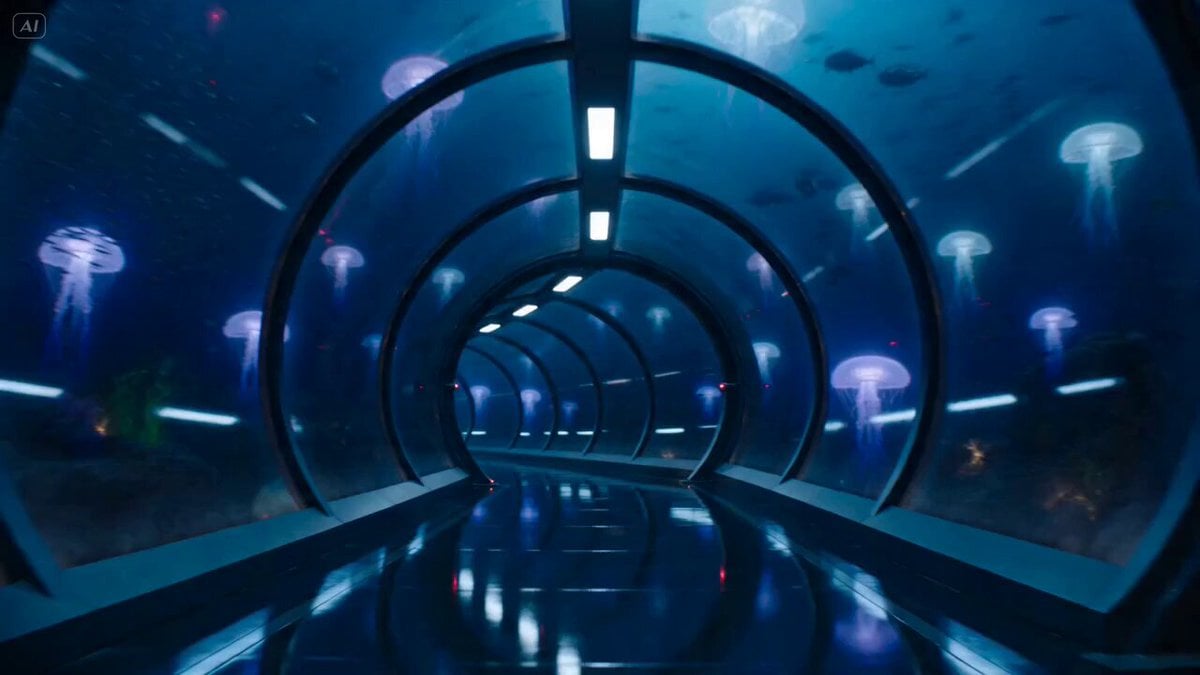
Underwater Glass Tunnel Action Sequence
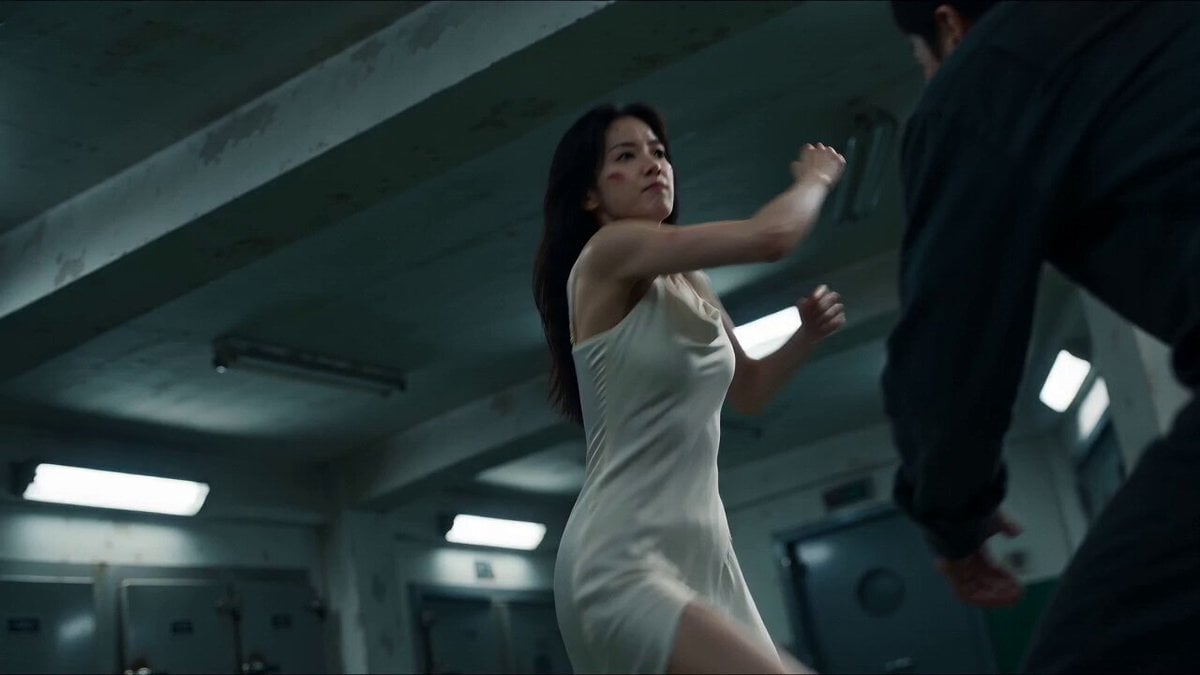
Cinematic Morgue Action Sequence
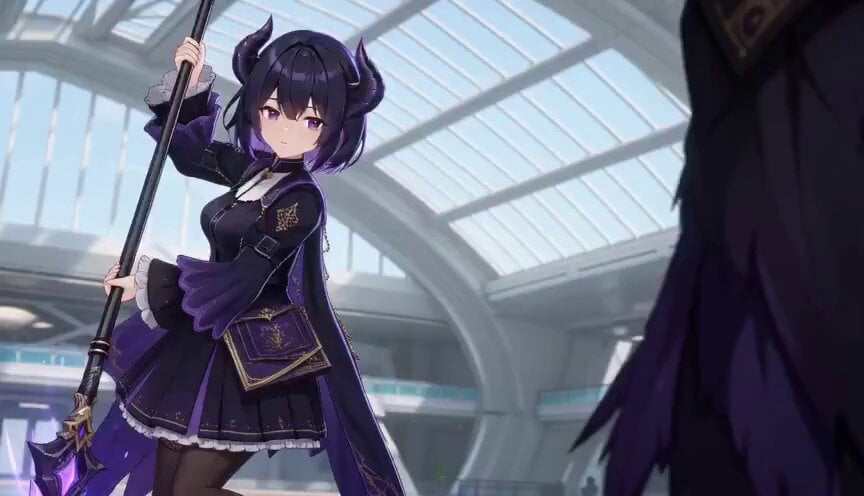
3D Toon Fantasy RPG Action Sequence

Cartoon Donut Heist Bakery Chase
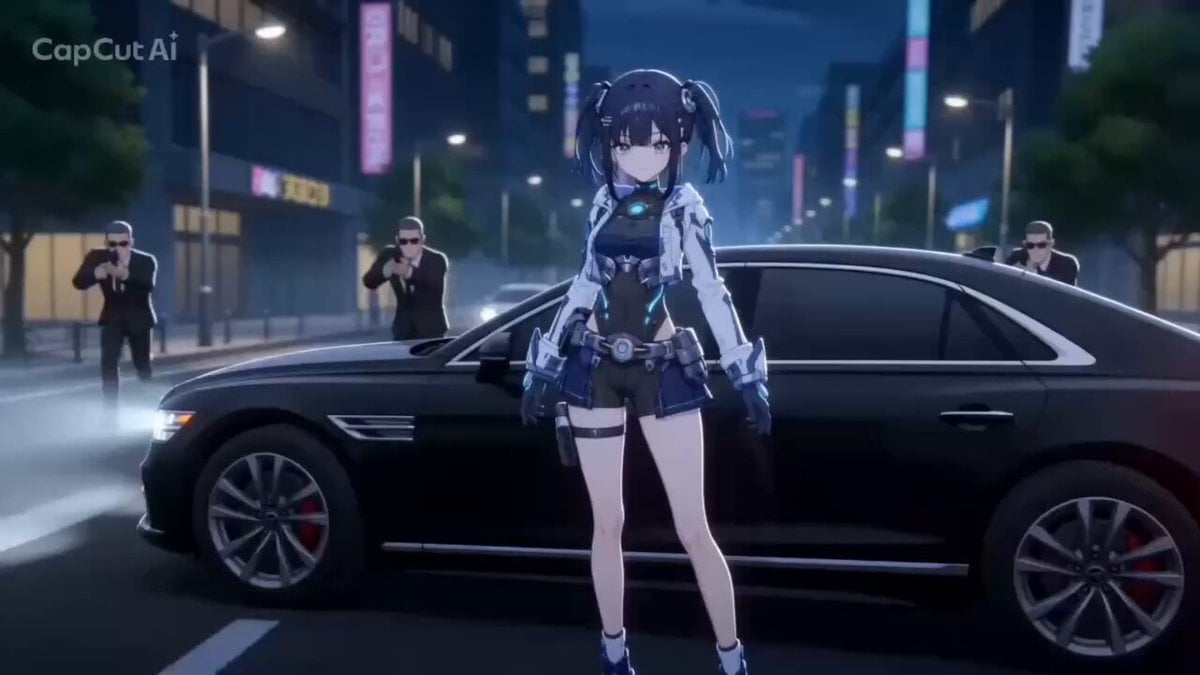
Cartoon Style Girl vs Gang Action
3D Cartoon Character Interaction
Cartoon Chef Boy Hotel Kitchen Sequence
Make it yours
Cool Cat Cartoon Action Sequence works as-is. These are the safest ways to change it without losing the look.
Change one field
Copy a single group, rewrite it, and generate again so you can see what that field is doing.
Keep the frame, change the subject
Hold the composition and light of Cool Cat Cartoon Action Sequence, then swap wardrobe, props or the person for a new take.
| If the result… | Why | Fix |
|---|---|---|
| The result drifts from the preview | Too many fields changed at once. | Reuse Cool Cat Cartoon Action Sequence as-is first, then change one group — subject, light, or setting. |
| The model over-stylizes the scene | The prose prompt leaves finish and camera underspecified. | Add one camera or lighting sentence and stay on Seedance 2.0. |
More Seedance 2.0 templates
Other prompts made for Seedance 2.0.

Comical Martial Arts Punch Scene

Martial Arts Fight Sequence

Wuxia Protection and Trust Script

Vintage Korean Arcade MiniDV Vlog

Mercedes 190 SL Luxury Ad

Rainy Night Supernatural Reverse Comedy Video Script

Amazon Civilization Discovery

Futuristic South Asian City Transformation

Cozy Luxury Cafe Commercial

Cyber Ronin Nanotech Transformation Video
More video prompts
Fresh picks from across the catalog.
Grok Imagine Prompt: Futuristic Cyberpunk Humanoid with Neon Accents
Maki Zenin Fight Scene Prompt (Top Down)
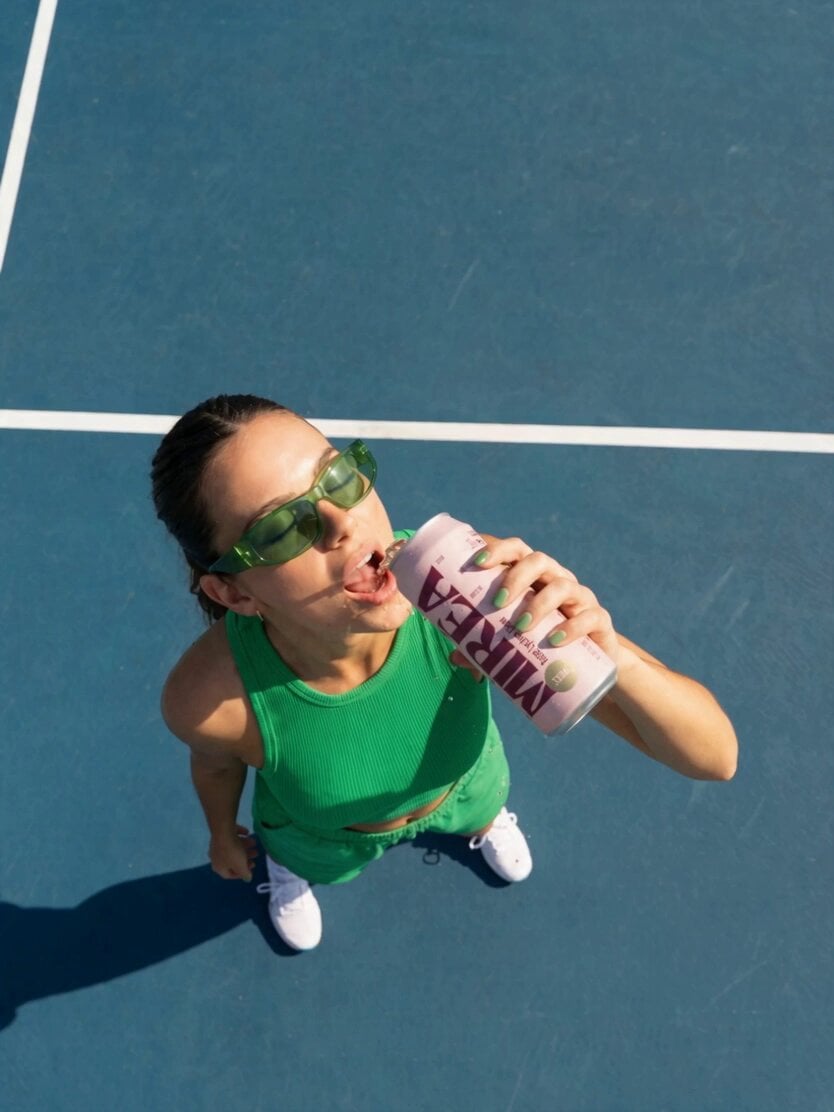
Frozen Time Handycam Diorama
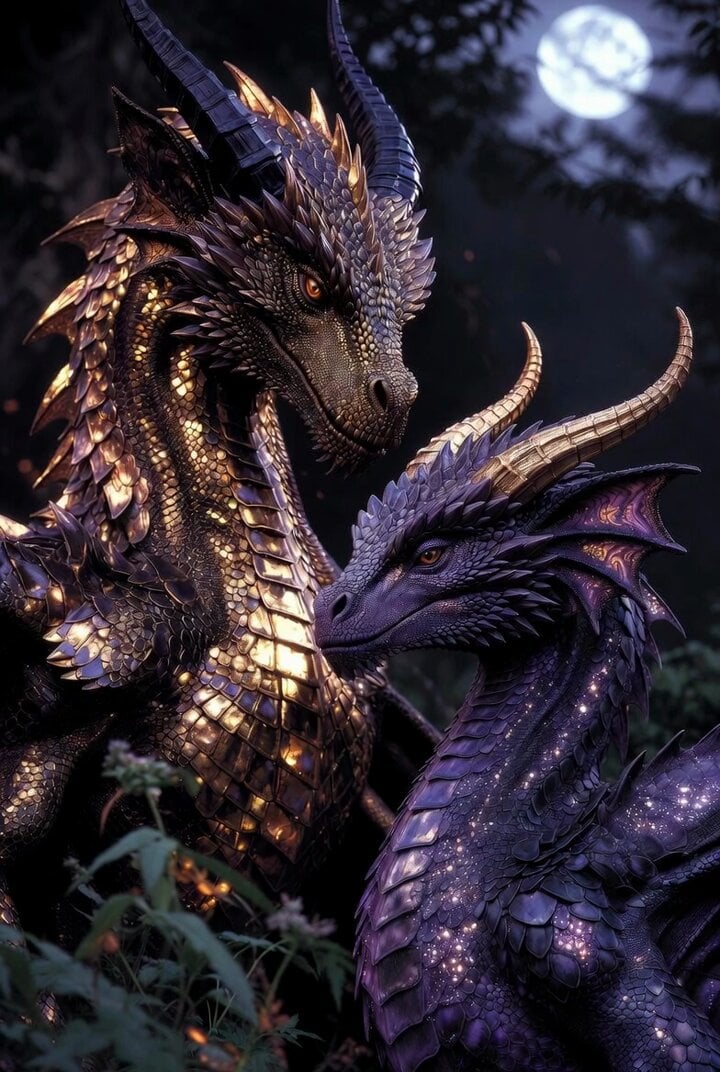
Two silver dragons in moonlight serenade
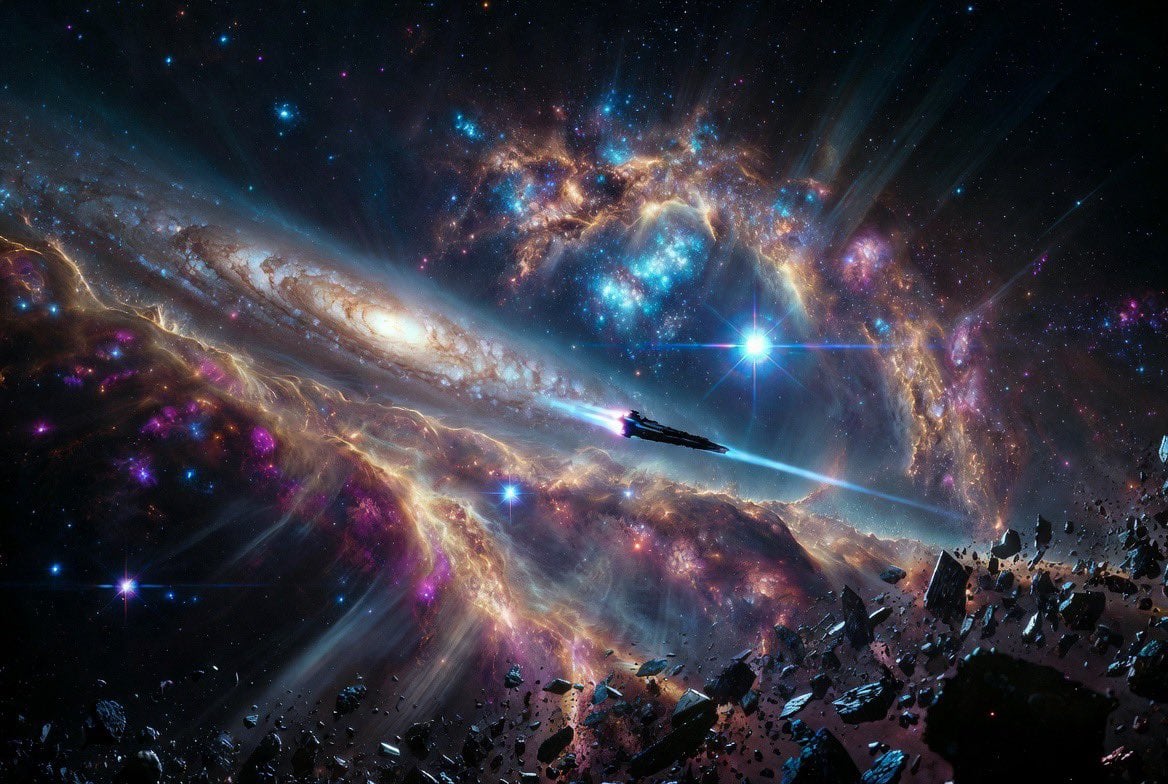
Vast Interstellar Action Nebula Video Prompt
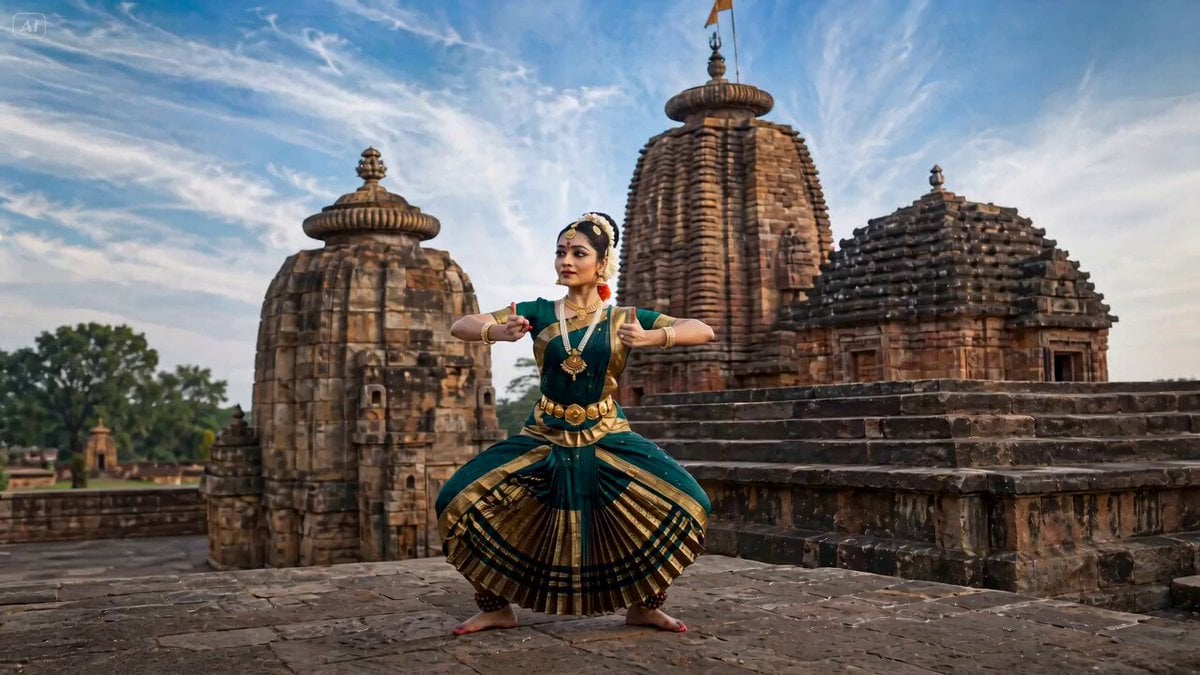
Bharatanatyam Dance Animation Prompt
Water Droplet Impact Macro
Japanese Seaside Town MiniDV Documentary
UGC Shampoo Video Advertisement

Cinematic Sci-Fi Blockbuster Video Prompt
Browse template categories
Cool Cat Cartoon Action Sequence questions
How do I use the Cool Cat Cartoon Action Sequence template?
Add your photo if the template asks for one, edit the prompt if you like — the template's model and format are already selected — and press Generate. Your version opens in PicX Studio.
Can I customize the Cool Cat Cartoon Action Sequence template?
Yes. You can change the subject, setting, lighting, mood, format, and available model controls before creating your video.
Is the Cool Cat Cartoon Action Sequence template free?
Opening and editing this template is free. Generating uses credits, shown on the Generate button when you are signed in.
Which AI model should I use?
Start with Seedance 2.0, which is the model associated with this template. You can compare another compatible model for a different finish.
Looking for something else? Browse all templates.

Your photo, any look
Thousands of ready templates for every top image and video model, from one credit balance.