How do I use the Vast Interstellar Action Nebula Video Prompt template?
Edit the prompt in the box under the preview — the template's model and format are already selected — and press Generate. Your version appears right on this page.
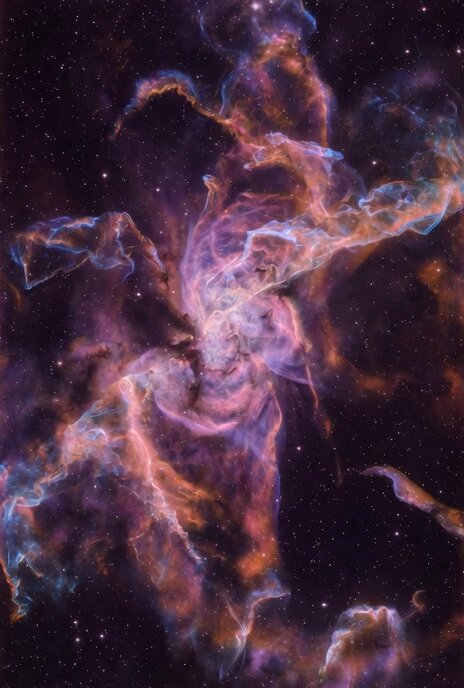
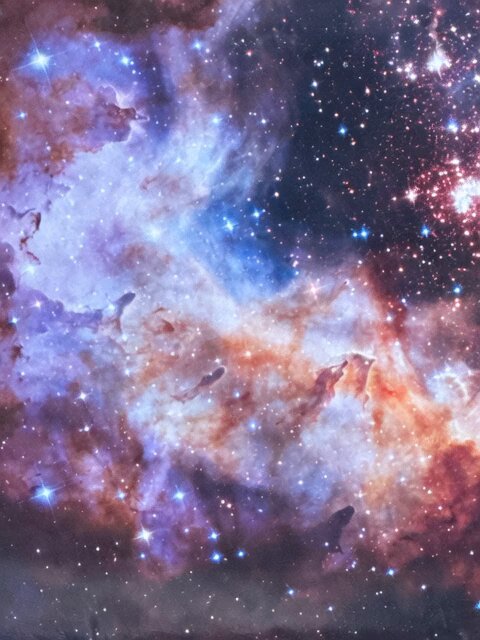
A highly detailed Grok Imagine prompt for generating a video of a vast, action-scale interstellar nebula with vibrant colors, dramatic lighting, star clusters, and a heroic starship banking through the scene.
Vast interstellar action space nebula, an enormous swirling cosmic cloud of vibrant magenta, electric cyan, deep violet and fiery gold nebulae gases stretching across infinite void, dramatic volumetric lighting with intense god rays piercing through dense dust pillars and glowing ionized hydrogen, massive action-scale star clusters embedded like jewels with bright blue supergiants flaring, dynamic energy tendrils and plasma arcs crackling with raw power, foreground shattered asteroid fragments tumbling in zero gravity catching neon reflections, midground sleek black silhouette of a heroic starship banking hard through the nebula with glowing blue engine trails cutting dramatic arcs, background distant spiral galaxy arms and ancient pulsar beacons pulsing
Vast interstellar action space nebula, an enormous swirling cosmic cloud of vibrant magenta, electric cyan, deep violet and fiery gold nebulae gases stretching across infinite void, dramatic volumetric lighting with intense god rays piercing through dense dust pillars and glowing ionized hydrogen, massive action-scale star clusters embedded like jewels with bright blue supergiants flaring, dynamic energy tendrils and plasma arcs crackling with raw power, foreground shattered asteroid fragments tumbling in zero gravity catching neon reflections, midground sleek black silhouette of a heroic starship banking hard through the nebula with glowing blue engine trails cutting dramatic arcs, background distant spiral galaxy arms and ancient pulsar beacons pulsing
Edit the prompt in the box under the preview — the template's model and format are already selected — and press Generate. Your version appears right on this page.
Yes. You can change the subject, setting, lighting, mood, format, and available model controls before creating your video.
Opening and editing this template is free. Generating uses credits, shown on the Generate button when you are signed in.
Start with Grok Imagine, which is the model associated with this template. You can compare another compatible model for a different finish.
Follow a topic to a crawlable collection of related PicX Studio templates.