
Cinematic Air Fryer Cooking Commercial
A professional video prompt for an air fryer commercial showing the process of cooking chicken and fries with consistent characters and lighting.
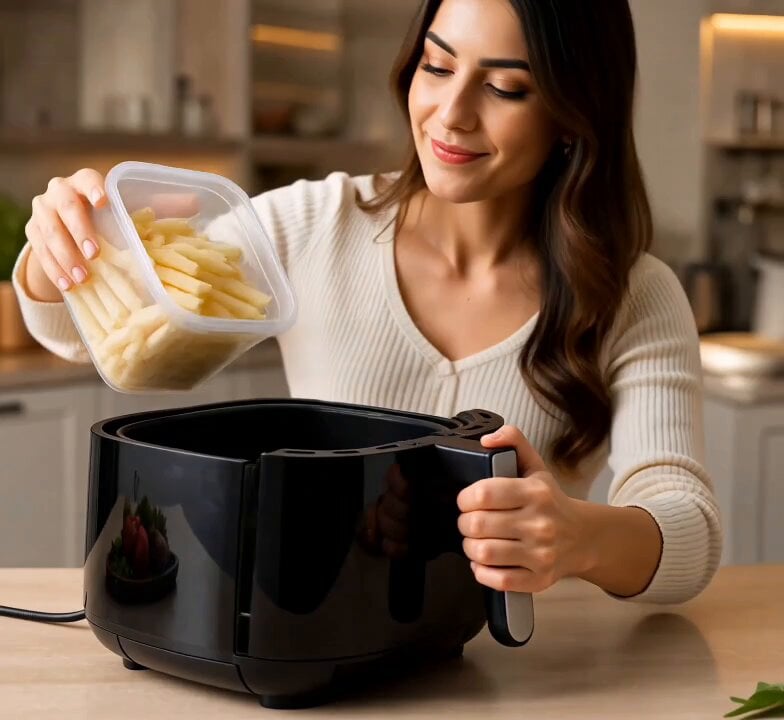
- Prompt included
- Model and format preset
- Free template
The prompt behind this video
Copy the exact prompt behind Cinematic Air Fryer Cooking Commercial, or open it in the studio and make it yours.
Create a 14-second cinematic, ultra-realistic commercial video using the provided air-fryer reference image and storyboard as visual reference. Keep the same modern black air fryer, same girl, same modern kitchen, same lighting, same overall visual style and composition throughout the entire video. The girl should look consistent in every shot, with the same face, hairstyle, outfit, and appearance. 0–2 seconds: The girl opens the air fryer drawer and places a generous portion of frozen potato French fries inside. Show a clear close-up of the fries going into the basket. 2–4 seconds: She places several seasoned chicken leg pieces/drumsticks beside the fries in the same air-fryer basket, keeping both foods separated and clearly visible. Show a detailed top-down/close-up shot of the fries and chicken together. 4–5 seconds: She closes the air fryer and sets the digital temperature and cooking time on the front touchscreen. Show her finger pressing the controls. 5–8 seconds: Show the air fryer actively cooking. Use a cinematic close-up through the cooking window/interior: the French fries and chicken legs are cooking simultaneously, gradually becoming golden and crispy. Show realistic heat, gentle steam, and natural cooking movement. The fries become golden and crisp while the chicken develops a delicious roasted surface. 8–10 seconds: The girl opens the air fryer and checks the perfectly cooked food. Capture the golden fries and juicy, crispy chicken legs in a beautiful close-up. 10–12 seconds: She uses tongs to transfer the crispy fries and chicken leg pieces onto a clean serving plate. Arrange the fries on one side and the chicken pieces on the other. Make the food look fresh, hot, golden, crispy, and appetizing. 12–14 seconds: Show a hero close-up of the finished plate beside the air fryer. The camera slowly moves closer to highlight the crispy fries and beautifully cooked chicken. 14–15 seconds: The girl smiles happily while holding/looking at the finished meal. End with a premium product shot of the air fryer and plated food, with a clean commercial feeling. Visual style: Ultra-realistic food commercial, cinematic product advertising, warm modern kitchen lighting, realistic food textures, natural hand movements, realistic steam and heat, shallow depth of field, smooth camera movements, crisp details, premium commercial photography, 4K quality. Important: Keep the air fryer design consistent with the reference. Do not change the girl’s identity or appearance. Do not add extra people. Keep the fries and chicken cooking together in the same cooking session, and clearly show the complete process from loading → cooking → opening → plating → final delicious result. Avoid distorted hands, extra fingers, warped food,
How to use Cinematic Air Fryer Cooking Commercial in 3 steps
- 1Upload ImagePNG, JPG or paste
Add your photo
Upload the photo the template builds on. The prompt, model and format are already set.
- 2…a portrait of your subject in softgolden-hour light, 85mm…
Personalize
Edit the subject and creative details for your destination.
- 3Generate
Generate
Press Generate — your video is created in PicX Studio, so you can compare it with the original and refine one variable at a time.
More like this
Templates with the same subject, style or setup. Open one to see its prompt.
Fruit Cookie Commercial

Silk Road Pomegranate Folk Animation
Mechanical Flower Bloom Brand Film
Crystal Ball Match-Cut Brand Film

Sneaker Product Commercial
Skincare Product Commercial 3
Cinematic Portrait Study 3
Product UGC Commercial
Cinematic Portrait Study
Skincare Product Commercial
Premium Hair Color Beauty Commercial
Luxury Handbag Commercial — Hollywood VFX Ad
Make it yours
Cinematic Air Fryer Cooking Commercial works as-is. These are the safest ways to change it without losing the look.
Change one field
Copy a single group, rewrite it, and generate again so you can see what that field is doing.
Keep the frame, change the subject
Hold the composition and light of Cinematic Air Fryer Cooking Commercial, then swap wardrobe, props or the person for a new take.
| If the result… | Why | Fix |
|---|---|---|
| The result drifts from the preview | Too many fields changed at once. | Reuse Cinematic Air Fryer Cooking Commercial as-is first, then change one group — subject, light, or setting. |
| The model over-stylizes the scene | The prose prompt leaves finish and camera underspecified. | Add one camera or lighting sentence and stay on Seedance 2.0. |
More Seedance 2.0 templates
Other prompts made for Seedance 2.0.

Comical Martial Arts Punch Scene

Maglev Train Action Sequence

Martial Arts Fight Sequence

Wuxia Protection and Trust Script

Vintage Korean Arcade MiniDV Vlog

Mercedes 190 SL Luxury Ad

Rainy Night Supernatural Reverse Comedy Video Script

Amazon Civilization Discovery

Futuristic South Asian City Transformation

Cozy Luxury Cafe Commercial
More video prompts
Fresh picks from across the catalog.
Cinematic One-Shot Temple Adventure

Cinematic Sword Duel Butterfly Climax
Nighttime Mountain Camping Scene
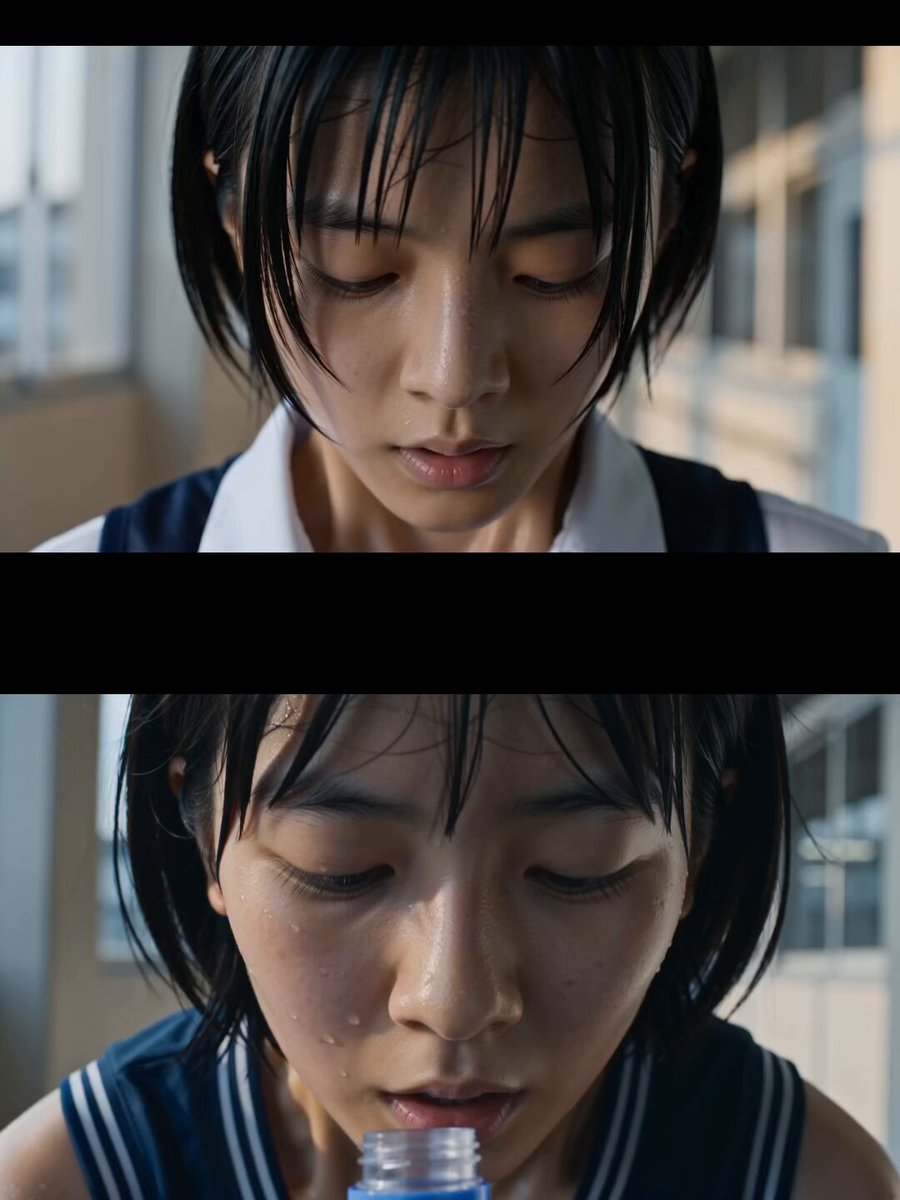
Japanese High School Soda Commercial

Cinematic Golden Hour Portrait

The Last of the Mohicans Waterfall Scene
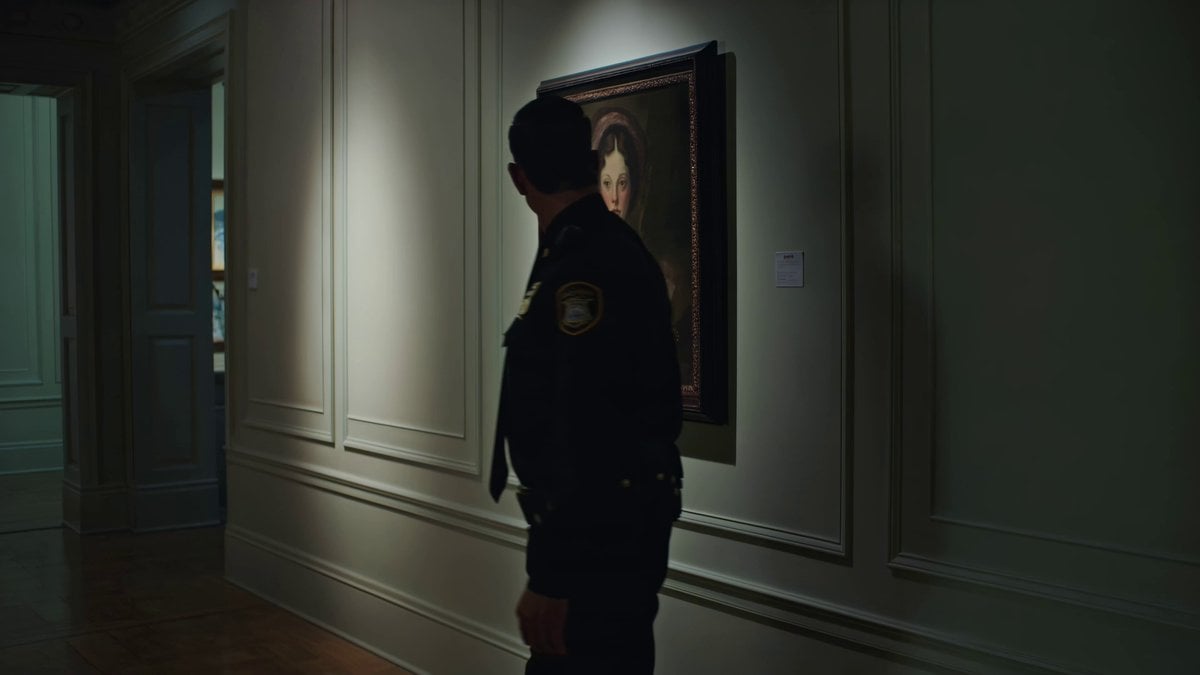
Kling 3.0 Art Gallery Horror Scene Prompt
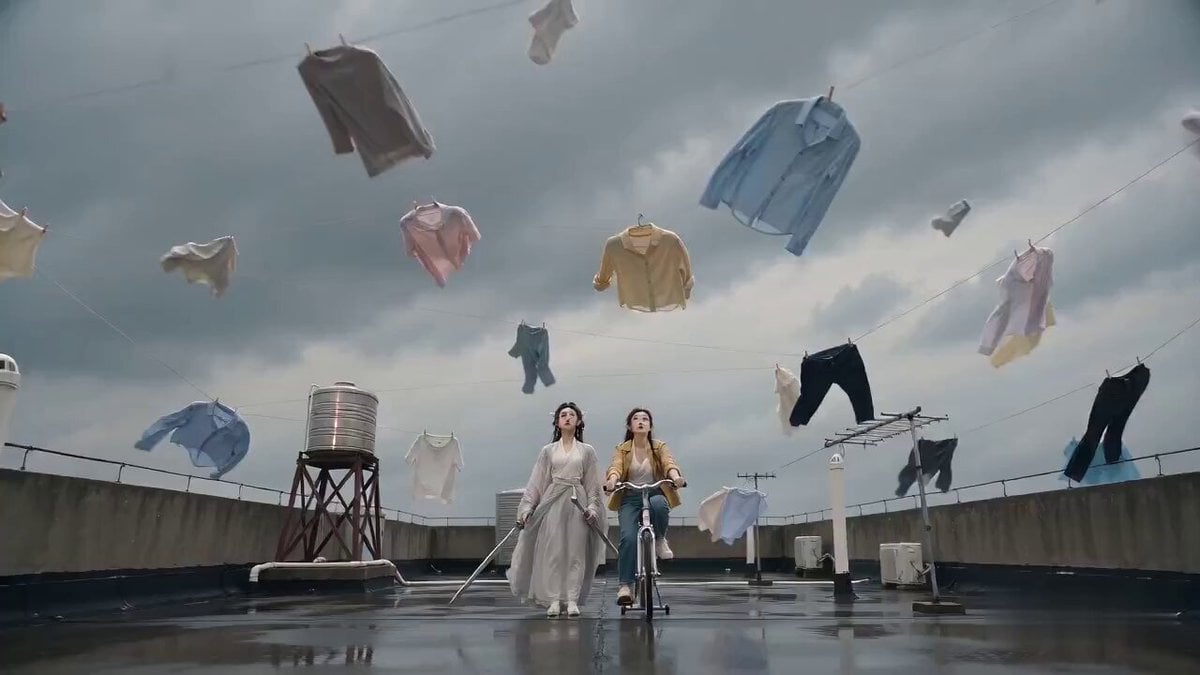
Seedance 2.0 Sword Formation Laundry Comedy Video Prompt
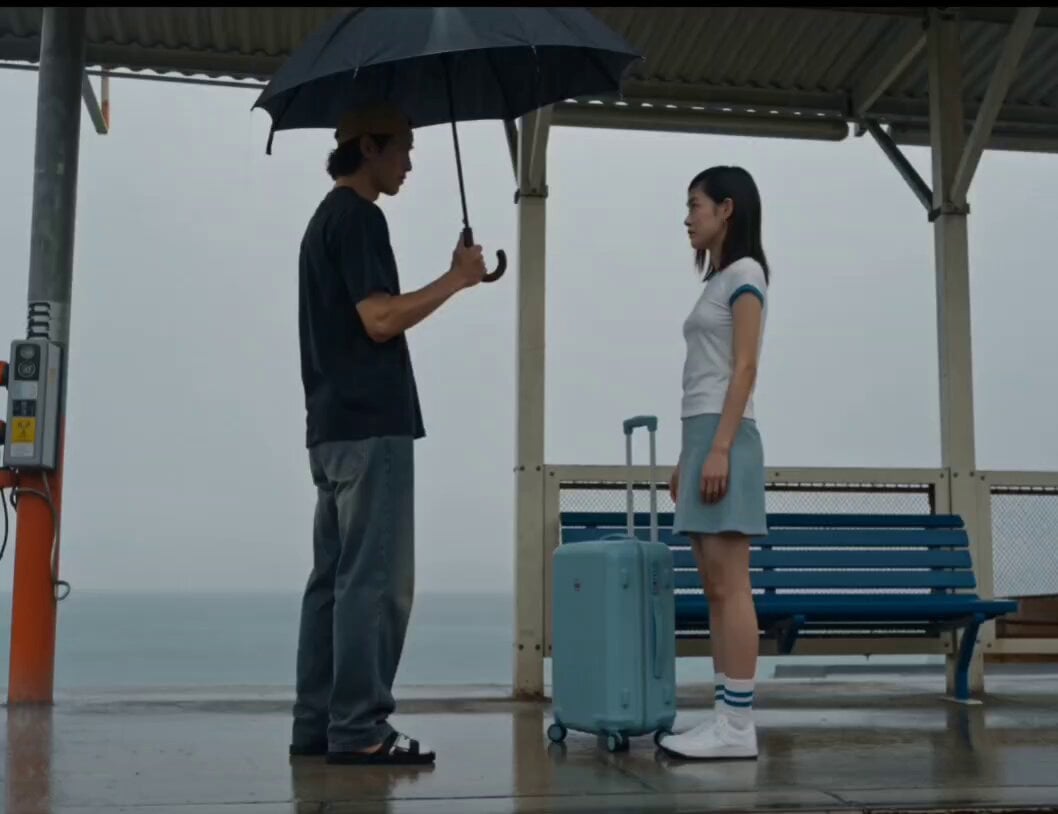
Rainy Seaside Station Goodbye Video Prompt

Highly detailed 3D Art Deco embroidery of an elegant young woman and a white fox
Browse template categories
Cinematic Air Fryer Cooking Commercial questions
How do I use the Cinematic Air Fryer Cooking Commercial template?
Add your photo if the template asks for one, edit the prompt if you like — the template's model and format are already selected — and press Generate. Your version opens in PicX Studio.
Can I customize the Cinematic Air Fryer Cooking Commercial template?
Yes. You can change the subject, setting, lighting, mood, format, and available model controls before creating your video.
Is the Cinematic Air Fryer Cooking Commercial template free?
Opening and editing this template is free. Generating uses credits, shown on the Generate button when you are signed in.
Which AI model should I use?
Start with Seedance 2.0, which is the model associated with this template. You can compare another compatible model for a different finish.
Looking for something else? Browse all templates.

Your photo, any look
Thousands of ready templates for every top image and video model, from one credit balance.