
Extreme Off-Road Motorcycle Cinematic Stunt
An incredibly detailed 15-second single-shot video prompt for a motocross jump, focusing on character consistency, technical stunts, and realistic physical effects.
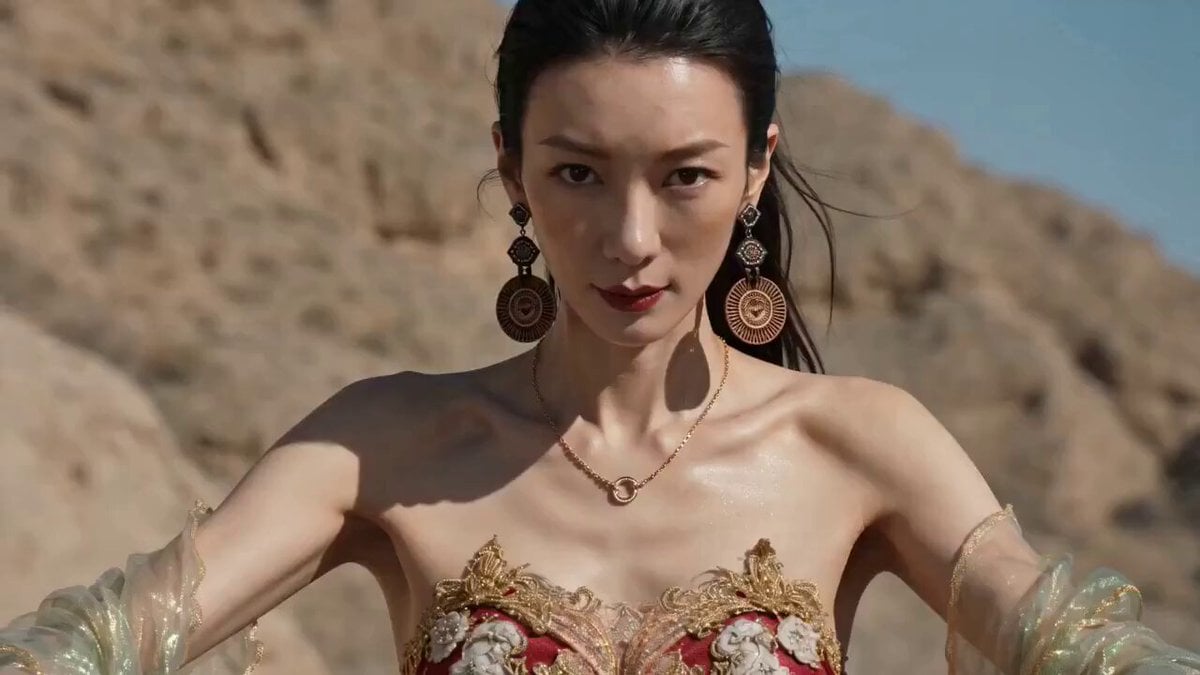
- Prompt included
- Model and format preset
- Free template
The prompt behind this video
Copy the exact prompt behind Extreme Off-Road Motorcycle Cinematic Stunt, or open it in the studio and make it yours.
制作一段15秒的超电影感单镜头极限越野摩托车视频。图 hf_20260618_193451_5e17d142-cdf2-4356-80a5-7dc057741c77 是人物的形象、服装、和摩托车的参考。面部参考 保留她白皙的皮肤、黑色的眼睛、头发、身材比例、飘逸的裙摆、以及同一款摩托车。场景设定在阳光明媚的白天,一条尘土飞扬的山路,周围环绕着岩石山丘、松散的碎石、悬崖峭壁,营造出原始的越野氛围。使用一个连续的15秒镜头,没有任何剪辑、隐藏剪辑、转场或蒙太奇。镜头从她骑行时靠近她的上半身和面部开始,然后平滑地转向她的身后,并保持在该位置直至视频结束。镜头以较低的摩托车高度紧贴她的背部、座椅和后轮,使她和摩托车都占据画面的大部分空间。整个拍摄过程绝不能给人以远距离扬尘跟随的感觉。镜头移至她身后后,她随即做出一个优雅而精准的前轮抬起动作,以类似翘头的流畅姿态抬起摩托车前轮,镜头始终聚焦于她的姿态和摩托车的平衡。接着,她继续在崎岖不平、尘土飞扬的道路上行驶,运用精湛的技术动作、微妙的身体移动以及平稳的操控,轻松越过颠簸和松散的碎石,然后猛地加速冲向悬崖边缘。她以一次长距离跳跃而非垂直跳跃的方式,跃过峡谷的缝隙。当她完全腾空而起时,时间仿佛进入了戏剧性的慢动作,但摩托车仍需清晰地朝着对面的山脊前进。镜头始终紧贴摩托车后方,以低角度拍摄,几乎正对着车尾,使骑手和摩托车始终占据画面中心。在慢动作的空中飞行阶段,她表演了一个受参考图片启発的精彩自由式越野摩托车特技。这并非旋转,她也没有围绕自身旋转。相反,她做出的动作仿佛是在即将松开摩托车的同时,仍然保持着对它的控制。她将臀部完全抬离座椅,身体向外向上推离摩托车,双腿高高伸展,摆出一个大胆的杂技姿势。她的躯干向外打开,仿佛短暂地将摩托车抛在身后,几乎像是要放手。视觉焦点在于她身体与摩托车的分离。她通过双手和控制点保持与摩托车的连接,使这个动作既危险又充满技巧性。她的脸部尽可能地保持可见,头发和飘逸的裙摆随风飘扬。短暂保持这个姿势后,她抓住车把将摩托车拉回自己身边,然后将其收回身下,平稳地回到座椅上,重新调整重心。就在那一刻,慢动作结束,向前跳跃的动作继续进行。随后,她干净利落地落在对面的山脊上,强烈的悬挂压缩带来扬起的尘土,而镜头紧随其后。落地后,她保持控制,继续向前跳跃了一小段距离。没有文字、没有标志、没有字幕。
How to use Extreme Off-Road Motorcycle Cinematic Stunt in 3 steps
- 1
Open
The prompt is already in the box next to the preview, with the template's model and format selected.
- 2…a portrait of your subject in softgolden-hour light, 85mm…
Personalize
Edit the subject and creative details for your destination.
- 3Generate
Generate
Press Generate — your video is created in PicX Studio, so you can compare it with the original and refine one variable at a time.
More like this
Templates with the same subject, style or setup. Open one to see its prompt.
Epic Off-Road Motorcycle Racing Video
Futuristic Desert Off-Road Racing Prompt

Silk Road Pomegranate Folk Animation

Stormy Bridge Motorcycle Stunt
Shanghai Skyline Motorcycle Stunt
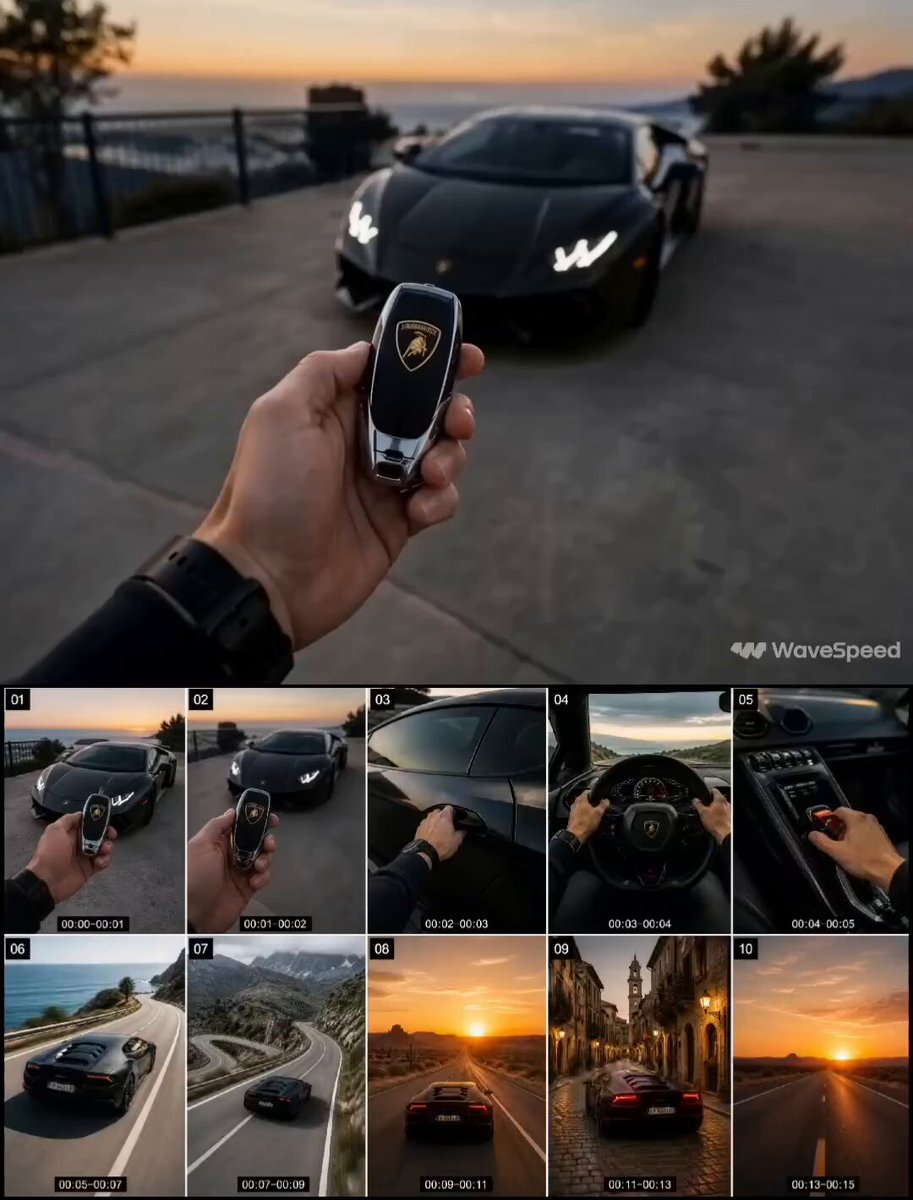
First-Person Luxury Car Roadtrip

High-Speed Motorcycle Action Sequence
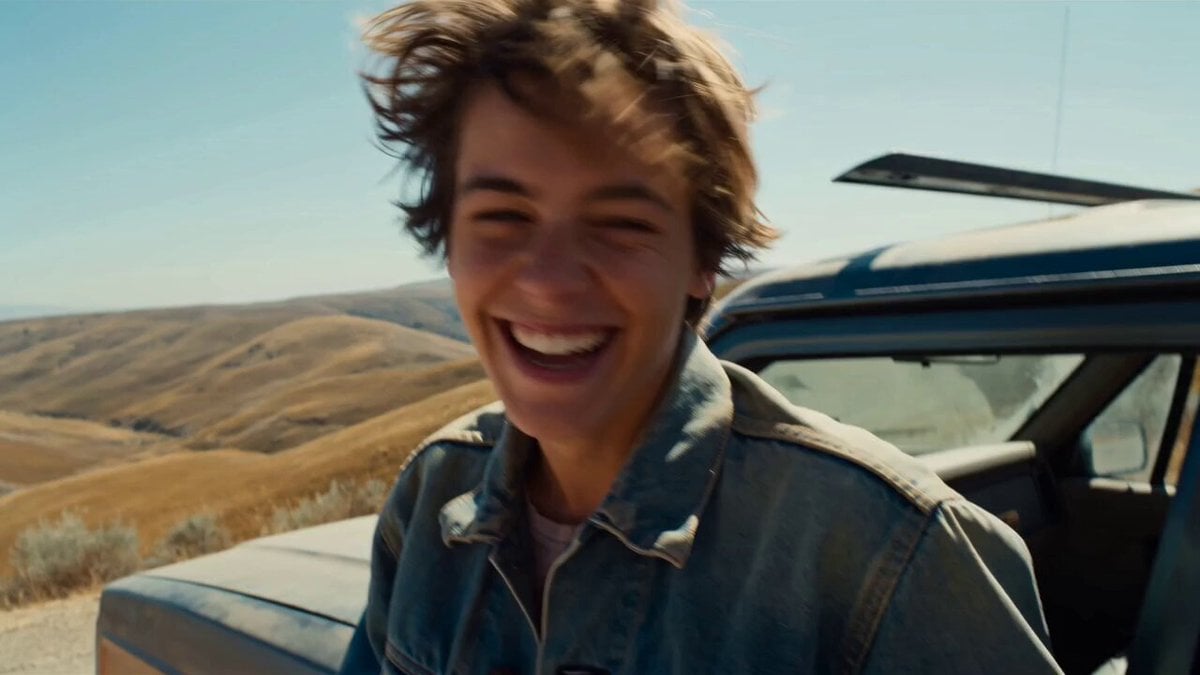
Smartphone Road Trip Vlog Montage
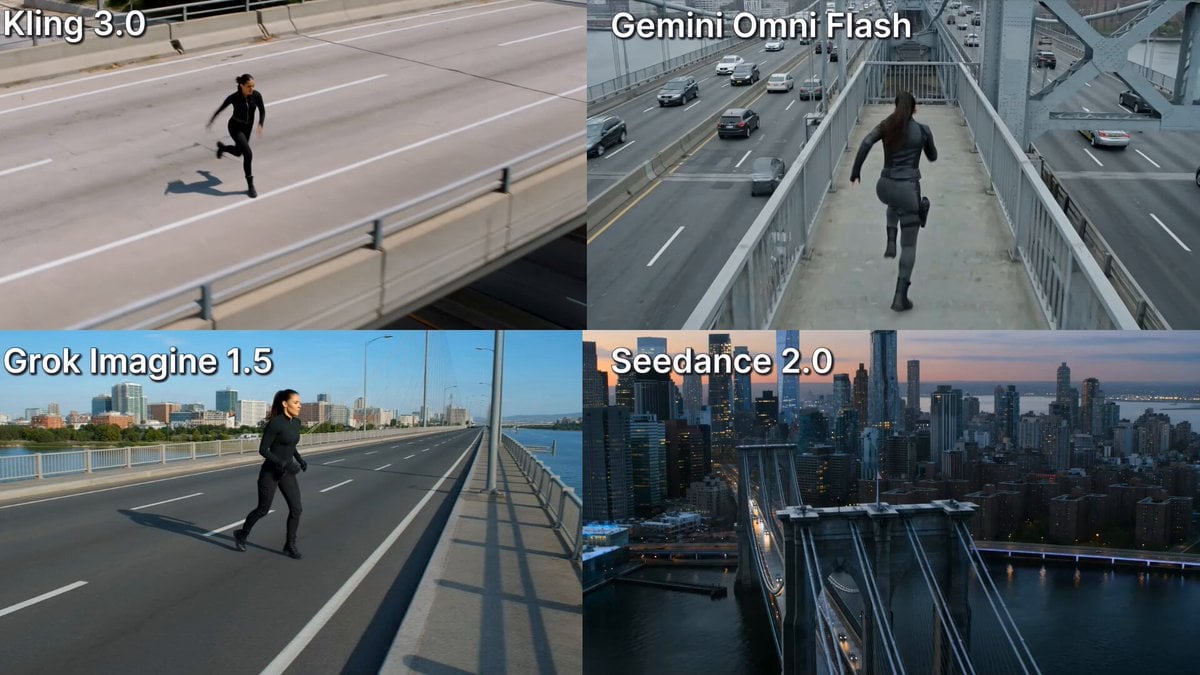
Action Stunt Scene: Bridge Jump
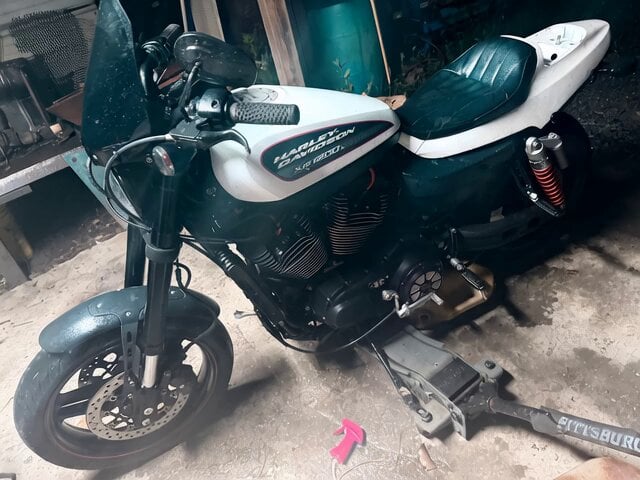
Motorcycle Wheelie with Tailpipe Flames
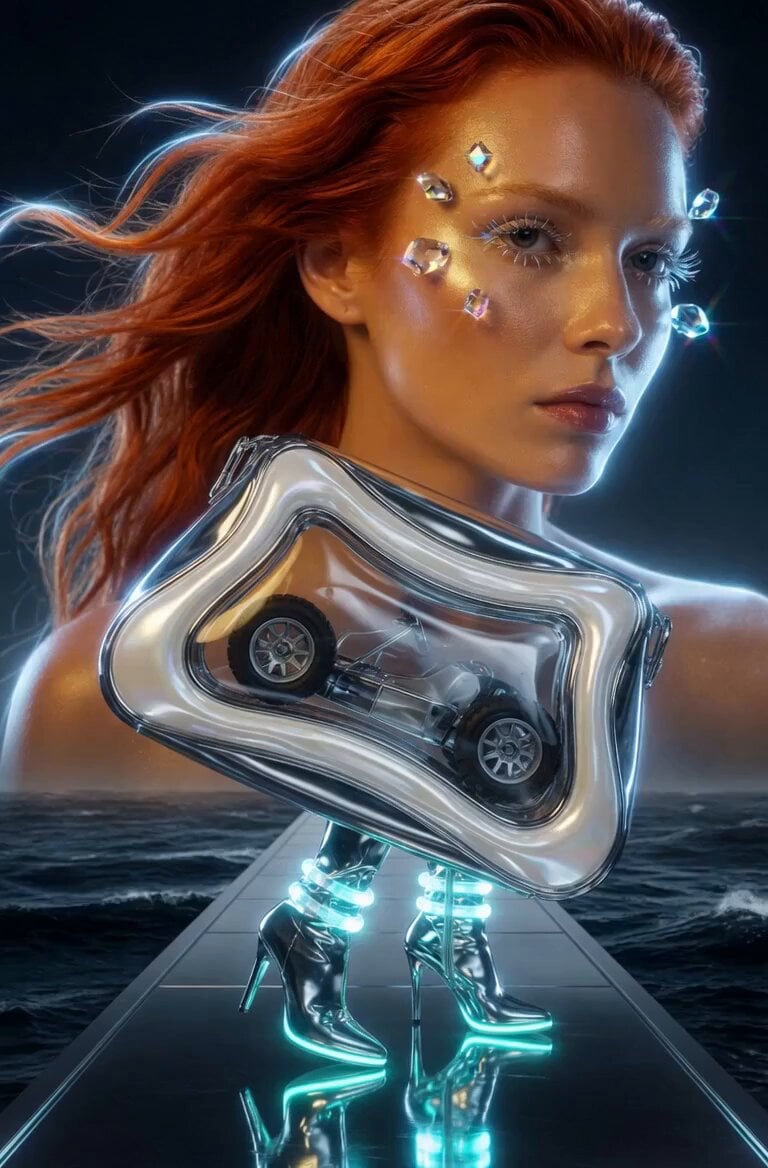
Horse Style Motorcycle Riding
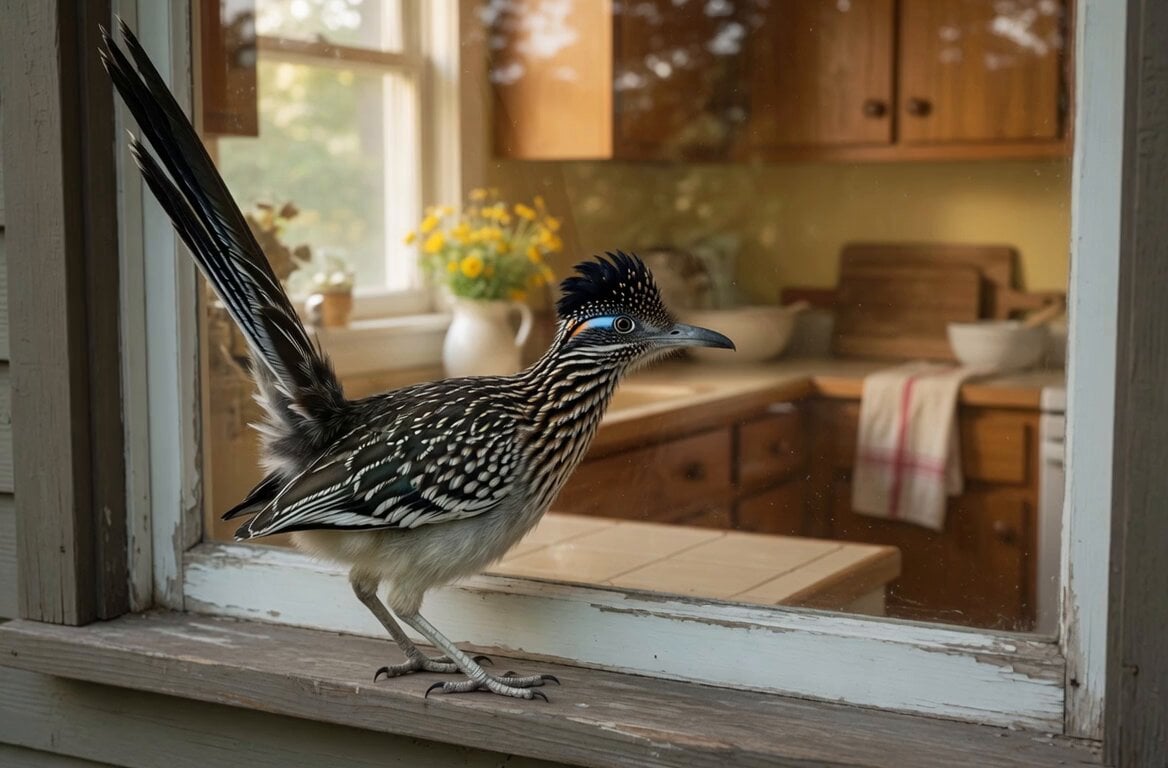
Road Runner Kitchen Window
Make it yours
Extreme Off-Road Motorcycle Cinematic Stunt works as-is. These are the safest ways to change it without losing the look.
Change one field
Copy a single group, rewrite it, and generate again so you can see what that field is doing.
Keep the frame, change the subject
Hold the composition and light of Extreme Off-Road Motorcycle Cinematic Stunt, then swap wardrobe, props or the person for a new take.
| If the result… | Why | Fix |
|---|---|---|
| The result drifts from the preview | Too many fields changed at once. | Reuse Extreme Off-Road Motorcycle Cinematic Stunt as-is first, then change one group — subject, light, or setting. |
| The model over-stylizes the scene | The prose prompt leaves finish and camera underspecified. | Add one camera or lighting sentence and stay on Seedance 2.0. |
More Seedance 2.0 templates
Other prompts made for Seedance 2.0.

Comical Martial Arts Punch Scene

Maglev Train Action Sequence

Martial Arts Fight Sequence

Wuxia Protection and Trust Script

Vintage Korean Arcade MiniDV Vlog

Mercedes 190 SL Luxury Ad

Rainy Night Supernatural Reverse Comedy Video Script

Amazon Civilization Discovery

Futuristic South Asian City Transformation

Cozy Luxury Cafe Commercial
More video prompts
Fresh picks from across the catalog.
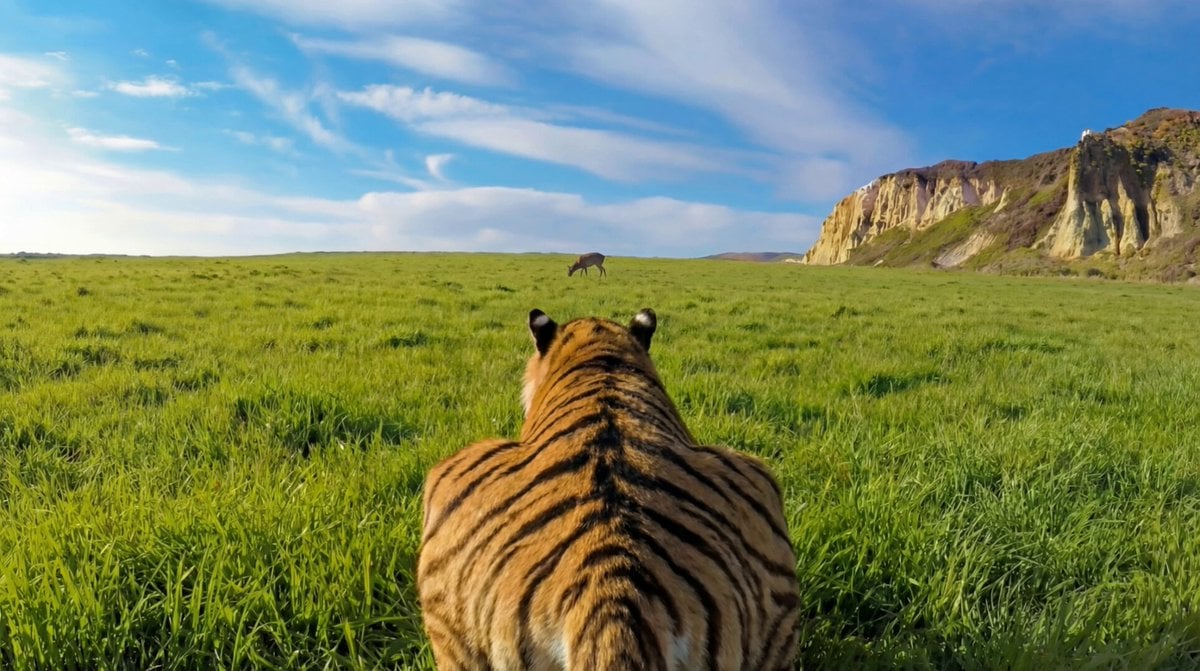
Ultra-Realistic Continuous Tiger Chase Shot Prompt
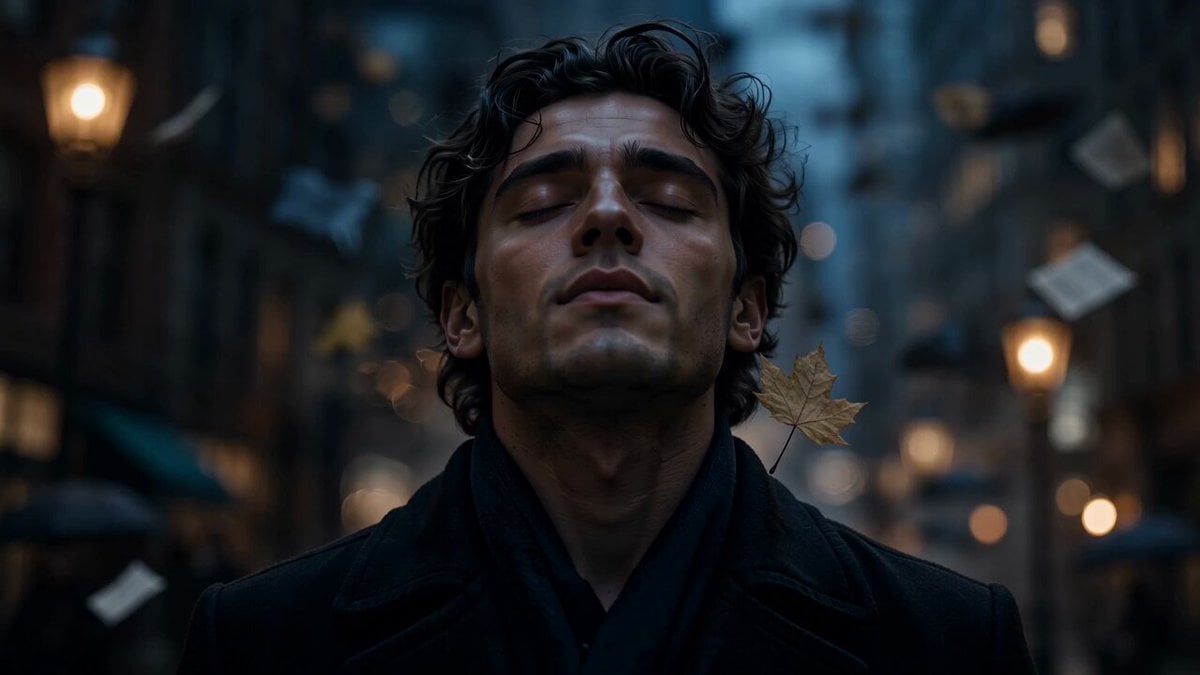
The Falling City Surreal Short Film
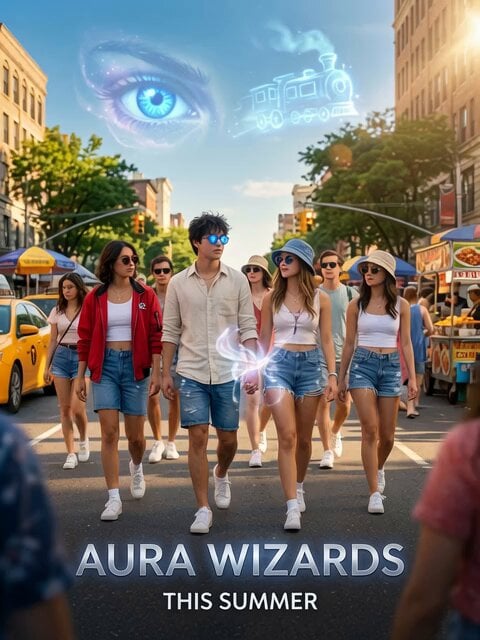
Aura Wizards Urban Trailer
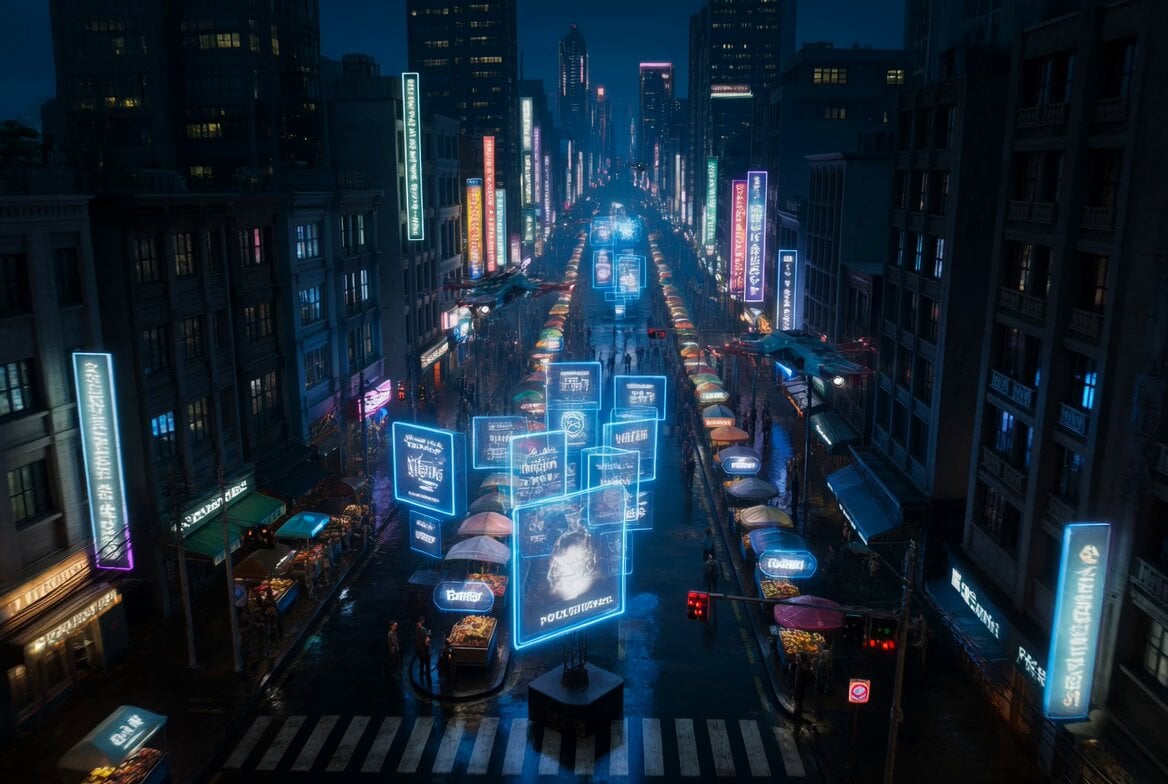
Cyberpunk Bounty Hunter Neon Chase
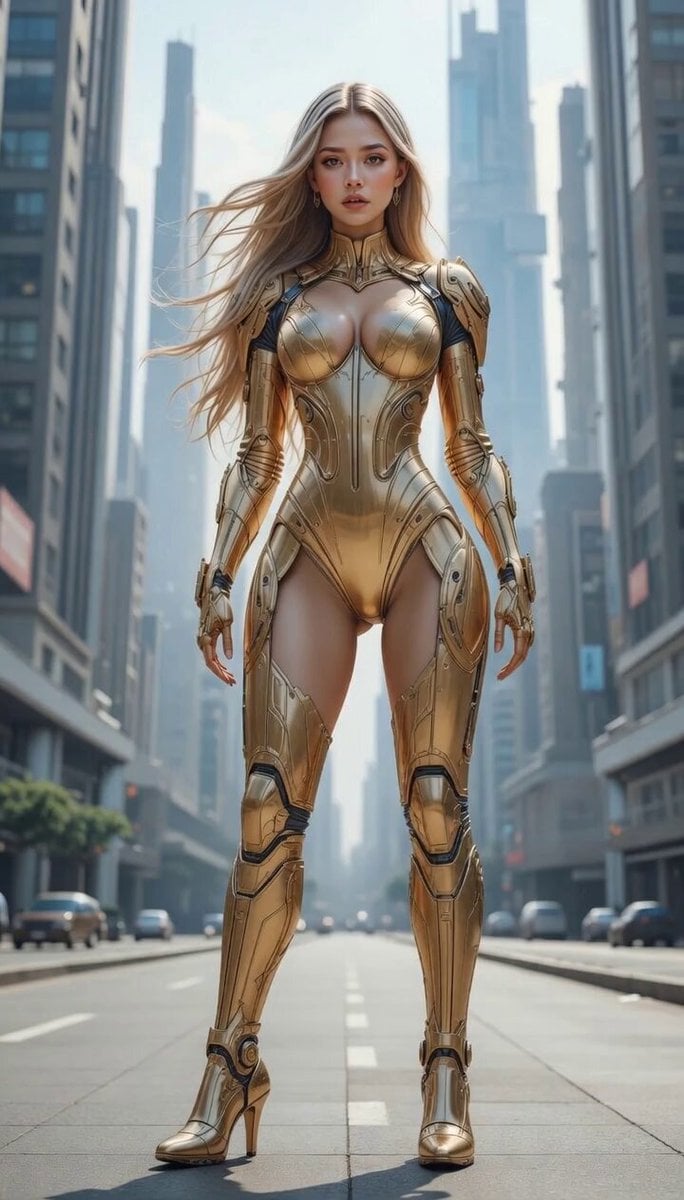
Degree Camera Rotation

Fresco Artwork and Crystal Tiles Video

Grok Imagine prompt: Woman Chasing Away Small People

Red Carpet Fashion Entrance
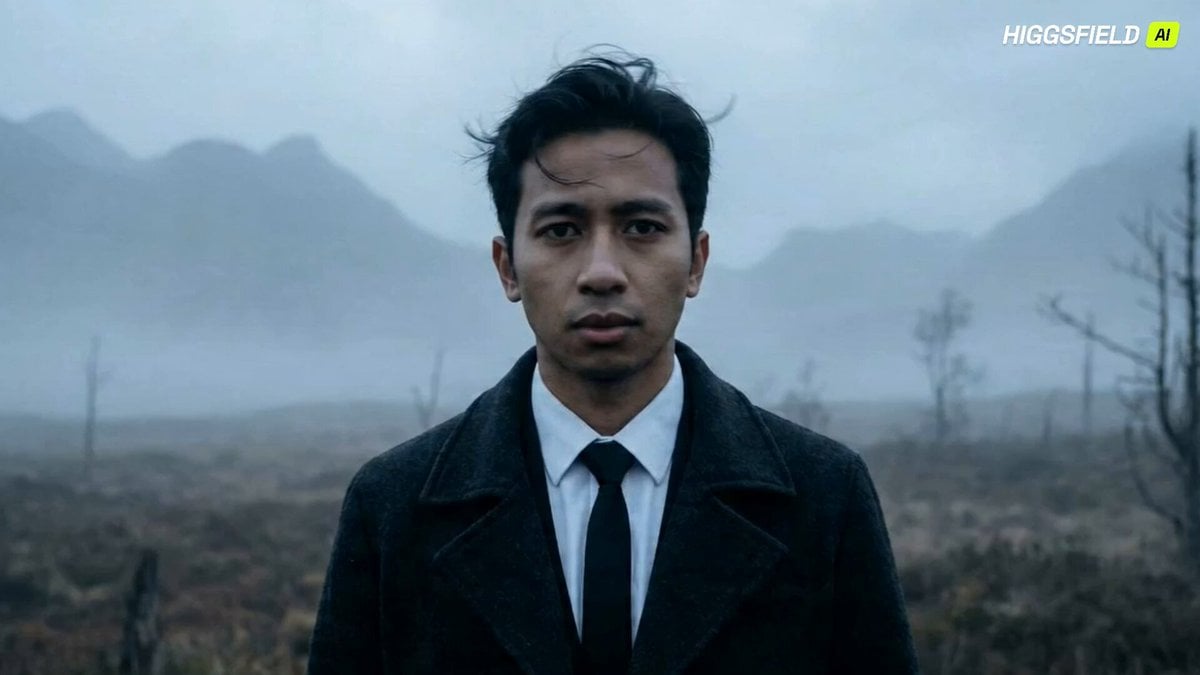
Feral Werewolf Transformation Cinematic Sequence
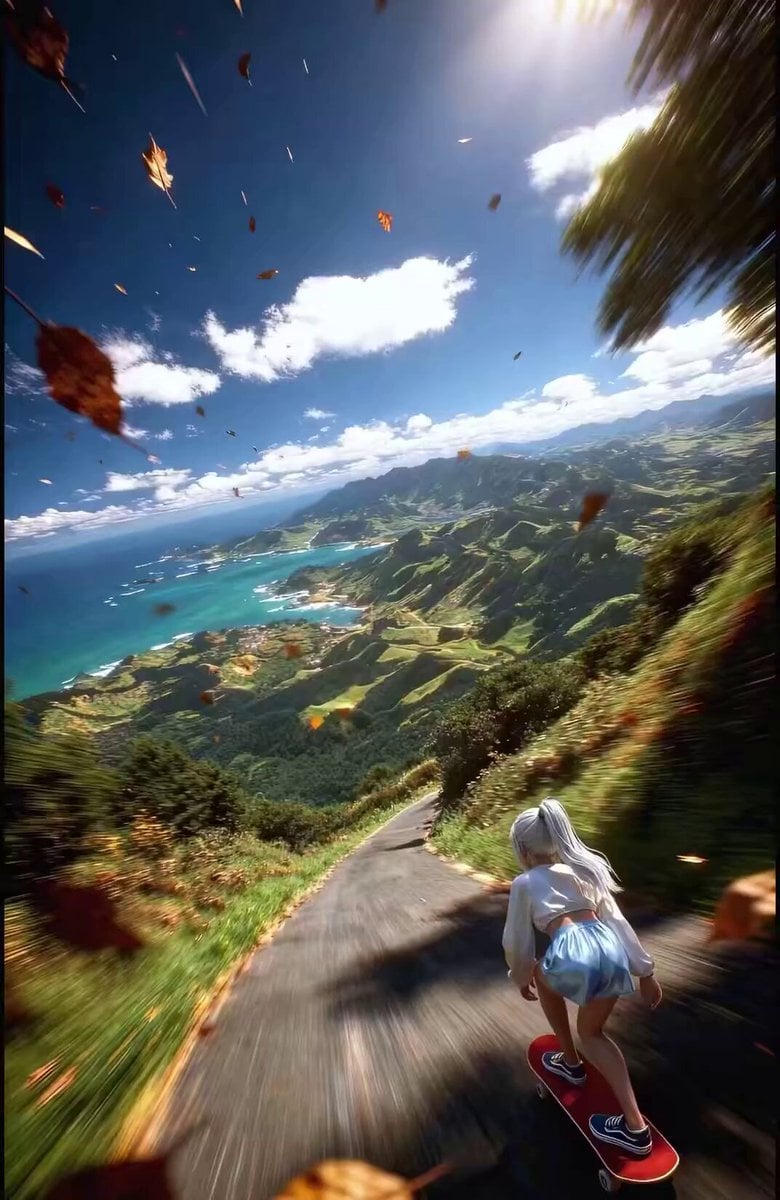
Anime Girl Skateboarding Transformation Prompt
Browse template categories
Extreme Off-Road Motorcycle Cinematic Stunt questions
How do I use the Extreme Off-Road Motorcycle Cinematic Stunt template?
Add your photo if the template asks for one, edit the prompt if you like — the template's model and format are already selected — and press Generate. Your version opens in PicX Studio.
Can I customize the Extreme Off-Road Motorcycle Cinematic Stunt template?
Yes. You can change the subject, setting, lighting, mood, format, and available model controls before creating your video.
Is the Extreme Off-Road Motorcycle Cinematic Stunt template free?
Opening and editing this template is free. Generating uses credits, shown on the Generate button when you are signed in.
Which AI model should I use?
Start with Seedance 2.0, which is the model associated with this template. You can compare another compatible model for a different finish.
Looking for something else? Browse all templates.

Your photo, any look
Thousands of ready templates for every top image and video model, from one credit balance.