How do I use the Cinematic Reality Collapse One-Take template?
Edit the prompt in the box under the preview — the template's model and format are already selected — and press Generate. Your version appears right on this page.
A complex, multi-stage cinematic prompt for Seedance 2.0 describing a continuous shot of a city skyline fracturing and dissolving into a dimensional rift.
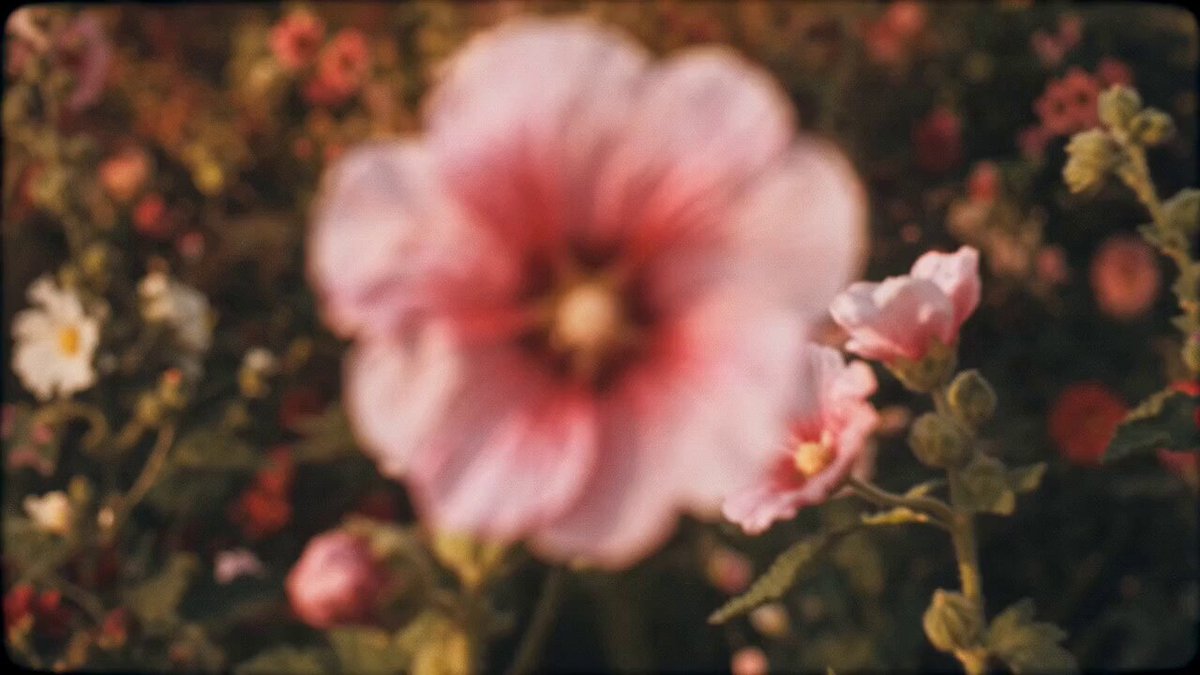
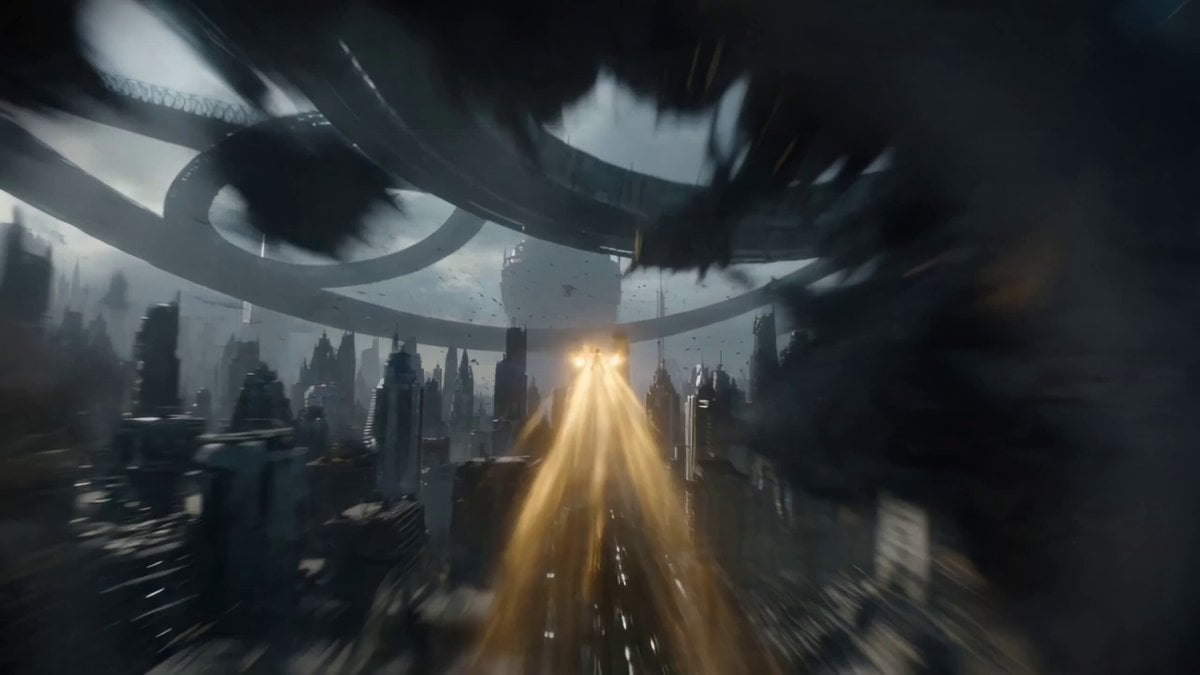
One continuous shot drifting above a city skyline at night as the sky begins to fracture. The camera slowly moves forward as reality distorts — stars appear through cracks in the sky. At the 2-second mark a lightning god strikes downward while a void entity tears open a dimensional rift. The camera accelerates into the collapsing space between them. Buildings stretch and bend as gravity shifts. The shot never cuts — it passes through a building as it phases between dimensions, emerging into a warped version of the city. Lightning arcs across multiple layers of reality. The camera spirals upward into the rift, then drops back down through a collapsing gravitational field. Debris floats, reverses, and collapses simultaneously. Escalation builds until both entities collide at the center of the rift. Final moment: the camera is pulled directly into the singularity as the city collapses inward. One-take reality collapse, time + space + energy interaction, continuous dimensional distortion, 4K.
One continuous shot drifting above a city skyline at night as the sky begins to fracture. The camera slowly moves forward as reality distorts — stars appear through cracks in the sky. At the 2-second mark a lightning god strikes downward while a void entity tears open a dimensional rift. The camera accelerates into the collapsing space between them. Buildings stretch and bend as gravity shifts. The shot never cuts — it passes through a building as it phases between dimensions, emerging into a warped version of the city. Lightning arcs across multiple layers of reality. The camera spirals upward into the rift, then drops back down through a collapsing gravitational field. Debris floats, reverses, and collapses simultaneously. Escalation builds until both entities collide at the center of the rift. Final moment: the camera is pulled directly into the singularity as the city collapses inward. One-take reality collapse, time + space + energy interaction, continuous dimensional distortion, 4K.
Edit the prompt in the box under the preview — the template's model and format are already selected — and press Generate. Your version appears right on this page.
Yes. You can change the subject, setting, lighting, mood, format, and available model controls before creating your video.
Opening and editing this template is free. Generating uses credits, shown on the Generate button when you are signed in.
Start with Seedance 2.0, which is the model associated with this template. You can compare another compatible model for a different finish.
Follow a topic to a crawlable collection of related PicX Studio templates.