
Sapphire Storm Inverted Sumi-e Short
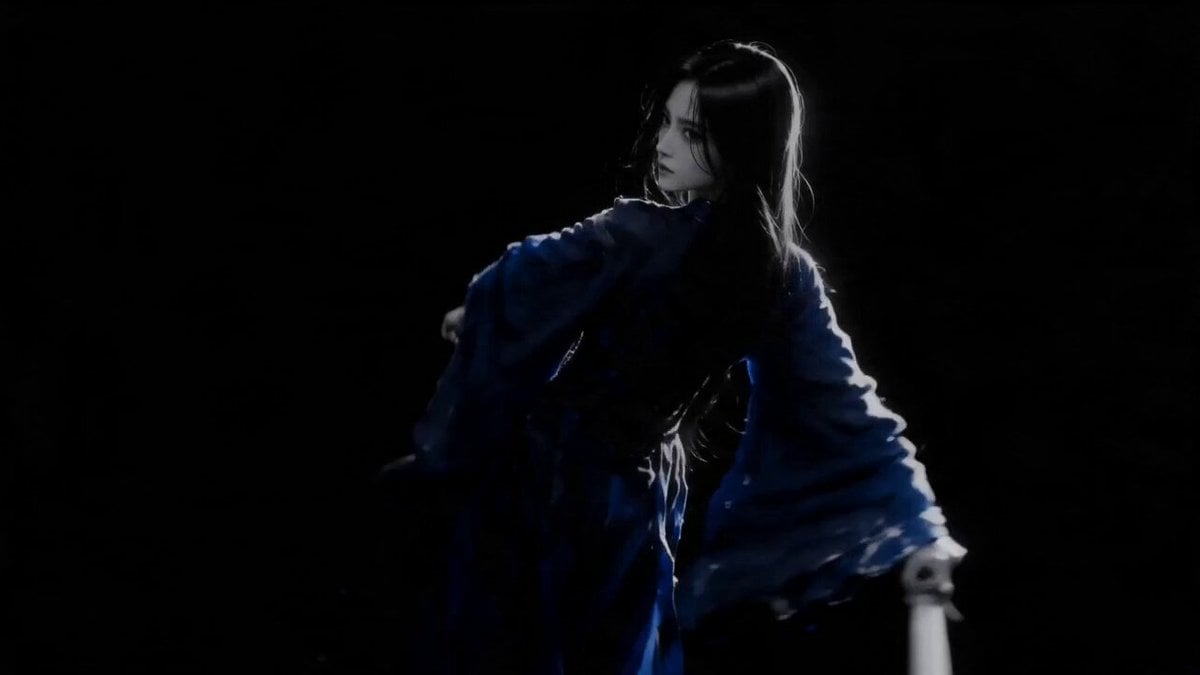
A high-concept cinematic short featuring a female dancer in a pure black void, utilizing an inverted sumi-e style with white ink and sapphire blue accents.
- Prompt included
- Model and format preset
- Free template
The prompt behind this video
Copy the exact prompt behind Sapphire Storm Inverted Sumi-e Short, or open it in the studio and make it yours.
Professional cinematic short — Sapphire Storm. Inverted sumi-e style, white ink on pure black void, 16:9, 15 seconds total, 6 cuts. CHARACTER: Female, age 20–25, sharp fierce beauty. Long straight jet-black hair, one thick strand across face. Fair-warm skin. Floor-length deep sapphire-blue ceremonial robe, wide dramatic sleeves, black inner wrap. Presence: fierce, intense, dangerously calm. STYLE: Inverted sumi-e — white ink on pure black. Rich tonal gradation, soft grey to blazing white. Expressive energetic brushstrokes. Female figure as luminous white ink silhouette with glowing halo edges. Electric sapphire-blue ink trails bleeding from robe during all movement. No color except white ink and sapphire blue only. 00:00–00:03 — STORM AWAKEN Low angle, 24mm. Dancer emerges diagonally from black void, sapphire robe billowing. First blazing white ink arc carved across darkness. Blue ink bleeds along robe seams. Mythic opening beat. 00:03–00:05 — BLADE SPIRAL Wide, orbit. Dancer in deep aggressive lunge, arm driving in a full spin. Explosive white ink ribbons whip across the void. Sapphire robe trails fracture violently. Camera circling with parallax distortion. 00:05–00:07 — ASCENDING CURRENT Wide, crash push. Camera surges forward. Dancer drops low then explodes upward. Massive white ink column erupts vertically, 3x her height. Sapphire threads spiral inside the white current. Extreme scale contrast. 00:07–00:11 — HALO DRIFT Wide, slow spiral track. Dancer completes a full circular sweep, forming a blazing white enso ring around her silhouette. Faint sapphire halo glows at the ring's edge. Figure partially dissolves into ink, then re-emerges. Hypnotic, ceremonial. 00:11–00:14 — THUNDER STRIKE Wide, static impact shot. Dancer drives downward in a violent strike. Massive white ink starburst radiates from the impact point. Sapphire shockwave ring pulses at the base. Most explosive beat of the piece. 00:14–00:15 — STORM'S SIGNATURE Top view, dolly out. Bird's-eye retreat upward. White silhouette shrinks, revealing the full ink trajectory across the black floor. youngfilm25 logo emerges in bold white brush calligraphy, center frame. Sapphire ink droplets scattered around the logo. Premium cinematic final frame.
How to use Sapphire Storm Inverted Sumi-e Short in 3 steps
- 1
Open
The prompt is already in the box next to the preview, with the template's model and format selected.
- 2…a portrait of your subject in softgolden-hour light, 85mm…
Personalize
Edit the subject and creative details for your destination.
- 3Generate
Generate
Press Generate — your video is created in PicX Studio, so you can compare it with the original and refine one variable at a time.
More like this
Templates with the same subject, style or setup. Open one to see its prompt.
3D Animated Newspaper Delivery Short - Seedance 2.5

Youth Racing Short Film
High-Speed Ship Descent with Seedance 2.0
Colossal Sea Creature — Stormy Shore Charge (Seedance)
Stone Colossus Desert Riders — Golden Fire Reveal
Sea Serpent vs Crab Titan — Ocean Battle

Stormy Rope Bridge Forced Cooperation Video
Inverted Geometry Hollow World Traversal
Cosmic Marble Animated Short
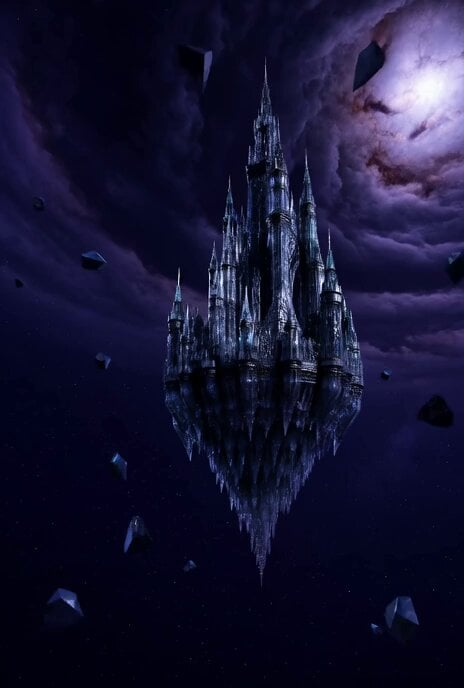
Floating Glass Castle in Cosmic Storm
Cinematic Short Film Scene 2

Cinematic Short Film Scene
Make it yours
Sapphire Storm Inverted Sumi-e Short works as-is. These are the safest ways to change it without losing the look.
Change one field
Copy a single group, rewrite it, and generate again so you can see what that field is doing.
Keep the frame, change the subject
Hold the composition and light of Sapphire Storm Inverted Sumi-e Short, then swap wardrobe, props or the person for a new take.
| If the result… | Why | Fix |
|---|---|---|
| The result drifts from the preview | Too many fields changed at once. | Reuse Sapphire Storm Inverted Sumi-e Short as-is first, then change one group — subject, light, or setting. |
| The model over-stylizes the scene | The prose prompt leaves finish and camera underspecified. | Add one camera or lighting sentence and stay on Seedance 2.0. |
More Seedance 2.0 templates
Other prompts made for Seedance 2.0.

Comical Martial Arts Punch Scene

Maglev Train Action Sequence

Martial Arts Fight Sequence

Wuxia Protection and Trust Script

Vintage Korean Arcade MiniDV Vlog

Mercedes 190 SL Luxury Ad

Rainy Night Supernatural Reverse Comedy Video Script

Amazon Civilization Discovery

Futuristic South Asian City Transformation

Cozy Luxury Cafe Commercial
More video prompts
Fresh picks from across the catalog.

Pixar-Style World Cup Final Video
Burj Khalifa Travel Vlog Script
Out-of-Body Experience
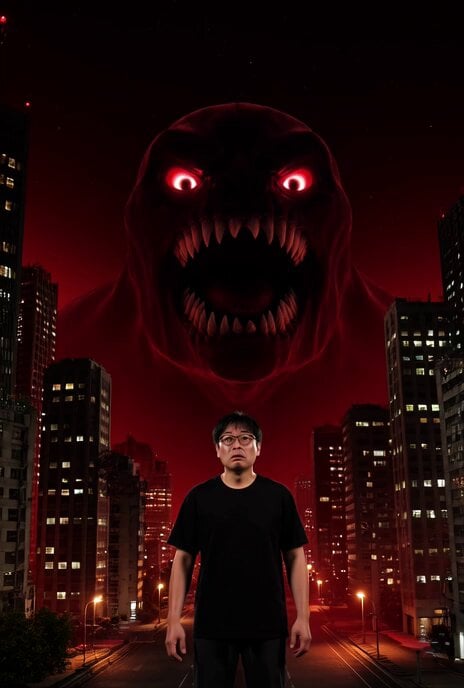
Cyberpunk Tokyo AI Monster Video Prompt
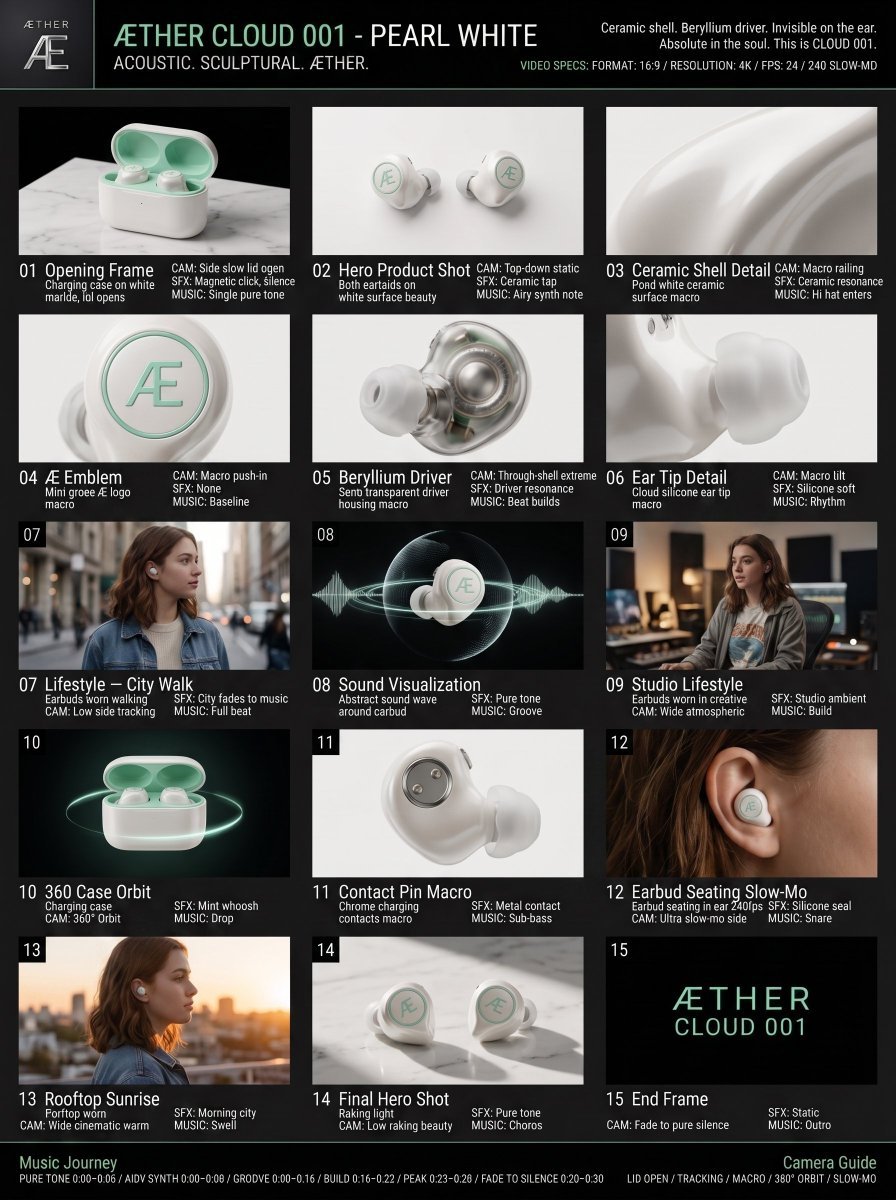
Luxury Audio Product Commercial

Prompt Engineering for Vehicles
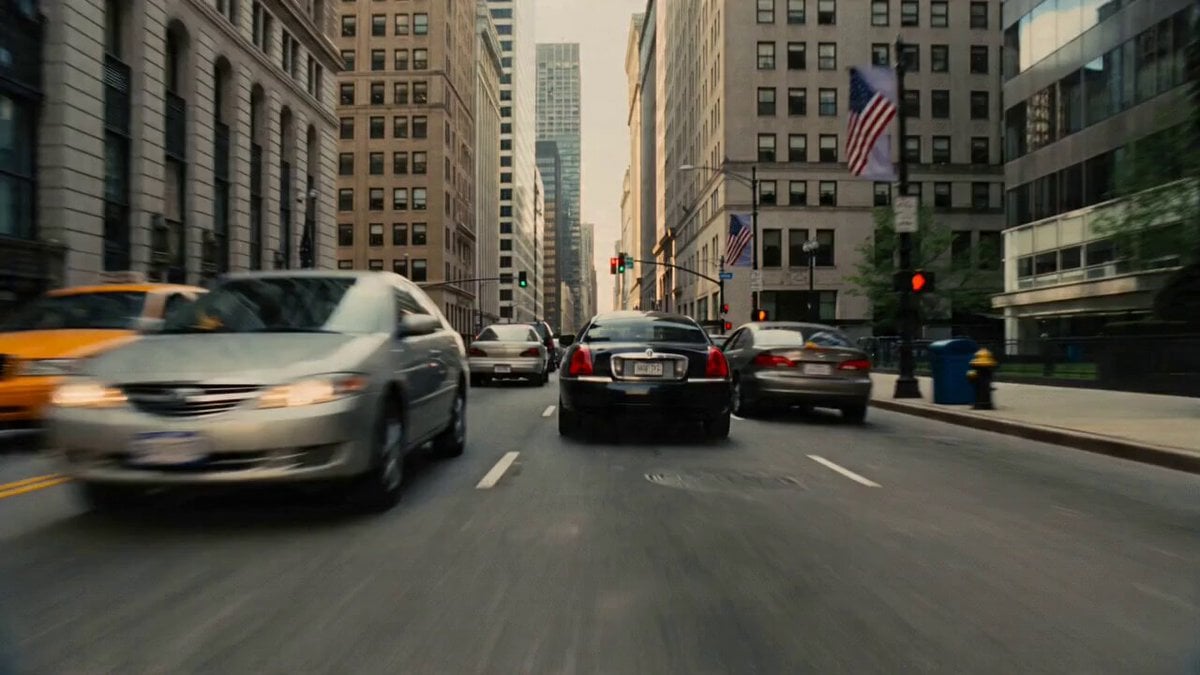
Earthquake City Collapse Video Prompt
Emily Seedance Tokusatsu Sisters
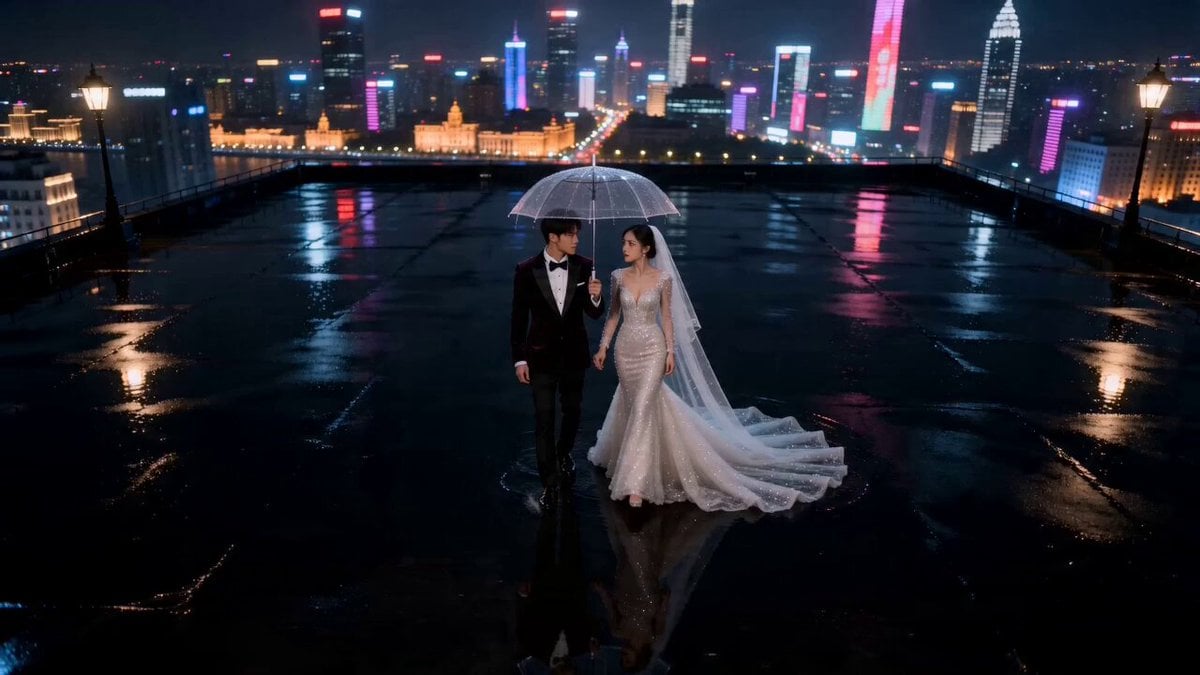
Seedance 2.0 AI Wedding Video Prompt: Cinematic Night Scene

Sci-Fi Jungle Battlefield Cinematic Prompt
Browse template categories
Sapphire Storm Inverted Sumi-e Short questions
How do I use the Sapphire Storm Inverted Sumi-e Short template?
Add your photo if the template asks for one, edit the prompt if you like — the template's model and format are already selected — and press Generate. Your version opens in PicX Studio.
Can I customize the Sapphire Storm Inverted Sumi-e Short template?
Yes. You can change the subject, setting, lighting, mood, format, and available model controls before creating your video.
Is the Sapphire Storm Inverted Sumi-e Short template free?
Opening and editing this template is free. Generating uses credits, shown on the Generate button when you are signed in.
Which AI model should I use?
Start with Seedance 2.0, which is the model associated with this template. You can compare another compatible model for a different finish.
Looking for something else? Browse all templates.

Your photo, any look
Thousands of ready templates for every top image and video model, from one credit balance.