How do I use the Out-of-Body Experience template?
Edit the prompt in the box under the preview — the template's model and format are already selected — and press Generate. Your version appears right on this page.
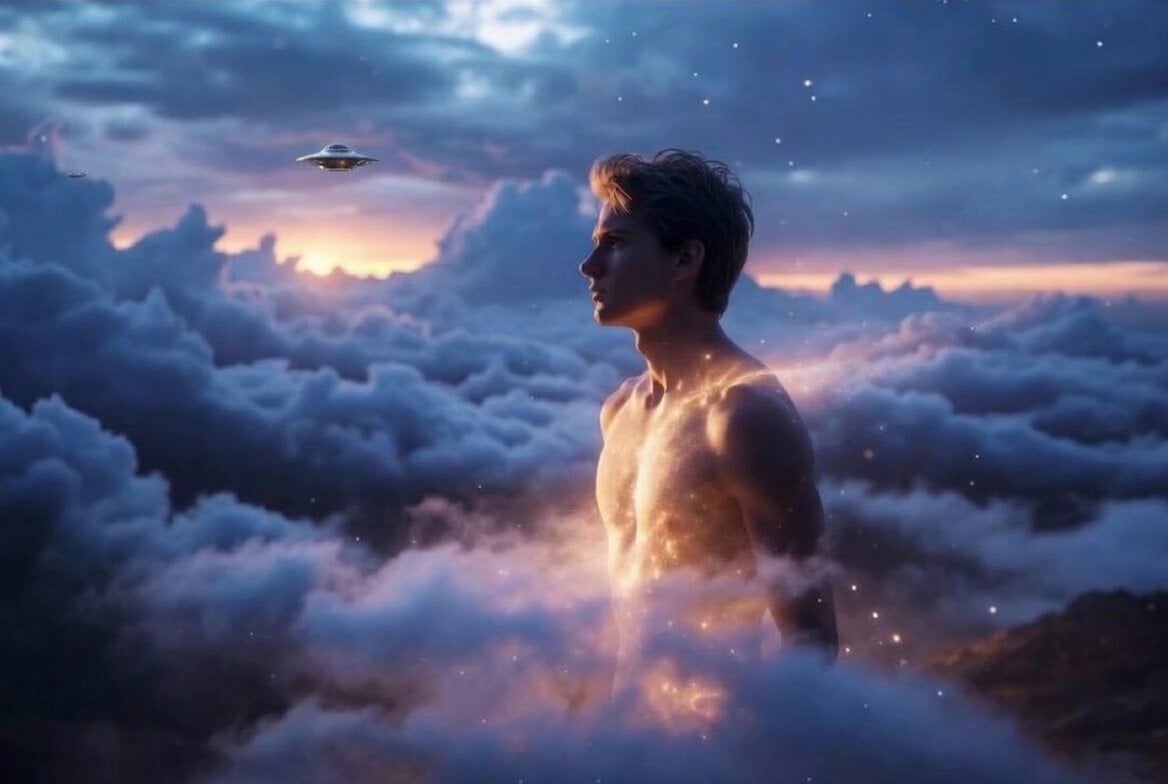
A Grok Imagine prompt describing a childhood memory of an out-of-body experience, floating near the ceiling.
小学3年生の頃、私は眠っていたけど、気が付くと,私は天井から3cmくらい下の高さにそのまま上を向いて浮いていた。父に、名前を呼ばれて戻った。気分が凄く悪かった。(幽体離脱)
小学3年生の頃、私は眠っていたけど、気が付くと,私は天井から3cmくらい下の高さにそのまま上を向いて浮いていた。父に、名前を呼ばれて戻った。気分が凄く悪かった。(幽体離脱)
Edit the prompt in the box under the preview — the template's model and format are already selected — and press Generate. Your version appears right on this page.
Yes. You can change the subject, setting, lighting, mood, format, and available model controls before creating your video.
Opening and editing this template is free. Generating uses credits, shown on the Generate button when you are signed in.
Start with Grok Imagine, which is the model associated with this template. You can compare another compatible model for a different finish.
Follow a topic to a crawlable collection of related PicX Studio templates.