How do I use the Ancient Battlefield to Microscopic Civilization template?
Edit the prompt in the box under the preview — the template's model and format are already selected — and press Generate. Your version appears right on this page.
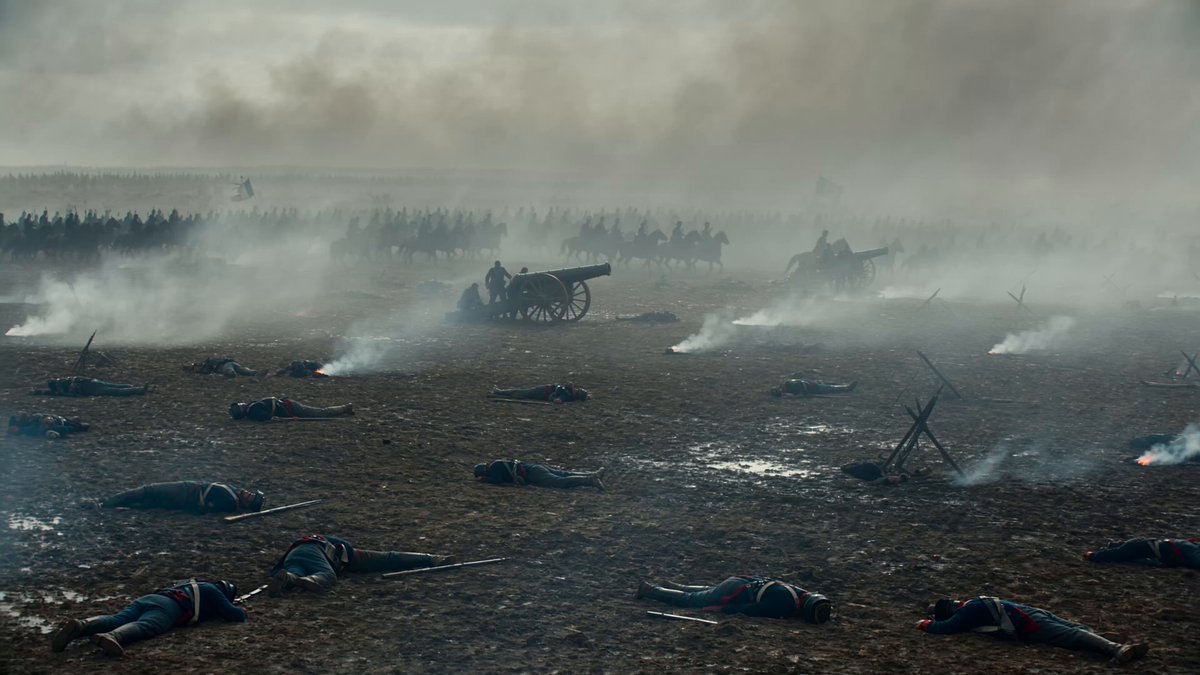
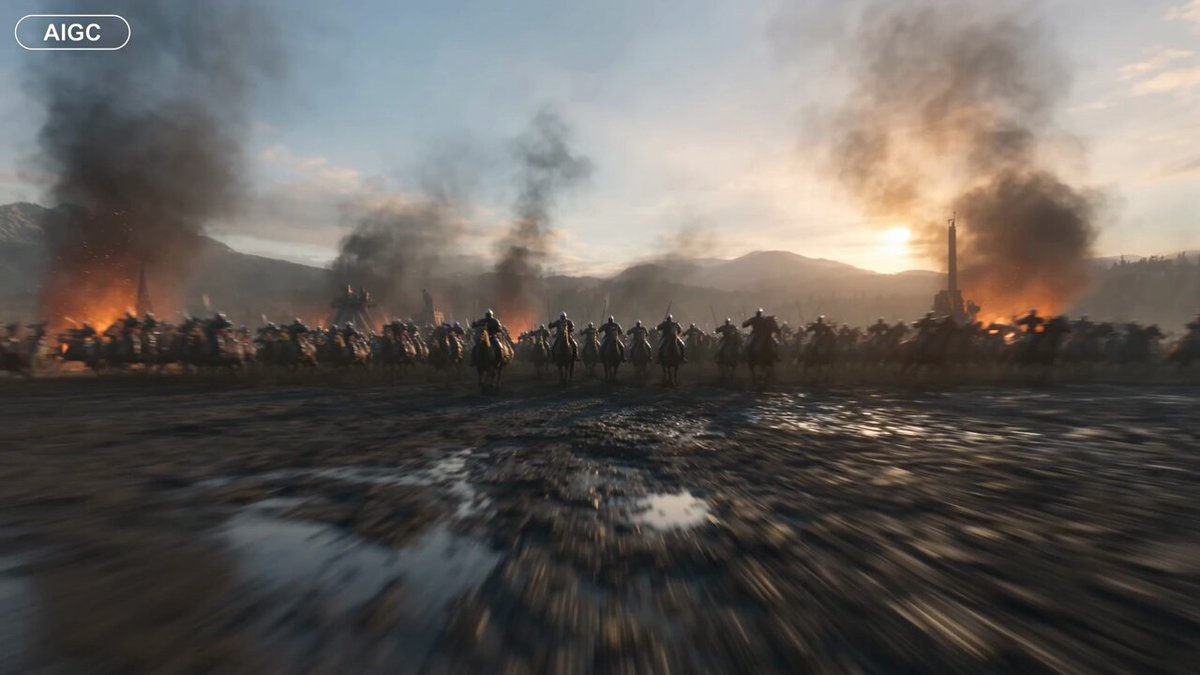
An epic battlefield prompt that transitions from a wide-angle combat scene into a macro exploration of a microscopic civilization living on an arrow.
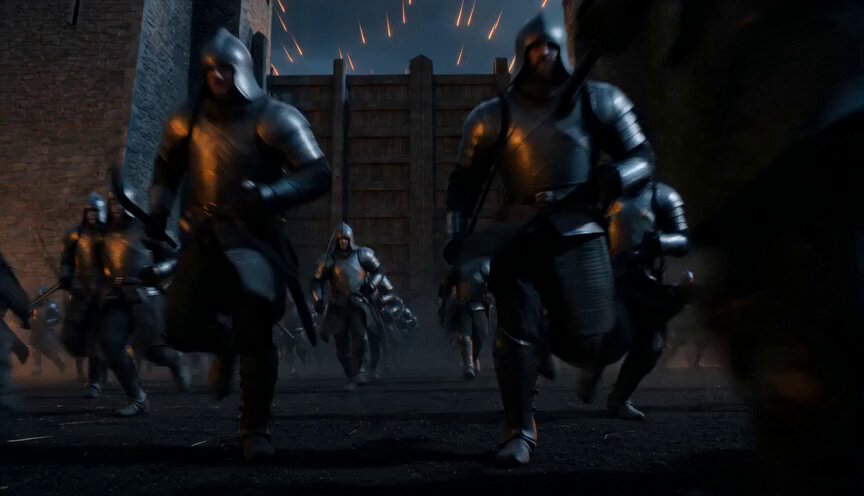
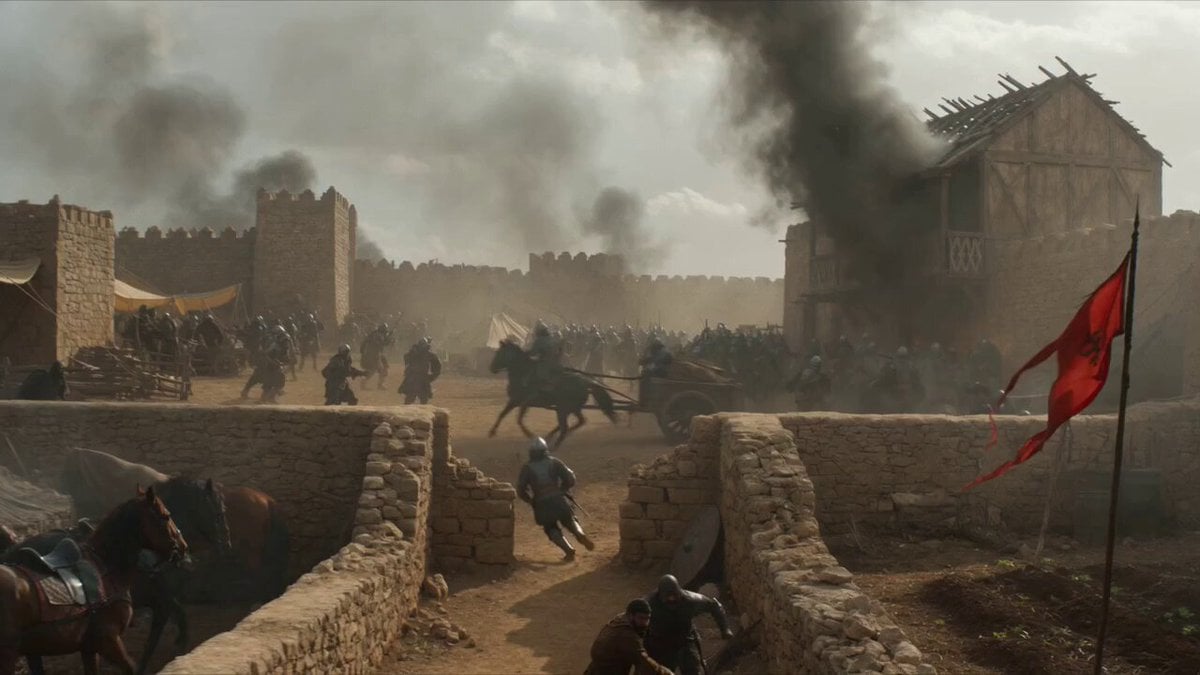
Epic wide-angle shot of a vast ancient battlefield at golden hour, thousands of warriors clashing with swords and shields under a hazy amber sky thick with smoke and ash. A lone archer in weathered bronze armor, face streaked with dirt, draws a longbow with deliberate tension. The arrow releases with a sharp twang. Camera immediately snaps behind the arrow, tracking it in extreme slow motion as it cuts through drifting smoke and falling embers. Shallow depth of field keeps the arrow razor-sharp while the chaotic battlefield blurs behind. The camera pushes closer, tighter, until the wooden shaft fills the frame — revealing intricate carved runes and weathered grain. Seamless transition to macro scale: the arrow's surface becomes a landscape. A microscopic civilization of tiny warriors the size of splinters wages war across the fletching. Miniature catapults hurl fragments of dust. Warriors scale the carved runes like canyon walls. Torches flicker. Banners wave.
Epic wide-angle shot of a vast ancient battlefield at golden hour, thousands of warriors clashing with swords and shields under a hazy amber sky thick with smoke and ash. A lone archer in weathered bronze armor, face streaked with dirt, draws a longbow with deliberate tension. The arrow releases with a sharp twang. Camera immediately snaps behind the arrow, tracking it in extreme slow motion as it cuts through drifting smoke and falling embers. Shallow depth of field keeps the arrow razor-sharp while the chaotic battlefield blurs behind. The camera pushes closer, tighter, until the wooden shaft fills the frame — revealing intricate carved runes and weathered grain. Seamless transition to macro scale: the arrow's surface becomes a landscape. A microscopic civilization of tiny warriors the size of splinters wages war across the fletching. Miniature catapults hurl fragments of dust. Warriors scale the carved runes like canyon walls. Torches flicker. Banners wave.
Edit the prompt in the box under the preview — the template's model and format are already selected — and press Generate. Your version appears right on this page.
Yes. You can change the subject, setting, lighting, mood, format, and available model controls before creating your video.
Opening and editing this template is free. Generating uses credits, shown on the Generate button when you are signed in.
Start with Seedance 2.0, which is the model associated with this template. You can compare another compatible model for a different finish.
Follow a topic to a crawlable collection of related PicX Studio templates.