How do I use the Slow Motion NYC Winter Bullet Time template?
Edit the prompt in the box under the preview — the template's model and format are already selected — and press Generate. Your version appears right on this page.
A cinematic video prompt that creates a frozen-in-time effect of a person slipping on an icy street, featuring dynamic camera rotation and detailed environmental particles.
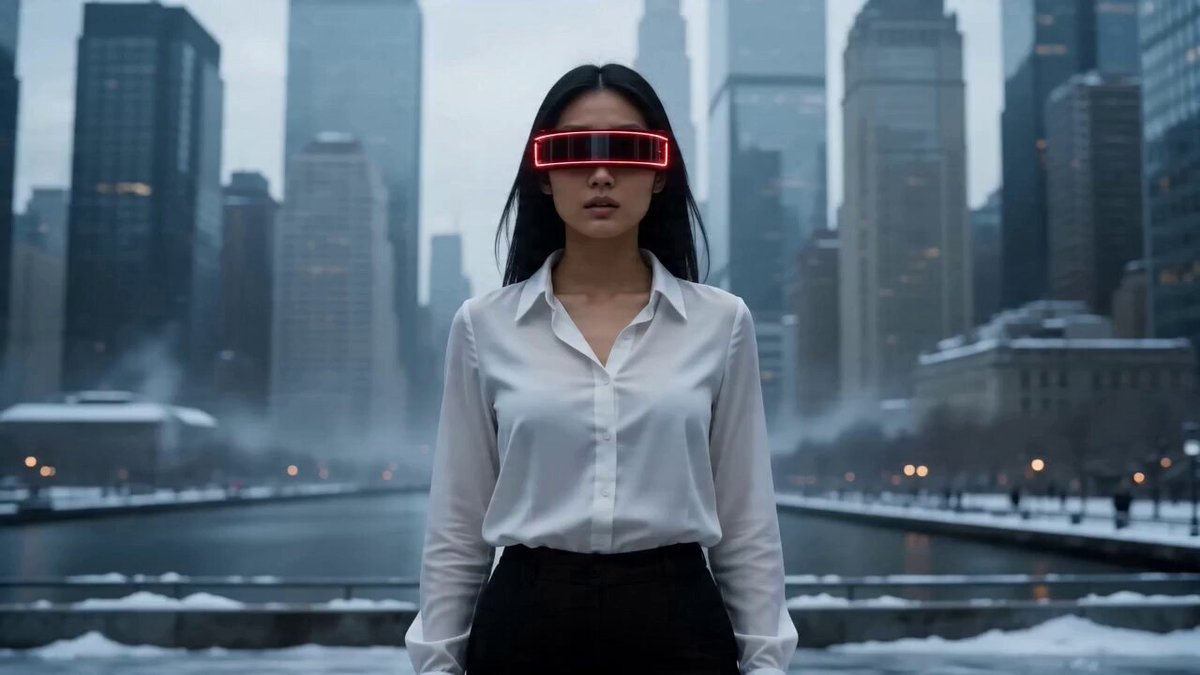
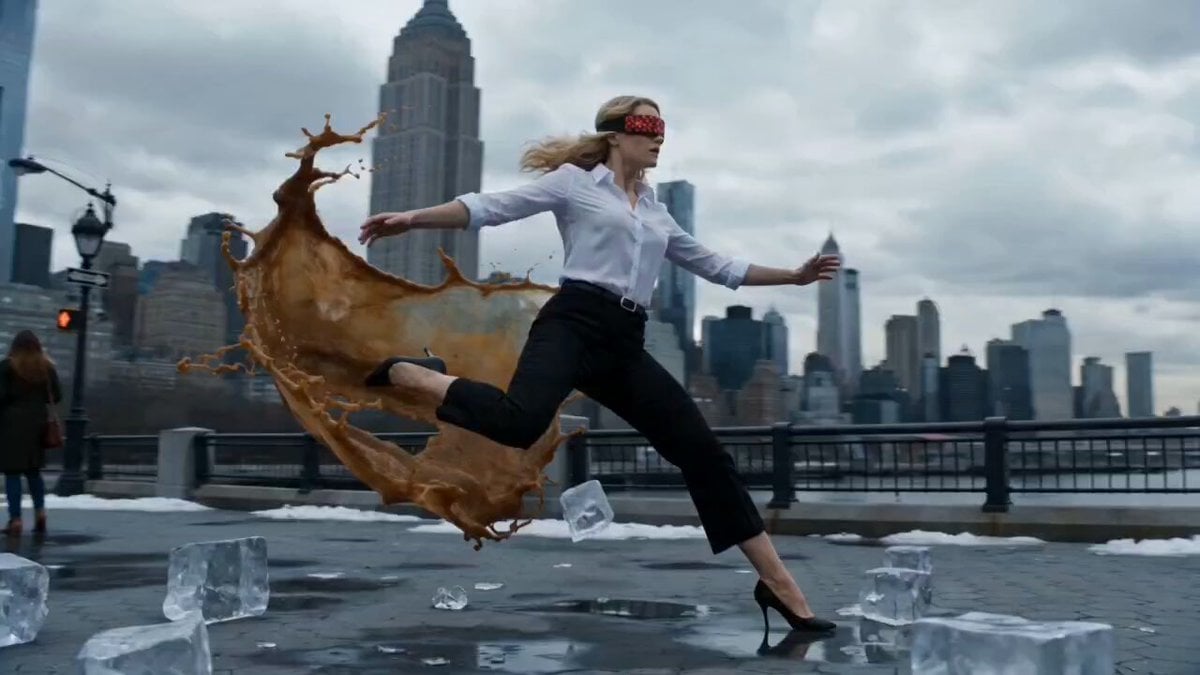
Cinematic 8K ultra-realistic slow-motion scene of a woman in a white button-down shirt and black trousers slipping mid-air on an icy New York City street. Time freezes at the exact moment of imbalance as shards of ice, scattered cubes, and a spilled coffee cup explode outward, with liquid droplets suspended in perfect detail. A subtle red digital glitch mask flickers across her eyes. The camera performs a smooth 360-degree orbital movement around her frozen body. Background features towering NYC skyscrapers under cold, overcast winter lighting. Shallow depth of field, hyper-detailed textures, natural motion blur, dramatic cinematic grading.
Cinematic 8K ultra-realistic slow-motion scene of a woman in a white button-down shirt and black trousers slipping mid-air on an icy New York City street. Time freezes at the exact moment of imbalance as shards of ice, scattered cubes, and a spilled coffee cup explode outward, with liquid droplets suspended in perfect detail. A subtle red digital glitch mask flickers across her eyes. The camera performs a smooth 360-degree orbital movement around her frozen body. Background features towering NYC skyscrapers under cold, overcast winter lighting. Shallow depth of field, hyper-detailed textures, natural motion blur, dramatic cinematic grading.
Edit the prompt in the box under the preview — the template's model and format are already selected — and press Generate. Your version appears right on this page.
Yes. You can change the subject, setting, lighting, mood, format, and available model controls before creating your video.
Opening and editing this template is free. Generating uses credits, shown on the Generate button when you are signed in.
Start with Seedance 2.0, which is the model associated with this template. You can compare another compatible model for a different finish.
Follow a topic to a crawlable collection of related PicX Studio templates.