
Cinematic Multi-Shot Luxury Street Scene
A detailed multi-shot prompt for a 15-second cinematic sequence featuring a high-end luxury street scene with a main character and bodyguards.

- Prompt included
- Model and format preset
- Premium template
The prompt behind this video
Copy the exact prompt behind Cinematic Multi-Shot Luxury Street Scene, or open it in the studio and make it yours.
Multi-shot cinematic luxury street scene. Shot on a professional cinema camera, sharp focus on the subject with creamy shallow depth of field, blurred foreground and background bokeh, telephoto compression, photorealistic. Moody night cinematography, warm city bokeh lights, slow-motion film look throughout. The character: [IMAGAEREFERENCE], wearing an elegant all-black premium outfit. Two bodyguards: tall men in black suits and black sunglasses, carrying premium black shopping bags. No text overlay, no shaky cuts. Shot 1 (3s, normal speed): The character sits at an upscale outdoor cafe eating elegantly. Two bodyguards in black suits walk up and stop beside the character, who pauses and looks up confused. Camera holds a static medium shot, sharp focus on the character, soft blurred cafe background. Warm cafe lighting. Shot 2 (slow motion, 1.5s): The character walks forward confidently, flanked by the two bodyguards carrying premium black shopping bags. Camera tracks backward at low angle, subject in crisp focus, blurred foreground passersby and background bokeh. Shot 3 (slow motion, 1.5s): The character and the two bodyguards walk in sync. Camera tracks sideways in a smooth dolly, shallow depth of field, glowing luxury boutique windows softly blurred behind them. Shot 4 (slow motion, 1s): A bystander stops and stares in admiration, raising a phone to film. Camera holds a static medium shot, the bystander sharp, blurred night street behind. Shot 5 (slow motion, 1.5s): Close-up of the character's cold confident face, glancing down then lifting the gaze. Camera holds a tight static shot, razor-sharp focus on the eyes, heavily blurred background. Soft rim light from street lamps. Shot 6 (slow motion, 1.5s): Rear angle of the character walking, the two bodyguards following behind. Camera dollies forward slowly, shallow focus, bright luxury storefronts blurred into bokeh. Shot 7 (1s): Another bystander whispers to a friend and points toward the character. Camera holds a static medium shot, bystanders in focus, blurred crowd and bokeh lights. Shot 8 (slow motion, 2s): The character strides toward the camera, full body, bodyguards slightly out of focus at the sides, blurred foreground figures passing the lens. Camera dollies backward, cinematic night lighting. Shot 9 (3s, slow motion): Medium close-up of the character walking, sharp gaze into the camera, still moving forward. Camera dollies back slowly keeping the character in focus, foreground figures drifting past in soft blur, luxury bokeh lights behind.
How to use Cinematic Multi-Shot Luxury Street Scene in 3 steps
- 1
Open
The prompt is already in the box next to the preview, with the template's model and format selected.
- 2…a portrait of your subject in softgolden-hour light, 85mm…
Personalize
Edit the subject and creative details for your destination.
- 3Generate
Generate
Press Generate — your video is created in PicX Studio, so you can compare it with the original and refine one variable at a time.
More like this
Templates with the same subject, style or setup. Open one to see its prompt.

Realistic City Street Story Cinematic Video - Seedance

Sneaker Product Commercial

Cinematic Portrait Study 3

Cinematic Portrait Study
Skincare Product Commercial

Nano Banana Seedance Time Control Streets
Luxury Handbag Commercial — Hollywood VFX Ad
Extended Multi-Shot Xianxia Battle Sequence
Tokyo Street Style Travel Film
Multi-Character Parkour Action Sequence

Mercedes 190 SL Luxury Ad
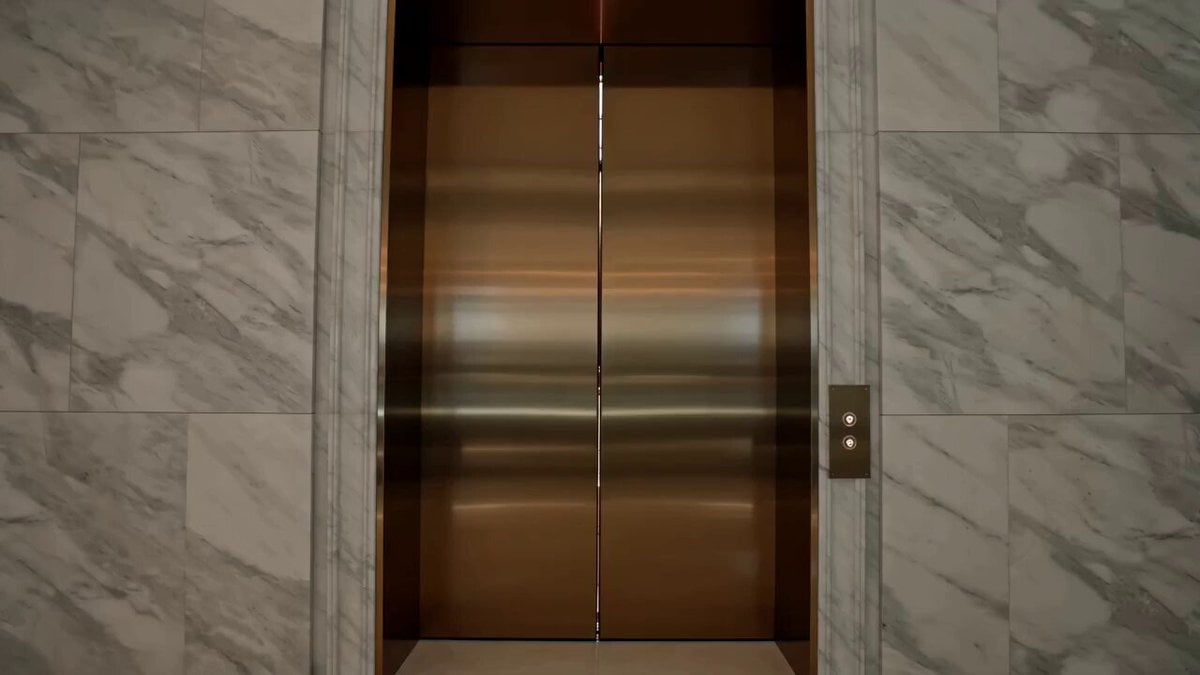
Luxury Fashion Elevator Commercial
Make it yours
Cinematic Multi-Shot Luxury Street Scene works as-is. These are the safest ways to change it without losing the look.
Change one field
Copy a single group, rewrite it, and generate again so you can see what that field is doing.
Keep the frame, change the subject
Hold the composition and light of Cinematic Multi-Shot Luxury Street Scene, then swap wardrobe, props or the person for a new take.
| If the result… | Why | Fix |
|---|---|---|
| The result drifts from the preview | Too many fields changed at once. | Reuse Cinematic Multi-Shot Luxury Street Scene as-is first, then change one group — subject, light, or setting. |
| The model over-stylizes the scene | The prose prompt leaves finish and camera underspecified. | Add one camera or lighting sentence and stay on Seedance 2.0. |
More Seedance 2.0 templates
Other prompts made for Seedance 2.0.

Comical Martial Arts Punch Scene

Maglev Train Action Sequence

Martial Arts Fight Sequence

Wuxia Protection and Trust Script

Vintage Korean Arcade MiniDV Vlog

Rainy Night Supernatural Reverse Comedy Video Script

Amazon Civilization Discovery

Futuristic South Asian City Transformation

Cozy Luxury Cafe Commercial

Cyber Ronin Nanotech Transformation Video
More video prompts
Fresh picks from across the catalog.
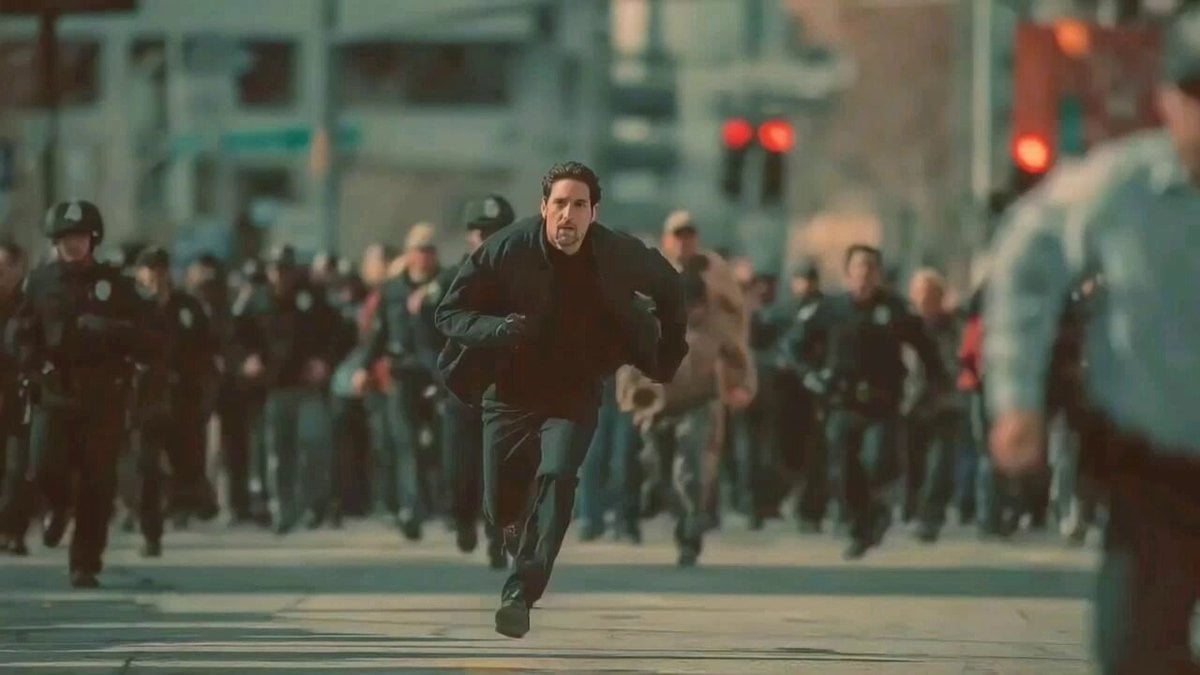
Man Fleeing Police in Urban Chase Scene
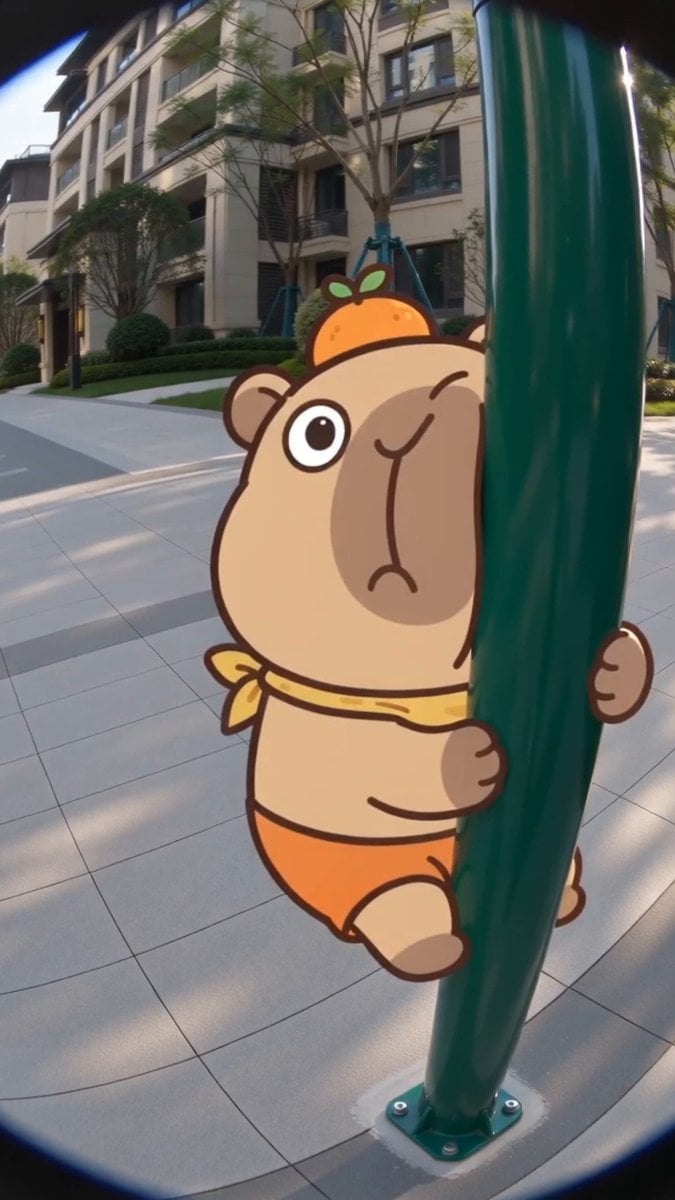
Seedance 2.0 Capybara Lulu Fisheye Interaction
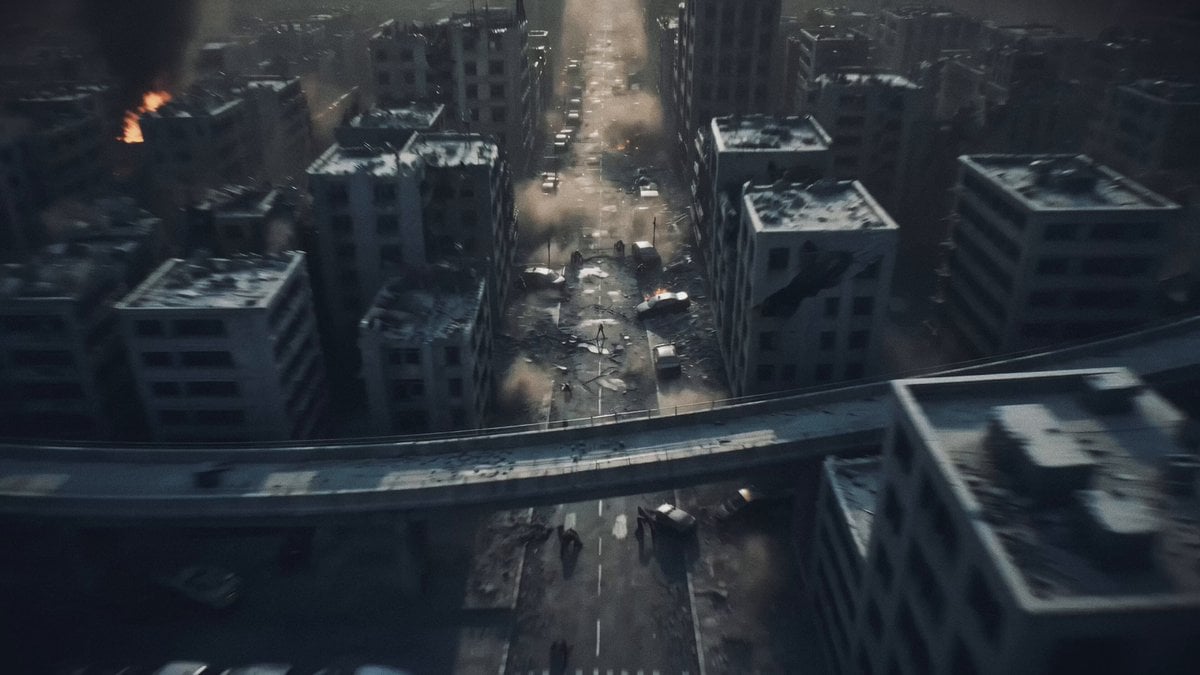
Post-Apocalyptic Biomechanical Battle

Video Script for 'Accidentally Touching Girlfriend' using Seedance 2.0
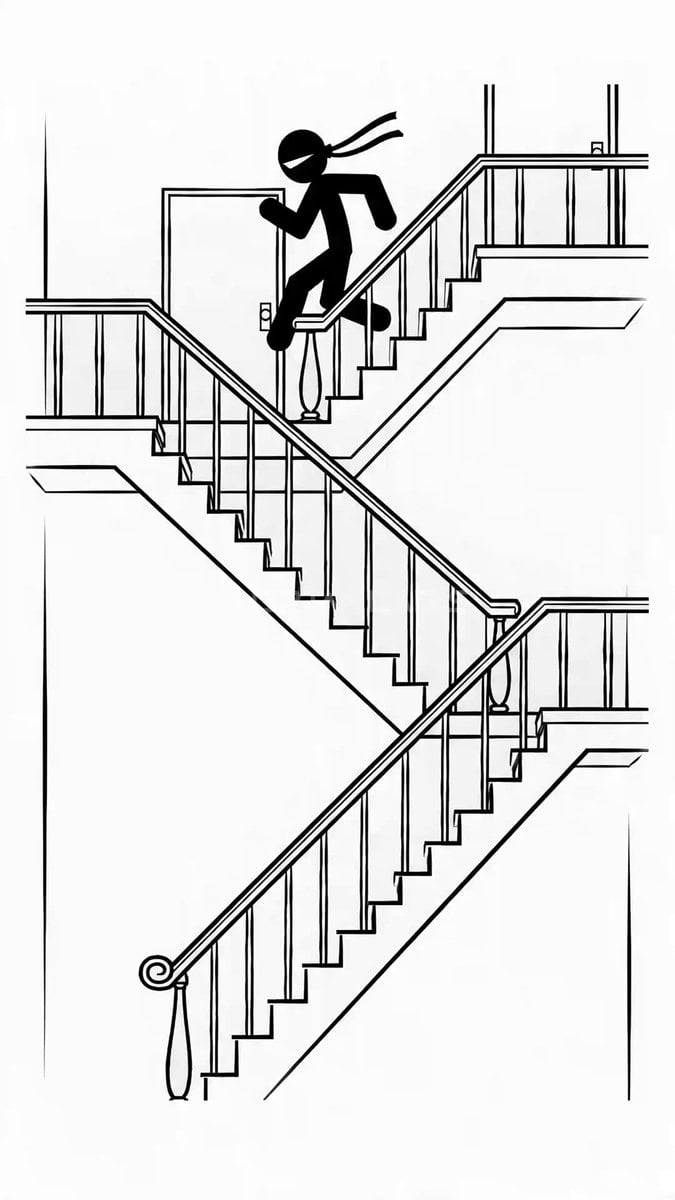
2D Stickman Battle Animation Prompt for Seedance 2.0
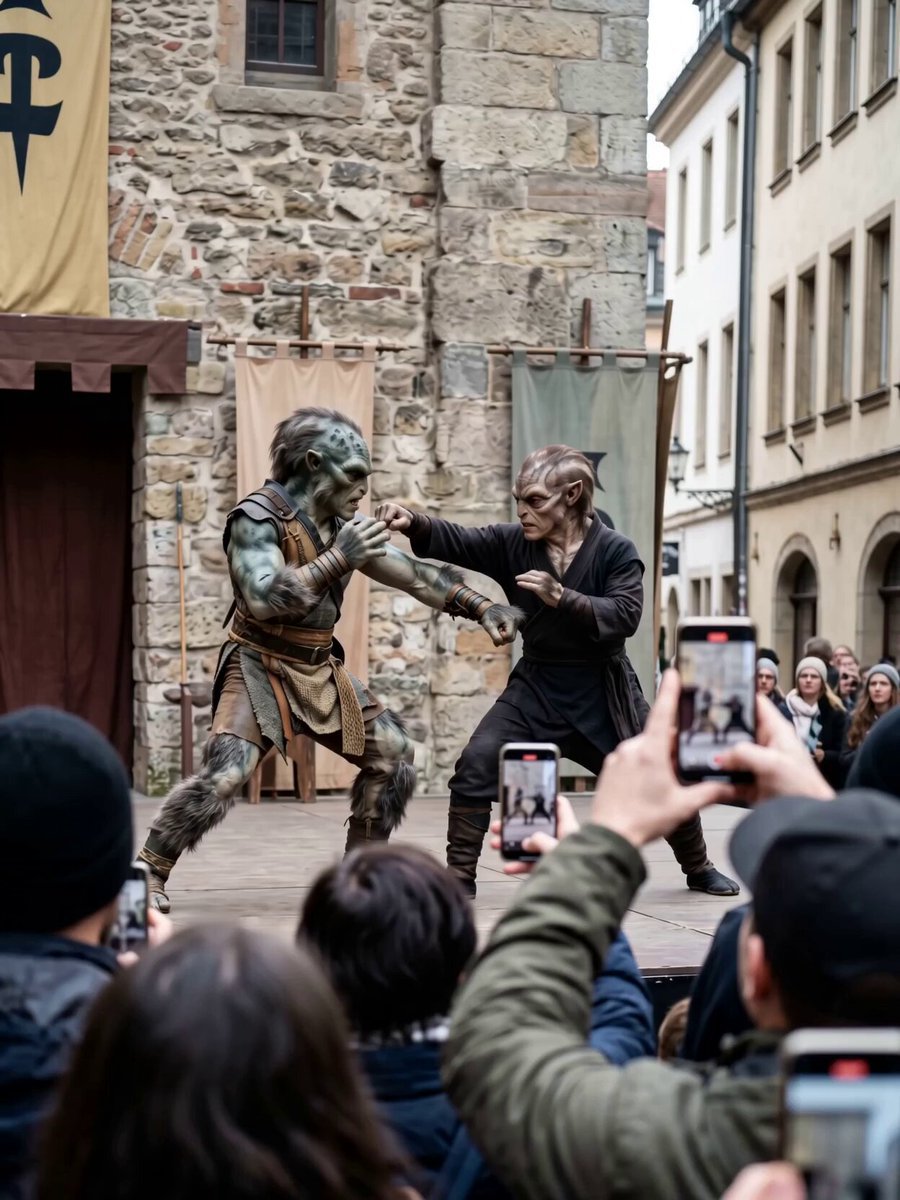
Alien Street Duel POV
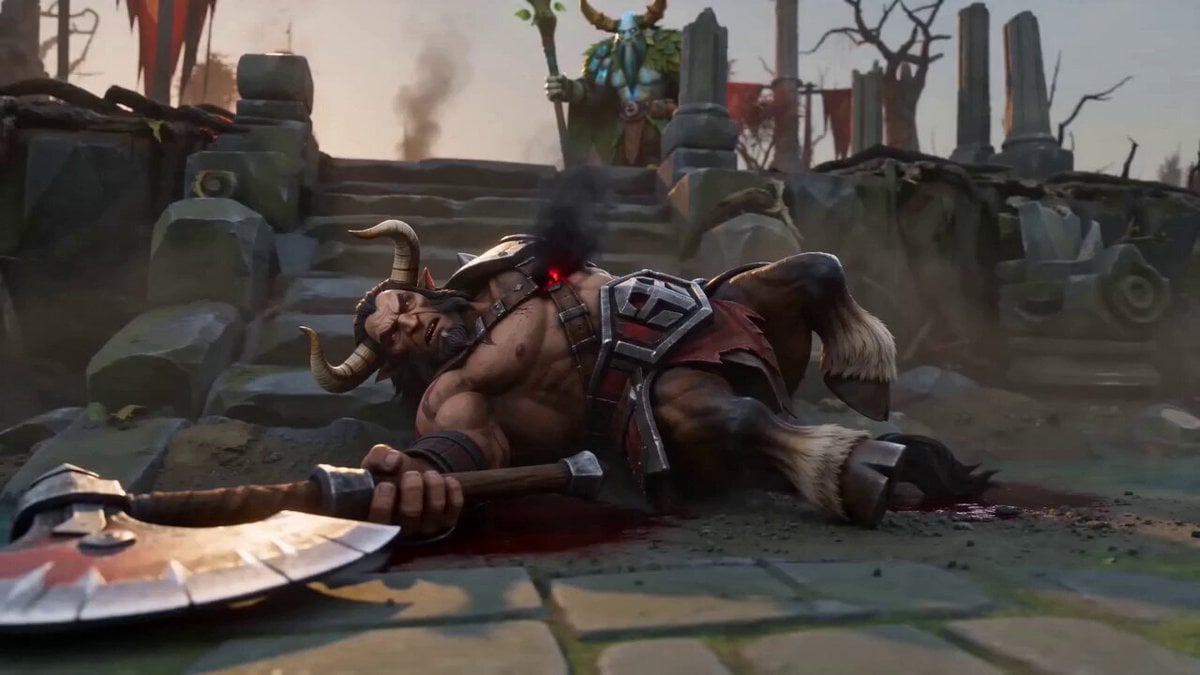
Centaur Cinematic Spell Finish
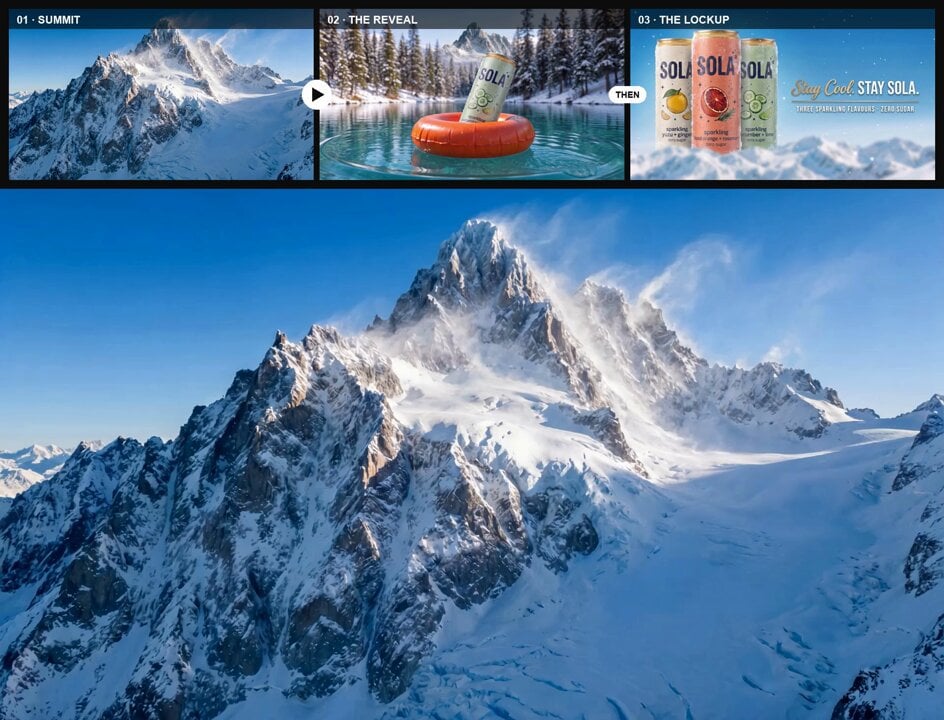
Mountain Summit to Glacial Lake Reveal

Cinematic Achilles Trojan War Video
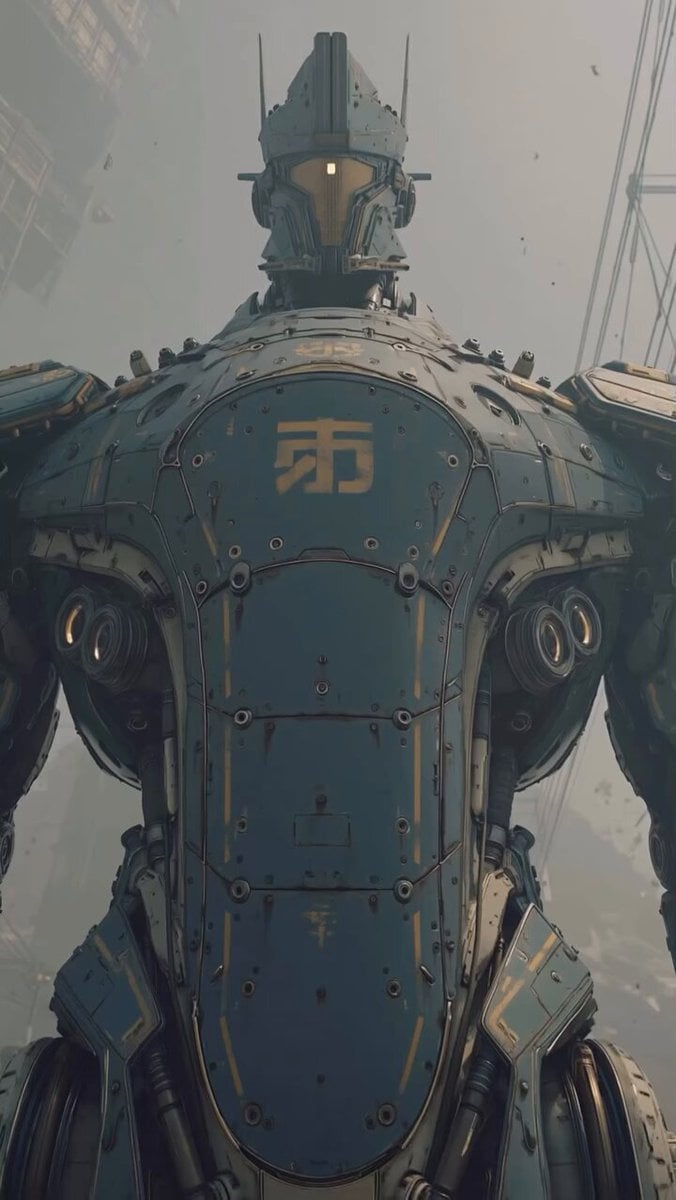
Colossal Mecha Robot
Browse template categories
Cinematic Multi-Shot Luxury Street Scene questions
How do I use the Cinematic Multi-Shot Luxury Street Scene template?
Add your photo if the template asks for one, edit the prompt if you like — the template's model and format are already selected — and press Generate. Your version opens in PicX Studio.
Can I customize the Cinematic Multi-Shot Luxury Street Scene template?
Yes. You can change the subject, setting, lighting, mood, format, and available model controls before creating your video.
Is the Cinematic Multi-Shot Luxury Street Scene template free?
Opening and editing this template is free. Generating uses credits, shown on the Generate button when you are signed in.
Which AI model should I use?
Start with Seedance 2.0, which is the model associated with this template. You can compare another compatible model for a different finish.
Looking for something else? Browse all templates.

Your photo, any look
Thousands of ready templates for every top image and video model, from one credit balance.