
Grok Imagine prompt: Pixar-style 3D character sticker set from selfie
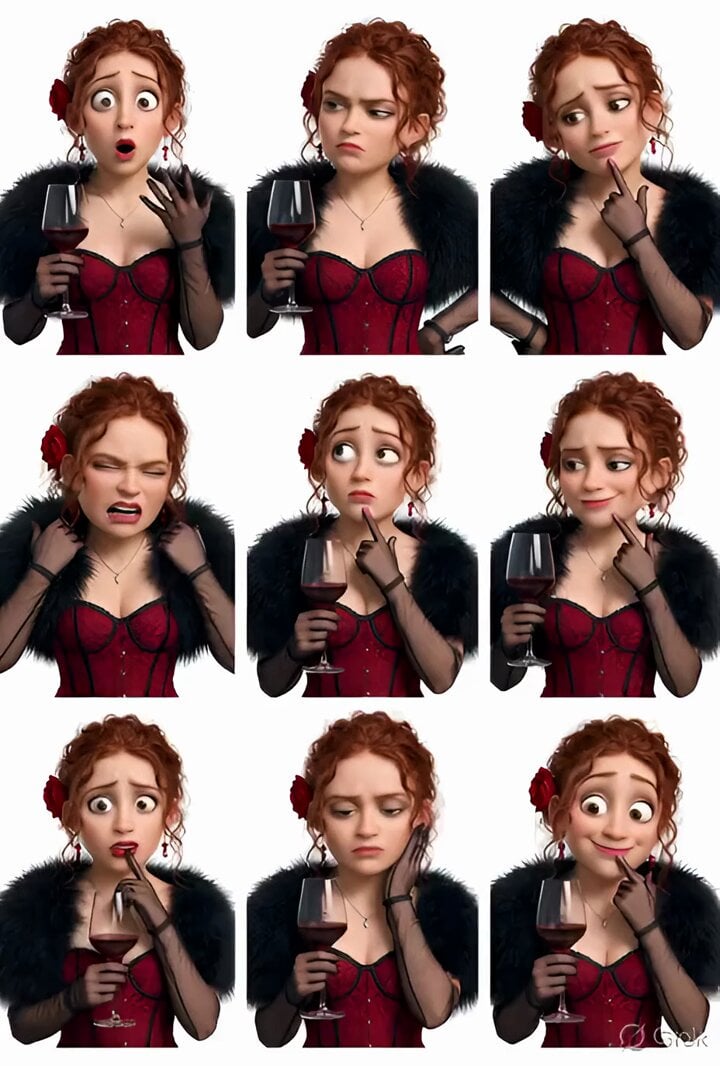
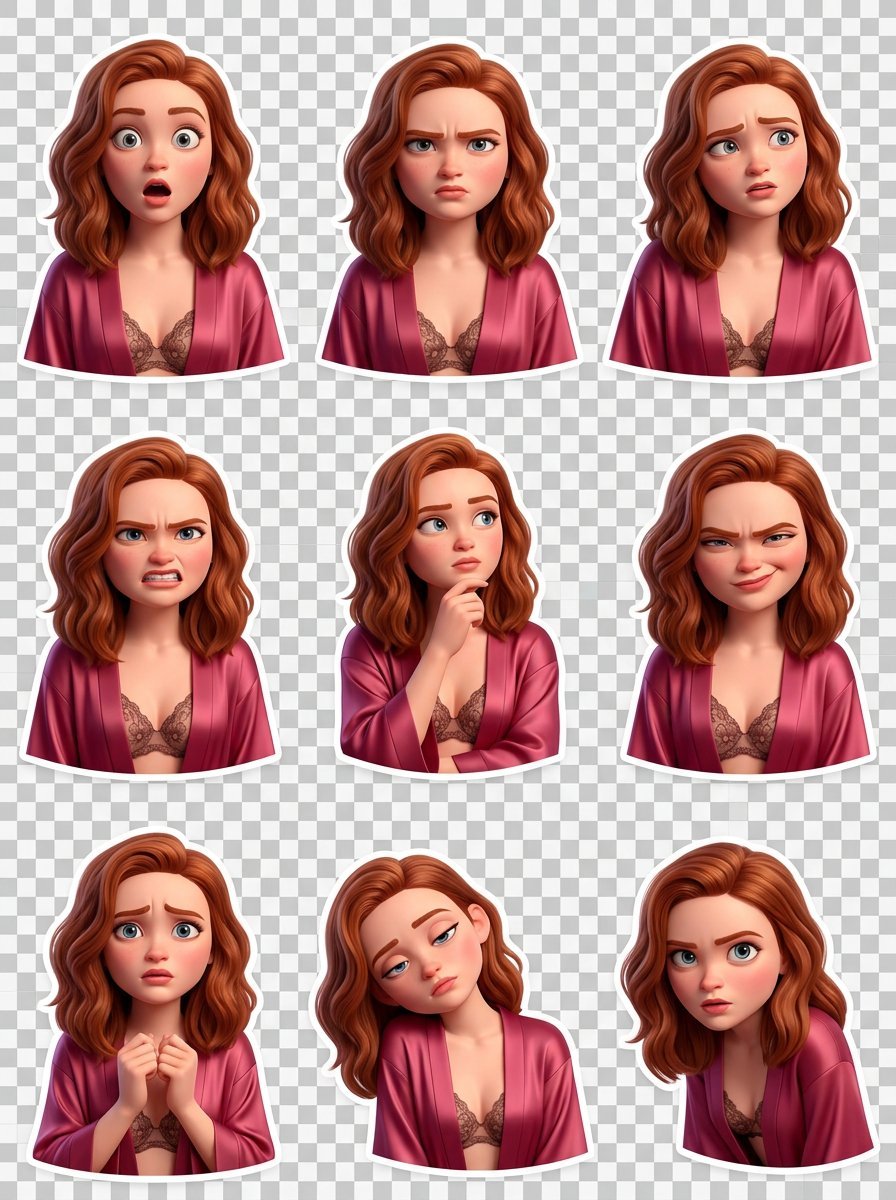
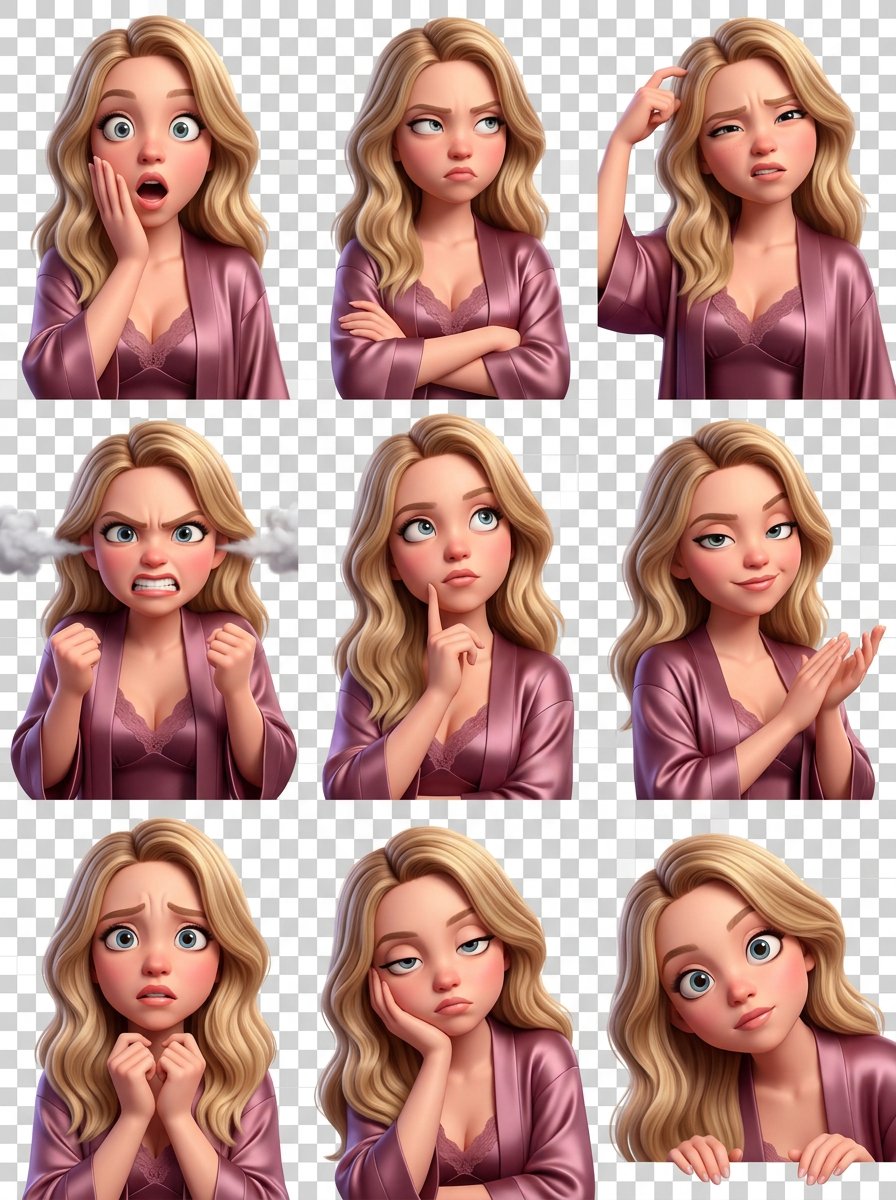
A highly specific and complex prompt for Grok Imagine instructing the model to use an uploaded selfie as the exclusive face reference to generate a 3x3 grid of Pixar-style 3D character stickers, each showing a distinct…
- Prompt included
- Model and format preset
- Premium template
The prompt behind this video
Copy the exact prompt behind Grok Imagine prompt: Pixar-style 3D character sticker set from selfie, or open it in the studio and make it yours.
Using the uploaded selfie as the ONLY and exclusive face reference, generate a Pixar-style 3D character sticker set. The character must be clearly recognizable as the person from the selfie. Create a neat 3×3 grid collage (nine stickers total). Final aspect ratio is strictly 4:5. Each cell shows a distinct pose and facial expression. Style and tone: Pixar-style 3D animation with a meme-oriented feel. Exaggerated, slightly absurd emotions, playful overacting. Highly readable expressions at small sizes, with expressive eyes, eyebrows, and mouth. Subtle hand gestures where appropriate. Background and output: Fully transparent background (PNG). No backdrop, no background shadows. No text, captions, logos, or UI elements. Stickers must be ready for direct use in messengers. Consistency: Same hairstyle, clothing, colors, and character proportions across all nine stickers. Only facial expression and pose change. Clean, polished 3D sticker look. Emotions (one per sticker, 3×3 grid): Surprised, Annoyed, Confused, Frustrated, Thoughtful, Sarcastic, Worried, Bored, Curious.
Reference images included
Grok Imagine prompt: Pixar-style 3D character sticker set from selfie needs input media to work. They load alongside the prompt when you open it in the studio.
How to use Grok Imagine prompt: Pixar-style 3D character sticker set from selfie in 3 steps
- 1Upload ImagePNG, JPG or paste
Add your photo
Upload the photo the template builds on. The prompt, model and format are already set.
- 2…a portrait of your subject in softgolden-hour light, 85mm…
Personalize
Edit the subject and creative details for your destination.
- 3Generate
Generate
Press Generate — your video is created in PicX Studio, so you can compare it with the original and refine one variable at a time.
More like this
Templates with the same subject, style or setup. Open one to see its prompt.
Grok Imagine Video Prompt: Goddess Rises from a Pink Lotus at Sunset

Grok-imagine 1.5 Digital Human Video Script
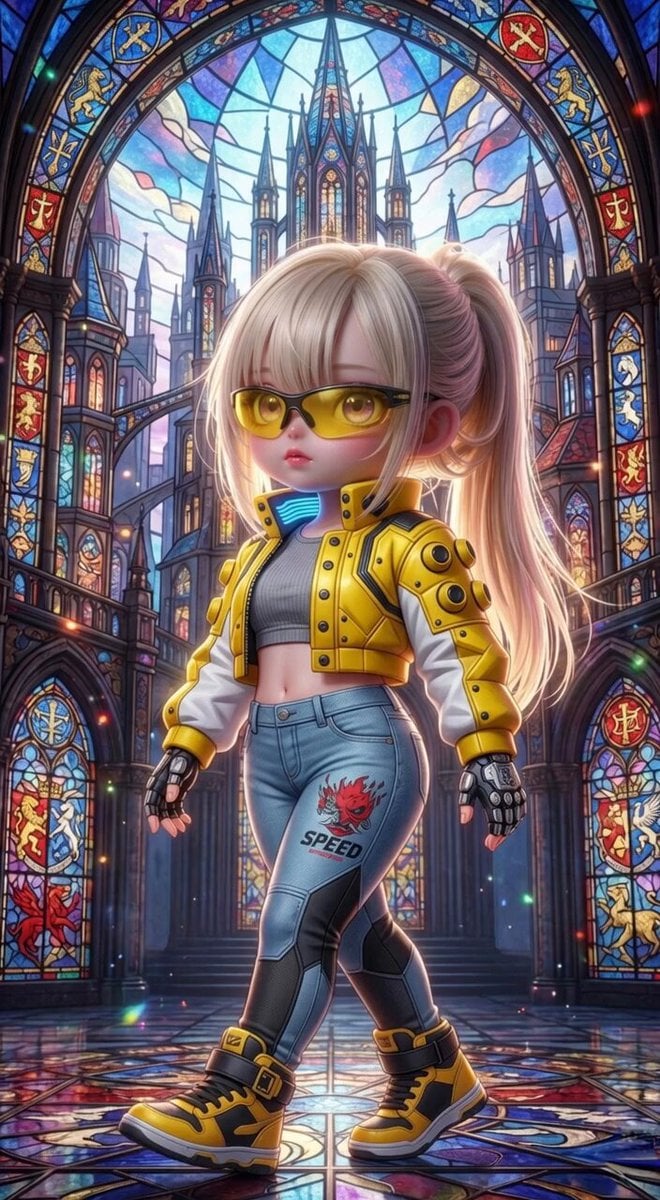
Grok Imagine Mechanical and Ethereal Creature Prompts
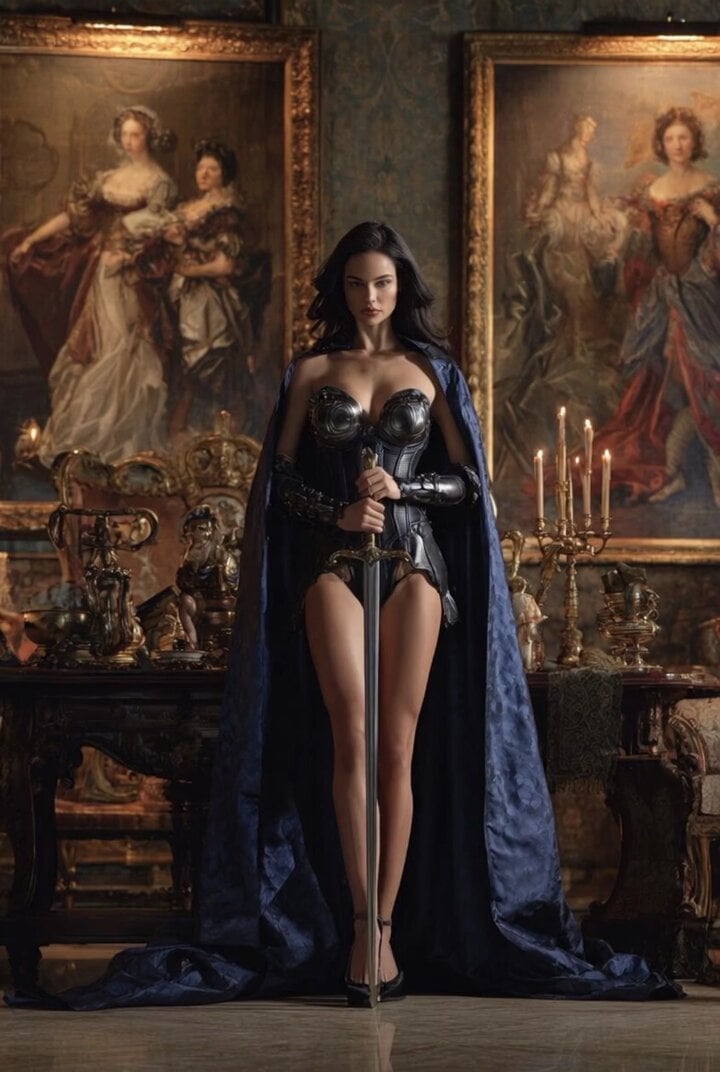
Grok Imagine Video of a Graceful Warrior
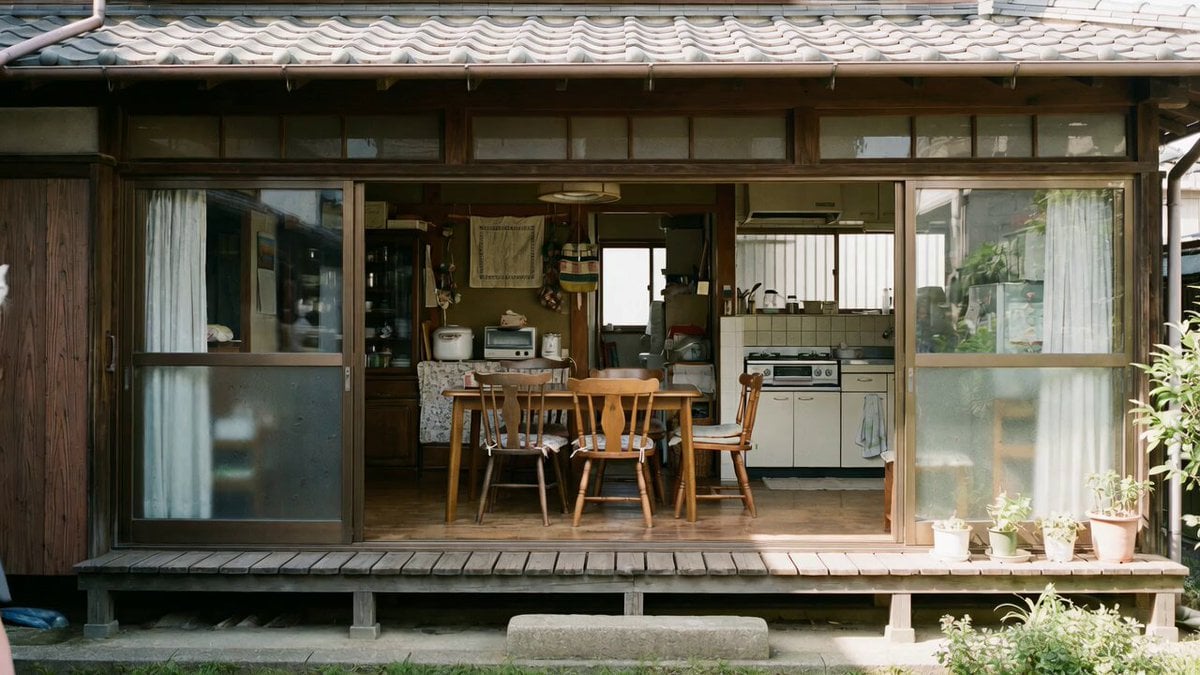
Grok Imagine prompt with negative constraints and scenario

Grok Imagine prompt for cinematic VFX scene (Scene 2 - Landing)
Grok Imagine video prompt part 1: Morning routine
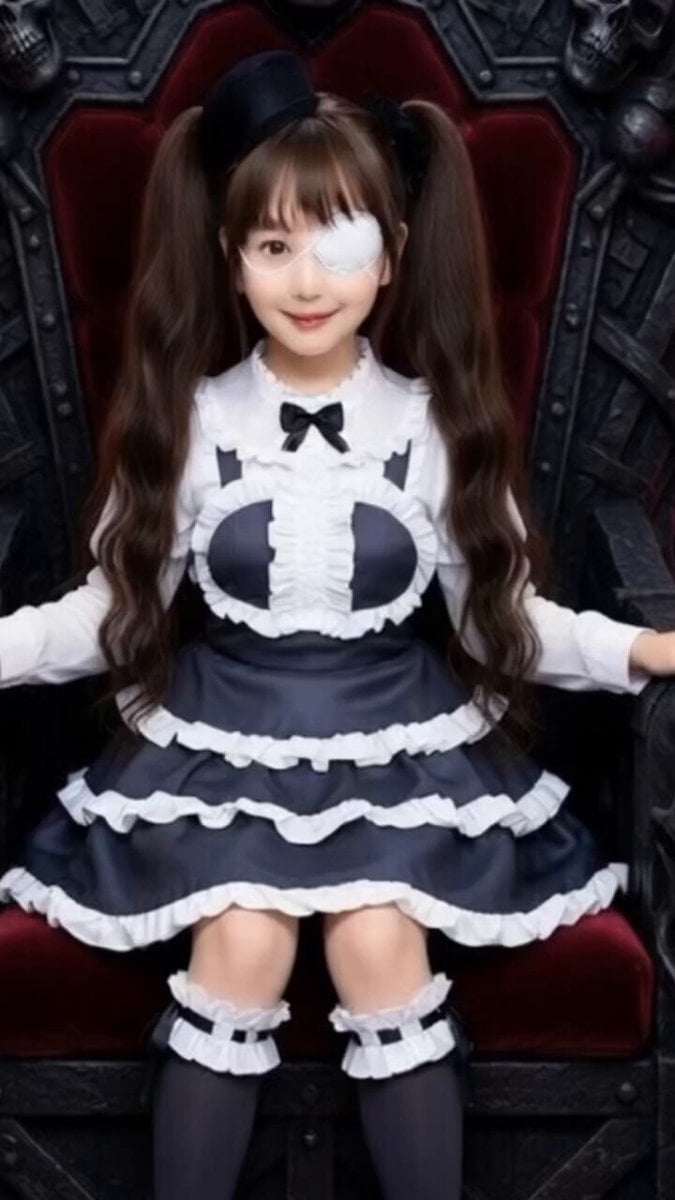
Grok Imagine Prompt: Yurine Kingdom Apocalypse Day
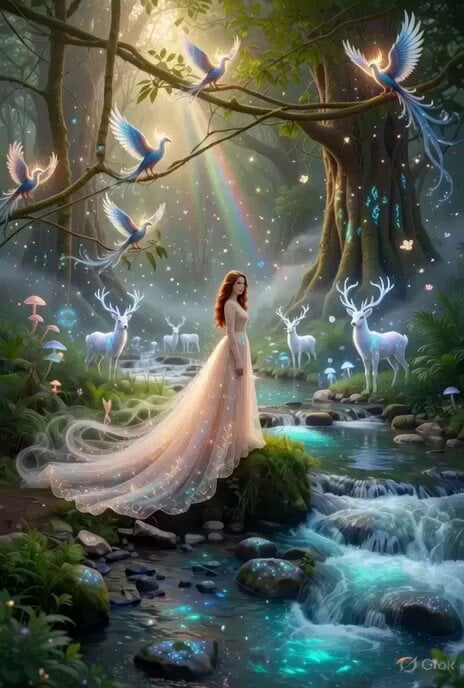
Enchanting Forest Grok Imagine Video Prompt
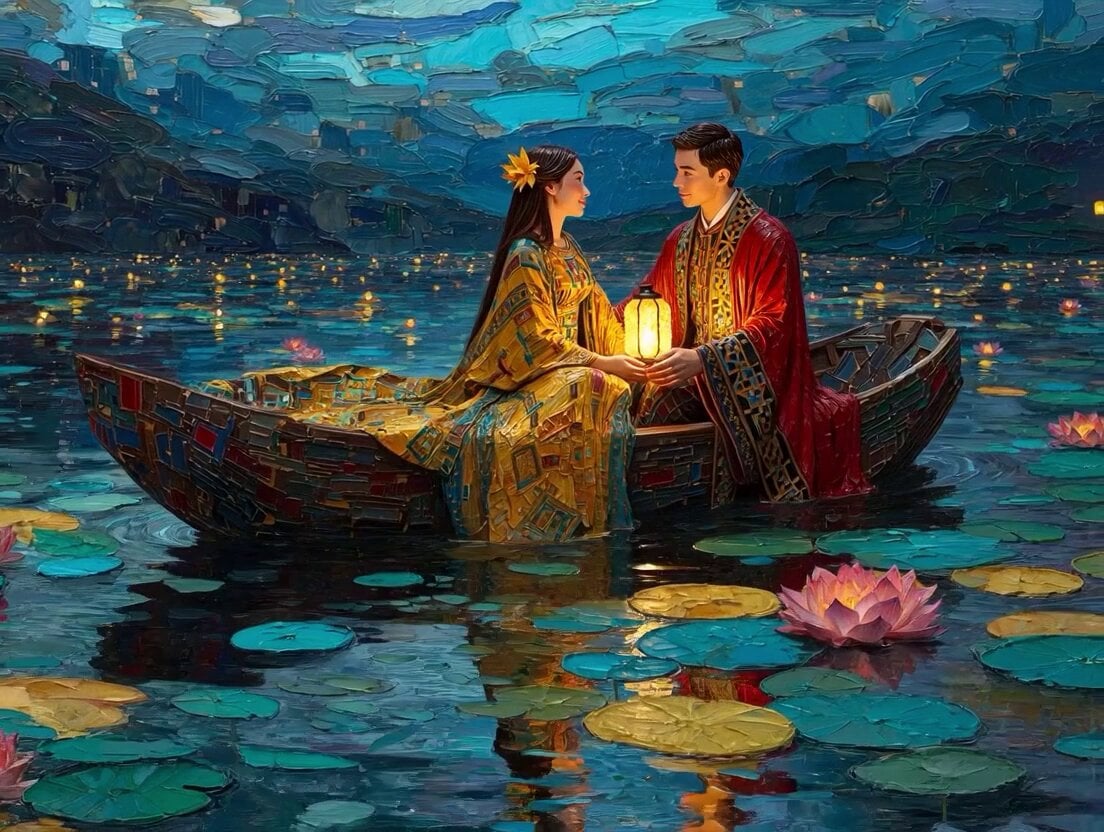
Klimt-Inspired Impasto Painting of Lovers (Midjourney/Grok Imagine)
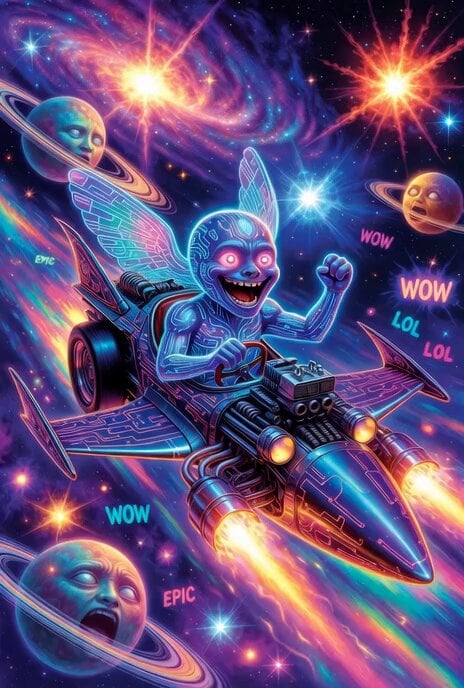
Grok Imagine prompt: Grok driving a cosmic hot rod spaceship

Grok Imagine Prompt: Linux, Containers/K8s, and OpenClaw OS Concepts
Make it yours
Grok Imagine prompt: Pixar-style 3D character sticker set from selfie works as-is. These are the safest ways to change it without losing the look.
Change one field
Copy a single group, rewrite it, and generate again so you can see what that field is doing.
Keep the frame, change the subject
Hold the composition and light of Grok Imagine prompt: Pixar-style 3D character sticker set from selfie, then swap wardrobe, props or the person for a new take.
| If the result… | Why | Fix |
|---|---|---|
| The result drifts from the preview | Too many fields changed at once. | Reuse Grok Imagine prompt: Pixar-style 3D character sticker set from selfie as-is first, then change one group — subject, light, or setting. |
| The model over-stylizes the scene | The prose prompt leaves finish and camera underspecified. | Add one camera or lighting sentence and stay on Grok Imagine. |
More Grok Imagine templates
Other prompts made for Grok Imagine.

Kaleidoscopic Cosmic Dolphin Video

Horror Daffy Duck Video Transition

America 250th Anniversary Celebration

Glowing Water Forest Night Prompt

Soft Pink Roses Dreamer Prompt

Ninja Wizard Levitation Jump

Coffee Cup Interaction Motion

Voice Controlled Water Animation

Pterodactyl Transformation Journey

Candle Mandala Mirror Video
More video prompts
Fresh picks from across the catalog.
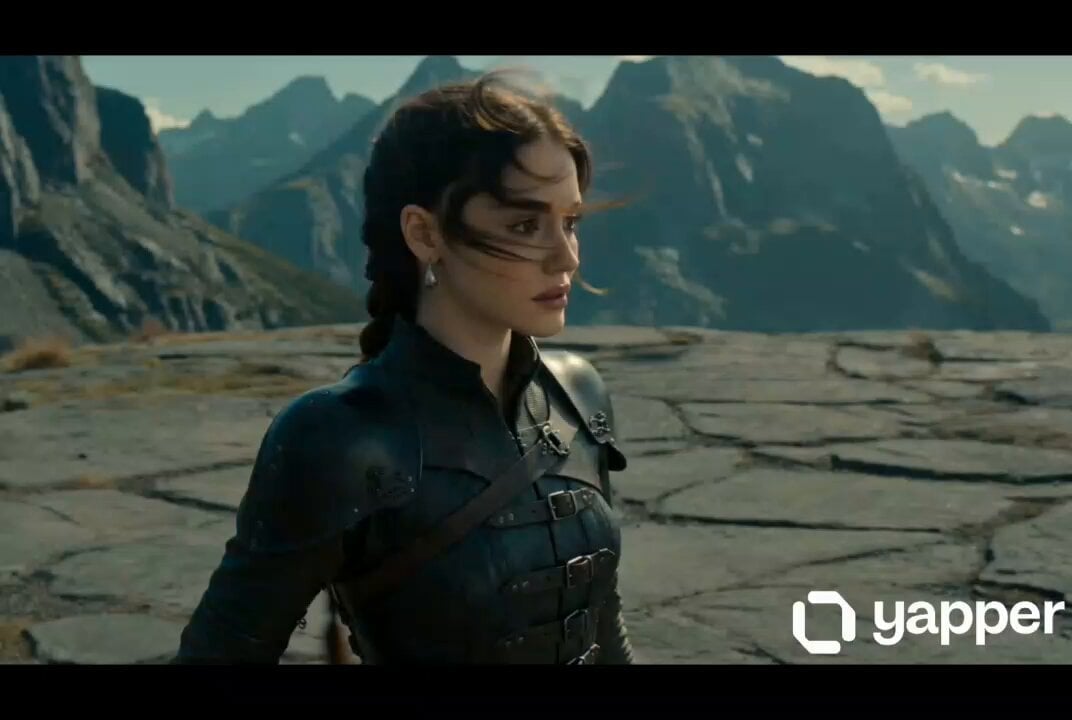
Cinematic Dragon Interaction & Flight
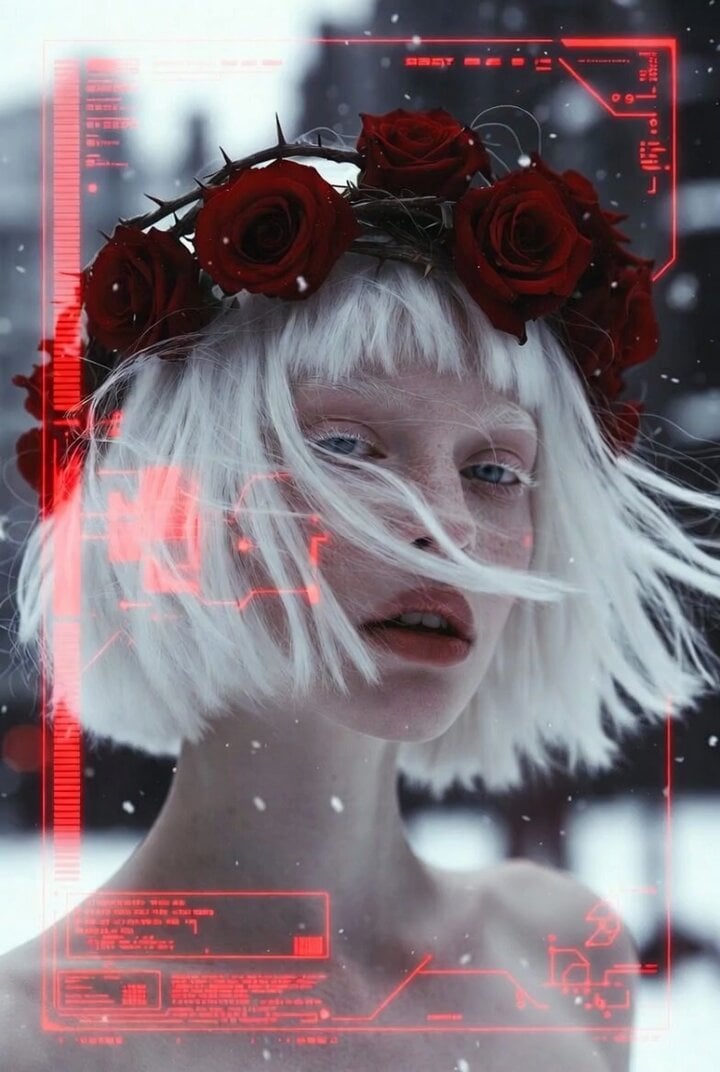
Albino Woman in Winter Storm Close-up
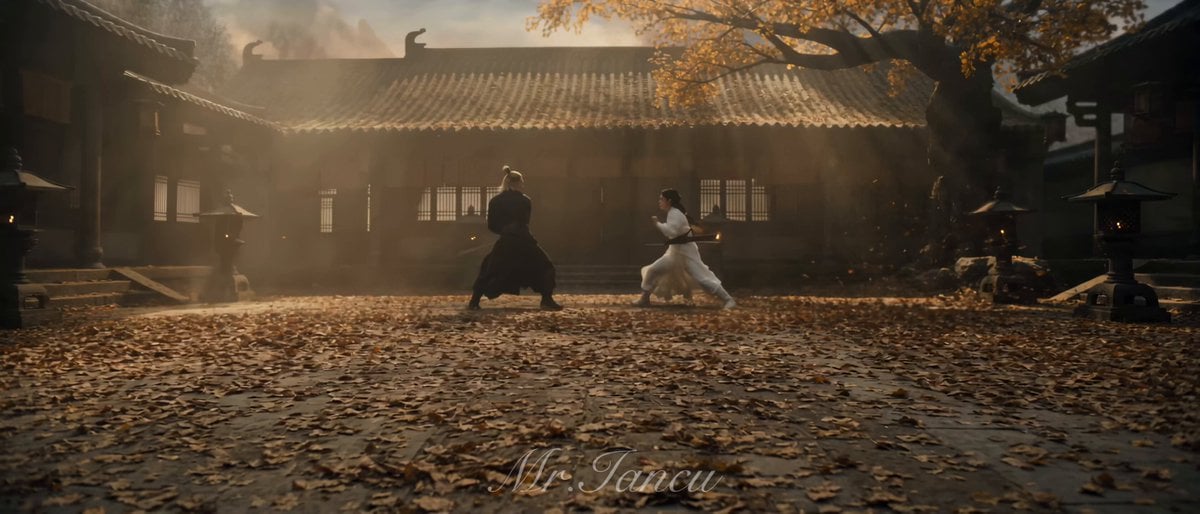
Cinematic Wuxia Combat Sequence
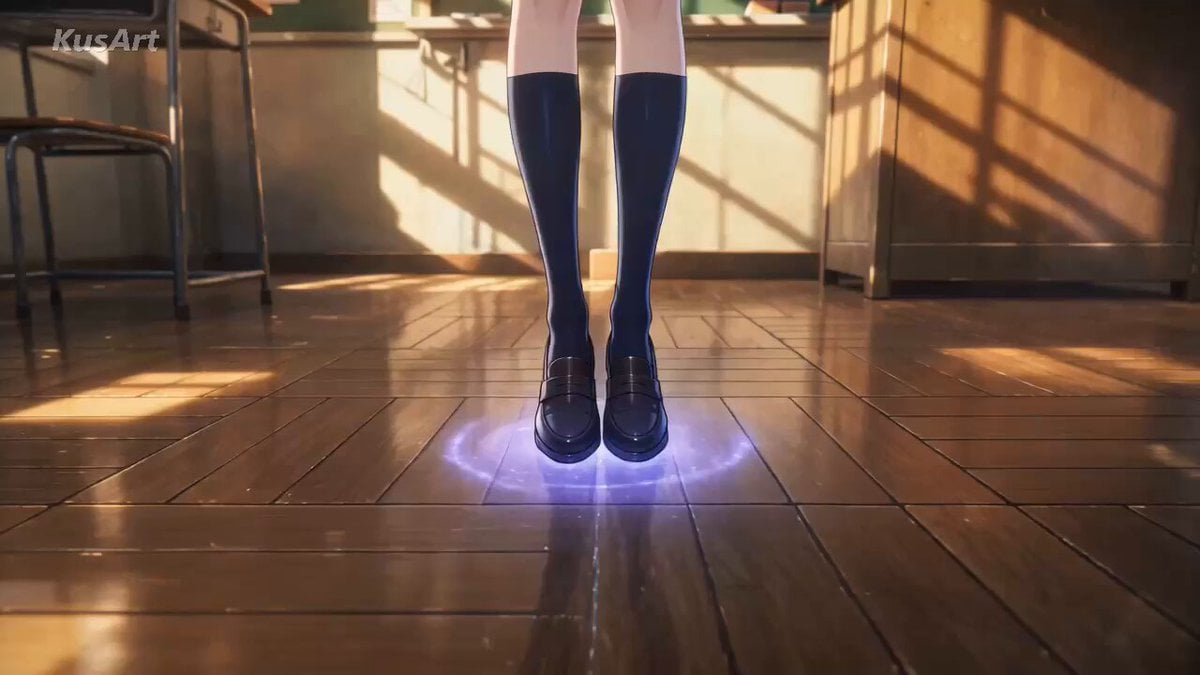
Anime Schoolgirl Teleportation Sequence
Futuristic Hypercar Racing Broadcast
Cinematic Cyberpunk Samurai with Dragons
Stainless Steel Cookware Commercial

Futuristic Ocean City Flying Limousines
Anime DJ Girl Club Performance
Girl Turning Head and Moving Hands
Browse template categories
Grok Imagine prompt: Pixar-style 3D character sticker set from selfie questions
How do I use the Grok Imagine prompt: Pixar-style 3D character sticker set from selfie template?
Add your photo if the template asks for one, edit the prompt if you like — the template's model and format are already selected — and press Generate. Your version opens in PicX Studio.
Can I customize the Grok Imagine prompt: Pixar-style 3D character sticker set from selfie template?
Yes. You can change the subject, setting, lighting, mood, format, and available model controls before creating your video.
Is the Grok Imagine prompt: Pixar-style 3D character sticker set from selfie template free?
Opening and editing this template is free. Generating uses credits, shown on the Generate button when you are signed in.
Which AI model should I use?
Start with Grok Imagine, which is the model associated with this template. You can compare another compatible model for a different finish.
Looking for something else? Browse all templates.

Your photo, any look
Thousands of ready templates for every top image and video model, from one credit balance.