
Night Pursuit Cinematic Chase
A fast-paced cinematic chase sequence at night featuring extreme close-ups and rhythmic photographic flashes.
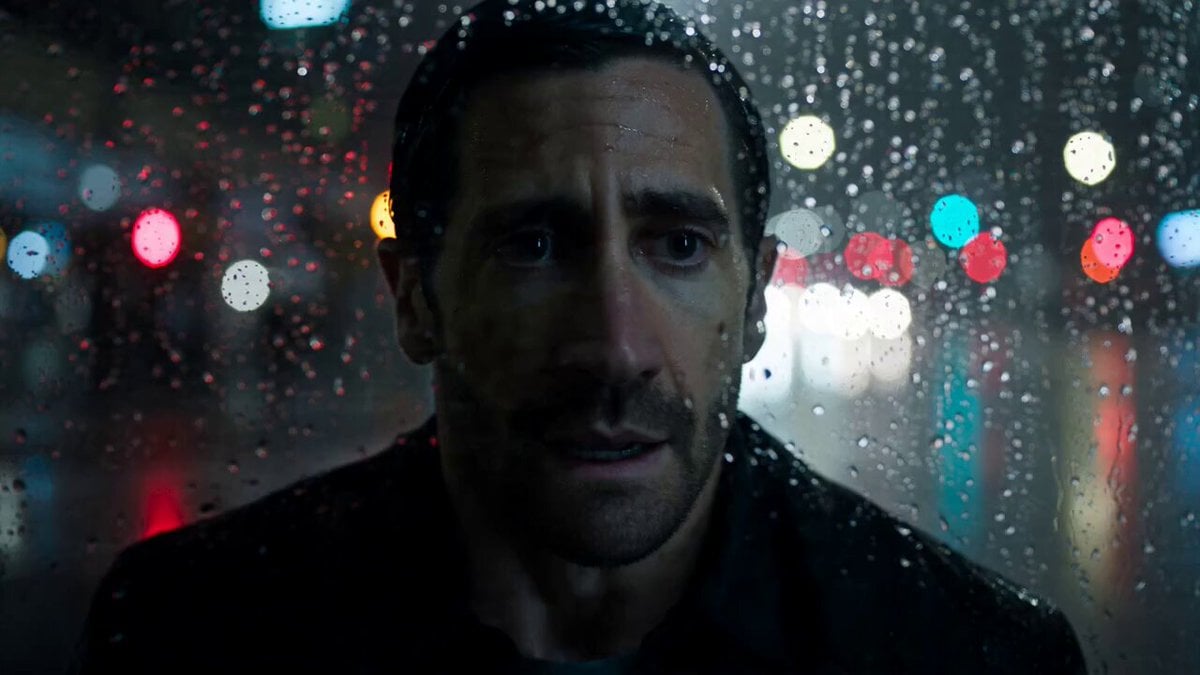
- Prompt included
- Model and format preset
- Free template
The prompt behind this video
Copy the exact prompt behind Night Pursuit Cinematic Chase, or open it in the studio and make it yours.
Open on an extreme close up of his face reflected in a rain covered bus stop glass panel, breathing hard while distant city lights distort behind him. Without warning, a passing bus completely wipes the frame, and when it clears he is already sprinting full speed down the opposite side of the street. Camera whips across traffic barriers and catches him only partially framed, creating the feeling the operator almost loses him. A flickering overhead streetlight briefly freezes his silhouette in three harsh photographic flashes synchronized to the beat. On the final flash, smash cut to a low rear chase shot as he disappears down a narrow fluorescent underground entrance.
How to use Night Pursuit Cinematic Chase in 3 steps
- 1
Open
The prompt is already in the box next to the preview, with the template's model and format selected.
- 2…a portrait of your subject in softgolden-hour light, 85mm…
Personalize
Edit the subject and creative details for your destination.
- 3Generate
Generate
Press Generate — your video is created in PicX Studio, so you can compare it with the original and refine one variable at a time.
More like this
Templates with the same subject, style or setup. Open one to see its prompt.
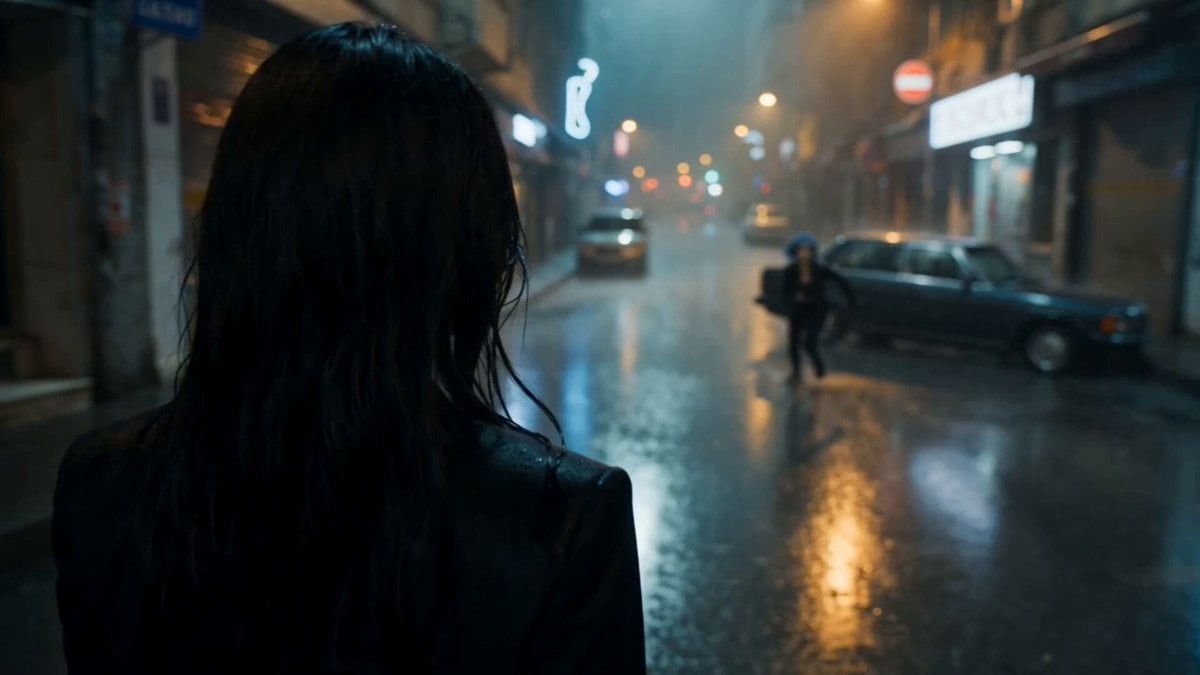
Cinematic Istanbul Night Fight - Seedance 2.5
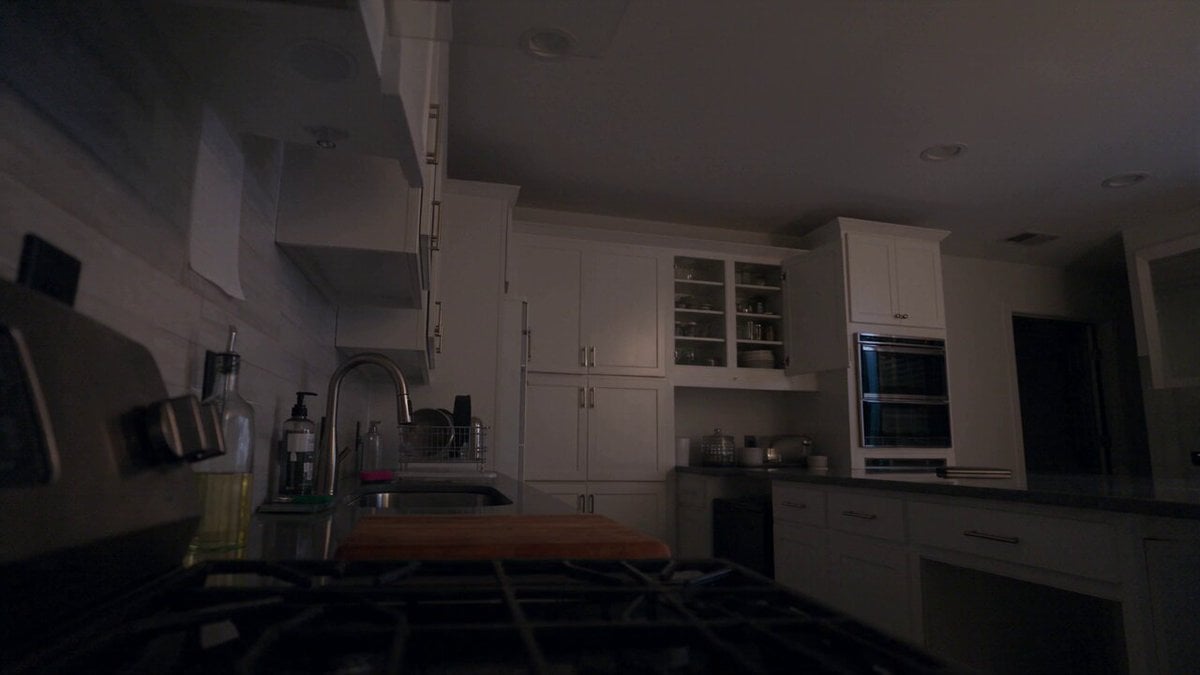
Late Night Kitchen Phone Recording - Seedance 2.5
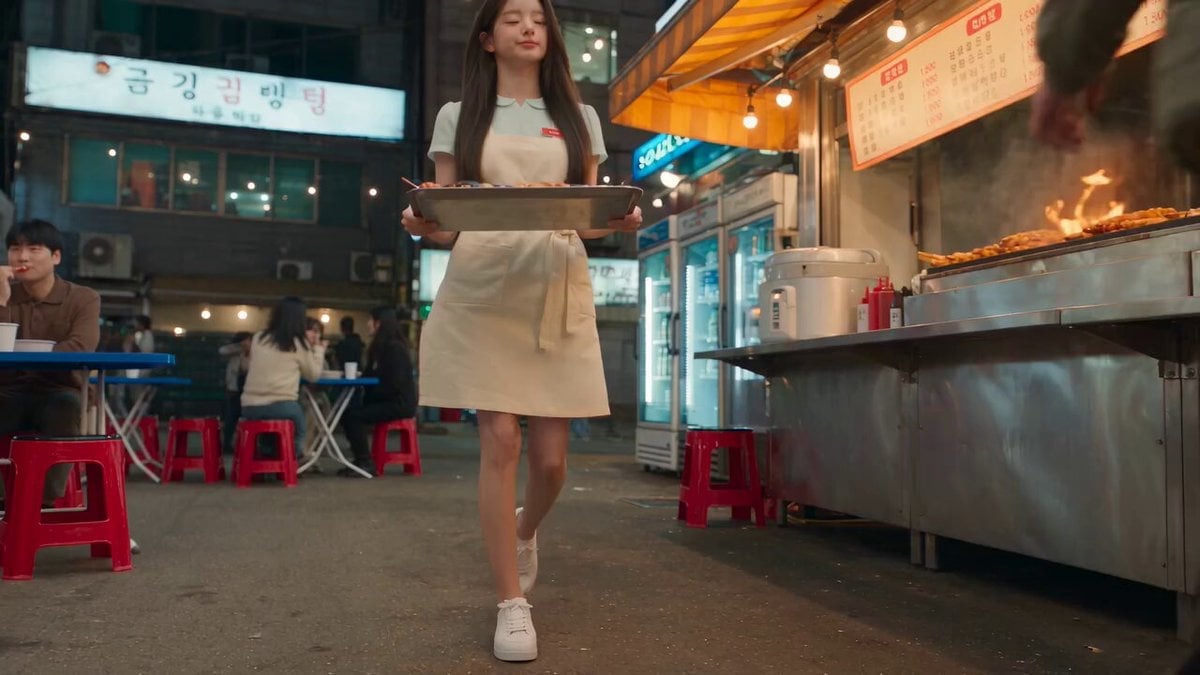
Korean Night Market Bullet-Time Scene - Seedance 2.5
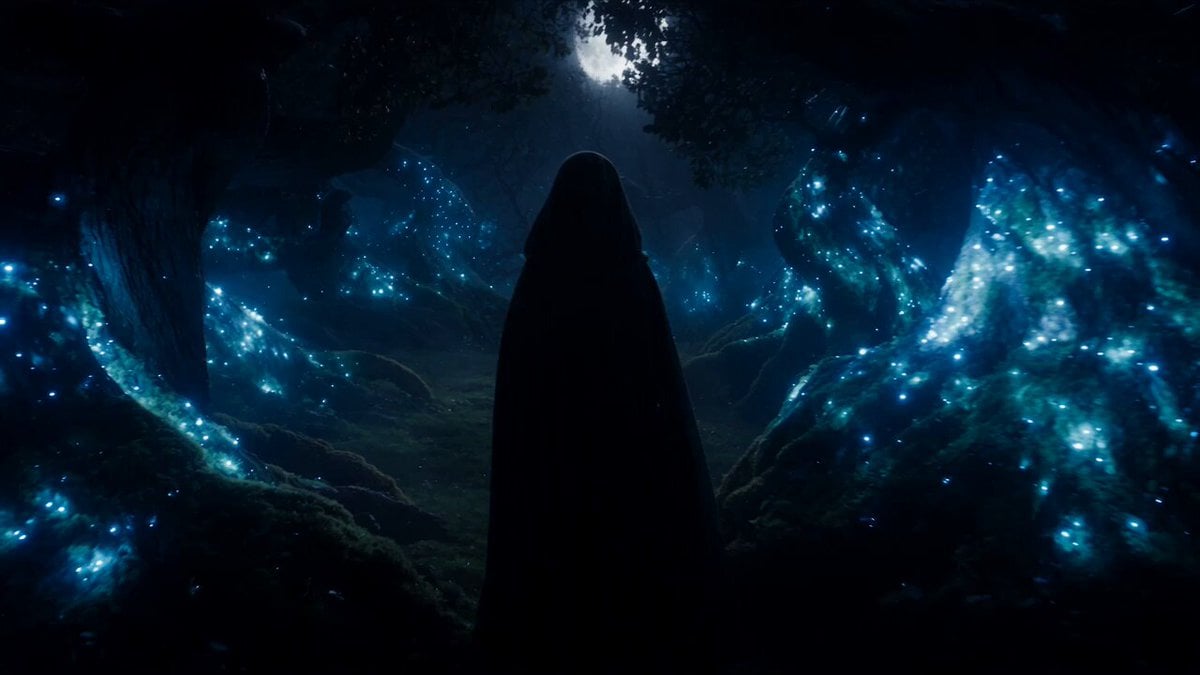
Forest Fantasy Girl Short Film
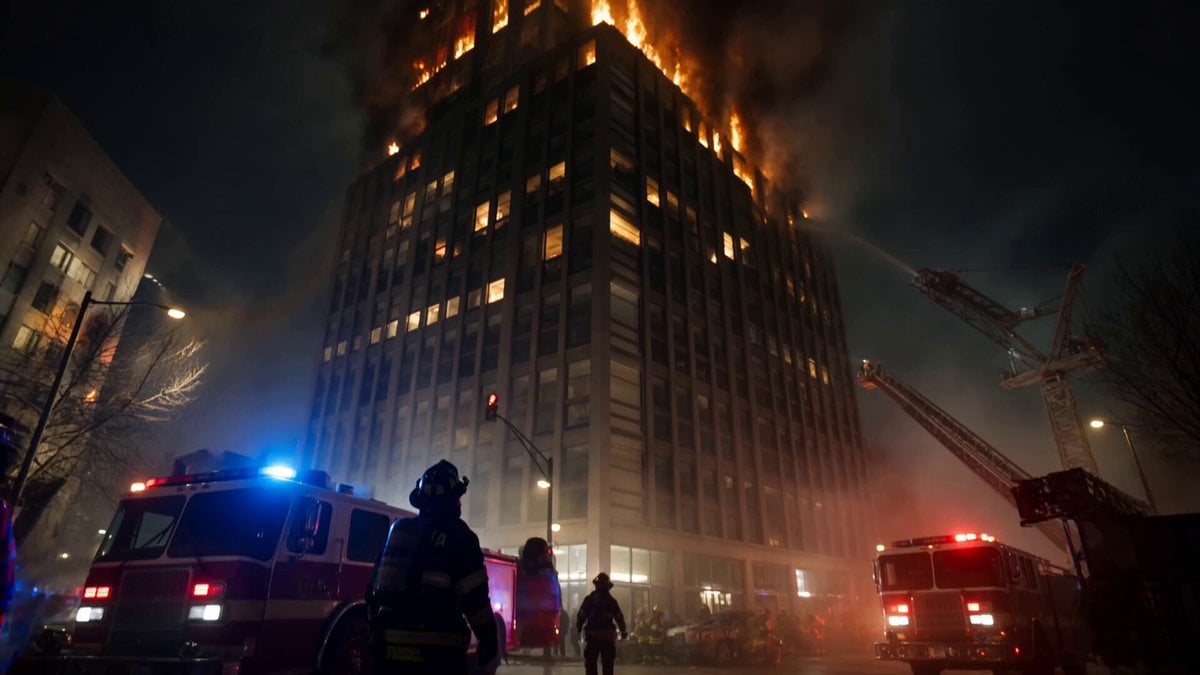
Live-Action Firefighter Rescue Night Scene
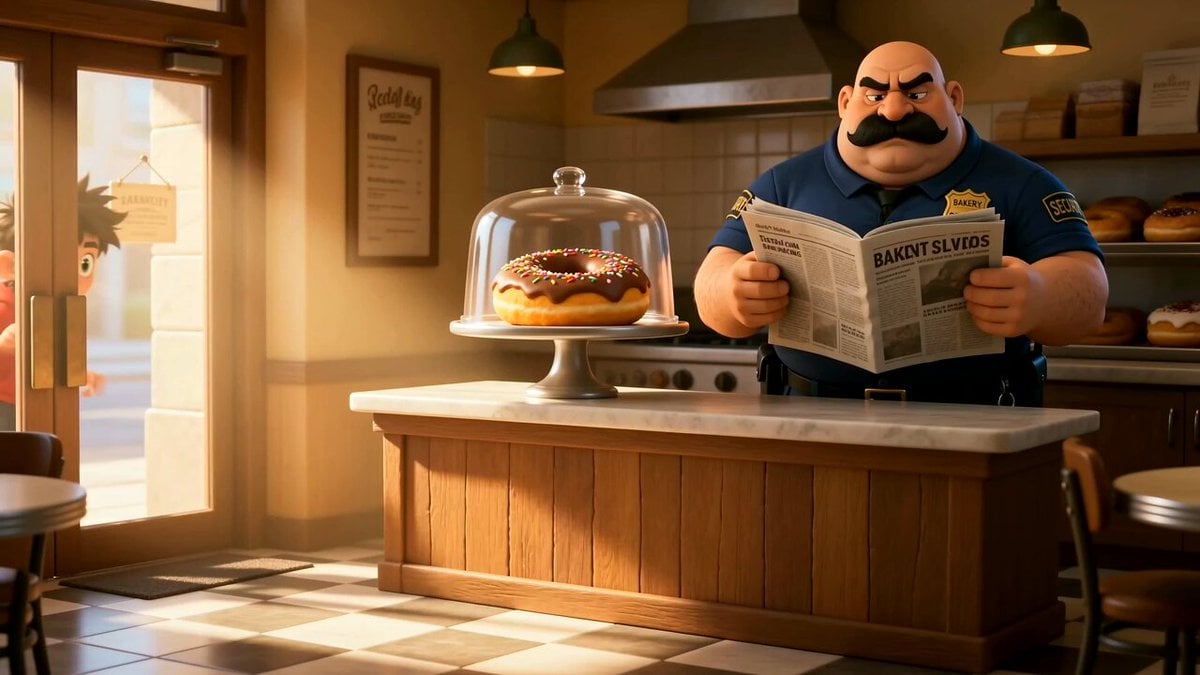
Cartoon Donut Heist Bakery Chase
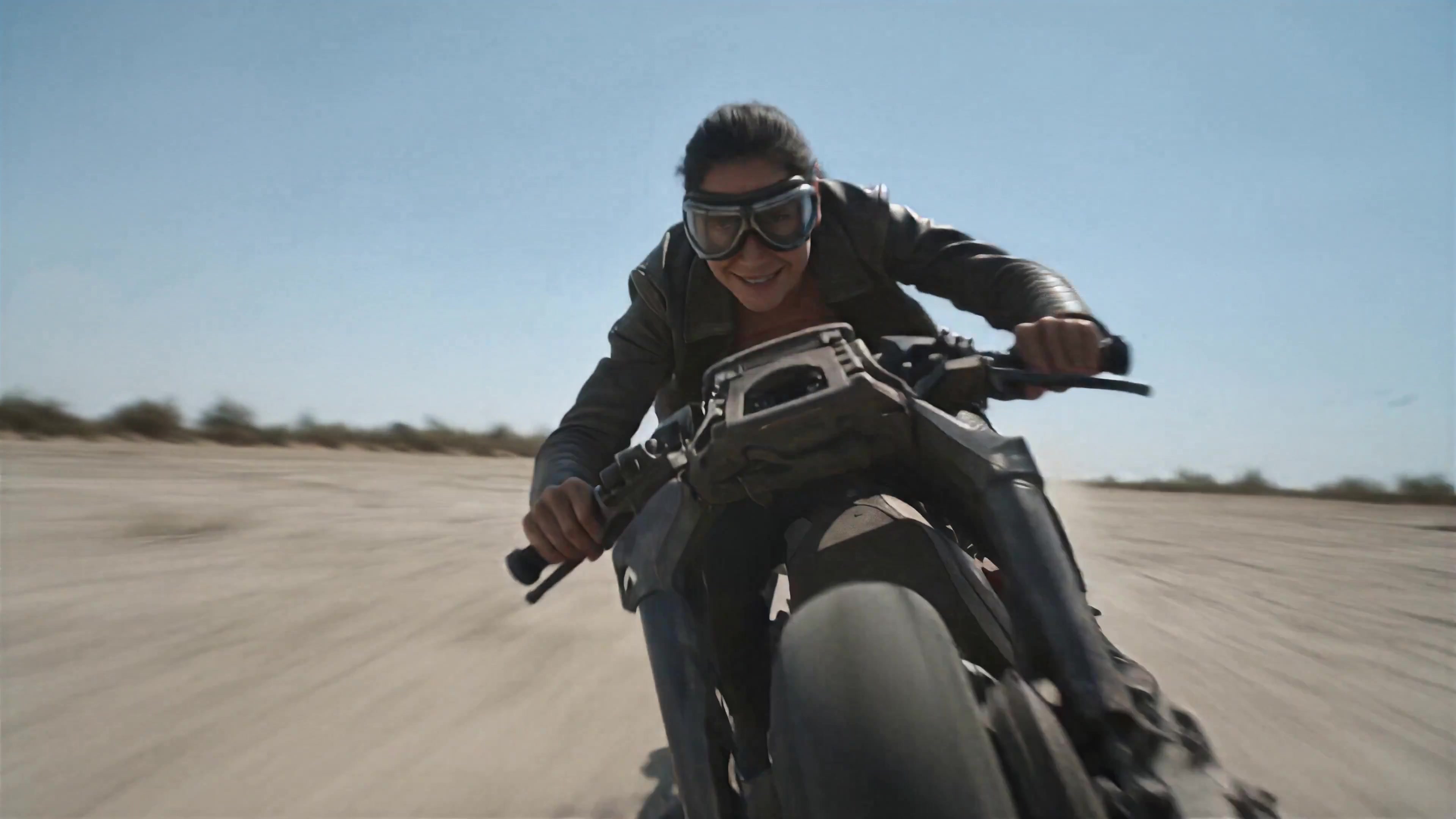
Walking Factory with Rebel on Hoverbike - Wasteland
Amazon FPV Drone Chase — Seedance 2.0
Porsche 911 GT3 RS Night Racing — Neon City Streets
Rainforest Thriller — Searching the Unseen
Dim Sum Chase — Shrimp Dumpling Monster
Asteroid Impact City Destruction
Make it yours
Night Pursuit Cinematic Chase works as-is. These are the safest ways to change it without losing the look.
Change one field
Copy a single group, rewrite it, and generate again so you can see what that field is doing.
Keep the frame, change the subject
Hold the composition and light of Night Pursuit Cinematic Chase, then swap wardrobe, props or the person for a new take.
| If the result… | Why | Fix |
|---|---|---|
| The result drifts from the preview | Too many fields changed at once. | Reuse Night Pursuit Cinematic Chase as-is first, then change one group — subject, light, or setting. |
| The model over-stylizes the scene | The prose prompt leaves finish and camera underspecified. | Add one camera or lighting sentence and stay on Seedance 2.0. |
More Seedance 2.0 templates
Other prompts made for Seedance 2.0.

Comical Martial Arts Punch Scene

Maglev Train Action Sequence

Martial Arts Fight Sequence

Wuxia Protection and Trust Script

Vintage Korean Arcade MiniDV Vlog

Mercedes 190 SL Luxury Ad

Amazon Civilization Discovery

Futuristic South Asian City Transformation

Cozy Luxury Cafe Commercial
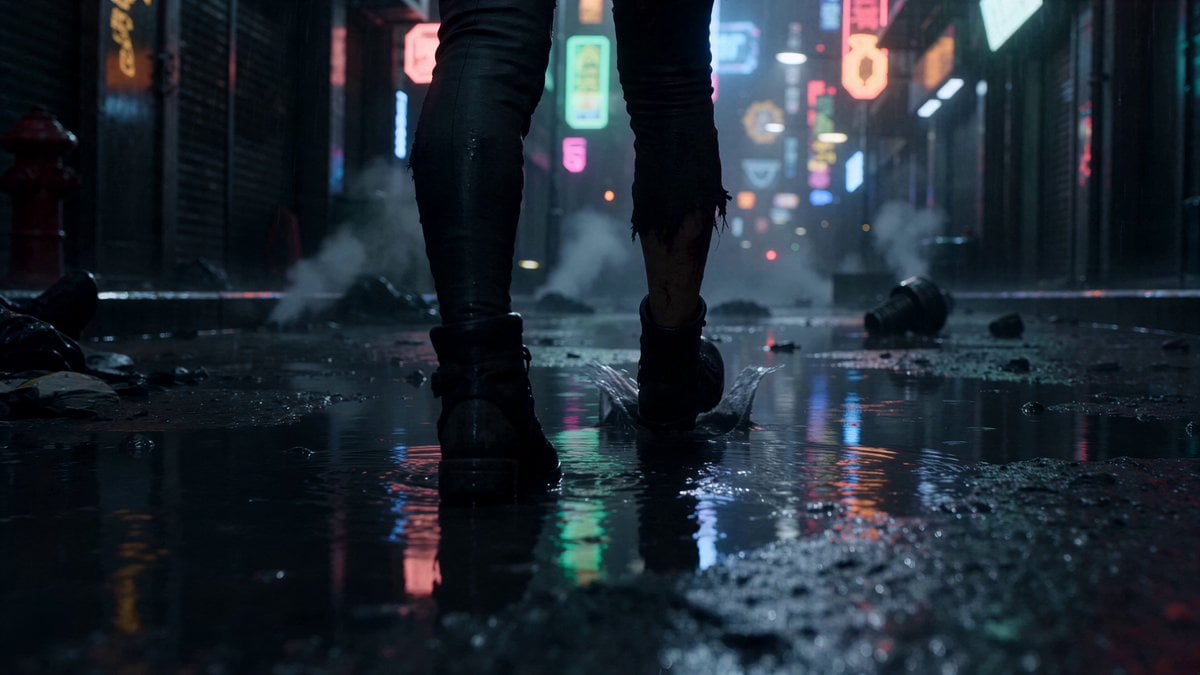
Cyber Ronin Nanotech Transformation Video
More video prompts
Fresh picks from across the catalog.
Crystal Ball Match-Cut Brand Film
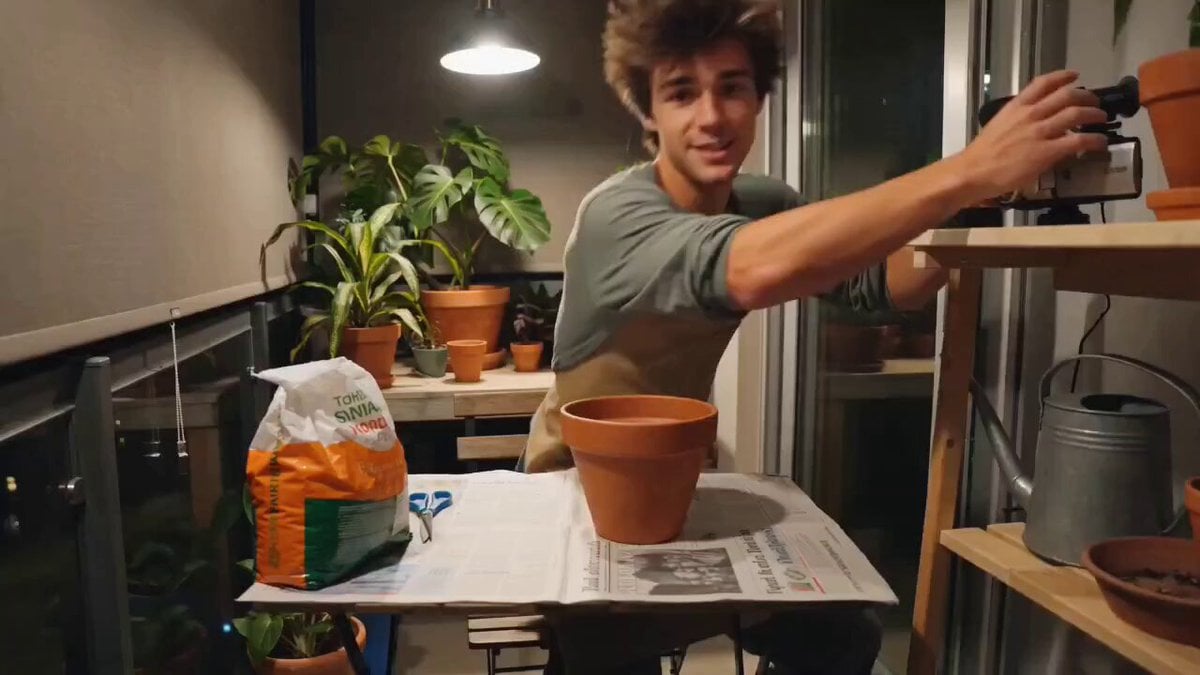
Cozy Evening Plant Repotting Vlog Storyboard
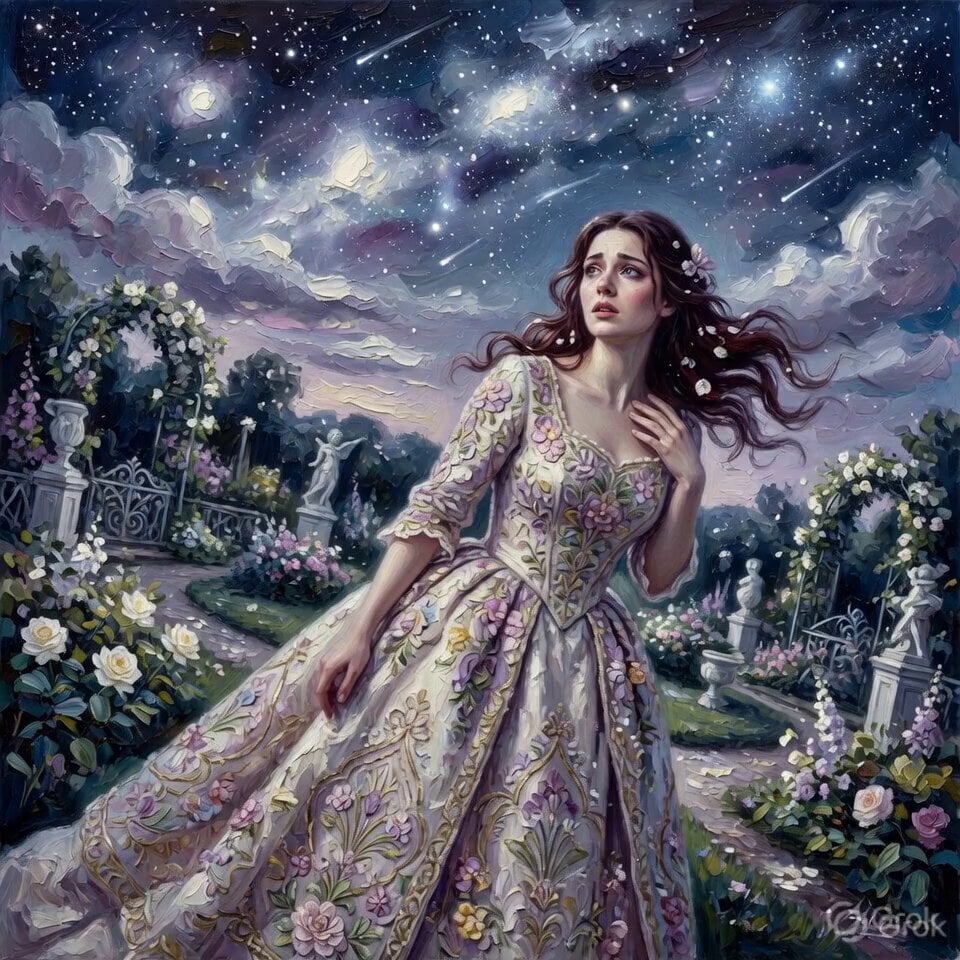
Moonlit Oil Painting Garden Portrait
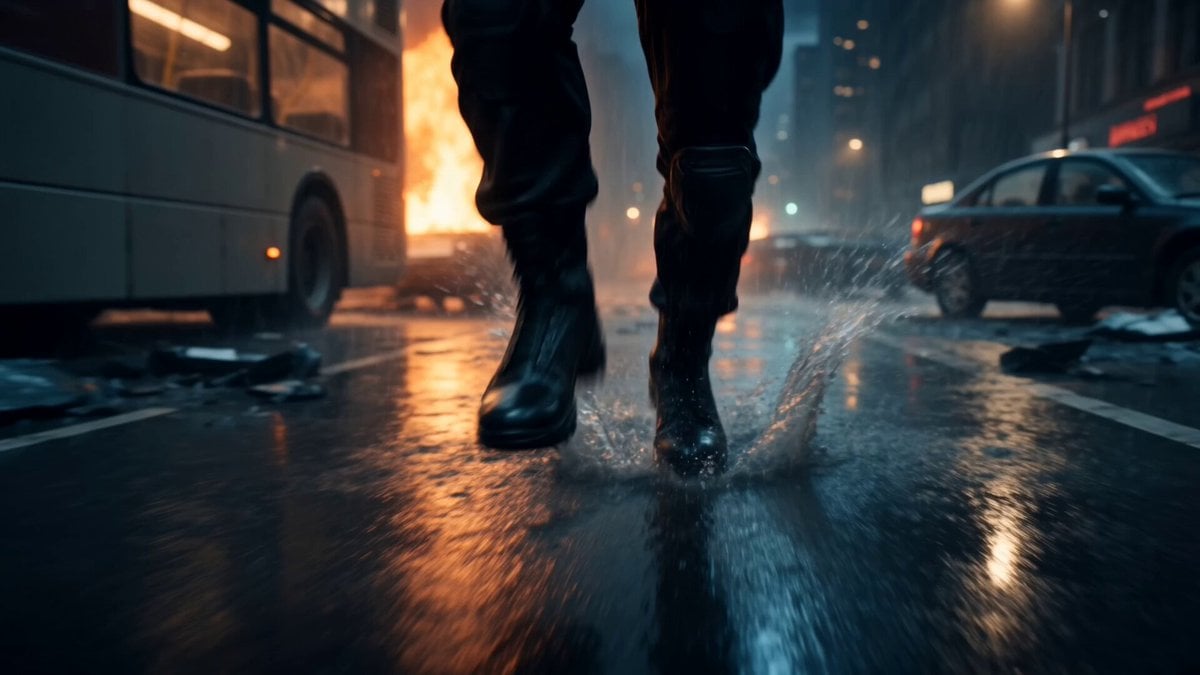
Alien Invasion City Chase Cinematic Video
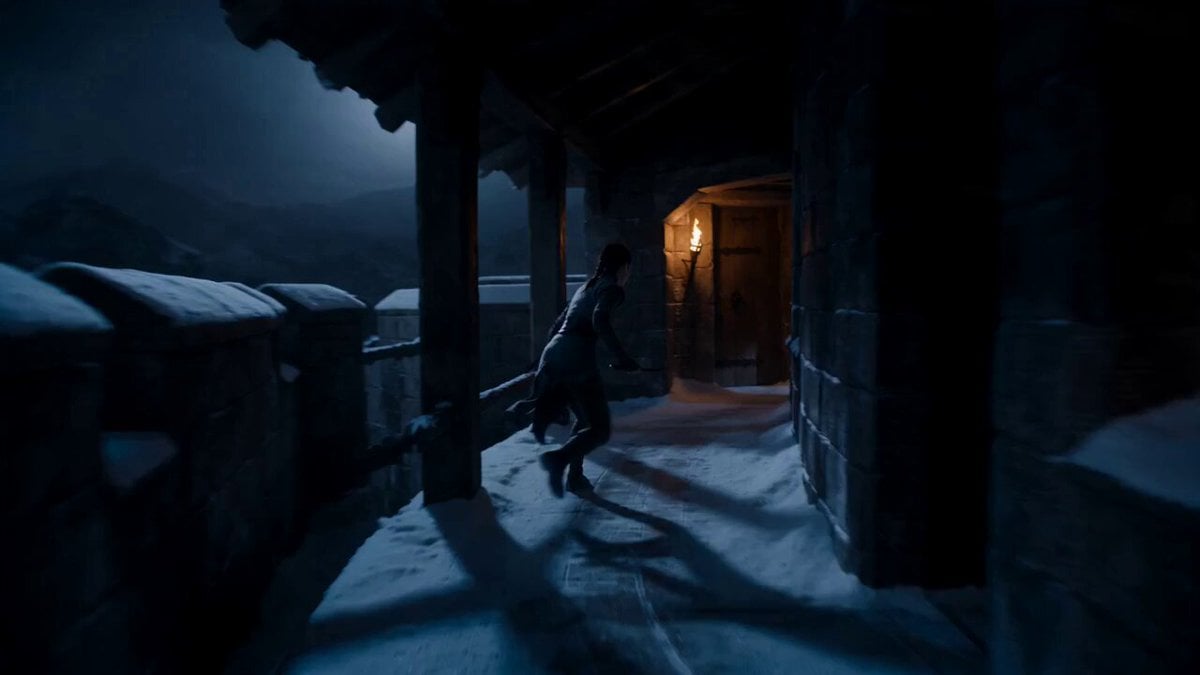
Supernatural Assassin Fortress Infiltration
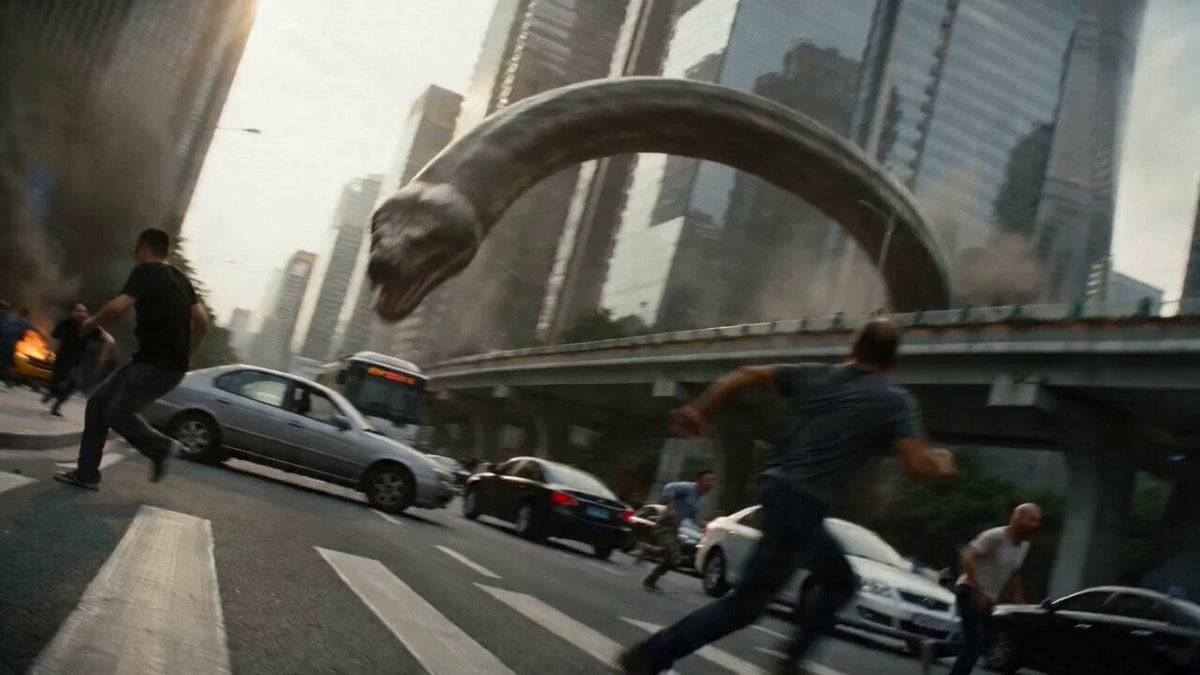
Epic Battle Between Giant Python and Chinese Dragon
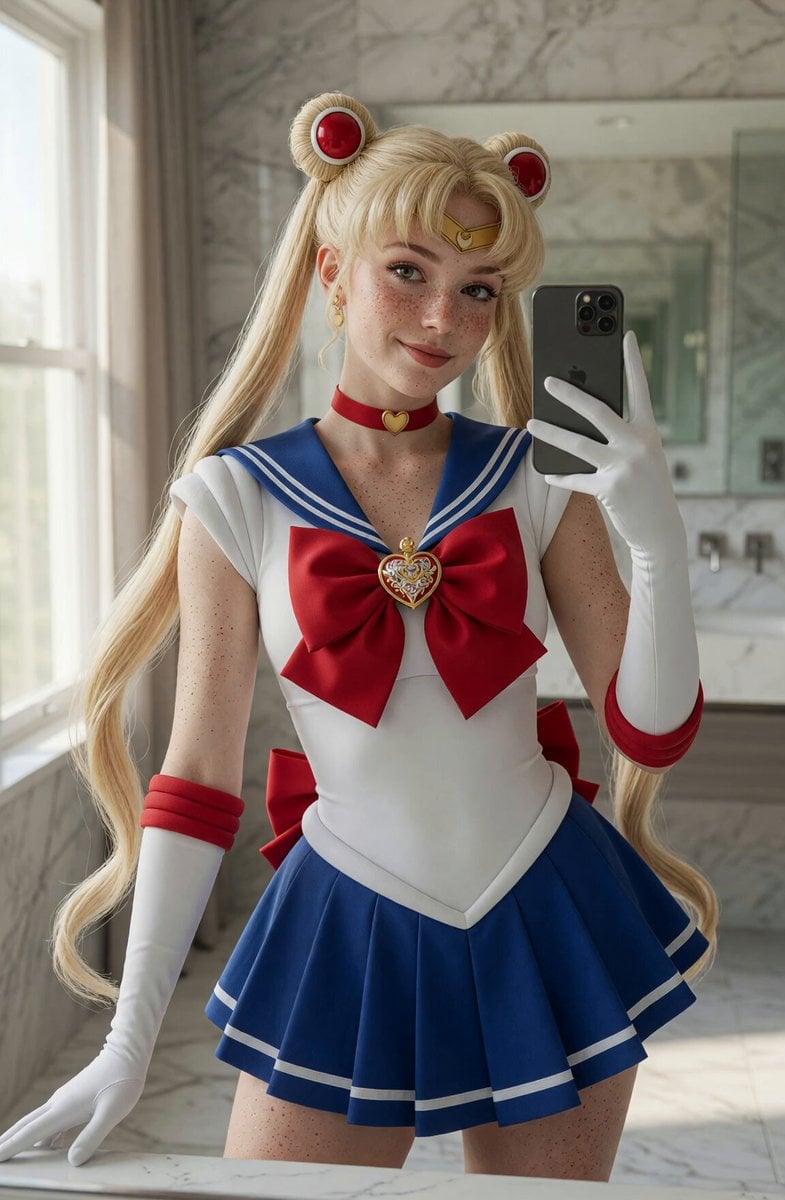
Sailor Moon Mirror Selfie Video
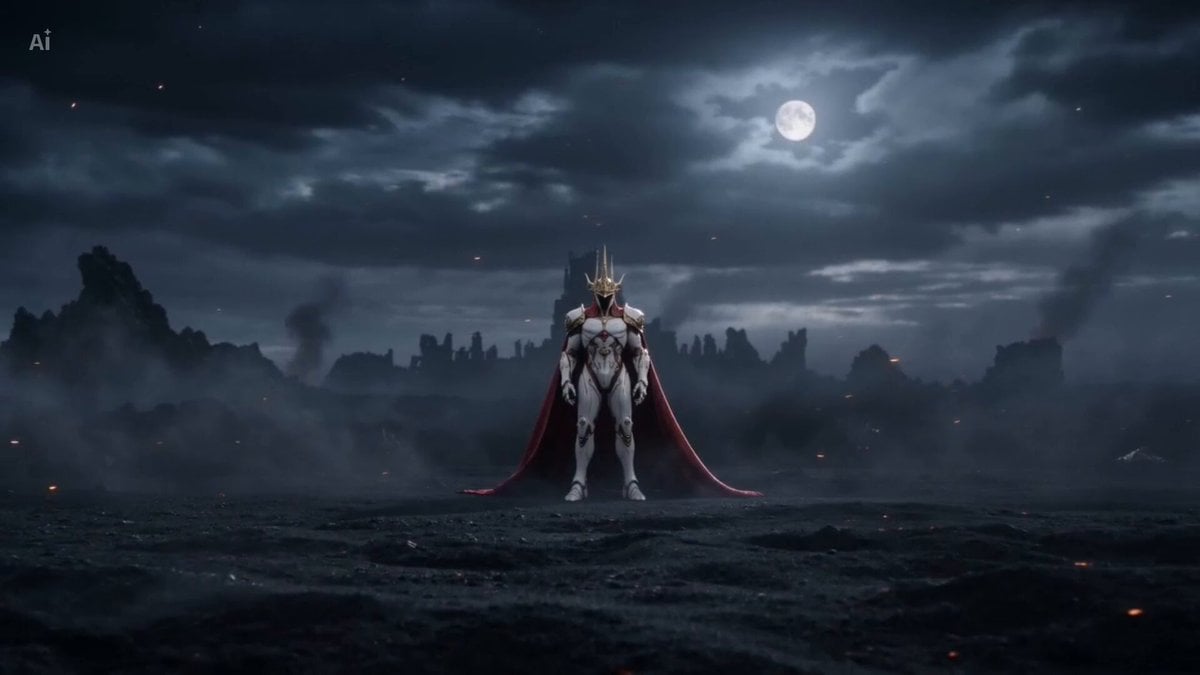
Mysterious Royal Warrior Character and Environment Settings
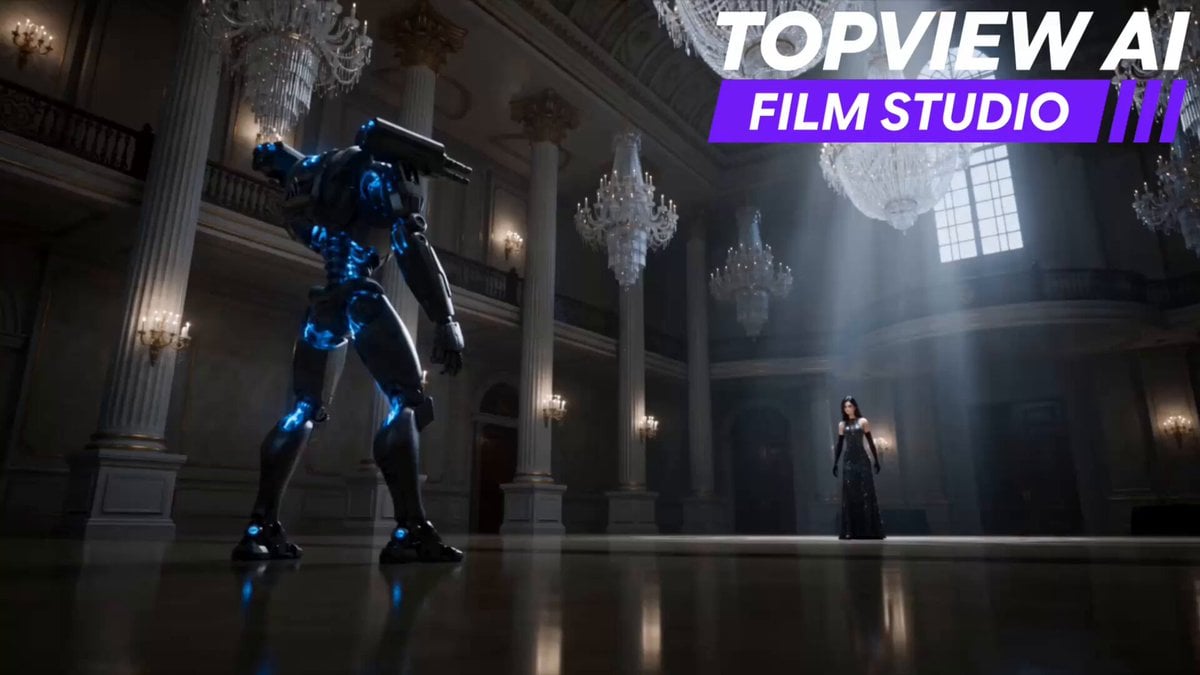
Topview Film Studio、実際に使ってみた... これはかなり使い勝手良いですね!✨
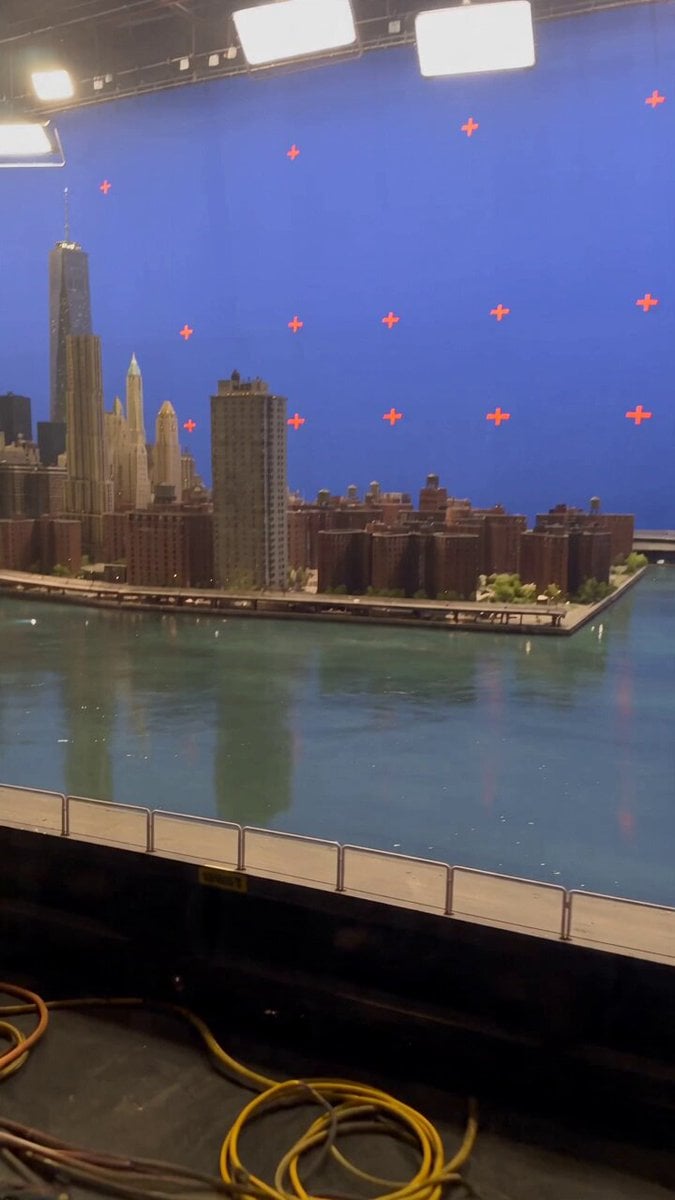
Miniature City Flood Soundstage
Browse template categories
Night Pursuit Cinematic Chase questions
How do I use the Night Pursuit Cinematic Chase template?
Add your photo if the template asks for one, edit the prompt if you like — the template's model and format are already selected — and press Generate. Your version opens in PicX Studio.
Can I customize the Night Pursuit Cinematic Chase template?
Yes. You can change the subject, setting, lighting, mood, format, and available model controls before creating your video.
Is the Night Pursuit Cinematic Chase template free?
Opening and editing this template is free. Generating uses credits, shown on the Generate button when you are signed in.
Which AI model should I use?
Start with Seedance 2.0, which is the model associated with this template. You can compare another compatible model for a different finish.
Looking for something else? Browse all templates.

Your photo, any look
Thousands of ready templates for every top image and video model, from one credit balance.