
F1 Grand Prix Grandstand Dance Video
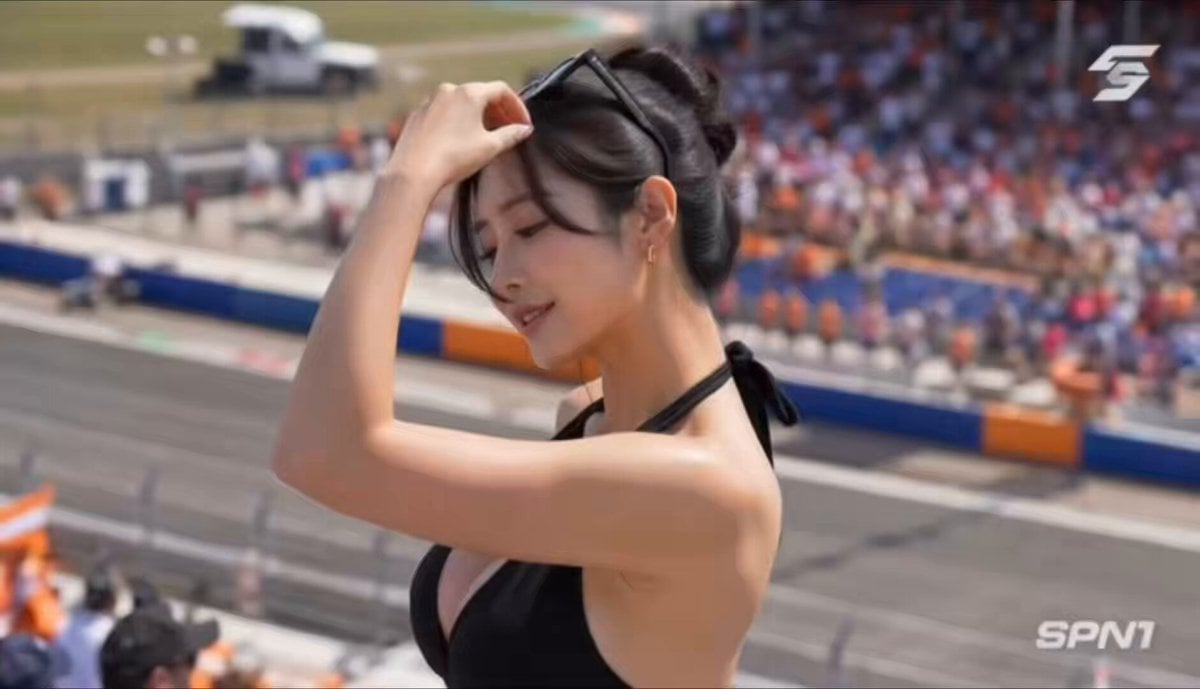
A high-quality prompt for Seedance creating a realistic handheld video of a woman dancing at an F1 race, focused on realistic lighting and motion.
- Prompt included
- Model and format preset
- Free template
The prompt behind this video
Copy the exact prompt behind F1 Grand Prix Grandstand Dance Video, or open it in the studio and make it yours.
主要角色:年轻东亚女性,黑色高丸子头搭配随性碎发,头顶架着黑框墨镜,金色小巧耳饰,黑色挂脖深V连体阔腿裤,健康细腻的皮肤质感,妆容精致明艳,神态松弛又有感染力。在整个视频中保持一致的身份、服装、发型和外貌。 地点:白天的F1大奖赛看台前排,橙蓝配色的赛道防护墙向远处延伸,看台上坐满观众,不少人挥舞橙色旗帜,赛道上有赛车高速驶过,明亮日光铺满全场,赛场氛围热烈鲜活。 视觉风格:赛场现场纪实质感,热舞动作自然随性不刻意,充满即兴松弛的热辣感,环境细节真实丰富,人物动作流畅舒展,完全融入赛场的热烈氛围中。 摄像风格:现场观众视角手持拍摄,轻微自然的手持晃动,跟随舞蹈动作小幅跟拍运镜,日光下真实的光影与明暗层次,偶尔有前景栏杆、观众入镜,还原随手记录的临场感,无过度调色,无刻意电影化运镜。 00:00–00:02 看台护栏边,她原本放松坐着,被现场氛围带动后扬起笑意,双手撑着护栏缓缓起身,身体随背景节奏小幅摆动,远处赛道有赛车飞驰而过带起模糊残影。 00:02–00:04 中景平视视角,她站在看台过道,身体跟随节奏扭腰摆胯,一只手自然抬起随律动摆动,鬓边碎发随动作轻晃,镜头随她的动作轻微跟拍,周围有观众侧目关注。 00:04–00:06 近景侧身镜头,她抬手撩过鬓边碎发,配合节奏完成流畅的顶胯动作,阳光落在肩颈处形成自然高光,画面带着轻微的手持抖动,充满真实现场感。 00:06–00:08 半全景拉远镜头,她在看台狭小空间里随性热舞,手臂舒展打开又收回,脚步随节奏轻点地面,身后挥舞旗帜的人群与赛道背景融为一体,热烈氛围拉满。 00:08–00:10 正面近景特写,她望向镜头方向露出浅笑,身体wave动作流畅自然,头顶的墨镜随动作微微滑动,她抬手扶稳墨镜,舞蹈节奏丝毫没有停顿。 00:10–00:12 侧后方视角,她转身背对镜头,胯部随节奏利落摆动,一只手轻搭护栏,阔腿裤裤腿随动作自然垂坠晃动,背景里赛车再次呼啸驶过,速度感扑面而来。 00:12–00:15 切回正面中景,她做一个利落的收尾动作,抬手拨回碎发,笑着轻喘一口气,转头望向赛道方向,周围传来零散的观众欢呼声,镜头慢慢拉远,画面自然淡出。 音频:纯赛场真实环境音——赛车高速驶过的引擎轰鸣声、观众的欢呼呐欢声、现场隐约的动感背景音、旗帜挥舞的风声、人群嘈杂的交谈声,无额外旁白,无后期配乐,完全还原现场声场。 目标:捕捉F1大奖赛看台上即兴热舞的鲜活瞬间,将赛场的速度感与人物的松弛热辣感融合,真实随性、充满临场氛围感,仿佛现场观众随手记录下的惊喜片段。
How to use F1 Grand Prix Grandstand Dance Video in 3 steps
- 1
Open
The prompt is already in the box next to the preview, with the template's model and format selected.
- 2…a portrait of your subject in softgolden-hour light, 85mm…
Personalize
Edit the subject and creative details for your destination.
- 3Generate
Generate
Press Generate — your video is created in PicX Studio, so you can compare it with the original and refine one variable at a time.
More like this
Templates with the same subject, style or setup. Open one to see its prompt.

Cyberpunk Holographic Dance Performance - Seedance 2.5
Early-2000s Trainee Flashback Film

Luxury Airport Travel Vlog
Ballerina Opera House — Seedance 2.0
In Each Other's Gravity — Dance Duo
Grand Award Show Environment
Grand Sacred Imperial Capital at the Edge of the Cosmos
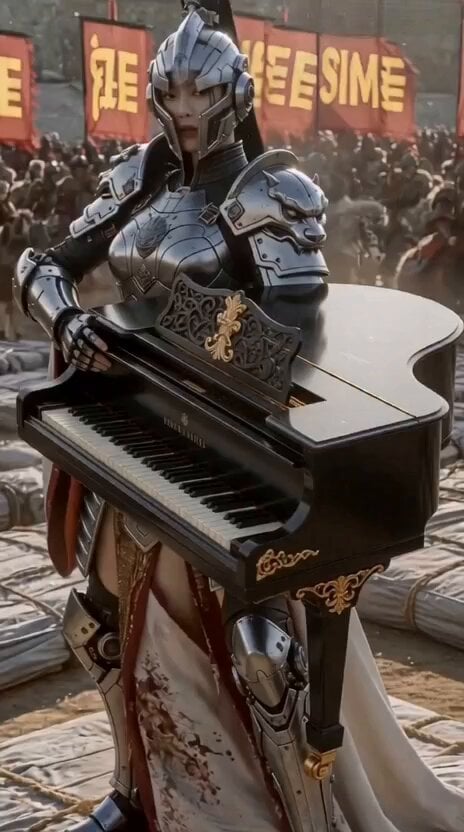
Futuristic Warrior Playing Grand Piano
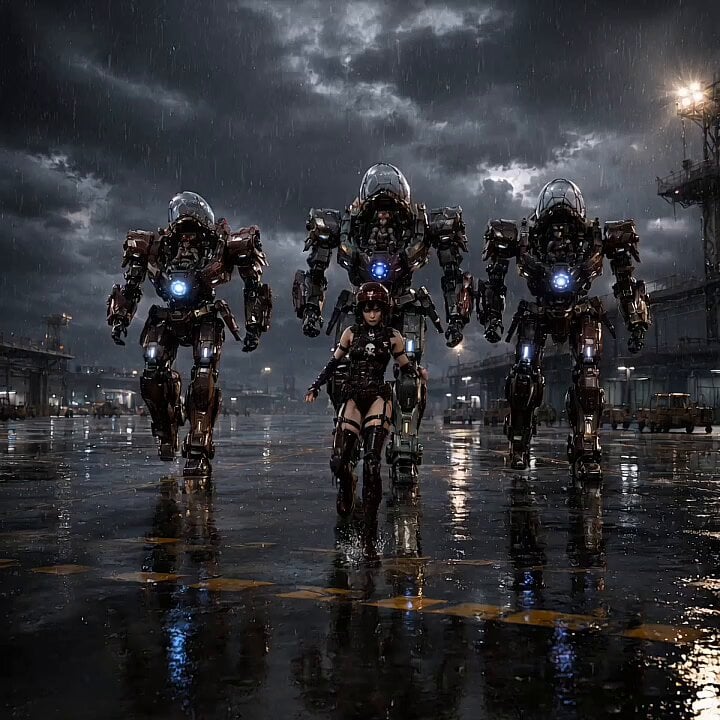
Mecha Runway Tap Dance Video Prompt
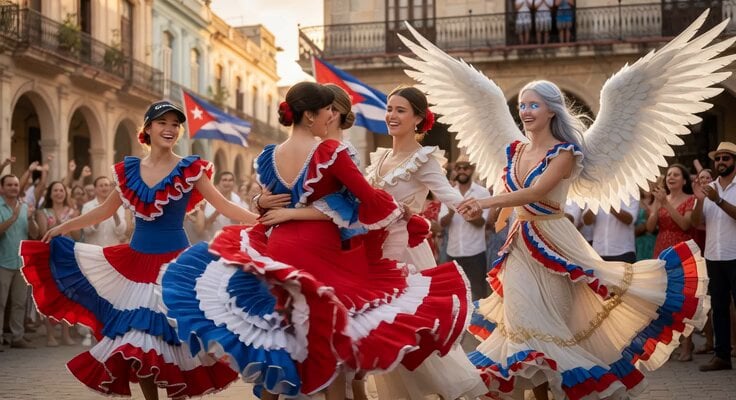
Cuban Plaza Dancers Extension
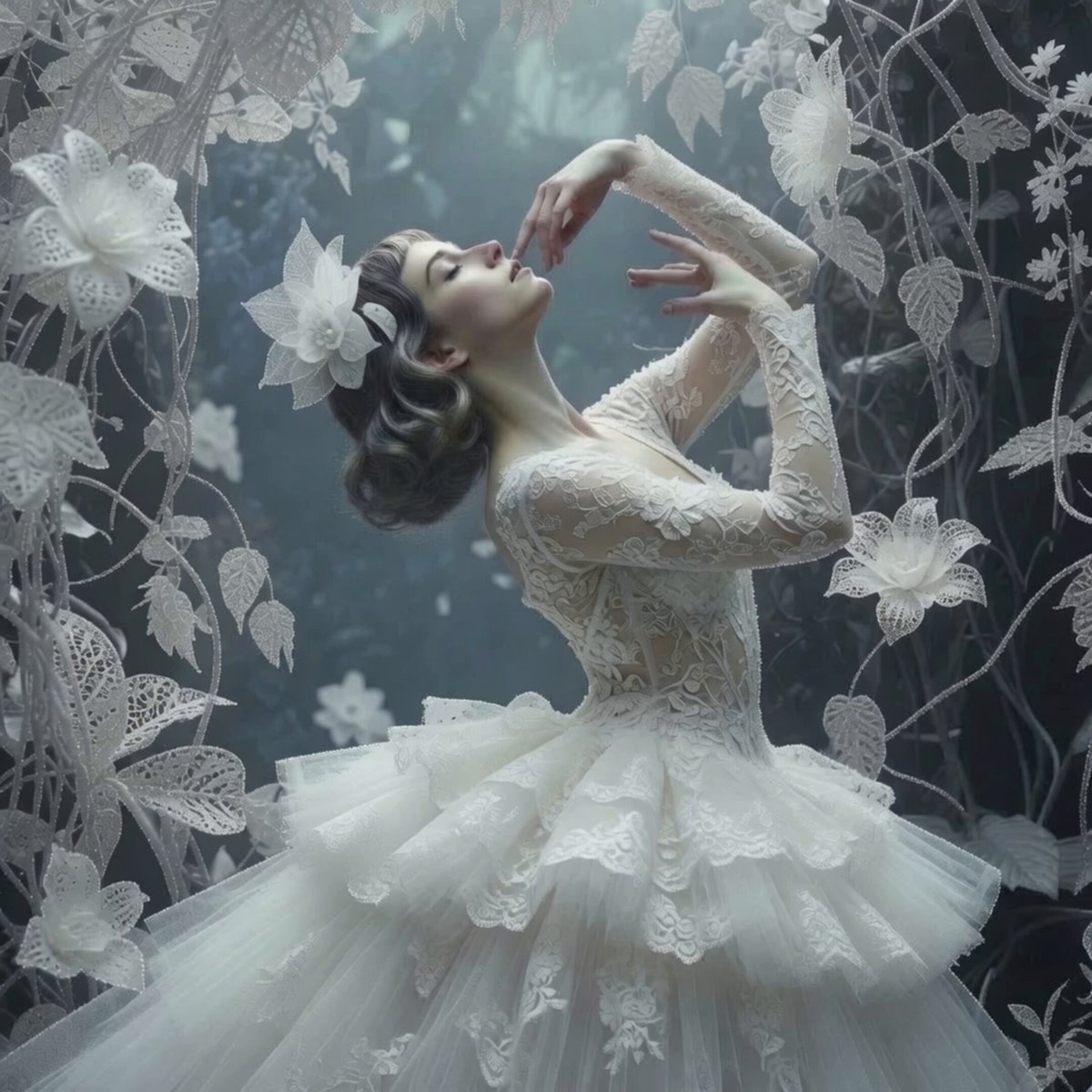
Ethereal Ballerina Garden Dance
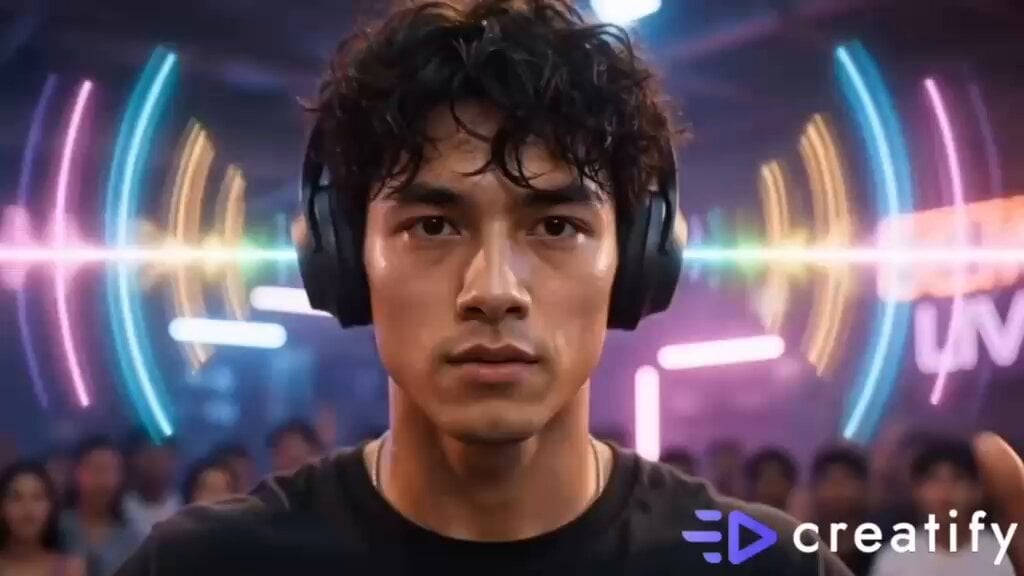
Street Dance Battle Sony Headphones
Make it yours
F1 Grand Prix Grandstand Dance Video works as-is. These are the safest ways to change it without losing the look.
Change one field
Copy a single group, rewrite it, and generate again so you can see what that field is doing.
Keep the frame, change the subject
Hold the composition and light of F1 Grand Prix Grandstand Dance Video, then swap wardrobe, props or the person for a new take.
| If the result… | Why | Fix |
|---|---|---|
| The result drifts from the preview | Too many fields changed at once. | Reuse F1 Grand Prix Grandstand Dance Video as-is first, then change one group — subject, light, or setting. |
| The model over-stylizes the scene | The prose prompt leaves finish and camera underspecified. | Add one camera or lighting sentence and stay on Seedance 2.0. |
More Seedance 2.0 templates
Other prompts made for Seedance 2.0.

Comical Martial Arts Punch Scene

Maglev Train Action Sequence

Martial Arts Fight Sequence

Wuxia Protection and Trust Script

Vintage Korean Arcade MiniDV Vlog

Mercedes 190 SL Luxury Ad

Rainy Night Supernatural Reverse Comedy Video Script

Amazon Civilization Discovery

Futuristic South Asian City Transformation

Cozy Luxury Cafe Commercial
More video prompts
Fresh picks from across the catalog.
90s Sci-Fi Military Anime Transition
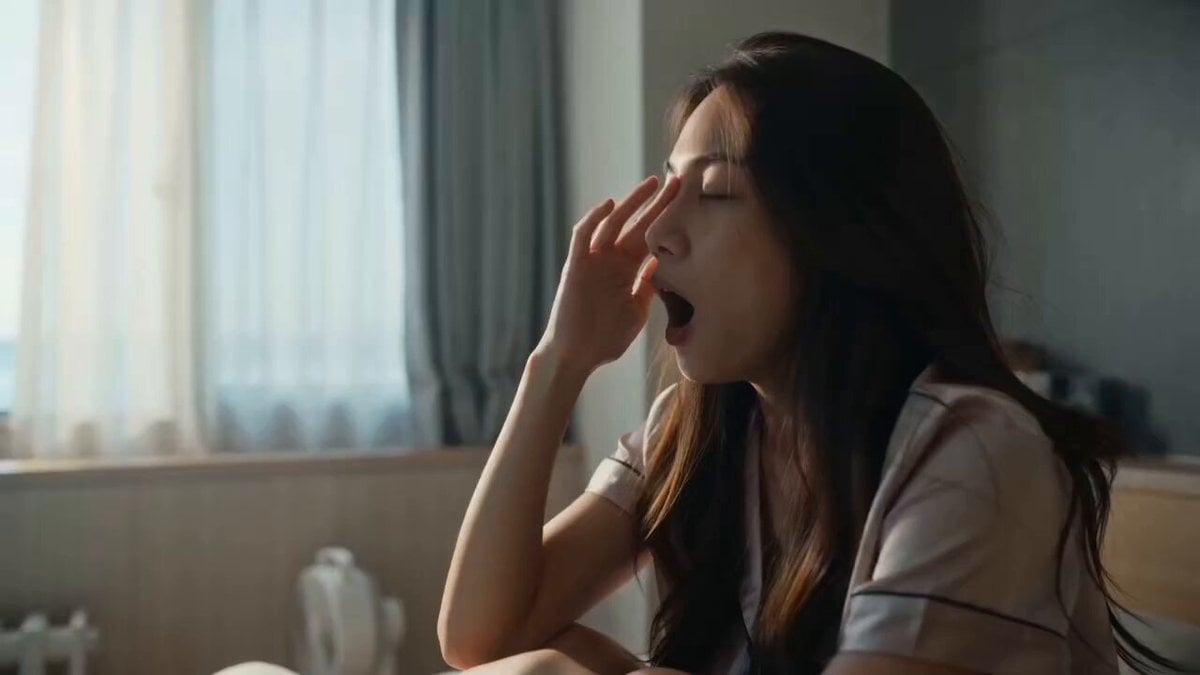
Cozy Morning Routine Lifestyle Video
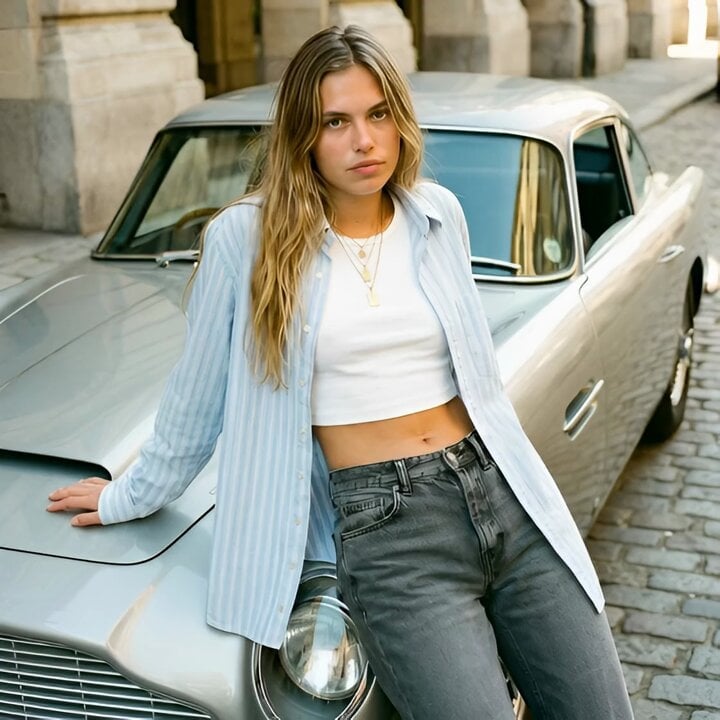
Grok Imagine Video Prompt: Woman Leaning Against Vintage Car
Stainless Steel Cookware Commercial
Cyberpunk Space Dogfight Anime
Starry Night Foggy Movement
Impossible Single-Take Medieval Tavern Tour
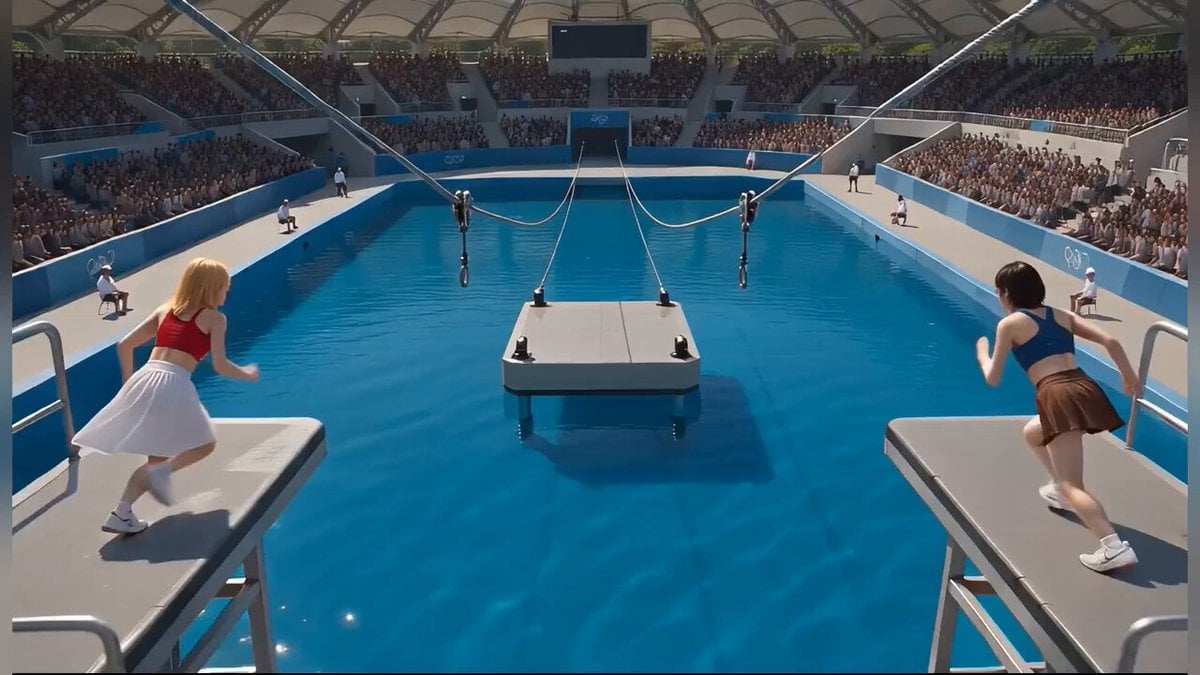
Photorealistic Water Reality Show Action
Antarctic Leviathan Awakening
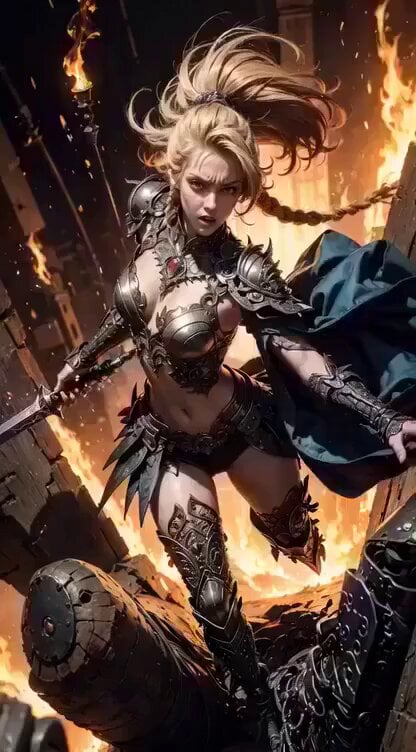
Cinematic digital painting of a fierce blonde warrior
Browse template categories
F1 Grand Prix Grandstand Dance Video questions
How do I use the F1 Grand Prix Grandstand Dance Video template?
Add your photo if the template asks for one, edit the prompt if you like — the template's model and format are already selected — and press Generate. Your version opens in PicX Studio.
Can I customize the F1 Grand Prix Grandstand Dance Video template?
Yes. You can change the subject, setting, lighting, mood, format, and available model controls before creating your video.
Is the F1 Grand Prix Grandstand Dance Video template free?
Opening and editing this template is free. Generating uses credits, shown on the Generate button when you are signed in.
Which AI model should I use?
Start with Seedance 2.0, which is the model associated with this template. You can compare another compatible model for a different finish.
Looking for something else? Browse all templates.

Your photo, any look
Thousands of ready templates for every top image and video model, from one credit balance.